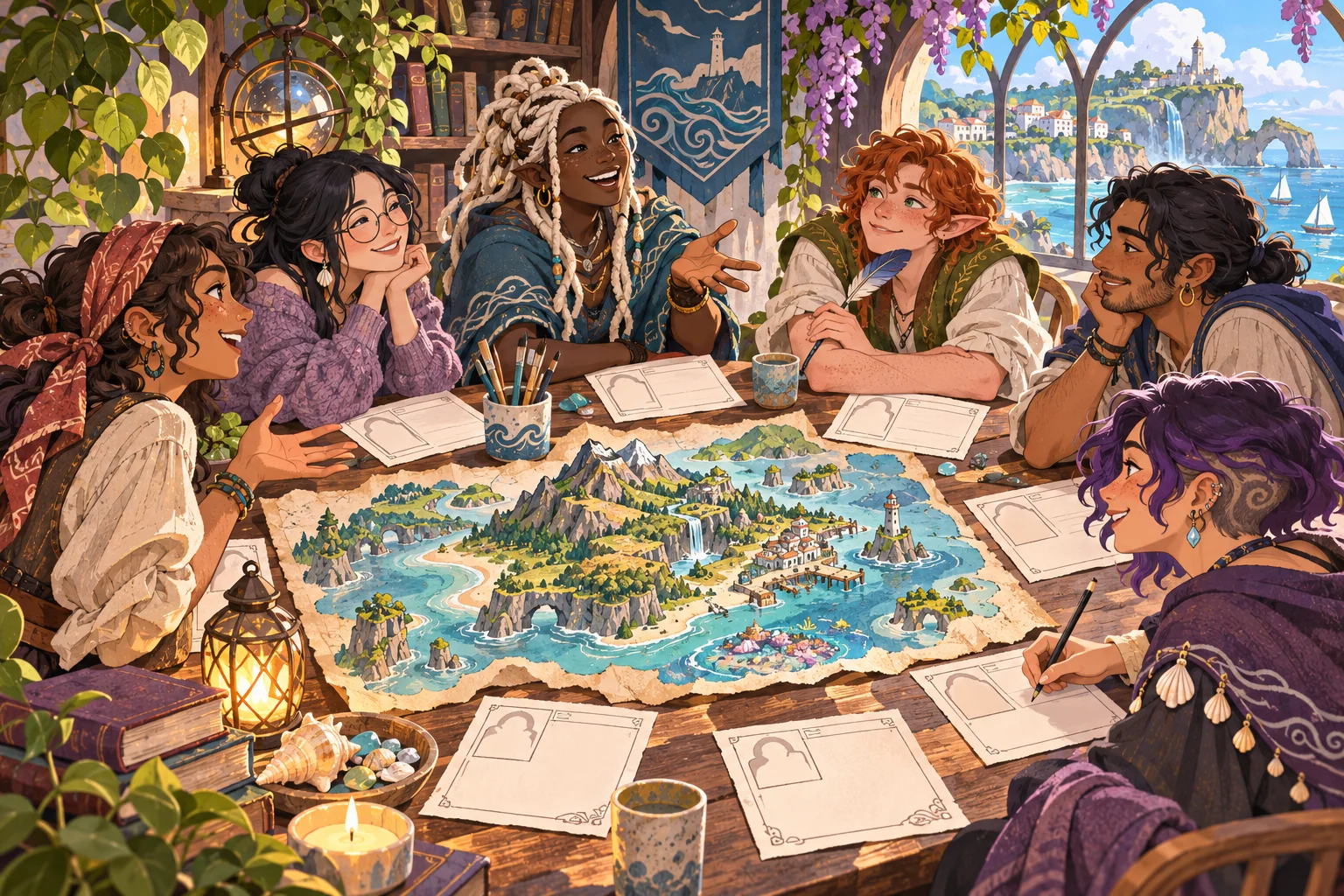
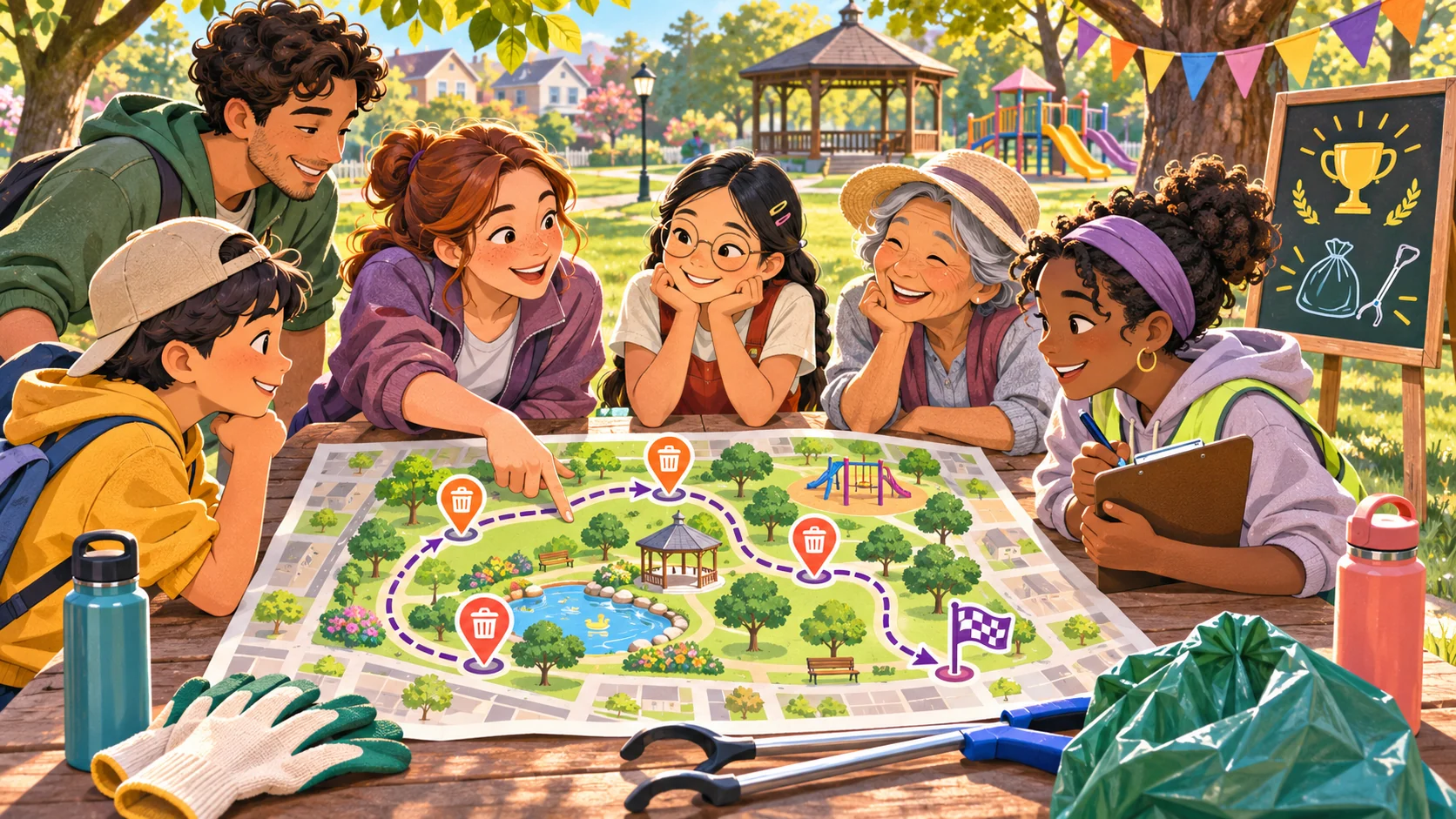
A community challenge works when members know what to do, why it matters, and how the organizers will handle what people contribute. A useful community challenge game template for organizers makes the activity repeatable without turning participation into an obligation. It states the prompt, response method, result, moderation route, and closing time before the event begins.
This guide builds a lightweight challenge around those pieces. Harbor Makers and its members are fictional. Sample cards and outcomes are invented; they are not real submissions, community feedback, or evidence that an event succeeded. Use the template as a planning artifact, then rehearse it with the actual organizers and platform before inviting members.
Start with a prompt that has a safe, bounded answer
Pick one action that fits the community’s shared interest: arrange three fictional materials into a boat design, suggest a theme for next month, identify a clue in a puzzle, or contribute one word to a collaborative story. Avoid prompts that ask members to disclose personal details, target another member, reveal private work, or compete on popularity. The organizer should know what a useful contribution looks like before publishing the prompt.
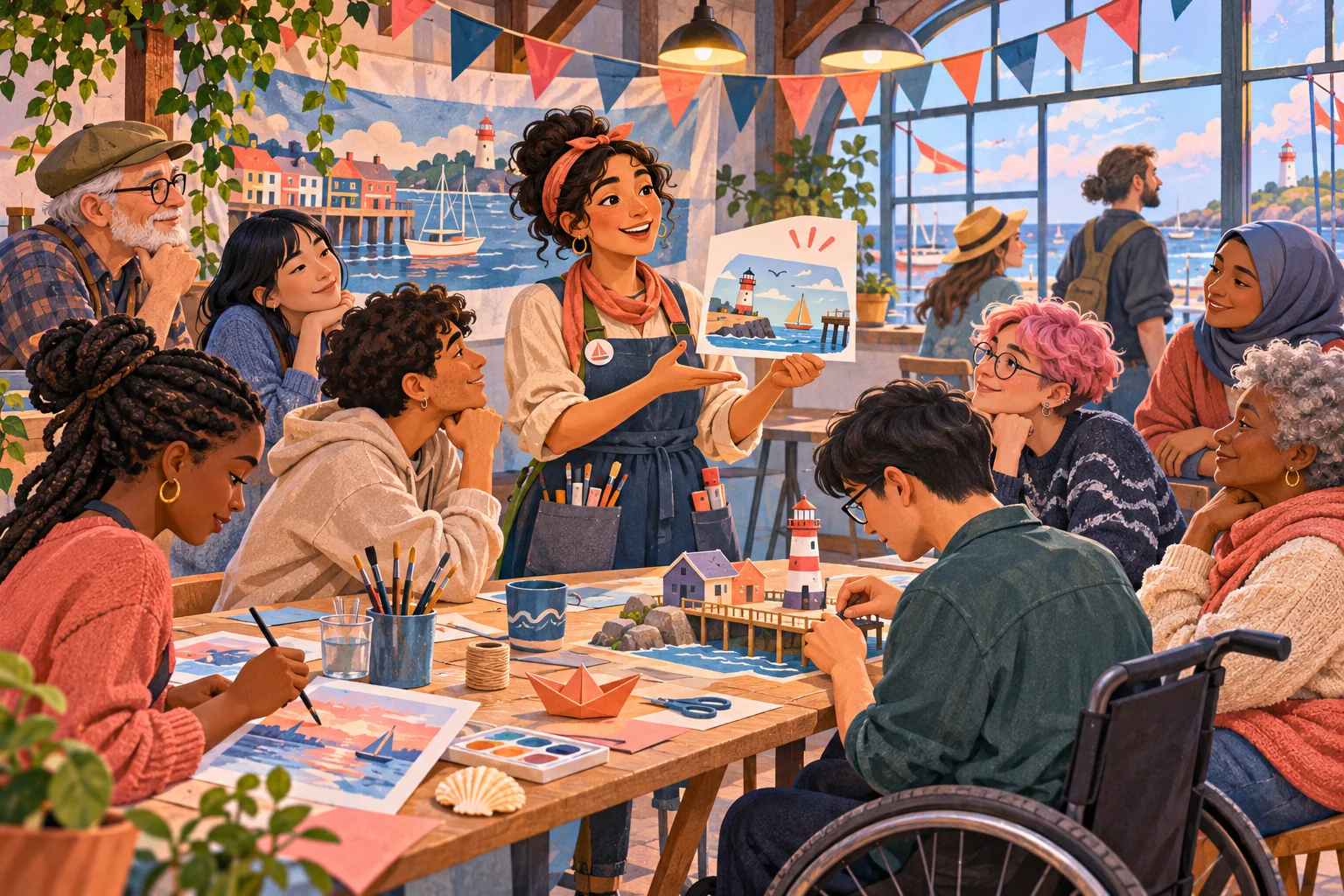
For the fictional Harbor Makers challenge, members choose one of three color palettes for a paper boat illustration. It has no prize and does not use real member art. The point is to create an easy shared decision and show how the result changes a fictional poster. In a real community, the prompt can use local knowledge, but organizers should not claim there is consensus if only a small sample participated.
Use a four-part participation loop
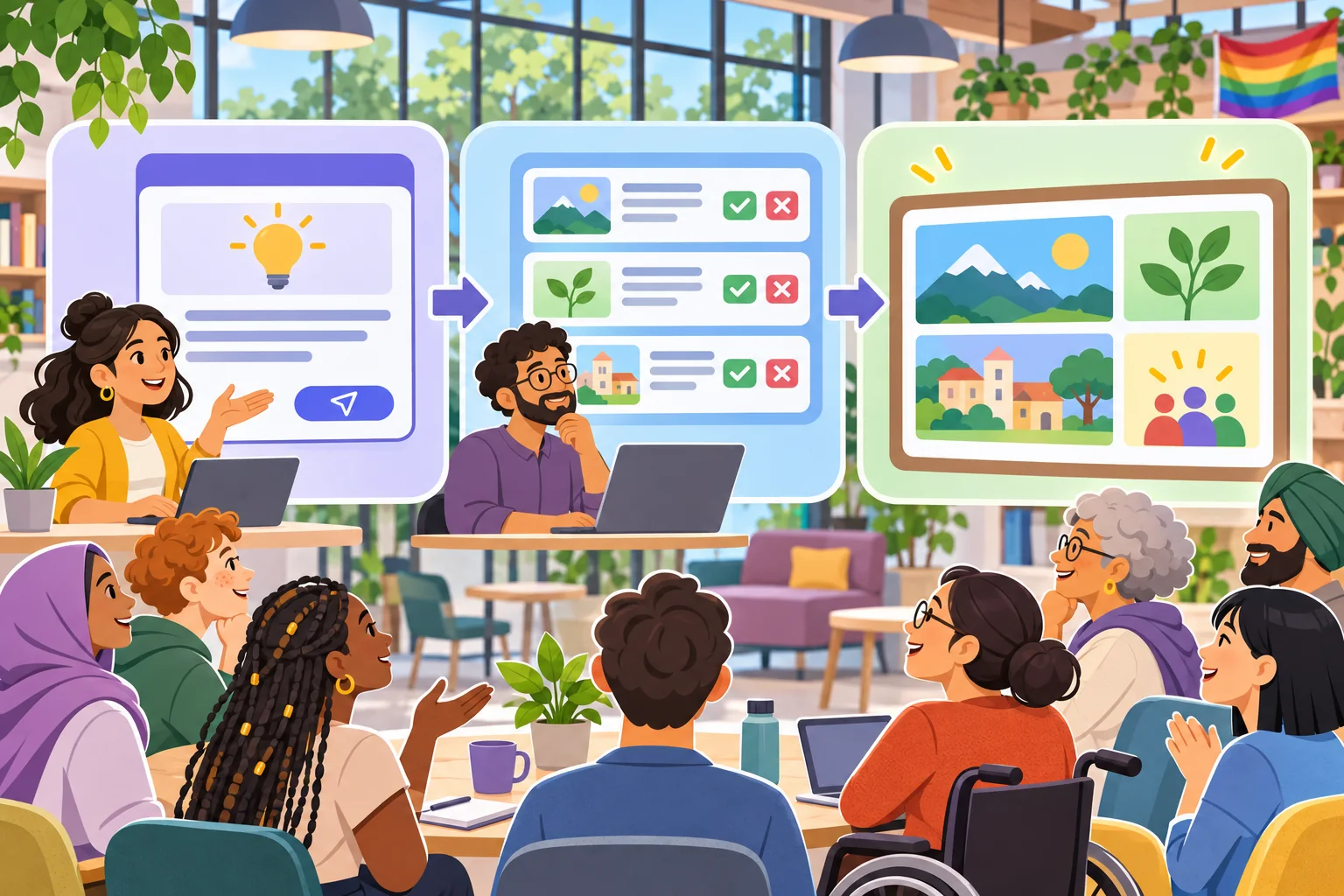
Structure the activity as invite, contribute, review, and reveal. The invite explains the action and deadline. The contribution step offers a simple way to respond. Review checks that submissions fit the rules and do not expose someone to harm. Reveal summarizes what happened and explains the next step. Include a no-submission result and a pause state so the event does not depend on a perfect turnout.
| Step | Organizer prepares | Member experience |
|---|---|---|
| Invite | Purpose, eligibility, response route, deadline | Can decide whether to join |
| Contribute | Prompt, examples, length or format limit | Can submit or observe |
| Review | Moderator owner and removal/escalation path | Knows how submissions are handled |
| Reveal | Result format and follow-up | Sees the outcome and what happens next |
Keep the time window stable and visible. If participants choose from fixed options, say when choices close and how ties are handled. For open submissions, state whether organizers will select examples, summarize themes, or display everything that passes review. Never imply that an unrepresentative set of entries expresses what the whole community believes.
Ask AI to help draft a run kit
Give the model the community’s purpose, tone, prompt boundaries, expected response format, moderation coverage, deadline, and any accessibility needs. Ask it to return the member-facing post separately from the moderator run card. Request multiple prompt options and a list of risks or assumptions. Do not paste member content, private messages, or sensitive information into an AI tool unless the community’s policies allow it.
Community: fictional Harbor Makers
Challenge: choose one palette for a paper-boat poster
Participation: optional; fixed choices; 48-hour window
Result: show the selected palette on a fictional sample poster
Rules: no personal data; no targeting members; respectful replies
Moderation: named organizer reviews, pauses, removes, or closes
Fallback: if no entries, organizers choose a sample and say so
Output: announcement, choices, mod card, accessibility check, test cases
Use only invented submissions; do not imply actual member response.
Review the wording before it reaches members. Check that the choices are mutually understandable, the deadline includes a timezone if needed, and the post does not pressure people to respond. If a participant’s entry could be reused beyond the event, add a separate permission and rights review before asking for it.
Make the rules visible where people participate
Put concise behavior and submission rules next to the prompt, not only in a distant policy page. Explain which content will be removed, who to contact, and how organizers will resolve a dispute. Discord’s guidance describes server-specific rules and moderator roles alongside the platform-wide rules. Discord also documents Rules Screening for Community servers, which can require new members to agree to rules before participating in certain ways. These details apply to Discord; if you use another platform, check its current settings and policies instead.
Do not rely on automated filters to make every moderation decision. A moderator should be available for edge cases, harassment reports, and requests to pause. For a small event, one person can run the activity while another monitors the room. For a larger one, define role ownership before launch. Make the event’s stop path simple: close the input, remove a problematic prompt, and return to normal community activity.
Keep participation accessible and low pressure
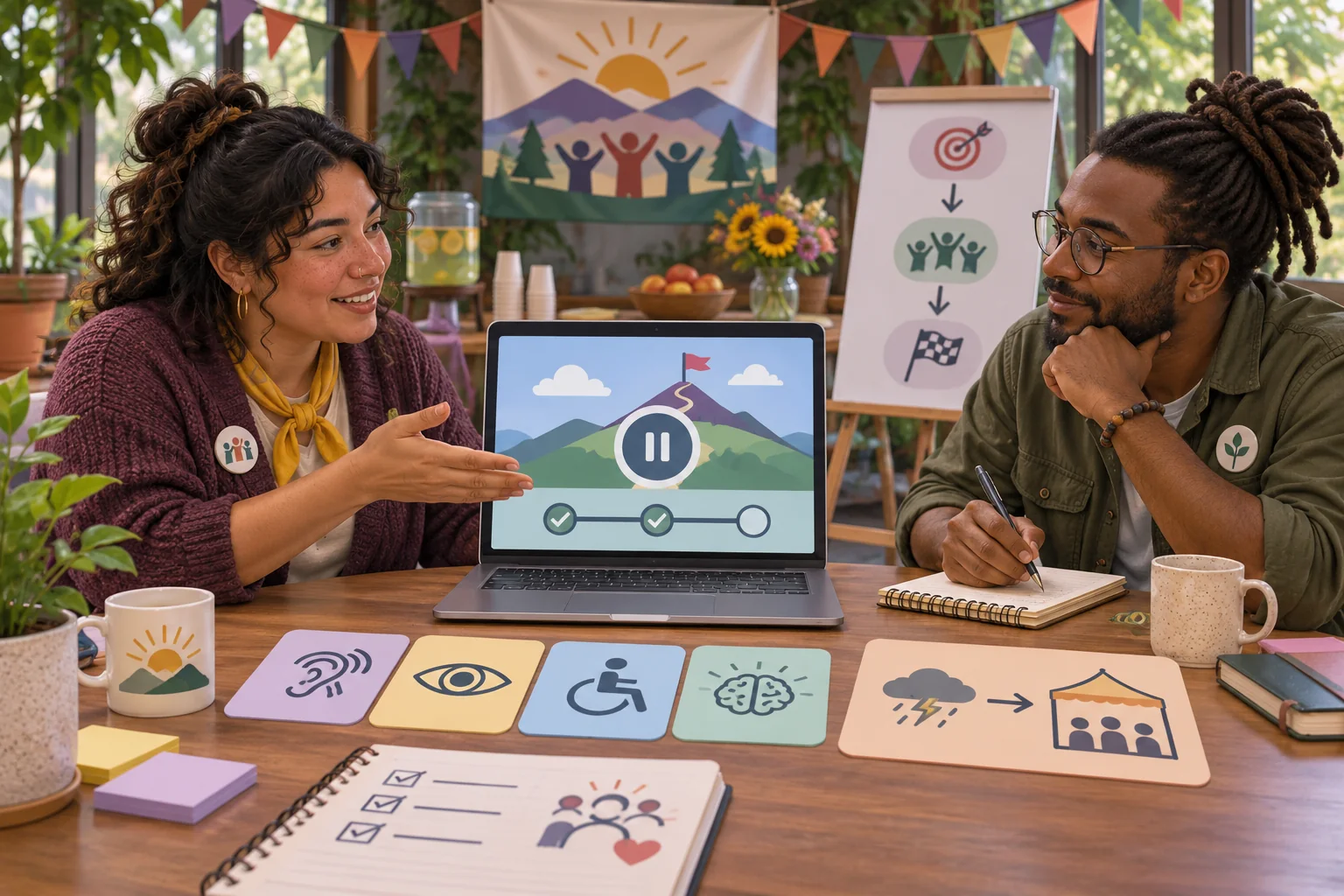
Offer more than one way to understand the challenge. Use plain text, a text description for any essential image, sufficient response time, and labels that do not rely on color alone. If the activity involves a visual or timed task, provide a non-timed alternative. Let members observe without losing access to the result. Avoid using public scores or rankings unless they serve a clear, reviewed purpose.
Consider who may be excluded by the time, language, device, or format. If the challenge is open across time zones, provide an asynchronous route and a clear close date. If participation is tied to membership status, say so upfront and explain how members can ask for clarification. Do not create hidden requirements such as joining another server, sharing a personal profile, or inviting friends unless they are necessary, disclosed, and reviewed.
Decide how contributions will be used
Collect only what the challenge needs. If a fixed vote is enough, do not ask for names or longer submissions. If members contribute artwork, writing, or ideas, tell them where it may appear, for how long, and whether organizers will edit or credit it. Obtain permission appropriate to the intended use and consult the organization’s policy. A member posting in a private community is not automatically agreeing to have their work reused in public promotion.
For a prototype preview, use invented example cards. Keep sample data clearly labeled as fictional and do not copy a real post into a mock interface. If you store actual entries, decide who can access them and when they will be deleted. These are planning questions, not a full privacy policy; the right requirements depend on the platform, audience, and jurisdiction.
Rehearse the complete event path
Before inviting members, run the activity with organizers who were not involved in writing it. Ask them to join, understand the prompt, submit or observe, report an issue, and find the result. Test the no-entry fallback, tie rule, late contribution, duplicate response, off-topic post, moderation pause, and close. Check how the post and result appear on mobile and with assistive technology. Record what you actually tested, the event version, and anything still open.
- Can a newcomer explain the prompt and response route?
- Is participation clearly optional?
- Can moderators pause input and explain a removal?
- Does the result accurately describe the responses received?
- Can people participate without color-only information or rapid timing?
- Are permission and reuse expectations clear for submitted work?
- Does the no-entry fallback avoid inventing member engagement?
The checklist is a proposed rehearsal, not proof that Harbor Makers or a real event passed. A mock screen helps the team inspect the flow but does not demonstrate actual member participation, platform permissions, or moderation readiness. If a test has not been run, mark it “not tested.”
Make the format repeatable without making it stale
Save the prompt template, options, moderator card, review decisions, and outcome summary together. After each event, record operational notes such as which instruction caused confusion or which input route failed. Do not treat a few responses as proof of broad sentiment. Use the notes to improve clarity and accessibility, then update the next run kit with a version date.
AI can help create variations that fit the same rules, but organizers decide whether each prompt is suitable for the community. Keep game rules stable enough that members know what to expect and review each new theme for safety. A challenge is successful as an operational format when the invitation, participation, moderation, and close are understandable—not merely when a mockup looks complete.
Frequently asked questions
What makes a community challenge game template useful?
It gives organizers a repeatable participation loop with a clear prompt, an easy way to contribute, a visible result, and a safe close. The template should explain who can join, what is in scope, how moderators respond, and what happens when a contribution is not suitable. A small challenge that can be run consistently is easier to maintain than a complicated event with unclear ownership.
How can AI help community organizers make a challenge game?
AI can draft prompt variations, round instructions, example content, moderator run cards, and edge-case questions from a clear community brief. Organizers should review the tone, factual content, accessibility, rights, and safety implications before using any draft. Generated examples should be labeled as fictional and should not be presented as real member submissions or participation results.
How do I keep a community challenge welcoming?
Make joining optional, explain the rules in plain language, avoid speed-only participation, and provide a way to observe without posting. Set behavior expectations and define how organizers handle harassment, personal information, off-topic submissions, and disputes. Use moderation staffing that fits the event and provide a clear pause or cancellation path.
Should a community challenge collect member submissions?
Only collect what is needed for the activity and explain how it may be shown, stored, or reused. If a submission may become part of a public game or promotional asset, get the permission and rights review that applies to your community and jurisdiction. A private prototype can use invented sample submissions instead of copying real member content.
How can I tell whether a challenge game is ready to run?
Rehearse the full experience with a small internal group: join, understand the prompt, contribute, see the result, report a problem, and leave. Test moderation controls, accessibility, edge cases, and the no-submission fallback. Record what was actually tested and what remains open; a mock interface alone does not show that members or moderators have tried the activity.
For editable event briefs and community-friendly AI workflows, explore SEELE resources for organizers.