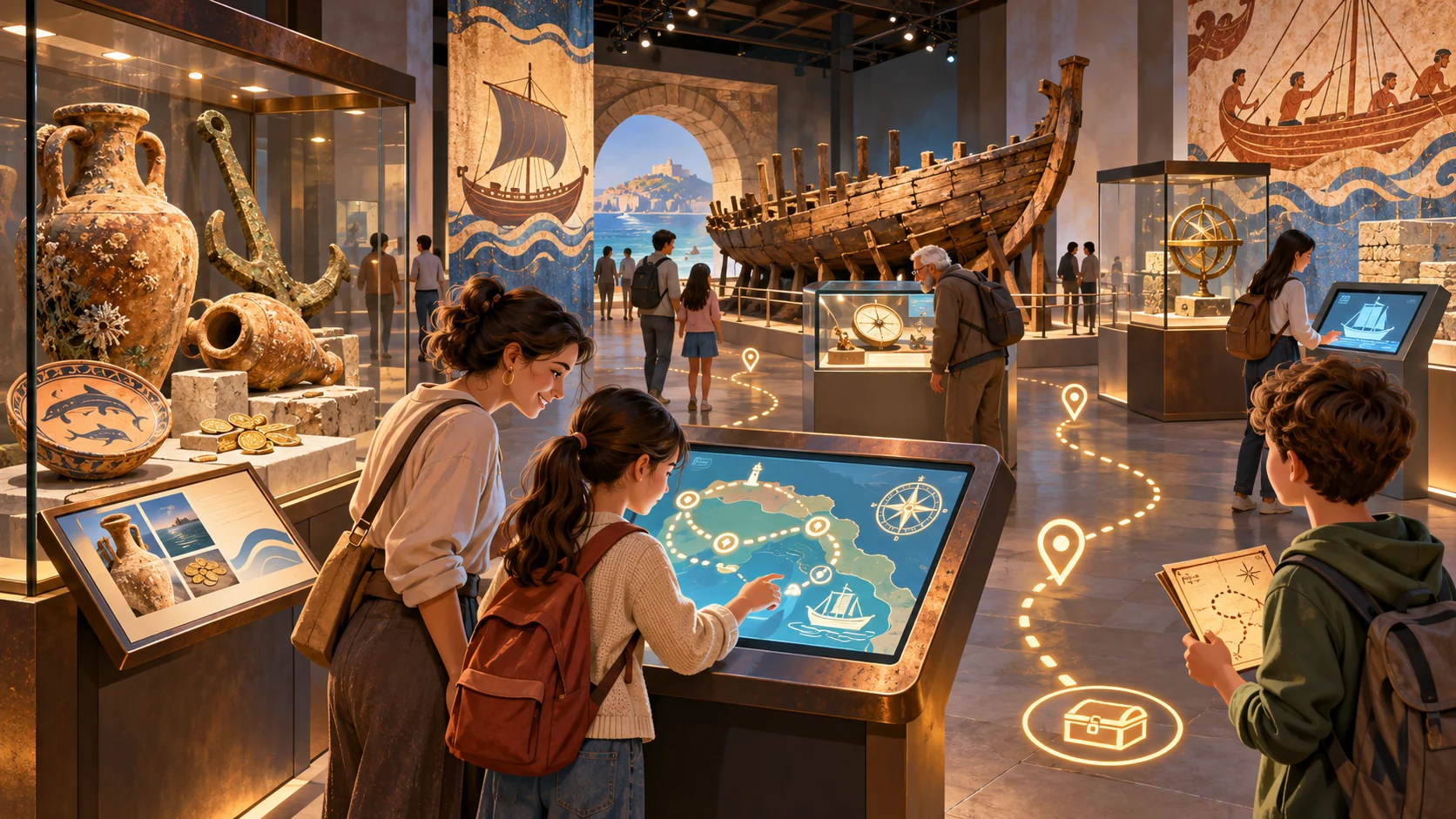
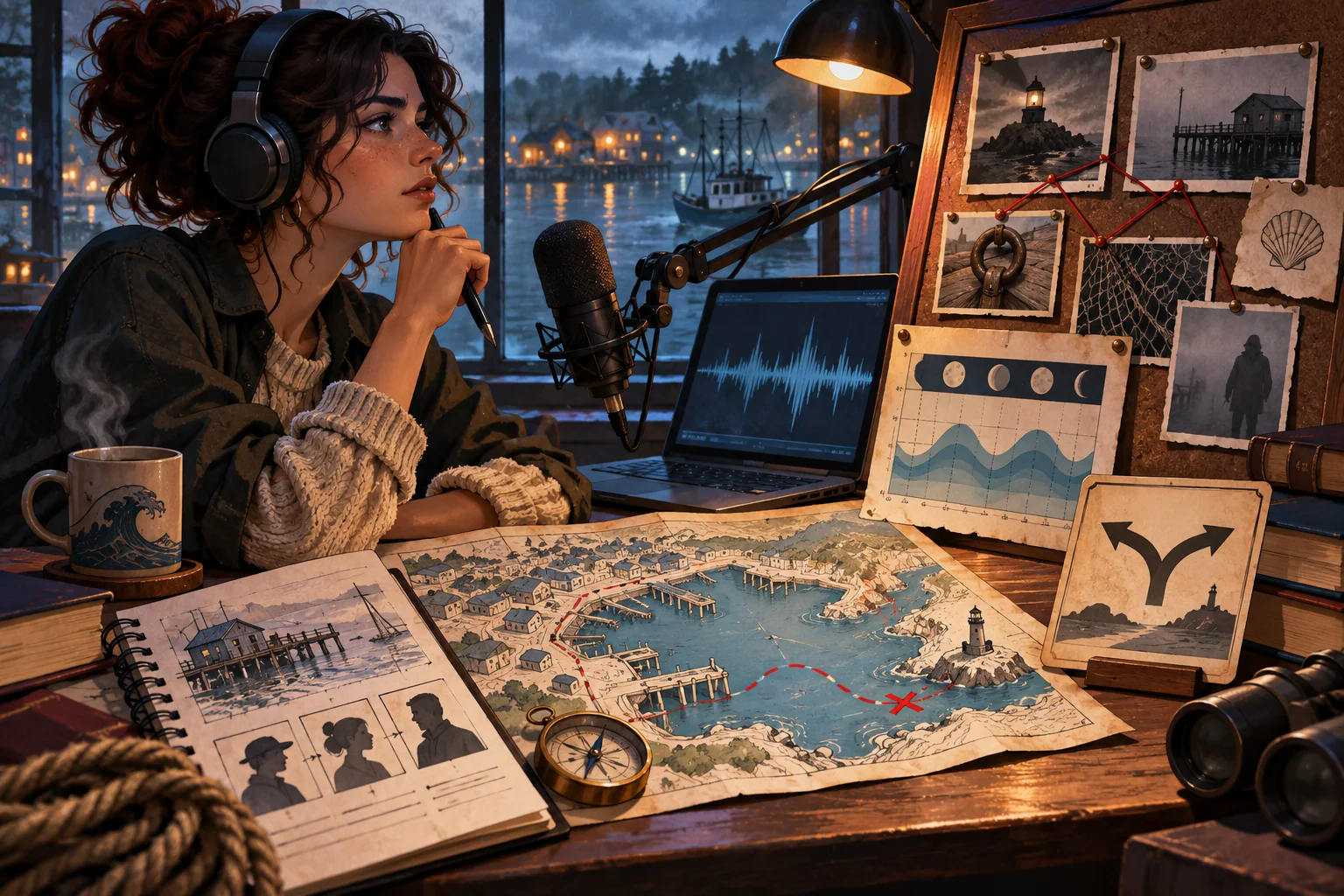
A discovery game can help visitors notice an object they might otherwise pass, but the activity should serve the exhibition’s story rather than pull attention away from it. A strong exhibition discovery game template for museum educators connects one verified clue to one observable detail, gives visitors a choice about how to explore, and offers an optional reflection or next stop. It should remain easy to pause, skip, or complete in more than one format.
This guide outlines a small gallery activity with editable clue fields, a visitor route, accessibility review, and rehearsal checklist. Harbor Light and its objects, labels, visitors, and outcomes are fictional. The sample is not a real museum activity or tested visitor experience. Replace the invented content with museum-approved object facts, permissions, and interpretation before using the structure in a gallery.
Choose a discovery goal that belongs to the exhibition
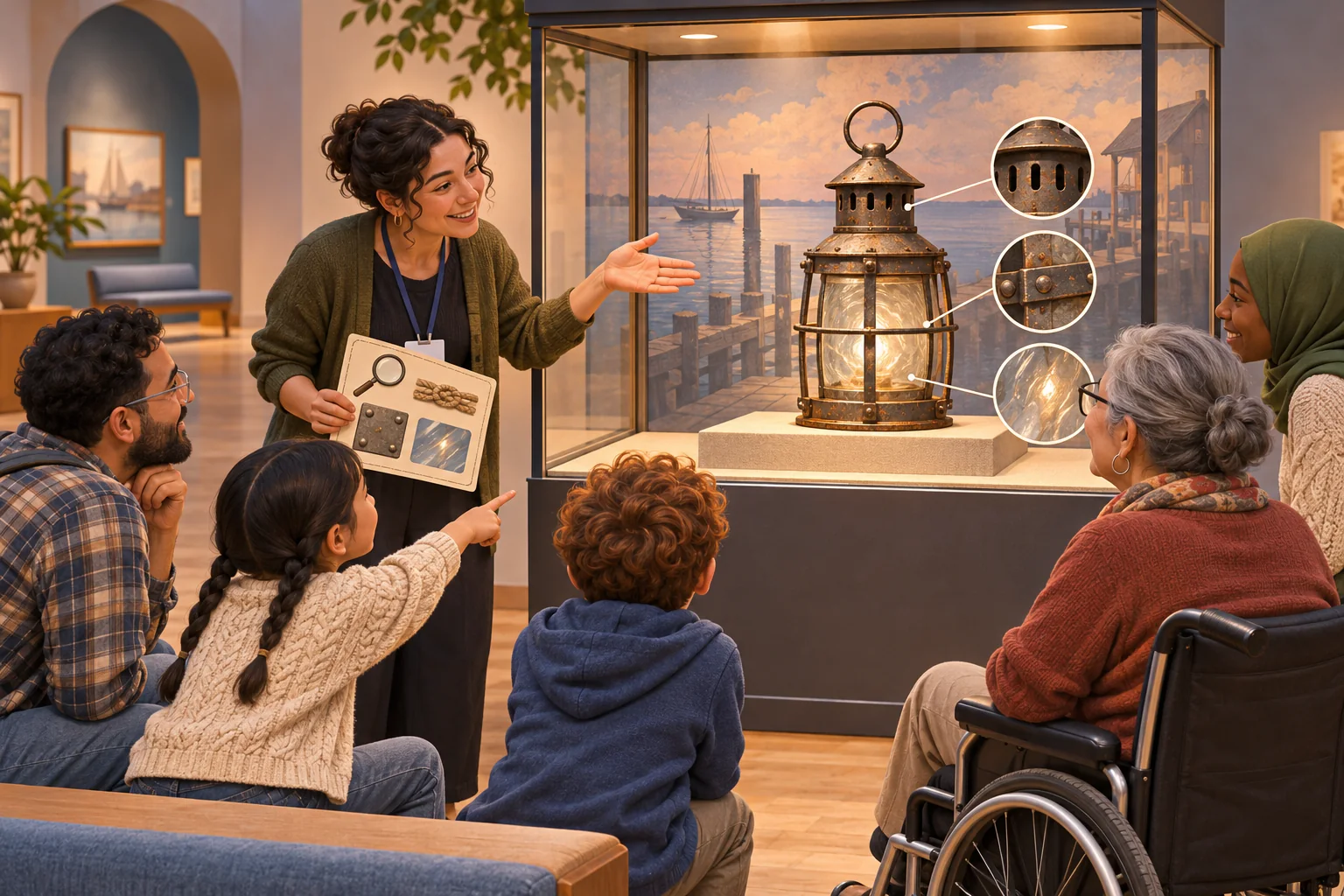
Begin with a visitor action, not a points system. The goal might be to compare two objects, notice how a material changes with use, identify a detail in a label, or connect an object to a broader exhibition question. Ask what a visitor will look at, think about, or discuss. If the answer is “scan several codes,” the activity needs an interpretive purpose before it needs a technology plan.
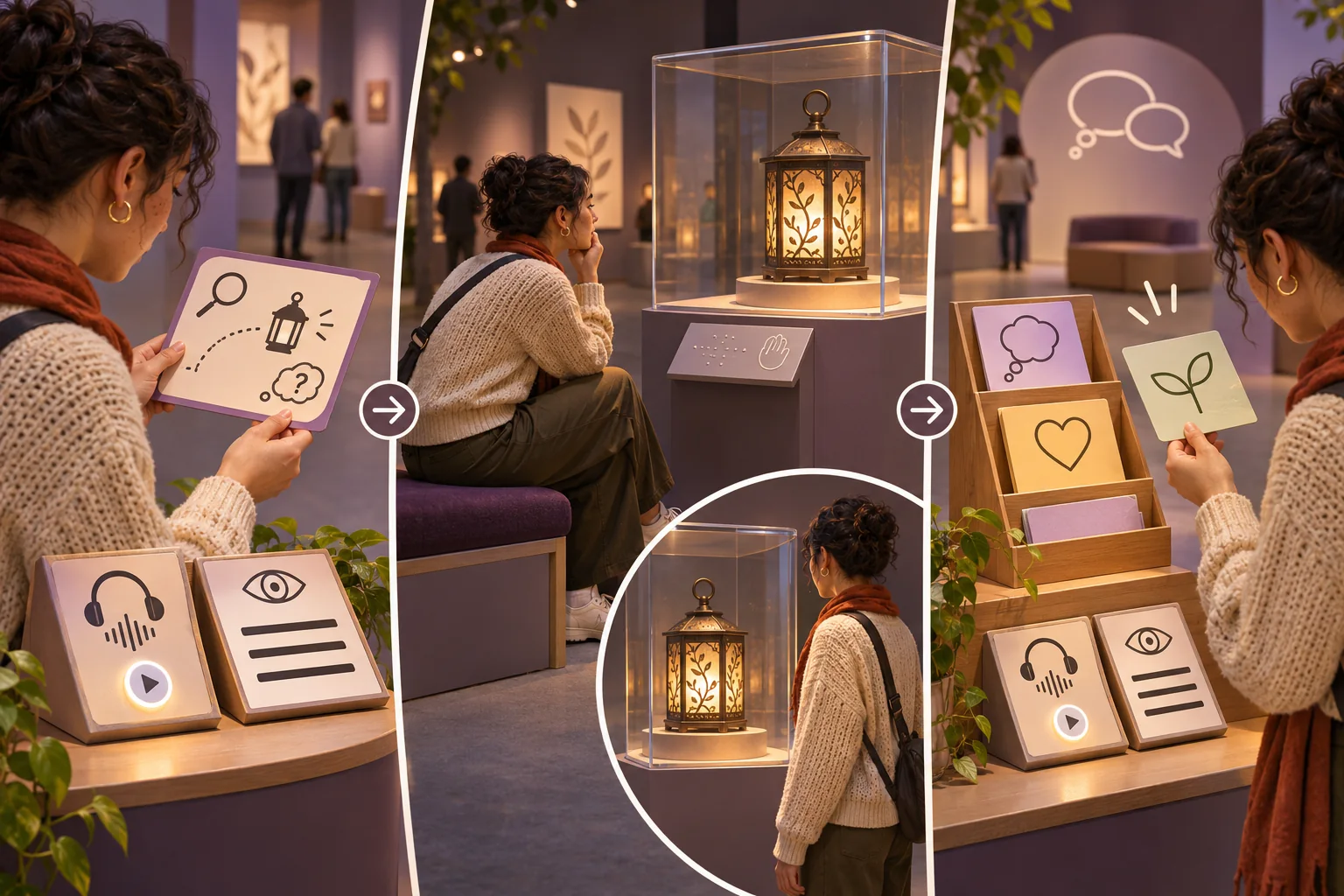
For the fictional Harbor Light gallery, the prompt asks visitors to find one feature on an invented harbor lantern that suggests how it might have been handled. The activity ends with a question about what else they would want to know. It does not claim the object is authentic or that a real visitor reached a particular interpretation. In an actual museum, a curator or interpretation lead should approve the object description and the connection the clue invites.
Write clues that direct attention without giving away an unsupported answer
A useful clue points to something visible and uses language that different visitors can understand. Avoid turning an uncertain interpretation into a definite historical fact. If the evidence supports several readings, let the activity acknowledge them. Separate the object label, which carries the museum’s verified information, from the game prompt, which invites observation and discussion.
| Game field | What to include | Review question |
|---|---|---|
| Object reference | Approved name, location, label source | Is this the correct object and label version? |
| Clue | One observable detail or relationship | Can visitors find it without guessing curator intent? |
| Response | Look, compare, discuss, or choose a route | Is participation optional and non-disruptive? |
| Reflection | Open question or next exhibit connection | Does it avoid treating one answer as required? |
| Alternative | Large print, audio, staff-supported route | Can visitors access essential content without a phone? |
Keep the activity short enough that visitors can enter or leave without losing the exhibition’s main thread. Provide a reset point for families or groups that move at different speeds. Do not create a bottleneck around an object or invite people to touch collection items unless the museum has explicitly designed and approved that interaction.
Ask AI to draft options from approved interpretation
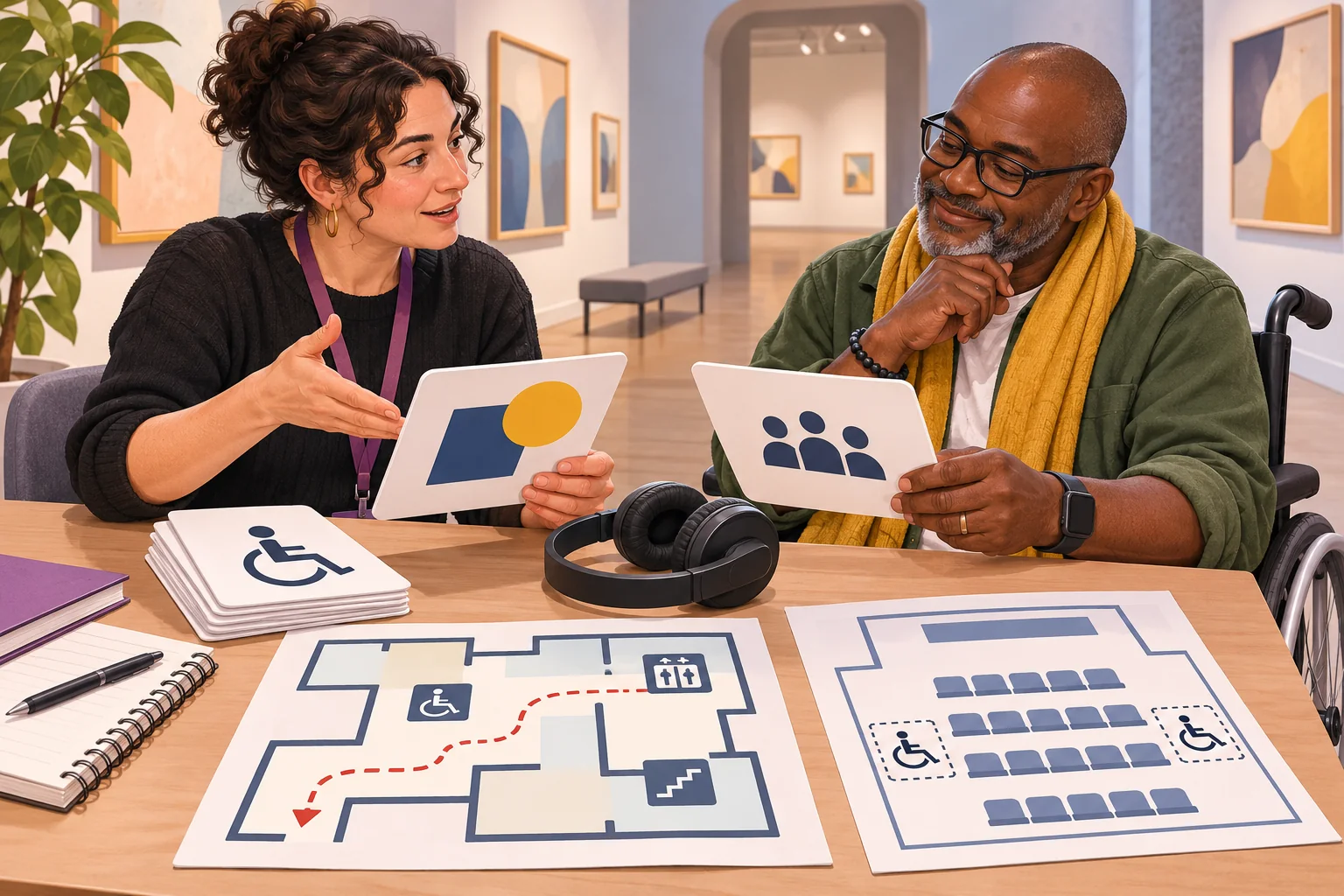
Give the model only information the museum is authorized to use. Include the visitor age range, exhibition goal, approved object description, reading level, time limit, and formats available. Ask for several clue options and a note describing what each one asks a visitor to notice. Require it to flag facts that are not in the source rather than filling gaps from general knowledge.
Exhibition: fictional Harbor Light
Approved object note: [paste curator-approved description]
Visitor goal: notice one visible feature; form a question
Activity time: about 3 minutes, optional
Formats: large-print card, staff-read prompt, audio description
Do not invent provenance, owner, date, use, or historical anecdote
Return: 4 clue drafts, plain-language variant, alt description, staff note
Flag every statement not supported by the supplied object note.
Review the suggestions with the curator or subject specialist. Check every date, attribution, material, and interpretation against the official record. Confirm image rights and reproduction terms for the object and any supporting illustration. Model output can help an educator explore wording; it does not approve a museum fact or determine whether an asset is cleared for public display.
Offer more than one way to participate
Plan the activity in multiple formats before the gallery team installs it. Smithsonian accessible exhibition design guidance recommends presenting content through more than one sensory channel and making essential label information legible and available in alternative formats. This is institutional design guidance from the Smithsonian, not a complete accessibility law or proof that a particular activity works for every visitor. Consult your museum’s accessibility lead and visitors with disabilities.
For a clue that relies on a small visual detail, provide a verbal description or a larger reproduction. For an audio prompt, provide captions or a printed transcript. Let visitors participate while seated if the route allows it. Avoid color-only clues, tiny text, strict time limits, mandatory smartphone use, or directions that assume every visitor can stand close to the display. Give staff a short version they can read aloud without changing the meaning.
A QR code may be convenient, but it should not be the only path to essential information. Check signal and network access inside the actual gallery. Provide a printed card or staff-supported alternative, and verify that the digital page works on a visitor’s phone without demanding unnecessary permissions. If the activity collects usage or visitor responses, ask the museum’s privacy team what notice and handling apply before building that feature.
Give gallery staff a clear operating card
The facilitator note should explain the activity in a few lines: what to say, where to send visitors, how to answer questions, and how to stop the activity if the space becomes crowded or an object is at risk. Include escalation contacts for factual concerns, access requests, and inappropriate responses. If visitors can submit answers, state whether those responses are displayed, stored, or discarded; do not assume a public gallery response may be reused elsewhere.
Define what staff can change on the fly. They may need to skip a stop, switch to a paper prompt, or pause a digital element. Keep those choices within approved interpretation and safety guidance. The host card should not pressure staff to declare winners, collect names, or report a visitor’s answer as representative of the group.
Rehearse the route in the real space
Before launch, walk the activity with gallery staff and invited reviewers. Check the route, object location, label version, sightlines, crowd flow, reading distance, audio, large-print materials, and places to sit. Ask someone unfamiliar with the plan to follow it without coaching. Smithsonian exhibit-development guidance recommends consulting accessibility experts and visitors with disabilities and prototyping exhibit elements; use this as a practical example and adapt the review to your institution’s processes.
- Can a visitor understand the invitation without interrupting the exhibition?
- Does each clue point to an approved object or visible detail?
- Can a visitor complete the activity without a phone or fast movement?
- Are audio, caption, large-print, and verbal alternatives consistent?
- Does the route avoid blocking an object or another visitor’s path?
- Can staff pause, skip, or reset the activity when needed?
- Do digital links work in the actual gallery network?
- Are any visitor responses or personal data handled as described?
Record the activity version, location, reviewer, observed issue, and outcome for each test. A design mockup or fictional visitor journey does not establish that the real exhibit is accessible, accurate, or easy to navigate. Mark untested cases as “not tested” and resolve them with the responsible team before opening the activity to visitors.
Measure operational fit without reducing the visit to a score
Decide what the museum needs to learn from a pilot. Staff may track whether instructions are clear, where visitors hesitate, whether materials remain available, or how long the activity takes. If responses are collected, explain the purpose, minimize personal data, and review the policy. Do not claim that a visitor learned more or enjoyed the exhibit based only on completion counts or a handful of comments.
Give visitors a way to decline feedback. A short debrief with staff may be more appropriate than tracking individual routes. If the museum conducts formal visitor research, follow its review and consent process. Keep design observations separate from claims about educational or cultural outcomes.
Package a reusable template for the next exhibition
Keep the game structure separate from the exhibition content. Save approved object data, clue text, alternate formats, image permissions, staff card, and rehearsal notes together. For a new exhibit, replace each field and rerun the fact, access, and route review. A reusable template should make review easier; it should not carry old object facts or visitor assumptions into a new gallery.
AI can help museum educators explore prompt variations and plain-language options. Curators and access experts decide whether the content is accurate, appropriate, and usable in the gallery. Keep the activity small, visitor-led, and optional, and evaluate the real installation before describing what visitors experienced.
Frequently asked questions
What makes an exhibition discovery game useful for museum visitors?
It helps visitors notice a specific object, detail, or relationship and gives them a choice about how to explore it. Keep the challenge connected to the exhibition’s verified interpretation, short enough to fit a visit, and optional for people who prefer to browse without a game. The result should point back to the exhibit rather than compete with it.
How can AI help museum educators make a discovery game?
AI can draft clue variations, route options, plain-language instructions, and a facilitator guide from approved exhibition information. Educators and curators should verify every object fact, label, image permission, and interpretation before use. Treat generated clues as drafts, and do not present fictional visitor responses or simulated screens as museum-tested results.
How do I make a museum game accessible to more visitors?
Offer more than one way to receive essential information, such as readable text, audio description, captions, or a facilitated alternative. Avoid requiring a phone, standing, fast movement, or color recognition to finish. Consult the museum’s accessibility team and visitors with disabilities, then test the route and materials in the actual gallery.
Should an exhibition game require visitors to scan a QR code?
A QR code can be one optional access route, but it should not be the only way to get essential instructions or content. Provide a printed or staff-supported alternative, and verify that the code opens the intended page on the gallery network and personal devices. Do not collect visitor data unless the purpose, notice, and handling have been reviewed.
How can a museum test a gallery discovery game before launch?
Walk the route in the actual gallery with staff and a small set of invited reviewers, including accessibility reviewers where possible. Check object location, clue accuracy, timing, crowd flow, alternative formats, and the stop or reset path. Record the version and what was observed; a digital mockup or fictional visitor scenario is not evidence of a real gallery test.
For museum-ready briefs and editable AI-assisted educator workflows, explore SEELE resources for educators.