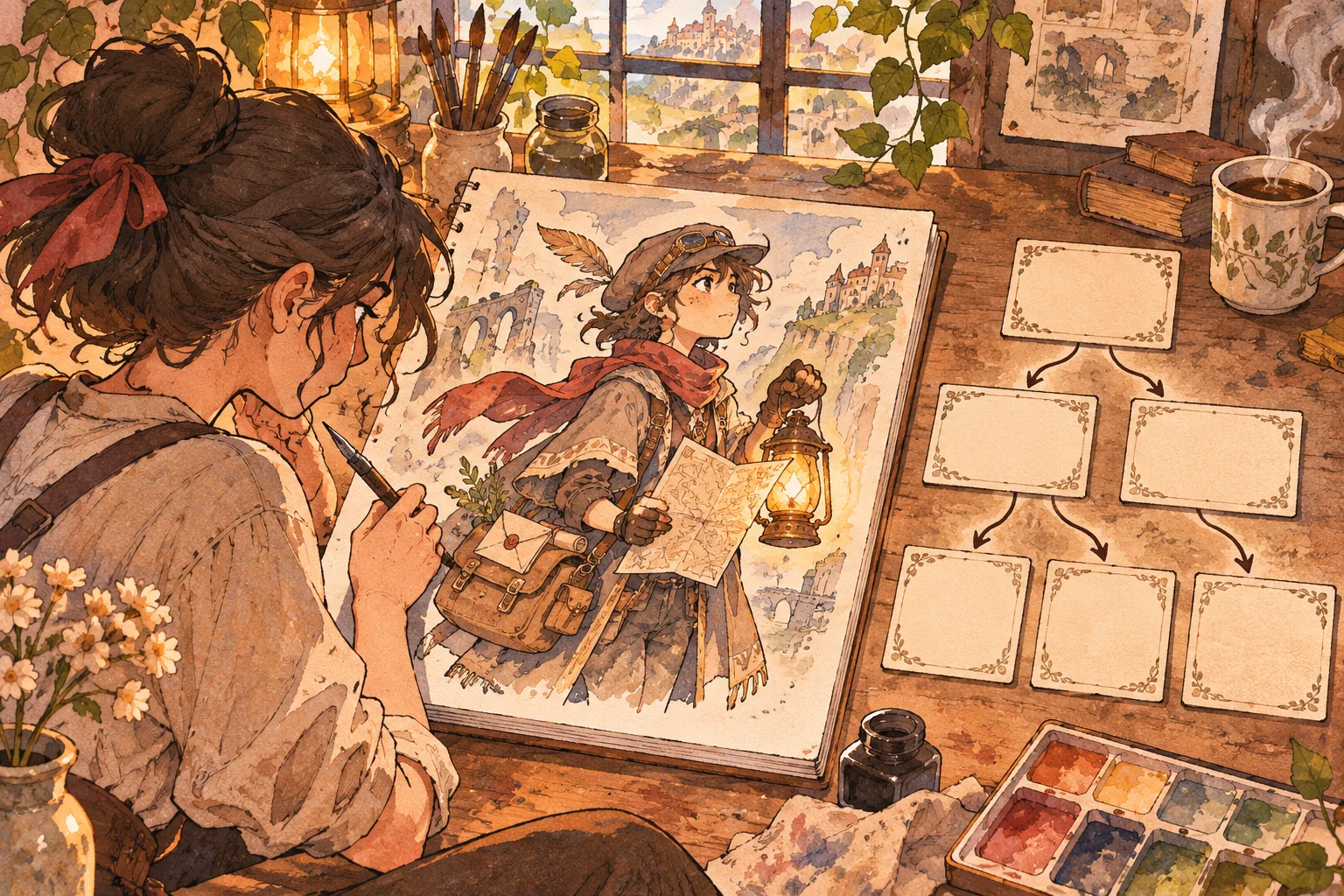
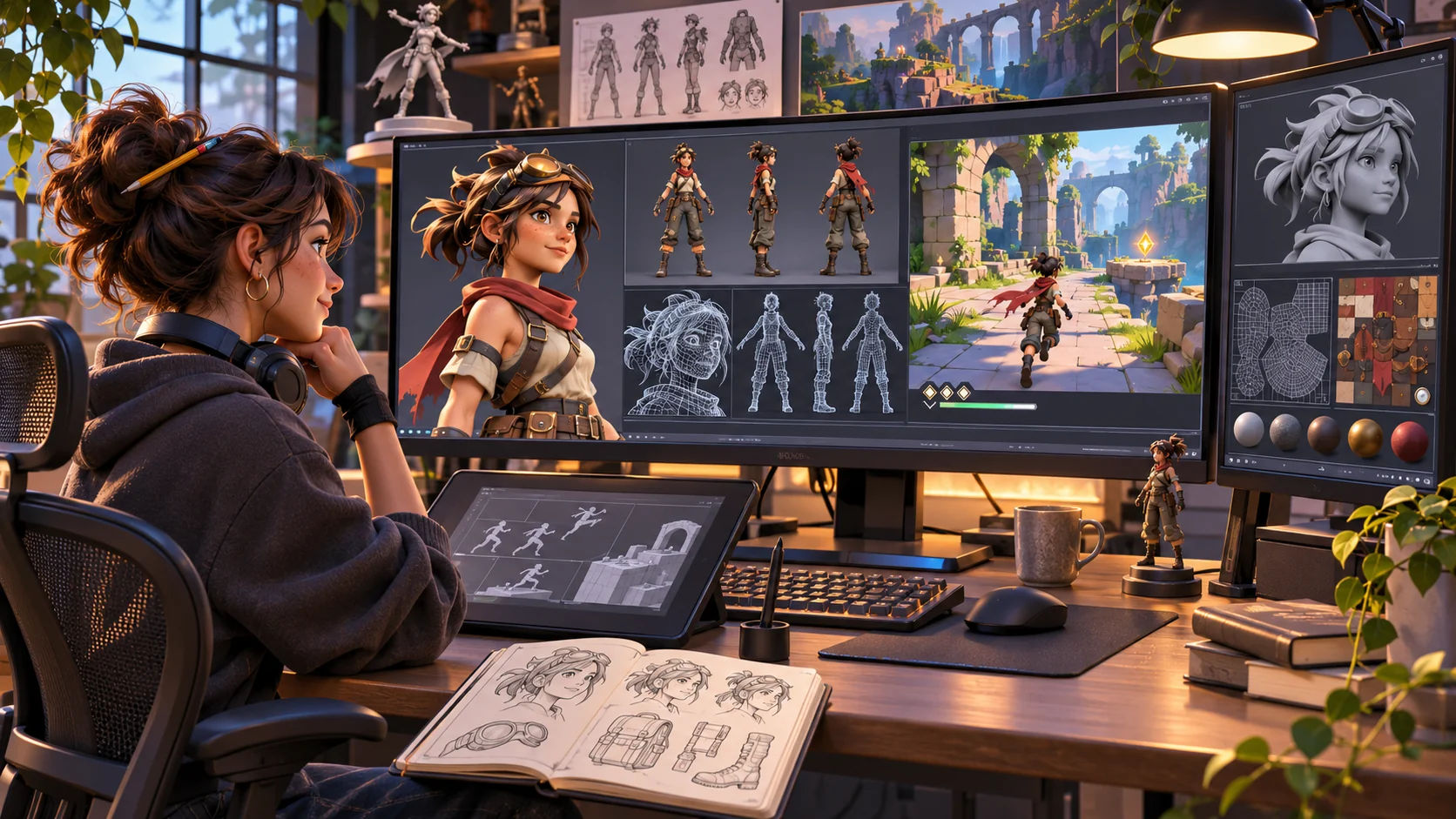
A strong character portfolio should answer a specific question: what does this artist want a reviewer to notice? A playable character showcase template for 3D artists can make movement, scale, silhouette, or expression easier to understand, while a compact breakdown explains the craft behind the model. The interaction should support the artwork rather than compete with it.
This guide uses Emberline, a fictional stylized courier. The character, artist, model, rig, viewer, site, and results are invented. No asset was built or tested. Treat the example as a production brief and replace it with your own work and measured results.
Start with the portfolio question
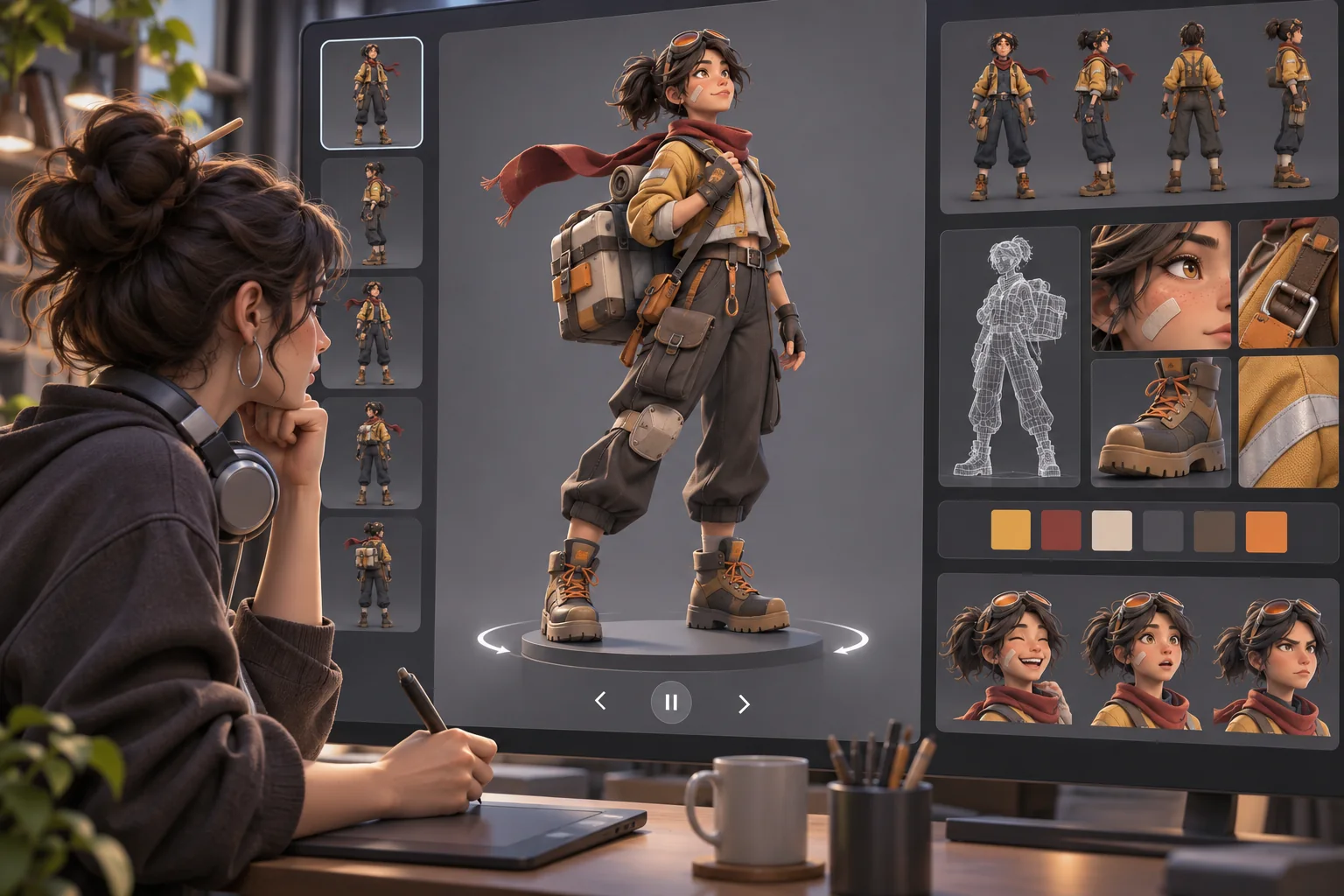
Write one sentence describing the skill the project should demonstrate. For example: “I can design a readable silhouette, build a clean deformation rig, and make a small viewer that lets someone inspect the result.” This is more useful than a list of features because it helps you decide what belongs.
Choose one primary interaction: rotate the character, trigger two short poses, move through a neutral scene, or switch between a rendered view and a wireframe breakdown. A single polished action can reveal more than a broad game loop that never gets finished. If an interaction does not help explain the model or your process, leave it out.
Set project boundaries early: target device, scene footprint, animation states, camera range, and fallback for people who do not want to use the viewer. These are project choices, not universal technical limits. Record the asset and performance budget after selecting the implementation.
Use an editable one-page showcase template
Keep the core sections consistent so visitors can find the work quickly. Replace bracketed fields with evidence from the current project; do not fill a field with a claim you cannot support.
| Section | Include | Prepare |
|---|---|---|
| Hero | Character name, design goal, clear still | Final render and art direction note |
| Playable view | One interaction, controls, reset | Tested build and fallback image |
| Model breakdown | Silhouette, topology, materials, rig | Annotated project screenshots |
| Animation | Clips that communicate weight or personality | Clip names and authored states |
| Production note | Tools, role, collaborators | Accurate credits and licenses |
| Contact | One next action | Working, labeled contact route |
A still should communicate the character on its own. A slow connection, unsupported device, or motion sensitivity should not hide the work. Add captions or short control descriptions, and make the breakdown readable without relying on color alone.
Design the viewer to explain the model
Inspect the asset as a portfolio visitor will. Does the silhouette read against the background? Can the camera show the face and key costume shapes? Is lighting hiding material response? Do the first seconds explain what to do? These questions often suggest a better camera and quieter interface, not more controls.
For Emberline, the fictional brief might ask visitors to rotate a courier, select an idle or delivery pose, and open three breakdown cards: silhouette, materials, and rig. This is a concept only; it does not claim that the viewer exists. Let the portfolio question determine each interaction.
Prepare a clean asset handoff
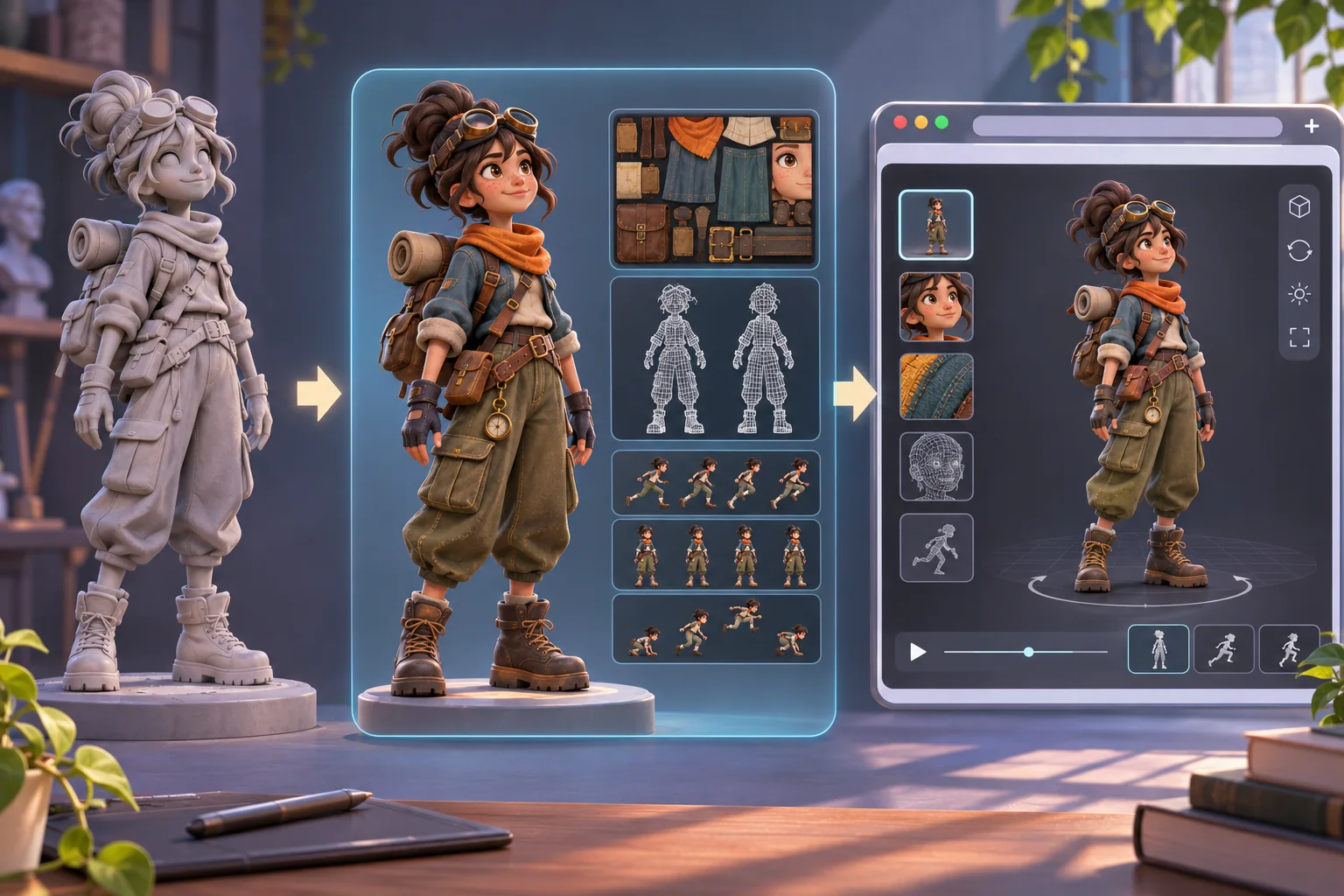
Keep the editable source file, textures, export settings, and web delivery asset organized separately. Name versions and record which file the portfolio displays. A reviewer should be able to distinguish the final model from an earlier sculpt or a separate render.
Khronos describes glTF as a runtime 3D asset delivery format and publishes the specification to support asset exporters and applications that load it. That does not guarantee every viewer supports every feature. Choose the format based on the actual target and test the exported asset there rather than trusting the filename.
The Blender manual documents glTF export and notes that some features require extensions. Confirm the versions and feature requirements for the project. Check materials, texture paths, clips, object scale, and naming after import. If a feature changes or disappears, revise the asset or describe the limitation accurately.
Color needs its own review. Blender color management is scene-specific, and image texture settings affect how data is interpreted. The Blender manual notes that normal and displacement maps contain data rather than display color and should be treated accordingly. Check the actual shader and exporter path; a surface that looks right in one viewport may look different in a browser renderer.
Use AI for planning, not proof
AI can turn art direction into a task list, suggest neutral pose labels, draft concise portfolio copy, or convert a test plan into checkboxes. It can scaffold interface code. Keep authored model decisions and source artwork under your control, and inspect generated copy, code, or images before use. Do not present a generated placeholder as a finished model or proof of your skills.
Project: [original character and portfolio goal]
Target viewer and device: [actual target]
Primary question: [skill shown by this interaction]
Assets supplied: [files you own or may use]
Interaction: [one action and reset]
Breakdown: [real project evidence]
Accessibility: [keyboard/touch, labels, still fallback]
Ask: draft a task list, interaction copy, and test cases.
Do not invent export results, performance, authorship, or feedback.
Treat AI output as a draft. Confirm software steps against the version you use, verify rights and attributions, and remove unsupported claims. Before uploading unreleased work to a model service, check service terms and confidentiality obligations.
Keep the interaction calm and accessible
Show controls beside the viewer, use ordinary labels such as “Rotate” or “Reset view,” and do not make gestures the only way to act. Support keyboard use if the viewer offers it; test touch separately on the intended device. Let visitors stop motion and inspect a still. Avoid auto-playing sound and rapid camera movement.
Do not make the canvas the only source of project information. Add a text summary of the character, interaction, and breakdown. Use focus indicators, descriptive buttons, sufficient contrast, and a responsive layout. Include a still or downloadable render for older hardware or assistive technology.
Hide editor helpers, unused objects, debugging controls, and accidental camera clipping. Decide whether a background helps the character read. A playable portfolio does not need scoring or progression.
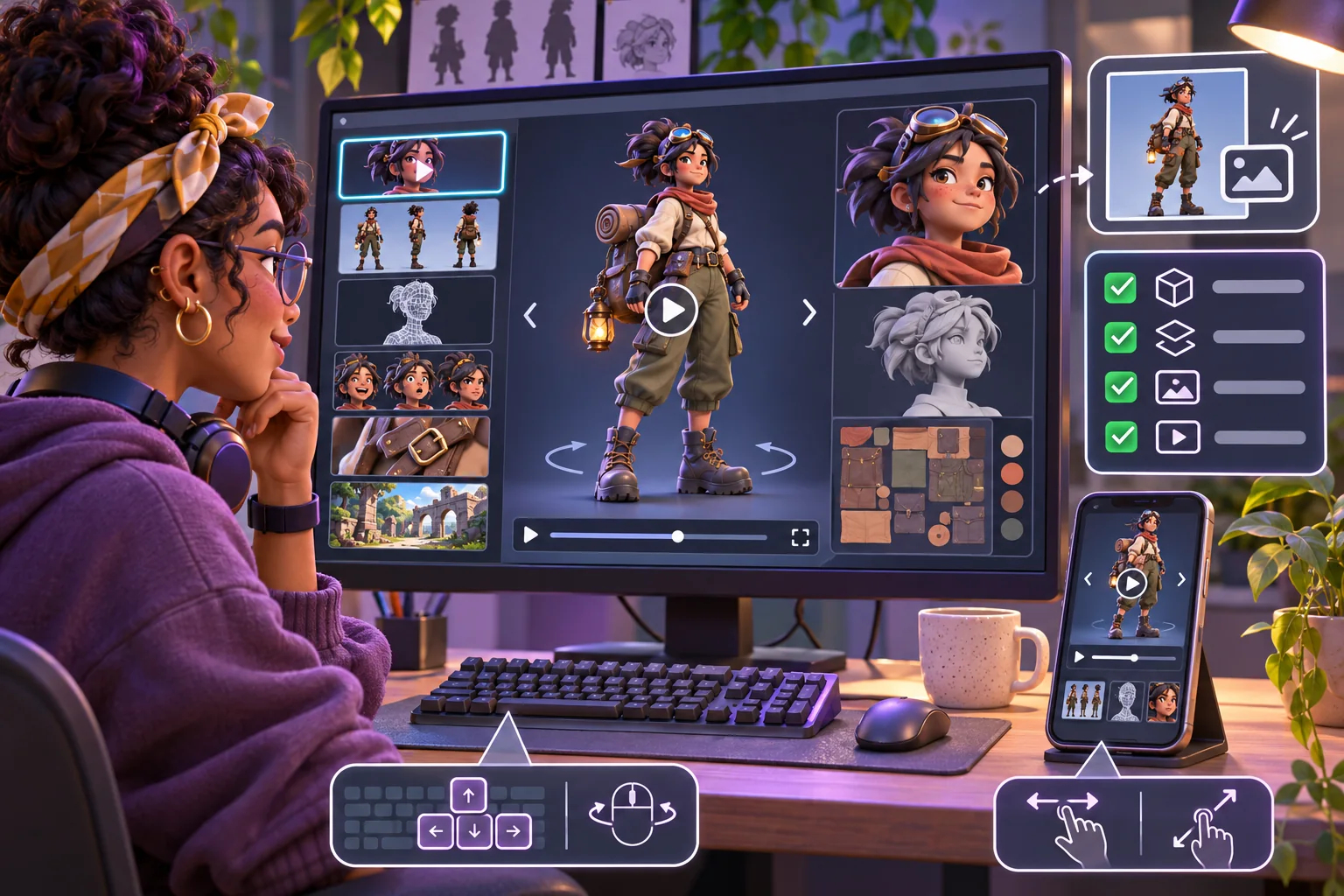
Verify the real project before writing the case study
Use a short script against the actual build. Open it in the supported desktop browser and intended mobile browser. Check the first view, controls, framing, and reset. Try keyboard interaction where offered, touch where offered, and the still-image alternative.
- Do textures and animation clips survive export?
- Can a visitor understand and operate the primary interaction?
- Does reset recover from an awkward camera angle?
- Is the model visible on narrow screens without overflow?
- Can someone pause movement and understand the work without the canvas?
- Are sources, collaborators, licenses, and AI assistance described accurately?
- Do screenshots represent the same released build and model version?
Record device, browser, build identifier, date, and observed issues. If a device was not tested, say so. Do not publish guessed frame rates, load times, or “works everywhere” claims. This list is a recommended method, not evidence that Emberline or another fictional build passed.
Write the case study around evidence
Keep the story concrete: design goal, your role, constraints, choices, and finished evidence. Show process images from the actual project. Distinguish concept from final model and credit collaborators for rigging, animation, code, or sound. Describe AI help plainly when it contributed.
A useful handoff contains editable source, export, textures, poster render, short interaction capture, breakdown images, credits, and test note. Remove unused files and private information. Check whether each texture, font, sound, plugin, and model can be redistributed before sharing source files.
A template is valuable when it helps you finish and explain the character. Start with a clear portfolio question, choose one interaction that answers it, preserve a still-image route, verify the export in the real viewer, and write only what the project can support.
Frequently asked questions
What should a playable character showcase include?
Show the character clearly, add one interaction that reveals a design skill, and provide supporting breakdowns such as silhouette, materials, rig, or animation. Keep interaction optional and include a still or text alternative. Scope depends on the portfolio goal and target device.
Does a character portfolio need a playable demo?
No. A turntable, annotated renders, and process notes can communicate the work. A playable demo helps when movement, scale, or interaction is central to the skill you want to show, but adds loading, input, and accessibility work. Use it when the interaction answers a portfolio question.
Can AI create the character showcase for me?
AI can help draft a brief, interaction ideas, test cases, portfolio copy, or code scaffolding. You remain responsible for the model, textures, rig, animation, rights, performance, and final presentation. Review generated output and do not present a placeholder as finished artwork or proof of your skills.
What format should I use for a 3D character on the web?
Choose a format supported by the viewer and the asset features you need, then test it in the actual target. Khronos describes glTF as a runtime 3D asset delivery format and publishes its specification; a format label alone does not guarantee identical handling of every material, animation, or extension.
How do I test a playable character portfolio before sharing it?
Test the published build on the intended desktop and mobile devices, with keyboard and touch where offered. Verify loading, controls, camera, reset, reduced-motion options, text alternatives, and small-screen readability. Record the build, devices, and observations; a mockup is not a completed test.
Need a structured starting point for your next portfolio interaction? Explore the AI game creation workflow and adapt the prompt to your model and evidence.