Introduction
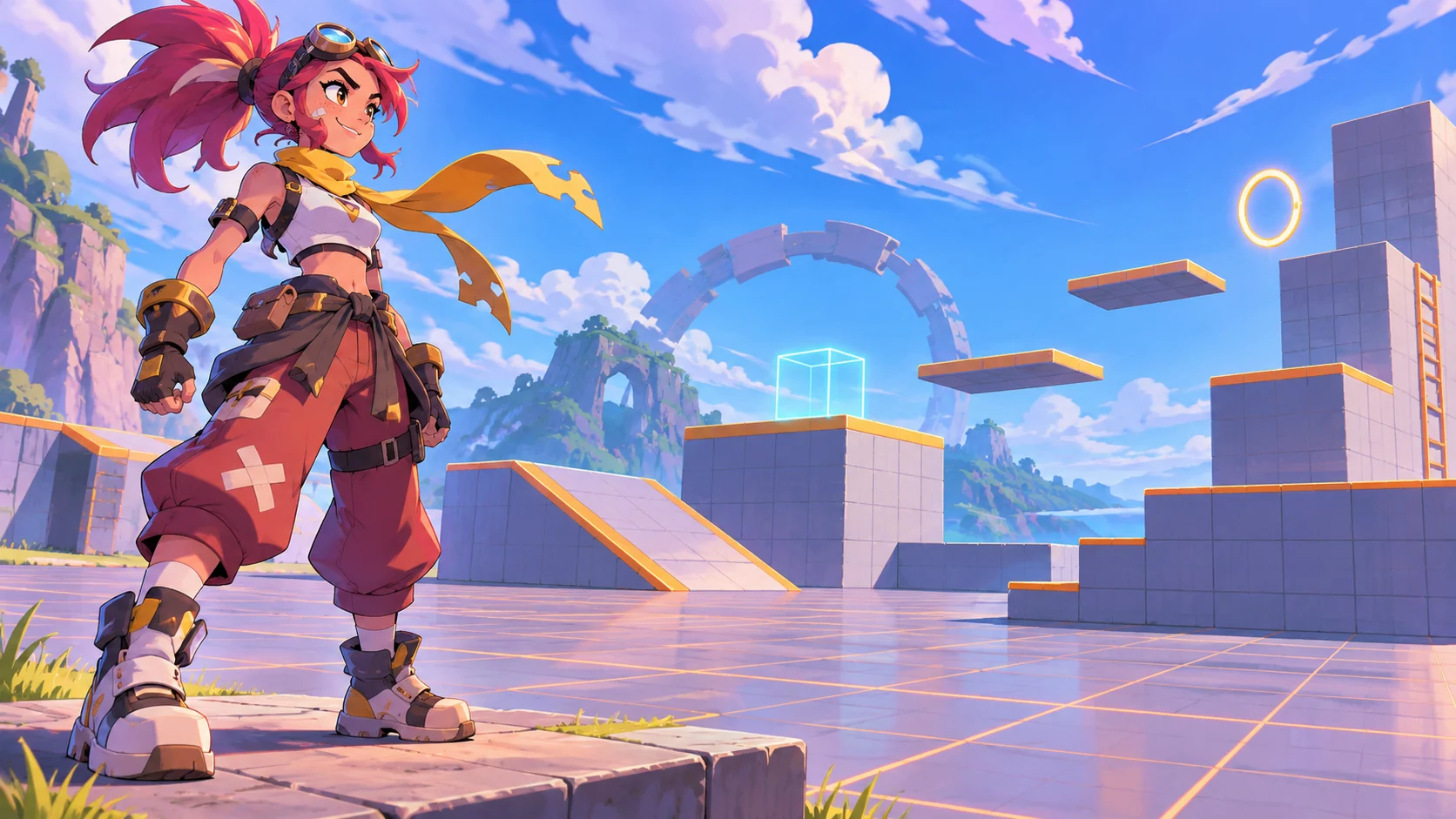
A playable character showcase lets a 3D artist present an original model through camera views, animation and direct control. A turntable or render sheet can show appearance, but a small playable scene also lets viewers inspect movement, scale and response to input. It does not establish production readiness or performance on target hardware without appropriate testing.
This guide uses Rook, a fictional stylized explorer character. The model, animations and showcase scene are concept material; no artist, shipped asset or playable build is represented.
Define what the showcase should demonstrate
Choose a few qualities for the viewer to inspect: silhouette, material response, animation transitions or movement feel. Match the controls and scene to those goals. A small neutral space can make proportions and movement easier to see than a complex environment full of competing effects.
Prompt 1 — character showcase brief
Plan a playable character showcase for a fictional 3D artist. Define the audience, original character goals, three aspects to demonstrate, controls, camera modes, scene scale, supported platform assumptions and what needs a real build check. Mark Rook fictional and do not claim production readiness.
Keep art review separate from technical claims. A concept image can illustrate the intent, while polygon count, rig quality, performance and engine compatibility require actual project evidence.
Choose a compact set of controls
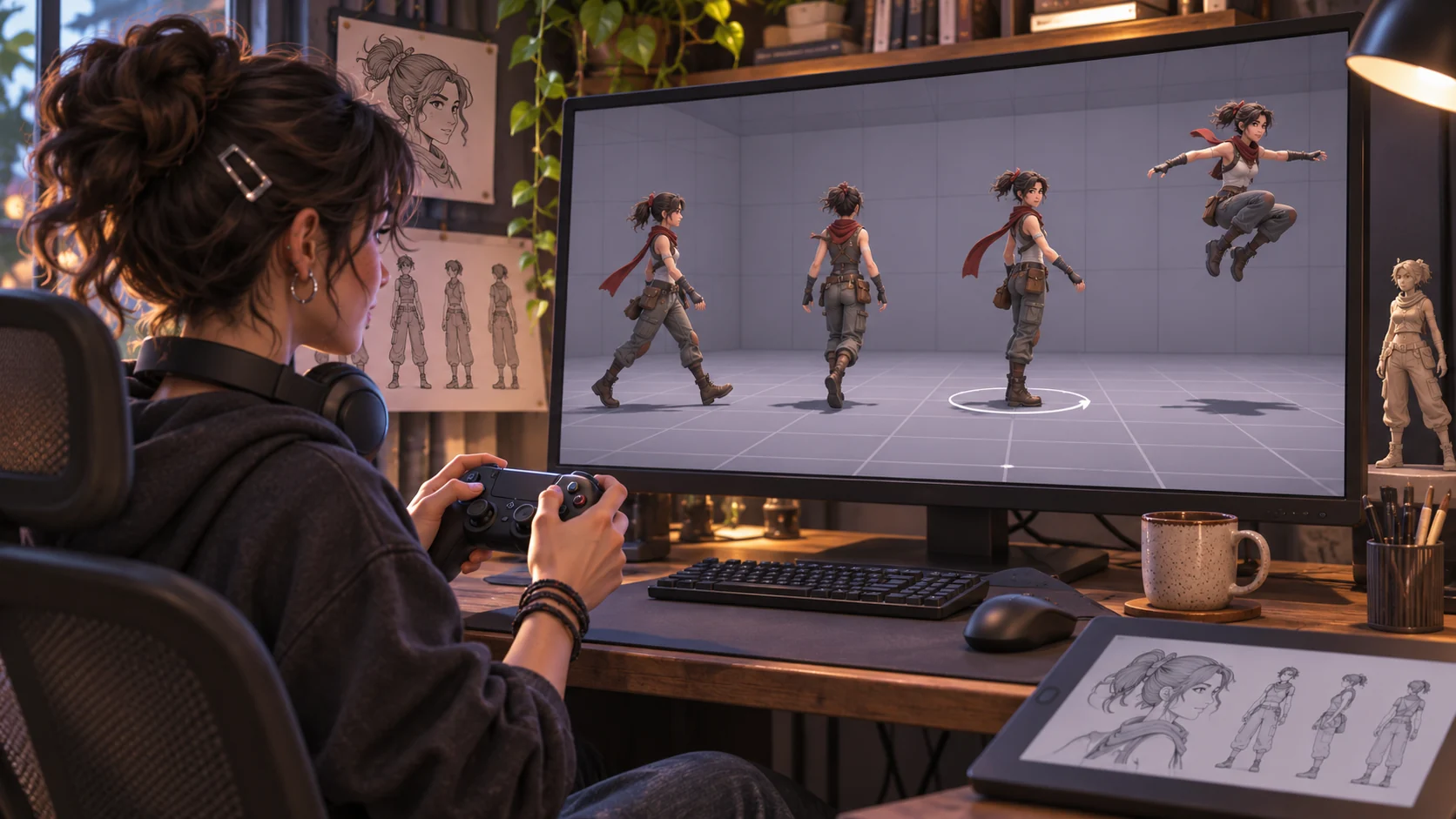
A viewer should be able to rotate the model, try a few actions and return to a known pose. Avoid mapping every production animation to a control. Prioritize a neutral idle, walk, turn and one distinctive action, then label them plainly.
Prompt 2 — control and animation map
Create a small control map for a fictional Rook character showcase. Include orbit, reset camera, idle, walk, turn and one original signature action. For each control specify expected feedback, accessible input alternative and whether the element is implemented or only planned.
| Showcase control | Viewer can inspect | Review boundary |
|---|---|---|
| Orbit | Silhouette from several angles | Confirm camera remains bounded |
| Reset view | Return to a consistent front angle | Test the actual reset behavior |
| Walk and turn | Locomotion and transitions | Check animation blending in build |
| Signature action | One distinctive pose or motion | Do not imply gameplay balance |
| Material view | Surface response under light | Verify in the target renderer |
Make the model easy to evaluate
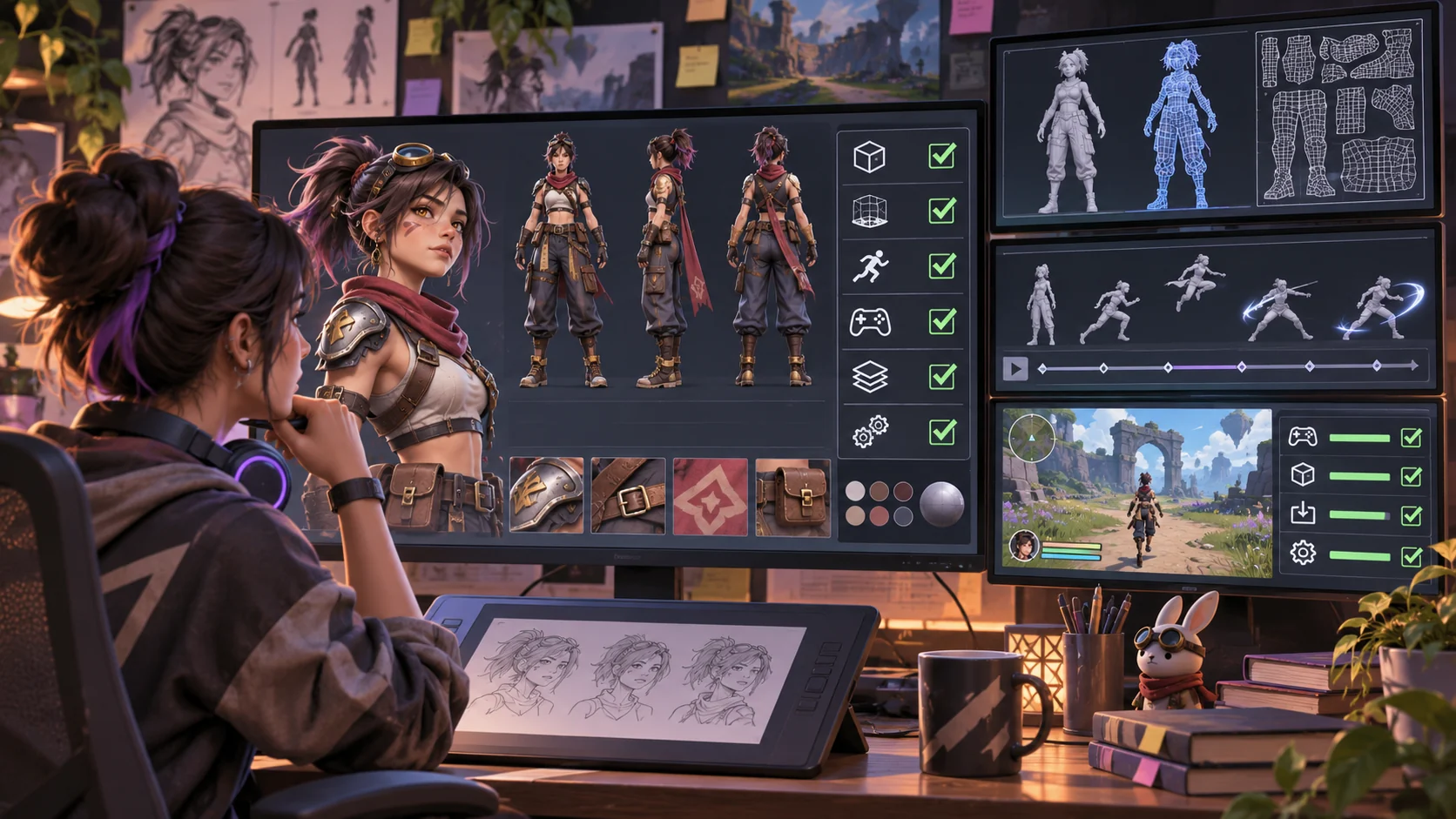
Keep lighting consistent and allow the viewer to pause or reset. A neutral floor and simple backdrop can support scale comparison. If the showcase includes wireframe, rig or material views, label them as presentation modes and do not imply that an image proves topology, deformation or engine performance.
Prompt 3 — presentation modes
Design three Rook showcase modes: clean render, animation preview and technical inspection placeholder. State what each view can and cannot demonstrate. Keep model, rig and performance claims pending until checked in the actual 3D project and target engine.
Keep the showcase configuration editable
Separate character metadata, controls, animation names, camera settings and review notes. The JSON below is a concept template with placeholders, not a verified asset specification.
{
  "showcaseName": "Rook — fictional character presentation",
  "status": "concept example; unbuilt and untested",
  "character": {"name":"Rook","source":"original fictional concept","modelFile":null,"rigStatus":"not supplied"},
  "controls": ["orbit", "reset camera", "idle", "walk", "turn", "signature action"],
  "presentationModes": ["clean render", "animation preview", "technical view placeholder"],
  "camera": {"orbitEnabled":true,"resetView":"front three-quarter","limits":"configure and test in build"},
  "accessibility": ["keyboard alternatives", "visible control labels", "pause animation", "reduced motion"],
  "reviewChecklist": ["model import", "rig", "animation transitions", "materials", "target performance", "asset permissions"],
  "evidenceStatus": "fictional; no model or playable build tested"
}
A reusable configuration helps the artist create variants while preserving consistent framing. Keep licensed and commissioned asset details with the project so viewers know what can be reused or shared.
Build and inspect a playable slice
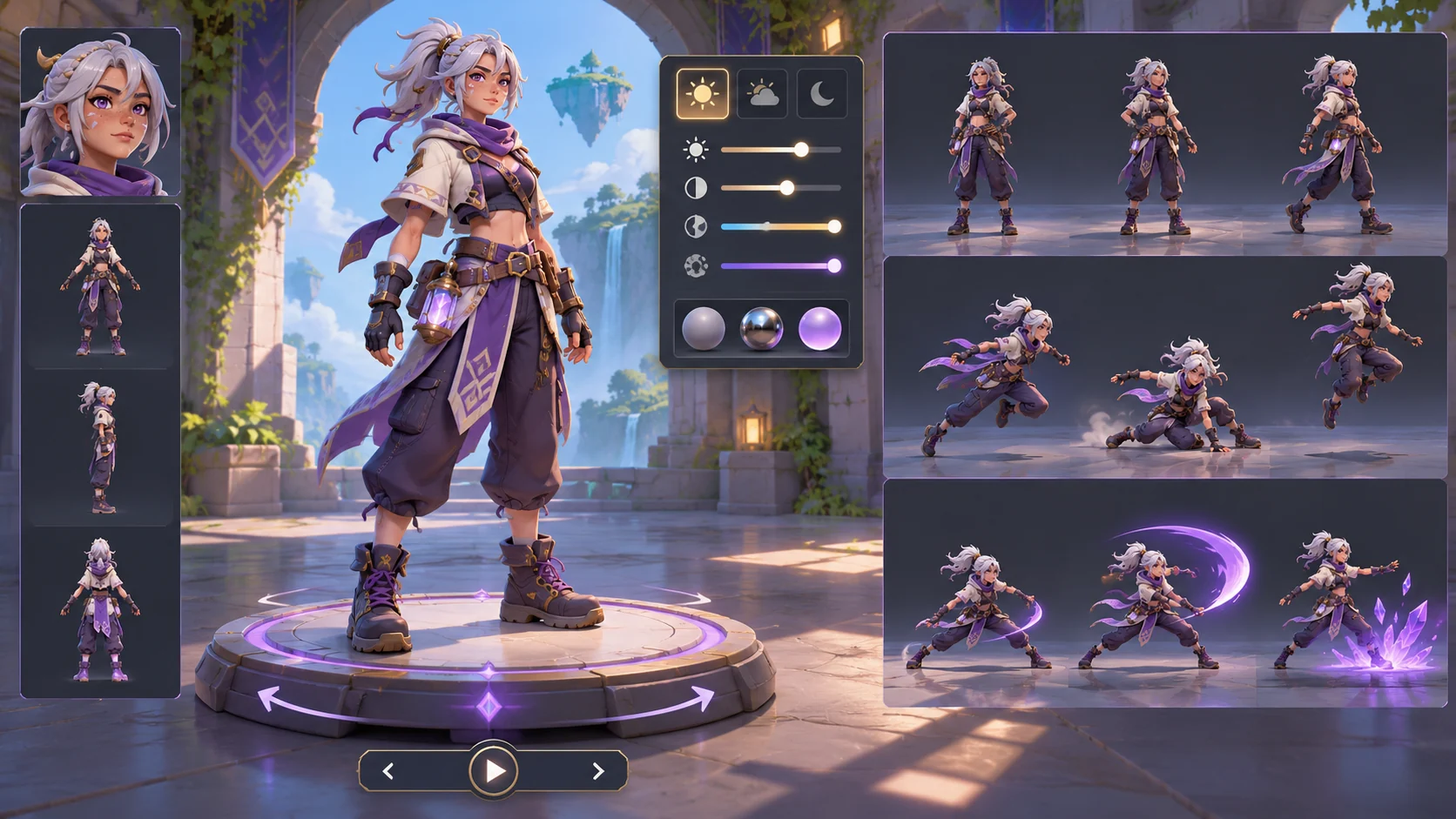
Start with one scene, one character, a small set of working controls and a reset. Check input, animation transitions, camera limits and whether the character remains visible. A static mockup can show layout but cannot demonstrate player control. Note which views are screenshots and which are interactive.
Prompt 4 — playable showcase slice
Build a small local Rook showcase prototype with orbit, camera reset, idle, walk, turn and one signature action. Use an original placeholder model or clearly marked stand-in. Include pause and reduced-motion options. List implemented interactions, static views and unverified model or engine details; do not claim the character asset is production-ready.
Simulate an artist customization
For a fictional customization, imagine adapting Rook’s showcase for a compact robotic courier character. Change the model scale, camera distance and signature action while keeping the controls and review checklist. This demonstrates how the presentation can be edited; it is not a real artist commission or tested asset.
Prompt 5 — fictional model customization
Adapt the Rook showcase template for a fictional compact robotic courier. Change scale, camera framing and signature action. Keep controls consistent, list invented details and mark rig, material and performance questions as unverified.
Prompt 6 — artist review checklist
Review the local character showcase for camera orbit, reset, control labels, animation preview, pause, reduced motion, asset provenance, technical-view labeling and target-engine evidence. Mark each item implemented, static, missing or not tested.
Prepare a useful portfolio handoff
Include a short explanation of the character goals, controls and what a viewer can inspect. State which images are concept art, identify the actual playable build if one exists and list technical details that have been verified. Avoid presenting generated visuals as a real rig, production mesh or engine capture.
Prompt 7 — portfolio and handoff checklist
Prepare a handoff checklist for a 3D character showcase. Cover original asset ownership, model and rig provenance, animation states, controls, target engine, performance evidence, accessibility, screenshots versus playable views and known limitations. Leave unverified fields pending.
Conclusion
A playable character showcase for 3D artists should make an original model easy to inspect through a few reliable controls, consistent camera framing and clearly labeled presentation modes. Keep concept art separate from asset and engine evidence, and make the technical limits explicit. Rook is fictional; no model or playable build was tested. Verify the actual rig, animations, permissions and target performance before describing them as production-ready.
You can shape a small concept in the Free AI game maker, then compare it with the editable showcase checklist.
FAQ
What is a playable character showcase?
It is a small interactive presentation that lets viewers inspect a character through controls, camera views and selected animations.
How is a playable showcase different from a render sheet?
A render sheet presents fixed images, while a playable showcase can expose controls and movement if those interactions are actually implemented.
Does a character showcase prove an asset is production-ready?
No. Rig, topology, animation quality, permissions and target-platform performance need appropriate project checks.
Which controls should a first character showcase include?
A useful first slice may include orbit, camera reset, idle, walk, turn and one selected action, with clear labels and pause.
Can generated character art stand in for a tested 3D model?
No. Concept art can illustrate a direction, but it does not prove that a model, rig or playable build exists.