Introduction
A character-action prototype helps an animator see how motion clips behave when a player controls them. The challenge is to connect a pose or clip to a clear action, transition and input response. Start with an original character, a small test room and an editable animation-to-action template.
This guide uses Moss Runner, a fictional character prototype with invented movement clips and game states. No animator, production rig or playable build was used or tested. The timing and actions below are placeholders, not claims about a real animation pipeline.
Choose a small action set
Begin with a few actions that form a readable loop: idle, move, jump, land and recover. State what input starts an action, what ends it and which actions can interrupt one another. A small action set lets an animator inspect transitions before adding combat, traversal or a larger level.
Prompt 1 — character prototype brief
Design a fictional character-action prototype called Moss Runner for an animator to explore motion in context. Scope one small test room and five actions: idle, move, jump, land and recover. Define player inputs, action start and end states, interrupt rules, test goals and reset. Use an original character and label all clips and timing as placeholders; list untested assumptions.
The brief should identify the intended feeling of each action without pretending that a clip has already been authored or integrated. Explain what the player should be able to inspect in the prototype.
Connect clips to player inputs
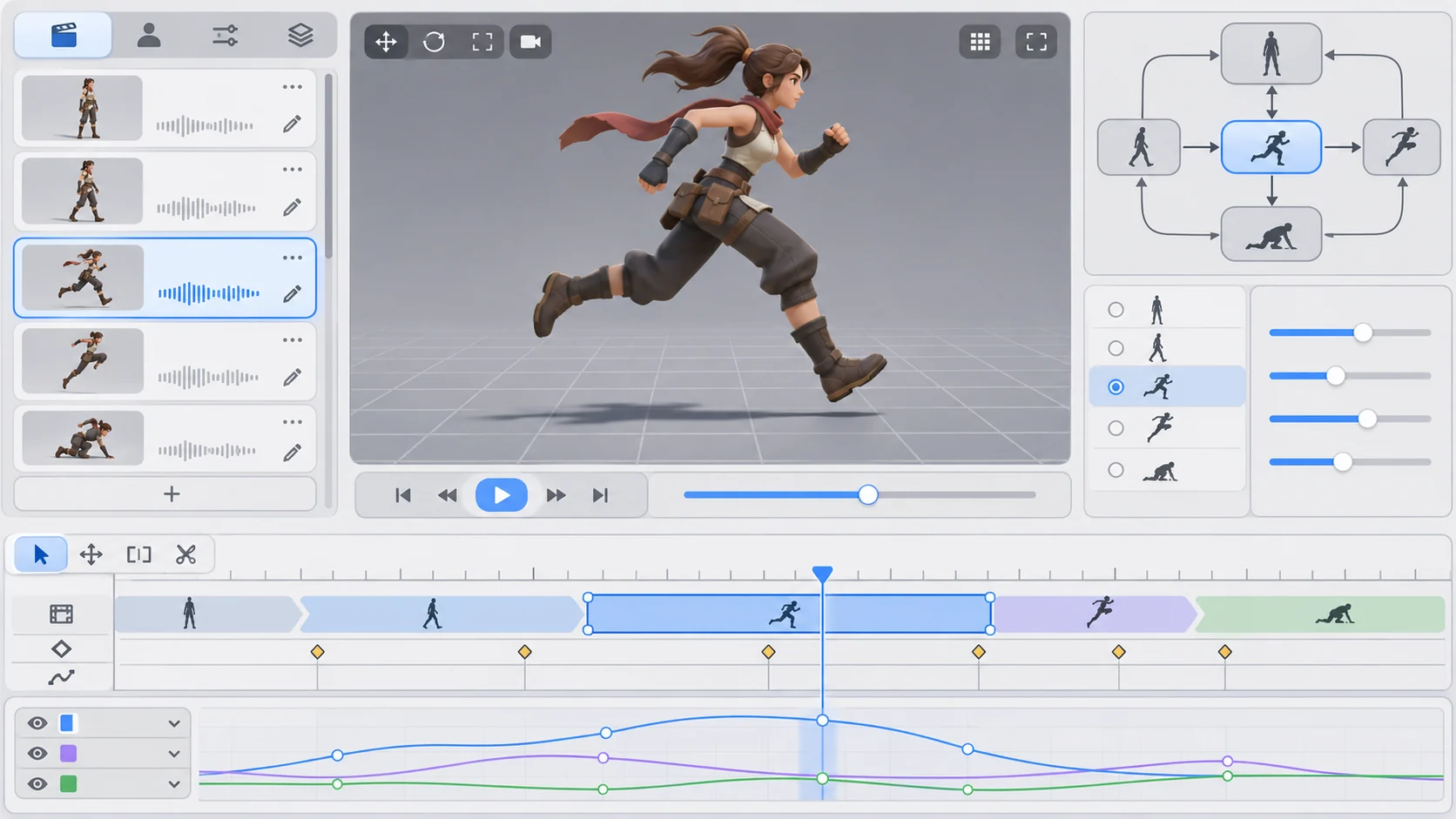
An action map can show which input requests a clip and which state is active. Include a fallback for a missing or interrupted clip. If an action cannot start, expose the reason in the prototype rather than silently ignoring input.
Prompt 2 — input and action map
Create a Moss Runner input map for idle, move, jump, land and recover. For each, define the player input, entry condition, exit condition and any interrupt. Show the active state and a simple placeholder clip label. Add a reset action. Do not claim these clips exist or that input timing has been tested.
| Action | Input or trigger | Visible state | Review question |
|---|---|---|---|
| Idle | No movement input | Ready pose | Does the character return cleanly? |
| Move | Direction input | Locomotion state | Does turning change direction clearly? |
| Jump | Jump input while available | Airborne state | Is the takeoff and landing sequence visible? |
| Land | Contact with the test surface | Landing transition | Can the next action start when expected? |
This table is a prototype checklist, not a description of a completed animation system.
Make transitions visible and inspectable
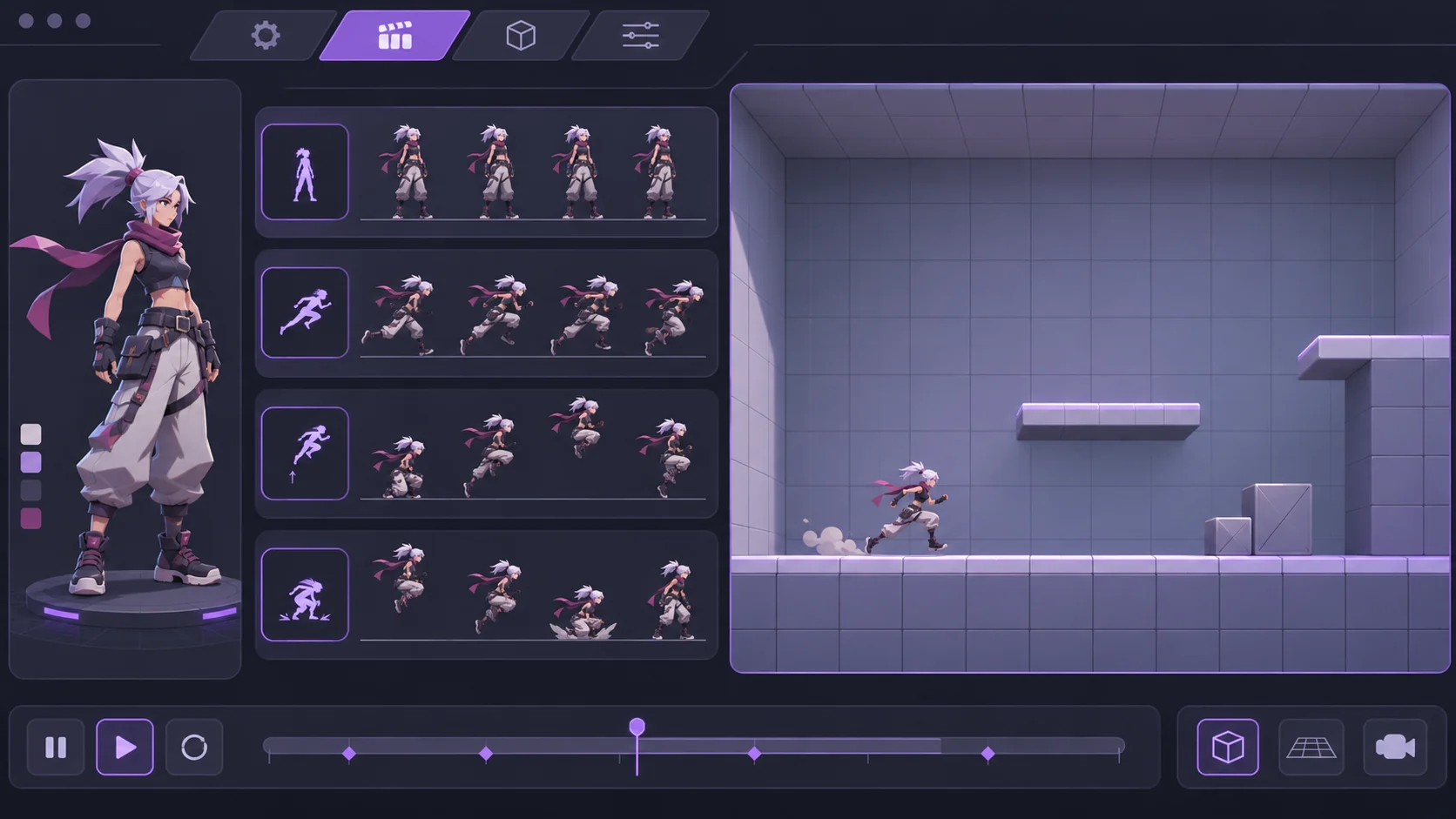
A motion state view can show the current action, next requested action and why a transition is allowed or blocked. Keep the first version deterministic: for example, define whether a jump request during landing is queued or ignored. Let the animator replay a short sequence and compare the state changes.
Prompt 3 — transition rules
Define a simple Moss Runner transition table for idle, move, jump, land and recover. For each pair of relevant states, mark allowed, blocked or queued and explain the feedback. Include one interruption case and one reset case. Use clear placeholders; do not claim natural motion or finished animation quality.
The purpose is to make behavior reviewable. A state chart can expose a missing transition even before final character art or polished movement exists.
Design a compact motion test room
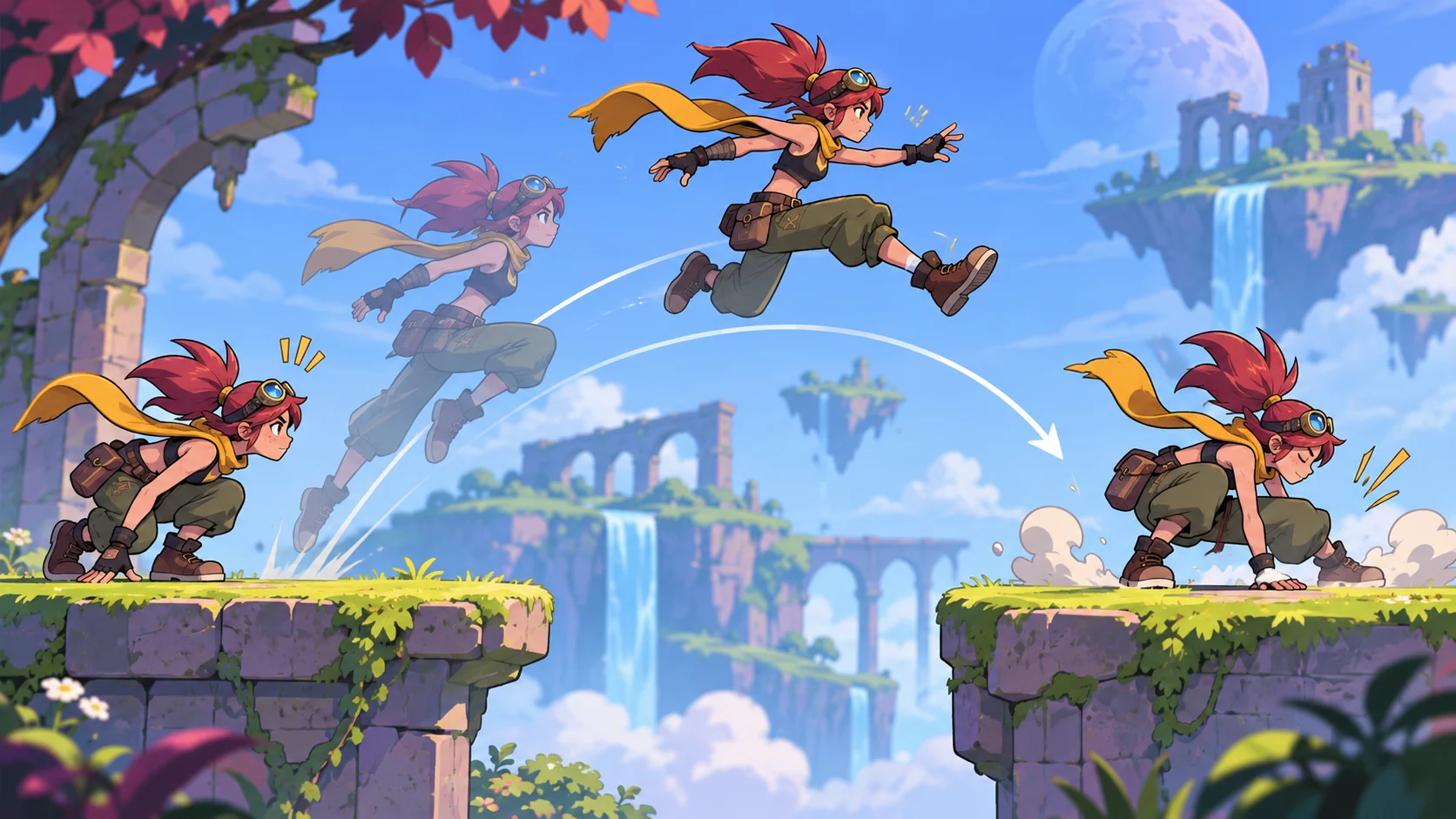
A small room can include a flat start, a low step, a gap and a landing area. Each feature gives the animator a reason to inspect a different transition. Keep geometry simple and label the room as a test stage, not a finished level.
Prompt 4 — animation test room
Create a compact Moss Runner test room with a start marker, low step, short gap and landing area. Add a camera view that keeps the character visible and a replay point for the jump sequence. Keep the geometry generic and original. The room is a local motion test concept, not a production level.
A useful test asks the animator to move, jump, land and recover, then replay the sequence. The review should describe what was observed, not what a still image implies.
Provide an editable animator template
An animator may need to change clip names, inputs, transitions, test geometry and review notes. Keep those fields separate from the core state structure so a different original character can use the same planning format.
{
  "prototypeName": "Moss Runner — fictional animation demo",
  "character": "original placeholder character",
  "testRoom": ["start", "low step", "short gap", "landing area"],
  "actions": [
    {"id": "idle", "clip": "idle_placeholder", "input": "none", "next": ["move", "jump"]},
    {"id": "move", "clip": "move_placeholder", "input": "direction", "next": ["idle", "jump"]},
    {"id": "jump", "clip": "jump_placeholder", "input": "jump", "next": ["land"]},
    {"id": "land", "clip": "land_placeholder", "input": "surface_contact", "next": ["recover", "move"]}
  ],
  "reviewNote": "Clip names and timing are placeholders; no playable build tested"
}
Replace the clip labels, input map, room features and review goal with project-specific material. Keep placeholder labels until actual motion files and transitions have been checked in a running prototype.
Request a small playable action slice
A first build could include one character, one test room, five actions, visible state feedback, a replay control and reset. Specify what must work: movement input, jump request, landing transition, recovery and sequence replay. A pose sheet or animation mockup is not a playable prototype.
Prompt 5 — first playable motion slice
Build a small fictional Moss Runner prototype with one original placeholder character, a compact test room, idle/move/jump/land/recover actions, visible active-state feedback, replay and reset. Make blocked transitions visible. At handoff, list working inputs, placeholder clips, static screens and untested timing. Do not call a mockup playable or claim animation quality.
No running game, rig or animator review was performed for this article.
Prompt 6 — simulated animator customization
Adapt the Moss Runner template to a fictional “Paper Kite” character moving through a short rooftop test room. Change the character name, clip labels and room features while preserving the same action states and transition table. Keep all assets and timing labeled placeholders. This is a local simulated customization, not an animator’s production project.
This scenario demonstrates which template fields can change without implying that any motion clips were made.
Prompt 7 — observed-output review
Review the running local prototype for input response, active action label, move-to-jump transition, landing, recovery, blocked-state feedback, replay, reset and placeholder labels. Mark each present, missing or unclear based on observed interactions. Record concise evidence and one smallest next change. Do not claim animation quality or production readiness unless reviewed.
Fictional animation snapshot
| Field | Moss Runner example |
|---|---|
| Actions | Idle, move, jump, land and recover |
| Test room | Start, low step, short gap and landing area |
| Review focus | Input response and state transitions |
| Customization | Character name, clips and room features |
| Evidence | Planning template only; no rig or build test |
The snapshot defines an inspection plan. It does not describe finished animation work.
Conclusion
A character-action prototype should connect original motion clips, player input and visible state transitions in a small test room. Moss Runner and Paper Kite are fictional; no clips, rig, playable build or animator review were tested. Use an editable template to plan the actions, then inspect them in a running prototype before describing the result as playable.
You can take a scoped concept into the Free AI game maker, then compare the result with the review checklist.
FAQ
What should a character-action prototype for animators include?
Include a small action set, input map, transition rules, compact test room, replay and reset.
How can an animator inspect game actions?
Expose the active state and transition feedback, then replay the same input sequence in the running prototype.
Should placeholder clips be described as tested animation?
No. Label missing clips and timing clearly until the real assets are integrated and reviewed.
Why use a small test room?
It lets an animator focus on a few movement transitions without adding unrelated level systems.
Does a character pose sheet prove the action prototype works?
No. Verify inputs, transitions, landing, recovery and reset in the running build.