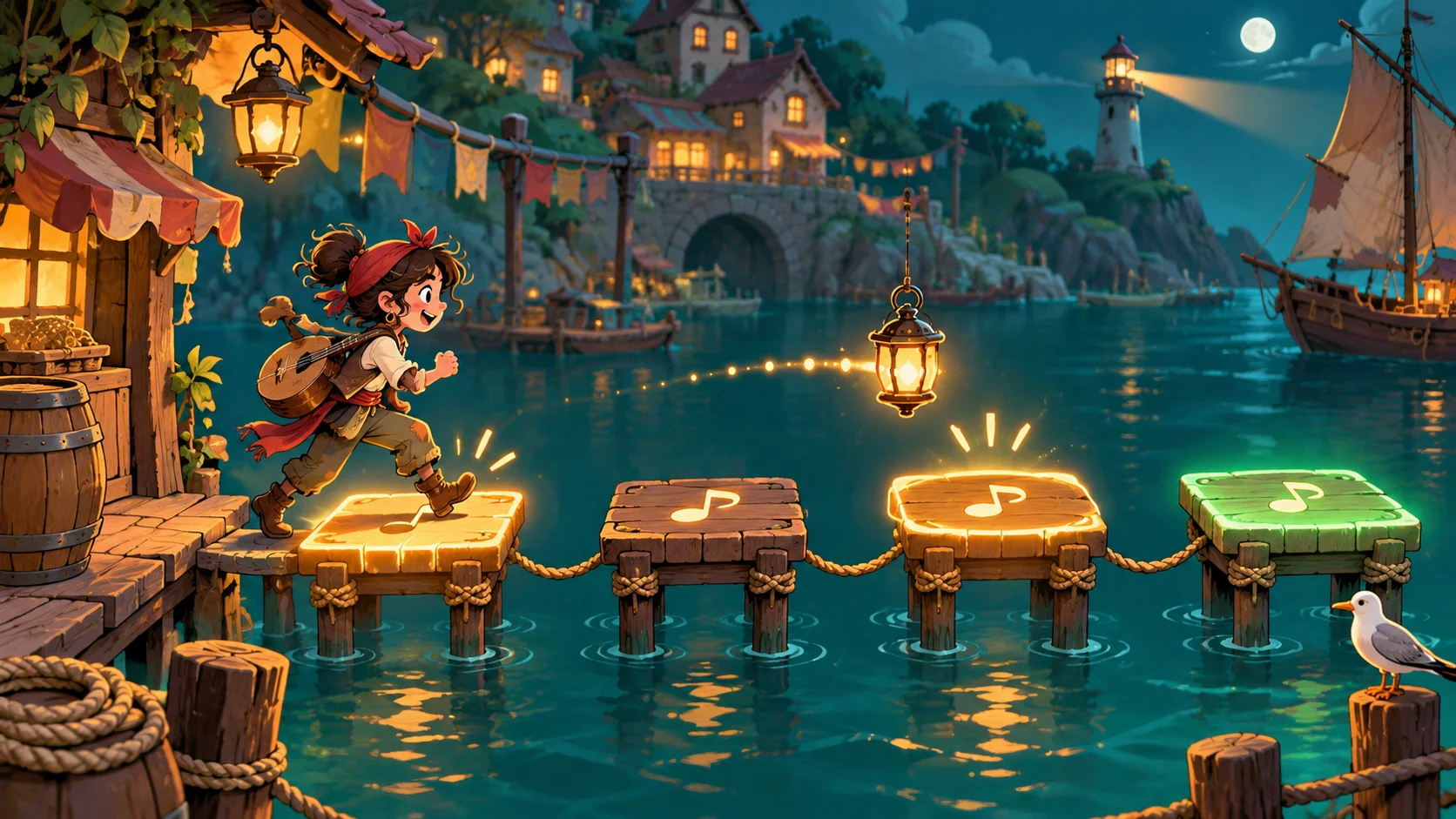
A playable rhythm game can give a music lesson a focused practice moment, but the design should begin with the musical action students need to try—not with points, streaks, or a complicated screen. Use AI to draft an editable template, then verify every rhythm, instruction, and control yourself. Keep the teacher in charge of pacing, examples, and feedback, and test the activity in the actual classroom setup before student use.
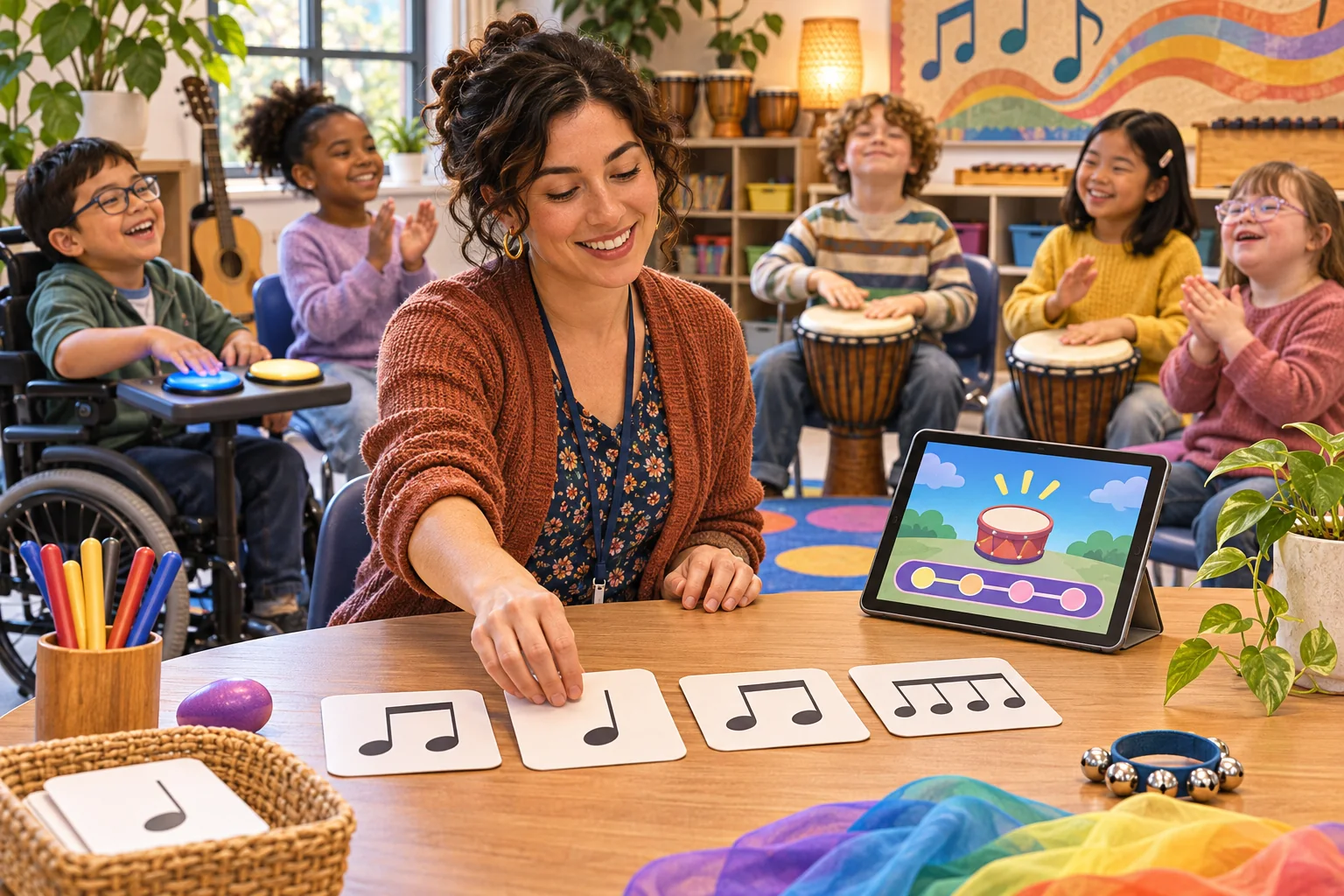
This guide shows a design workflow, not evidence that a game improves rhythm learning. The sample teacher, students, patterns, game, and feedback are invented. No classroom, playable build, lesson, or student response was observed. Treat generated musical content as a draft that needs teacher review.
Choose one observable rhythm objective
Start with a skill you can hear or see in a short activity. A goal might be echoing a small pattern, entering on a cue, keeping a pulse while another pattern plays, or noticing a contrast the class has already explored. State what the learner does, how many repetitions are available, and what counts as a useful response. Avoid combining notation reading, instrument technique, improvisation, and rhythm recognition in the first prototype.
For a U.S. grade-four reference, the 2014 National Core Arts Standards list MU:Cr1.1.4b, which asks students to generate musical ideas such as rhythms within related tonalities and meters. The same document lists MU:Cr2.1.4b, which allows standard or iconic notation and/or recording technology to document musical ideas. These are specific standards in that document, not a claim that every teacher or location follows the same curriculum. Align your template to the standards and sequence used in your school.
Write the objective in teacher language and then translate it into a game action. If the lesson goal is to echo a pattern, students should listen and perform the pattern, not simply tap a moving target quickly. Choose a short set of examples that progresses from familiar to slightly new. Make the task possible with the instruments, movement, and devices actually available.
| Brief field | Teacher decision | Template implication |
|---|---|---|
| Objective | Which musical action? | One primary interaction |
| Starting point | What have students already practiced? | Familiar first example |
| Response | Voice, movement, instrument, or tap? | Supported input paths |
| Feedback | What can a learner try next? | Actionable hint or retry |
| Teacher control | Tempo, repetition, hints, stop? | Editable settings |
Design a short listen, perform, and feedback loop
A simple loop can be: hear a model, prepare, perform or enter a response, receive feedback, and decide whether to retry or continue. Keep the instruction visible while the audio is available. Let the teacher replay a model and choose whether to expose notation, icons, or both. The learner should understand why a response was accepted or what to listen for next.
In the fictional Beatbridge template, a student hears a short pattern of icons, echoes it by tapping a desk or drum, and receives a prompt such as “listen for the longer pause before the last sound.” The example does not claim to evaluate a real performance or detect precise timing. A real prototype must be clear about whether it recognizes button events, microphone audio, or teacher observation. Do not imply that microphone analysis exists unless the build actually implements it.
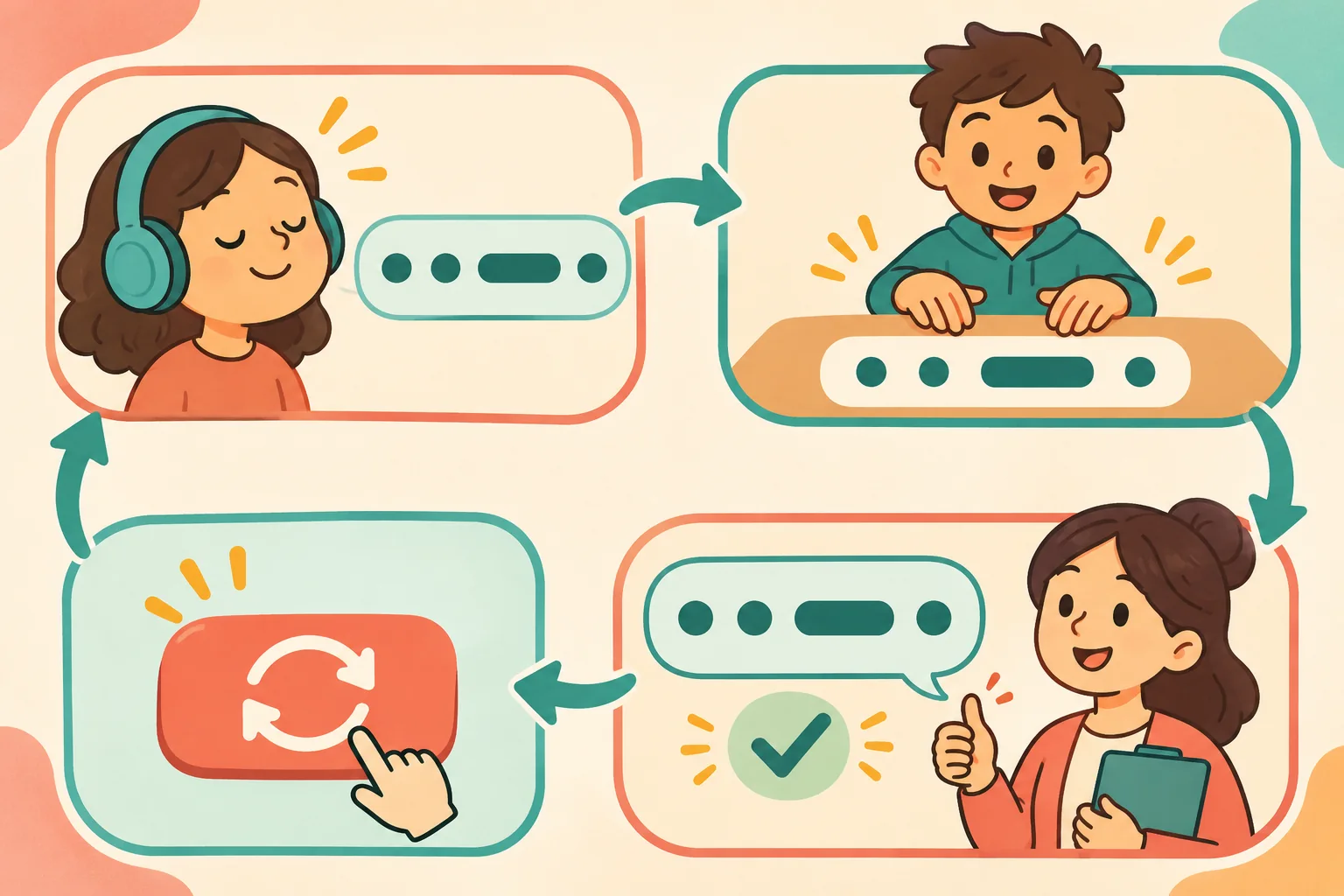
Separate practice feedback from a grade. A retry can invite careful listening without labeling a student’s musical ability. If the template tracks a score, explain what it measures, who can see it, and whether it is saved. Avoid a leaderboard by default if public comparison is not part of the lesson goal.
Keep the template editable for teachers
Expose the settings a teacher needs before class: pattern list, cue wording, tempo or pacing where relevant, repetition count, hint visibility, input method, and activity length. Keep the editing screen separate from the learner activity so a student cannot accidentally overwrite the lesson. Provide a small sample set that is easy to replace and label it as fictional starter content.
Use a clear data format for patterns. If a pattern requires standard notation, ask a music educator to check durations, meter, rests, and notation rendering. If an iconic representation is used, add a legend so students know what each icon means. Do not mix notation systems without explaining the relationship. The template should allow the teacher to adapt the materials without needing to regenerate the entire game.
Ask AI for a small prototype rather than a full curriculum. Give it the objective, student age range, device setup, supported input, visual style, and file boundaries. Ask it to list the screens and editable fields before writing code or producing content. Review the full output, remove unsupported claims, and keep all teacher-facing assumptions visible.
Plan for different ways to listen and respond
Not every class activity should depend on a rapid tap or a microphone. Offer more than one supported response when the project allows it: clapping, speaking, moving, using an instrument, selecting a visual pattern, or working with a partner. Pair visual cues with words or shapes rather than relying only on color. Provide a replay option and let the teacher adjust volume and pacing.
Check the actual devices and room. Background noise, small speakers, latency, headphones, and shared tablets can change how an activity feels. If the prototype uses a timer, test whether the time supports the lesson objective or merely rewards fast reactions. If a student needs a different way to respond, decide how the teacher can accept that response without the game falsely marking it as a failure.
| Classroom check | Question | Adjustment |
|---|---|---|
| Audio | Can students hear the model in this room? | Replay, volume, or teacher-led demonstration |
| Visuals | Do icons have a clear legend? | Add shape and text labels |
| Input | Is fast tapping required? | Offer supported alternate response |
| Pacing | Can teacher pause or repeat? | Add teacher controls |
| Privacy | Does a real build record audio or scores? | Disclose and minimize collection |
Test the template with a teacher before class
Run through the activity yourself, then ask a colleague to follow the instructions without coaching. Check whether they can start, replay, change one pattern, adjust a setting, pause, and reset. Verify every sample pattern against its intended notation or teacher-created source. Test the sound and input on the target devices, not just in an editor preview.
Use a small review sheet to compare the stated objective, the game action, the feedback, and the teacher’s observation. If the game says a response is “correct,” identify the exact rule that generated that label. If a response needs human listening, make that explicit. A fictional interface cannot establish that a student learned or improved.
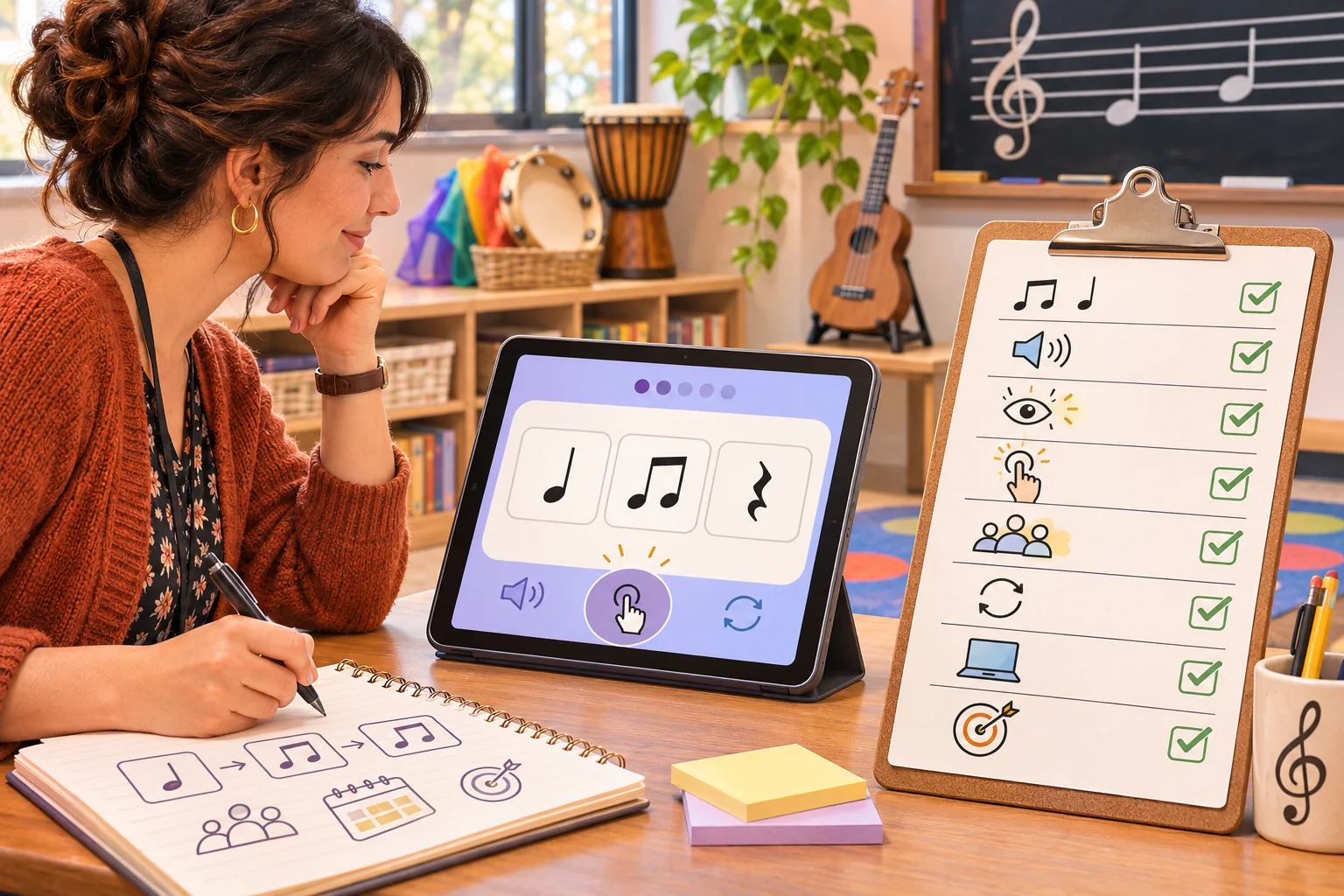
| Proposed check | Action | Evidence to record |
|---|---|---|
| Pattern accuracy | Review each example with a music teacher | Source, notation, and approved version |
| Instructions | Ask a colleague to start without coaching | Confusing language or missed controls |
| Replay | Repeat a model and pause mid-activity | Audio and state behavior |
| Alternative response | Try each supported input path | Accepted response and teacher workflow |
| Device setup | Run on classroom hardware and speakers | Sound, display, and input issues |
| Privacy | Inspect actual data collection and score storage | What is collected and who sees it |
| Rollback | Restore the pre-template project | Existing lesson and game behavior |
This is a proposed review plan, not a learning study. If the activity is used with students, follow your school’s consent, privacy, and assessment policies. Record only what is needed for the teacher’s objective and do not claim effectiveness from a few informal sessions.
Use AI as a drafting partner, not a music assessor
AI can help scaffold a screen flow, generate placeholder rhythm cards, write editable instructions, or prepare a checklist. It can also invent incorrect notation or feedback. Ask it to keep generated patterns clearly labeled as draft, use a teacher-provided source when accuracy matters, and explain how each interaction maps to the objective. Have a qualified teacher review the final materials before class.
Keep the activity small enough to revise. A single learning objective, a short set of patterns, a practice loop, and teacher controls can be easier to adapt than a large game with multiple scoring modes. Do not include claims like “improves rhythm skills” unless you have appropriate evidence from your own evaluation and permission to describe it.
To explore a separate music-game concept, try SEELE AI Game Maker. It is a concept tool, not an existing-project editor or a validated educational assessment platform.
Frequently asked questions
What should a rhythm-learning game template practice first?
Choose one observable musical action, such as echoing a short pattern, keeping a steady pulse, or recognizing a contrast the class has already studied. Specify what the learner hears, what they do, and what feedback follows. Keep the first activity short so the teacher can observe the musical response instead of managing many game rules.
How can teachers adapt an AI-made rhythm game to a lesson?
Replace the sample pattern set, tempo, meter, vocabulary, and difficulty with material already taught in class. Check that notation and spoken directions match the students’ experience, then rehearse the activity yourself. Treat generated patterns and explanations as drafts; verify every rhythm and instruction before presenting them to learners.
What feedback should the rhythm game give?
Use feedback that names an observable difference, such as an early entrance, a missed rest, or a pattern that needs another listen. Let learners retry without a score penalty when the goal is exploration. Keep the teacher in control of tempo, repetition, hints, and stopping so the game supports the lesson rather than grading students automatically.
How can a rhythm game work for different learners?
Offer more than one way to follow and respond, such as spoken cues, visual icons, movement, tapping, or an instrument the class already uses. Avoid making color or fast reaction time the only signal. Let teachers adjust volume, tempo, repetition, input method, and visual density, then check the activity with the actual devices and room setup.
Can AI create a playable rhythm game for my music class?
AI can draft a small interactive prototype, sample patterns, teacher-editable settings, and a test checklist from a clear brief. It cannot confirm that notation is correct, directions fit your students, or the activity supports your lesson without teacher review. Supply the objective, age range, class devices, supported inputs, and material students have learned.
Make the template fit a real lesson
Choose one rhythm objective, create a short editable listen-and-respond loop, and let the teacher control pacing and examples. Verify notation and feedback, rehearse on classroom devices, and treat student outcomes as unmeasured unless you conduct an appropriate evaluation. Beatbridge is a fictional sample—not a proven learning product.