Introduction
A cafe management game is about more than making drinks. The player balances a queue, a barista workflow, table availability and the mood of a short service period. A vague request for a “cozy cafe sim” leaves those decisions undefined. This prompt kit turns them into a small loop that can be reviewed before adding menus, upgrades or a larger town.
The examples use Cicada Cup Cafe, a fictional neighborhood shop with two baristas, a compact counter and several tables. During one morning rush, the player reads incoming orders, assigns drink stations, seats waiting customers and watches the service state change. The prompt examples and snapshot have not been run in a game tool; no playable build or test result is claimed.
Use staged prompts: define the service promise, describe queue and seating rules, specify drink preparation, request one bounded shift, and review what the result actually implements. This page focuses on café flow and drink service, distinct from a bakery loop centered on recipes, ingredient stock and oven slots.
Define the service loop
Start with a short shift: orders arrive, the player assigns baristas, drinks move through clear states, customers wait or sit, and the shift ends with a summary. State when time advances and whether the player can change assignments during service.
Prompt 1 — Shop brief
Create a concise design brief for Cicada Cup Cafe, an original cafe management game. The player runs one morning shift with two baristas, a small order queue, three drink types, and limited seating. Define the shop promise, shift phases, one customer-flow tradeoff and three features excluded from the first prototype. Use original names, art and writing.
| Shift phase | Player decision | Visible result |
|---|---|---|
| Open | Set station assignments | Barista roles and available seats appear |
| Rush | Read order priority | Queue status and wait state update |
| Prepare | Assign a drink to a station | Drink moves from queued to brewing to ready |
| Serve | Seat or hand over an order | Customer and table state change |
| Close | Review the shift | Unserved orders and open tables are summarized |
Make the queue and seating rules clear

Customers need readable states: waiting to order, waiting for a drink, seated or served. The player should know what action moves a customer forward. Seating creates a different decision from baking: a table can be occupied while another guest waits, and takeout can keep the queue moving without using a seat.
Prompt 2 — Queue and tables
Define the Cicada Cup Cafe queue states and seating rules. A customer may wait at the counter, receive a drink for takeout, or sit at an open table. Show how many tables are available and which customers are seated. State what happens if a table is full, whether a seated customer blocks service, and how the player can move an order forward. Do not invent customer satisfaction numbers; use visible statuses until a real build can be reviewed.
| Customer state | Player can do | Constraint |
|---|---|---|
| Waiting at counter | Assign order to a barista | Queue order is visible |
| Drink in preparation | Reassign only if station permits | Current drink state is shown |
| Ready for pickup | Serve or seat if a table is open | A table cannot be double-booked |
| Seated | Deliver drink and finish visit | Table becomes available afterward |
Specify drink preparation and barista roles
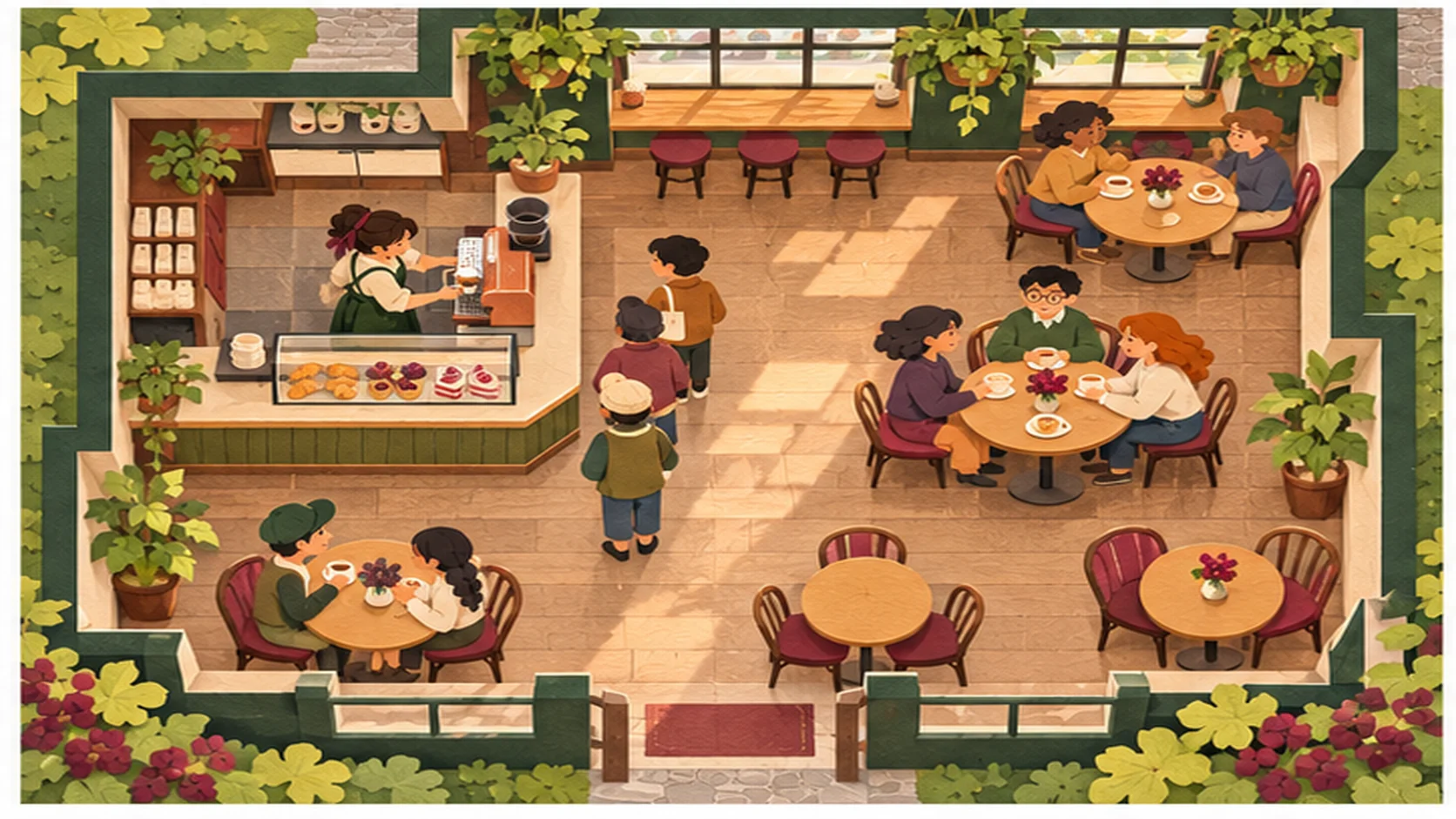
A drink station should use a short, predictable sequence. For example, one barista prepares espresso while another handles tea and cold drinks. These are fictional roles, not a claim about real café staffing. Define order states, station availability and what happens when the wrong station receives a drink.
Prompt 3 — Stations and order flow
For the first Cicada Cup Cafe shift, define three original menu items and two preparation stations. Each order must move through queued, preparing, ready and served states. State which barista can use each station, whether one station handles one drink at a time, how a delayed order is displayed, and how the player can recover from a mistaken assignment. Keep prep durations as adjustable design variables, not tested values.
The point is not to simulate every detail of a café. It is to let a player see why one assignment clears the queue faster while another keeps a table available. Avoid hidden penalties and values the player cannot act on.
Build one short rush
A small prototype can include one counter, a few tables, two stations, two baristas and a short sequence of orders. Include a clear start, service period, close state and reset action. Keep upgrades, hiring, rent and a large menu out until the queue and seating loop is understandable.
Prompt 4 — Playable slice
Build a small playable Cicada Cup Cafe prototype for one morning rush. Include two baristas, two drink stations, three menu items, a visible customer queue, limited tables, queued/preparing/ready/served states, and a shift summary. Let the player assign orders and seat customers only at open tables. Show station availability before confirmation. Include reset. Do not add rent, hiring, online play or a large progression system. Report any missing interaction as incomplete rather than claiming the build is finished.
A request to build is not proof that a playable result exists. Open the output and verify order assignment, state changes, seat occupancy and shift close. If the output is only a diagram, call it a mockup.
Fictional service snapshot
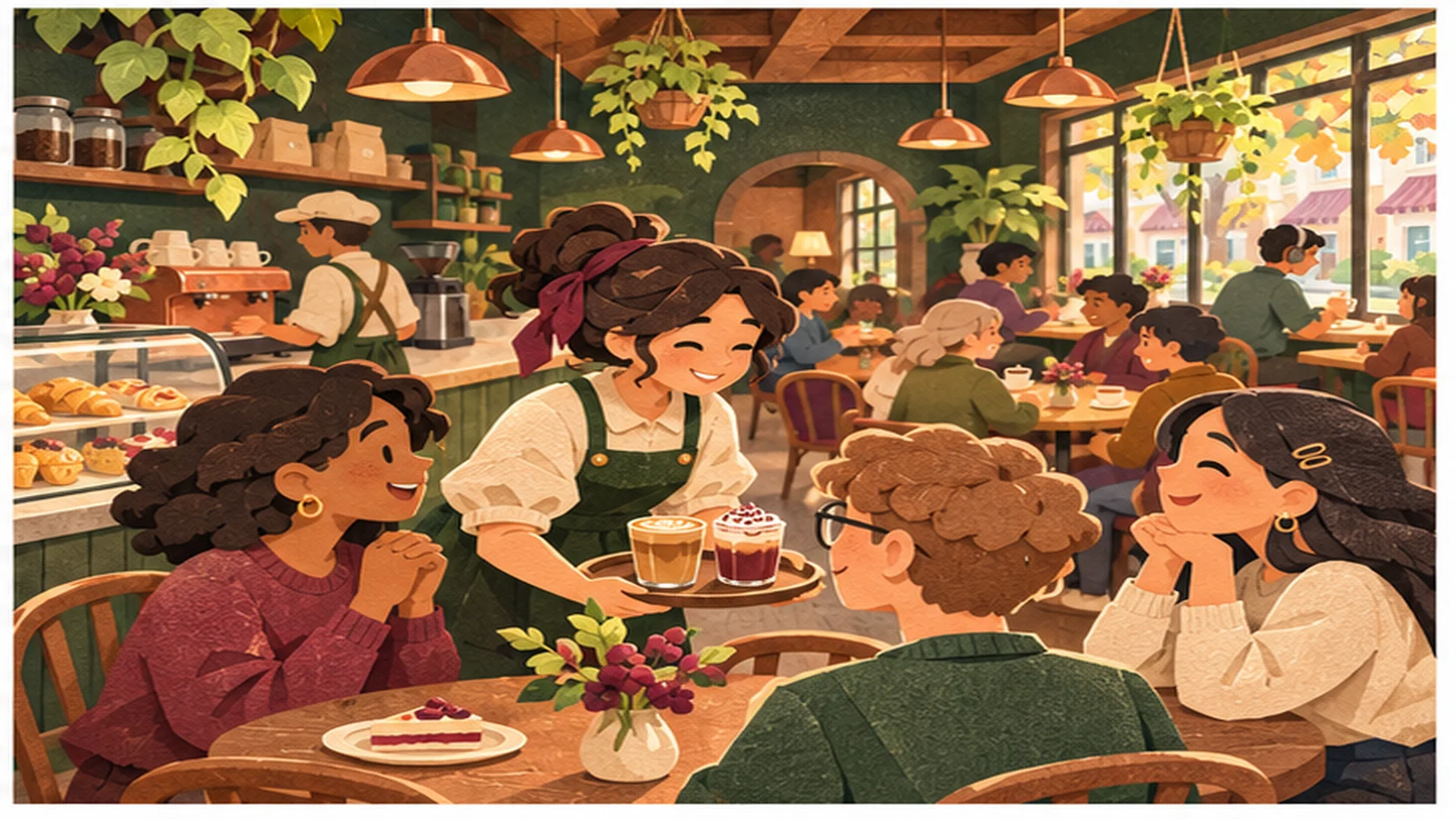
This fictional prototype snapshot illustrates a state table, not an executed game or test observation.
| Snapshot field | Illustrative state |
|---|---|
| Queue | Two drinks waiting; one ready for pickup |
| Staff | One barista at espresso; one at tea/cold station |
| Seating | One table open, two occupied |
| Player choice | Seat a waiting guest or keep the last table available |
| Review question | Can the player see the service tradeoff before choosing? |
A real build record should identify its prompt version, artifact, interactions checked and observed result. Keep expected behavior separate from evidence gathered from a running build.
Review customer flow
Use a single rush sequence to review whether the customer states make sense, baristas can complete assigned orders, open tables are visible and the shift summary reflects what happened. Ask for targeted revisions based on an observed gap.
Prompt 5 — Review and revise
Check the current Cicada Cup Cafe build against these requirements: queue states are visible; orders can be assigned to compatible stations; drink states progress consistently; tables cannot be double-booked; serving updates the customer state; the shift can close and summarize outstanding orders. Mark each present, missing or unclear based only on the running build. Propose the smallest fix for the first unclear item. Do not claim the change was tested until it is run.
| What appears unclear | Possible gap | Focused change |
|---|---|---|
| Queue does not move | Serving action or state transition is missing | Show the next customer after an order is served |
| Baristas seem interchangeable | Station roles are not defined | Give each station a visible supported menu |
| Tables appear available when occupied | Seating state is not persistent | Reserve a table until the visit ends |
| Rush feels chaotic | Too many orders arrive at once | Reduce arrivals and make priority visible |
| A result is described as tested | No run record exists | Label it a fictional snapshot or document an actual review |
These are review hypotheses, not observed defects. Change one rule at a time and inspect the same flow after implementation.
Reuse the prompt kit
For another hospitality game, define the guest flow, service roles, constrained space, order states and shift result. Add systems only when they create decisions the player can understand. A simulation is easier to expand after the first service loop works as a specification.
SEELE's catalog describes prompt-led game creation, which can help explore a defined concept. It does not show that Cicada Cup Cafe has been generated or tested. You can start with the Free AI game maker, then compare the result with the review checklist.
Conclusion
Useful cafe management prompts define customer states, seating, barista assignments, drink preparation and shift results. Cicada Cup Cafe uses one short rush to make those rules reviewable without a large business simulation. The prompts and snapshot are fictional and unexecuted. Request a narrow build, inspect the actual flow, and revise one unclear rule at a time.
FAQ
What should a cafe management game prompt include?
Describe the shift loop, customer queue, order states, staff roles, seating limits and end-of-shift summary. Keep the first build small enough to inspect.
How do I prompt AI for cafe customer flow?
Name each customer state, the action that moves them forward, what staff or station is required and how seating is reserved or released.
Can AI create a playable cafe game automatically?
A prompt can request a build, but the output must be opened and verified. Cicada Cup Cafe's prompts and snapshot here are illustrative and have not been executed.
How can I make cafe management choices meaningful?
Use visible constraints such as station availability, a queue and limited tables. Show the consequence of assignments before or as the player makes them.
Should a first cafe prototype include hiring and rent?
Only if the central service loop depends on them. Start with orders, staff, stations, seats and a clear shift result.