Introduction
A car-workshop simulator needs more than a repair list. The player receives a work order, decides what to inspect, assigns a vehicle to a bay, manages a limited schedule and explains the result to a customer. A prompt that only says “make a realistic garage game” does not define those choices.
This kit uses Copperline Garage, a fictional two-bay workshop. Each work order contains a made-up symptom card, a few possible inspection clues and a repair status. The examples below are game-design abstractions, not real vehicle diagnosis or repair advice. The prompts and snapshot are illustrative and have not been executed; no playable build or test result is claimed.
Define the work-order loop
Start with a short shift: accept a job, inspect its fictional clues, choose a service path, reserve a bay, update the work state and hand the vehicle back. State which decisions are reversible and when the schedule advances.
Prompt 1 — Workshop brief
Create a concise design brief for Copperline Garage, an original car-workshop management simulator. The first shift uses two service bays and three fictional work orders. Define customer intake, inspection, scheduling, service completion and handoff. Keep all symptoms, cars and repairs invented and non-instructional; do not provide real-world repair guidance. Name the player goal, one schedule tradeoff and three systems excluded from the prototype.
| Stage | Player decision | Game feedback |
|---|---|---|
| Intake | Which work order to accept first | Queue and requested return window appear |
| Inspect | Which fictional clue to check | Work order reveals a game-state clue |
| Schedule | Which bay and technician to assign | Bay occupancy and job state update |
| Service | Which approved in-game repair action to choose | Parts stock and progress change |
| Handoff | Whether the job is complete | Customer state and shift summary update |
Make diagnosis a game decision
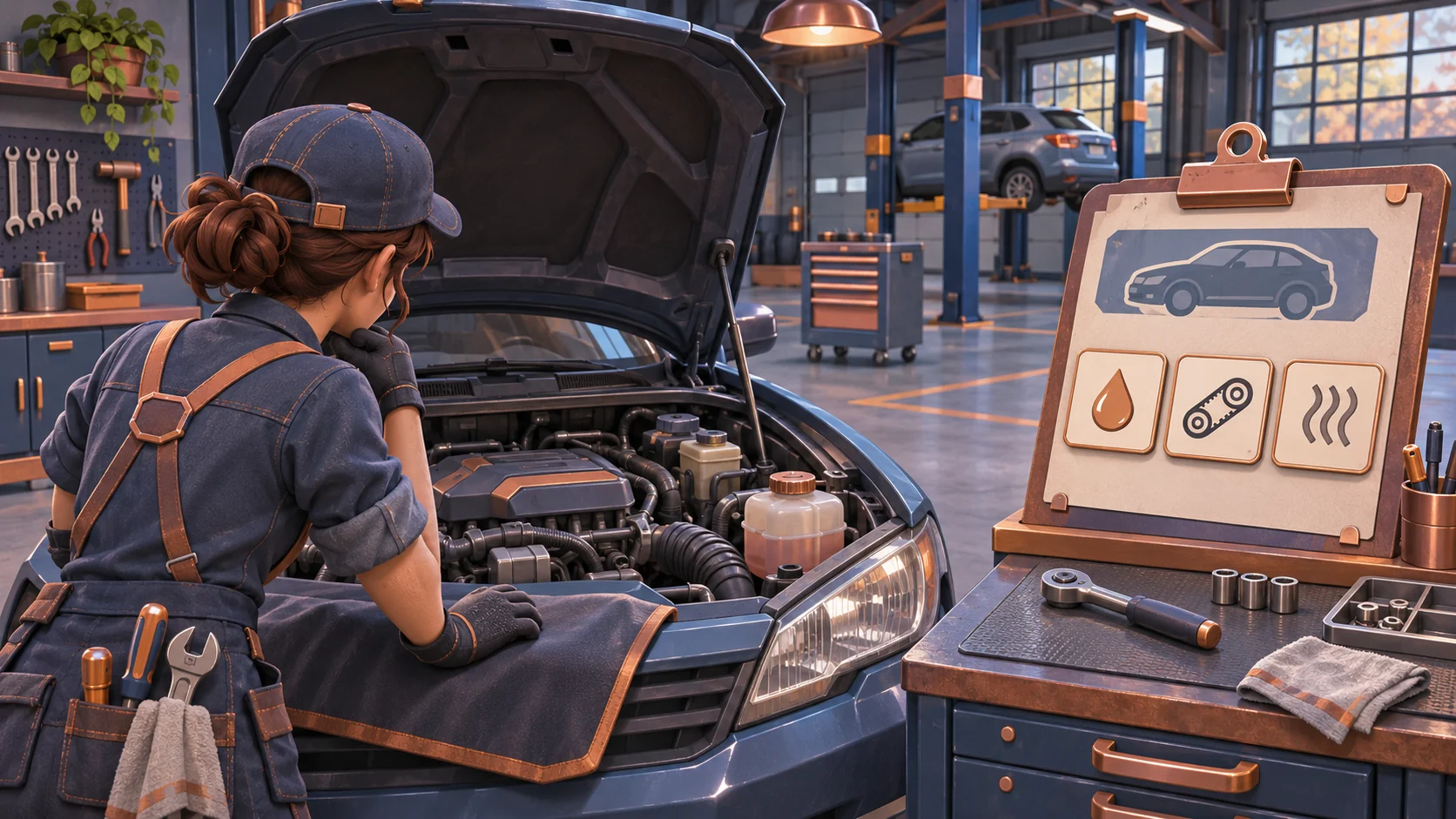
A diagnosis mechanic should be understandable without implying that a real car can be diagnosed from a simplified prompt. Use invented vehicle names and fictional symptoms. Offer several inspection clues, then show how each clue narrows the game’s service options. The player should see the cost in time or parts before confirming an action.
Prompt 2 — Fictional clues and work states
Create three entirely fictional Copperline Garage work orders using imaginary vehicle names and invented symptoms. For each, provide two inspection clues, two possible in-game service actions and one confirmation step. Do not map the cases to real makes, real diagnostic codes, safety procedures or repair instructions. Define the states as queued, inspecting, awaiting approval, in service and ready for handoff. Explain what the player sees at each transition.
| Work-order state | Visible information | Next choice |
|---|---|---|
| Queued | Customer request and fictional symptom card | Select job for inspection |
| Inspecting | Clue cards found so far | Spend another time unit or propose a service path |
| Awaiting approval | Proposed in-game action and abstract parts cost | Confirm or return to inspection |
| In service | Bay, assigned staff and progress | Continue the job or switch to another task |
| Ready | Completion state and handoff note | Return the car and close the order |
These states create a management loop without presenting the article as a repair manual. Keep any invented part names visibly fictional and avoid real diagnostic codes.
Schedule two bays and a short queue
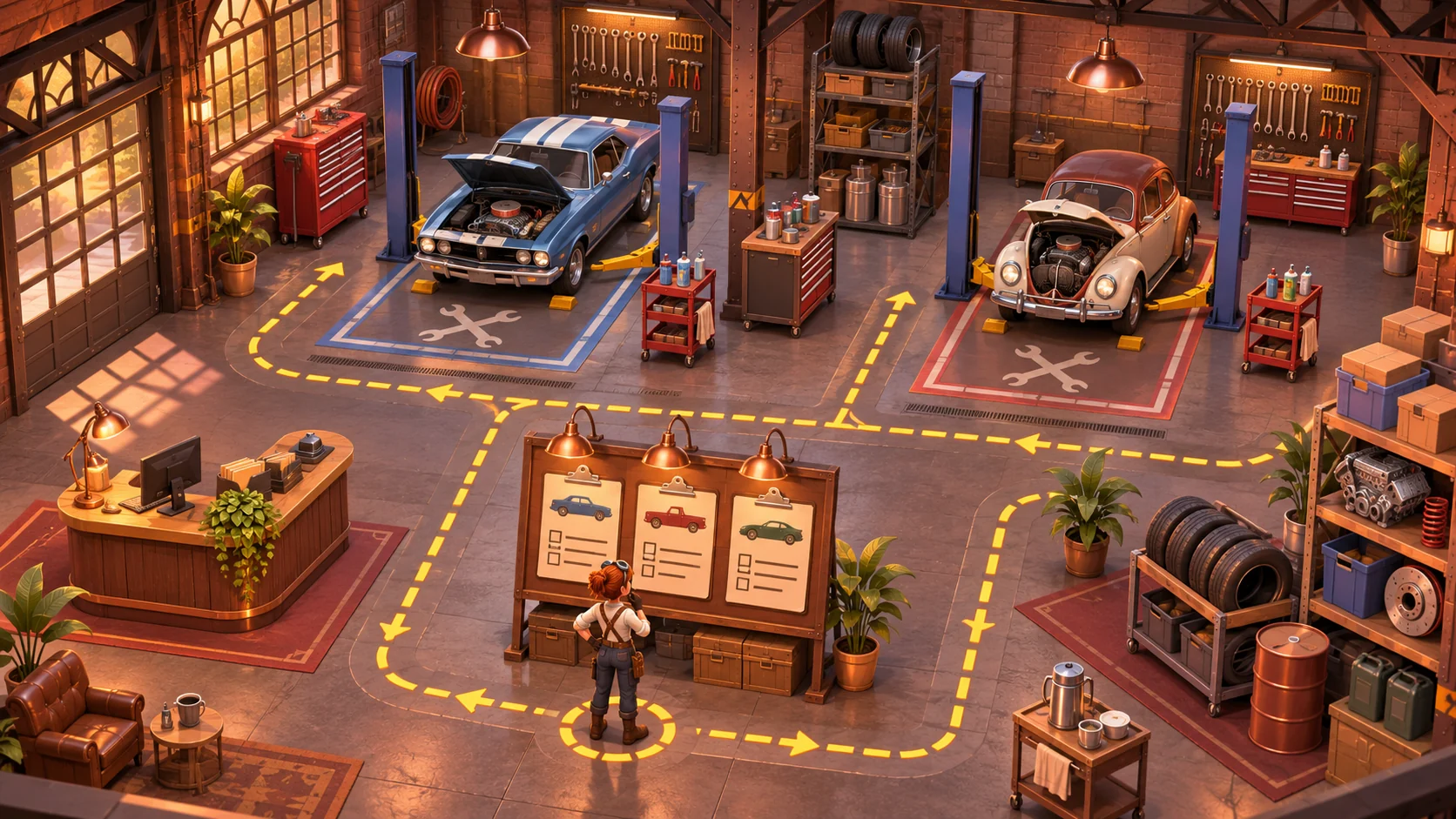
The workshop layout turns job selection into a spatial decision. A bay can handle one vehicle at a time; a job awaiting approval may occupy the intake board without blocking a service bay. State whether staff can move between jobs and how a delay affects the customer window. Do not add payroll, financing or parts suppliers until the first shift is readable.
Prompt 3 — Bay schedule
Design a one-shift Copperline Garage schedule with two service bays, two fictional technicians and three work orders. Show bay availability, assigned job, abstract progress and any parts reservation. Let the player choose between finishing a short job first or starting a longer job with an earlier requested return window. Treat all durations as editable game values, not real service estimates. Prevent a vehicle from occupying two bays and show a warning before an invalid assignment.
Request a focused playable slice
Prompt 4 — Build request
Build a small playable Copperline Garage prototype for one shift. Include customer intake, three fictional work orders, inspection clue selection, an approval step, two bays, two technician assignments, abstract parts stock, service progress, vehicle handoff and a shift summary. Keep all cases non-instructional and imaginary. Include reset. Do not add real vehicle models, real diagnostic codes, repair procedures, a career campaign or online play. If any interaction is missing, report it as incomplete instead of claiming the build is finished.
A prompt is a request, not evidence of a working simulator. Open the actual output and verify work-order transitions, bay occupancy, reservations and handoff. If the output is a design screen only, call it a mockup.
Fictional shift snapshot
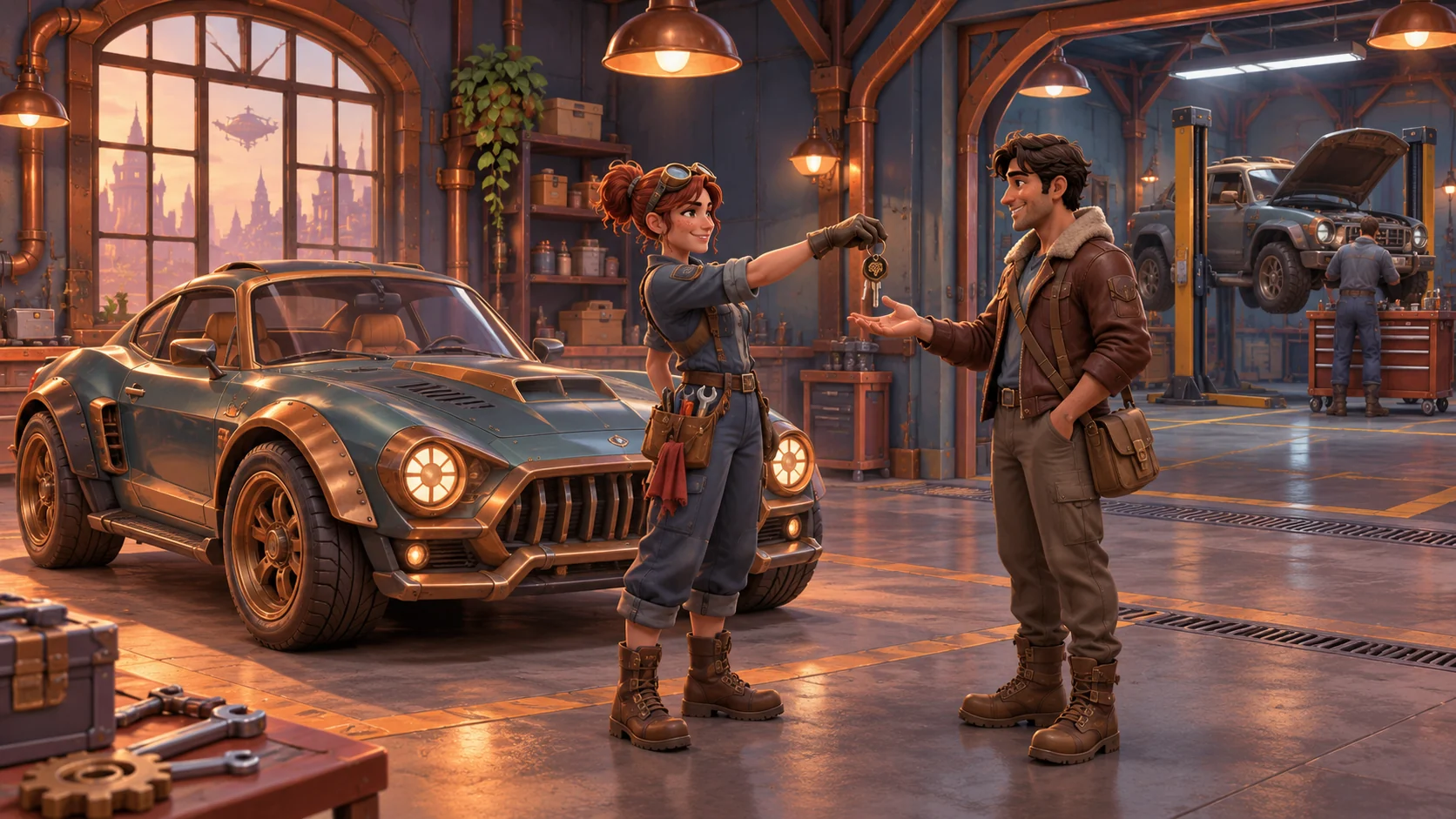
This fictional prototype snapshot is an example of how to record an expected state; it is not a running build or test result.
| Snapshot field | Illustrative state |
|---|---|
| Work queue | Three imaginary service requests |
| Bays | One short job in Bay A; Bay B open |
| Parts | Abstract stock reserved for one proposed action |
| Player choice | Finish the short order or begin the earlier-return job |
| Review question | Can the player see the schedule tradeoff before assignment? |
Review and revise one rule
Prompt 5 — Review
Check the running Copperline Garage build against these requirements: work orders move through the stated states; inspection reveals only fictional clues; confirmation precedes service; each vehicle occupies one bay; parts reservations are visible; handoff closes the order; the shift can reset and summarize. Mark each present, missing or unclear based only on the actual build. Suggest the smallest correction for the first unclear item. Do not present this as real repair advice or claim a test unless it was run.
| Review observation | Likely gap | Small next change |
|---|---|---|
| Jobs appear to skip inspection | State transition is underspecified | Show the clue step before service selection |
| Both bays show the same vehicle | Occupancy rule is missing | Reserve a bay when the job starts |
| Parts disappear without warning | Reservation timing is unclear | Show the abstract cost before confirmation |
| Shift summary does not match queue | Completion state is inconsistent | Derive summary from closed work orders |
These are review questions, not findings from a real session. Keep the game clearly fictional and do not turn its invented clues into practical automotive advice.
SEELE’s catalog describes prompt-led game creation as a way to explore a defined concept. It does not mean Copperline Garage has been generated or tested. You can start from the Free AI game maker, then compare the result with the review checklist.
Conclusion
A useful car-workshop simulator prompt defines intake, fictional inspection, approval, bay scheduling, service states and handoff. Copperline Garage uses two bays and one short shift to make those management decisions visible. Its examples are fictional and unexecuted. Request a narrow build, verify the actual states and revise one unclear rule at a time.
FAQ
What should a car-workshop simulator prompt include?
Define customer intake, work-order states, inspection choices, bay capacity, staff assignments, abstract resources and shift results. Keep example vehicles and cases fictional.
How do I prompt AI for a garage management game?
Describe the player's decisions, what information appears, how the service states advance and what constraints shape scheduling. Request one short shift first.
Can AI make a playable workshop simulator automatically?
A prompt can request a build, but the output must be opened and verified. Copperline Garage's prompts and snapshot here are illustrative and have not been executed.
Should a game use real diagnostic codes?
This example avoids real codes and repair instructions. Fictional clues keep the mechanic focused on game decisions rather than presenting unverified vehicle guidance.
How can I make bay scheduling meaningful?
Limit capacity, show occupancy and let work orders compete for time. Make the schedule consequence visible before the player assigns a vehicle.