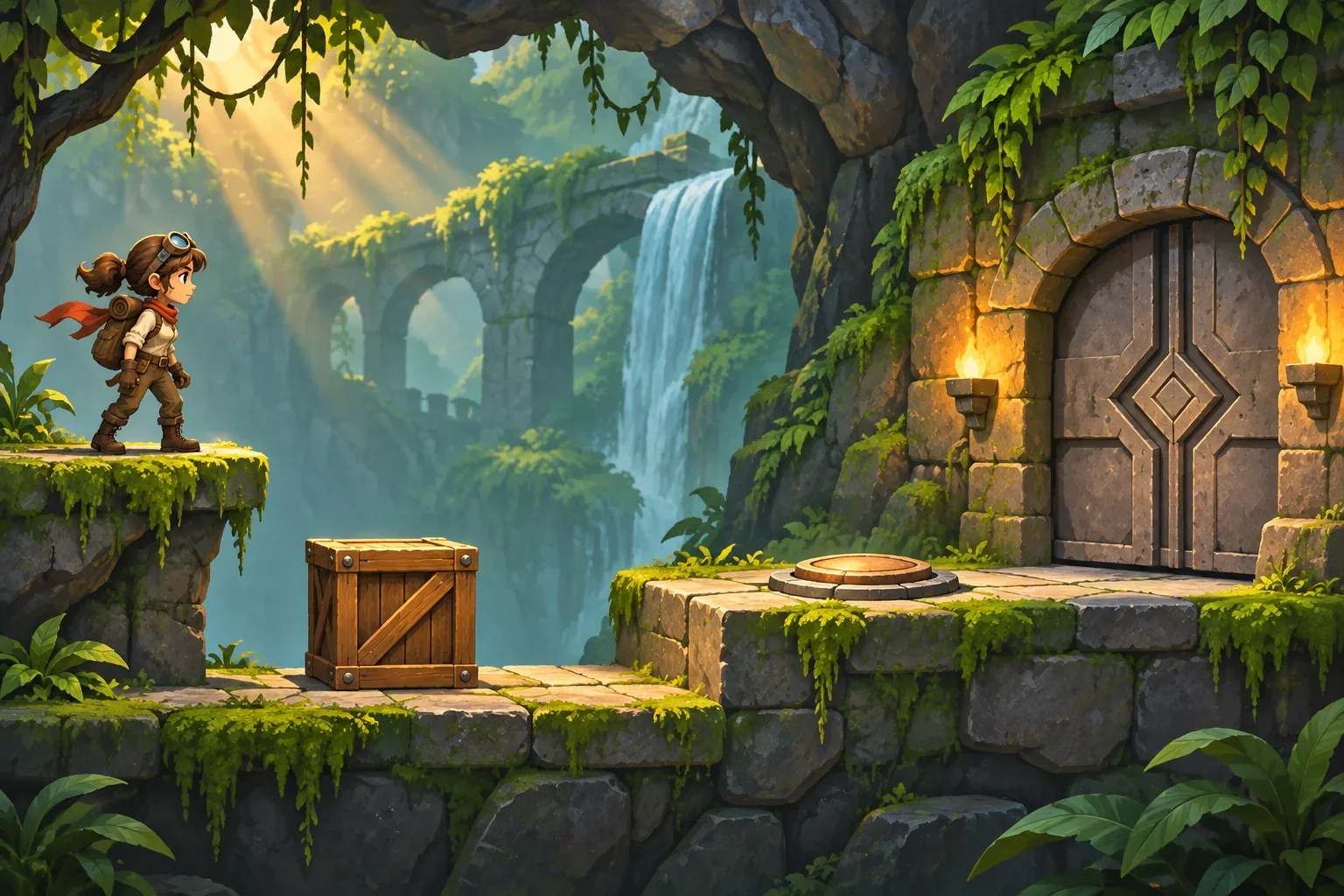
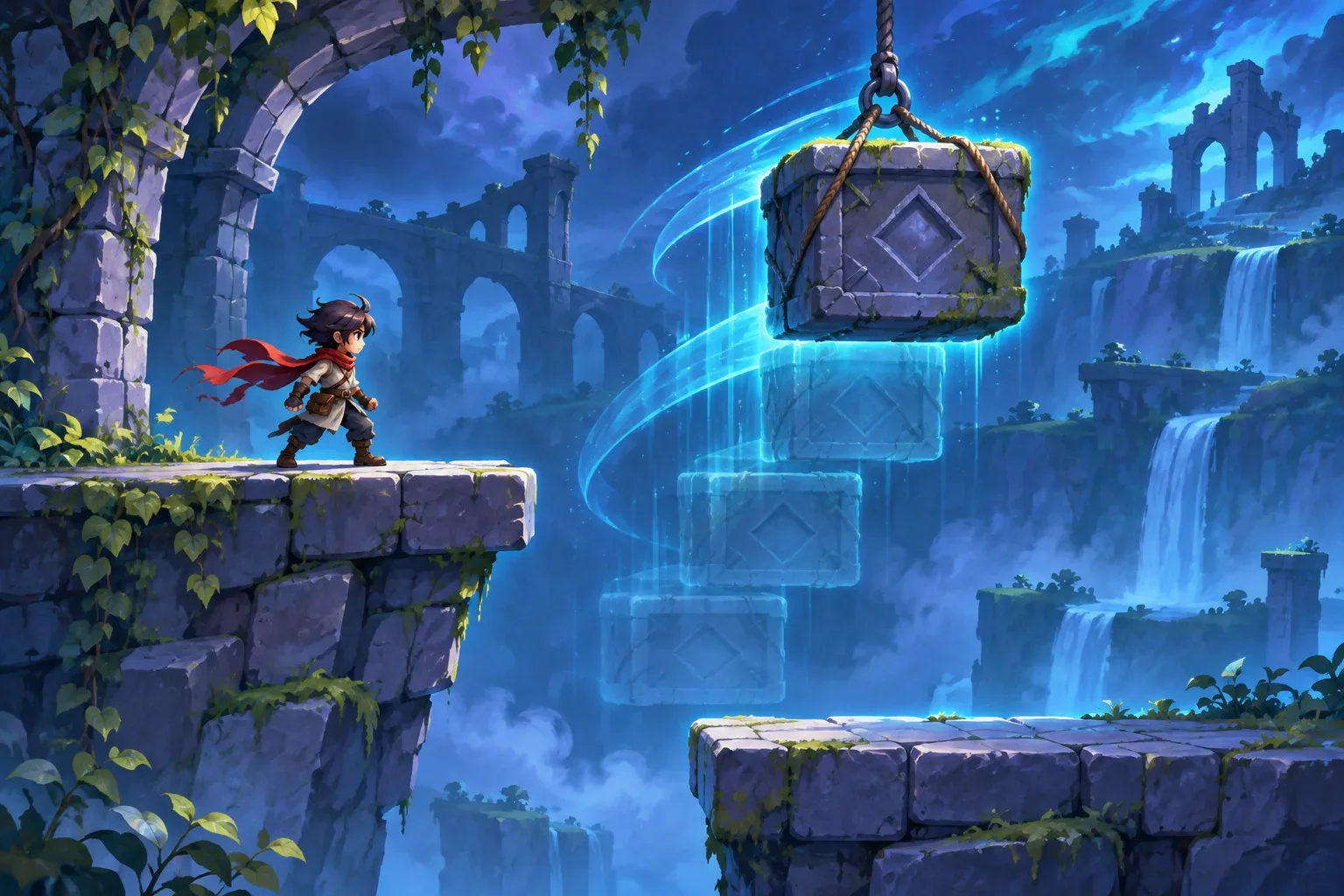
A cinematic platformer can use authored movement moments to make a level feel personal. A ledge reveal, a careful climb, or a pause beside a landmark can carry story while the player is still moving through the world. The challenge is to keep those moments readable and restore control as soon as the traversal beat ends.
The character, level, controls, and story cue below are fictional design examples. The prompt sequence is unrun; no playable build or tested result is claimed.
Define movement states and a route
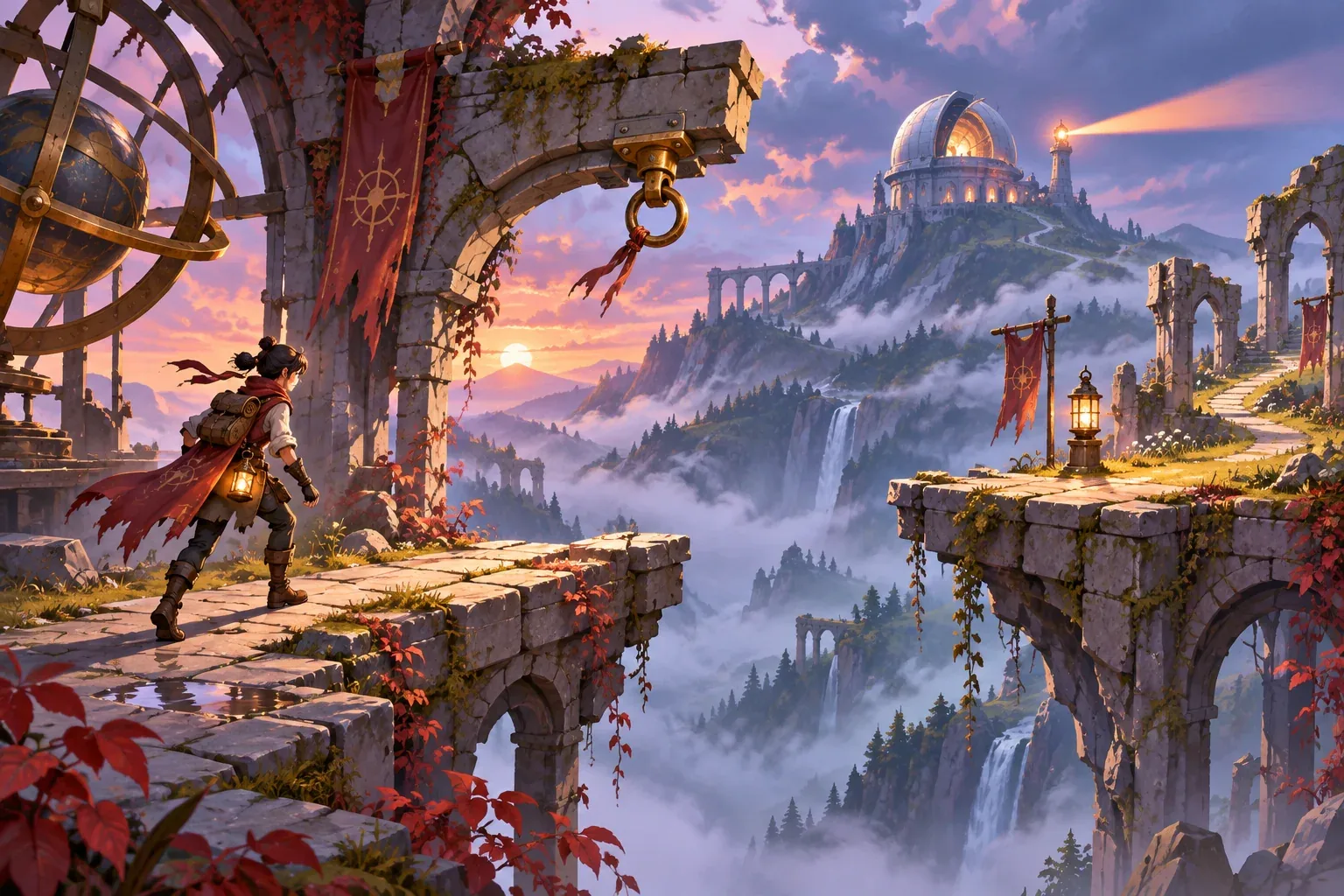
Start with a small route that has a safe start, one traversal challenge, a landing area, and an exit. In this example, the player crosses a broken observatory causeway. They walk and jump to a marked ledge, press Interact at an anchor, follow a short swing-and-climb animation, then regain directional control on the next platform. A memory token sits off the main path; it can deepen the scene but is not required to finish.
Write movement as named states rather than a list of cinematic events. Grounded allows normal movement. Jumping handles a standard gap. TraversalPrompt appears when the player is within range of the anchor. ScriptedTraversal temporarily owns the movement animation. Landing checks that the character reaches a valid surface, then returns to Grounded. A clear state sequence helps prevent the player from being left without input after the camera or animation changes.
| State | Player input | Exit condition |
|---|---|---|
| Grounded | Move, jump, interact | Jump or enter anchor range |
| Jumping | Directional control remains active | Land or return to checkpoint |
| TraversalPrompt | Move or confirm Interact | Confirm or leave anchor range |
| ScriptedTraversal | Directional inputs briefly locked | Authored sequence completes |
| Landing | Input resumes after surface check | Return to Grounded |
Keep the goal visible. The exit gate is the route objective, while the memory token is optional. Use a landmark or light cue to show the next platform without hiding it behind the cinematic sequence. This keeps story and orientation connected: the player sees why the route leads somewhere and still knows where to go.
Stage scripted traversal with control return
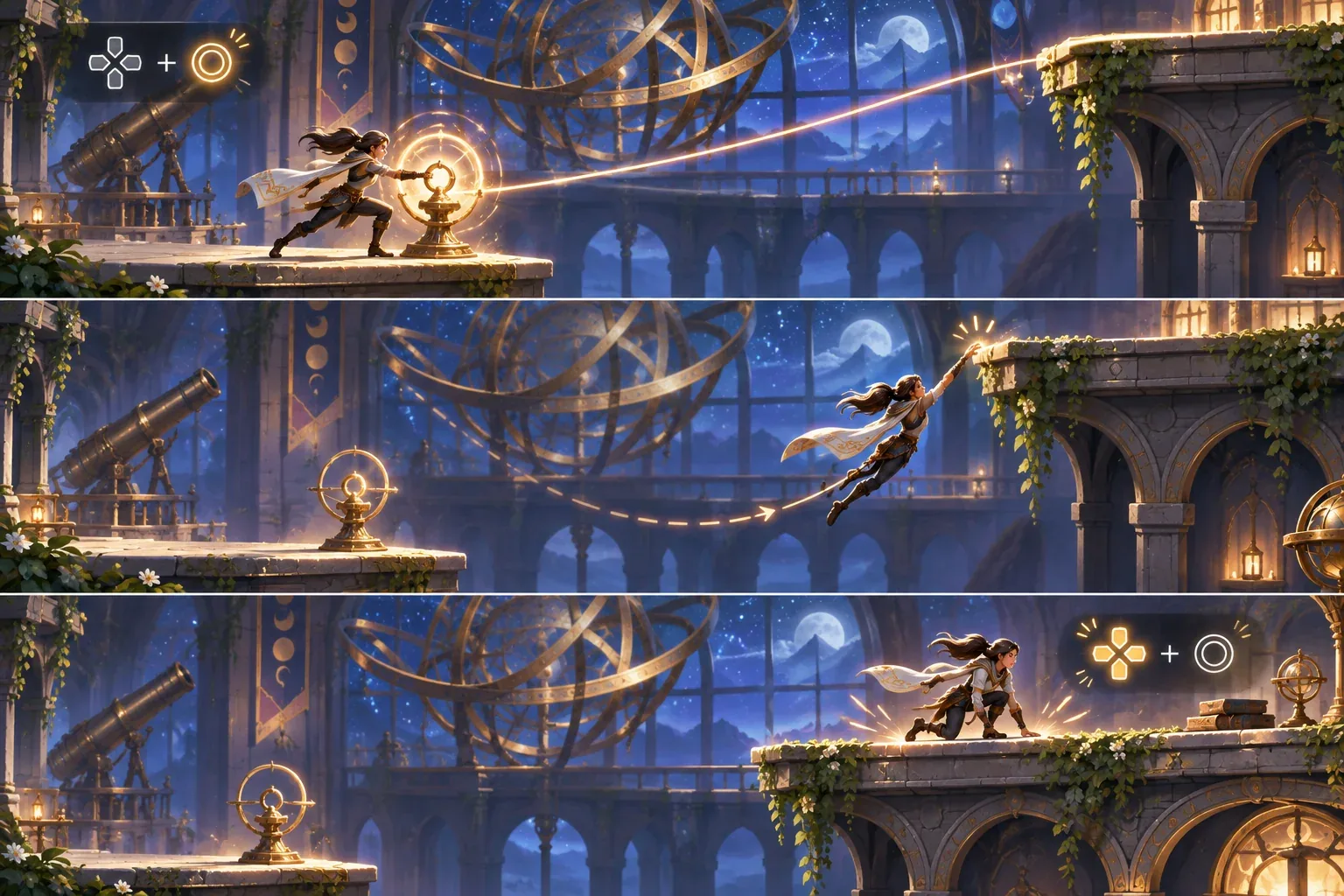
A scripted beat should answer three questions. What starts it? What does the player see or do while it runs? When does movement return? For the anchor, the trigger is Interact within range. The character swings across the gap, catches the far ledge, and climbs onto the platform. Directional movement is locked during this short authored sequence, but the camera stays oriented toward the landing area. On landing, the controller re-enables move, jump, and interact.
Do not use a cinematic animation to hide failure rules. Before the anchor, a missed jump returns the player to the last safe platform. If an environmental hazard hits the player, one of three fictional health pips is removed and the player returns to the checkpoint. The scripted traversal itself cannot drop the character into an invalid collision state; it either completes on the platform or returns to the previous safe ledge.
A traversal event can be represented explicitly:
{
  "interaction": "anchor_swing",
  "fromState": "traversal_prompt",
  "toState": "scripted_traversal",
  "lockDirectionalInput": true,
  "landingTarget": "upper_platform",
  "onComplete": "restore_movement"
}
Keep camera direction, animation, collision, and controller state in sync. The event should not fire twice if the player stays near the anchor, and an interrupted scene should return to a safe state. These are design contracts to prompt for and inspect in a real build, not claims that the example has been tested.
Walk through a fictional level beat
The player begins on a stable stone platform with three health pips. They approach the broken causeway and see an anchor at the edge and a landing platform beyond it. A normal jump is possible for the first gap. At the anchor, a small Interact cue appears. The player confirms it, the character performs the authored swing, catches the ledge, and climbs onto the far platform. Control returns on landing.
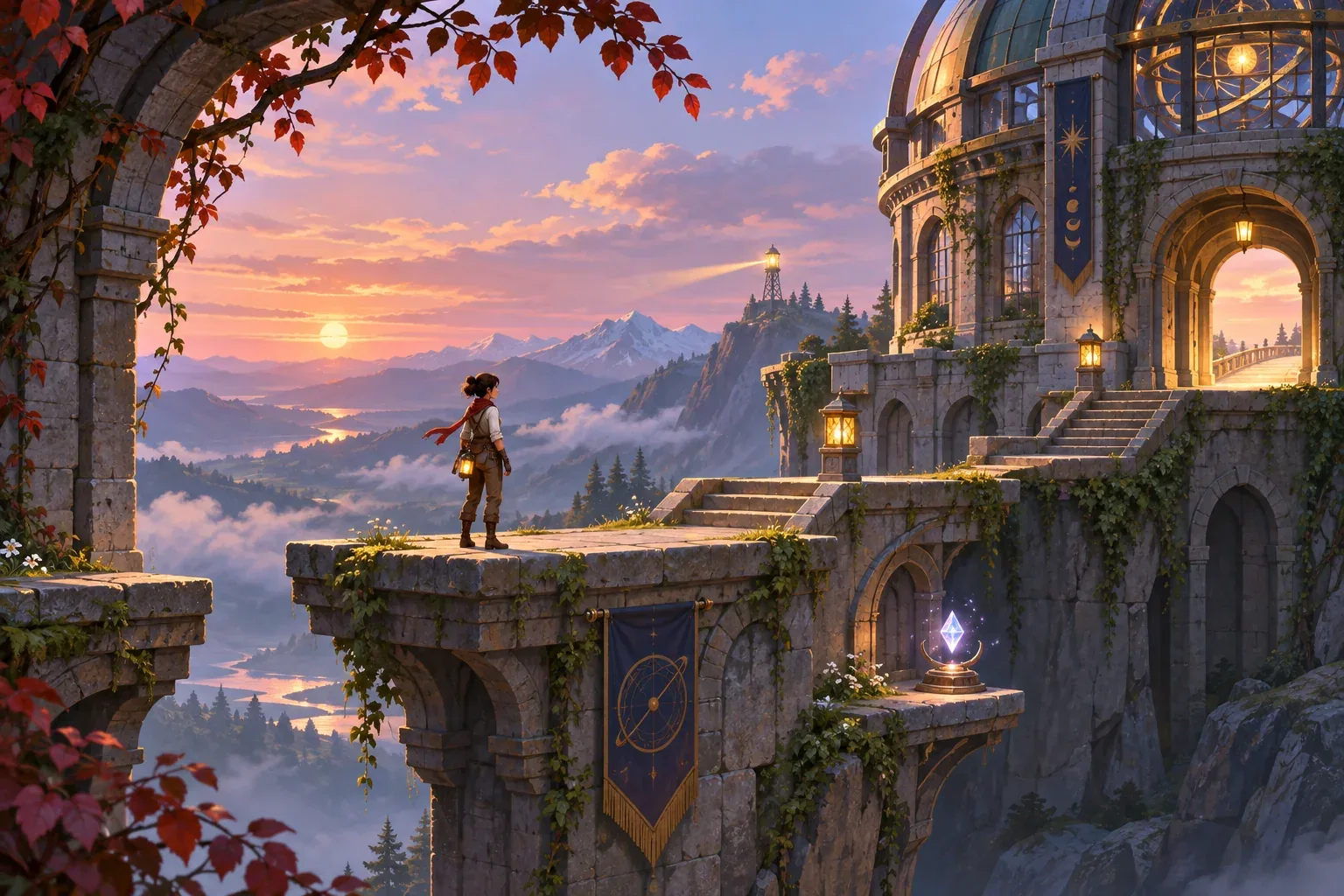
As the player stands up, the camera reveals the observatory dome and a dim signal lamp beyond the route. The reveal explains why the character is crossing the valley, while the exit gate remains visible. A memory token rests on a short side ledge. The player can collect it or continue to the gate; neither choice blocks the core path.
| Beat | Player action | State and feedback |
|---|---|---|
| 1. Safe start | Move and jump | Grounded → Jumping → landing |
| 2. Anchor | Confirm Interact in range | Prompt → scripted swing/climb |
| 3. Landing | Resume normal movement | Surface check restores controls |
| 4. Reveal | Look toward observatory | Signal lamp and exit become visible |
| 5. Optional branch | Collect token or continue | Main exit stays available either way |
This is a fictional design walkthrough, not a playtest. Use it as an acceptance case: the anchor can be activated once, the traversal ends on a valid platform, the player can move again, and the optional token does not block the exit. A second check should miss the jump before the anchor and confirm a safe checkpoint reset.
Stage prompts and check player agency
Stage prompts from movement to story. First define grounded movement, jumping, health, and checkpoints. Next add the anchor interaction and scripted sequence. Then add the environmental reveal and optional token. Ask the tool to preserve control restoration and the visible exit whenever it revises the scene.
Create a compact fictional cinematic platformer level in a broken observatory. Controls are move, jump, and interact. The player starts with 3 health pips at a safe platform, jumps to an anchor, confirms Interact, then performs a short swing-and-climb sequence to an upper platform. Lock directional input only during ScriptedTraversal; restore movement after checking a valid landing. A missed jump returns to the last safe platform. An environmental hazard removes one pip and resets to checkpoint. After landing, reveal a signal lamp and keep the exit gate visible. Add one optional memory token on a side ledge; it must not block the main route.These are unrun drafts. When you use them, save exact prompts, tool, date, output, and revisions. A storyboard can clarify the intended camera beat, but only a playable result can demonstrate that the jump, anchor, landing, and input restoration actually work.
SEELE's official AI Game Maker page describes text-based game creation, browser testing of a playable first version, and iteration with follow-up prompts. That is general product context only; the cinematic-platformer prompts here have not been run.
- Input check: move, jump, and interact work again after landing.
- Trigger check: the anchor starts once only when in range.
- Landing check: traversal ends on a valid platform or returns to a safe ledge.
- Checkpoint check: misses and hazards follow the stated reset rule.
- Agency check: optional token does not block the exit.
Once the first level beat is clear, add a second traversal type or a different environmental story cue. Keep control handoff and checkpoint behavior unchanged so you can compare the new scene without losing the movement rules players have learned.
Cinematic platformer prompt FAQs
What makes traversal feel cinematic?
Pair a clear movement action with a short authored camera or animation beat, then return control at a readable landing. Keep the destination in view.
When should a scripted sequence lock movement?
Only when the character is committed to an authored motion that cannot accept normal directional input. Restore controls at a defined completion point.
How can story fit into a platforming route?
Use landmarks, environmental reveals, and optional objects that add context without blocking the exit or interrupting basic movement.
What should happen after a missed jump?
Choose a safe rule, such as returning to the last stable ledge or checkpoint. Make it consistent and visible to the player.
Are the prompts and level tested?
No. The prompts are unrun drafts and the level walkthrough is a fictional design example. No playable result is claimed.
Make your own cinematic platformer
Start with one safe jump, one anchor sequence, and one destination reveal. Define when control locks and returns, then keep the optional story object separate from the exit condition. For general creation context, explore the SEELE AI Game Maker and adapt this unrun prompt sequence to your own level idea.