A time-rewind platformer needs a clear answer to one question: what does the game put back? Reversing the player while hazards keep moving creates one kind of puzzle. Restoring both player and world objects creates another. If a prompt leaves that distinction unstated, the build can look correct while producing a different game rule.
This example records a player and a falling block in regular snapshots. It rewinds the level by one second, then keeps the rewind charge spent. The numbers are fictional design values for a reproducible state trace. The prompts have not been run and there is no playable result or test evidence in this package.
Define what rewinds
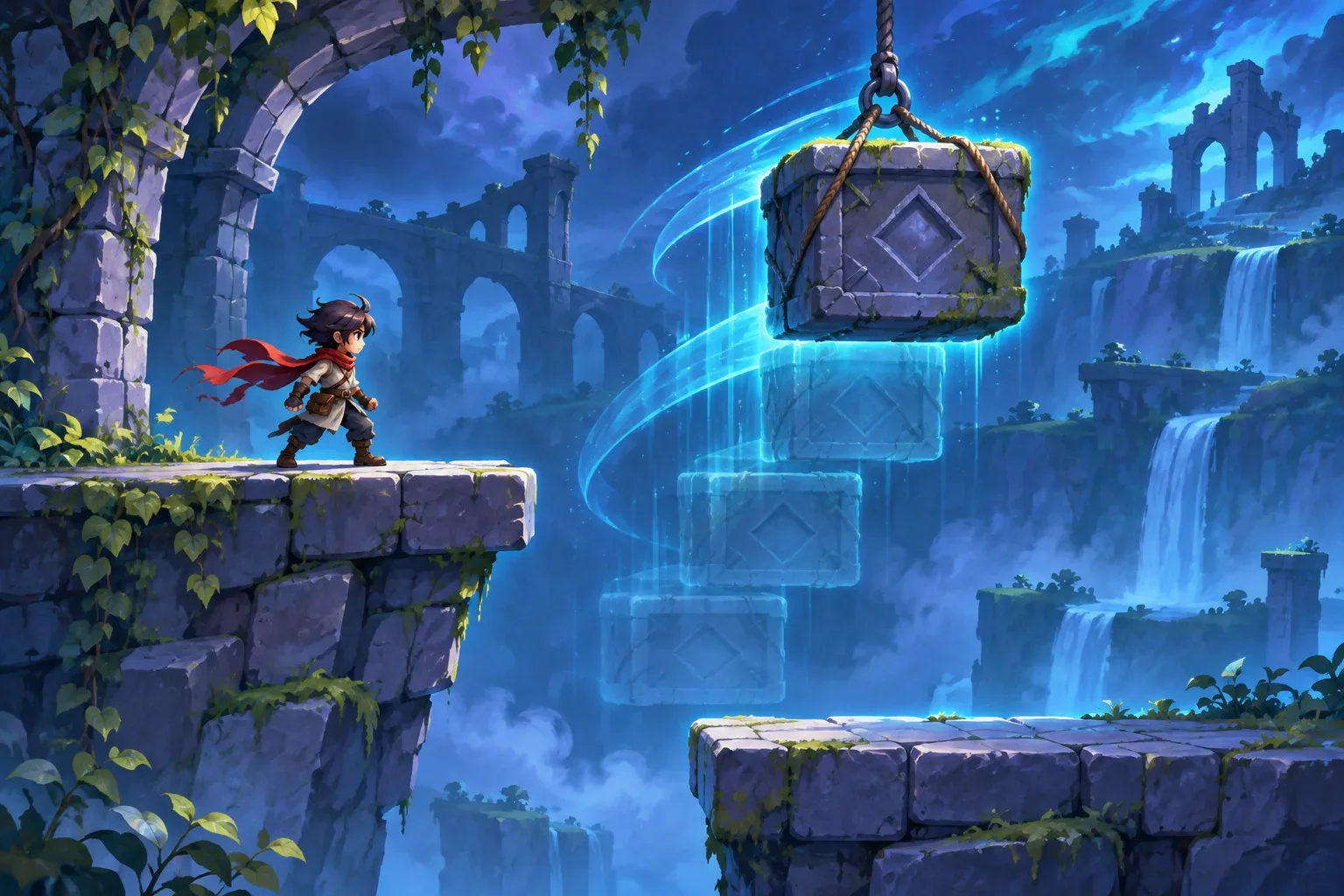
Start with one safe ledge, one lower platform, and a falling stone block. The player runs to the right at 2 design units per second. The block starts at height y=4 and falls at 1 unit per second. Save a snapshot every 0.25 seconds so a one-second rewind crosses four stored intervals.
Each snapshot includes the player’s position and velocity, the block’s position and velocity, and the level clock. When the player rewinds, those values return together. The block does not keep falling while the player moves backward through time. That choice gives the mechanic a consistent world state to inspect.
Rewind charge is different. It is a meta-resource that stays outside the timeline. Set its maximum and starting amount to 2 seconds, and spend 1 charge second for every second rewound. If the player rewinds from t=2 to t=1, the world returns to the earlier snapshot but the charge remains spent. Restoring the charge too would allow a player to refill the tool by repeatedly rewinding.
| State | Stored in snapshot? | Reason |
|---|---|---|
| Player position and velocity | Yes | Movement returns to the earlier frame. |
| Falling block position and velocity | Yes | World motion rewinds with the player. |
| Level clock | Yes | World time agrees with the restored objects. |
| Rewind charge | No | Using the mechanic still consumes a persistent resource. |
| Snapshots after the restored time | Discarded | The next input creates a new branch in the timeline. |
Decide what happens to the unused future snapshots when rewind ends. In this example, discard them. Otherwise a new movement input could collide with a stale future state that no longer matches the player’s actions. This branch rule matters as much as the visual rewind effect.
Trace a one-second rewind
At t=0, the player begins at x=0 and the block at y=4. After one second, the player has moved 2 units and the block has fallen 1 unit. The stored state at t=1 is therefore player x=2 and block y=3. At t=2, the same movement gives player x=4 and block y=2.
Now hold rewind for one second. The game steps back through four 0.25-second snapshots, from t=2 to t=1. The restored state is player x=2, block y=3, and level clock t=1. The rewind meter falls from 2 seconds to 1. Release rewind and discard the states from t=1.25 through t=2; new play starts from the restored point.
| Level time | Player x | Block y | Rewind charge | Event |
|---|---|---|---|---|
| t=0 | 0 | 4 | 2.0s | Initial state. |
| t=1.0s | 2 | 3 | 2.0s | Earlier snapshot. |
| t=2.0s | 4 | 2 | 2.0s | Current state before rewind. |
| Restored t=1.0s | 2 | 3 | 1.0s | Four snapshots restored; future branch discarded. |
The arithmetic is simple by design: horizontal movement is 2 units/second, and the block falls 1 unit/second. The state at t=1 is not an observed game frame; it is the expected result of those fictional rules. A playable build should display the same variables during testing so a reviewer can compare the actual restore point with this table.
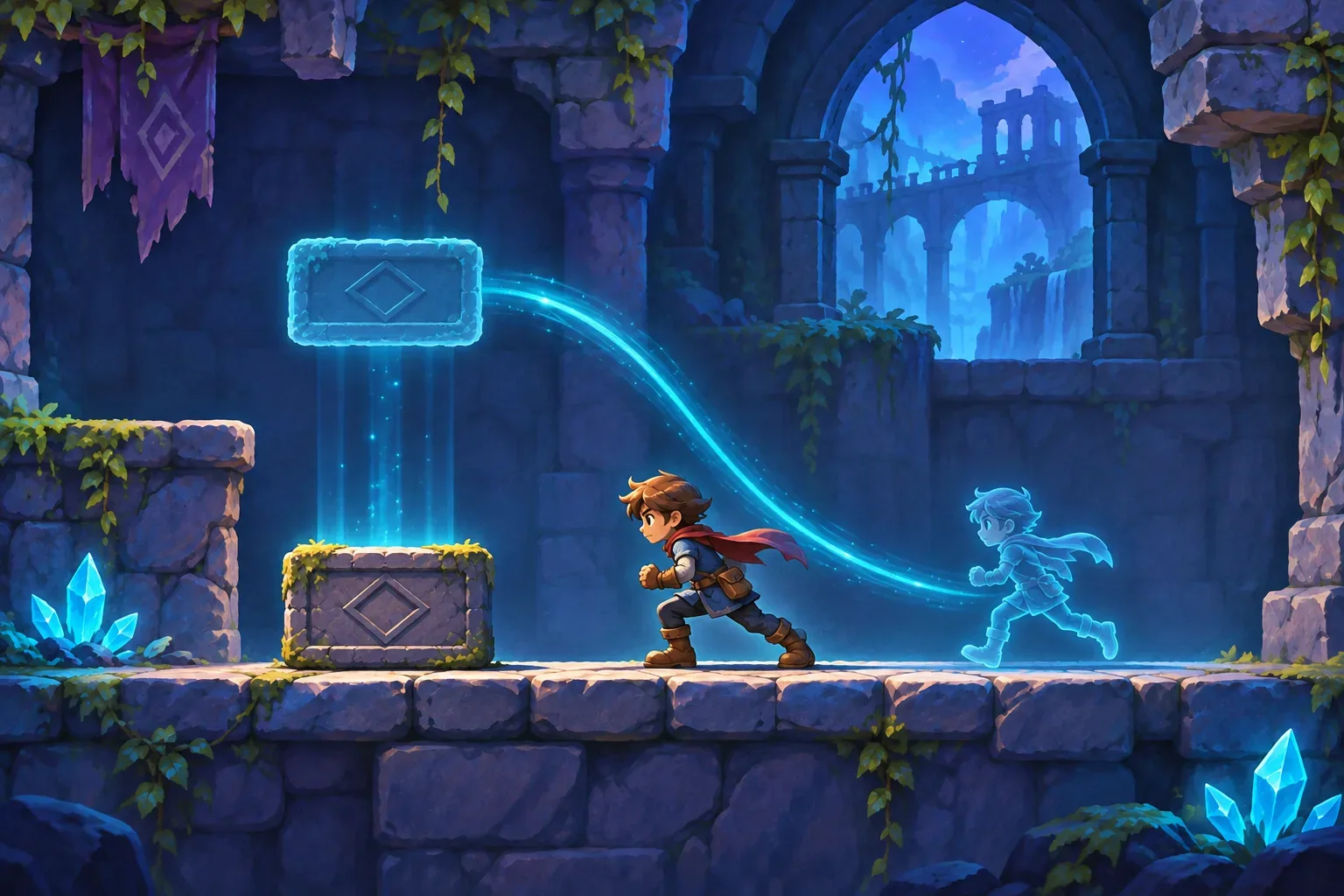
One edge case is a rewind request between saved snapshots. The prompt should say whether the game restores the nearest older snapshot, interpolates between two snapshots, or records history at a finer interval. For this example, always restore the nearest snapshot at or before the requested time and report the actual restored timestamp. That keeps the behavior deterministic and the expected trace easy to audit.
When the prototype grows, extend the snapshot as a unit. If a door depends on a switch, store both switch and door state; if a projectile can trigger damage, decide whether its position and owner are restored too. Omitting one linked value can create a combination that never existed in either timeline. Keep a short list of rewindable gameplay fields next to the persistent meta-state so future prompts do not quietly change the contract.
Stage the prompts
Prompt one establishes the room, ledge, player controls, and falling block without rewind. Keep the movement deterministic and show the level clock. This confirms that the starting state is understandable before adding a timeline buffer.
Prompt two records snapshots every 0.25 seconds. Specify exactly which player and object fields belong in each one. A position-only snapshot can restore the block visually but leave it with its later velocity, so include velocity if the object continues moving after rewind.
Prompt three adds rewind duration and charge. Ask for a one-second rewind from t=2, expected to restore x=2 and y=3. Charge is capped at 2 seconds and remains outside the snapshot; after this rewind, 1 second remains. State whether input is disabled during restore and how the timeline branches afterward.
Prompt four adds a subtle temporal trail and reset. Reset should return player and block to their initial positions, set the level clock to zero, clear stored history, and refill rewind charge to 2. Keep snapshot contents and resource rules fixed while adjusting visual feedback.
Checks for a future playable build
- Record player and block state at t=1 and t=2 before rewinding.
- Rewind exactly one second and compare the restored values with the t=1 snapshot.
- Confirm the rewind charge decreases from 2 to 1 and does not restore.
- Make a new move after rewind and verify future snapshots from the discarded branch are gone.
- Request rewind between saved snapshots and record which timestamp the game selects.
- Reset and verify position, velocity, clock, history buffer, and charge.
These are planned acceptance checks, not completed tests. The source topic asks for run prompts and a playable result. This package does not meet that source requirement: its prompts are unrun drafts, and no game build or playtest evidence is included.
SEELE’s AI Game Maker page describes starting from a text prompt, testing an initial playable game in a browser, and refining it with follow-up prompts. That is general product context; it does not validate this rewind model or claim a time-rewind feature.
Frequently asked questions
What should a time-rewind platformer prompt define first?
Set the snapshot interval, rewind duration, player state, world objects included in snapshots, and any resource that persists outside the timeline. Then test one rewind range.
Should enemies and moving platforms rewind too?
Choose explicitly. Restoring them with the player makes a consistent world snapshot; leaving them live creates a different mechanic. This example rewinds a falling block and player position together.
Should rewind energy rewind with the rest of the world?
Usually the design should decide whether it is a persistent meta-resource. This example keeps rewind charge outside the snapshots so using rewind does not restore the charge that paid for it.
How often should a platformer save rewind snapshots?
Choose an interval that makes motion smooth enough for the game and manageable to inspect. This fictional example stores state every 0.25 seconds and restores a one-second-old state.
Are these rewind prompts or game states tested in a playable build?
No. The prompts are unrun drafts and the state values are fictional arithmetic. No generated build, observed rewind, or playtest is claimed.