Introduction
A game-studio management game needs a loop that connects creative choices to production outcomes. If projects, budgets, staff and deadlines are only decorative, the player cannot understand what their decisions change. A focused prompt sequence defines how the studio picks a project, allocates time, reviews a milestone and learns from the result.
This guide uses Northwind Lantern, a fictional three-person studio deciding whether to prototype a tiny exploration game or a short puzzle game. The studio, project options, budget units and outcomes are invented and untested. This is a planning example; it does not claim a playable build or production simulation exists.
Define the studio loop
Start with one decision cycle. The player chooses a project, assigns a small team, sees how work affects scope and capacity, reviews a milestone and decides whether to continue or adjust. State what advances time and what information is visible before a choice. Leave hiring trees, publishing deals and a multi-year campaign for later.
Prompt 1 — studio brief
Design an original game-studio management prototype called Northwind Lantern. The player leads a three-person studio choosing one small game project. Define the studio goal, one production cycle, project selection, staff assignment, milestone review and a clear end state. Keep the first milestone to one short project decision. Show capacity and scope before commitment. Treat all costs and durations as untested placeholder values.
A useful brief identifies the player’s role and what success means. “Grow a successful studio” is too broad. A first slice might ask the player to deliver one reviewed prototype while keeping the project within the team’s capacity.
Make project scope and tradeoffs visible
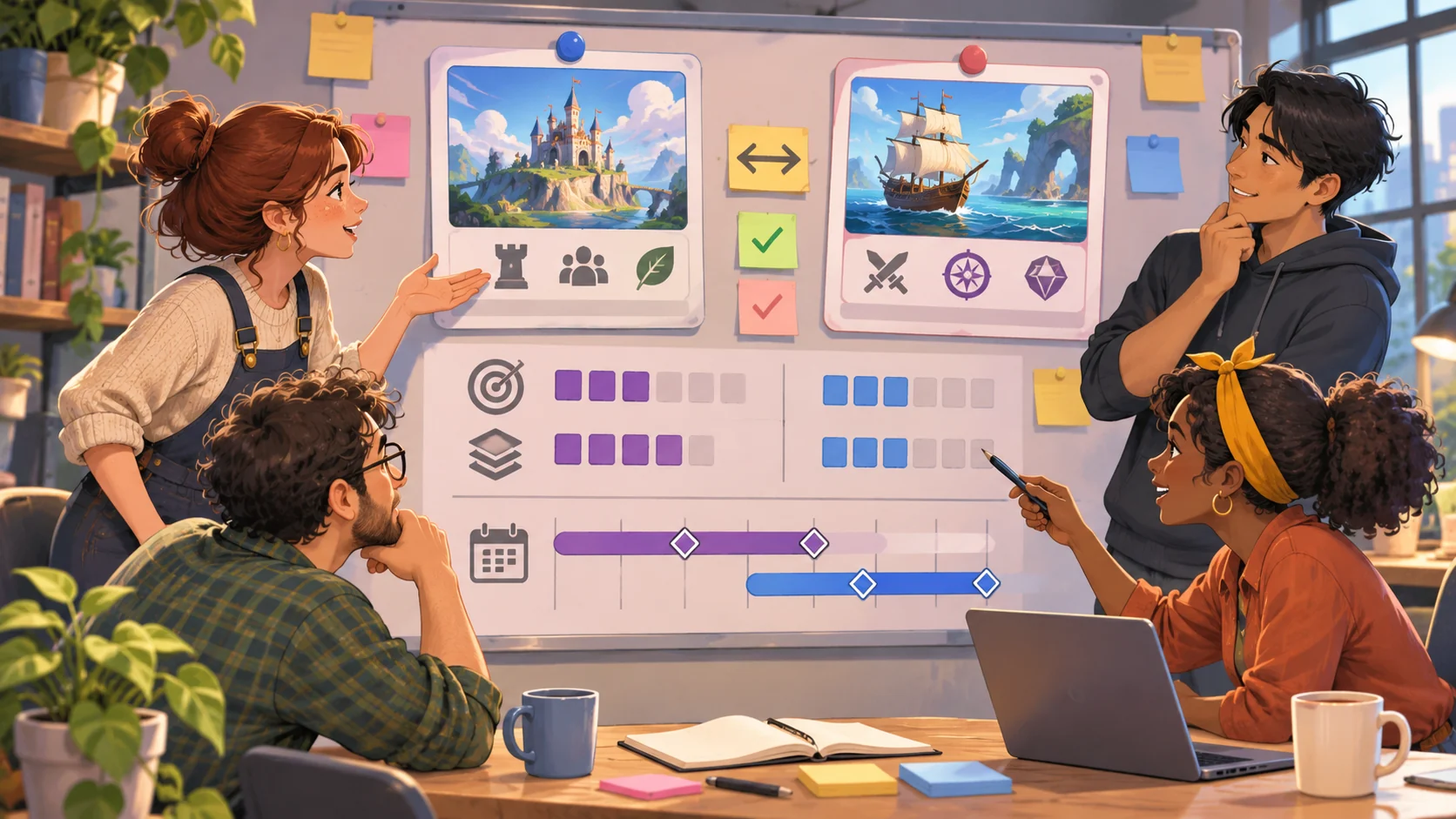
Offer two or three project options with distinct scope, uncertainty and creative direction. Avoid implying that one choice is correct before the player sees the tradeoff. Show estimated work, what is included and what is deliberately excluded. If the project grows, identify the consequence such as a delayed review or a feature moving out of scope.
Prompt 2 — project concepts
Create two original small-game project briefs for Northwind Lantern: one exploration game and one puzzle game. For each, list the player promise, first playable feature, two required tasks, one optional feature, a relative effort estimate and a key uncertainty. Explain the tradeoff in plain language. Do not use real studio names or claim that any schedule is proven.
| Project option | First milestone | Scope tradeoff | Question to review |
|---|---|---|---|
| Wayfinder | One short route and a discovery | More environment work; fewer interactions | Can the route show the core promise? |
| Pocket Signals | One puzzle room and a clear solve state | More rule clarity; smaller art scope | Can players understand the clue feedback? |
These options are fictional design inputs. Their effort estimates need a real team and prototype before they could be treated as forecasts.
Model team capacity without hiding constraints
A management game needs readable constraints. Show which roles are available, what tasks need them and how an assignment affects remaining capacity. If a team member cannot work on two tasks at once, make that visible. Keep the initial team small enough that the player can understand the schedule without a complex HR simulation.
Prompt 3 — team and task allocation
Define three fictional studio roles and a simple capacity model for one production cycle. List the tasks for the selected project, the role each task needs, and what remains available after assignment. Prevent the same role from being assigned to overlapping tasks unless the player explicitly changes the schedule. Show the cost of adding optional scope before confirmation. Treat all values as placeholders.
Do not use arbitrary numbers as if they predict actual development time. Use abstract capacity points or short/medium effort labels, then make the assumptions editable. The design question is whether the player can see how scope and assignment interact.
Build a milestone and review loop
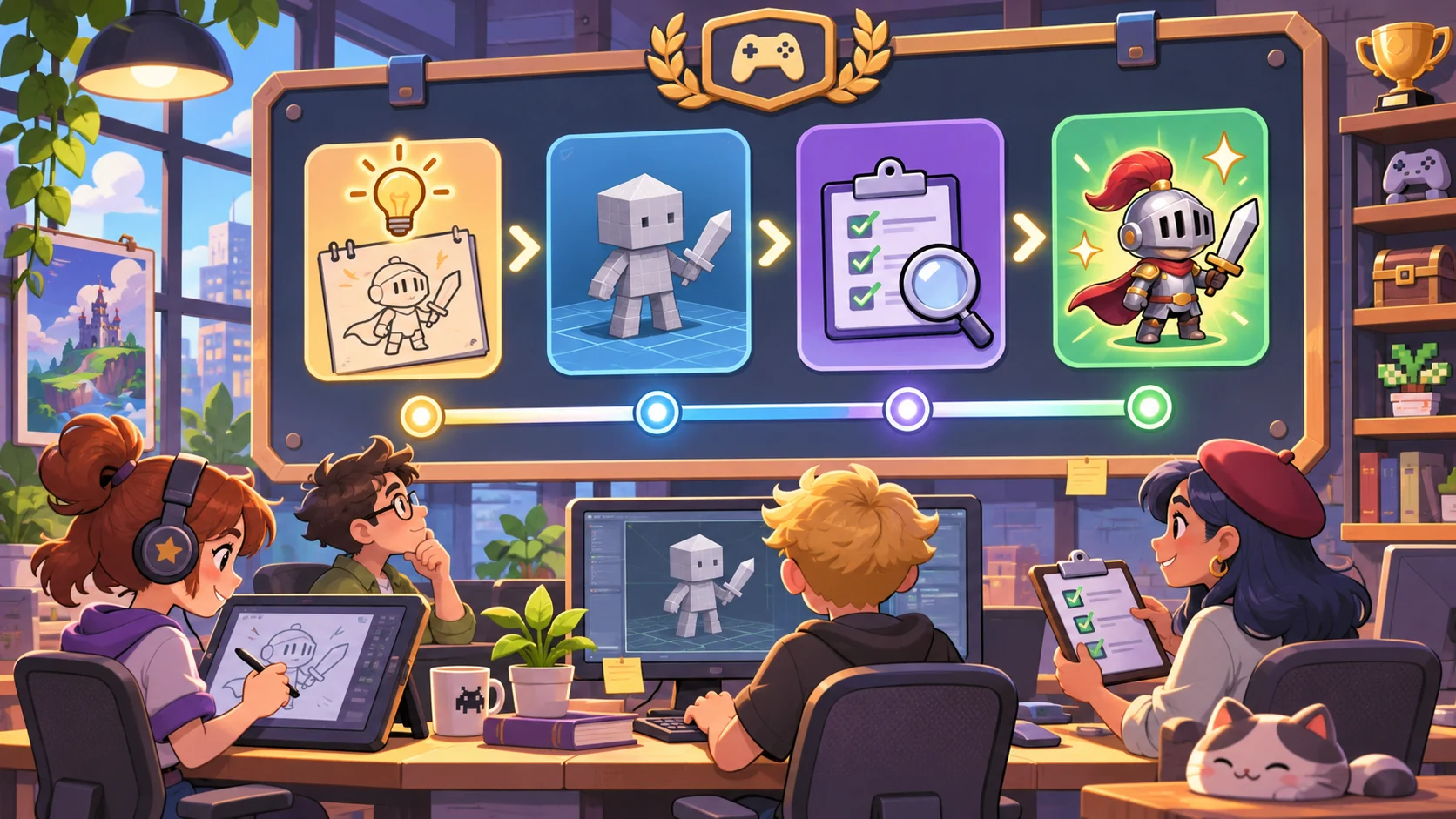
A milestone should produce something the player can assess: a prototype state, a design review or a list of unresolved questions. Specify what counts as done, what can remain incomplete and how the studio responds to feedback. Avoid automatic success scores without a reason the player can inspect.
Prompt 4 — milestone review
Define one prototype milestone for the selected Northwind Lantern project. List the deliverable, required tasks, optional scope, review questions and incomplete states. At review, show what is working, what is a placeholder and what remains uncertain. Let the player cut optional scope, revise one task or continue. Do not score quality with hidden rules.
| Review area | Visible evidence | Follow-up choice |
|---|---|---|
| Core promise | Can the milestone demonstrate the intended player action? | Keep or revise the slice |
| Scope | Which planned features are complete or deferred? | Cut or reschedule optional work |
| Uncertainty | What has not been validated? | Set a focused next check |
Request a focused playable prototype
Ask for one production cycle, two project choices, three roles, visible assignments and a milestone report. Exclude marketing, revenue forecasts, staff morale simulation and a long campaign. These systems may be useful later, but they make it harder to assess the first management loop.
Prompt 5 — build request
Build a first playable Northwind Lantern management prototype. Include two project choices, three studio roles, one production cycle, visible task assignments, capacity remaining, one optional scope decision, milestone review, incomplete-state feedback and reset. Use fictional placeholder values. Show why a task is blocked. At handoff, list working interactions, placeholders and what is unverified. Do not present a static studio dashboard as a playable simulation.
A management screen can look complete while its values never change. Open the actual output and verify project selection, role assignment, capacity updates, scope changes, milestone review and reset. No such build was run for this article.
Fictional studio snapshot
The values below are illustrative placeholders, not a budget or schedule recommendation.
| Field | Fictional planning value |
|---|---|
| Studio | Northwind Lantern, three roles |
| Project choices | Wayfinder exploration slice or Pocket Signals puzzle room |
| Cycle | One short milestone |
| Capacity | Abstract role-based work units, editable and untested |
| Review | Core promise, scope, incomplete tasks and uncertainties |
| First milestone | Select one project and review one prototype slice |
| Excluded | Publishing deals, revenue forecasts, hiring tree and multi-year campaign |
Review the output and refine one rule
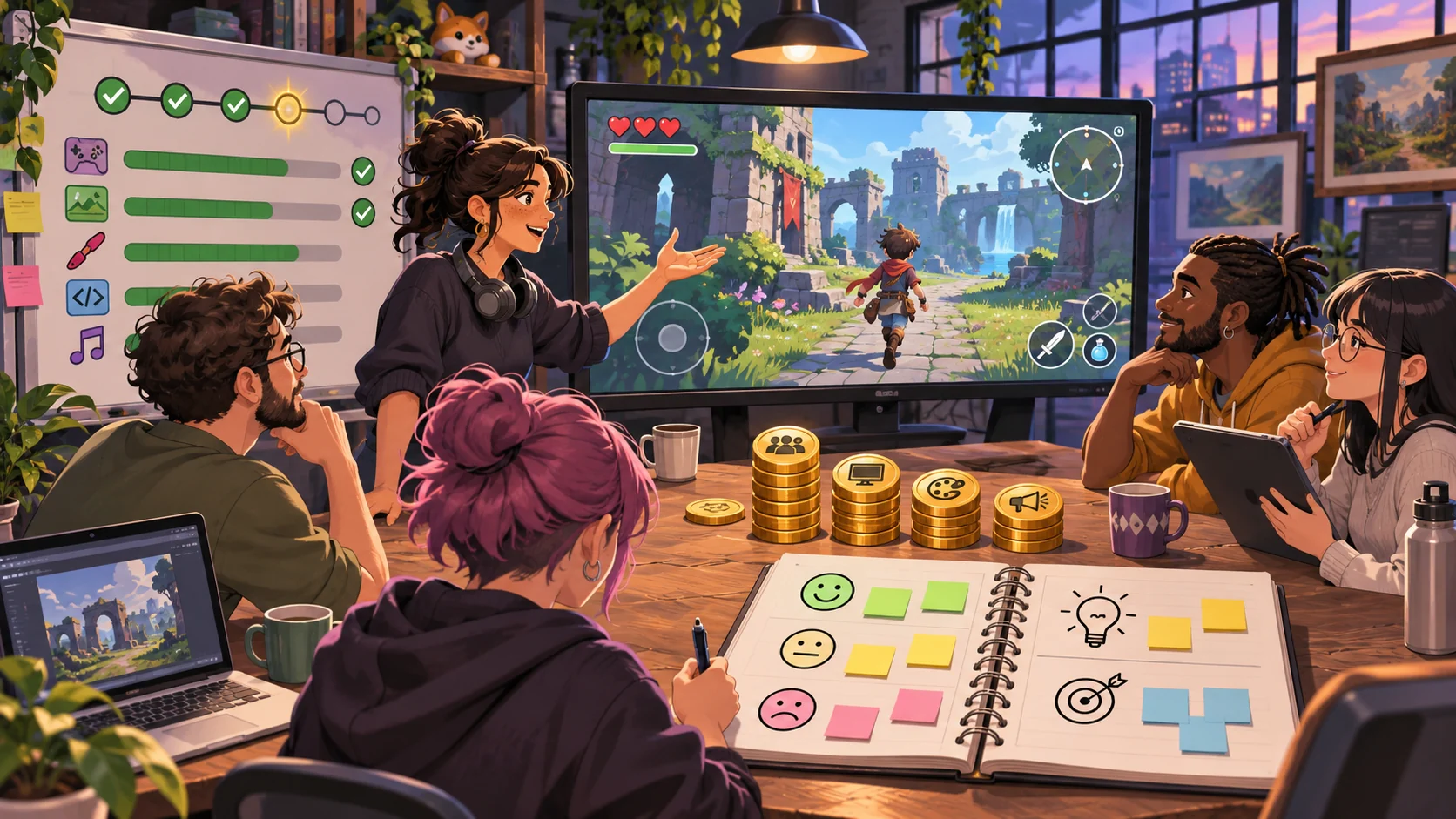
Compare the running prototype against its brief. Record what visibly changes after a project or staffing decision. If a capacity indicator changes but no task state responds, note that gap. Avoid inventing findings from a generated image or text description.
Prompt 6 — implementation review
Review the running Northwind Lantern prototype for project selection, role assignment, capacity visibility, blocked-task feedback, optional scope, milestone status, uncertainty notes and reset. Mark each present, missing or unclear based only on actual interaction. Quote the evidence and suggest the smallest next change. Do not claim production efficiency or a playtest result unless it was measured.
If the output is unclear about overlapping tasks, clarify that rule before adding more staff systems. A narrow correction gives the next build a better chance to reveal whether the main management choice works.
Conclusion
Game-studio management prompts should connect project selection, team capacity, scope and milestone review in one visible cycle. Northwind Lantern offers a fictional example with two project choices, but its costs and results are untested. Start with a small build request, inspect what changes after each decision, and label placeholders honestly.
You can take a defined concept into the Free AI game maker, then compare the result with the review checklist.
FAQ
What should prompts for a game-studio management game include?
Define the production cycle, project options, team roles, capacity limits, scope tradeoffs, milestone output and review choices.
How can a studio management game make scope tradeoffs clear?
Show what each project includes, what is optional, which role or capacity it needs and what changes if the player adds or removes scope.
Should a prototype use real development schedules and budgets?
Use clearly labeled placeholder values until a real studio context supports them. The game should expose assumptions instead of presenting invented numbers as forecasts.
What makes a milestone review useful in a management game?
It shows completed work, deferred scope, unresolved questions and a concrete next choice that the player can inspect.
Does a studio-management mockup prove its systems work?
No. Verify project selection, assignment, capacity changes, scope decisions and review states in the actual output before making a playable claim.