Introduction
A property-management game needs a clear loop between tenant requests, building upkeep and the resources available to respond. If every system is introduced at once, a first build can become a list of menus without a meaningful decision. Start with one small fictional property, a few request types and a short time period that makes the tradeoffs visible.
This guide uses Maple Court, an invented three-building neighborhood with fictional tenants and abstract game resources. The example is for game-design illustration only. It is not housing, maintenance, legal, investment or property-management advice. No prototype was built or tested for this article; any example values are placeholders.
Define the management loop
Before requesting art or a large building catalogue, spell out what happens during one game turn. A compact loop might be: review incoming requests, choose a response, assign a fictional staff role, advance time and inspect how the property state changed. Name the player’s objective and the conditions that end the first scenario.
Prompt 1 — first-slice brief
Design a fictional property-management game called Maple Court. The first slice covers one week at a small three-building neighborhood. Define the player role, weekly objective, turn sequence, tenant request types, available staff roles, abstract budget rules, visible building state and a clear scenario end. Use invented people and placeholder numbers. Do not provide real property, legal, tenant-screening, financial or maintenance advice. List assumptions and untested items.
A useful brief also says what is outside scope. Exclude lease drafting, real tenant screening, real repair instructions and market forecasts. In this fictional prototype, “budget” can be a simple in-game resource used to compare choices; it should not be presented as a real cost estimate.
Make requests actionable and legible
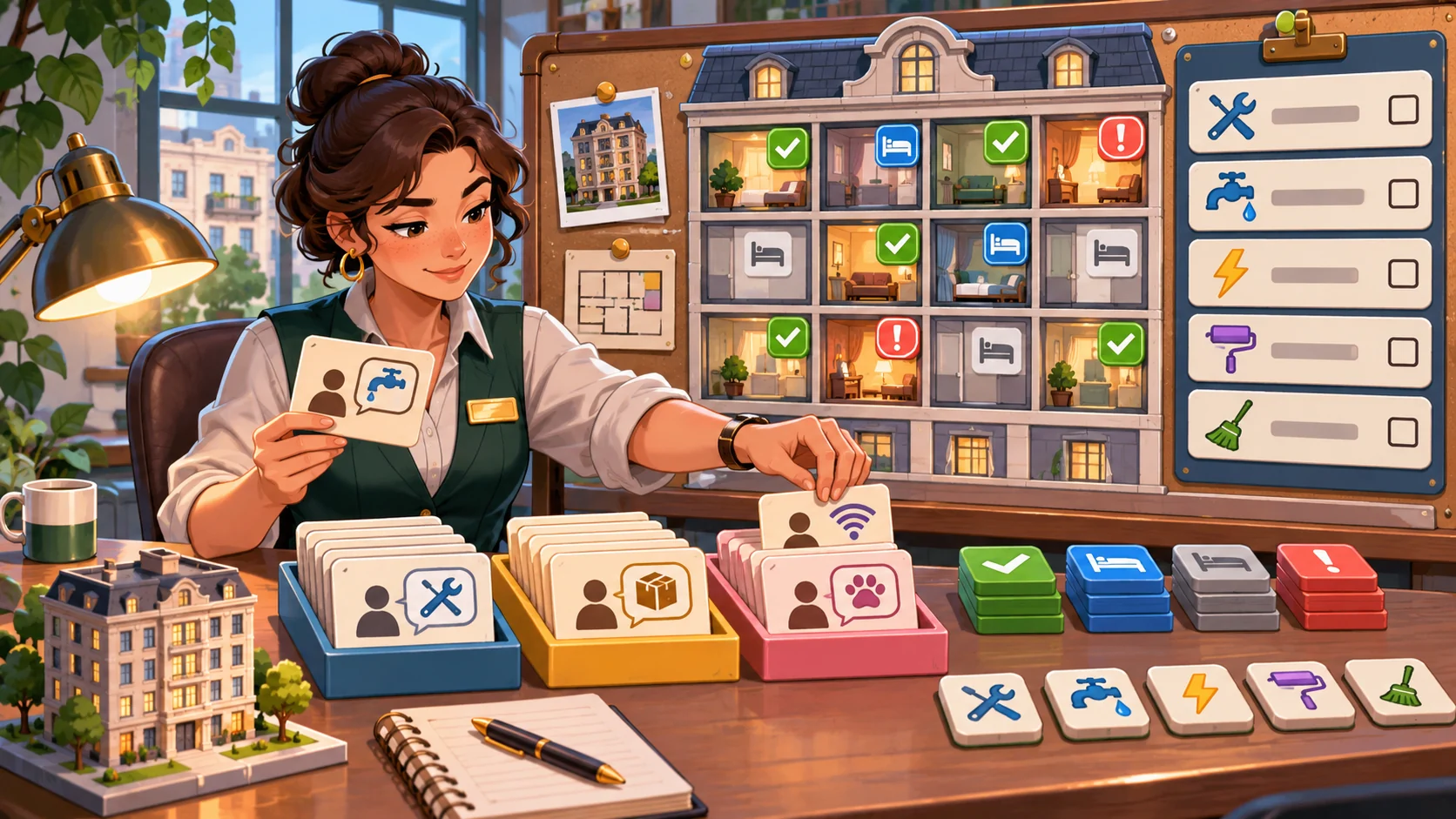
Requests give the player a reason to make decisions. Each one should communicate the affected area, urgency as a game label, available response options and the state change after a choice. Avoid copying private tenant details into a game: use fictional names, short descriptions and only the information needed to choose among game actions.
Prompt 2 — request board
Create six fictional Maple Court request cards across three invented buildings. Use only game categories such as “routine,” “time-sensitive” and “follow-up.” Each card needs a short description, affected unit or shared area, due-turn label, available responses and a visible result. Keep characters fictional and avoid real contact data, legal claims or technical repair instructions. Include one request that can be deferred, with the consequence shown before confirmation.
| Request card | Game information | Player choice | Feedback to show |
|---|---|---|---|
| Shared entry light | Common area; routine | Assign a fictional service token or defer | Status and next review turn |
| Leaking fountain prop | Courtyard; time-sensitive | Dispatch a story event or inspect later | Affected area and resource change |
| Quiet-hours complaint | Building B; follow-up | Start a conversation event or review later | Relationship meter change, marked fictional |
| Garden path clutter | Shared path; routine | Assign a cleanup action | Access state before and after |
These examples describe game cards, not recommended actions for a real building. The interface should show what is known, what remains uncertain and which game state each choice changes.
Connect buildings, staff and time
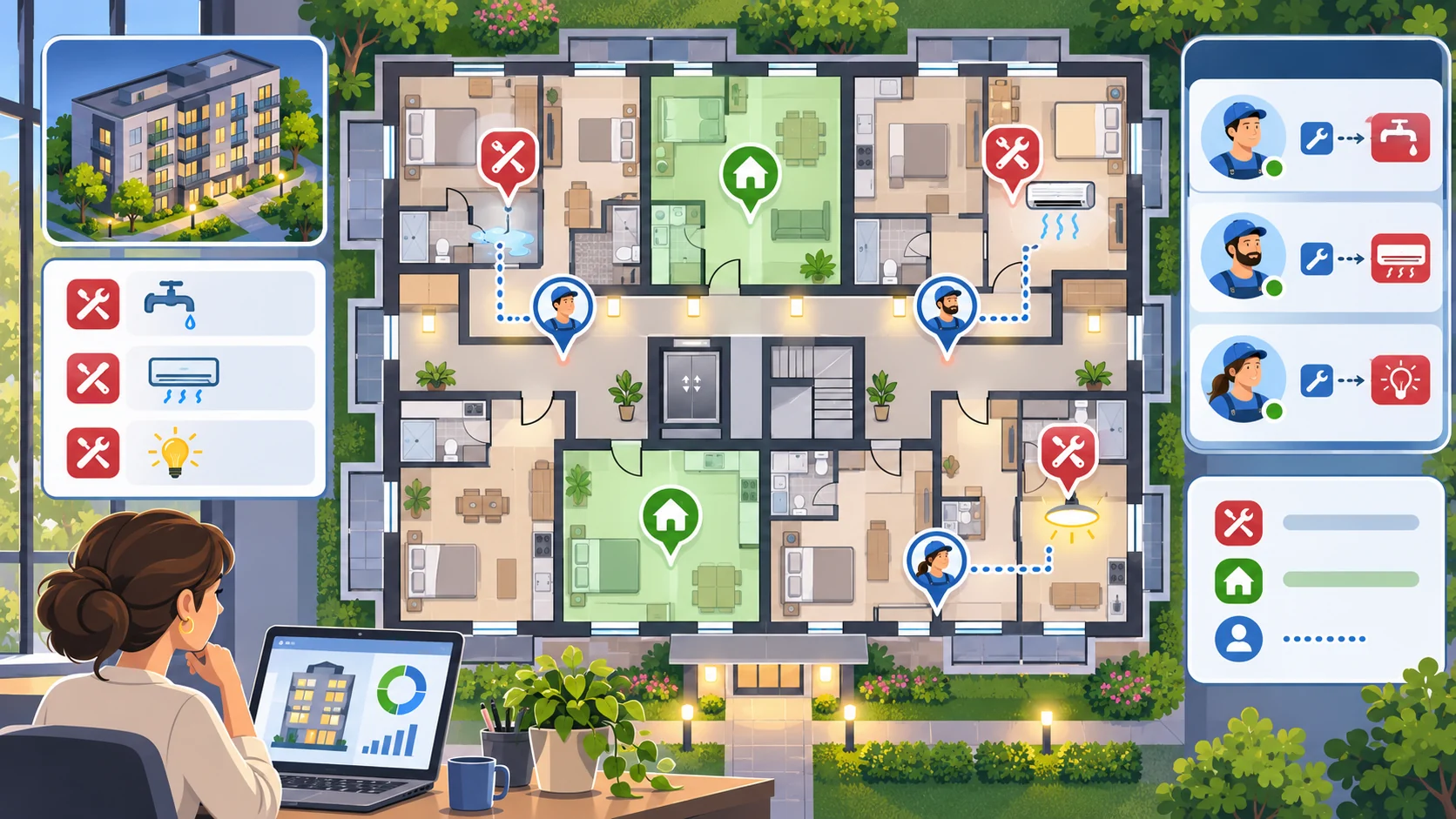
A map or floor plan can make requests easier to locate, while staff assignments create a planning choice. Keep the first map small and use only a few staff roles. Show availability, travel or action limits as clearly labeled game rules. Do not imply that a generated floor plan is safe, code-compliant or suitable for construction.
Prompt 3 — fictional property map
Create a simple top-down game map for Maple Court with three buildings, one courtyard and two shared paths. Mark fictional request locations and a few staff assignment points. Add a concise legend and show which locations are currently accessible in the scenario. Use a stylized, non-technical layout for a game prototype; do not present it as a real floor plan or construction document.
Prompt 4 — staff and turn rules
Define three fictional staff roles for Maple Court, each with one game action, one availability limit and one way to help another role. Specify how a weekly turn advances, how assignments resolve, and what feedback appears when a role is busy. Keep all values invented and adjustable. Do not include real labor, licensing, safety or repair guidance.
A basic decision model can be described without pretending the values are balanced:
| Game element | First-slice rule | Still to verify |
|---|---|---|
| Time | One turn represents one fictional day | Whether the pace creates useful choices |
| Staff | Each role has one assignment slot per turn | Whether players understand availability |
| Requests | Cards display a category and due-turn label | Whether labels communicate priority clearly |
| Resources | A small abstract pool changes after a choice | Whether the tradeoffs feel fair in play |
Show tradeoffs without disguising uncertainty

Management choices are more interesting when the player can see both the immediate result and what might be delayed. A “defer” action should not hide its consequence. A budget display should show game units and explain what they represent in this scenario. Use an event log to record the chosen action, changed state and unresolved requests.
Prompt 5 — weekly dashboard and summary
Design a Maple Court weekly summary for the fictional prototype. Show completed and open request cards, staff assignments, changes to the abstract game-resource pool and one next-turn choice. Label all figures as invented game values. Include an event log with the selected action and resulting state. Do not infer real-world costs, compliance, resident satisfaction or building condition.
For a first pass, keep the dashboard focused on decisions rather than decorative metrics. A player should be able to answer: Which requests remain open? What changes if I defer one? Which fictional staff role is available next turn? What does the game resource display mean?
Request a playable first slice
Keep the prototype small enough to inspect end to end: one property map, six request cards, three staff roles, a few turns, a visible resource pool and a reset. Tell the builder which buttons and state changes must work. Distinguish working interactions from mock screens and placeholder values in the handoff.
Prompt 6 — first playable build
Build a small fictional Maple Court management-game prototype with a three-building map, six request cards, three assignable staff roles, a short weekly turn loop, visible abstract resources, a request board, event log, end-of-week summary and reset. Make each response change a visible game state. Show the consequences before the player confirms a defer action. Use original placeholder art and invented values. At handoff, list tested interactions, mockups, known gaps and anything not verified. Do not describe static screens as a playable management game.
A prototype claim needs evidence from the running output. Open the page, assign a role, resolve and defer requests, advance turns, inspect the event log and reset the scenario. This workflow was not run here, so this article does not claim a playable result or test outcome.
Fictional first-slice snapshot
| Field | Maple Court planning example |
|---|---|
| Scenario | One fictional week across three small buildings |
| Requests | Six cards across routine, time-sensitive and follow-up categories |
| Staff | Three invented roles with one assignment slot each per turn |
| Resources | Abstract game units; no real currency estimate |
| Main loop | Review → assign → advance turn → inspect changed state |
| First milestone | Resolve requests and see the week summary |
| Excluded | Real lease workflows, tenant screening, repair advice and investment claims |
The snapshot is an illustrative plan. It does not describe a real property, real people or implemented game systems.
Review the build and refine one gap
Review the actual interactions against the requested scope. If the request board looks complete but choices do not update the map or event log, record that mismatch. If the game displays an abstract resource pool, verify that a player can tell when and why it changes. Capture one smallest next step instead of requesting a larger simulation before the core turn works.
Prompt 7 — implementation review
Review the running Maple Court prototype for request creation, assignment, defer consequences, staff availability, turn advancement, map state, event log, summary and reset. Mark each as present, missing or unclear based on observed interactions. Record concise evidence and recommend the smallest next change. Label screenshots or static screens as mockups. Do not claim playtesting, balance, safety or real-world usefulness unless those things were actually verified.
Conclusion
Good property-management game prompts connect requests, staff choices, time and visible state changes in a small fictional scenario. Maple Court is an invented example; all people, values, layouts and outcomes are illustrative, and no prototype was built or tested for this article. Keep the first slice focused, inspect the output and describe only interactions that were actually verified.
You can take a scoped concept into the Free AI game maker, then compare the result with the review checklist.
FAQ
What should AI prompts for a property-management game include?
Define the player objective, request types, response choices, staff availability, turn rules, abstract resources, visible state changes and a clear first-slice boundary.
How do I make tenant requests useful as game mechanics?
Use fictional cards with a concise scenario, a visible game category, response options and the state each choice changes. Do not use real personal information or present game labels as real advice.
How can a property-management prototype show tradeoffs?
Display the immediate game-state change and any deferred request before confirmation. Keep resource values clearly labeled as invented placeholders.
Can an AI-generated building map be used as a real floor plan?
No. A generated game map is illustrative and is not a construction, safety or compliance document.
What should I verify before calling the prototype playable?
Test that assignments, request outcomes, turn advancement, map or dashboard state, event log, summary and reset work in the running output. A static mockup alone does not establish that.