Introduction
A repair-shop simulator can turn a busy workshop into a sequence of readable choices: which job enters a bay, what clue to inspect next, whether a needed part is available and when to return a vehicle to the customer. A prompt that only asks for a “realistic garage” may produce a decorative shop with no connected service loop. Define a small fictional day and the game states that make each decision visible.
This guide uses Copperline Garage, an invented two-bay shop with fictional customers and vehicles. All fault clues, parts, values and outcomes are game abstractions. This is not vehicle diagnosis or repair guidance; no repair procedure, prototype or gameplay test was performed for this article.
Define the shop-day loop
State the sequence of play before asking for a large parts catalogue or dozens of vehicles. A first loop might accept a job card, inspect fictional clues, select a game-part token, assign a bay, resolve the job and review the closing summary. Decide how much time a job occupies and what changes when a part is unavailable. Keep these as invented game rules, not claims about real workshop operations.
Prompt 1 — first-slice brief
Design a fictional repair-shop simulator called Copperline Garage. The first slice is one shop day with two bays, three job cards and a small abstract parts shelf. Define the player role, day objective, job lifecycle, fictional diagnostic clues, bay assignment, parts availability, time progression, completion feedback and end-of-day state. Use invented vehicles and placeholder game values. Do not provide real vehicle diagnosis, repair instructions, safety guidance or cost estimates. List assumptions and untested items.
The brief should explain how a job becomes ready, blocked or complete. Make clear whether each choice consumes one turn, advances a clock or changes a resource. A game can model those rules simply; it should not imply that an abstract mechanic is a safe or effective real-world repair.
Make job cards guide the next decision
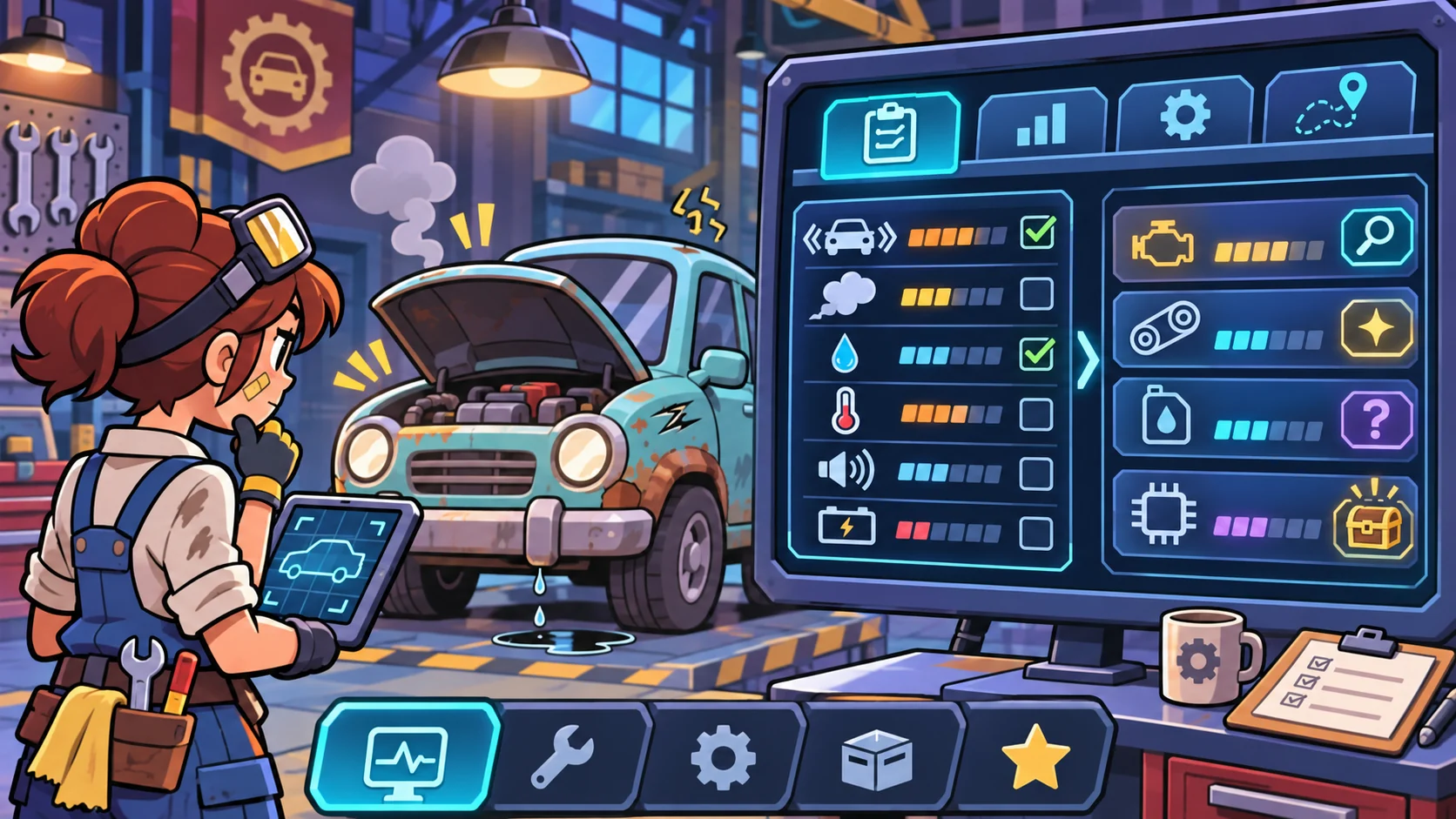
A job card should provide enough fictional context to choose an in-game action without presenting technical repair advice. Use original vehicle names, a broad symptom category, a few fictional clue tokens and an objective such as “resolve the job card.” Show which clue has been reviewed, what remains uncertain and whether the job is waiting for a bay or part.
Prompt 2 — fictional job board
Create three original Copperline Garage job cards for fictional vehicles: one with a sound clue, one with a dashboard-symbol clue and one with a handling-feel clue. Treat these as abstract game clues, not real diagnostic signals. For each card, show the customer’s short fictional request, clue tokens to inspect, current state, next game actions and visible completion condition. Avoid real symptoms-to-repair mappings, technical instructions, real customer data and price estimates.
| Fictional job | Abstract clue tokens | Game state | Next choice |
|---|---|---|---|
| Blue Finch compact | Sound marker and inspection token | Awaiting clue review | Inspect one token or leave queued |
| Amber Cart delivery van | Dashboard-symbol tile and follow-up flag | Part availability unknown | Check the fictional shelf or assign another job |
| Mossline coupe | Handling marker and bay card | Bay occupied | Queue the job or review another card |
The names, clues and states above are fictional game content. A clue token should support a game decision, not tell a reader what to do to an actual vehicle.
Connect clues, parts and bays
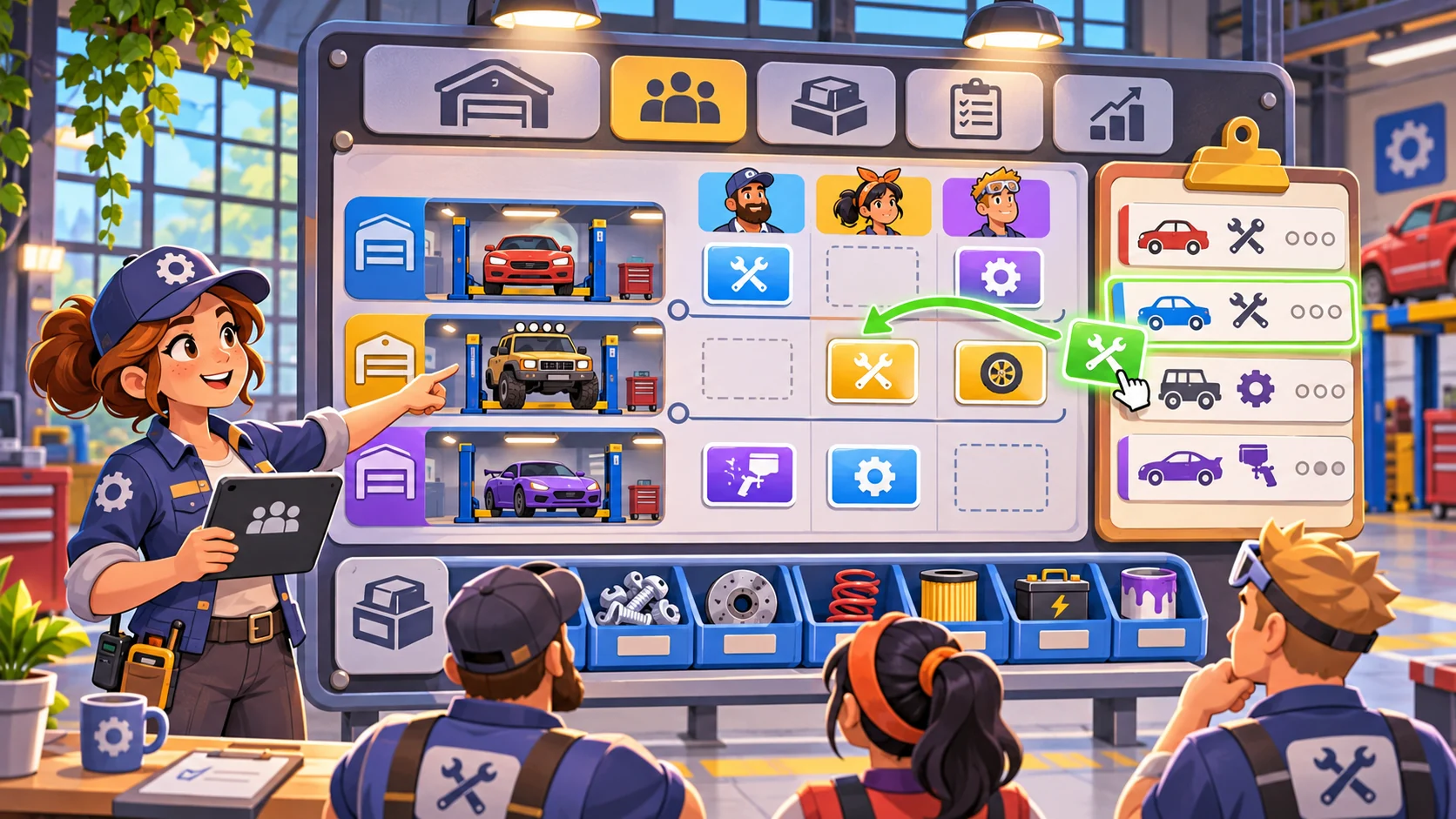
The simulator becomes easier to understand when each job has a visible path through the shop. A small board can show which bay is occupied, which job is waiting, and whether a fictional part token is available. When a job is blocked, explain the blocking state and offer another useful action such as reviewing a different card. Avoid hidden dependencies that make players guess why nothing happened.
Prompt 3 — bay and parts board
Design a compact Copperline Garage board with two fictional service bays, three job-card slots and a small abstract parts shelf. Define how the player assigns a job, sees bay availability, requests a game-part token and handles an unavailable token. Show each state change and provide a way to switch jobs. Do not use real repair parts as recommendations; use generic or fictional tokens and invented labels.
Prompt 4 — abstract clue and job-resolution rules
Define a simple fictional rule for turning reviewed clue tokens into a job-card result. Show which clues were inspected, which game option is selected, what resource or time changes, and how the result becomes complete, waiting or unresolved. Keep the cause-and-effect inside the game world. Do not map real vehicle symptoms to parts, procedures, diagnoses or safety conclusions.
A clear game system can display a short “why this changed” note. For example, it might say that a fictional job moved to waiting because its required token is not in the game shelf. That is more helpful than silently preventing an assignment.
Show progress and tradeoffs
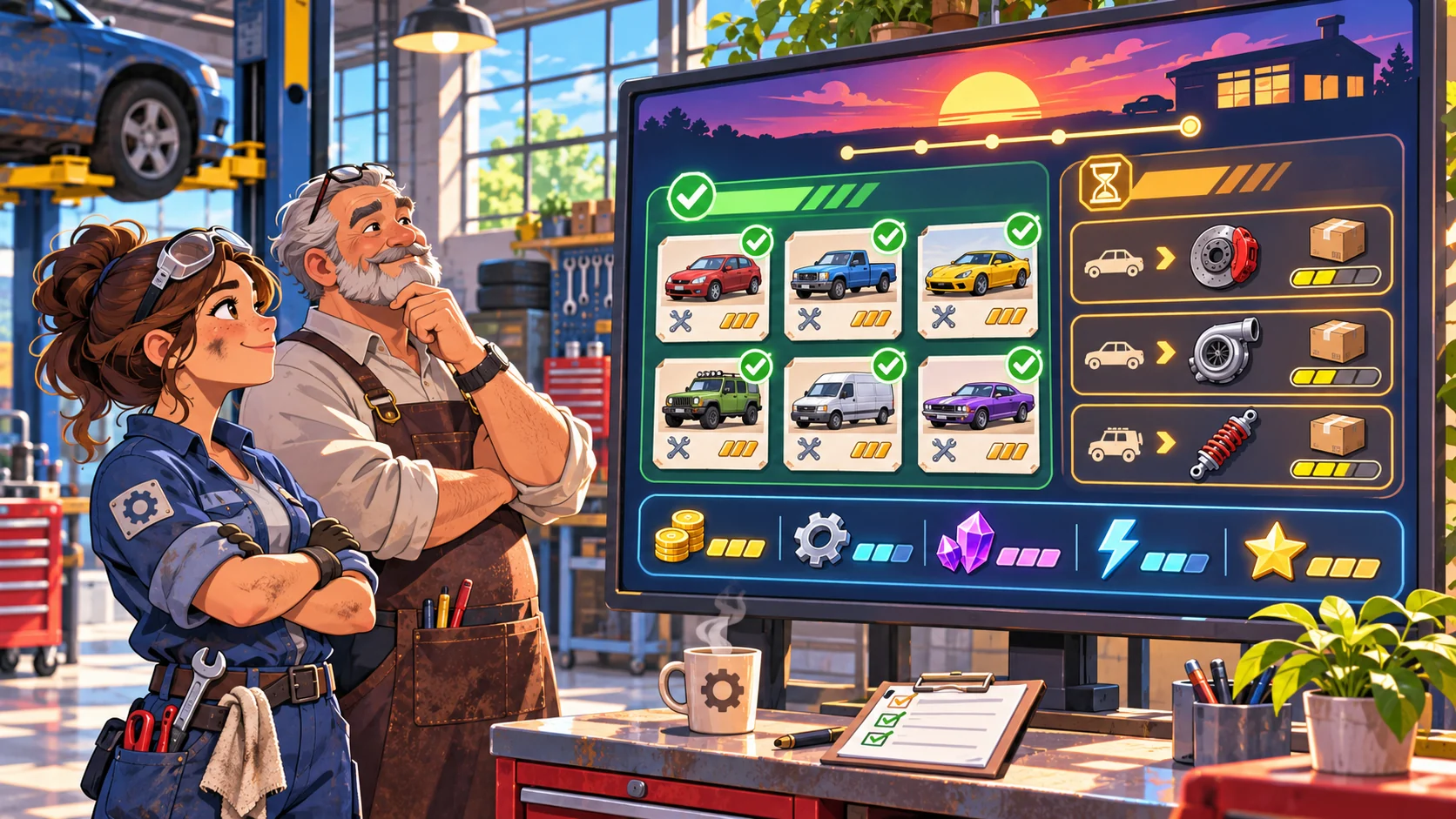
A job can affect bay time, the abstract parts pool and the end-of-day objective. Show these changes before a choice is confirmed. Use fictional units and avoid turning the summary into a real labor or revenue estimate. Let the player see open jobs, completed cards and any unresolved job that carries over to another fictional day.
Prompt 5 — daily summary
Create an end-of-day Copperline Garage summary with completed and open fictional job cards, bay occupancy, abstract part tokens used or waiting, and one next-day decision. Label every amount as a game value. Show how the summary follows from the actions recorded in the event log. Do not infer actual repair quality, customer safety, real costs or shop profitability.
A useful summary answers three questions: what changed today, what is still blocked and which game choice is available next? If an outcome is random, tell the player before confirming the action and make the randomness visible in the rules.
Request a small playable build
Keep the first slice to one day, two bays, three jobs, a few clue tokens, a small parts pool, a visible event log and reset. Name the interactions that must work: inspect a clue, assign or move a job, consume an abstract token, resolve a card and review the day. Ask the builder to separate working interactions from mock screens and placeholder values.
Prompt 6 — first playable slice
Build a small fictional Copperline Garage simulator with two assignable bays, three original job cards, abstract clue tokens, a limited game-parts shelf, visible job states, an event log, an end-of-day summary and reset. Make the game-only clue and part rules explicit. Show why an action is blocked and let the player choose another job. Use original placeholder art and invented values. At handoff, list working interactions, mockups, known gaps and anything not verified. Do not describe static screens as playable or imply real repair guidance.
A build claim requires interacting with the running output. Inspect clues, move a job between states, assign a bay, handle an unavailable token, advance the day and reset. This process was not run for this article, so the content does not claim a working simulator or validated repair logic.
Fictional first-day snapshot
| Field | Copperline Garage planning example |
|---|---|
| Scenario | One fictional shop day |
| Capacity | Two game bays and three job cards |
| Information | Abstract clue tokens, not real diagnostics |
| Parts | Small fictional token shelf, not repair recommendations |
| Main loop | Review → inspect game clue → assign → resolve → summarize |
| First milestone | Complete or explain the state of all three cards |
| Excluded | Real diagnosis, repair steps, safety claims and price estimates |
This snapshot is a planning aid only. It does not describe a real garage or establish that any vehicle condition can be identified or repaired.
Review the output and refine one gap
Check the actual state transitions. If the job card changes visually but the event log stays unchanged, record the mismatch. If a part token is unavailable, confirm that the UI explains why and offers another route. Do not infer that diagnosis, shop scheduling or customer handling works from a polished board illustration.
Prompt 7 — implementation review
Review the running Copperline Garage prototype for clue inspection, job assignment, bay availability, abstract parts use, blocked-state feedback, job completion or carryover, event-log consistency, daily summary and reset. Mark each present, missing or unclear based on observed interactions. Provide concise evidence and one smallest next change. Label static mockups and placeholders; do not claim playtesting, repair accuracy, safety or real-world usefulness unless actually verified.
Conclusion
Repair-shop simulator prompts should connect job cards, game clues, bay assignment, abstract parts and visible outcomes in one compact loop. Copperline Garage is fictional; the example does not offer vehicle repair advice and no prototype was built or tested. Ask for state changes that can be inspected, then describe only what the running build demonstrates.
You can take a scoped concept into the Free AI game maker, then compare the result with the review checklist.
FAQ
What should AI prompts for a repair-shop simulator include?
Define the shop-day objective, job lifecycle, fictional clue tokens, bay assignments, parts availability, time rules, visible outcomes, event log and first-build scope.
How can a repair-shop game show diagnosis without giving real repair advice?
Keep clues and resolution rules abstract and fictional. Do not map real vehicle symptoms to parts or procedures, and state that game tokens are not real diagnostics.
How do parts create useful gameplay choices?
Show which fictional token is available, what job is waiting and what alternative action the player can take. Keep resource values labeled as game units.
What belongs in a first repair-shop simulator prototype?
A few job cards, a small number of bays, a simple parts pool, visible state transitions, a daily summary and reset are enough to inspect the core loop.
Does a polished shop interface prove the simulator works?
No. Verify clue review, assignment, parts use, blocked states, job outcomes, summary and reset in the running output.