Ricochet shooters are easy to describe in mood and harder to describe in geometry. “Let the shots bounce around the arena” does not say which velocity changes at a wall, whether the projectile can hit more than one surface in a frame, or how many rebounds are allowed. A useful AI prompt defines those rules before asking for a room full of enemies.
This guide uses one bounded arena, one projectile, and one stationary target. The values are fictional design units for a hand trace; no game was run to produce them. The prompt drafts are untested, and this package does not include a playable build or test result.
Define the arena rules
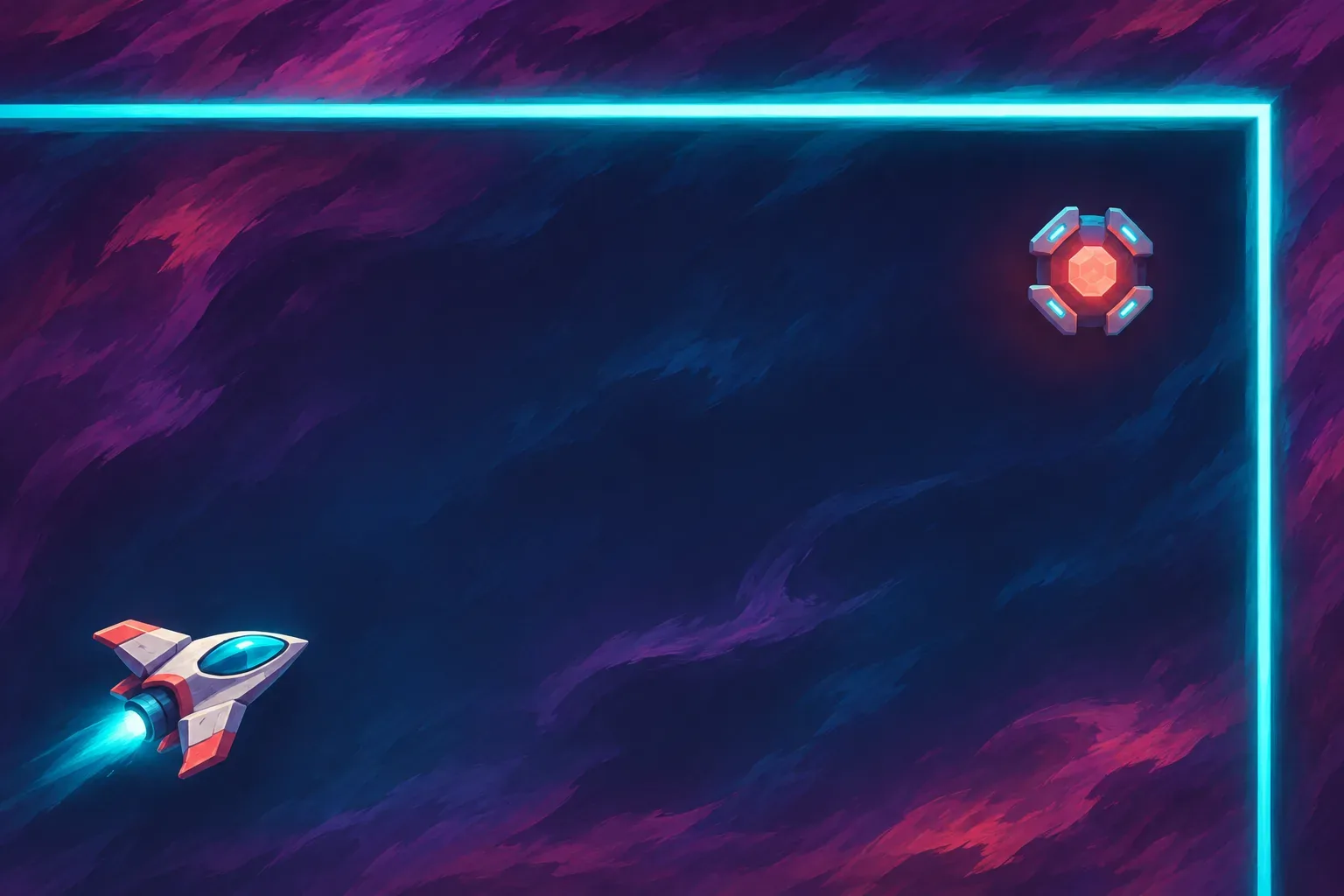
Start with a room that has left and right bounds at x=0 and x=10, and bottom and top bounds at y=0 and y=6. Place the ship near (1,1). Give the projectile a velocity of (4,2) units per second: it moves right four units and up two units each second. Keep one stationary target at (8,5.5). A single shot is enough to expose the reflection behavior.
Use a fixed step of 0.25 seconds. During each step, advance the projectile, then check whether it has reached a wall. At the right wall, reverse the horizontal component, vx. At the top or bottom wall, reverse the vertical component, vy. The projectile keeps its speed along the other axis. This rule handles a single wall contact at a time; the example path avoids a corner where two walls could be hit together.
| Rule | Fictional setting | Prompt should clarify |
|---|---|---|
| Arena | x from 0 to 10; y from 0 to 6 | Whether the bounds are solid and how edges are drawn. |
| Projectile start | (1,1) | Where the shot begins relative to the ship. |
| Velocity | vx=4, vy=2 units/second | Direction and speed along each axis. |
| Fixed step | 0.25 seconds | When positions and wall contacts are checked. |
| Hit rule | One stationary target at (8,5.5), 1 HP | How overlap reduces target health. |
For a first prompt, keep targets stationary and cap the number of bounces at two. That keeps the question narrow: can the projectile reach the intended point after reflecting from the right and upper walls? Moving targets, angled shields, and chain reactions can follow after that behavior is visible.
Trace a two-wall shot
At the start, the shot is at (1,1). In each 0.25-second step, its horizontal coordinate increases by 1 unit and its vertical coordinate by 0.5 units until it touches a boundary. The first wall contact happens at t=2.25 seconds: x reaches 10 while y reaches 5.5. Reverse vx from +4 to −4 and leave vy at +2.
During the next step, the shot moves left to x=9 and upward to y=6. At t=2.5 seconds it touches the upper wall, so reverse vy from +2 to −2. One more step moves it left to x=8 and down to y=5.5. At t=2.75 seconds, the shot reaches the target at (8,5.5).
| Time | Position | Event | Velocity after contact |
|---|---|---|---|
| t=2.00s | (9,5) | Approaching the right wall. | (+4,+2) |
| t=2.25s | (10,5.5) | Right-wall bounce; reverse vx. | (−4,+2) |
| t=2.50s | (9,6) | Upper-wall bounce; reverse vy. | (−4,−2) |
| t=2.75s | (8,5.5) | Target overlap; remove its 1 HP. | (−4,−2) |
The table is an expected trace based on the stated positions and update order. It is not evidence that a game engine will check collisions the same way. A real implementation may use a collision radius, continuous collision detection, or substeps. The prompt should name the intended behavior and a reviewer should record what the build actually does.
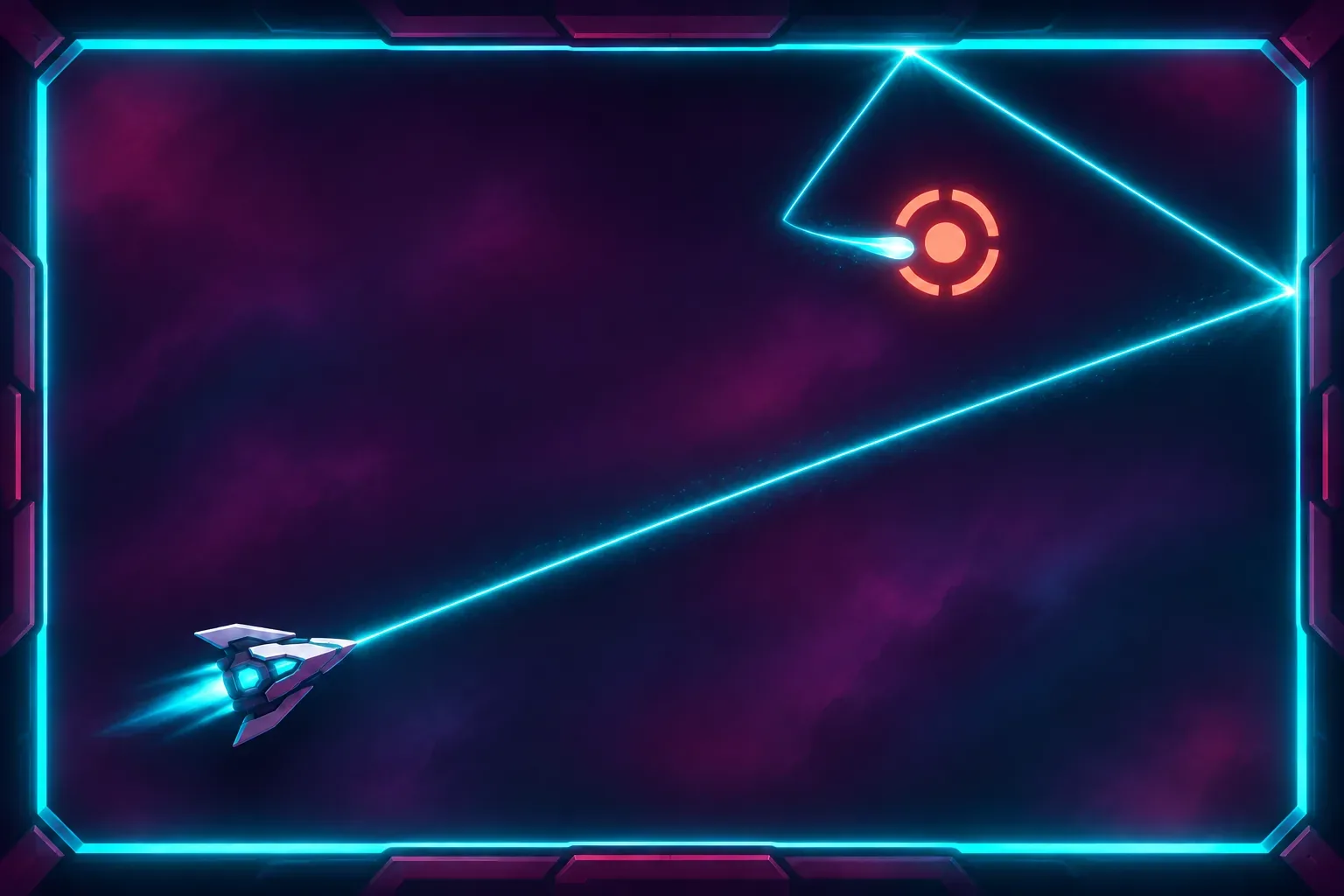
Also decide whether “two bounces” means two wall contacts for the life of the projectile or two contacts before the shot expires. The first interpretation makes the example terminate after the target check; the second leaves the projectile alive but forbids another reflection. State the cap and the order of events—wall contact, target overlap, bounce counter, removal—so the same frame cannot count as both a third bounce and a successful hit without a defined priority.
One design choice deserves special attention: the wall contact lands exactly at a step boundary in this hand example. If a projectile crosses a boundary between checks, clamping its coordinate and reversing velocity can shorten the path or make the shot appear to stick. A later version can ask for swept collision or time-of-impact handling, but the first prompt should say whether it wants that behavior.
Stage the prompts
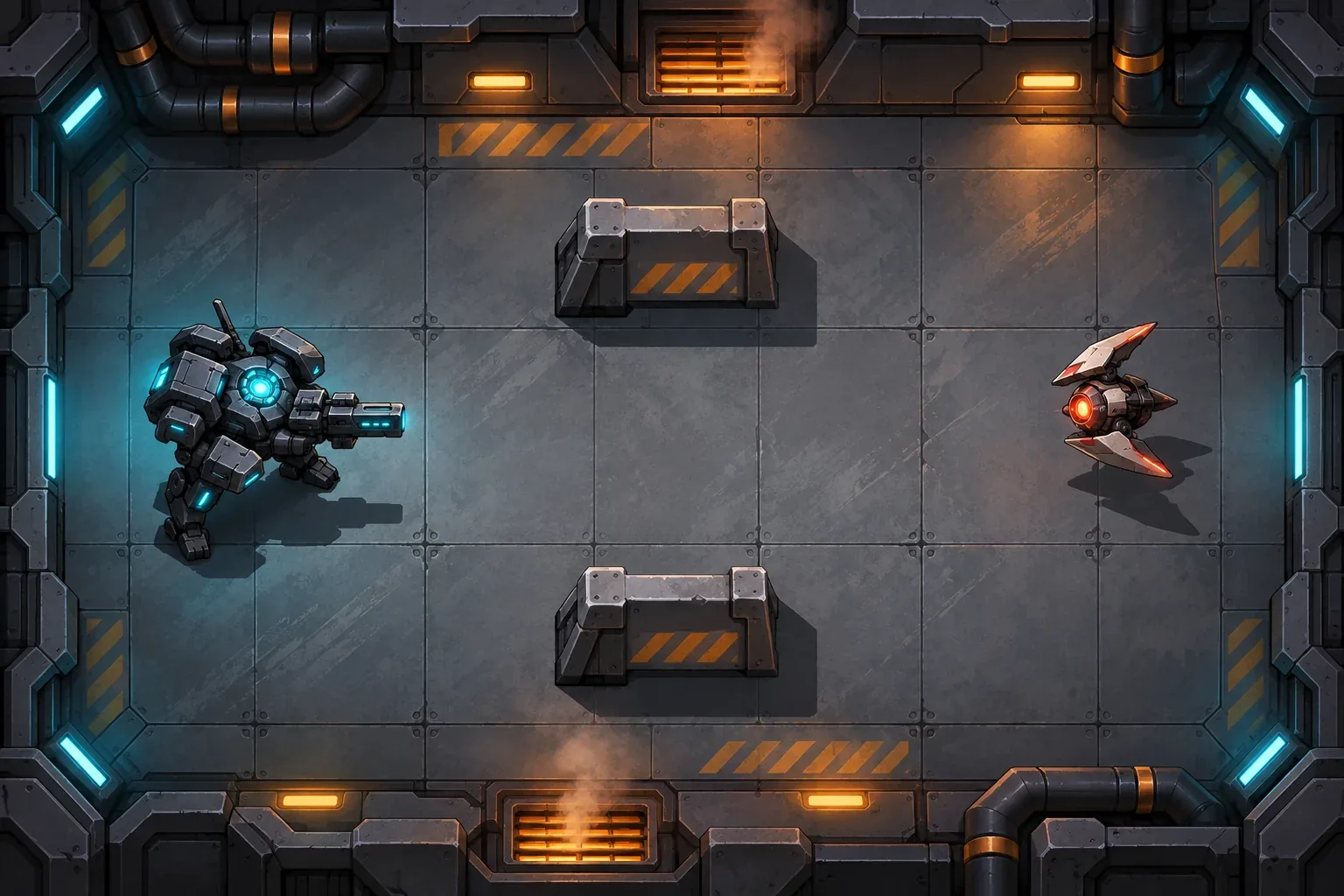
Prompt one creates the room and ship. Ask for a top-down arena with clear solid boundaries, a visible coordinate scale for development, and a single stationary target. Do not add enemies that move or fire. Review whether the ship stays inside the room and whether the target has a stable position.
Prompt two adds the projectile. Specify its start point, velocity, fixed step, position update, wall reflection, and two-bounce limit. Ask for the projectile coordinates and velocity to be visible during development. These are useful inspection values, not proof that the implementation has reached them.
Prompt three adds the hit rule. Place a 1-HP target at (8,5.5), and remove it after one projectile overlap. Ask the build to show the target state and the projectile position at contact. Keep the expected trace in its own column and leave the observed column empty until the game is actually run.
Prompt four adds visual feedback and reset. A small flash can communicate a hit without covering the arena. Reset should return the ship, target, projectile list, and simulation clock to their stated starting values. Keep the wall and velocity rules fixed while refining these effects; otherwise a changed path may come from more than one edit.
Checks for a future playable build
- Record the projectile coordinates at t=2.25, 2.5, and 2.75 seconds.
- Confirm vx changes sign at the right wall and vy changes sign at the upper wall.
- Verify the shot reaches the stationary target after the two planned reflections.
- Try a shot toward the bottom boundary and confirm that only vy reverses there.
- Reset during flight and check that no old projectile or target-hit state remains.
These are planned checks, not completed results. The source topic asks for prompts that have been run and a playable result. This package does not satisfy that part of the source request: the prompts remain drafts, and no game build or playtest evidence is included.
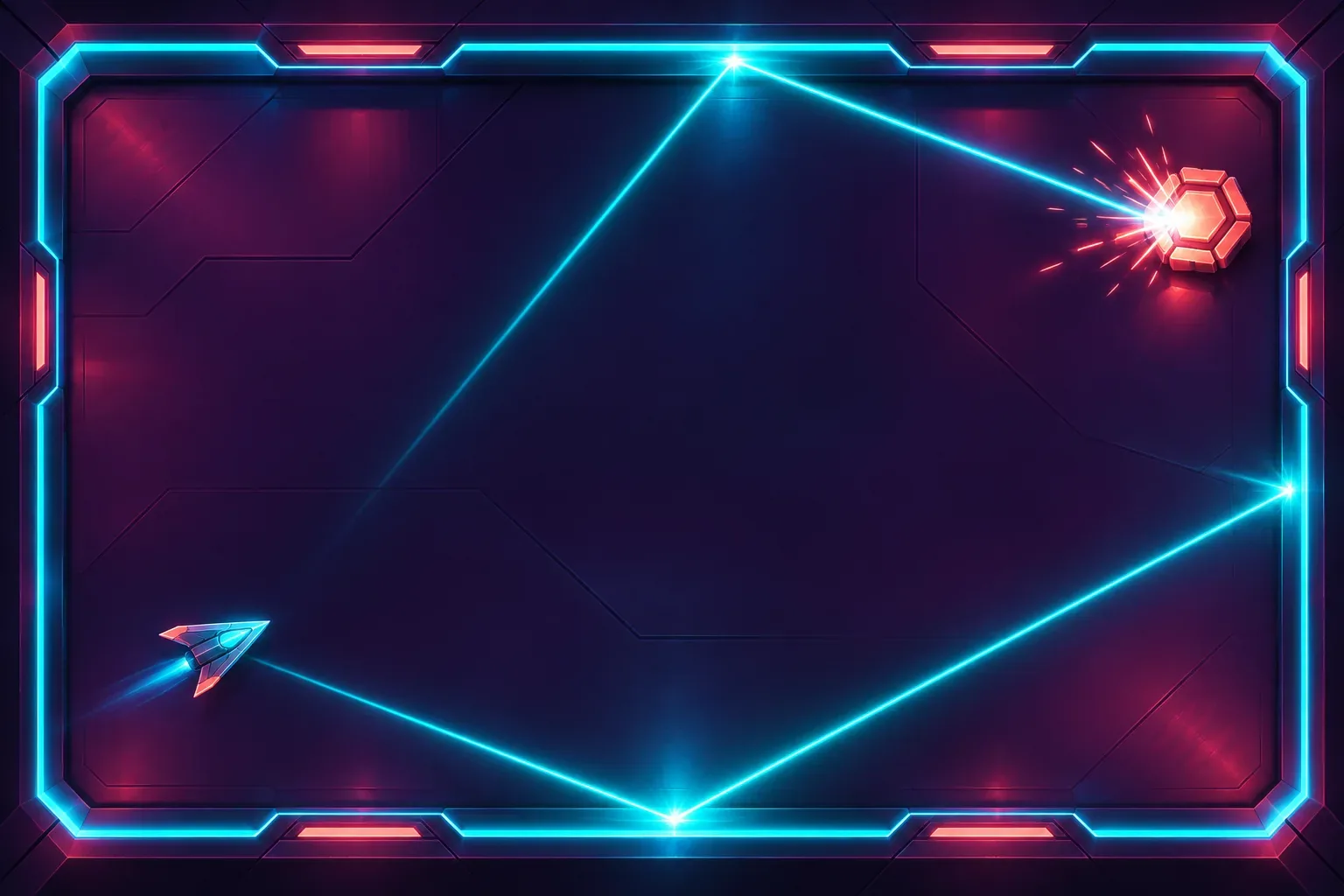
SEELE’s AI Game Maker page describes making a game from a text prompt, testing an initial playable version in a browser, and refining it with follow-up prompts. That is general product context; the page does not validate this ricochet calculation or claim a specific ricochet feature.
Frequently asked questions
What should a ricochet-shooter prompt define first?
Define the room bounds, projectile start, velocity, timestep, wall-reflection rule, target locations, and maximum bounce count. A single shot path makes the collision rule easier to inspect.
How should a projectile bounce from a wall?
For a horizontal wall, reverse vertical velocity; for a vertical wall, reverse horizontal velocity. State how the update handles a wall hit within a time step so the projectile does not stick or skip the wall.
Can a ricochet path be checked before building the game?
Yes. A hand trace gives expected positions for a chosen geometry. It does not prove an implementation works; compare it with recorded positions from a playable build.
Should targets move in the first ricochet prototype?
Keep the first target stationary. That isolates bounce geometry from target movement. Add moving targets only after the reflected path and hit condition are readable.
Are these prompts or ricochet paths tested in a playable build?
No. The prompts are unrun drafts and the example trajectory is fictional arithmetic. No generated build, observed hit, or playtest result is claimed.