Introduction
A shopkeeper game can make a small store feel dynamic by connecting its shelf stock, customer requests, purchasing choices and daily result. If those systems live in separate screens, the player may not understand why a choice mattered. Start with one fictional shop day, a handful of items and simple game values that change visibly when the player acts.
This guide uses Tallow & Thistle, an invented village shop with fictional customers, goods and in-game coins. Its stock, prices and demand are placeholders for a game. This is not retail, pricing, accounting or business advice, and no shopkeeping prototype was built or tested for this article.
Define the shop-day loop
Explain what the player does from opening to closing. A first loop might inspect shelf stock, choose a small restock, set a game price, greet a customer request, complete a sale and review the day. Define what advances time and whether a sale changes stock immediately. Keep buying, selling and demand rules inside the fictional simulation.
Prompt 1 — first-day brief
Design a fictional shopkeeper game called Tallow & Thistle. The first slice covers one shop day, six original item types, a small stock shelf and five fictional customer visits. Define the player objective, opening stock, restock choice, in-game price rule, customer request loop, sale resolution, closing summary and reset. Use invented products and placeholder game coins. Do not present the values as real pricing, retail or business advice. List assumptions and untested mechanics.
The brief should state whether a product can sell out, whether a customer can wait and what happens when an item is unavailable. It should also say how a restock changes the visible shelf. One clear day is enough to test whether inventory and customer choices connect.
Make inventory states easy to scan
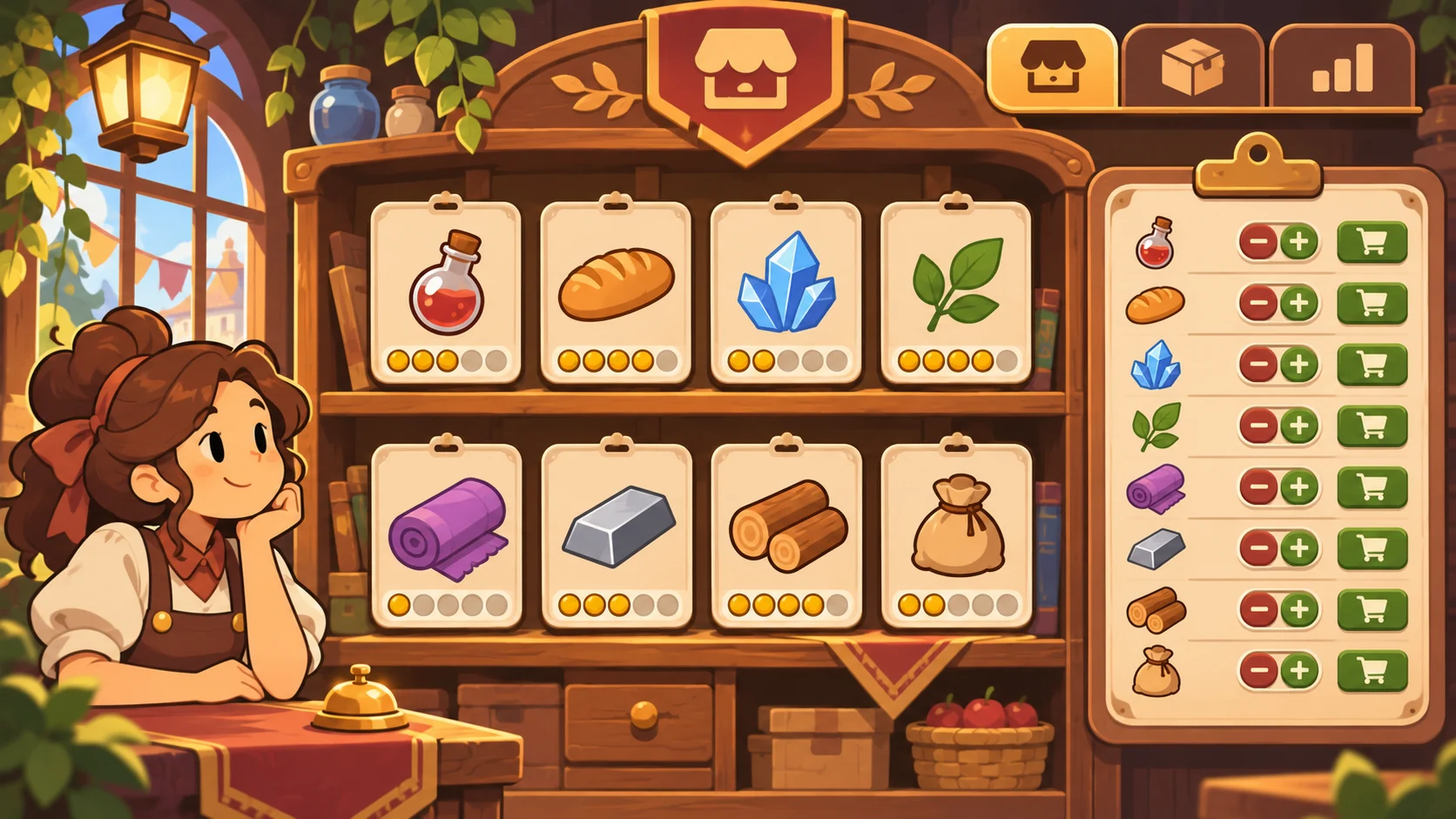
The player should be able to tell how many fictional units are available, which items are low and what can be reordered. Use an explicit state such as stocked, low, unavailable or restocking. Explain when a purchase becomes available and which game resource it consumes. Avoid displaying realistic cost assumptions as if they applied to actual shops.
Prompt 2 — inventory board
Create six original Tallow & Thistle item cards: a fictional herb bundle, travel loaf, glowstone, wool wrap, map tube and charm pouch. For each, show abstract game stock, a visible stock state, an in-game restock option and a simple item category. Use placeholder units and game coins only. Show a clear result after restocking and an unavailable state when stock reaches zero. Do not use real wholesale or retail estimates.
| Item card | Game stock state | Player action | Visible change |
|---|---|---|---|
| Moonleaf bundle | Low | Restock a small token amount | Shelf count and resource pool update |
| Trail loaf | Stocked | Keep available or change its game price | Item card reflects the selected state |
| Glowstone chip | Unavailable | Wait for the next fictional delivery | Card shows when it can be reviewed again |
| Wool wrap | Stocked | Feature it in the display | A display marker appears |
These are fictional inventory examples. The values and products are not real merchandise or commercial advice.
Connect customer requests to choices
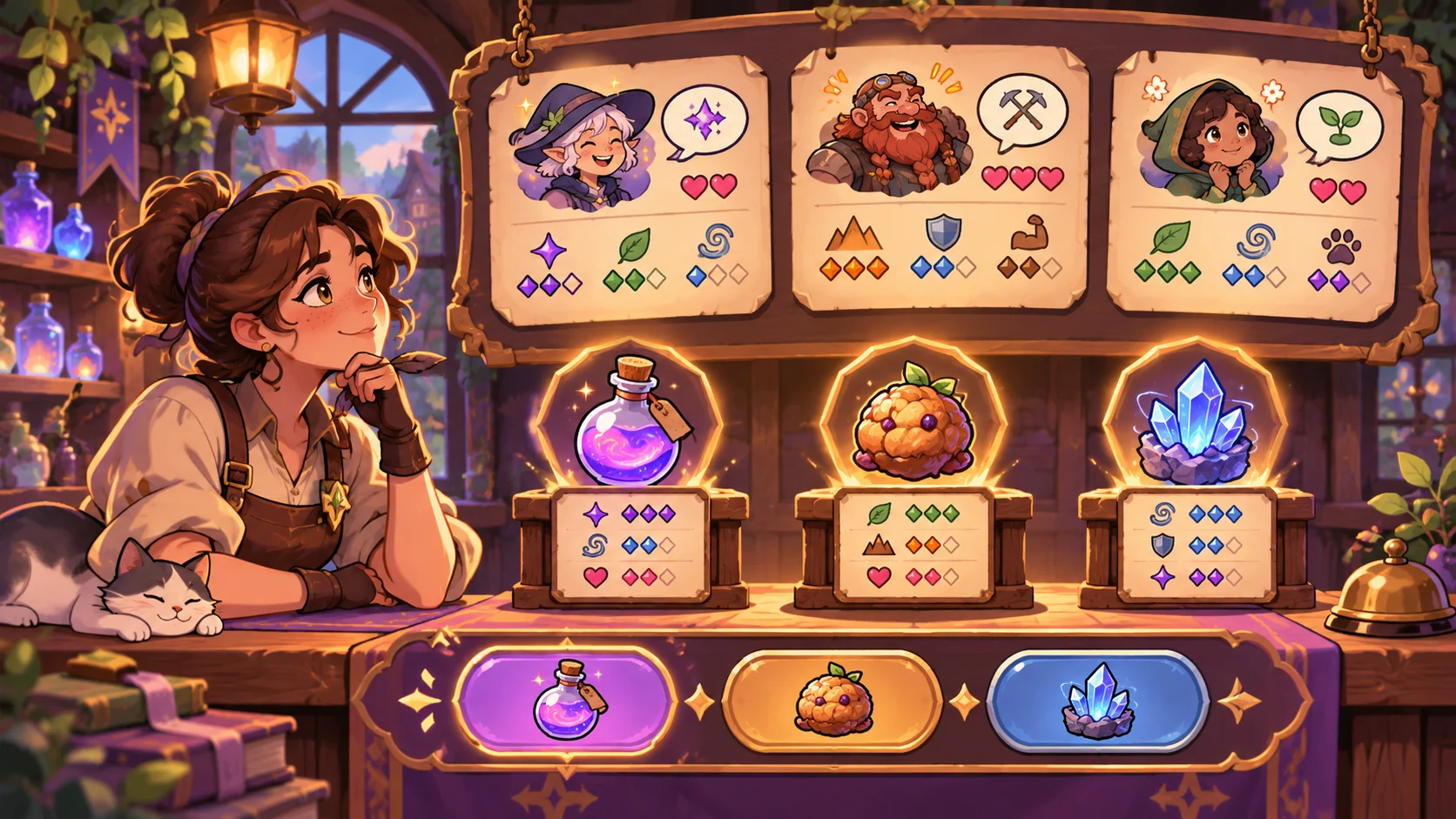
A customer visit can create an understandable decision without pretending to predict real demand. Show the request, any relevant game preference icon, available items and the consequence of accepting or declining. If a player changes a game price, preview the fictional resource and satisfaction meters before confirmation. Label those meters as simulation values rather than market guidance.
Prompt 3 — fictional customer choice
Create five original Tallow & Thistle customer visit cards, each with a brief fictional request, one preference icon and two possible player responses. Connect each response to an explicit game-state change such as stock, abstract coins or a relationship marker. If the requested item is unavailable, show an alternative or a decline choice. Do not infer real customer behavior, willingness to pay or demand forecasts.
Prompt 4 — in-game price and sale rules
Define a simple fictional pricing choice for the six Tallow & Thistle items using invented game coins. Explain how a price selection affects the simulation’s abstract sale chance, coin meter and customer response marker. Show the result before confirmation and label all values as provisional. Do not use real costs, margins, market data or pricing recommendations.
A simple game rule is easier to inspect when the player can see what changes and when. If the choice uses randomness, describe it as a fictional mechanic and show that outcome only after the player accepts the action.
Show a daily close and carryover
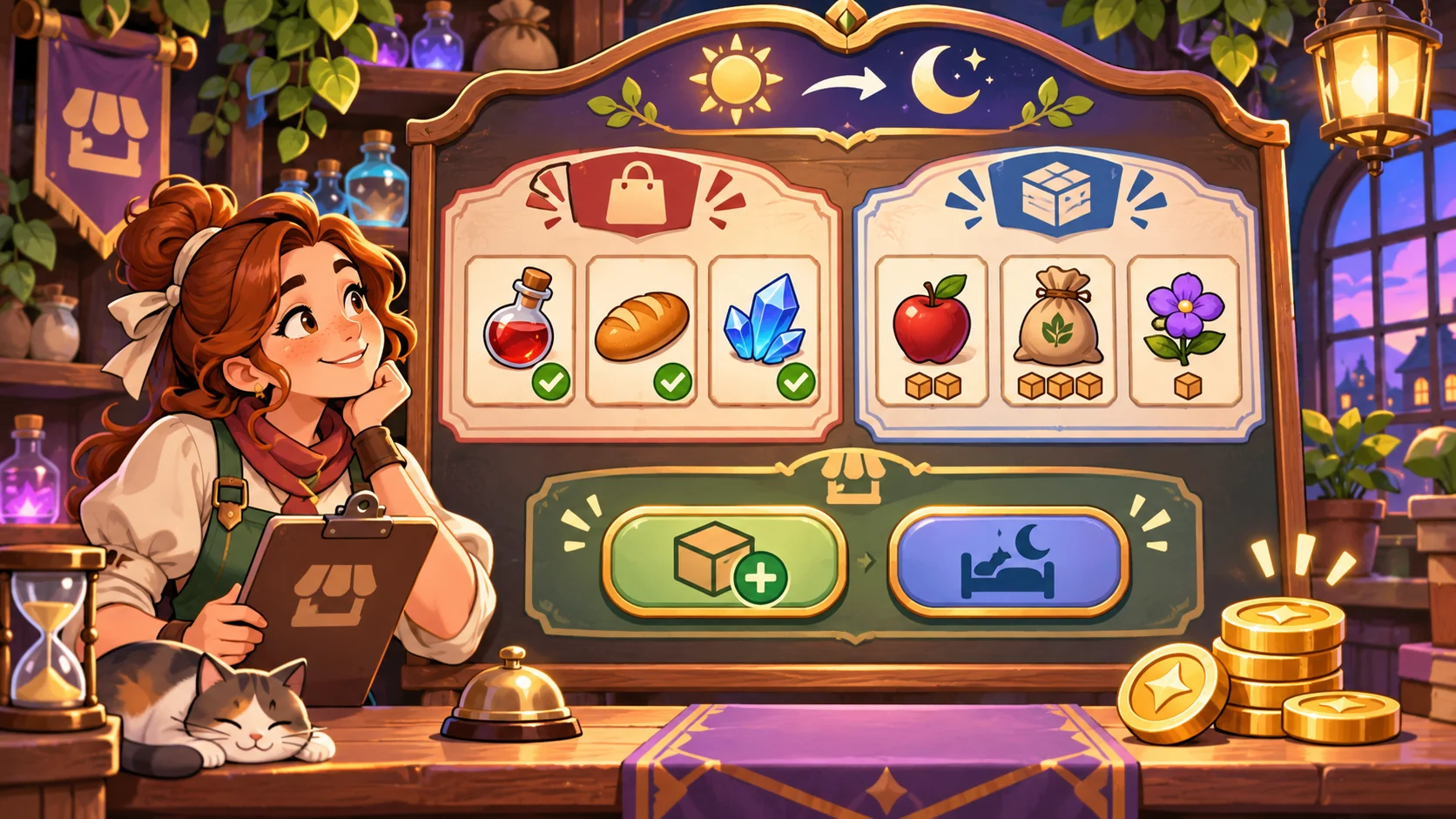
A closing summary can connect the choices from the day: items sold, stock remaining, accepted requests, unavailable goods and the next restock decision. Keep the totals limited to game units. Tell the player what carries into the next day and what resets, such as a temporary visit queue or one-day display bonus.
Prompt 5 — closing summary
Create a Tallow & Thistle closing report with fictional item sales, remaining stock, accepted and declined customer cards, game-only coins, one unresolved stock choice and the opening state for tomorrow. Add a short event log that explains how the day’s actions changed the summary. Use placeholder values only and make all carryover or reset rules visible. Do not claim real revenue or business performance.
A summary should make the next action clear: restock, change a game price, feature an item or start the next day. If a card or resource is still unresolved, show its current state instead of silently carrying it forward.
Request a bounded playable build
A first build can use one shop, one day, six item cards, five visits, a simple in-game price choice, restock, sale resolution, closing report and reset. Name the interactions that must work: restock stock, respond to a request, make a game-price selection, resolve a sale and review the next-day state. Ask the builder to identify mockups and unverified behavior.
Prompt 6 — first playable slice
Build a small fictional Tallow & Thistle shopkeeper prototype with one shop screen, six original item cards, visible stock states, restock action, five fictional customer visits, game-only price choices, sale outcomes, an event log, closing report, next-day carryover and reset. Show the effect of each action before confirmation and label all game values. Use original placeholder art. At handoff, list working interactions, mockups and unverified items. Do not describe static screens as playable or make real retail claims.
A playable claim needs a running result. Verify stock changes, request responses, price choice, sale outcome, event log, closing report, carryover and reset. This was not run for this article.
Fictional shop-day snapshot
| Field | Tallow & Thistle planning example |
|---|---|
| Day | One short fictional shop day |
| Inventory | Six invented item cards and abstract stock units |
| Visitors | Five fictional request cards |
| Resource | In-game coins, not real currency advice |
| Main loop | Review → restock → respond → resolve sale → close |
| First milestone | See stock and shop state update after a choice |
| Evidence | Fictional design only; no prototype or market test |
The snapshot helps bound a first build. It does not say what a real shop should stock, charge or expect to sell.
Review the output and refine one gap
Check that each choice has a visible, consistent effect. If the stock count changes but the item card still says unavailable, record the mismatch. If the player changes a game price, verify the preview explains the simulation effect before confirmation. Fix a state inconsistency before adding more products or multiple locations.
Prompt 7 — implementation review
Review the running Tallow & Thistle prototype for stock display, restock, customer request response, unavailable-item alternative, game-price choice, sale resolution, resource feedback, event log, closing summary, next-day carryover and reset. Mark each present, missing or unclear based on observed interactions. Provide concise evidence and one smallest next change. Label mockups and placeholders; do not claim retail accuracy, demand prediction or playtesting unless actually verified.
Conclusion
Shopkeeper-game prompts should connect inventory, fictional demand choices, sales and day-end carryover in a small inspectable loop. Tallow & Thistle is fictional, all game values are placeholders and no shopkeeping prototype was tested. Keep game economics distinct from real business advice, then verify the actual state changes before describing the result as playable.
You can take a scoped concept into the Free AI game maker, then compare the result with the review checklist.
FAQ
What should AI prompts for a shopkeeper game include?
Define the shop-day goal, item stock, restock rules, fictional customer requests, game-price choices, sale states, carryover and first-build scope.
How can a shopkeeper game connect inventory and customer demand?
Show how each request relates to available game stock and explain the result of accepting, declining or offering an alternative.
How should price choices work in a shopkeeper prototype?
Use clearly labeled game-only values, preview the simulation change and avoid presenting the mechanic as real pricing guidance.
What belongs in a first shopkeeper game prototype?
One shop, a small item set, a few customer cards, stock changes, a simple sale loop, a closing report and reset are enough to inspect the core system.
Does a shop simulation predict real product demand?
No. Fictional demand mechanics illustrate a game system and do not establish how real customers or markets will behave.