A warehouse management game turns a list of orders into a flow through bins, totes, packing, and dispatch. The player needs to know what is in stock, which order is urgent, and whether a packed tote matches the request. Start with a small warehouse and a pair of orders so each state change can be checked without a large logistics simulation.
The warehouse, SKUs, inventory, and orders below are fictional game-design examples. The prompt sequence is unrun; no playable output or real warehouse advice is claimed.
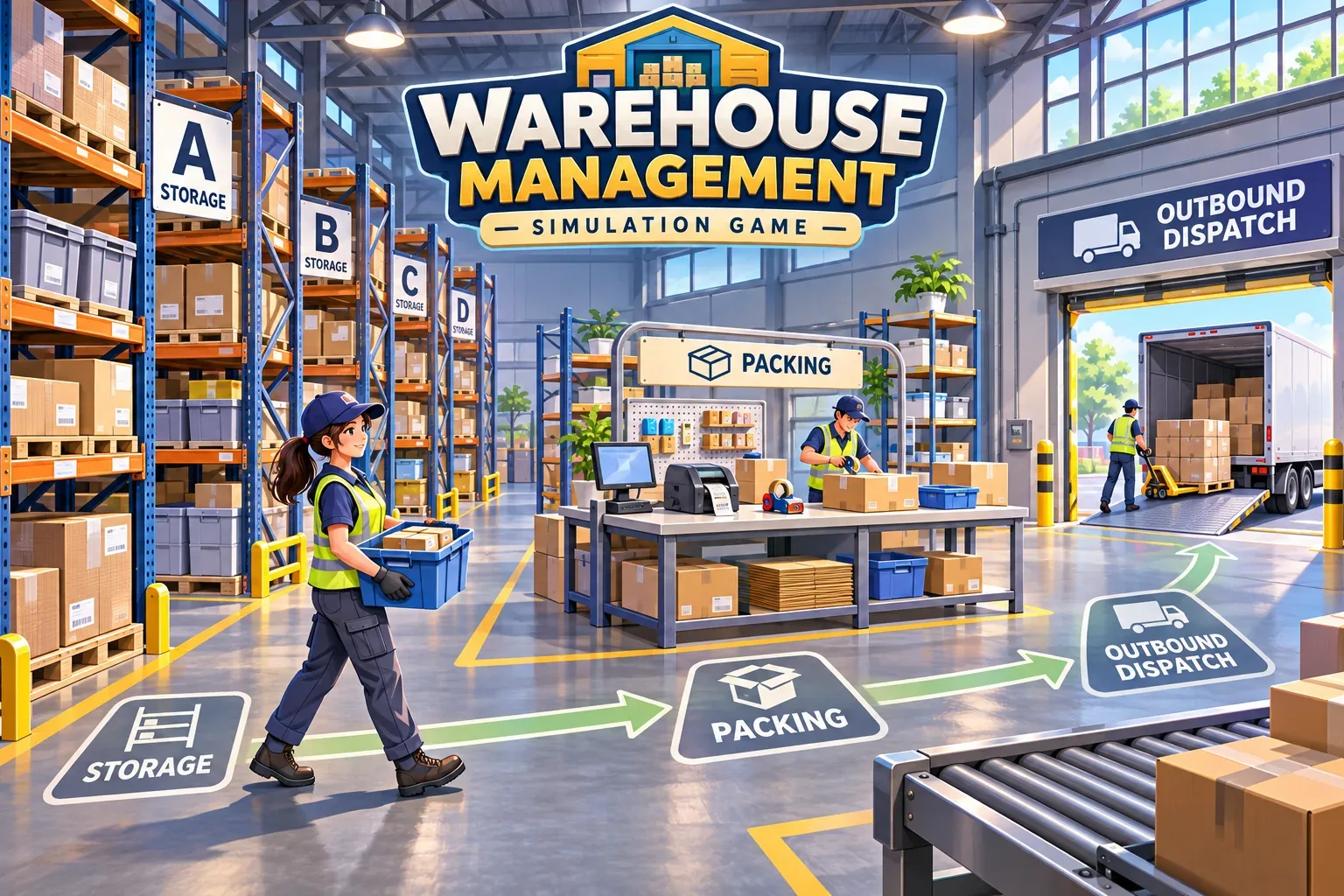
Define stock, orders, and totes
Give each SKU a location and a count. In the example, gears sit in bin A-1 and valves in bin C-1. The warehouse starts with three of each. Order A is urgent and asks for two gears and one valve. Order B asks for one gear and two valves. A tote holds up to three units, so each order fits in one tote.
Keep the order state separate from inventory. An order can be waiting, picking, packed, or shipped. Picking reserves items from their bins. Packing verifies the tote. Dispatch moves a validated shipment to shipped status. If an order is short on stock, it should remain blocked or partially picked according to a rule you state; it should not silently become complete.
| Item | Starting stock | Bin | Reserved for A | Reserved for B |
|---|---|---|---|---|
| Gear | 3 | A-1 | 2 | 1 |
| Valve | 3 | C-1 | 1 | 2 |
Use a small map with a receiving area, two storage aisles, a packing station, and a dispatch dock. Pickers can follow a route between bins, but keep the first prompt focused on inventory and order correctness. Add walking distance or aisle congestion only after the basic fulfillment loop works.
Separate picking, packing, and dispatch
Make each stage a visible action. During picking, choose an order, visit the required bins, collect the exact quantities, and place them in one tote. During packing, compare the tote contents with the order lines. Only a full match can move to packed. At dispatch, mark the packed order shipped and reduce available inventory according to the moment when your rules say stock is reserved or consumed.
Choose one inventory convention and keep it consistent. This example reserves stock during picking; the remaining available count falls when items enter the tote. Packing changes only the order status, and dispatch changes the status to shipped without subtracting stock again. That avoids duplicate deductions when an order moves from the pack table to the dock.
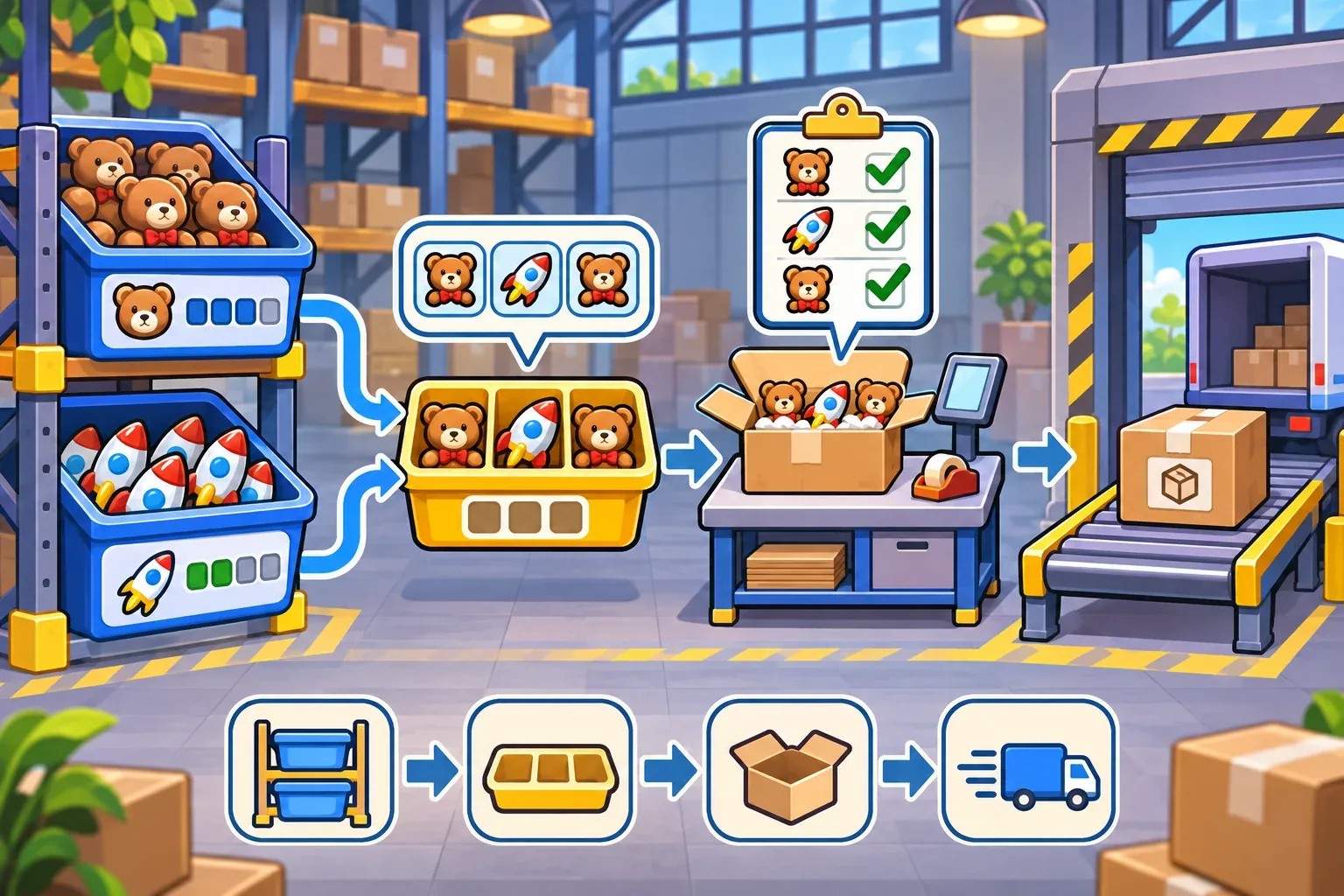
A tote record could be small and auditable:
{
  "orderId": "A",
  "items": { "gear": 2, "valve": 1 },
  "unitCount": 3,
  "capacity": 3,
  "status": "picked"
}
At pack time, compare each SKU and quantity, not just the total item count. A tote with three units can still be wrong if it contains three gears instead of two gears and one valve. If any line is short or mismatched, leave the order in picking or blocked status and explain what remains.
Trace two fictional shipments
Start with three gears and three valves available. Pick urgent Order A first: take two gears from A-1 and one valve from C-1. Its tote contains three units, so it fits the capacity. The available bins now show one gear and two valves. Packing confirms that A matches the request; dispatch marks it shipped.
Next, pick Order B using the remaining one gear and two valves. Its tote also contains three units. Packing verifies the lines, and dispatch marks B shipped. The final stock is zero gears and zero valves, while both order records show shipped.
| Step | Available gears | Available valves | Order A | Order B |
|---|---|---|---|---|
| Start | 3 | 3 | Waiting | Waiting |
| Pick A: −2 / −1 | 1 | 2 | Picking | Waiting |
| Pack and dispatch A | 1 | 2 | Shipped | Waiting |
| Pick B: −1 / −2 | 0 | 0 | Shipped | Picking |
| Pack and dispatch B | 0 | 0 | Shipped | Shipped |
This is a hand-calculated fulfillment example, not a real warehouse operation or tested game. It gives you acceptance checks: no SKU count goes negative, each tote respects capacity, pack validation compares every line, and stock is deducted once at reservation rather than again at dispatch.
Stage prompts and test stock rules
Ask for the inventory model first, then add order states, tote capacity, and dispatch. Keep the urgent order visible in the queue. Finally test a short-stock case: reduce one bin count below the requested quantity and confirm the order cannot be packed or shipped. Add route distance, shift timing, or loading-bay capacity only after the stock and status rules remain stable.
Create a compact fictional warehouse management game. Start with 3 gears in bin A-1 and 3 valves in bin C-1. Order A is urgent and needs 2 gears plus 1 valve. Order B needs 1 gear plus 2 valves. Tote capacity is 3 units. Picking reserves exact quantities and reduces available stock once. Packing verifies each SKU and quantity; only a full match can become packed. Dispatch changes a packed order to shipped without deducting stock again. Show bin counts, tote contents, order status, and a blocked state when stock is short. Do not add walking-distance scoring yet.These prompts are unrun drafts. When you test them, preserve the exact prompt, tool, date, output, and correction. A diagram can show the planned process, but it cannot prove that a playable game keeps stock and order states consistent.
SEELE's official AI Game Maker page describes creating from text, testing a playable first result in a browser, and refining it with follow-up prompts. This is general product context only; the warehouse prompts here have not been run and no specific result is claimed.
- Stock check: picking never reserves more units than a bin contains.
- Capacity check: each three-unit order fits the tote exactly.
- Pack check: verify SKU and quantity, not only total units.
- Deduction check: reserve stock once and never subtract again at dispatch.
- Short-pick check: insufficient stock blocks pack and shipment.
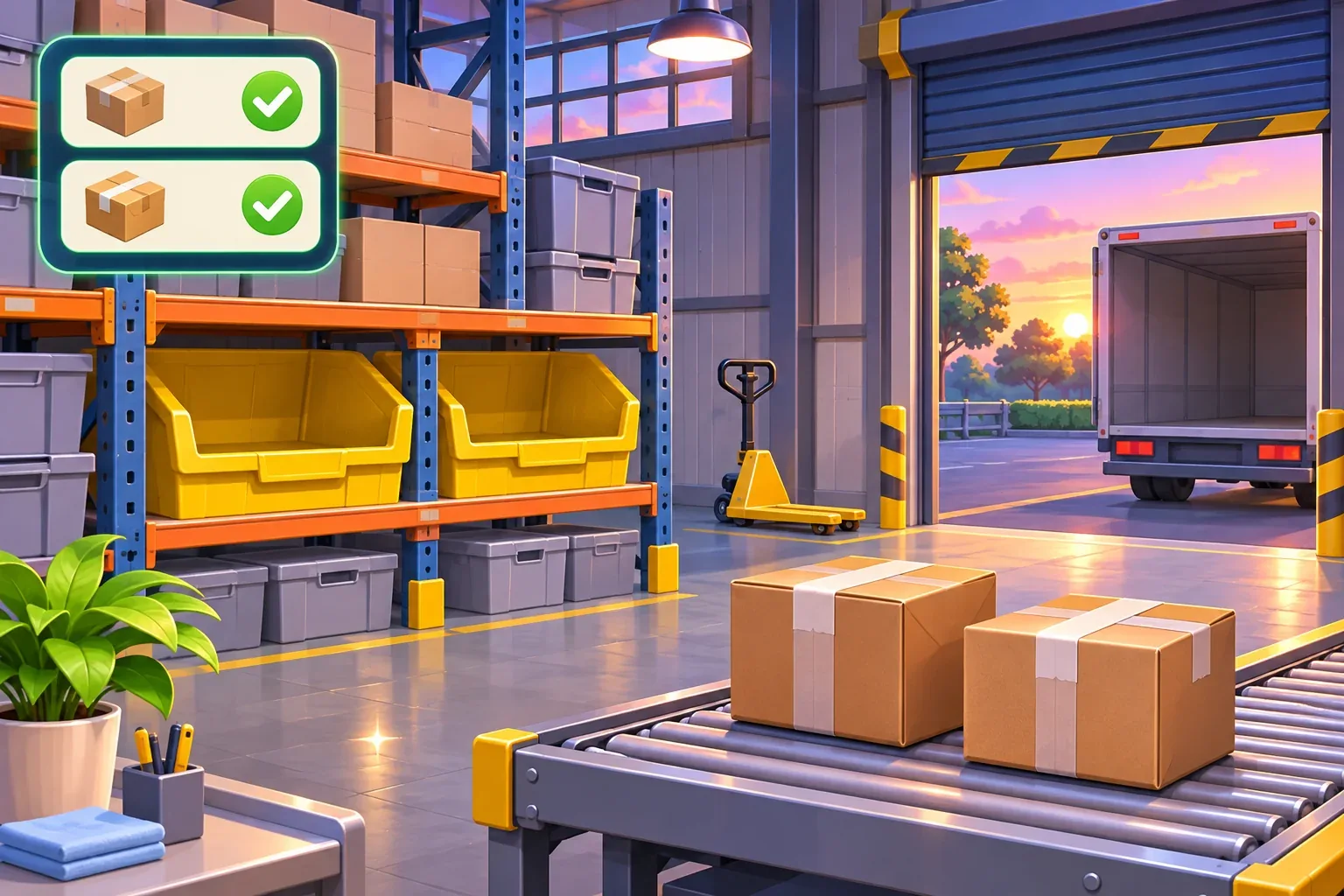
After the baseline is easy to follow, add a route or deadline decision. Keep the same SKU validation and one-time stock reservation rule so each new feature builds on a dependable fulfillment loop.
Warehouse management prompt FAQs
What should a warehouse prototype track first?
Begin with a few SKUs, bin counts, order lines, tote capacity, and clear order states. Add movement or labor complexity after fulfillment is consistent.
When should stock be deducted?
Choose one point, such as reservation during picking, and record it consistently. Do not subtract the same units again when the order ships.
Why verify every SKU at packing?
Matching total quantity is not enough. Confirm each item and amount against the order so a full but incorrect tote cannot be dispatched.
What should happen when a bin is short?
Keep the order blocked or partially picked according to an explicit rule. Do not mark it packed or shipped while a required line is missing.
Are these prompts or warehouse examples tested?
No. The prompts are unrun drafts and the quantities are a fictional hand calculation. No playable result or real operation is claimed.
Make your own warehouse management game
Start with two SKUs, two orders, and one tote limit. Track each bin, tote, and order status through dispatch before adding route planning or deadlines. For general game-creation context, explore the SEELE AI Game Maker and adapt this unrun draft sequence to your own prototype.