# AI Prompts for an Arena Survival Game: From Core Rules to a Playable Build
Arena-survival prompts work best when each one protects the same core loop. A request for “a fast action game with lots of enemies” leaves movement, enemy pressure, pickups and success conditions open to guesswork. Define the rule that keeps the player moving, then build the prototype in checkpoints: movement, threat, reward, wave pacing and restart. Test one layer before asking AI to add another.
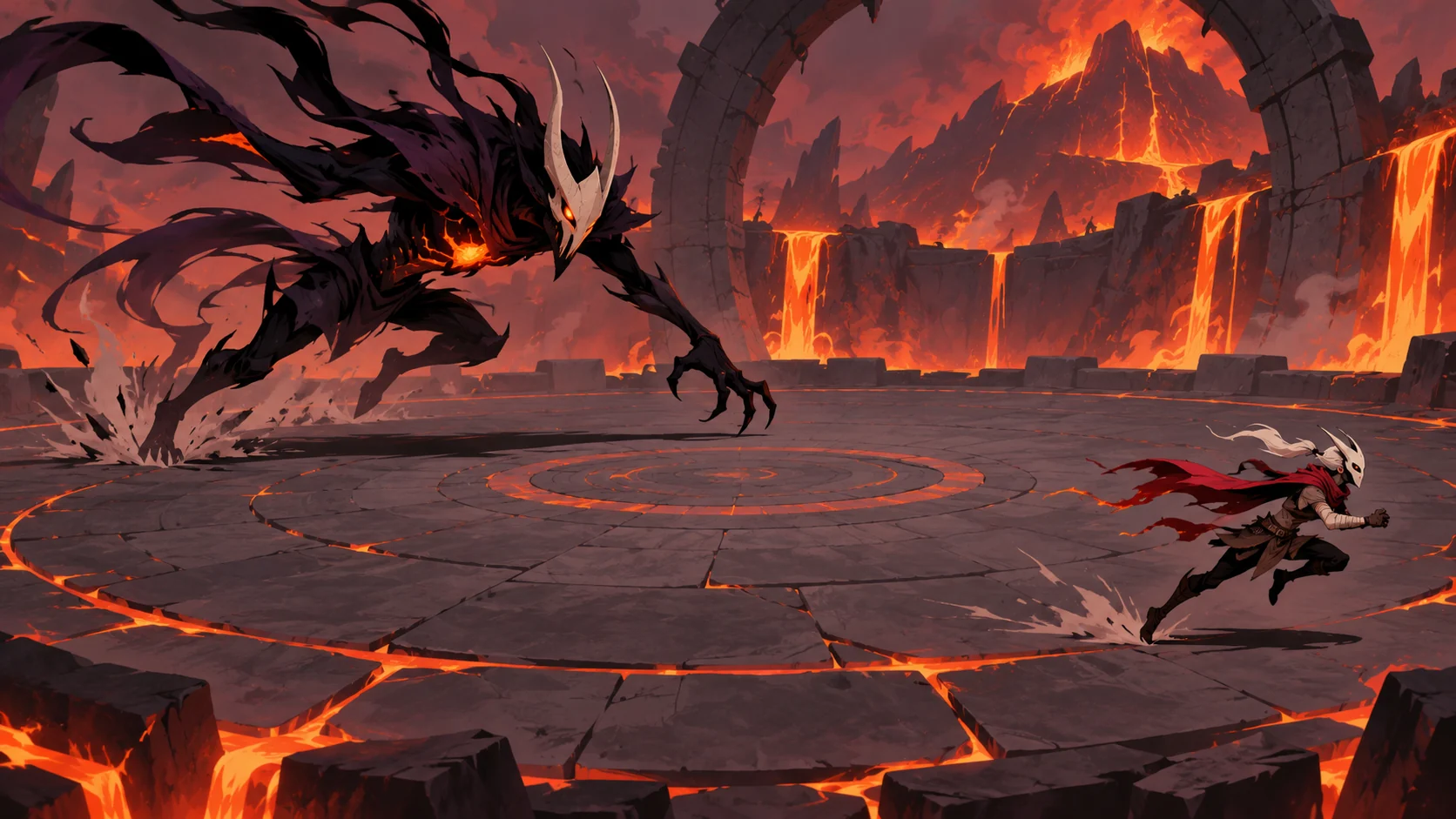
This guide uses Ember Ring, a fictional survival arena, to show a prompt pack and a small local playable example. The browser mock is a simple top-down prototype, not a finished commercial game or an engine export.
Define what survival means before writing prompts
Write a one-sentence loop: move through the arena, avoid incoming threats, collect charge, choose an upgrade, and survive the next wave. Then give the loop a measurable end state. For this example, the player survives three short waves, can take two hits, and can collect one upgrade between waves. These numbers are invented prototype rules, not balance recommendations.
The goal is to make the player’s choices visible. Movement should create space; enemies should apply pressure; a pickup should reward risk; an upgrade should change a useful capability; and a wave transition should give a moment to plan. If enemies, rewards and upgrades do not connect to that loop, leave them out of the first build.
| System | Minimum rule | Acceptance check |
|---|---|---|
| Player | Move in four directions; remain inside arena | Each direction responds and boundaries work |
| Threat | Enemies approach the player at a readable pace | Contact reduces a visible shield once |
| Reward | Charge appears in the arena and can be collected | Collection increments a counter once |
| Upgrade | Choose one of two options between waves | The selected option changes a stated stat |
| Survival | Reach the final timer or lose all shields | Win, loss and restart are all reachable |
Prompt in stable checkpoints
Give the AI a contract that should remain unchanged while each task adds one mechanic. Start with the prototype shell and controls. Run it. Then ask for one enemy type, a pickup, and a wave transition. If a later prompt changes the arena size or input method, say so explicitly; otherwise keep those decisions fixed. This makes it easier to identify which change broke a working behavior.
Prompt 1 — loop contract: “Create a small top-down arena survival prototype called Ember Ring. The player moves with WASD and arrow keys, stays inside the arena, avoids approaching enemies, collects charge orbs, chooses one upgrade between waves and survives three short waves. Keep art simple and all values local. Include win, loss and restart states. Do not add networking, accounts or external assets.”
Prompt 2 — movement and boundaries: “Implement only the player movement and arena bounds first. Use normalized diagonal movement so diagonal input is not faster. Show a clear player marker and an arena edge. Acceptance check: each direction works, holding two directions does not exceed normal speed, and the player cannot leave the play field. Preserve the loop contract and do not add enemies yet.”
Prompt 3 — one readable threat: “Add one simple enemy that moves toward the player. Give the player two visible shields. On contact, remove only one shield, show brief feedback, and apply a short cooldown so one collision does not drain both shields in the same instant. Acceptance check: contact is legible, shield count updates once, and the player can move away.”

Make prompts preserve cause and effect
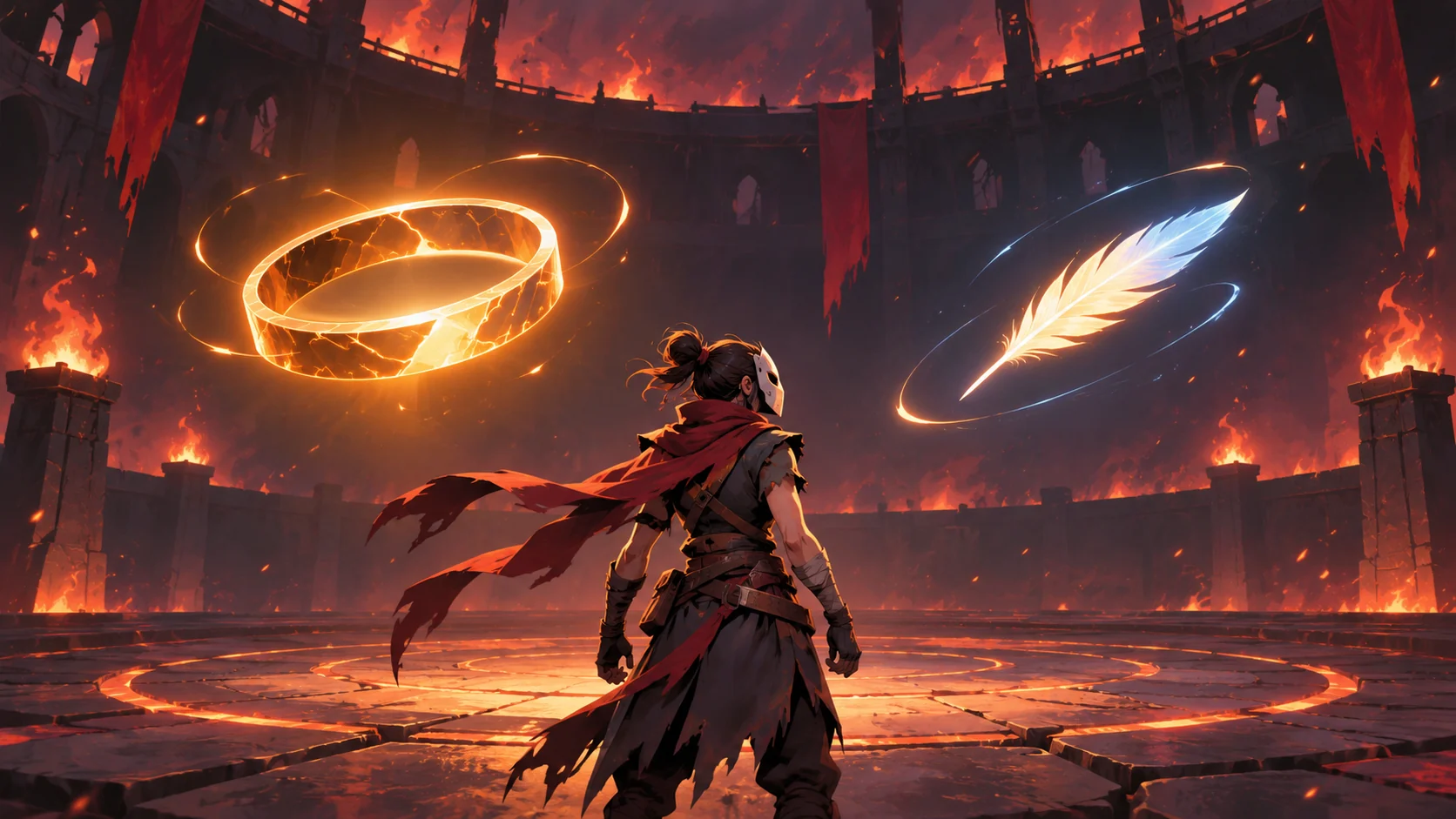
A good prompt says what the mechanic does, what visible signal confirms it, and what should not change. “Add exciting upgrades” does not tell the prototype how an upgrade affects play. Instead, define two options with distinct effects and require a clear selection state. For example, one option can increase the pickup radius; another can add a temporary dash. Ask the AI to show the chosen name and updated value before the next wave begins.
Prompt 4 — reward and choice: “Add one collectible charge orb at a time. It disappears after one collection and increments the charge counter once. Between waves, pause the enemies and show two upgrade cards: ‘Wide Reach’ increases pickup radius; ‘Quick Step’ shortens dash cooldown. Apply exactly one selected choice, show its effect, then let the player start the next wave. Keep the controls and arena unchanged.”
Prompt 5 — wave pacing: “Add three short waves with a visible timer and an intermission. Increase pressure by adding a small number of enemies in later waves, but preserve the same movement and collision rules. The player wins after the final timer; the player loses when shields reach zero. Every state must have a restart button. Do not claim that these values are balanced for real players.”

Inspect the playable result one mechanic at a time
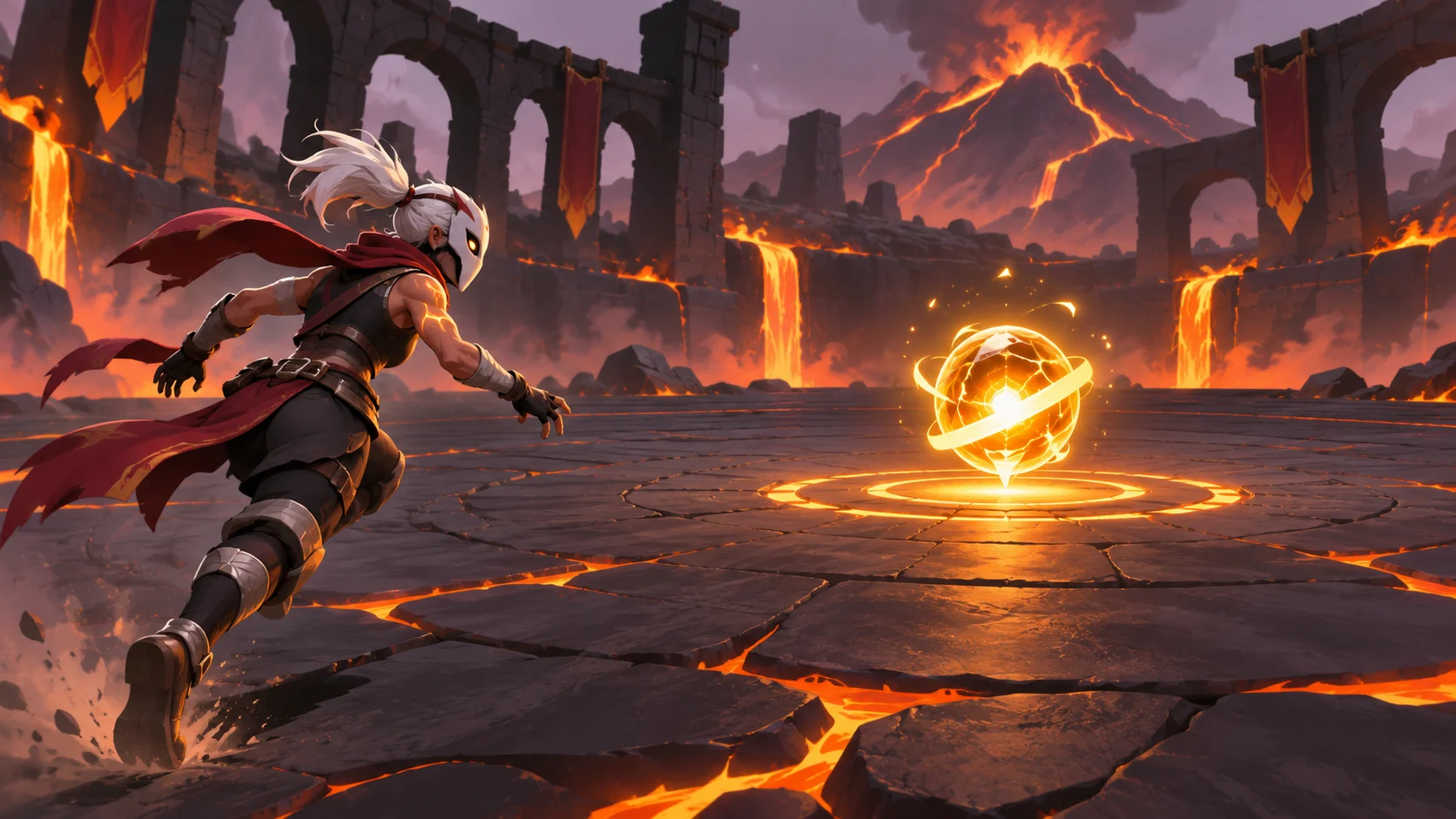
The included Ember Ring mock implements movement, boundaries, approaching hazards, charge pickups, a two-choice upgrade intermission, a three-wave timer, loss and restart. Its graphics are intentionally simple, so the interaction remains easy to inspect. It uses local code and fictional values; it does not represent a generated SEELE build or a production game-engine project.
Test from a clean reset. Move in each direction and confirm the boundary. Collect an orb and revisit its former location to make sure the charge does not count twice. Let an enemy touch the player and verify only one shield is removed during the collision window. Finish the first wave, choose an upgrade, and check that its displayed effect changes. Finally, reach a win or loss state and restart. Record the exact build version and steps so a later prompt can target a reproducible issue.
| Test | Expected local result | Scope boundary |
|---|---|---|
| Direction and edge | Player moves in four directions and stops at arena bounds | Does not establish controller support |
| Pickup | Charge increments once and orb disappears | Does not establish reward balance |
| Collision | One shield is removed per protected contact | Does not establish satisfying combat |
| Upgrade | Chosen option updates its displayed value | Does not establish upgrade fairness |
| Restart | Counters and arena return to defaults | Does not establish save behavior |

Iterate from a specific failed check
Do not ask an AI to “make it better” after a test fails. Write down the observed state, expected state and smallest relevant change. For example: “Build 0.1, after collecting the first orb, revisiting its position increases charge again. Keep the wave timer and movement unchanged. Mark collected pickups as inactive and add a regression check that returns to the same coordinates.” Then rerun both the failing check and the controls that were already working.
The local example follows this discipline: after each test, restart from default state and record the interaction sequence. If a change to pickup logic also alters enemy contact or wave timing, the prompt was too broad. Ask the AI to explain the changed state fields, inspect the relevant code, and update the acceptance checklist before continuing.
Keep an editable prompt log with the project. Separate stable requirements from the current task, note the resulting build identifier, and preserve the last passing version. A prompt pack becomes useful when it can reproduce both the intended behavior and the checks that caught regressions. Concept art can communicate mood, but it cannot prove that collisions, upgrades or wave conditions work.
| Prompt log field | Example |
|---|---|
| Build | Ember Ring local mock, revision 1 |
| Reproduction | Collect charge, move away, return to pickup location |
| Expected | Charge count increases once; collected orb stays inactive |
| Actual | Capture the visible counter and step where it differs |
| Change requested | Update pickup state only; preserve movement and timer |
| Regression checks | Repeat pickup, boundary, collision, upgrade and restart tests |
For a larger project, add art direction and sound only after the core loop holds together. Start with a single arena and one enemy behavior; increase variety only when the player can see why a new threat asks for a different response. Use the Free AI game maker to explore the concept, then compare its actual output with your prompt contract rather than assuming every instruction was followed.
{
  "project": "Ember Ring",
  "genre": "arena survival",
  "coreLoop": ["move", "avoid threat", "collect charge", "choose upgrade", "survive wave"],
  "controls": {"movement": ["WASD", "arrow keys"], "dash": "Space"},
  "state": {"shields": 2, "waves": 3, "upgradeChoices": 2},
  "acceptance": ["movement and boundaries", "single pickup credit", "collision cooldown", "upgrade effect", "win loss and restart"],
  "constraints": ["local-only prototype", "fictional values", "no claim of player testing or engine export"]
}
FAQ
What should an AI prompt for an arena survival game include?
Specify the player loop, controls, arena bounds, enemy behavior, health or shield rules, pickups, upgrade timing, wave conditions and restart behavior. Add acceptance checks that can be repeated. Keep stable project rules in every prompt, then ask for one change at a time so you can tell which instruction caused a regression.
How do I turn an arena survival prompt into a playable prototype?
Begin with movement and boundaries, run that version, then add one threat and verify its collision behavior. Add pickups and upgrades only after the first loop works. Finish with wave transitions and explicit win, loss and restart states. A small local prototype is enough to inspect these rules; it does not need production art or a full game engine to expose unclear logic.
How can I prompt AI to make enemies and upgrades feel different?
Describe the behavior difference and the player response it should invite. One enemy might approach directly while another controls a small area; an upgrade might widen pickup reach while another improves a brief movement burst. State the visual signal and measurable effect, then test whether each option changes play in the intended way before adding more types.
What should I do when an AI-generated prototype breaks a mechanic?
Capture the build identifier, starting state, exact steps, expected behavior and actual behavior. Ask for the smallest targeted fix and name the systems that must remain unchanged. Afterward, rerun the failing sequence and the basic checks for movement, pickups, collisions, upgrades and restart. This helps prevent a fix in one area from silently breaking another.
Does a playable mock prove an arena survival game is fun or balanced?
No. A local interaction check can confirm that controls respond and state changes match the prototype rules. It cannot establish that players find the game enjoyable, fair or challenging. Those questions need playtesting with an appropriate audience, recorded observations and design iteration. Keep browser QA, player research and production validation separate in your notes.