Reproduce the staff unlock before editing
A staff unlock bug can sit in several places: the progression threshold, a stale screen, a hiring action that checks different data, or a save that failed to persist progress. Begin by writing a reproducible state rather than guessing which line is wrong. The fictional Harbor House example uses a Night Auditor role unlocked at Service Reputation 3. The role is visible from the start, reputation is not spent, and the unlock persists. This is a debugging illustration, not a report from a real game.
Record the game version, save state, current reputation, role visibility, exact action and result. Reproduce just below the threshold, at the threshold, after leaving and reopening the staff screen, and after save/load. Note whether the reputation event is applied immediately, at day end, or after a screen refresh. These details distinguish a data issue from a presentation issue.
Ask AI to inspect the relevant project files without edits first: progression data, role definitions, unlock evaluation, staff screen, hire command and save/load. Require file paths and a short call chain. If no source or save is supplied, stop at a test plan; do not invent the underlying implementation.
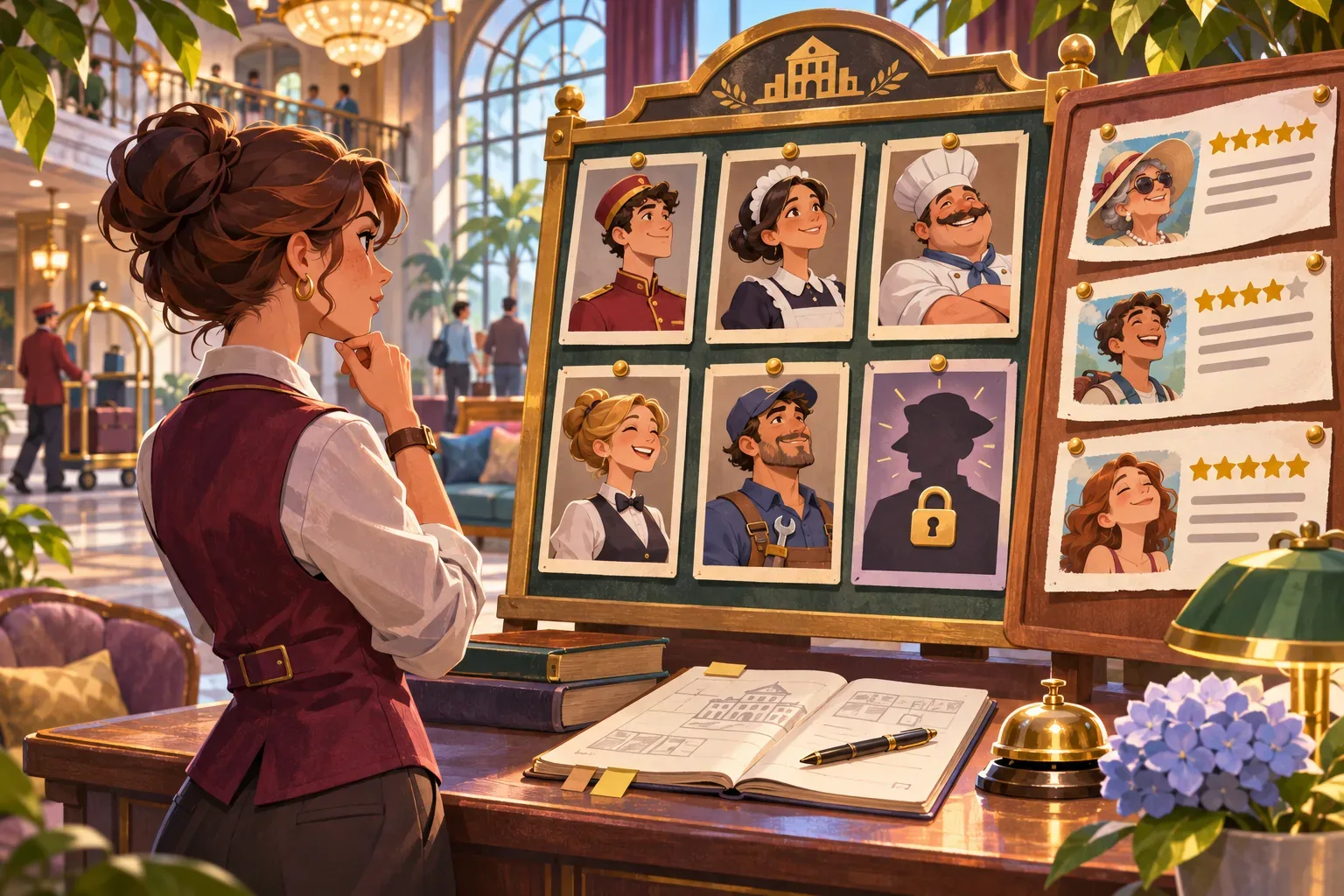
Use one eligibility rule for display and hiring
Represent eligibility with one rule such as `serviceReputation >= requiredReputation`. Both the role card and the hire command should call the same authoritative predicate or read the same derived state. The visible locked message should use the threshold and current value from that source, not a separately copied constant.
Choose one update boundary. When a reputation change commits, recompute unlock state and publish a progression update. The staff screen should render from the committed state. The hire action should validate again at the moment of purchase so a stale screen cannot authorize or reject incorrectly. If reputation can change only at day end, state that timing in the UI.
Treat unlock persistence as a separate check. Save the underlying reputation and unlocked role identifiers, or recompute unlocks deterministically from saved reputation after load. Avoid storing contradictory copies of both values unless there is a clear migration rule. Keep the patch narrow; do not modify salary, role effects or hotel rating while fixing the gate.
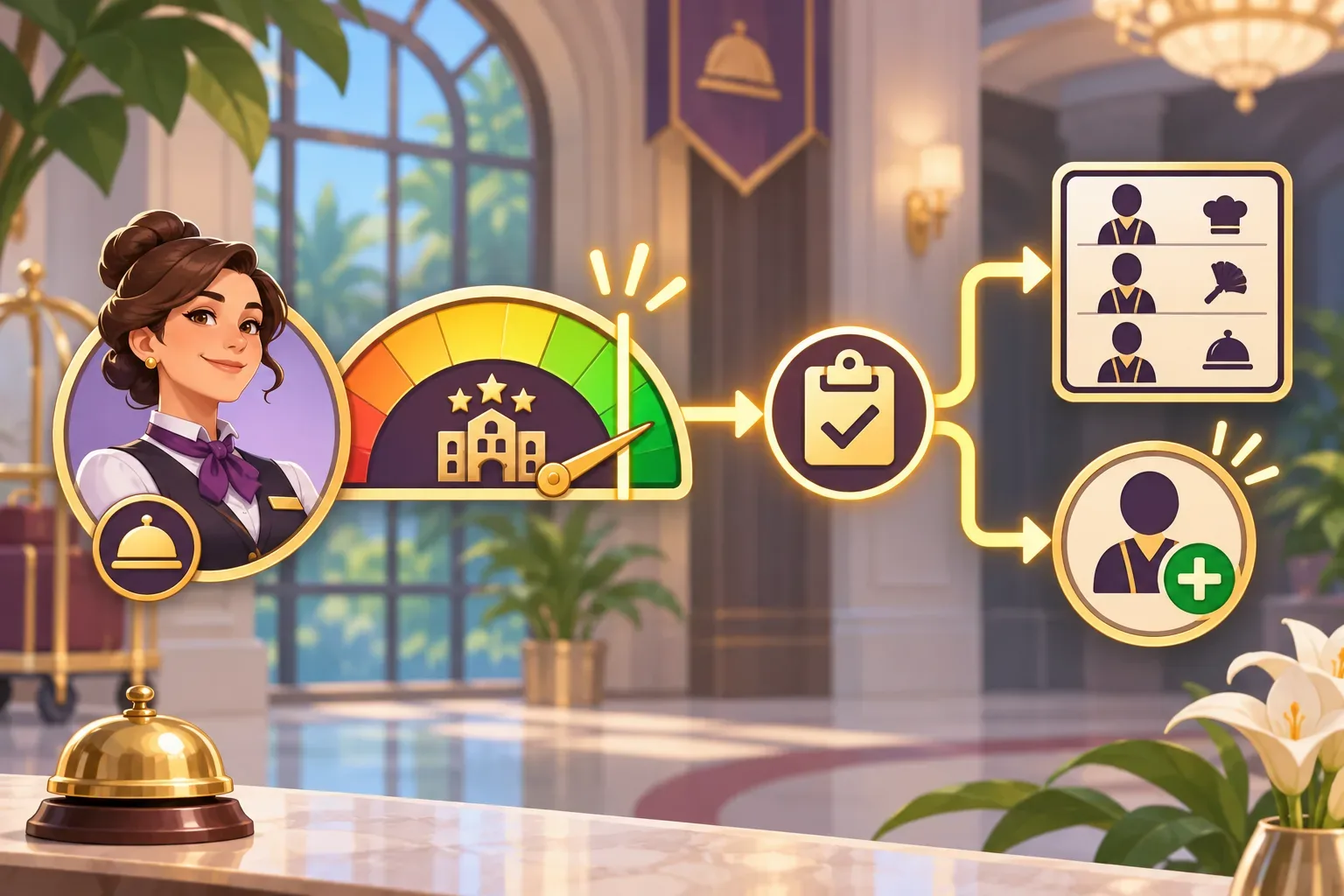
Trace the example
In the fictional reproduction, Harbor House begins at Service Reputation 2. The Night Auditor card is visible and marked locked. After a guest review raises reputation to 3, the expected state is eligible without consuming the reputation point.
The reported hypothetical mismatch is that the card changes to unlocked but the hire action still rejects the player until the screen is reopened. That clue suggests the display and action may be reading different update timing or state, but it does not prove a particular code defect. Inspect both paths and confirm the data before selecting a fix.
A future verification run should check reputation 2, reputation 3, the immediate hire action, screen reopen, save/load, and a rejected hire below threshold. This article has no real repository, reproduction capture, code patch or passing test result.

Write the six prompts
Use one prompt per design decision so later checks have a clear source of truth. These drafts describe Harbor House; they have not been run and do not represent a generated playable game.
Prompt 1: inspect the unlock call path
Inspect the supplied management-game project read-only. Locate staff role definitions, reputation progression, unlock evaluation, staff UI, hire action and persistence. Cite exact paths and summarize the call path; do not propose edits yet.Prompt 2: write a reproducible state matrix
Write a minimal reproduction matrix for the reported staff unlock issue. Include current reputation, card state, action result, screen refresh, day boundary and save/load. Separate observed behavior from expected behavior.Prompt 3: compare display and action rules
Trace whether the role card and hire action use the same authoritative eligibility predicate and committed reputation value. Identify update timing and stale-state risks with file references.Prompt 4: propose the smallest shared-rule patch
Propose the smallest patch that makes the display and hire validation share one rule. Preserve role cost, salary, effects and unrelated progression. Show a diff only after explaining the proposed source of truth.Prompt 5: trace save and reload behavior
Review save/load behavior for this role gate. Determine whether eligibility is recomputed from saved reputation or a stable unlock record, and avoid inconsistent duplicate state.Prompt 6: prepare threshold verification
Prepare future checks at reputation 2 and 3, after an immediate hire, screen reopen, day boundary and reload. Verify rejected attempts do not consume reputation and successful hire persists. Do not claim tests passed without running them.SEELE’s official page describes general plain-English prompting, a playable first version, browser testing and refinement; it does not verify Harbor House. See Free AI game maker for workflow context only.
Prepare future build checks
A fix should be judged at the threshold and through the full UI/action/save path. The following are proposed future checks; no defect reproduction or patch has been run here. These are future checks, not passed tests. Record the before and after state so a later build can be compared with the specification.
| Future check | Expected rule | Evidence to capture |
|---|---|---|
| Below threshold | At reputation 2, role is visible but locked and cannot be hired | State value, card and action response |
| At threshold | At reputation 3, role is eligible without consuming reputation | Progress event and post-action value |
| Fresh state | Hiring immediately after reputation update succeeds | Update event and hire result |
| Reload | Unlock remains correct after screen reopen and save/load | Saved value and rendered card |
| Regression | Salary, role effects and other progression remain unchanged | Diff scope and comparison save |
No real game run, browser test or measured result is available for this fictional example. The illustrations are original concept art and are not screenshots.
Frequently asked questions
What causes staff unlock bugs in management games?
Common places to inspect include threshold data, stale UI state, duplicated eligibility rules, event timing and persistence.
Should the locked role card be hidden until unlock?
That is a product choice. The fictional Harbor House example keeps the card visible and shows its threshold while locked.
Should the game consume reputation to hire the Night Auditor?
No. In this fictional rule, reputation is a threshold and is not spent; the role becomes eligible at three.
Was a real staff unlock bug reproduced or fixed here?
No. Harbor House is fictional; no repository, reproduction capture, code change or passing test is claimed.
How should unlock state survive save/load?
Persist the underlying progression and recompute eligibility deterministically, or save a stable unlock record with a clear consistency rule.