Model unlock, availability and active capacity as separate states
A progression unlock does not always mean an order can start immediately. The game may also check a deadline, active-order capacity, prerequisites or whether the same order is already accepted. If the board says an order is unlocked but the accept action fails, record each state separately before changing code. The Northline Dispatch example is fictional and has no supplied source project or observed bug.
In this example, Amber Parcel unlocks at Guild Rank 2. The dispatch board can display it after that threshold, but acceptance requires one of two active slots to be free and the current day to be on or before the deadline. Accepting marks the order active and occupies a slot; completing it releases the slot.
Write a reproduction with the rank, current day, order state, active-order count and result. Confirm whether a supposedly completed order still appears in the active list. Note whether completion and capacity updates happen immediately, at day end, or only after reopening the board. A screenshot alone may not reveal stale saved state.

Trace the acceptance action from the board to saved state
Trace the full path: board data, unlock computation, availability display, accept command, capacity update, save/load and completion release. The display can say “unlocked” while the action correctly rejects for a separate reason, or the display and action may be using different snapshots. Capture the exact rejection reason and the values each path reads.
Use one eligibility function for the action and its explanation. It should evaluate unlock rank, deadline, active status and free capacity from committed state. The action must validate again when pressed; the UI should show which condition blocks acceptance. Avoid maintaining an independent `canAccept` flag if it can drift from the underlying order and capacity fields.
If a completed order is incorrectly holding a slot, investigate the completion transition and save migration rather than weakening the capacity rule. Make the smallest fix at the state transition that failed to release the slot. Preserve the active-order cap and order rewards. No code change is asserted for the fictional example.
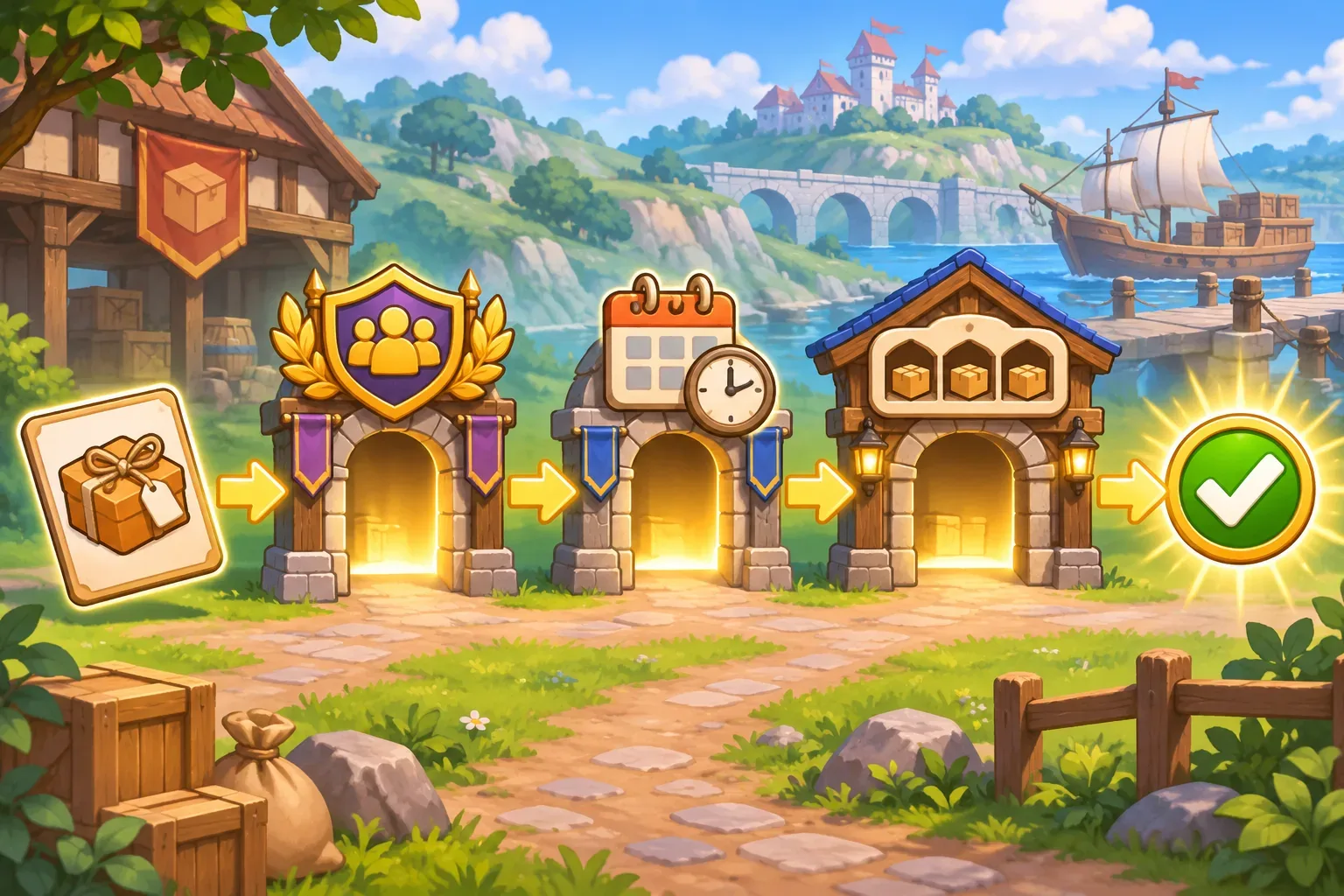
Trace the example
Northline Dispatch starts with Guild Rank 2, one active order and two total slots. Amber Parcel is unlocked, its deadline has not passed, and one slot is free. The expected result is an available order that can be accepted.
After acceptance, Amber Parcel becomes active and the count reaches two. A subsequent completion should release that slot. If the board still reports two active orders after the completed order is cleared, inspect whether the completion event updated the authoritative active-order list and persisted it before the next action.
This flow is a proposed debugging example. No actual project, code trace, reproduction, patch or test evidence is available. A real fix should be based on recorded state and a run through the game.

Write the six prompts
Use one prompt per design decision so later checks have a clear source of truth. These drafts describe Northline Dispatch; they have not been run and do not represent a generated playable game.
Prompt 1: inspect order lifecycle
Inspect the supplied project read-only. Locate order data, unlock rules, deadlines, active-order capacity, board display, accept action, completion transition and save/load. Cite paths; do not assume the board's label proves acceptability.Prompt 2: record the rejection state
Create a minimal reproduction matrix with guild rank, day, deadline, active orders, order status, board text, rejection message and result. Separate confirmed observations from expected behavior.Prompt 3: compare display and action data
Trace which values the board and accept command read. Check for stale snapshots, duplicate order IDs, delayed completion events and mismatched save state. Explain the evidence for each hypothesis.Prompt 4: define one acceptance predicate
Propose one shared acceptance predicate that checks unlock rank, deadline, not-already-active status and free slot. Show a user-facing reason for each failed condition; preserve the active cap.Prompt 5: trace completion and slot release
If a completed order retains capacity, trace the completion transition and persistence path. Suggest the narrowest fix and demonstrate that rewards and active orders are not duplicated.Prompt 6: prepare boundary checks
Prepare future checks for rank below/at threshold, deadline boundary, full/free capacity, duplicate accept, completion release and save/load. Do not claim a bug fix passed without a real run.SEELE’s official page describes general plain-English prompting, a playable first version, browser testing and refinement; it does not verify Northline Dispatch. See Free AI game maker for workflow context only.
Prepare future build checks
The important boundaries are unlock, availability, capacity and acceptance. These are planned future checks; no live defect was reproduced here. These are future checks, not passed tests. Record the before and after state so a later build can be compared with the specification.
| Future check | Expected rule | Evidence to capture |
|---|---|---|
| Unlock boundary | Rank1 locked; Rank2 unlocks Amber Parcel | Rank and board state |
| Deadline | Accept allowed on deadline day and blocked after | Current day and rejection reason |
| Capacity | One free slot permits accept; full capacity blocks with explanation | Active order IDs and slot count |
| Completion release | Completed order releases exactly one slot and keeps rewards once | Completion event and post-state |
| Persistence | Board and command agree after reopening and save/load | Saved order state and action result |
No real game run, browser test or measured result is available for this fictional example. The illustrations are original concept art and are not screenshots.
Frequently asked questions
Why can a game order be unlocked but not accepted?
Unlocking may be only one condition; deadlines, active-order capacity, duplicate status or prerequisites can separately block acceptance.
Should an unlocked order always be claimable?
Only if the design defines unlock as the sole gate. Otherwise, the board should explain any additional condition such as a full active-order limit.
What should be checked when a completed order still uses a slot?
Trace the completion transition, authoritative active-order list and save timing before changing the capacity rule.
Was Northline Dispatch’s bug reproduced or fixed?
No. Northline Dispatch is fictional and no project, reproduction, patch or passing test is claimed.
How can the board avoid stale acceptance feedback?
Use the same committed eligibility state as the action and show the specific blocker when the user cannot accept an order.