Trace an item from supply to sale
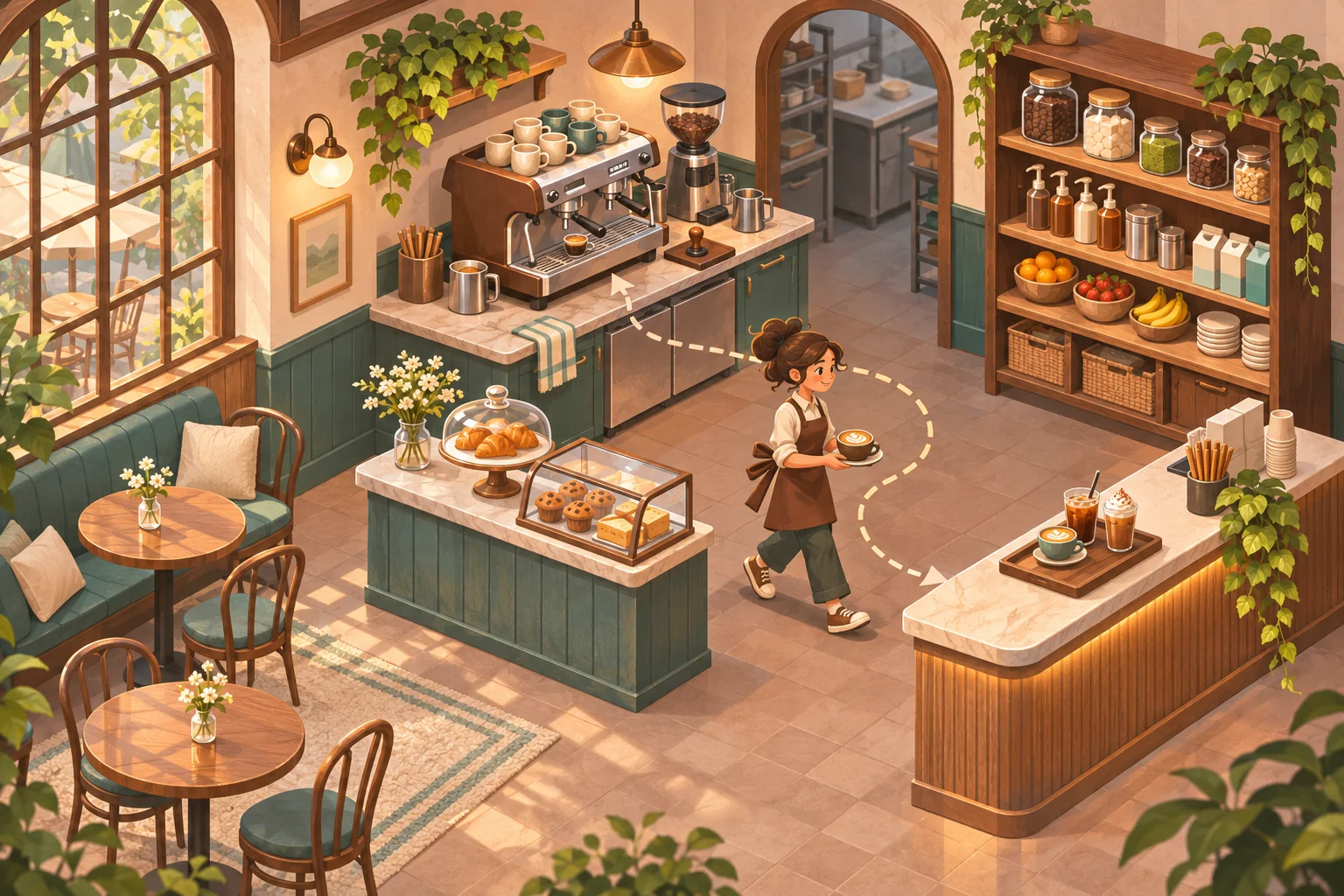
A complete production-to-sales loop lets the player follow one item from a decision to a consequence. Start with a drink or pastry: the cafe orders ingredients, stores them, prepares a recipe, assigns a worker or machine, fulfills a customer order, and records revenue. Each transition should change a visible state. A sale consumes stock, completes an order, and updates the day’s earnings.
Draw this route before building extra systems. For a latte, define the bean and milk quantities, preparation time, machine slot, sale price, and any customer preference. When a player confirms a recipe or restock order, show whether it changes available stock immediately or only after delivery. Hidden timing rules make the loop hard to plan.
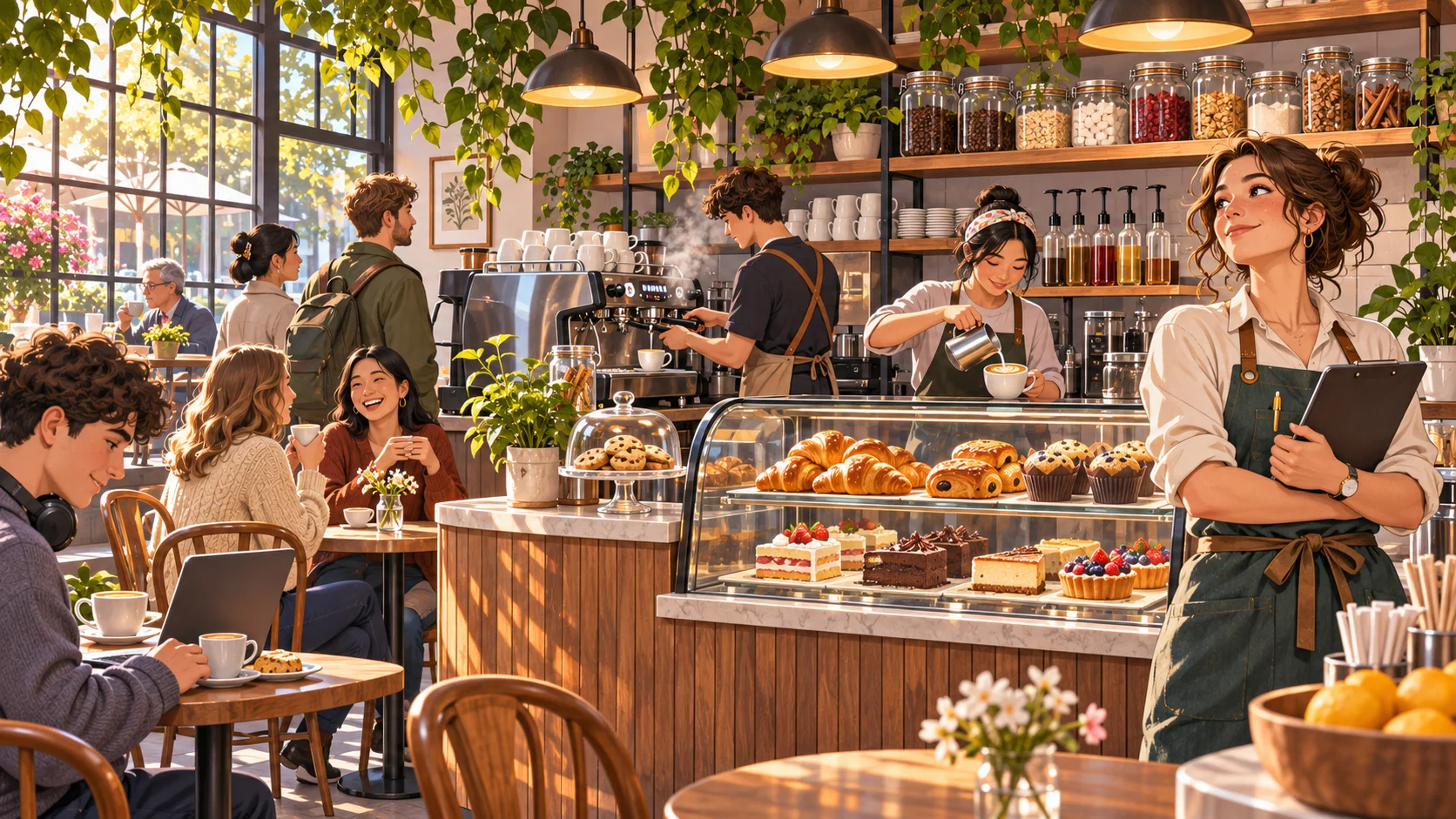
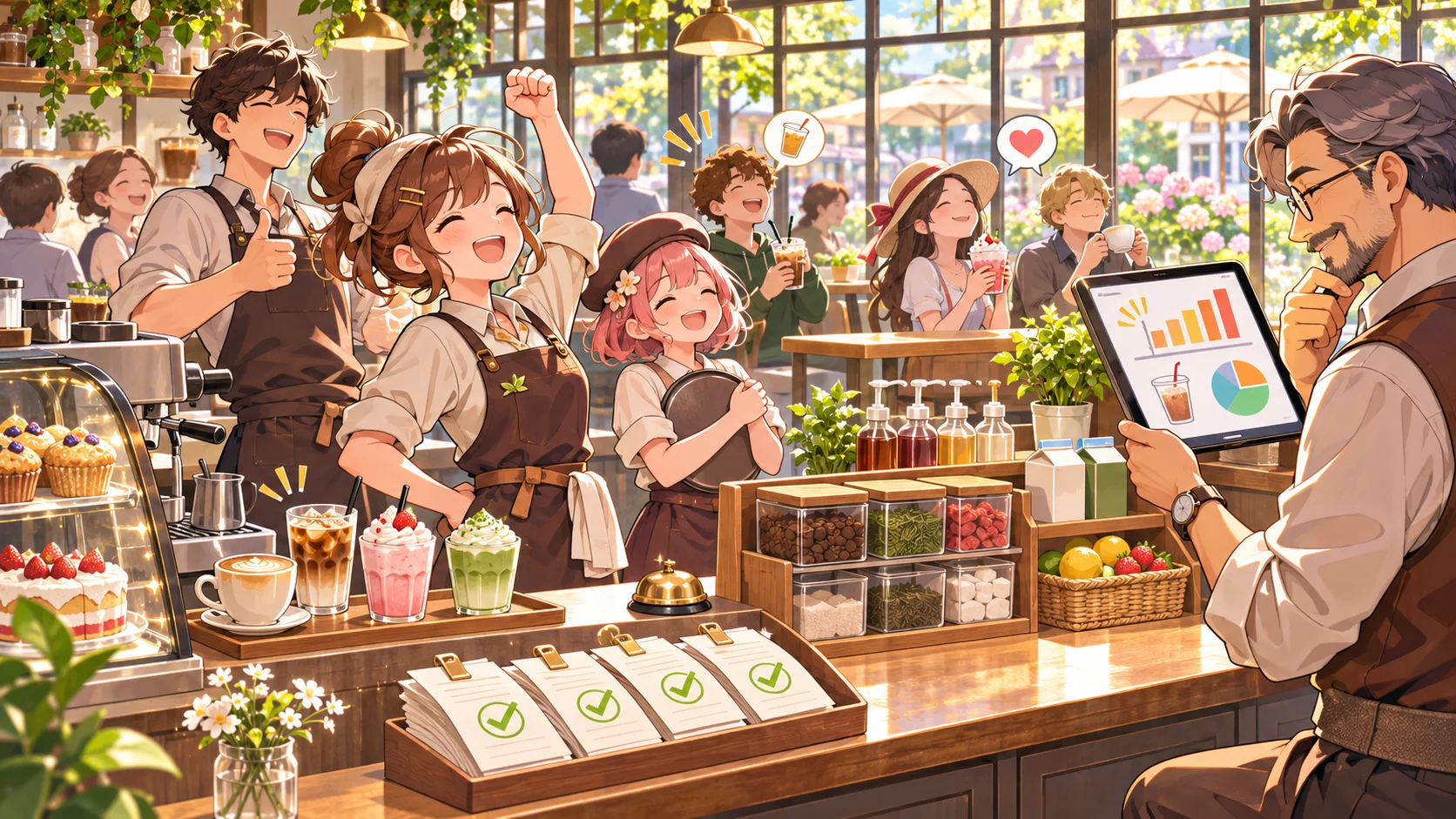
The official Espresso Tycoon listing describes a coffee shop with recipes, supply ordering, employees, and customers. That is useful high-level context for this kind of simulation. The concrete stock model and service flow below are design guidance for an original game, not a claim about another title’s internal implementation. " alt="An original cafe manager oversees a morning service with espresso preparation and customers." width="1672" height="941" loading="lazy">
Make recipes, stock, and prep capacity interact
Recipes become meaningful when they compete for ingredients or equipment. A drink might use beans and milk; a blended version also needs fruit and a blender slot. Show the requirements before the player adds it to the menu. If supply is insufficient, say which ingredient is missing and how many additional servings the current stock can support.
Treat preparation as a capacity decision. A machine may prepare one order at a time or a batch over a visible duration. A recipe that sells well can still create a bottleneck if it occupies the only machine during a rush. Expose queued items, expected completion, and remaining stock so the player can choose between a simple high-volume menu and a slower premium option.
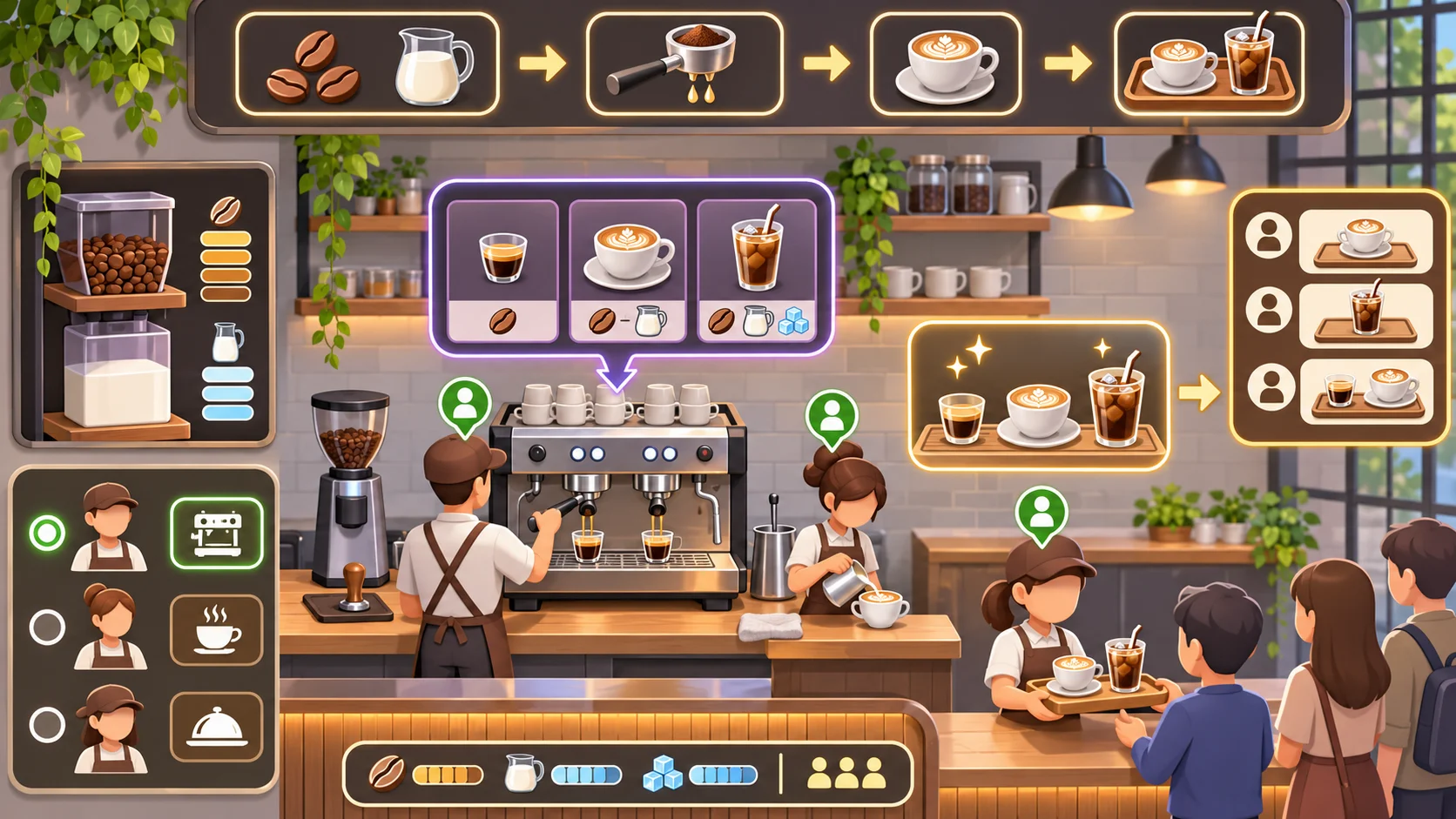
Separate recipe definition from stock state. The recipe says what ingredients and equipment are needed; the inventory says how many ingredients are available now. This distinction makes balancing and saves easier to reason about. When a customer order arrives, reserve ingredients at the moment that matches your design and communicate that rule. Avoid letting the UI imply a product is available if its ingredients have already been committed elsewhere.
Connect staffing and customer demand
Demand should exercise the production system rather than bypass it. Customers can arrive with preferences and patience, but the order must still pass through preparation and handoff. Staff roles can affect one stage each: a barista improves machine throughput, while a cashier reduces payment delay. This keeps hiring useful without making recipes or stock irrelevant.
Build a visible day shape: opening, rush, and quiet periods. Use a simple forecast from past sales or a known event, then let the player choose a menu, order quantities, and staff schedule. Good feedback distinguishes a stockout from a long machine queue or a slow handoff. Each problem needs a different response, so show the wait at the stage that caused it.
Test different menus against the same customer sequence. If every player chooses one high-price recipe, check whether its ingredient cost and preparation time make that strategy actually profitable. Do not rely on a hidden customer mood score to explain a failed sale. State whether the order expired, ingredients ran out, or the wait exceeded patience.
Playtest a full service day
Use a compact acceptance scenario: begin with known supplies, open the cafe, receive a fixed rush, prepare several orders, restock once, and close with a sales and waste summary. A player should be able to point to one choice that improved service and one tradeoff it introduced. Replay the day with a different menu or schedule to see if the system remains legible. " alt="Cafe supplies feed recipe preparation, finished drinks, and customer order trays in a clear sequence." width="1672" height="941" loading="lazy">
Track fulfilled orders, stockouts, time in queue, unsold prepared products, ingredient waste, revenue, and labor cost. Revenue alone can reward a menu that creates unacceptable waits or waste. Add an end-of-day breakdown that links outcomes to specific choices. For example, “two orders missed while the espresso machine was occupied” gives the player a possible action, unlike a generic low-efficiency rating.
Run a save-and-resume check too. Inventory, queued orders, and scheduled shifts should remain consistent if the player exits mid-day. For the foundation of this feature, read the cafe management game guide. SEELE AI can help draft an original cafe concept; the inventory rules, service simulation, and balance still need implementation and playtesting.
FAQ
How do you build a cafe production-to-sales loop?
Trace one product from ingredient order through storage, preparation, customer order, handoff, and revenue. Make each step change visible game state. Then connect recipes, stock, equipment capacity, staffing, and customer demand, and playtest a complete day from opening inventory through the close summary.
What should a cafe management game production loop include?
A clear loop usually includes sourcing or ordering ingredients, storing inventory, preparing recipes, fulfilling customer orders, and reviewing sales and waste. Add equipment capacity and staff only where they change those decisions. Keep timing and stock reservation rules visible so players can plan reliably.
How should recipes connect to inventory and sales?
Each recipe should specify ingredient quantities, preparation capacity, and a result the customer can order. The game should show whether ingredients are available and what each serving costs. When an order is completed, update inventory and revenue consistently, then report stockouts or waste in the day summary.
What should you measure in a cafe simulation playtest?
Track fulfilled orders, stockouts, queue time, unsold prepared products, ingredient waste, revenue, and labor cost. Use a repeatable customer schedule and compare menus or staff plans. Ask players to explain which decision caused the result; unclear cause and effect is a design issue even when sales rise.