A quest editor can give a roguelite RPG more replayable goals, but it should not become a second quest system. Let creators author supported objectives and rewards; let the existing run loop decide how those objectives progress and how persistent unlocks are granted.
This page uses an invented dungeon and reward to make the decisions concrete. No editor, project, or run was built or tested. Before asking AI to change code, map how a built-in quest is currently defined, loaded, progressed, and resolved.
Keep authoring separate from execution
Start with the objective types already implemented: defeat a known enemy group, collect an existing item, visit a location, or finish a current encounter. A first editor should configure those pieces rather than add a new scripting language or arbitrary event system. Each new objective type expands the quest runner and its test surface.
Define a quest as stable content data. A hypothetical “Find the Archive Seal” quest might point to one existing room ID, one supported interaction, and one reward ID. The current run stores whether that objective is complete. Persistent meta-progression stores an unlock after the run resolves. Those are related facts but not the same record.
Stable IDs are safer than display names. “archive_seal_01” can remain the data key if the quest title changes or gets translated. The editor can display a friendly name, but the quest runner should reference the identifier the game already uses for rooms, enemies, items, and rewards.
Use the existing quest runner as the source of truth
Trace a built-in quest from selection to objective updates, reward resolution, and any unlock. Find which component owns run state and which component writes persistent progress. Ask AI to map that route before editing. Request a short change plan and a list of the files it expects to touch.
Keep the editor as a content authoring layer. It can save or select a quest definition and pass it to the existing run entry point. Avoid copying the objective counter, reward code, or unlock behavior into the editor screen; otherwise a quest may behave differently when authored than when it is built in.
Choose an authored-data format that fits the project. Godot documents custom Resources that can be edited in the Inspector and serialized. Unity 6.1 describes ScriptableObject as a data container independent from class instances. Those references describe options for project data; the actual pipeline, versioning, and packaging rules should follow the existing codebase.
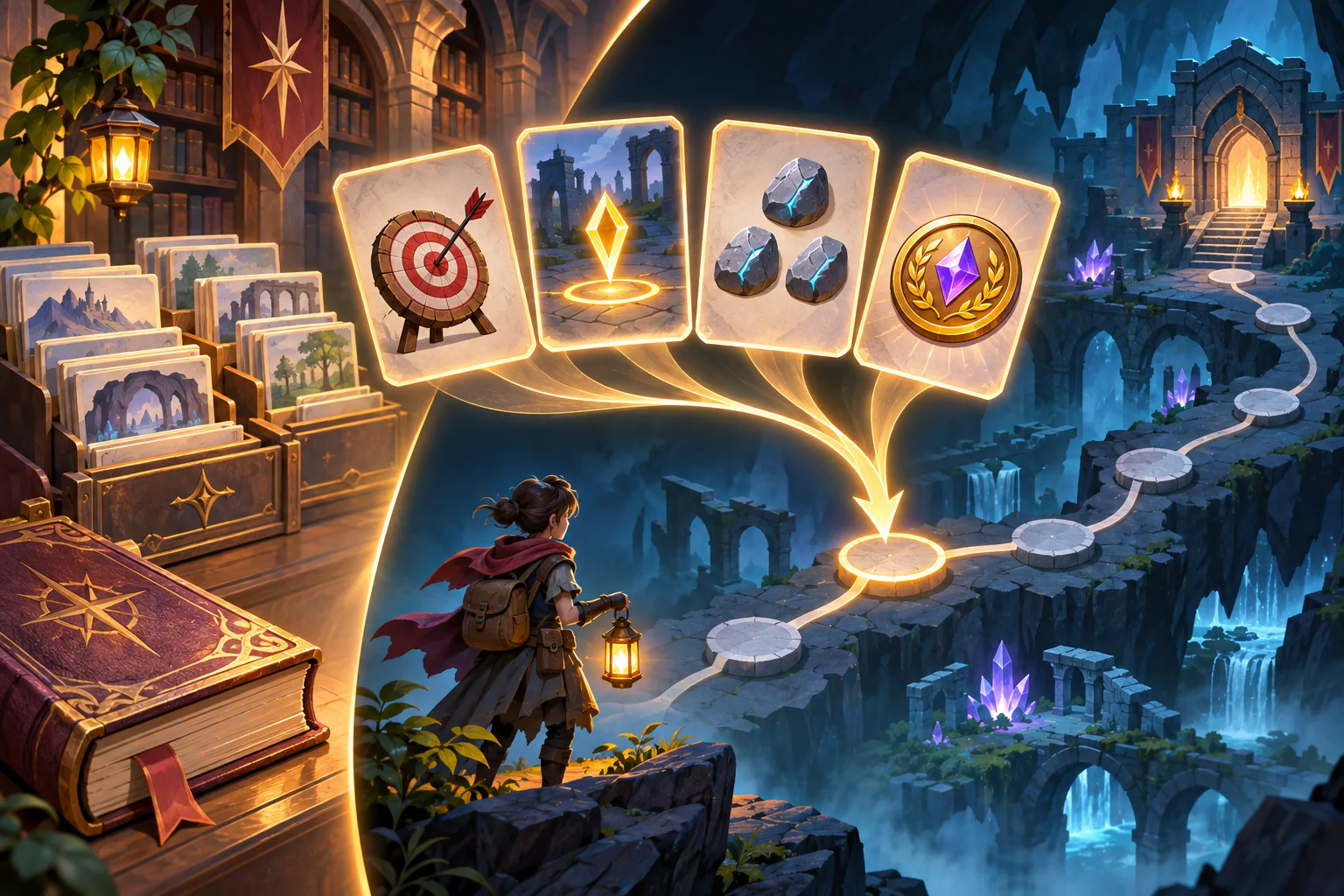
Separate run progress from persistent unlocks
Roguelite structure makes state boundaries important. A quest objective may reset when a run ends, while a permanent unlock survives. Decide whether an objective can be completed partially across rooms, whether a failed run grants anything, and whether a reward is delivered immediately or only after the run returns to the hub.
| Record | Example | Lifetime |
|---|---|---|
| Quest definition | Objective type, target ID, reward ID | Authored content version |
| Run progress | Current count and completed objectives | One expedition unless resume is supported |
| Run outcome | Success, failure, abandoned | Resolved once at run end |
| Meta progress | Permanent archive access unlock | Across runs and profile loads |
Choose one moment when run results are resolved. A retry or scene reload should not grant an unlock twice. If quests can change between game versions, include a content version or explicit handling for retired IDs. Test an older save on a duplicate rather than overwriting the only copy.
Validate before the player starts
Validation catches malformed content before it becomes a confusing run. Check that the quest ID is unique, objective type is supported, targets exist, counts and thresholds are in range, and the reward is known. If a quest requires a sequence of rooms, make sure the target references are reachable under the game's actual map rules.
Return actionable field-level messages. “Objective 2 references an unknown room ID” is easier to fix than “Quest failed.” Warn when a quest has no reachable completion, a duplicate reward, or a target that does not appear in the selected dungeon pool. Do not silently substitute a default target, because a quest can appear to run while asking for the wrong task.
Separate blocking errors from design warnings. A missing target should block launch. A short route or low reward may be a warning that a designer evaluates through play. Validation can check structure; it cannot prove that the quest is fun, fair, or balanced across procedural layouts.
Ask AI for a narrow and reversible slice
Give the assistant a clear contract: add an editor for one existing quest type; preserve the current run loop, procedural generation, combat, reward rules, and meta unlock flow; validate targets before starting; and list changed files, data migrations, and rollback steps. Ask it to reuse the current objective and reward interfaces.
Review the patch for duplicated quest execution, new save fields without defaults, editor-only assets leaking into runtime, and content writes that overwrite built-in definitions. Keep a known-good quest as a regression fixture. Compare the built-in and custom quests through the same start, progress, and resolution path.
Test the content path on repeated runs
The following checks are a proposed plan, not results from the fictional archive:
| Case | Action | What to verify |
|---|---|---|
| Built-in control | Play an existing quest | Original run and reward behavior remains intact |
| Valid custom quest | Start a quest with known targets | Objectives update through the existing runner |
| Invalid target | Use a disposable quest with a missing ID | Validation blocks start and names the bad field |
| Failed run | End a run before objective completion | Failure follows the written reward policy |
| Repeated resolution | Safely replay the same end event | Meta unlock or reward is not duplicated |
| Old content/save | Load an earlier version copy | Unknown quest IDs are migrated or explained |
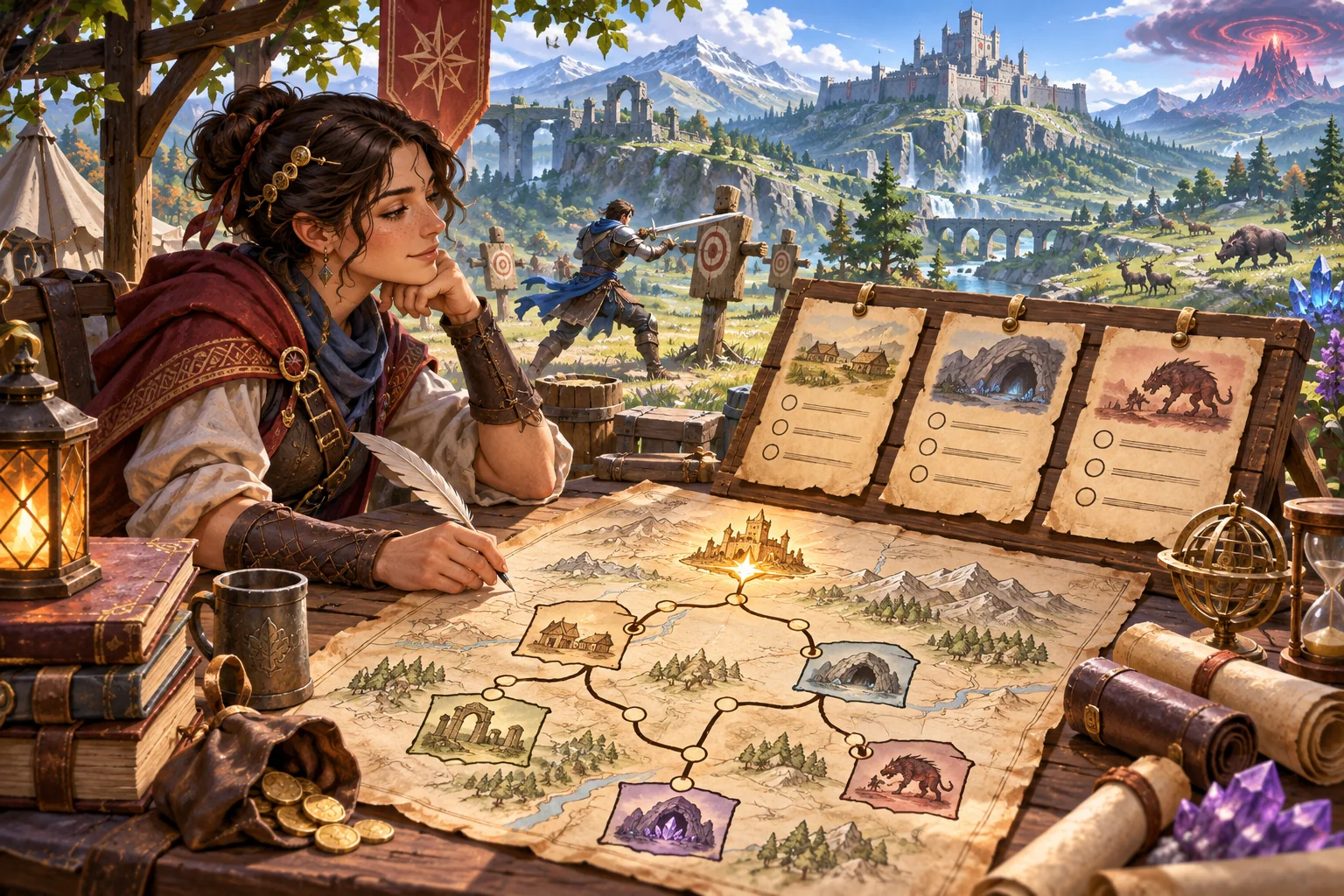
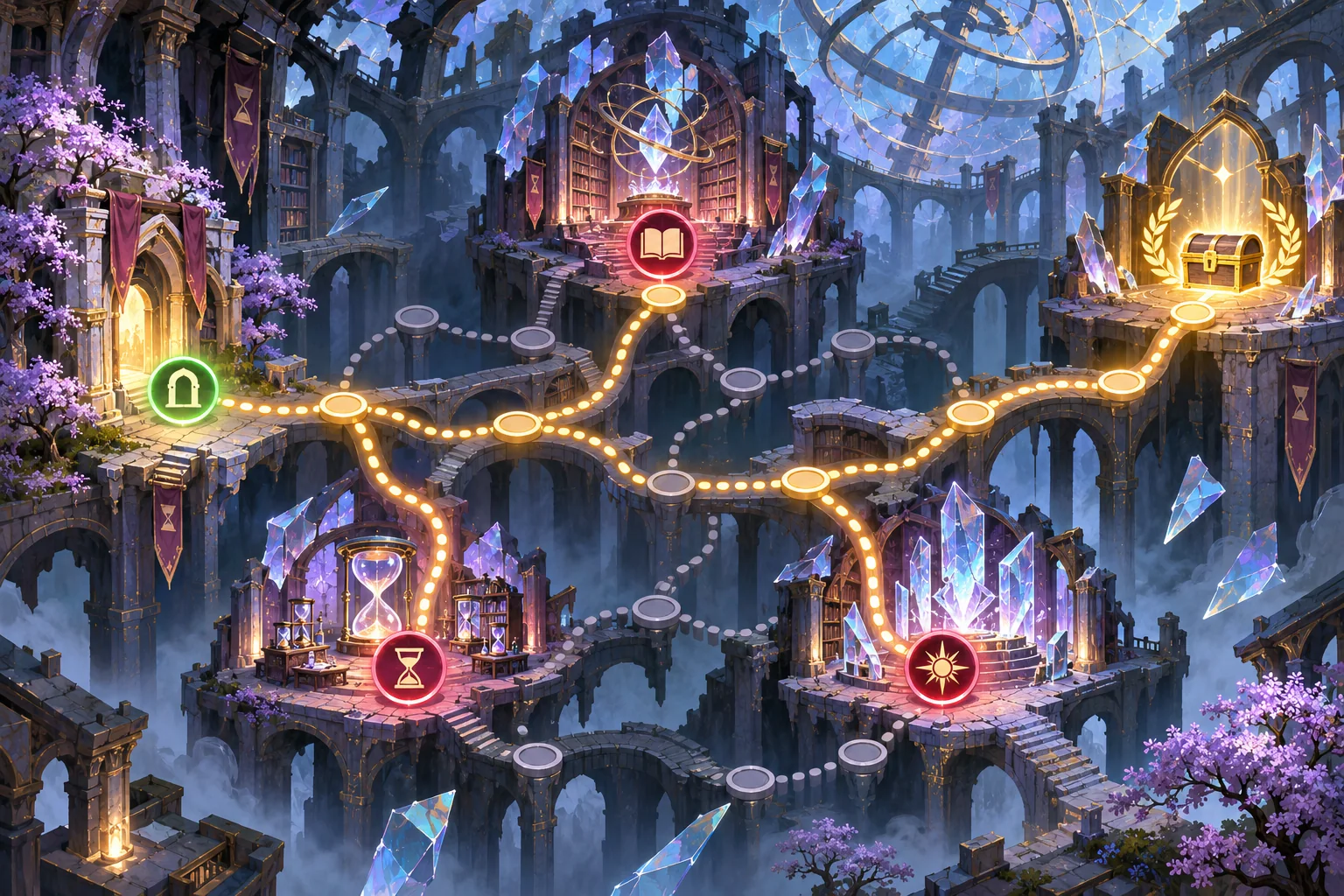
Record game and content versions, quest ID, run seed if available, steps, expected and observed outcomes. Test a normal build, not only an editor preview. A sample route illustration can show the idea but cannot prove that procedural generation reaches the target or that an unlock persists.
Frequently asked questions
What should a custom roguelite quest editor control?
Start with quest IDs, objective types already supported by the game, target references, count or completion rules, and reward IDs. Avoid adding new combat or meta-progression logic inside the editor. Exposing fewer fields makes validation and testing simpler. Reuse supported IDs and field names where possible.
How do I keep custom quests compatible with repeatable runs?
Separate authored quest definitions from the current run's objective progress and persistent meta unlocks. Define when a quest resets and when an unlock is committed, using the game's existing progression owner. Keep run state reset separate from permanent progression rules.
How can I stop invalid quests from entering a run?
Validate required fields, supported objective types, known target IDs, reachable completion rules, and reward references before launch. Show an actionable error for the specific field instead of silently dropping an objective. The author should be able to correct the field before launch.
Should quest definitions use JSON or engine resources?
Use the format that fits the project's authoring and packaging model. Godot custom Resources can be edited and serialized; Unity ScriptableObject is documented as an authored data container. Neither choice replaces the existing quest runner. Check how project content is packaged for the target engine.
What should I test after adding a quest editor?
Test a built-in quest, valid custom quest, missing target, repeated run, reward grant, unlock persistence, and older data. Record the build and observed results; an editor preview is not proof of a completed run. Save the case ID and observed behavior for each attempt.
Start with one quest type
A single objective type that runs through the existing game systems is a useful first slice. Add richer authoring only after IDs, validation, run resets, reward resolution, and persistent unlocks behave as intended in the actual project. Keep content editable without letting the editor quietly become a second gameplay engine.
For a separate browser-playable prototype idea, try SEELE AI Game Maker. This is a separate prototype path, not an editor for an existing project.