Map shared production and consumption
List the materials a group gathers, where they are stored, and which recipes consume them. Separate production rate from stock on hand: a full chest can hide a slow mine, while a fast workshop can empty shared reserves before teammates notice. Draw each source, route, buffer, and crafting station before tuning costs.

The official Satisfactory listing describes factory building, resource management, crafting, and online co-op. That supports the broad production and cooperative context only; the survival network proposed here is original. Start with one shared camp and a short chain such as ore, fuel, and a crafted tool.
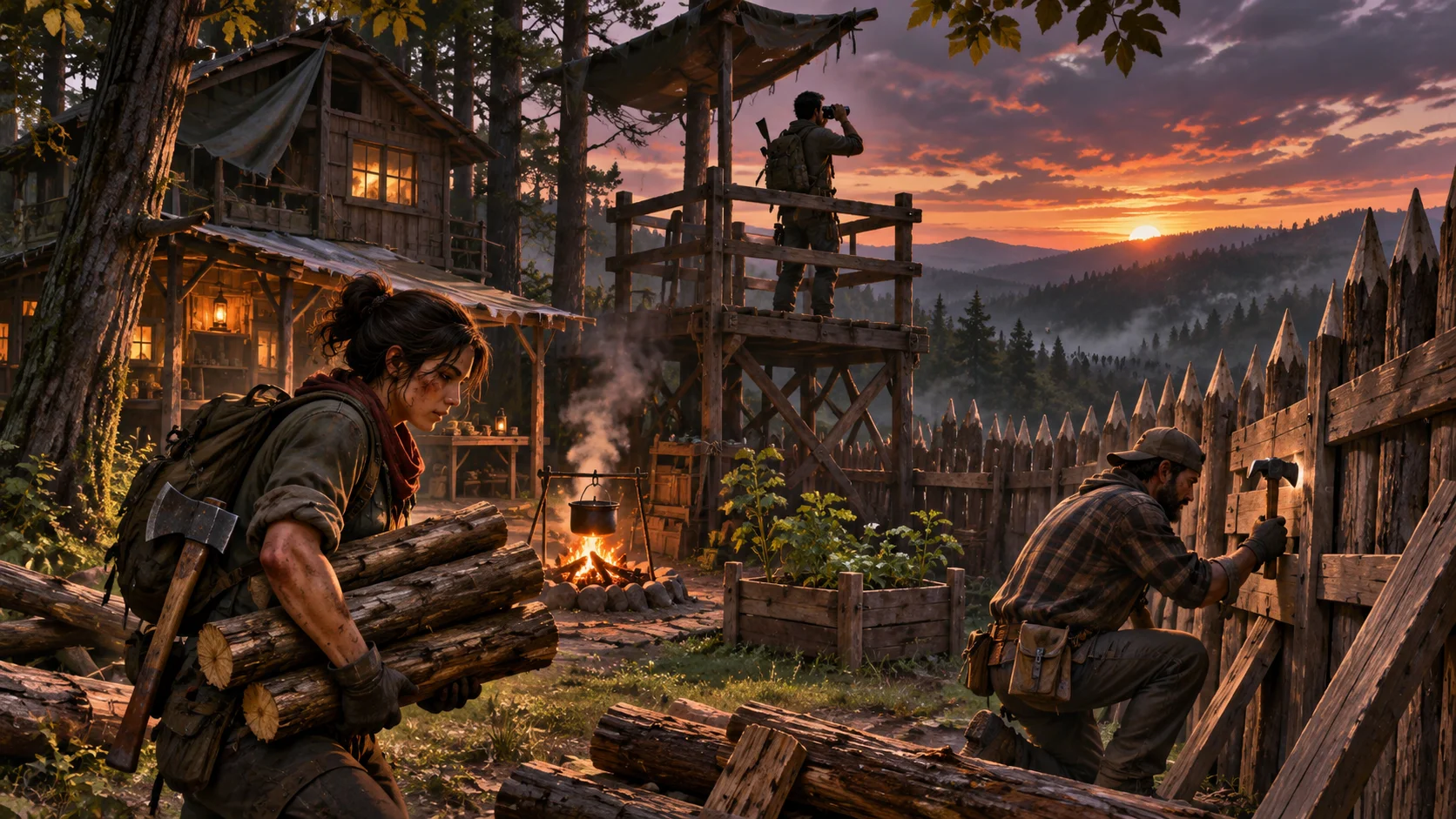
Choose how players interact with the network. They may carry goods manually, use carts, or connect storage to workstations. Whichever rule applies, show whether a station draws from nearby stock, a shared store, or a specific route. The cover scene introduces partners inspecting those connections.
Make constraints visible at the source
When production slows, tell players whether the cause is missing input, blocked transport, full storage, an unstaffed station, or recipe priority. Highlight the affected link or station and show what it needs. A single red warning over the whole base does not help a team decide where to go next.
Use spatial signals that all partners can read. A cart can pause at a blocked bridge; a workstation can show an empty input bin; a storage marker can indicate capacity. Keep the overview synchronized so one player’s screen does not suggest that supplies are available while another player has already used them.
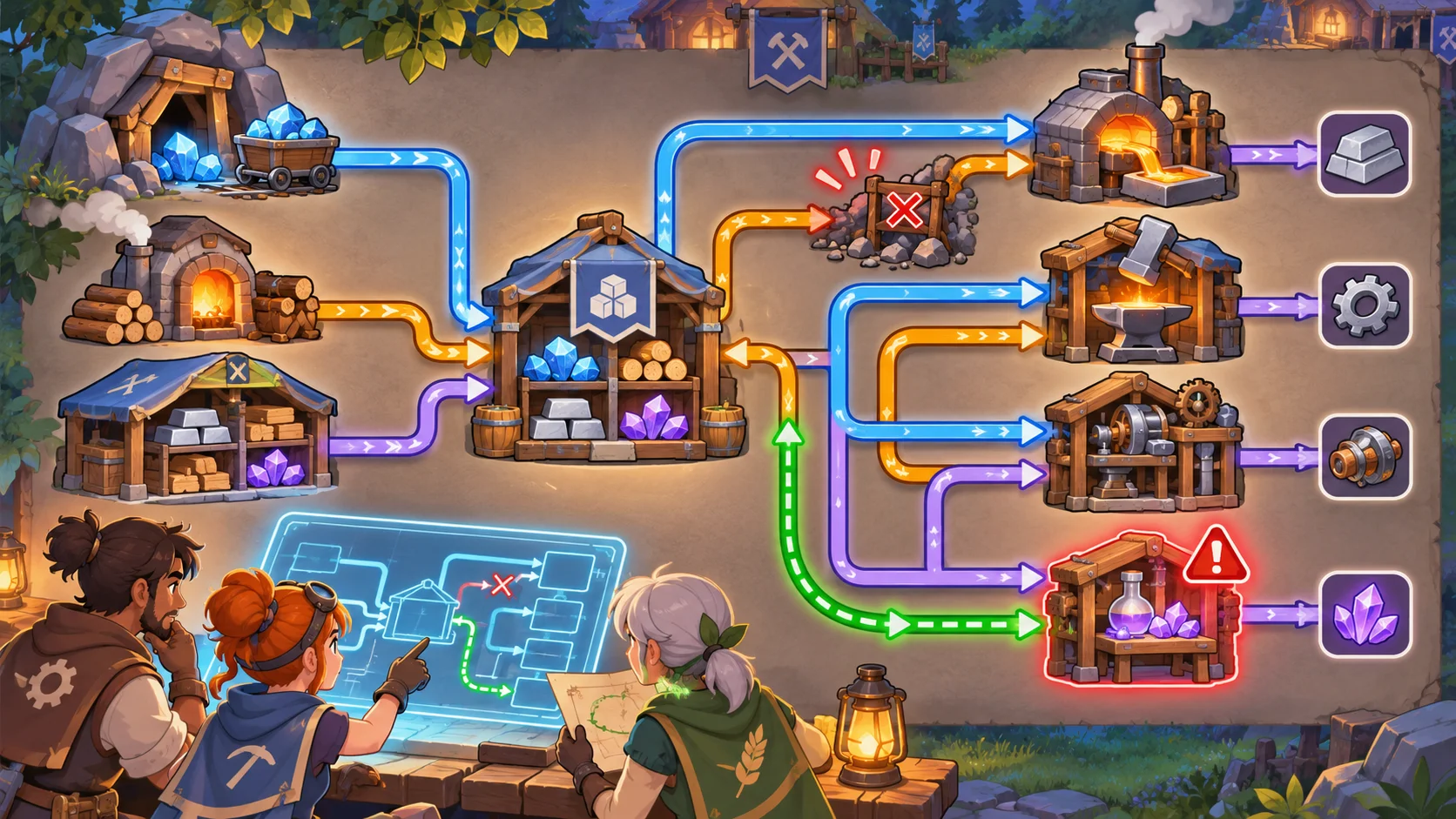
Show projected consequences before a change. If a player redirects ore, explain which other station will receive less. If two partners edit the same route, confirm the resulting state and preserve a short change history. The mechanism image shows resource flow with one constrained branch.
Coordinate priorities and shared work
A useful network creates decisions about what the team builds or crafts next. Let players set priorities or reserve a portion of shared materials for an urgent objective. A partner can reroute ore while another gathers fuel, but both should be able to see the plan and its effect on the camp.
Use lightweight coordination cues such as a marked station, a requested material, or a shared task list. Avoid turning the system into a spreadsheet that players must maintain manually. The world should communicate the main constraint; the interface can provide detail when someone wants to inspect rates or capacity.
Account for players joining late or returning after a break. Summarize current shortages, active projects, and recent changes so they can contribute without asking the group to recount every action. Link the related guide for shared co-op roles and ensure a specialist is never the only person able to repair a critical route.
Test shortage diagnosis and recovery
Create repeatable shortage scenarios and observe whether pairs find the cause without designer hints. Measure time to diagnosis, wasted trips, abandoned crafts, and disagreements about which resource is available. Test with players who know the recipe chain and with newcomers who have only seen the world overview.
Check recovery from common failures: a damaged cart, a full store, an empty fuel bin, or two players taking the same materials. Let the team repair, reroute, or temporarily hand-carry supplies. A temporary outage can add pressure, but the group should be able to understand and respond to it.
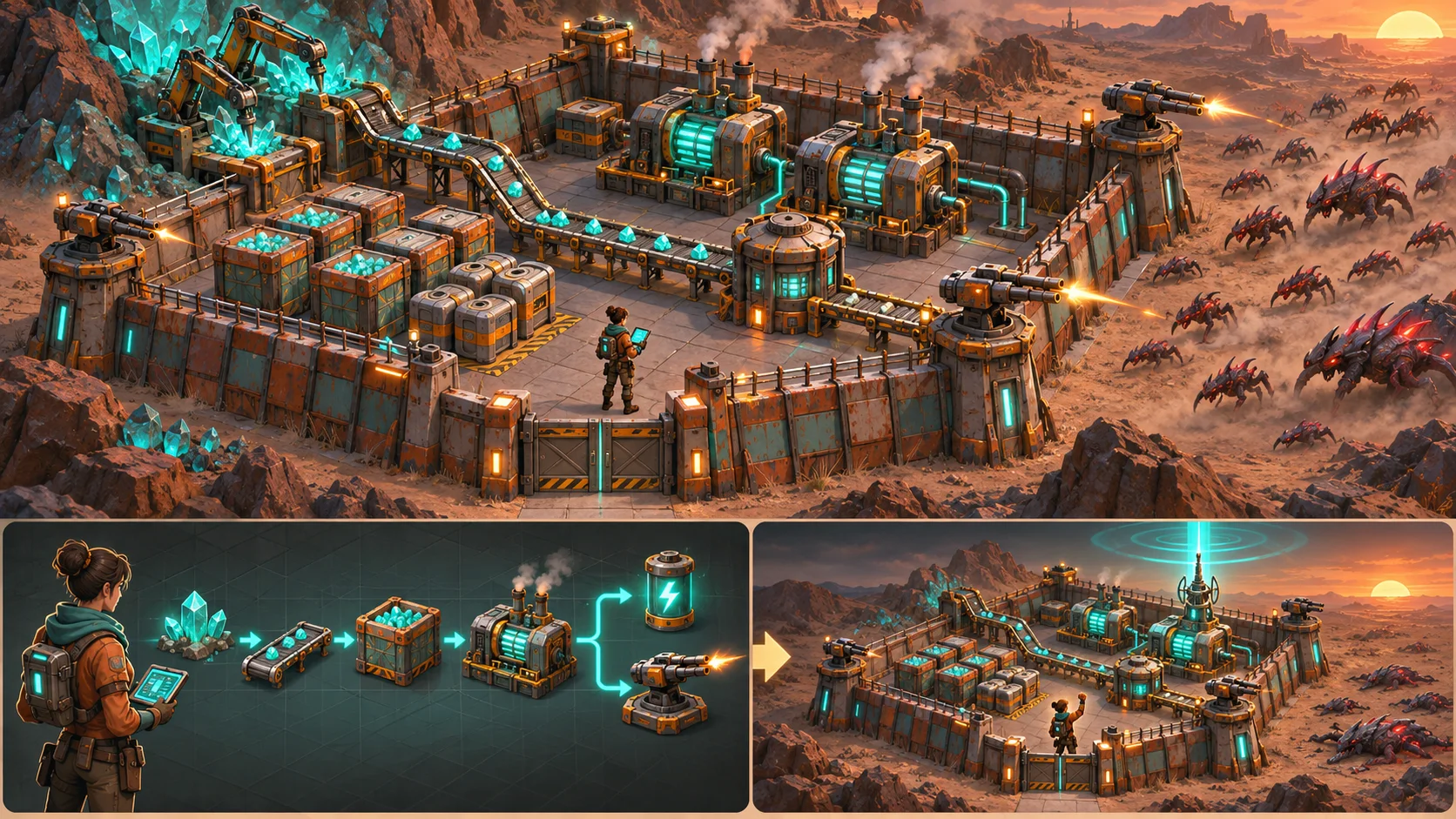
Accept the network when partners can identify the limiting step, agree on a next action, and see the result reflected consistently. SEELE AI can help compare resource-chain prototypes, but inventory synchronization, co-op controls, and bottleneck pacing need implementation and team playtests. The outcome scene shows a workshop restarting after partners restore the route.

FAQ
How do you design visible resource constraints in co-op survival crafting?
Map sources, storage, transport, and recipes, then show where a material is missing or delayed. Use clear station and route feedback that every partner sees. Test a repeatable shortage and observe whether a pair can find the cause without designer help.
How should a shared resource network show bottlenecks?
Identify the blocked link or constrained station and name the resource or capacity issue. Show available stock separately from expected production, and preview which connected station will be affected if players change a route or priority. Repeat this check after a teammate joins, leaves, or changes their current task.
How can co-op teams coordinate production priorities?
Give partners shared task markers, material requests, or station priorities that remain visible to everyone. Let players inspect the likely impact of a change and summarize active shortages for late arrivals or returning teammates. Repeat this check after a teammate joins, leaves, or changes their current task.
What should you test when a crafting network runs short?
Test missing inputs, blocked transport, full storage, recipe conflicts, and simultaneous player edits. Measure time to diagnose, wasted travel, abandoned crafts, and whether the team can repair or reroute supplies without losing the shared state. Repeat this check after a teammate joins, leaves, or changes their current task.