Adding a second playable character to an existing puzzle platformer can open new level-design choices, but it can also disturb movement, puzzle interactions, checkpoints, save data, and camera framing. Start by recording what already works. Define one clear role difference, add it behind a small capability boundary, and introduce one representative two-character room. Keep the original route playable and make every change reversible.
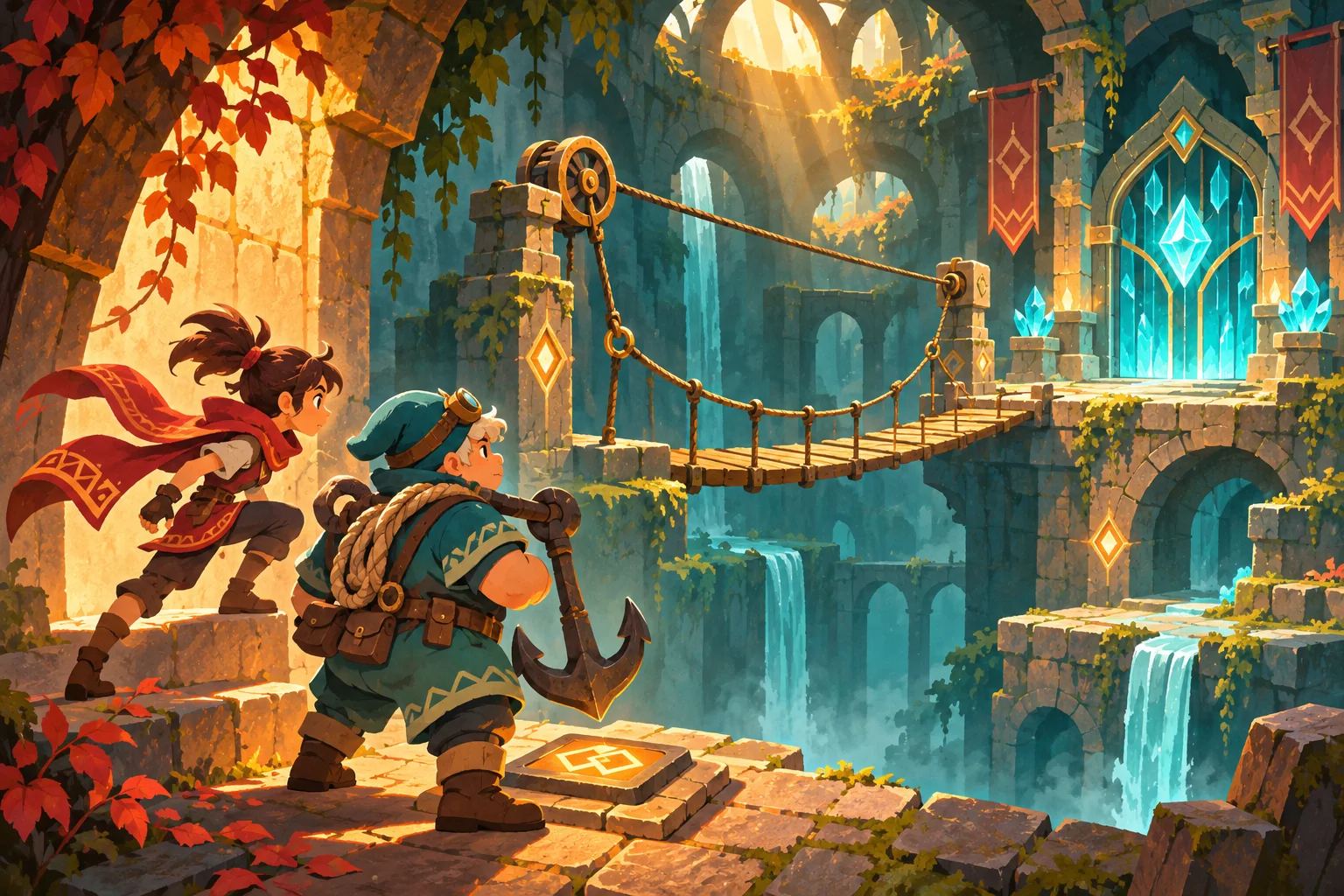
This guide addresses extending a working project, not creating a platformer from scratch. The sample duo, project files, room, and test outcomes are invented. No source tree, save file, build, or playtest was available, so every validation step below is a proposed check rather than a result.
Record the working baseline first
Before asking AI to change anything, make a clean version-control commit or a separate project copy. Run the existing game and note the starting scene, input bindings, player movement, camera limits, collision layers, puzzle state, checkpoint flow, and save behavior. If there is no runnable build, record that limitation explicitly and inspect the current source without claiming that it works.
For the fictional Slate & Sprocket sample, the original character can run, jump, push a block, activate a floor switch, and reach a crystal checkpoint. The existing rooms assume one player body. This scenario is illustrative only. In a real project, replace this list with systems and scenes confirmed in the repository.
| Preserve | Inspect before changing | Evidence to capture |
|---|---|---|
| Original player controller | Acceleration, jump timing, collision shape | Baseline build or source reference |
| Room and puzzle logic | Switch signals, object ownership, reset rules | Scene and script list |
| Input and camera | Action names, follow target, framing limits | Input map and camera configuration |
| Progress and saves | Checkpoint ID, collected state, old save fields | Sample save copy and load behavior |
Ask AI to summarize only the files it actually receives. Request a list of candidate files, their current responsibility, and the smallest proposed diff. Do not let an assistant invent a project structure or silently replace an existing controller just because a new character seems to need a different script.
Define a role through puzzle verbs
Give the new character a puzzle verb that changes the designer’s options. “Can hold a counterweight in place” or “can redirect a light beam” is more useful than “has more strength.” State where the ability works, what it cannot affect, whether it consumes time or a resource, and how the room communicates its availability.
In the fictional example, the original runner can cross narrow ledges and push lightweight blocks. The new anchor character can secure a heavy counterweight but moves through the same shared platforming spaces. A two-person puzzle asks the runner to reach a switch while the anchor holds a lift. These are invented mechanics, not measured balance results.
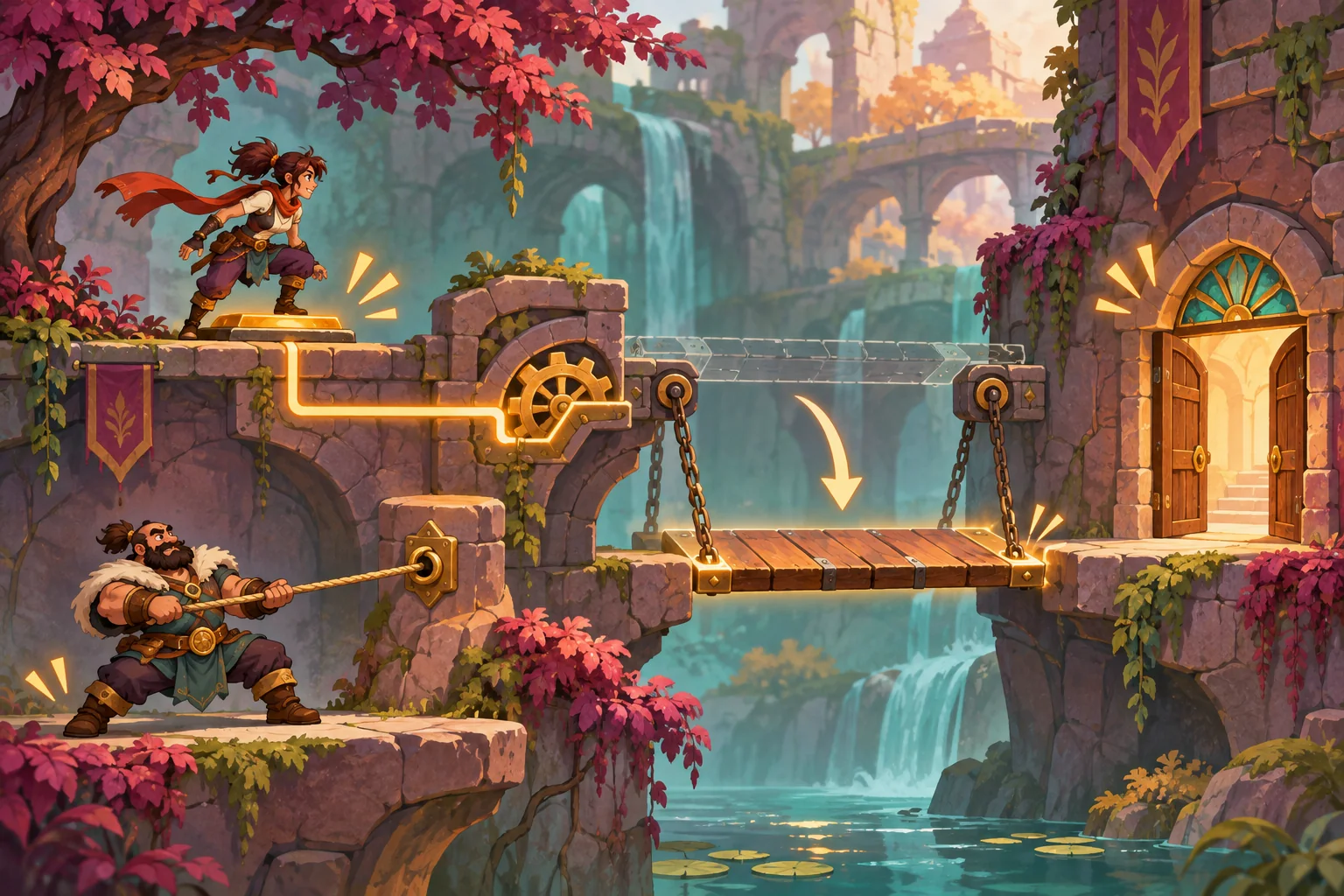
Separate capability from identity where that matches the project. A character resource or narrow ability interface can express puzzle-specific actions while the existing movement controller remains shared. Avoid creating a general framework for every future character before the first ability has a complete use case. A small boundary is easier to review and undo.
Plan the smallest reversible change
Give AI a scope statement, the real file list, the baseline behavior, and explicit exclusions. Ask for a plan before code: what files it proposes to edit, why each is necessary, which existing files must remain untouched, how to test the behavior, and how to revert. Review the plan against the repository before accepting a patch.
| Area | Possible minimal change | Keep untouched unless required |
|---|---|---|
| Character role | One ability component or data resource | Existing movement and animation controller |
| Selection | One character-choice field and spawn mapping | Unrelated menu navigation and UI theme |
| Puzzle | One test room and one role-aware interaction | Existing level scripts and completed rooms |
| Input | Reuse the interaction action or add one named action | Existing movement bindings |
| Persistence | Default old saves to the original character | Existing save keys and progression schema |
Godot’s InputMap documentation describes named input actions configured through Project Settings or InputMap APIs. That supports checking the project’s actual action map; it does not prescribe this article’s character architecture. Prefer an existing interaction action when it already expresses the behavior. Add a new action only when the player needs a distinct, documented control.
Keep a diff allowlist. If the accepted plan calls for a character resource, a selection field, and one test room, unexpected edits to every level, save migration, input defaults, or global managers should stop the change for review. Save a rollback commit before applying any broad refactor. If the first role ability requires a new architecture, narrow the feature until its risk is understandable.
Protect saves, checkpoints, and puzzle ownership
Decide which object owns the selected character and which object owns each puzzle state. A room switch should not accidentally depend on a specific character node path if the project supports swapping the active character. Define how the active character is spawned at a checkpoint, what happens to the inactive character, and whether both characters can trigger hazards.
When old saves do not contain the new selection field, define an explicit default rather than assuming a missing value. Godot’s saving tutorial demonstrates choosing persistent data and serializing fields in one engine-specific example. It does not establish a universal schema. Follow the project’s actual save format, load an untouched copy of an older save, and check that no existing progression is lost.
For the fictional sample, an absent role field defaults to the original runner. The anchor character is spawned only after the new option is unlocked. This is an example migration policy, not tested behavior. A real project may need a different compatibility rule; record it in the design note and make migration reversible.
Build one representative cooperative room
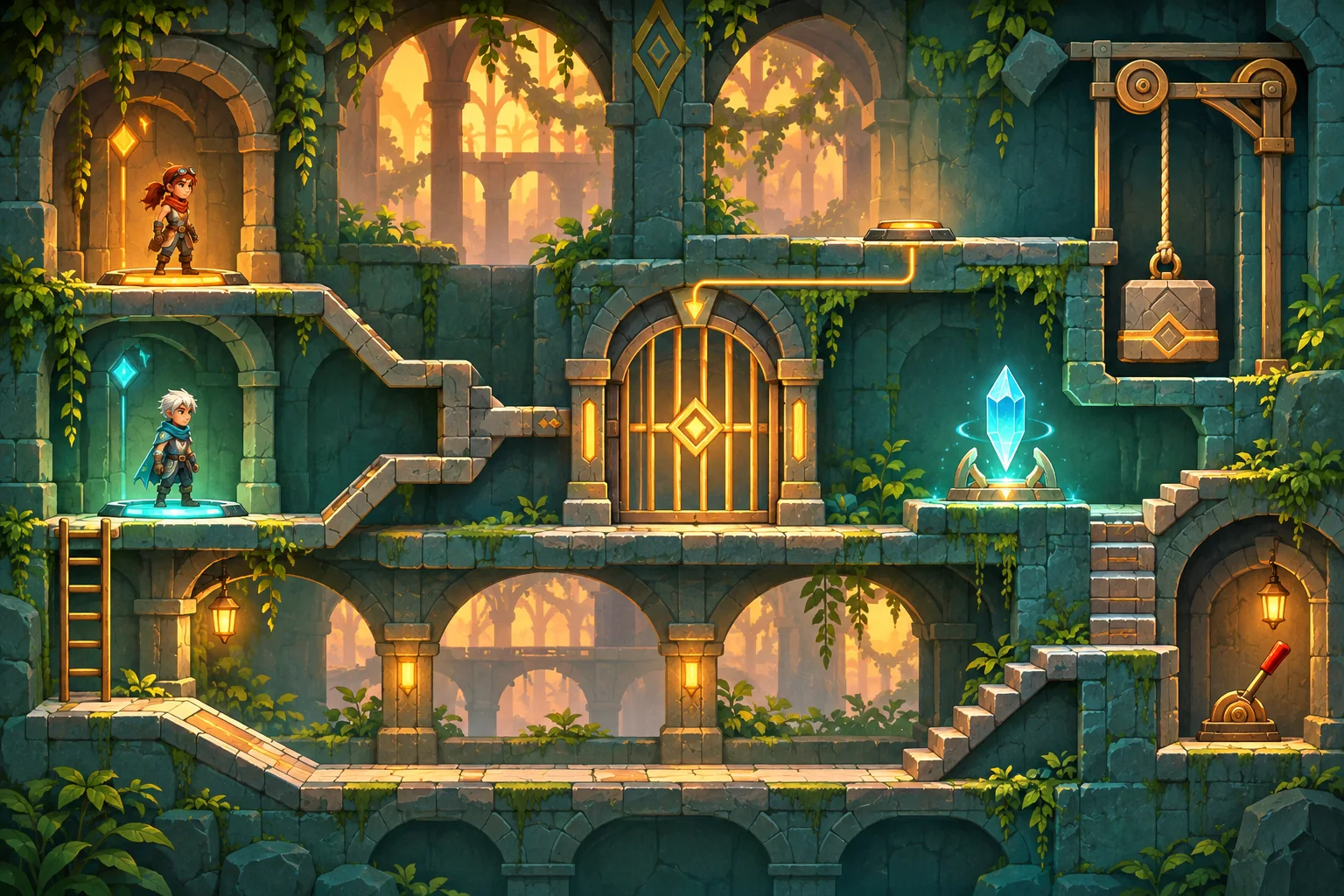
Do not update every level before the character contract is understood. Create one isolated room that proves the intended interaction from start to reset: choose both characters, reach the switch, anchor the counterweight, cross the raised bridge, touch a checkpoint, exit, and re-enter. If the game is not cooperative and only permits switching, adapt the steps to its actual ownership model instead of adding an unrequested second simultaneous avatar.
Check the new role alone and with the original. Test whether the ability can be triggered from the wrong range, whether the switch releases on death, and whether moving between rooms leaves stale objects behind. Verify camera framing for both body sizes and the original jump arc. A capability can feel distinct without changing the core controller, but only project-specific testing can establish that it does.
| Check | Proposed action | Expected evidence |
|---|---|---|
| Original regression | Replay a known room with the original character | Movement and puzzle output match baseline |
| New role boundary | Attempt ability inside and outside its allowed range | Only the documented target responds |
| Room reset | Activate the ability, then die or reset | Temporary state restores consistently |
| Checkpoint | Reach a checkpoint and reload a project copy | Character and room ownership are coherent |
| Old save | Load a copy created before the new field existed | Default policy preserves prior progress |
| Changed files | Compare the patch with the allowlist | No unexplained project-wide edits |
This is a test plan, not a report of successful execution. Record the game version, test save, selected role, room, action, expected outcome, actual outcome, and any regression. When a step fails, change one cause at a time and compare against the baseline rather than stacking speculative fixes.
Review the patch and keep a rollback route
Review the full diff for altered physics values, collision masks, action names, node paths, save fields, and scene ownership. Ask what happens if the new ability resource is missing or the selected character is no longer available. Confirm that the original character remains selectable and that removing the new room restores the old game flow.
Keep changes in a feature branch or dedicated commit. If the input map or save schema changes unexpectedly, revert the patch and split the task into a smaller migration. Save a copy of a real save before any migration test. Never treat an attractive mockup or a generated image as evidence that the character swap, puzzle, or rollback works.
Frequently asked questions
How should a second character differ in a puzzle platformer?
Give the character a distinct puzzle verb, such as anchoring a counterweight or redirecting a beam, and define its limits. Keep jump, collision, and interaction rules understandable. A role should create a new choice in level design, not merely add a stronger version of the original character.
Should both characters share the same movement controller?
Keep a shared controller when both characters obey the same movement and collision contract. Add role-specific abilities behind a small capability interface or data resource. If movement truly differs, isolate the variation and test slopes, hazards, camera framing, and checkpoints for each character.
How can I add the new character without breaking old levels?
Capture a baseline and preserve existing scenes, puzzle scripts, input actions, and save fields. Add one selectable character and one test room first. Use explicit compatibility defaults for old saves, compare the changed-file list with the plan, and revert if the original route stops working.
How do I test puzzles that require both characters?
Test each role alone, then test the intended combination, reset, checkpoint, and room re-entry. Verify that switches release, temporary objects reset, and both characters remain reachable. Treat a written matrix or mock room as a plan until someone runs it in the actual game build.
Can AI safely modify an existing puzzle platformer project?
AI can help inspect a supplied project, propose a bounded patch, and draft tests, but it cannot establish correctness without the project context and actual validation. Provide version control, a file allowlist, expected behavior, and a rollback point. Review every diff and test on a project copy.
Add the second role without losing the first
Capture a baseline, define a clear capability boundary, and add one test room behind a narrow, reversible patch. Preserve the original controller, puzzle rules, input map, checkpoints, and save fields unless the project evidence shows a change is required. Treat every listed validation step as a plan until it has been run in the actual build.
To explore a separate puzzle-platformer concept, try SEELE AI Game Maker. It is a concept tool, not an existing-project editor.