A specialized settler role can make a farming simulation more strategic, but it can also disrupt work if the game confuses what a worker knows with what they are assigned to do today. Keep qualification, current role, and current task separate. Then connect one specialist role to the existing scheduler and test it across a season change.
This guide is for extending an existing farming game with settlers, crops, and scheduled work. The irrigation specialist, farm, and outcomes are invented. No project, save, or task scheduler was inspected.
Make the role solve a real management problem
A role should help the player make a meaningful choice. An irrigation specialist might inspect channels before planting, while a seed keeper prepares supplies before the next season. Avoid adding a title that changes no decision or simply multiplies output without a clear cost. State when the role matters and what the player gives up by assigning someone to it.
| Settler state | Example | When it changes |
|---|---|---|
| Qualification | Knows irrigation upkeep | Training or long-term progression |
| Role assignment | Assigned as channel keeper | Manager changes the work plan |
| Current task | Inspecting one water gate | Scheduler resolves priorities |
| Temporary condition | Resting after a shift | Time or recovery rule |
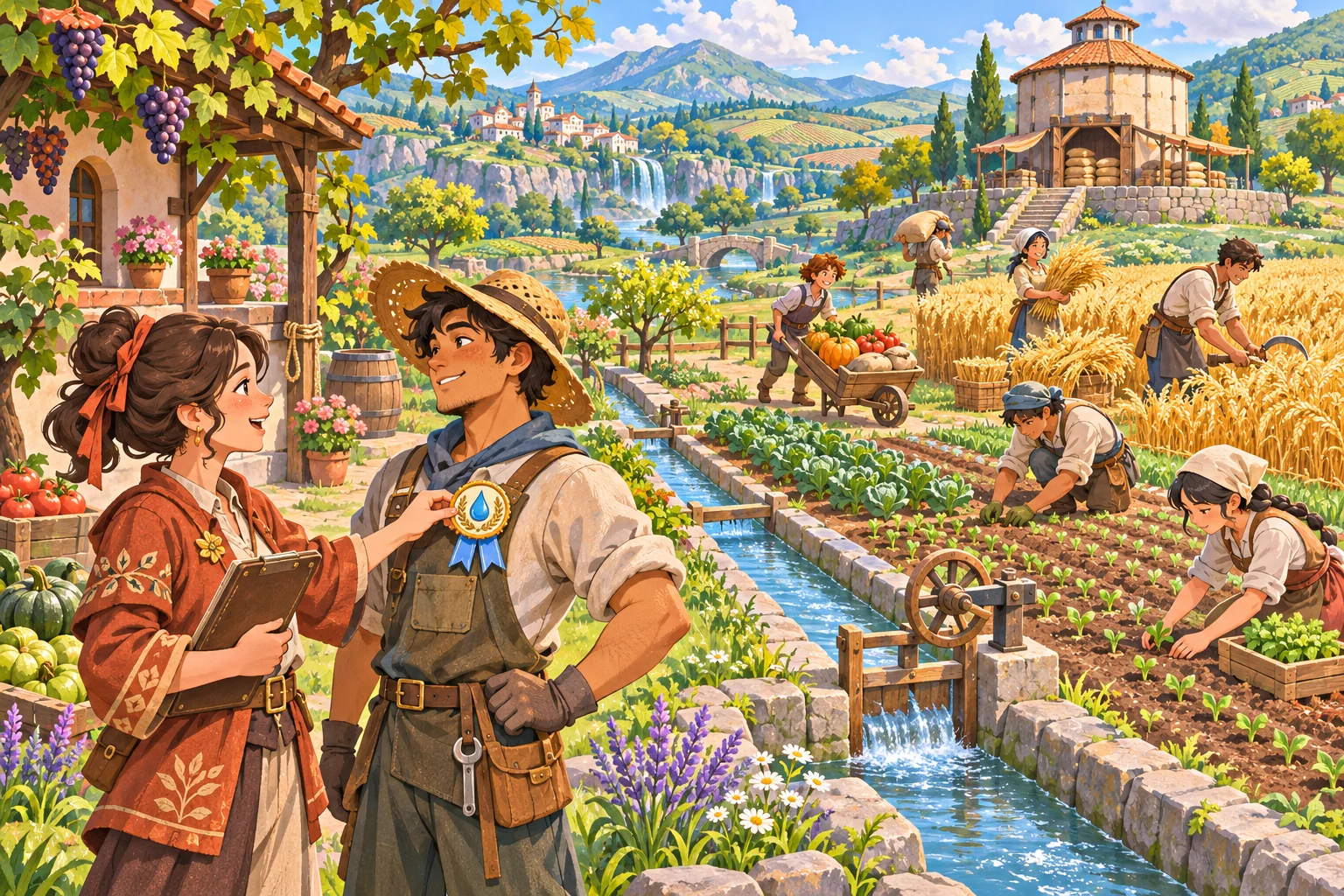
In the fictional Clover Run farm, one worker has an irrigation qualification, is assigned to channel upkeep for the early season, and later helps harvest when that work is complete. The task list changes, but the qualification remains. These are example rules only; a real game may use different role lifetimes.
Connect the specialist to the scheduler
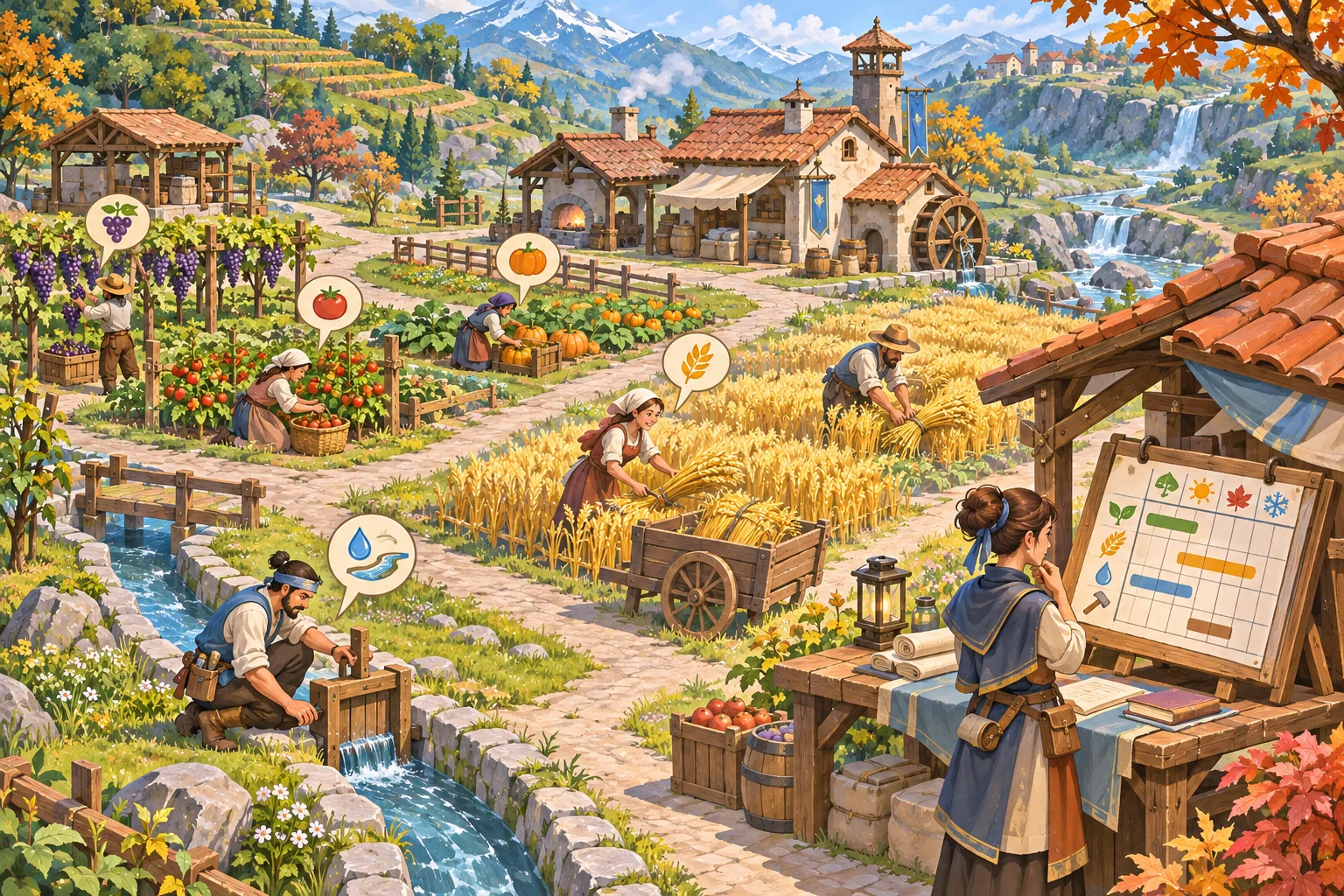
Trace how the current simulation assigns crop planting, watering, harvesting, storage, and maintenance. Find where it evaluates worker availability, path access, task priority, and seasonal changes. Add the specialist as an input to that existing scheduler instead of creating a parallel role system that competes for the same settlers.
| Situation | Scheduler decision | Fallback to define |
|---|---|---|
| Qualified specialist available | Can accept the specialized task | What happens after the task completes? |
| No specialist available | Keep ordinary farm work available | Can another worker do a slower version? |
| Season changes | Update task priorities and assignments | Does role persist or require a new choice? |
| Path blocked | Mark the task unavailable | Does worker choose another reachable task? |
Do not let the specialist role starve ordinary tasks by occupying a worker indefinitely. Decide whether the role creates recurring maintenance, a one-time task, or a seasonal priority. Show why a task is waiting, especially when it depends on a qualified worker or a reachable field.
Ask AI to inspect before it edits
Give a coding assistant the worker data model, scheduler entry points, role assignment UI, crop calendar, save flow, and any existing skills. Ask it to map who reads and writes each field. Limit the first patch to one role and one task. Preserve crop growth, harvest rules, storage, pathfinding, and existing worker IDs.
Inspect the existing settler, skill, task scheduler, crop calendar, and save systems before editing. Add one irrigation-specialist role while keeping qualification, current assignment, and current task separate. Preserve crop growth, harvest priorities, worker IDs, and existing saves. First map state owners and files. Then propose a minimal reversible patch, season-change defaults, no-specialist fallback, and tests for blocked paths and competing tasks. Do not claim simulation behavior passed unless the project ran.
Review the diff for duplicated skill values, role checks hard-coded into UI, tasks that never release a worker, or new defaults that overwrite existing assignments. Request a migration note, file list, test plan, and rollback. SEELE’s catalog describes idea-led game creation and playable game categories; that supports separate concept exploration, not a claim that SEELE edits an existing simulation codebase.
Define season and save behavior
Decide which state persists through a season transition. A learned qualification can remain. Today's assignment may carry over, reset, or prompt the player to review it. Temporary rest or weather effects may expire. State those rules before adding fields, then test both a fresh park and a copied older save.
Godot’s stable saving tutorial demonstrates choosing persistent data and serializing selected fields as one engine-specific example. It does not define the worker model or seasonal rules for this game. If the project uses Godot, follow the current save architecture; otherwise use the project's actual engine documentation and conventions.
When an older save does not include a new qualification field, choose a safe default that preserves existing workers and open farm operations. Avoid silently assigning every worker a specialist role. Keep the original copied save so migration can be compared and reversed during development.
Test work, paths, and seasonal handoff
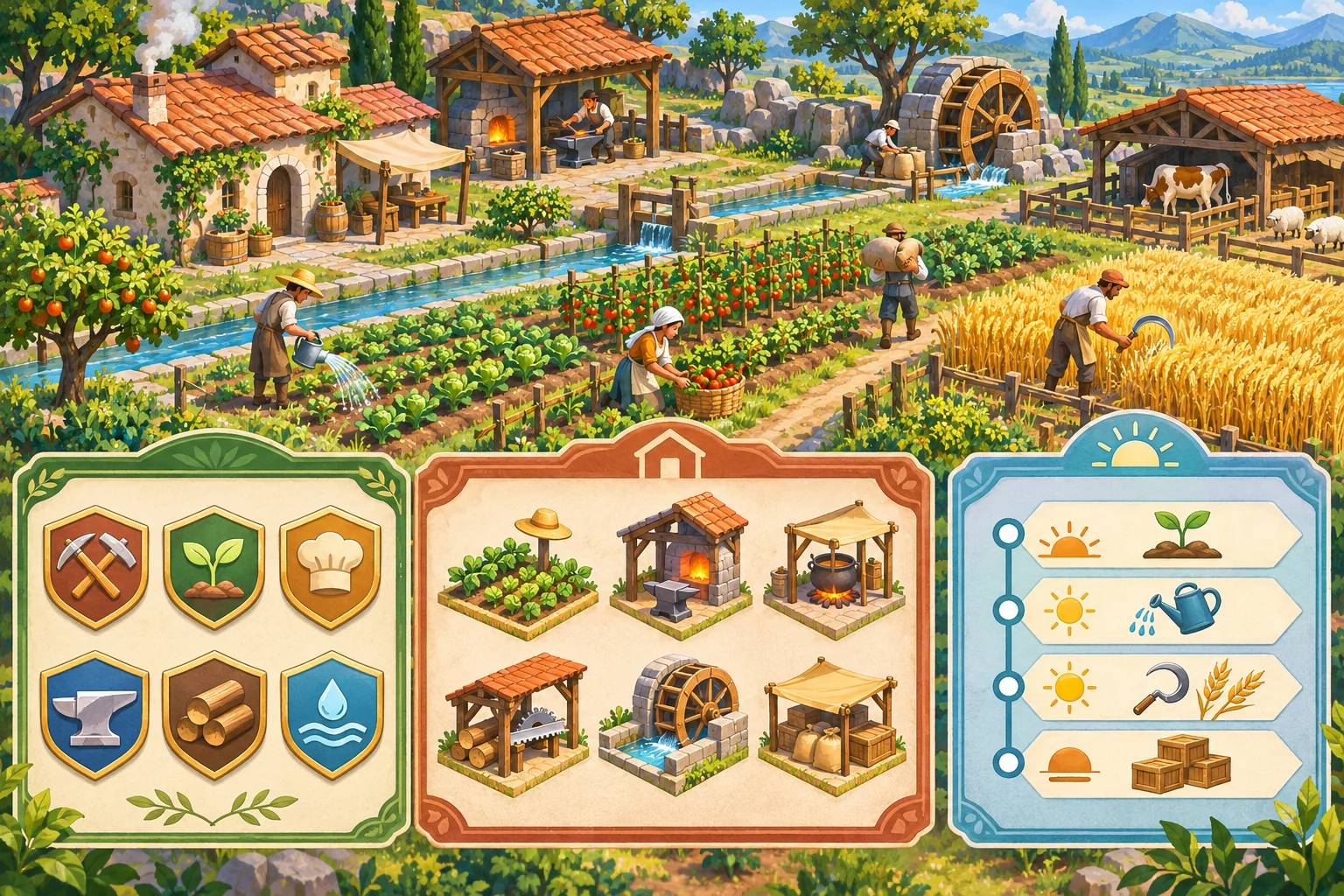
Test a qualified worker, an unqualified worker, a missing specialist, and a blocked route. Check that ordinary planting and harvesting still complete. Then save, reload, advance the season, and inspect the role and task. The following matrix is a proposed plan, not executed results.
| Case | Action | Verify |
|---|---|---|
| Qualified role | Assign a trained settler to channel upkeep | Role is accepted and task becomes visible |
| Unqualified worker | Attempt the specialized assignment | Eligibility is clear; no hidden task lock |
| Competing work | Schedule the specialist during harvest | Priority and fallback are understandable |
| Blocked path | Close the route to a field or channel | Worker selects fallback or reports blockage |
| Season change | Advance to the next crop cycle | Role and task reset follow documented rules |
| Old save | Load a copied previous-version farm | Workers and existing crops remain valid |
Record build, worker ID, qualification, role, task, season, field, and observed result. If the farm falls behind, identify whether the cause is role eligibility, task priority, pathfinding, or crop timing before changing multiple systems.
Frequently asked questions
What makes a specialized settler role useful in a farming game?
A role should change a decision or reduce a real management bottleneck, such as assigning irrigation upkeep or seed storage to a qualified settler. Keep the benefit understandable and preserve a way to reassign workers when seasons or priorities change.
Should a settler's skill and job assignment be the same value?
Keep capability and current assignment separate. A settler can be qualified for irrigation but assigned to harvest today. That distinction helps the simulation resolve priorities, lets players reassign roles, and avoids erasing long-term progression when a schedule changes. Keep the two values independently testable.
How do I add a role without breaking existing farm tasks?
Connect role eligibility to the current task scheduler and test work competition, path access, and seasonal priorities. Add one role with a clear fallback when no specialist is available. Preserve existing crop growth, harvest, and storage rules during the first implementation.
Should specialized roles persist across seasons?
Persist a settler's learned qualification if the design intends long-term growth, but treat seasonal assignment and temporary conditions separately. Define whether a role is automatically reassigned, expires, or must be selected again at season start, then communicate that rule in the interface.
What should I test after adding a farming role?
Test an eligible and ineligible settler, reassignment, competing tasks, season change, missing specialist, save and reload, and an older save. Record worker, role, task, crop season, and observed result. A mock farm board does not prove the schedule simulation works.
Let specialization improve the farm's choices
Keep learned capability, a role assignment, and the task in progress separate. Connect a single specialist to the existing scheduler, define seasonal and fallback rules, and verify work competition in the real simulation. This makes role progression legible while protecting the farm loop that existing players already know.
To explore a separate playable farming concept, try SEELE AI Game Maker. It is a concept starting point, not an existing-project editor.