A farming sim can feel busy while its settlements remain disconnected. If every town grows the same crops and meets its own needs, a road between them changes little. A trade network becomes a real system when one settlement has a repeatable surplus, another has a visible shortage, and moving goods between them costs time or capacity.
This guide builds that first connection: one good, two player-built settlements, one route, and a daily test you can trace by hand. The names and numbers below describe a fictional design exercise, not a playtest or a result produced by SEELE.

Keep the farm loop intact
Before you add trade, write down what already happens to a crop. A simple farming loop might plant, grow, harvest, store, and consume a good. Record when production is counted, when local needs are subtracted, and where inventory lives. Otherwise a route can appear to create grain, move it twice, or deliver it after the shortage has already been calculated.
Choose one good that already matters to the farm. Grain works in this example because the player can recognize both its source and its use. Resist the urge to add a dozen commodities, prices, route upgrades, and seasonal modifiers at once. First make the player answer a single question: should this surplus leave home to meet a nearby need?
Pick two settlements with different roles. One should consistently produce more than it consumes; the other should need more than it produces. If those conditions change every turn, the player will struggle to tell whether a route decision caused the outcome or whether the economy simply rolled a different result.
Separate settlement data from route data
Keep the facts about a settlement separate from the rules that govern a connection. Settlement data describes local production, demand, inventory, storage capacity, and any reserve the player wants to protect. Route data describes its sender, receiver, good, carrying capacity, travel time, and whether the route is open. A route should move inventory; it should not silently rewrite the source farm's production rate or bypass the receiver's storage limit.
For a first prototype, use a small data sheet before building an elaborate map interface:
| Record | Useful fields | Player-facing question |
|---|---|---|
| Settlement | Production per day, local demand, inventory, storage cap, reserve | What can this place spare after serving itself? |
| Route | Origin, destination, good, capacity, travel days, open/closed | How much can travel, and when can it arrive? |
| Shipment | Quantity, departure day, arrival day, status | Is the good available now, in transit, or delivered? |
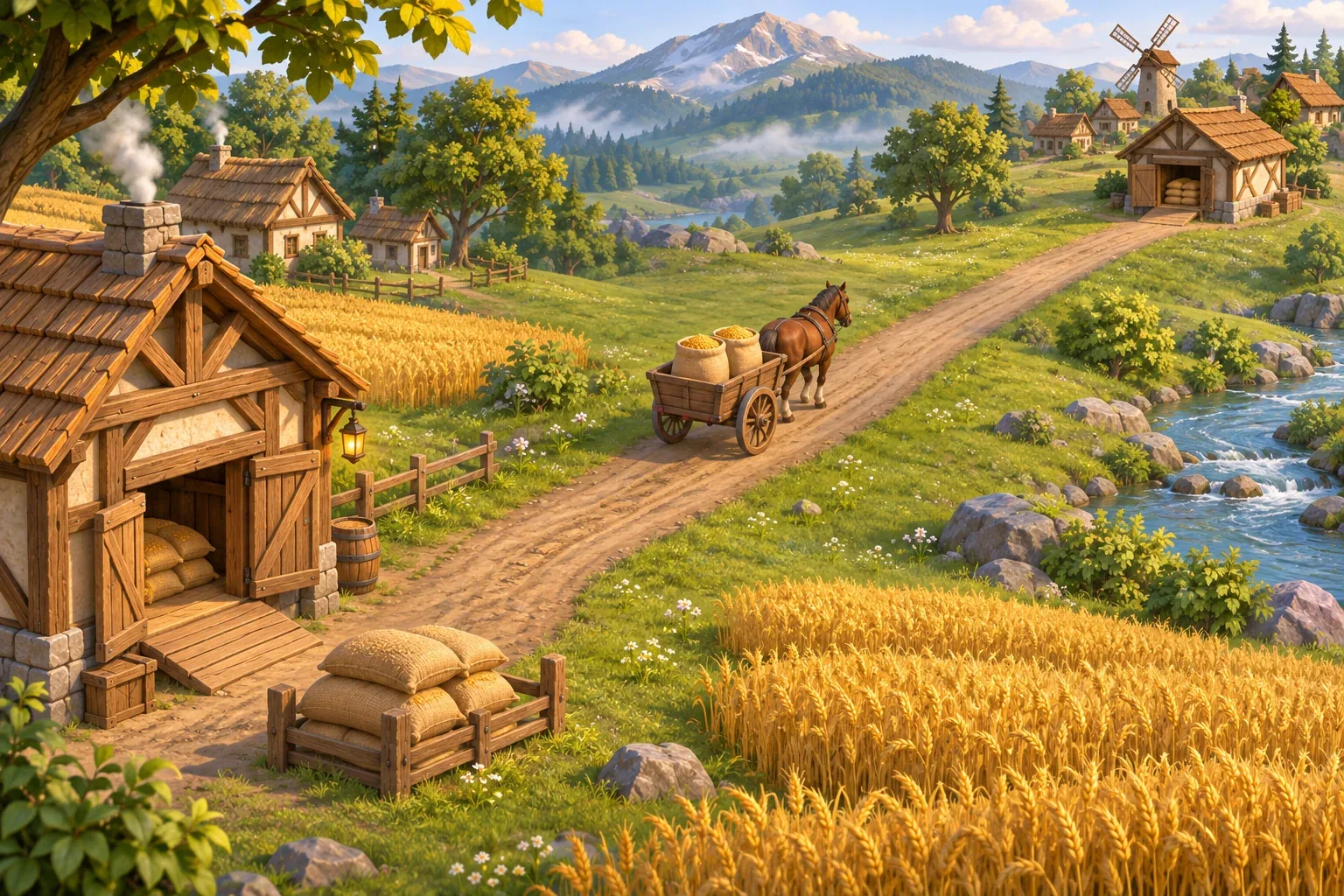
Do not count a shipment as inventory at both ends. When it leaves, subtract it from the sender and mark it in transit. Add it to the destination only when its arrival step runs. Showing those states separately gives the player a reason to plan ahead instead of treating a road as instant transfer.
If you are building in Unity, a ScriptableObject can hold shared project data as an asset. Unity's manual distinguishes that saved development asset from player-save data in a deployed build. You could use an asset for a settlement type or route definition, then store changing inventories and shipments in your own save system. If you are using a different engine or an AI-assisted prototype tool, keep the same conceptual split without copying Unity's implementation.
Set a deterministic daily tick
The order of operations decides whether a delivery can meet today's demand or only tomorrow's. Choose an order and display it in the rules. This example processes deliveries first, adds local production second, serves local demand third, then dispatches new shipments. That means a cart that arrives today can supply today's demand; a cart dispatched today cannot.
Use the following fictional values to make the first route predictable. Millford starts with two grain in storage so its first day does not fail while the initial shipment is traveling.
| Settlement or route | Production | Local demand | Other rule |
|---|---|---|---|
| Harveststead | 4 grain/day | 2 grain/day | Net surplus: 2 grain/day |
| Millford | 1 grain/day | 3 grain/day | Opening inventory: 2 grain |
| Harveststead → Millford | — | — | Capacity: 3 grain/day; travel: 1 day |
Walk the values through two days before adding animation or a route editor.
| Step | Harveststead | Millford | Shipment |
|---|---|---|---|
| Day 1: production and local demand | 4 produced − 2 used = 2 available | 2 opening + 1 produced − 3 used = 0 | None has arrived yet |
| Day 1: dispatch | 2 sent; 0 remains available | 0 in storage | 2 grain in transit; arrives Day 2 |
| Day 2: arrival, production, demand | 4 produced − 2 used = 2 available | 2 arrives + 1 produced − 3 used = 0 | The prior shipment covers the gap |
| Day 2: dispatch | 2 sent; 0 remains available | 0 in storage | A new 2-grain shipment arrives Day 3 |
This is a stable two-settlement loop under the stated rules: the source has two spare grain per day, the receiver needs two, and the route can carry up to three. The route's spare capacity does not mean the source should send three; the dispatch amount is limited by actual surplus and the receiver's need. If you change the tick order or starting inventory, update the table and the acceptance test together.
Prompt for one connected prototype
Give the AI a bounded baseline and a testable change. Name the two settlements, the one commodity, the production and demand values, the travel delay, and the information the player needs. Ask for one route before asking for a network graph or a full trade economy.
Build a small farming-simulation prototype with two player-built settlements and one grain route. Harveststead produces 4 grain and uses 2 each day. Millford produces 1 and uses 3; it starts with 2 grain in storage. The route carries at most 3 grain per day and takes one day. Resolve each day in this order: deliver arrivals, produce locally, serve local demand, then dispatch. Track shipments in transit separately from settlement inventory. Show the route's origin, destination, capacity, arrival day, and any unmet demand. Do not add prices, extra goods, random production, route upgrades, or more settlements yet. Keep the existing planting, growth, and harvest loop intact. Let me inspect the day-by-day inventory before adding visual polish.After you get a starting point, check whether the game exposes the decision clearly: can the player see a surplus before dispatch, identify a delayed shipment, and understand why Millford needs grain? If the interface hides one of those facts, ask for that feedback specifically rather than asking for a broad redesign.
SEELE's AI Farming Game Generator describes planning a small farming loop around a crop cycle, a resource limit, and a visible change. Use that as a starting point for your own farming-game idea; the settlement-trade rules and figures here remain your design choices, not a prebuilt feature claim.
Test the network before expanding
Turn the paper example into acceptance checks. Use the same initial values and run the same days after each change. The point is not to prove a finished game; it is to locate whether your route rules, storage rules, and feedback agree.
- Capacity check: the sender has five surplus grain and the receiver needs four. With capacity three, the route dispatches no more than three and reports what remains unmet or unsent.
- Closed-route check: turn off the route before dispatch. No shipment appears in transit, and the receiver's stock changes only through its own production and demand.
- Storage check: lower the destination's storage cap below the incoming delivery. The game should show a rejected or reduced shipment clearly; it should not silently delete stock or exceed the cap.
- Timing check: change travel time from one day to two. The arrival day and the receiver's shortage forecast should shift together.
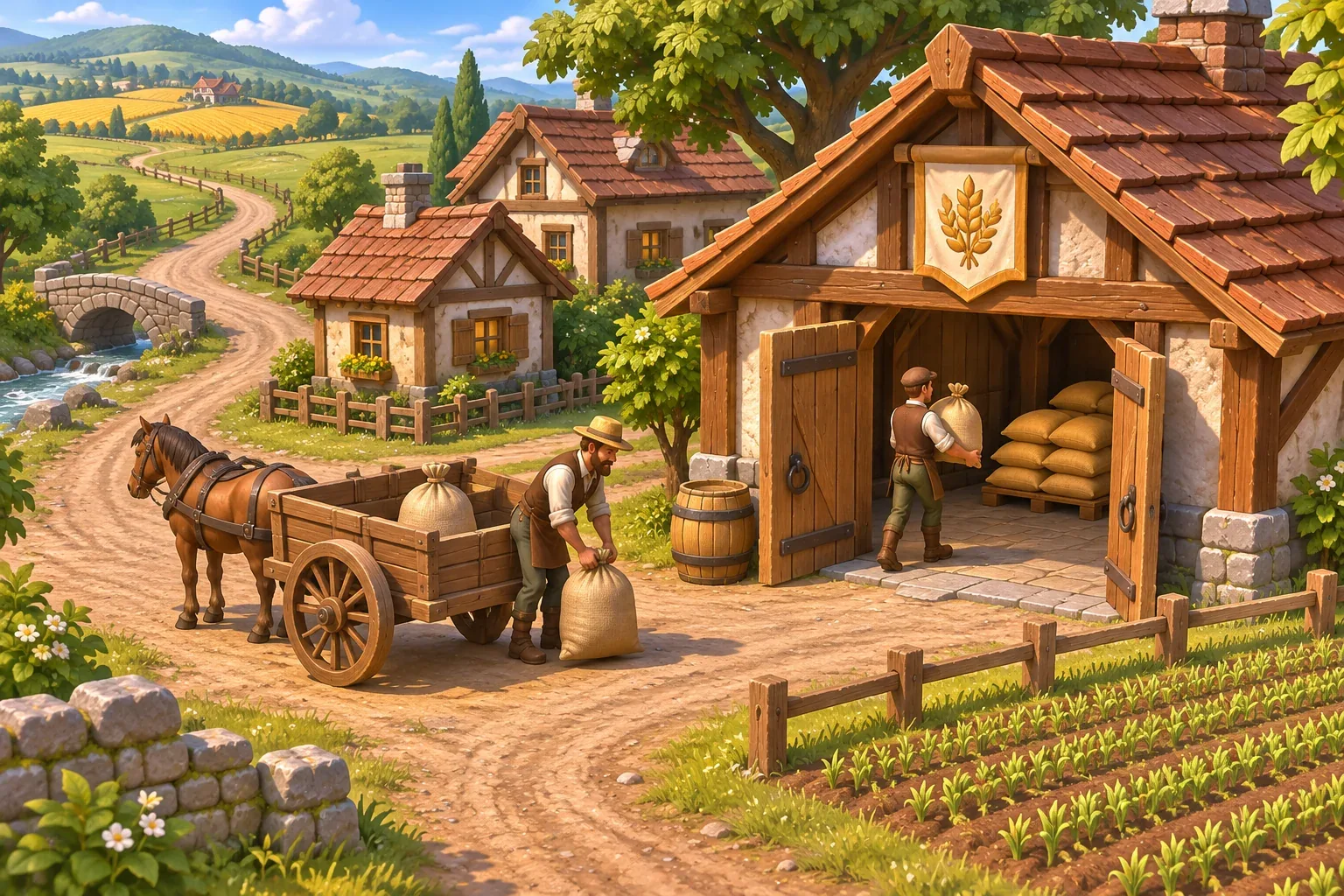
Once the first route is understandable, add one new pressure at a time. A seasonal change could reduce Harveststead's grain surplus; a second destination could compete for the same stock; a storage upgrade could let Millford prepare for a dry week. Each expansion should create a decision the player can explain, not just another line on the map.
Farming simulation trade network FAQs
How many settlements should I use in the first trade prototype?
Use two: one that can spare a good and one that needs it. That is enough to test route capacity, travel time, inventory, and demand without making the player compare several destinations at once.
Should a shipment count as destination inventory while it is traveling?
No. Track it as in transit, then add it when the arrival step runs. Otherwise the source and destination may both appear to own the same goods, or the receiver may use a delivery before it reaches town.
How do I keep the AI prompt focused?
Name one existing farming loop, one commodity, two settlement rules, one route limit, one travel time, and the tick order. Ask the prototype to show inventory and arrivals, then add more goods only after that first route is readable.
What should happen when the destination storehouse is full?
Choose a rule and show it: reject the delivery, reduce the accepted quantity, or let the player set a storage priority. A shipment should not disappear without feedback. Include the storage cap in the test data so you can repeat the case.
Can seasons change trade demand?
Yes, but add season changes after the fixed daily loop works. Change one value at a time, such as crop production or local demand, and show the forecast before a shipment leaves. This helps players connect the seasonal rule to a route decision.
Make your own farming simulation
Begin with one crop loop, one surplus, one neighboring need, and a route whose delay the player can see. When that small system is understandable, add the next settlement or seasonal rule that creates a meaningful choice. To shape your own farming-game starting point, try the SEELE AI Farming Game Generator and bring your own trade rules into the idea.