A match-3 level editor gives players a way to create a puzzle with a specific goal, board shape, and move limit. The tricky part is keeping those choices fair. A board can look plausible and still be impossible if blockers isolate the target tiles or the move cap is too low.
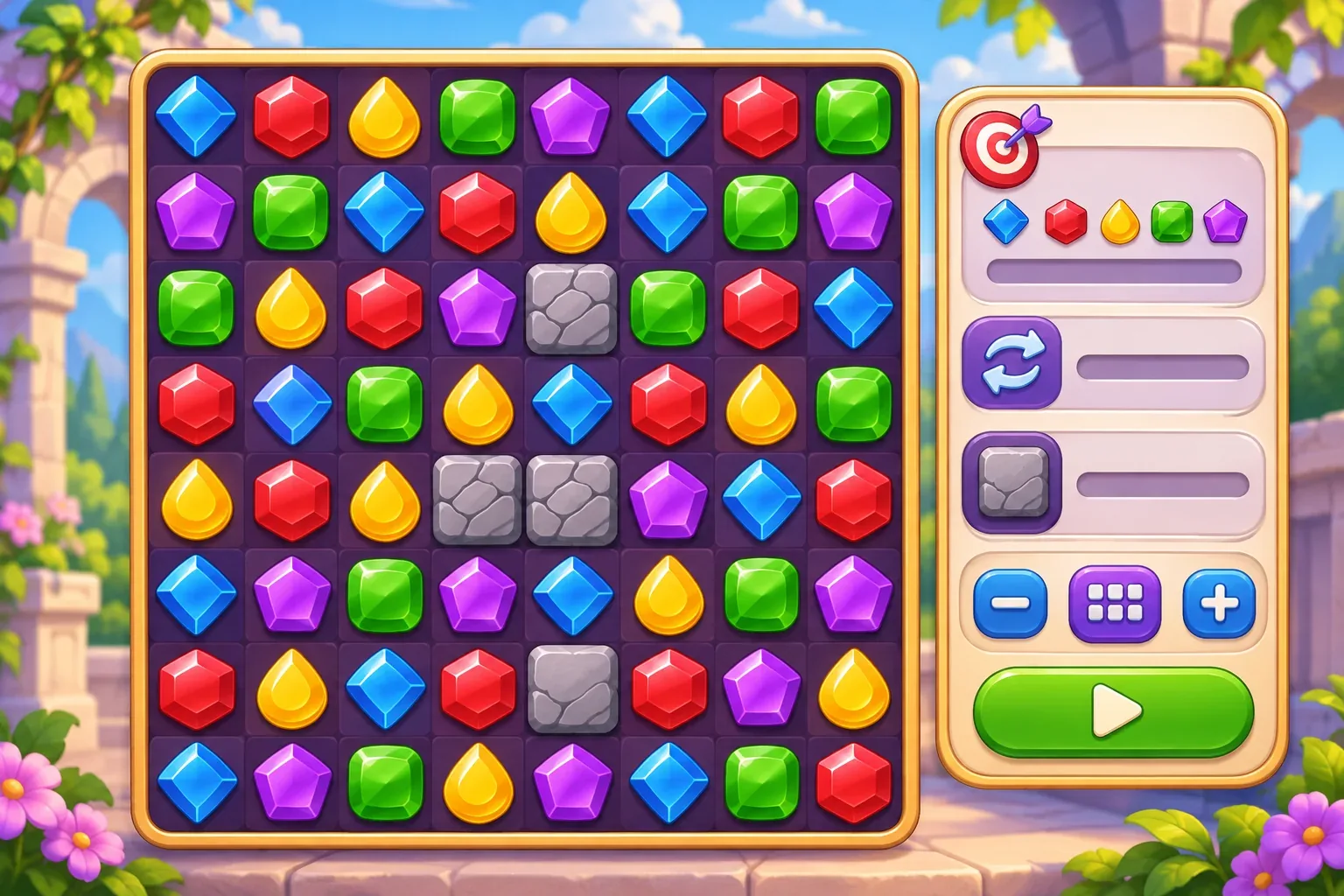
This guide sketches a small editor around a fictional 8×8 puzzle. Its board, values, and worked results are design examples, not a playtest or a result produced by SEELE.
Lock the core match rules
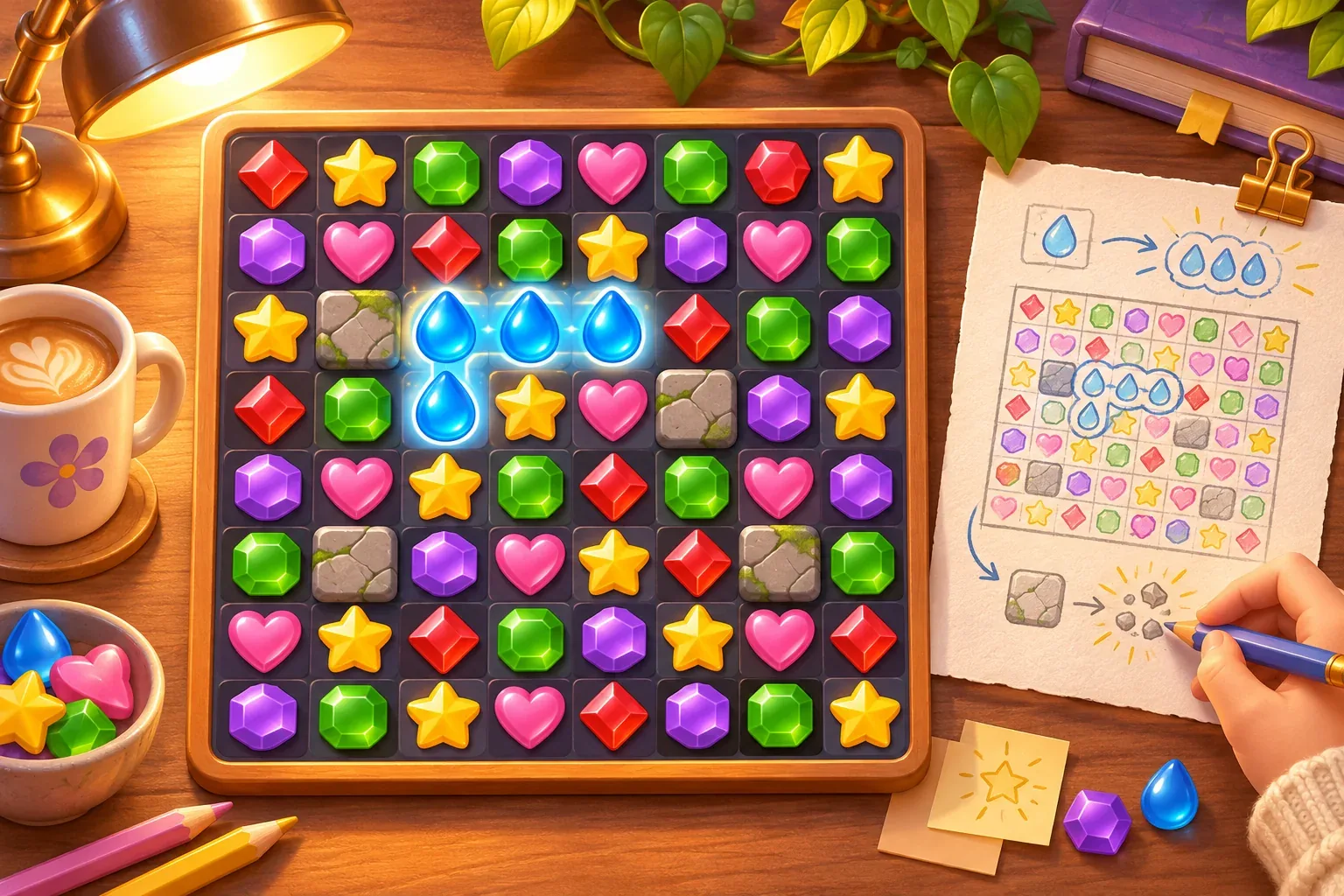
Before exposing a level editor, write down the puzzle rules that every challenge shares: board dimensions, tile colors, what counts as a match, how gravity fills empty spaces, and whether one swap always costs one move. Those rules define what a creator can expect from a level. If an authoring tool quietly changes them, a saved challenge may behave differently when played.
Keep the first version small. Use an 8×8 grid, a fixed set of tile colors, matches of three or more in a row, and one move per valid swap. Decide what happens to invalid swaps, cascades, and refill randomness. For a challenge editor, use a fixed seed or a controlled board preview while checking goals so the same layout can be inspected again.
A useful first distinction is between the challenge definition and a running board. The definition stores the starting layout, objective, move cap, and blocker locations. The runtime board stores current tiles, cleared cells, cascades, and moves remaining. Store a versioned copy of the definition when a play session begins; editing the draft later should not alter a player who is already solving it.
Define a small challenge schema
Start with fields that change puzzle decisions: a goal type and amount, a move limit, a small number of blockers, and a board layout. Give each setting a visible range and default. Make the rules easy to inspect before allowing the creator to save or play the draft.
| Field | Example | Validation | What the creator learns |
|---|---|---|---|
| Board size | 8×8 | Fixed for version one | The editor stays focused on puzzle design, not grid-system edge cases |
| Goal | Collect 12 blue tiles | Positive count; goal type must be supported | What success means |
| Move cap | 20 swaps | 1–40 valid moves | How tightly the solution is constrained |
| Blockers | Up to 8 cells | Must not cover the whole grid or overlap a goal object | Where the route or match space is restricted |
| Starting layout | Fixed tile colors or a seed | Every cell has one valid state; no blocked match group | What the first move can accomplish |
Make the authoring controls follow the same validation rules as the save operation. If the editor allows a creator to set 70 blue tiles as the goal, the preview should check whether that amount is reachable under its refill assumptions. If not, explain the limit in puzzle terms. Do not silently shrink the goal after the creator saves.
A challenge record can stay simple while leaving room for future versions:
{
  "challengeId": "blue-count-01",
  "version": 1,
  "boardSize": [8, 8],
  "seed": 17,
  "goal": { "type": "collect-color", "color": "blue", "count": 12 },
  "moveLimit": 20,
  "blockers": []
}
When the player presses Preview, validate required fields, ranges, tile values, blocker coordinates, and the goal. If something is wrong, identify the field and preserve the draft so the creator can fix it. Keep reset-to-default available while the challenge is unpublished.
Preview the board and check feasibility
A good preview answers two different questions: does the board follow the shared match rules, and can the goal be reached within the stated constraints? For a small example, set a goal of 12 blue tiles and a 20-move limit. Use one fixed fictional board and a planned sequence of eight valid swaps that clears the 12 target tiles. That gives the author a concrete reference case.
Now lower the move limit to 7 without changing the board or the solution sequence. The preview should show that the provided route needs one more move than allowed. This does not prove that every possible route is impossible; an exact solvability check must search the legal move space or label its result as a heuristic. Be clear about which check the editor performs. A heuristic can flag risk, while an exhaustive solver can certify a result only within its modeled rules and search limits.
| Draft change | Preview response | What to verify |
|---|---|---|
| Goal: 12 blue; cap: 20 | Shows the board and a sample 8-swap route | Each swap is legal and the counter reaches zero remaining blue targets |
| Cap changed to 7 | Flags that the sample route exceeds the limit by one move | Do not call it unsolvable unless the checker has searched all legal paths |
| Place blockers on target cells | Rejects overlap or marks the goal as unreachable under the rule | Blocker and goal coordinates stay consistent |
| Set goal to 65 blue tiles | Shows the modeled maximum or asks for a lower target | Refill assumptions are included in the feasibility calculation |
These are hand-planned design cases, not results from a running puzzle game. The essential product decision is to describe the strength of the feasibility check. A quick preview can demonstrate a known route; a solver can evaluate alternatives, but only according to the move, cascade, and refill rules it actually models.
Prompt for a focused editor
When using an AI tool to explore the interaction, state the existing match rules and request the smallest authoring workflow that supports them. SEELE's official AI Game Maker page describes starting from a text prompt, testing a browser-playable result, and refining it. The editor below is a requested design, not a documented built-in match-3 feature.
Build a compact match-3 puzzle prototype with an 8×8 board, five tile colors, matches of three or more, gravity refill, and one move consumed per valid swap. Add a local challenge editor for goal type and amount, move cap from 1 to 40, up to 8 blockers, and a fixed starting layout or seed. Show field ranges and validate blocker coordinates and goals before enabling Preview. Preview one fixed challenge: collect 12 blue tiles in 20 moves using a known 8-swap sequence. If the cap is 7, explain that this sequence exceeds the limit by one move; do not label the level impossible unless you check every legal route. Keep drafts versioned and separate from active play sessions. Do not add online sharing, ranked scores, or extra goal types yet.After the first pass, inspect whether changing the goal updates the preview, whether invalid coordinates can be saved, and whether the move counter follows the same rule in the editor and play mode. Ask for one missing behavior at a time so a new interaction does not obscure the puzzle mechanics.
Test the editor with repeatable cases
Use a fixed seed and named action sequence for the first validation pass. Record the starting board, legal swaps, resulting clears, and goal count after each move. That gives you a small regression set when you change the board preview or the runtime match rules.
- Goal check: use the default 12-blue objective and known eight-swap route. Confirm the preview and play mode count the same cleared tiles.
- Move-limit check: lower the cap to 7. The example route must be flagged as one move over budget, and the UI must state whether the warning is only about that route or a complete solver result.
- Blocker check: place a blocker outside the grid or on a protected goal cell. The draft is rejected with the field and coordinate identified.
- Board check: remove a tile value or leave a cell undefined. Preview stays disabled until the layout is valid.
- Version check: start a play session from version 1, change and save draft version 2, then confirm the active session still uses its original rules.
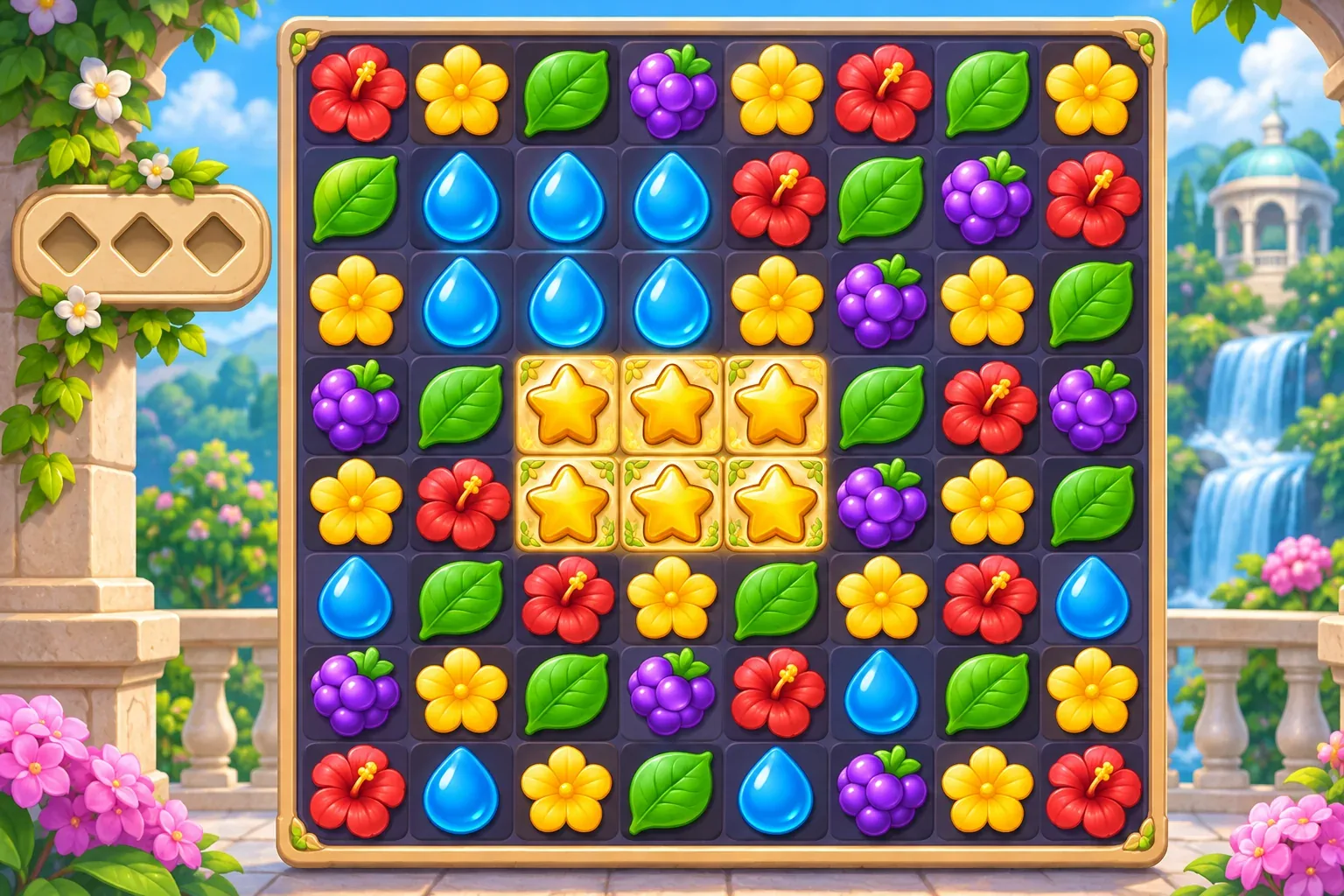
Once local drafts behave consistently, decide how a challenge gets a stable identifier, version, and reset path before adding sharing. Community levels need predictable rules and a way to report an invalid board. The first editor can stay offline while you check whether authored puzzles are understandable and completable under their declared rules.
Match-3 challenge editor FAQs
What should players be able to edit first?
Start with the goal, move limit, a few blockers, and a fixed board or seed. These settings affect puzzle decisions directly and are easier to validate than a full level scripting language.
How do I know whether a challenge is solvable?
Use a known route as a preview example or run a solver that evaluates legal moves under the same match, cascade, and refill rules as play mode. Label heuristic checks as warnings rather than proof.
Should the editor randomize the board?
Use a fixed seed or fixed layout while validating a challenge so creators can repeat the preview. You can add random variants later, after the goal and move rules are stable.
What happens when a blocker overlaps a goal cell?
Reject the draft or explain the specific rule that resolves the conflict. Do not silently move the blocker, change the goal, or save a puzzle that the preview interprets differently from gameplay.
Can players publish challenges immediately?
Keep the first version local. Add publishing after you can save stable versions, validate them, reset drafts, and explain how a challenge was checked.
Make your own match-3 puzzle game
Begin with a clear board, one goal, a bounded move count, and a preview that uses the same rules as play. Then add creator options only when you can explain their effect on a solution. For a general game-creation starting point, explore the SEELE AI Game Maker and bring this challenge-editor plan into your own prototype brief.