Choice-driven progression gives a player a say in what their character becomes. A meaningful decision changes a combat option, resource cost, or route through the world, then remains understandable after the menu closes. Treat choices as part of play: show the consequence, let the player use the new capability, and make clear what remains locked.
Make a player decision change a capability
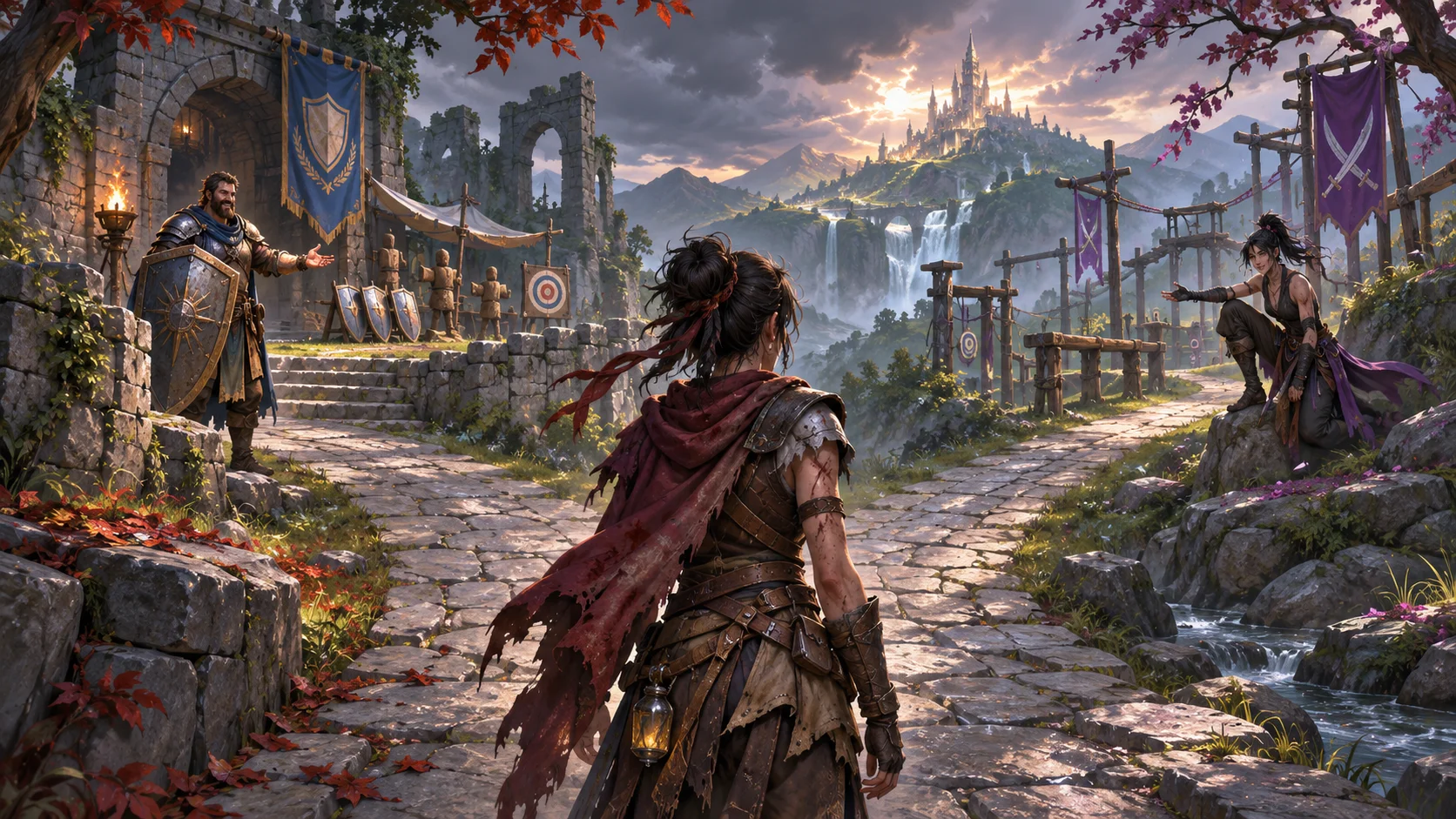
Start by naming the decision and its consequence. A player might spare a rival and gain access to a defensive training path, or spend a scarce resource to specialize in mobility. Keep the choice text concrete: describe an ability, its cost, and how it changes an encounter. “Become stronger” says little about the play that follows.
Give each option a distinct use case. One ability might open a counter window after a well-timed block; another might extend a dodge and change positioning. The options do not need to be equal in every situation, but their tradeoffs should be clear. Avoid offering several choices that all produce the same combat loop with slightly different numbers.
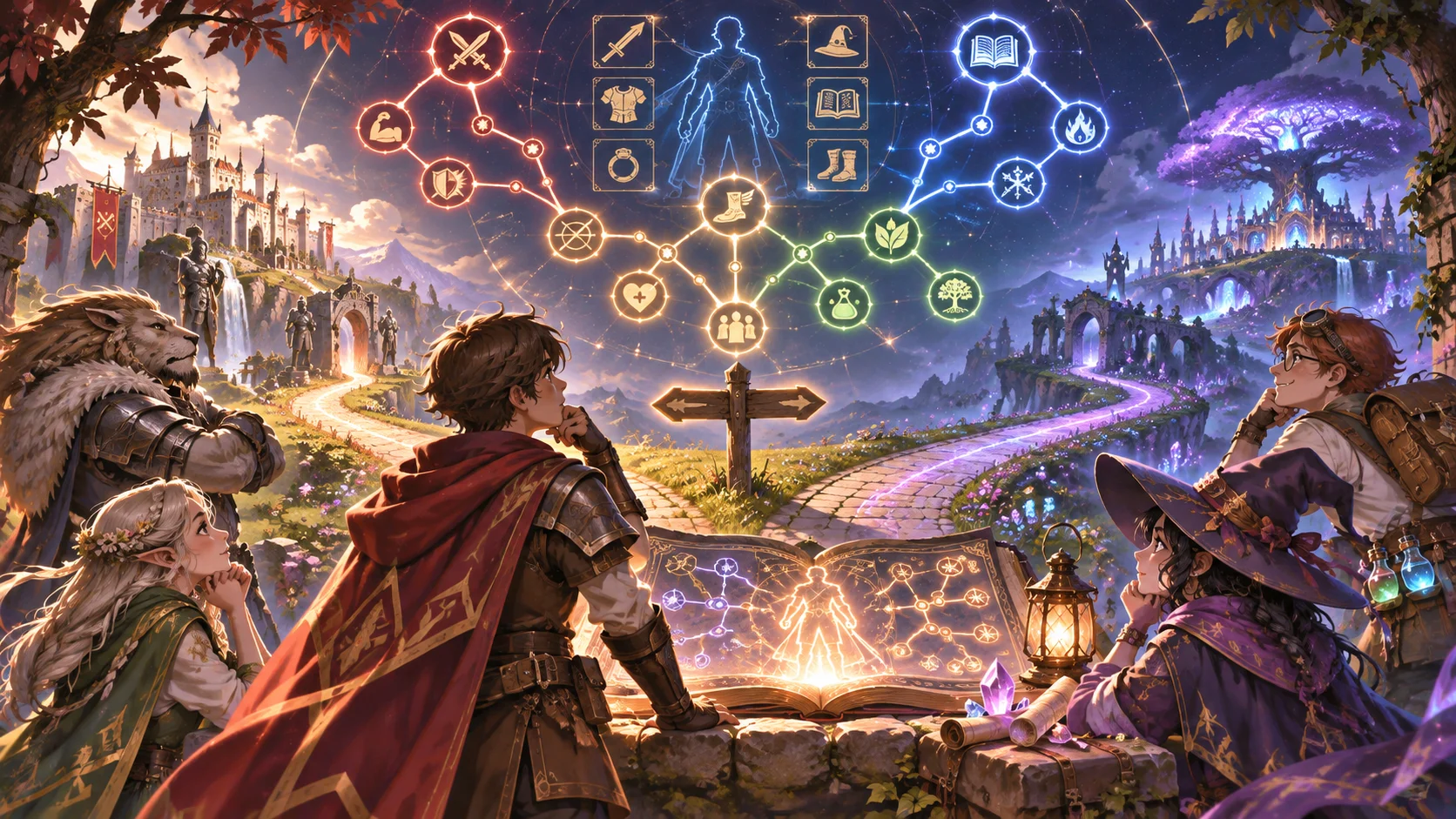
Show the player what they can do now and what a choice will add. A preview can include prerequisites, resource costs, and whether the branch is exclusive. If a decision changes the story as well as combat, separate those effects in the interface so the player can understand the full consequence.
Separate authored choices from character state
Keep authored choice definitions apart from each character’s current progress. A definition can hold a stable ID, prerequisite IDs, effect description, and unlock rule. The player’s state can record selected branches, unlocked abilities, and whether a choice has already been made. This separation makes it easier to rebalance a choice without rewriting save data.
Use stable identifiers rather than menu positions or display names to store decisions. Names and order can change during development; the ID should continue to point to the same choice. Decide how the game handles an older save if a branch changes. A migration or fallback should be explicit, and the player should not silently lose a selected ability.
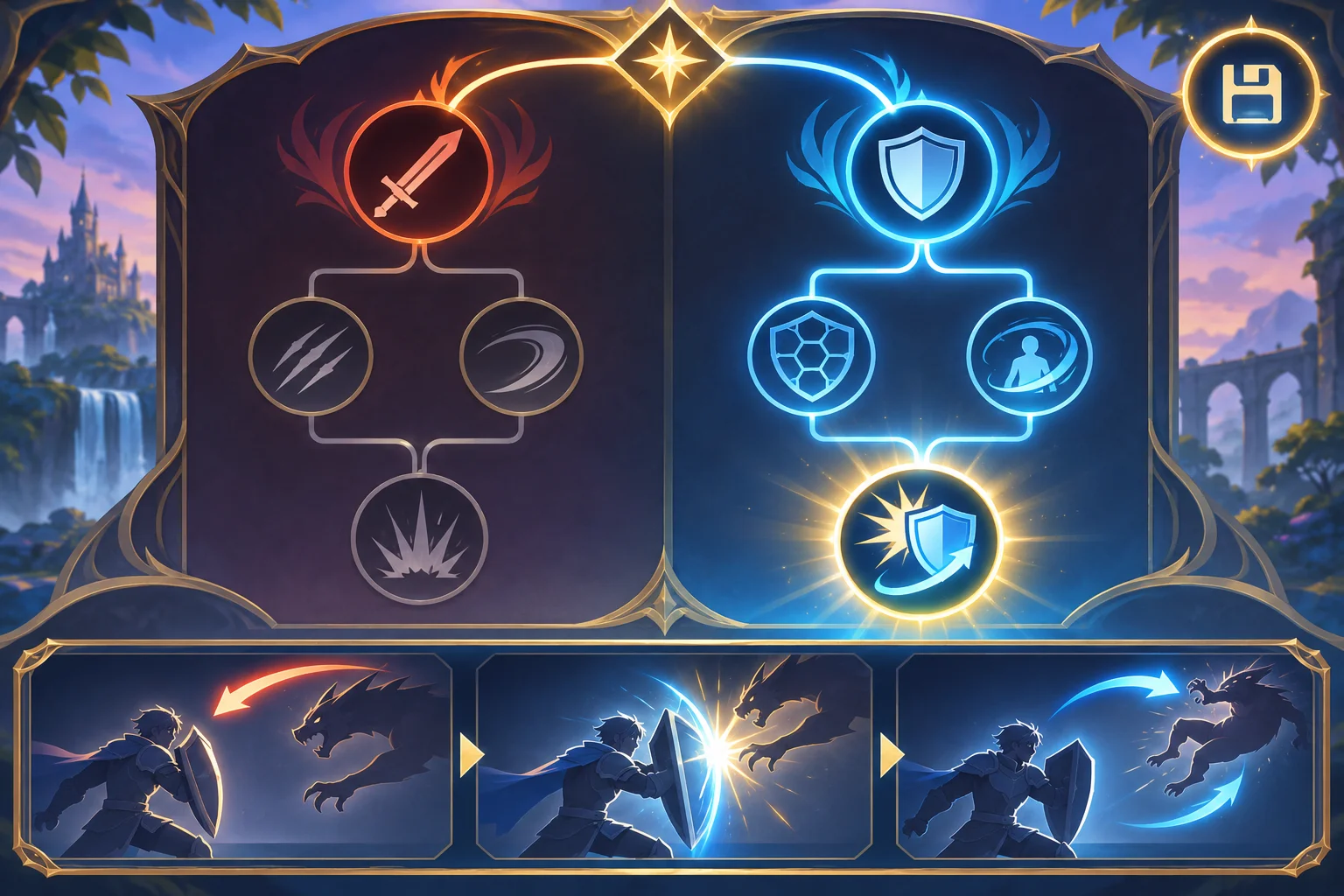
In Godot, the official documentation describes Resource as a data-container type that can be nested and saved on disk. That makes it one possible engine-specific place to author static choice definitions, while per-character unlocks and selections remain part of the player’s progression state. See the Godot Resource reference for the documented behavior; using it for an RPG choice system is an implementation option, not a required pattern.
Connect growth to real-time combat
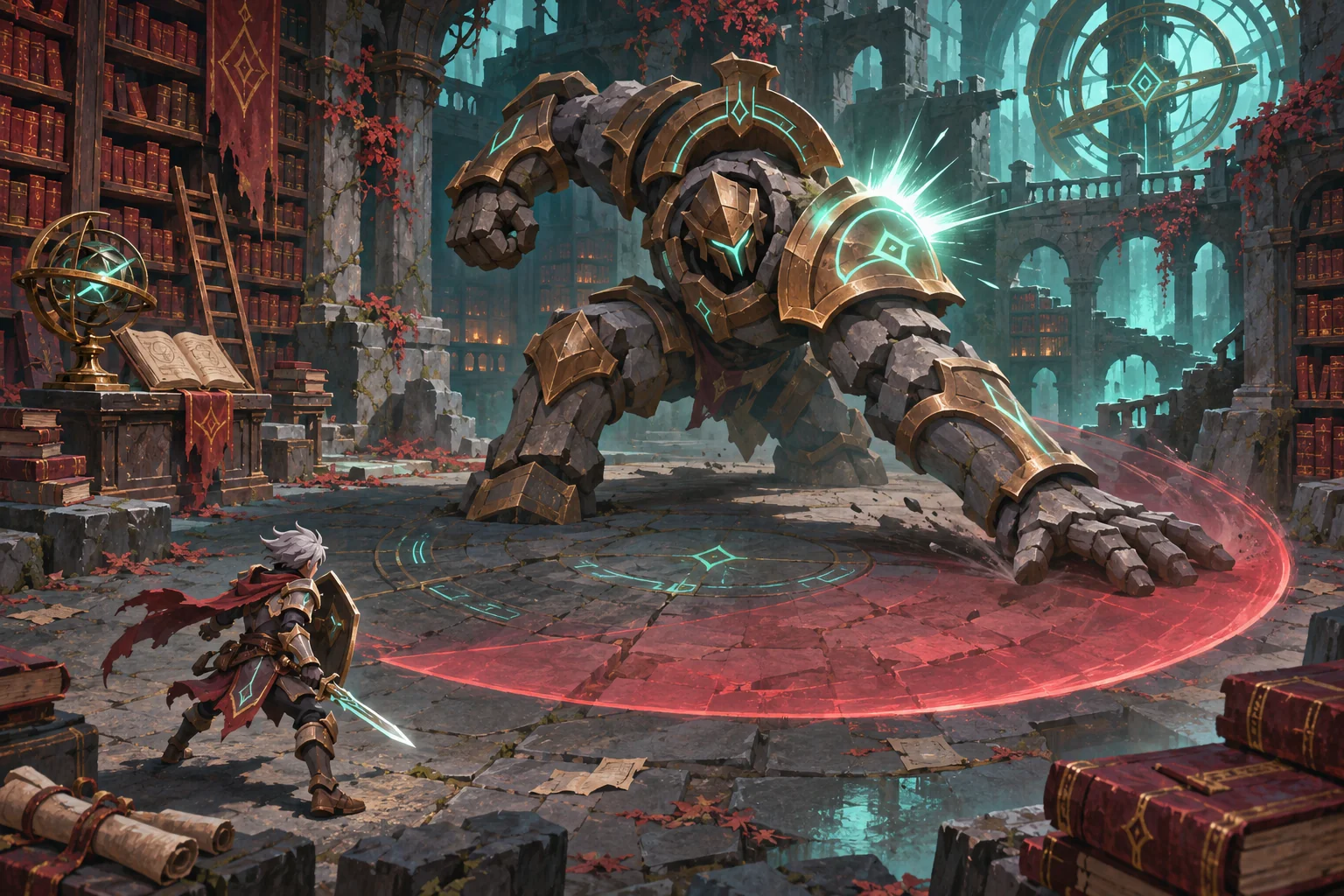
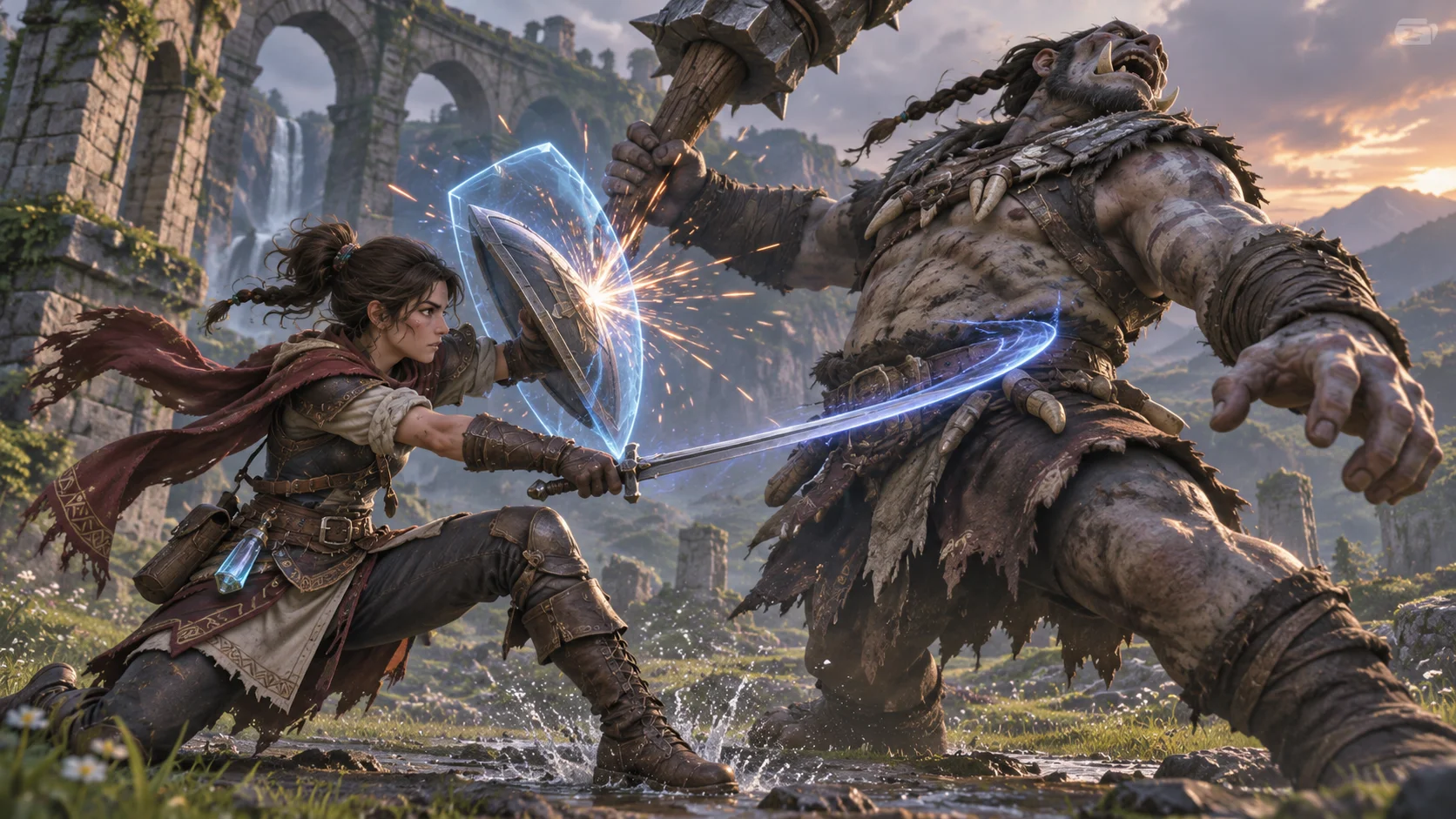
A progression option matters when it changes what the player can do in a live encounter. Add a moment where the new action can be used soon after it unlocks. If an ability depends on timing or positioning, give the player a safe way to learn its input before a high-stakes fight.
Test both branches against the same encounter sequence. Observe whether the skill changes decisions or merely shortens the fight. Check animation, input windows, resource feedback, and enemy response together. An ability that sounds distinctive but feels identical in motion may need a different trigger or clearer feedback.
Let the player respec only if that fits the game’s stakes. If choices are permanent, explain the commitment before confirmation. If respec costs a resource, make the price and reset effect visible. Avoid letting a player spend a rare item before they understand what a branch does.
Test clarity, respecs, and build variety
Replay the same encounters with several builds. Ask players to explain what their last choice changed and when they expect to use it. Track unused unlock points, branch abandonment, respec frequency, and combat situations where one option has no practical value. These observations reveal both balance issues and unclear presentation.
Check saves after choosing, unlocking, and respecing. Close and reload the game to confirm the selected branch persists and the menu still describes the active ability accurately. If a choice affects quest access, test the route as well as the combat skill. Tune effects only after players understand what each option is intended to do.
SEELE AI can help outline an original action-RPG progression system, but choice effects, combat integration, persistence, and balance need implementation and playtesting. For a related ability-growth path, see the guide to abilities learned by studying enemies. Prototype an original action RPG with SEELE AI.
FAQ
How do you build choice-driven character progression in an action RPG?
Define a decision, its immediate consequence, and the new capability it unlocks. Keep the option text concrete and show how the choice affects play. Then track the player’s selected and unlocked state separately from the authored choice definitions so saves and balancing stay understandable.
How can a player choice affect character growth?
A choice can unlock an ability, change a resource cost, open a combat response, or alter how an existing skill works. Make the change visible in both the character view and a playable encounter. If a decision is meant to matter long term, preserve it in the save and explain any reset or respec option.
How should an RPG store progression choices?
Keep authored choice data such as an ID, prerequisites, and effect separate from per-character values such as selected branches and unlocked abilities. In Godot, Resource is documented as a data-container type that can be saved on disk; that is one engine-specific option for authored definitions, not a universal architecture requirement.
What should you test in choice-driven progression?
Replay the same encounter with different builds and ask players to describe what each choice changed. Check prerequisite visibility, save and load, respec behavior, and whether a branch becomes useless later. Balance only after players understand the choices and can use the resulting abilities in combat.