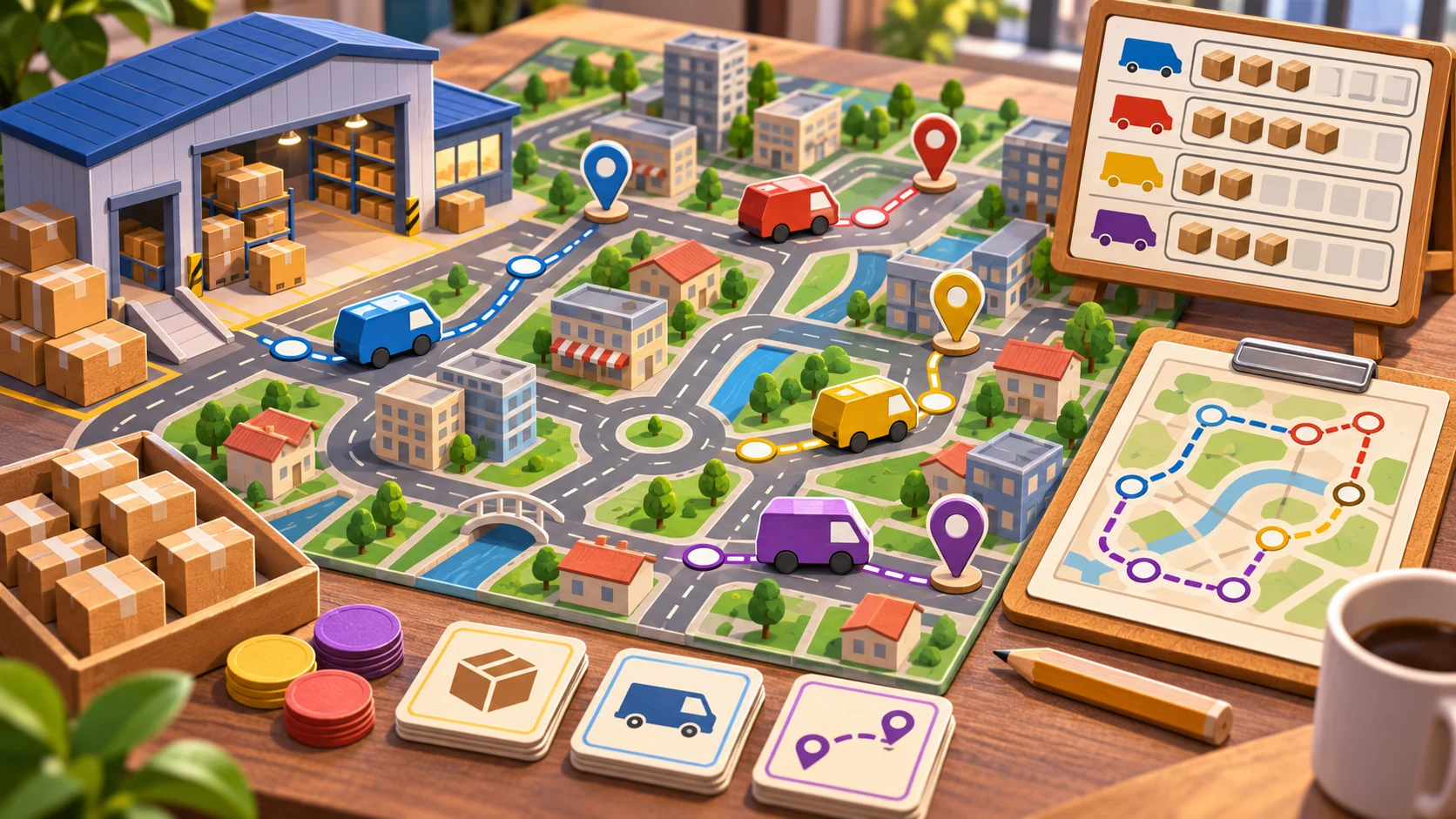
A custom logistics scenario is more than a map with a start and finish. It combines locations, cargo, vehicles, route constraints, delivery windows, and business rules. The safest editor lets creators assemble supported cases while the existing simulation still decides whether the fleet can complete them.

This guide describes a workflow for an existing logistics management game. No route, build, or delivery was tested. Begin by identifying how the game currently defines a route, assigns a vehicle, calculates capacity, and records the result.
Set the scenario contract
Start with fields the simulation already understands: origin and destination IDs, cargo type and quantity, available vehicles, delivery window, budget, and a measurable success condition. Do not add free-form road editing or a new traffic model to the first version unless the project already supports those systems.
For the fictional Rivergate challenge, a depot requests a known cargo from the central warehouse before a stated in-game deadline. The player chooses from a small fleet and the simulation evaluates the route, load, and timing. That example is not evidence of a real delivery game; it only shows how to state a scenario's inputs and outcome.
Define what makes the challenge complete and what counts as failure. Is partial delivery allowed? Does a late vehicle fail the entire order or reduce the reward? Does the budget include fuel, tolls, and overtime? The editor should use the game's existing business rules rather than silently inventing new definitions.
Model supported choices as scenario data
Use stable IDs for locations, vehicles, cargo, and objectives. A translated label such as “North Depot” can change while its internal ID remains stable. A conceptual scenario record might include an origin ID, destination ID, cargo ID and count, eligible fleet IDs, delivery deadline, budget, and success condition. It should reference existing content rather than duplicate road and vehicle definitions.
Keep scenario definitions separate from a run's evolving state. The definition says what challenge to attempt; the run records which truck was dispatched, route choices, delivery completion, and final result. If the game supports saved runs, version that state deliberately. Avoid writing the definition back with temporary vehicle positions or a partial reward.
Follow the project's authoring pipeline. Godot's stable documentation describes custom Resources that can be serialized and edited through the Inspector. Unity 6.1 describes ScriptableObject as a data container independent from class instances. These sources support data-authoring options, not one universal scenario format. Check how the real project packages scenario assets and handles content versioning.
Validate reachability, capacity, and timing
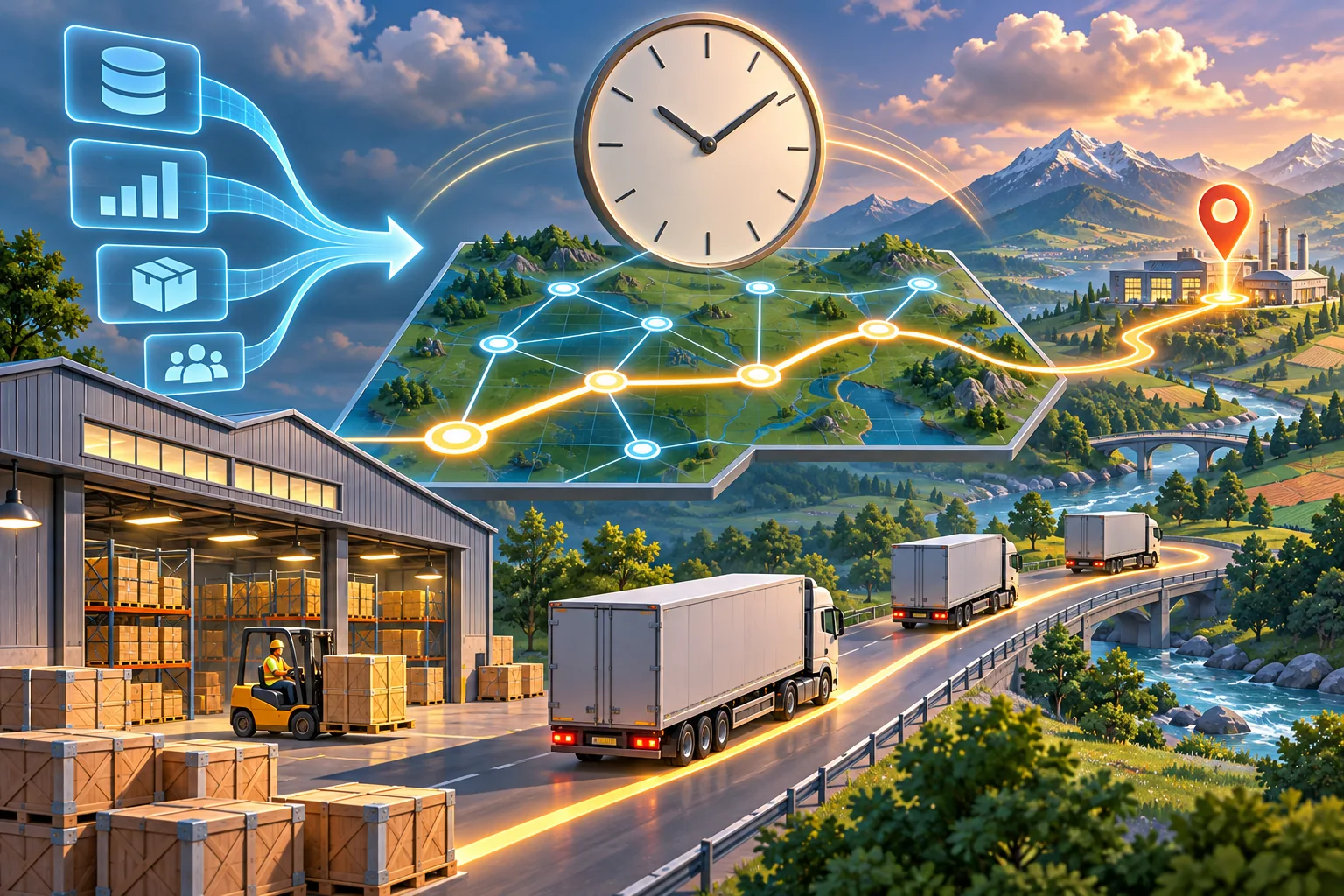
Run structural validation before dispatch. Check that both locations exist, the selected vehicle can carry the cargo, a route is reachable under the current map rules, and the deadline is later than the start time. Confirm a reward or completion condition references a known rule. Report which field is invalid and why.
Some checks require the actual route model. A distance comparison may not account for one-way roads, vehicle restrictions, terrain, or locked bridges. Reuse the project's route query instead of approximating a second graph inside the editor. If a route cannot be determined until the map loads, validate at that point and keep the player from starting an impossible scenario.
Distinguish a hard error from a balance warning. An unknown depot should block launch. A short deadline may be a warning for designers to review through play. Validation can detect unsupported inputs; it cannot prove that the challenge is fair or satisfying.

Keep business outcomes in one owner
Route completion, fees, budget, and rewards should resolve through the existing simulation or economy owner. If the scenario editor calculates profit separately from the campaign, the summary may disagree with the saved balance. Pass the scenario ID and run result to the same system that handles built-in deliveries.
Decide when the result is committed and prevent duplicate completion. If a transition repeats after a result screen or reload, the same delivery should not credit the reward twice. Keep campaign currency separate from a one-scenario score unless the design explicitly merges them.
Ask AI to map the existing dispatch and completion flow before editing. Give it the fields the editor may expose, systems to preserve, changed-file list requirement, migration impact, and rollback plan. Review for duplicated route logic, modified fleet balance, and changed pricing outside the requested feature.
Test valid and invalid business cases
The examples below are proposed tests, not results from Rivergate Freight.
| Case | Setup | What to verify |
|---|---|---|
| Built-in route | Run an existing delivery | Original dispatch, capacity, and economy remain intact |
| Valid custom route | Choose known endpoints and supported cargo | Existing route simulation completes the scenario |
| Capacity mismatch | Request more cargo than the selected fleet can carry | Editor blocks or clearly reports the constraint |
| Unreachable depot | Use a locked or disconnected location in a copy | Validation names the invalid route |
| Late delivery | Arrive outside the stated window | Existing late-delivery rule determines the outcome |
| Repeated result | Safely replay the result transition | Budget and reward are not credited twice |
Record scenario ID, map version, selected vehicles, cargo, route, deadline, steps, expected and observed outcome. Test the exported build if scenarios are distributed to players. A route illustration is useful for explaining a case; it cannot verify that the actual pathfinder or capacity rules behave correctly.
Frequently asked questions
What should a logistics scenario editor let players configure?
Start with supported origin and destination IDs, cargo, delivery windows, fleet availability, budget, and success conditions. Reuse the simulation's existing units and route rules instead of letting the editor invent new transport behavior. Keep those options limited to concepts the simulation already handles.
How can I validate a custom delivery scenario?
Check that locations exist, a route is reachable, fleet capacity can handle the cargo, time windows are valid, and the success condition can be satisfied. Show the field that needs attention before the simulation starts. Validate these conditions against the game's actual route model.
Should a custom scenario change the base game's economy?
Keep scenario-specific budget and rewards separate from the campaign economy unless the design explicitly merges them. Define when results are committed and make repeated completion safe against duplicate rewards. Tie rewards to a stable scenario result identifier. Apply the same commit rule across retries and reloads.
What data format should a scenario editor use?
Follow the project's authoring pipeline. Godot custom Resources can be serialized and edited in the Inspector; Unity ScriptableObject is documented as a data container. Check how the existing game loads and packages content. Respect the runtime and content rules already used by the project.
What should I test before sharing a custom logistics scenario?
Test a built-in route, reachable custom route, impossible capacity, invalid location, missed delivery window, repeated run, and saved result. Record actual outcomes; a route diagram is not proof the simulation completed. Store run ID, vehicle, deadline, and observed outcome in the record.
Start with a known route and one variable
Begin with one existing map, one supported vehicle, and one delivery constraint. Let the current route, capacity, and economy systems execute the scenario. Add more options only after the editor rejects impossible inputs and built-in deliveries still behave as expected in the real project.
For a separate browser-playable prototype idea, try SEELE AI Game Maker. This CTA is for a separate prototype, not a logistics scenario editor for an existing game.