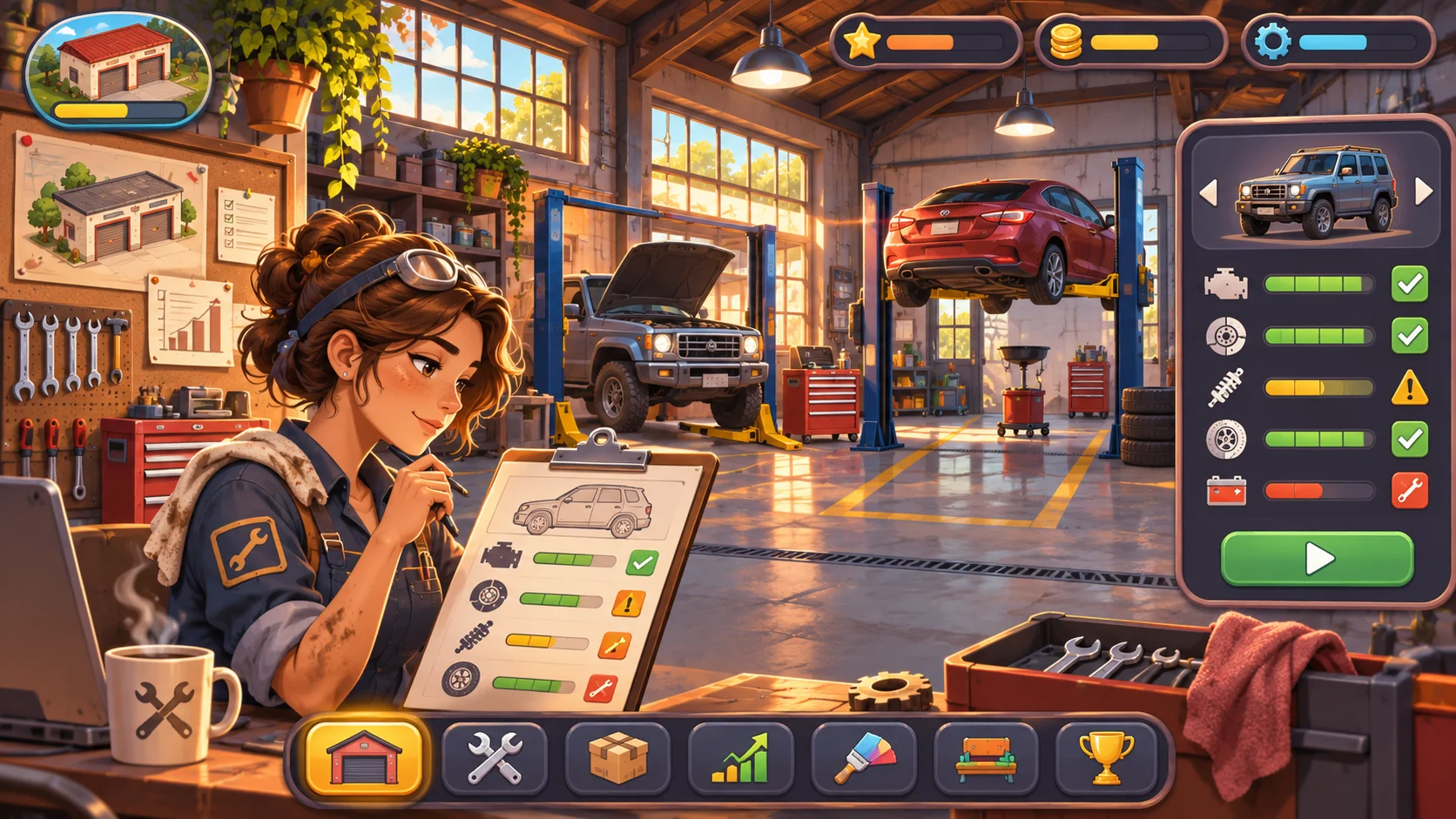
Make each branch solve a distinct capacity or market need while sharing a readable operation model. Let players compare locations, allocate parts and staff, and see how expansion affects service quality. Prototype a second site with one distinct purpose and a small set of shared measures. The official source below supports workshop context only; this branch-management model is original design guidance.
Choose a reason to open another branch
Open a branch only to solve a specific constraint: a long customer travel distance, an overloaded first shop, a local specialty, or an opportunity to serve a new market. Compare that benefit with rent, setup cost, staffing, and the risk of splitting parts across locations. Car Mechanic Simulator 2018’s official listing describes vehicle repair and workshop expansion; that supports the repair-shop context only, while multi-branch operations here are original design advice. See Red Dot Games for the limited context claim.
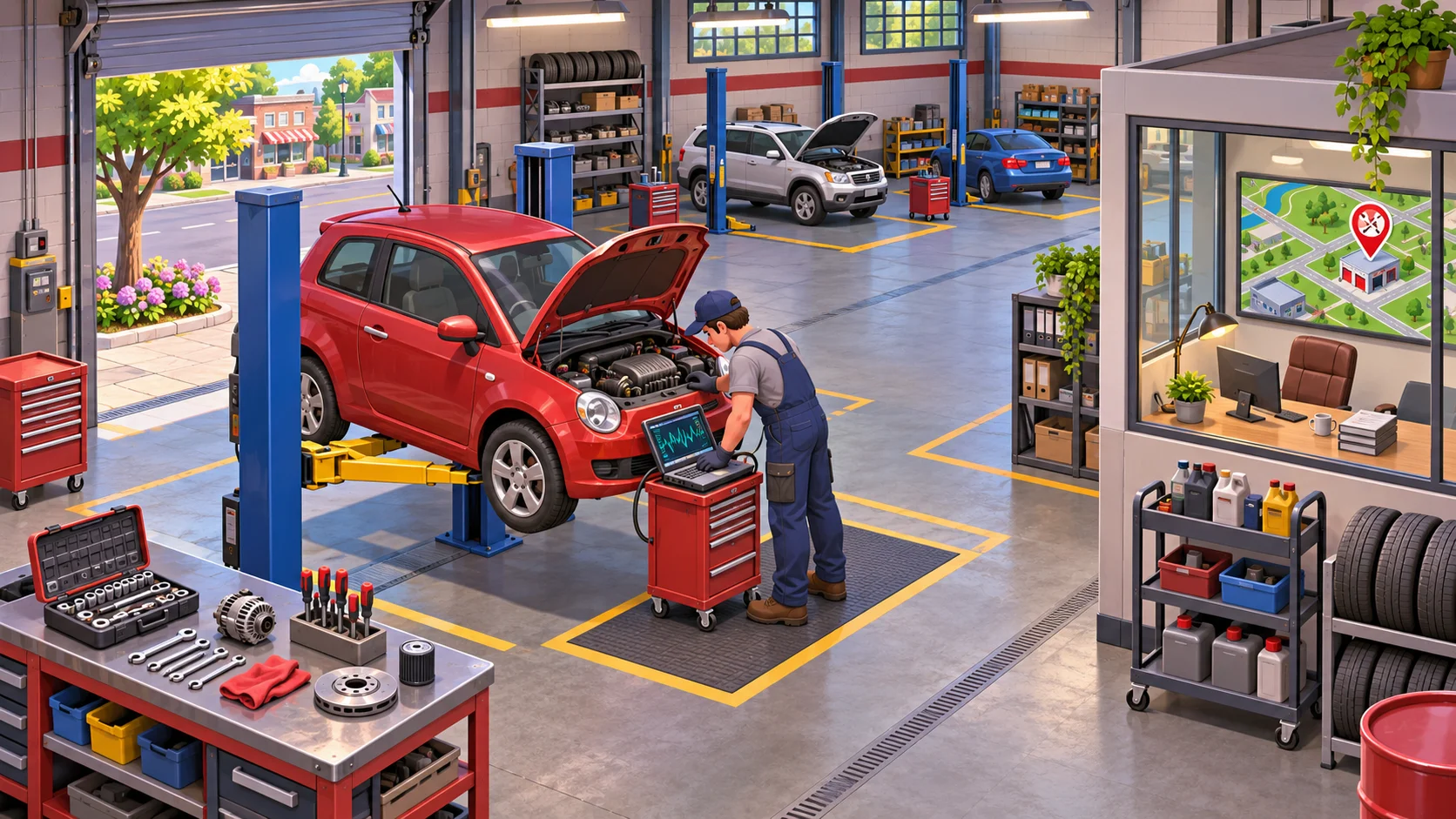
Set a readiness gate based on stable cash flow, a repeatable repair process, and enough trained staff to operate without stripping the first location. Let players inspect expected demand and startup costs before committing. Expansion should be a choice with a clear strategic reason, not an automatic level-up that the player cannot decline.
Define shared and local operations
Decide which rules should be shared across branches: diagnostic standards, service quality, brand reputation, and core parts. Then specify what each site manages locally, such as its customer queue, specialist tools, stock buffer, and staff schedule. A shared summary makes comparison quick, while local exceptions give each location a distinct role.
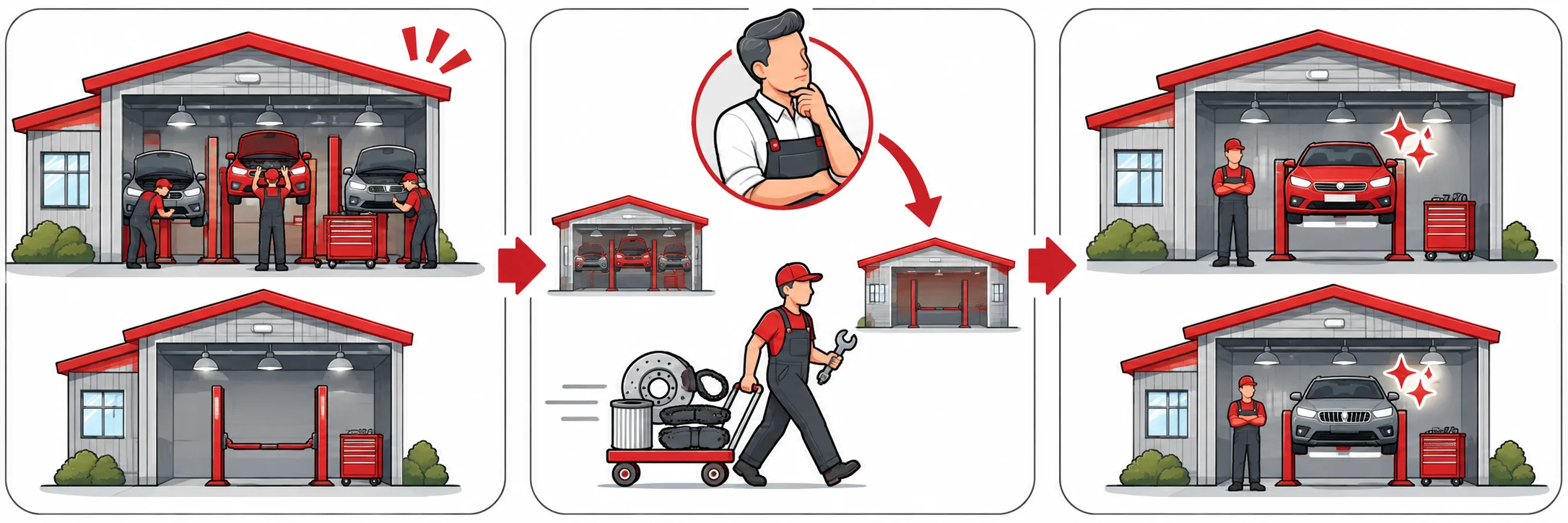
Keep the operation interface focused on a few actionable measures: jobs waiting, bays occupied, essential parts, and staff availability. Let players assign a specialist or a shipment between sites, but show the downstream effect before confirming. If staff move, warn when the original shop will lose capacity or miss a deadline.
Route parts and staff across sites
Route parts according to demand and lead time. A centralized store can lower duplicated stock but risks delaying a repair; local buffers improve speed but tie up cash. Show which jobs are blocked by a missing component and let the player set a reorder threshold or send a limited transfer between branches.
Protect quality while growing. Use shared diagnostic checklists or training so a second branch does not feel like a random dice roll. Give each site one strength, such as fast routine service or difficult diagnostics, and measure its performance against the jobs it actually receives rather than expecting identical output from different markets.
Test growth without neglecting the first shop
Test expansion under three conditions: healthy demand at both sites, a parts shortage at one, and a staff absence at the original shop. Check whether players can spot the bottleneck, redirect resources, and keep a customer promise. Include a scenario where opening the new branch was premature and verify that the player has a recovery option.
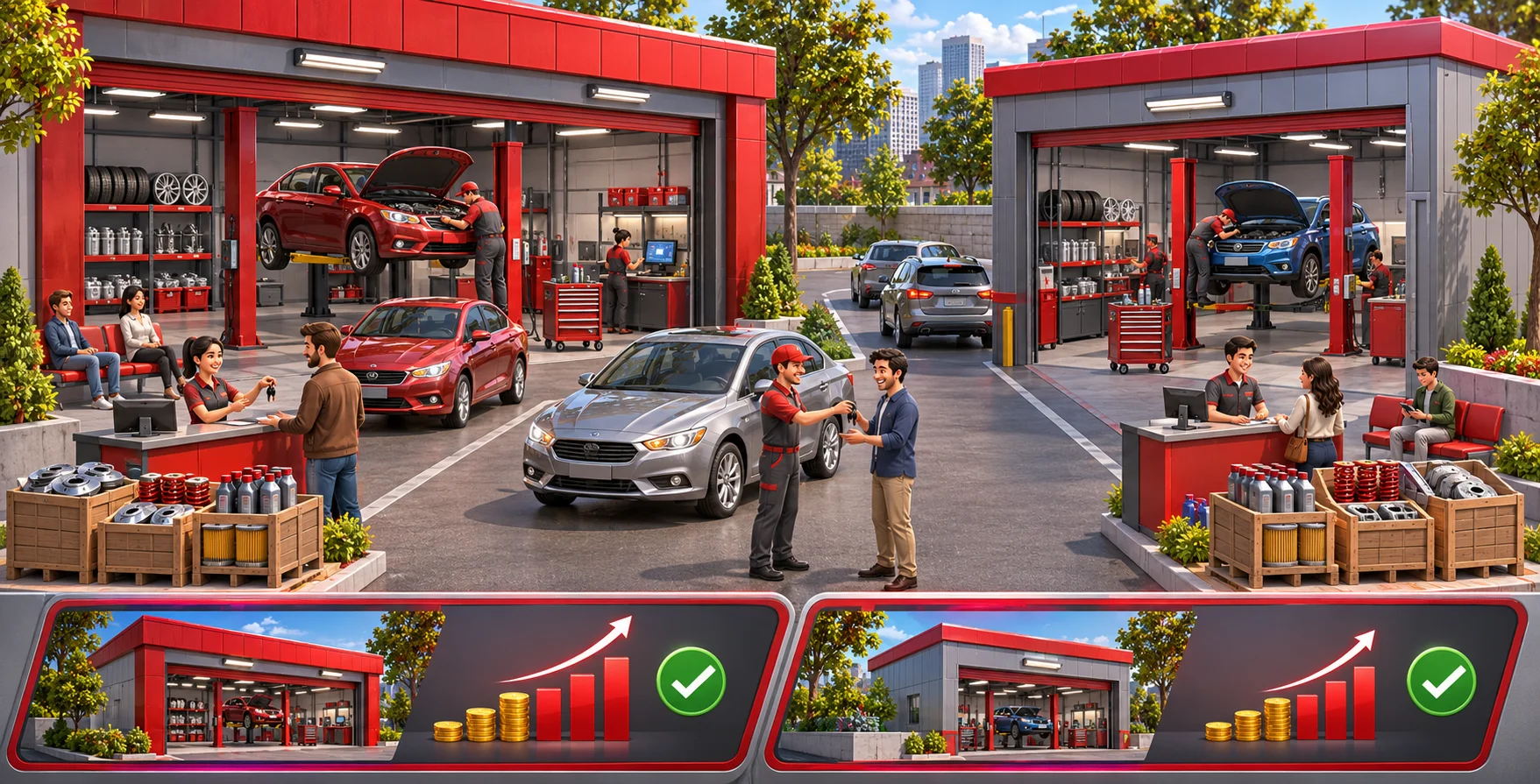
For a related guide about staff roles in a growing business, see a related guide to staffing and business operations. Pass when each location has a clear purpose, shared operations remain legible, and opening another branch creates a manageable new decision rather than hidden neglect.
FAQ
When should a repair shop open another branch?
A repair shop should expand when a new location solves a visible problem or serves a clear opportunity, such as excessive demand, travel distance, or a specialist service. Compare that benefit with setup costs, staffing, rent, and the effect on the original branch. Let players inspect the trade before they commit and make expansion optional.
How should branches share parts and staff?
Share standards, reputation, and core service rules, while letting each location manage its own queue, stock buffer, tools, and schedule. Show a compact overview of jobs waiting, occupied bays, critical parts, and staff availability. Transfers should have visible costs so players can understand what the sending branch gives up.
How do you keep service quality consistent?
Use shared diagnostic steps and staff training to keep service quality understandable, then let branches specialize in work that matches their equipment and local demand. Compare outcomes against each location’s job mix rather than expecting identical numbers. Test the same repair type at both branches to expose unclear or inconsistent rules.
What should you test in multi-branch expansion?
Test healthy demand, a shortage at one location, and an absence at the original shop. Observe whether players find the bottleneck, transfer staff or parts, and keep deadlines. Also test an early expansion and verify that the player has a way to reduce costs, refocus the site, or recover without a full restart.