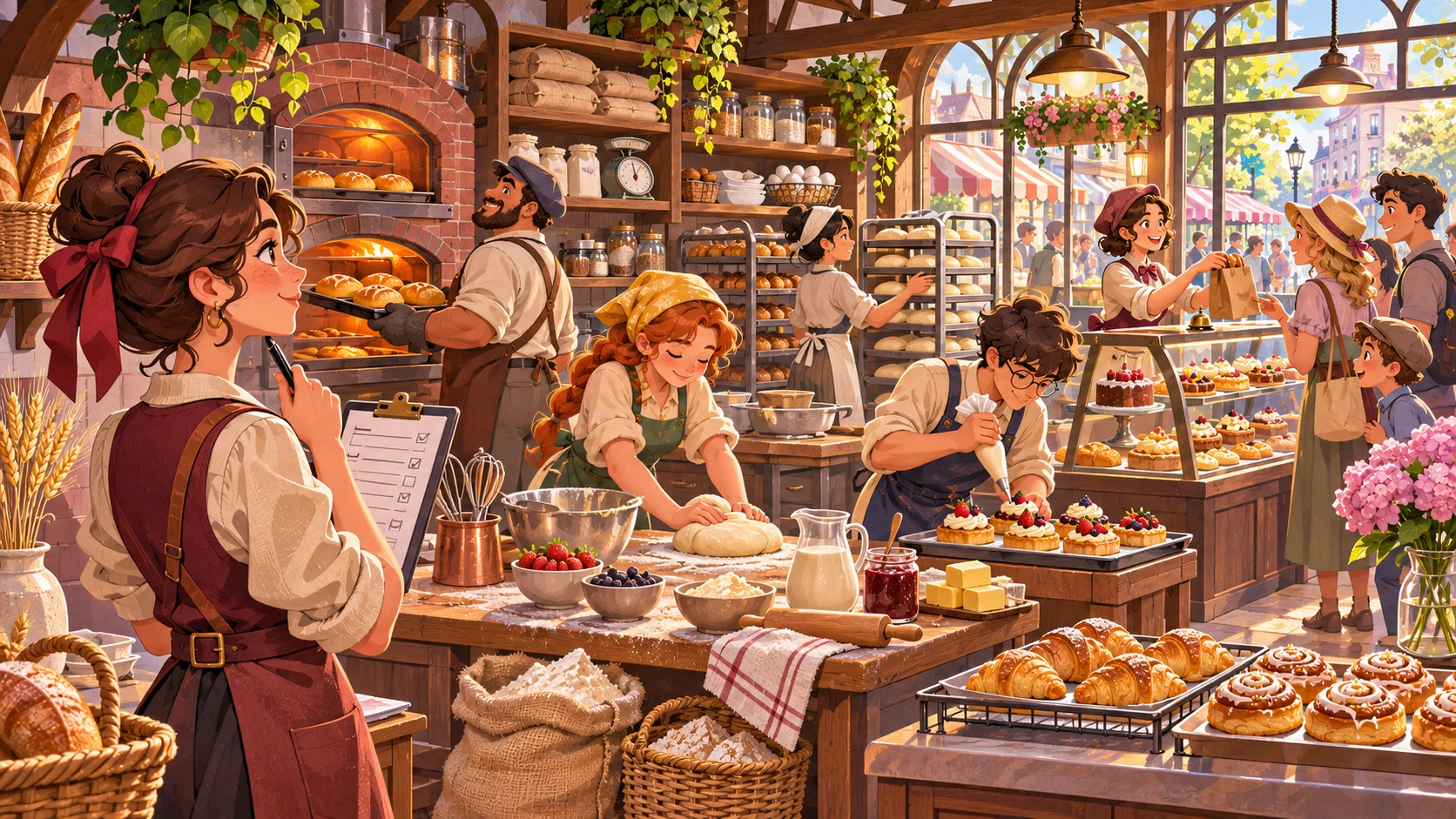
Hiring adds strategy to a hotel-management game when a role changes what the hotel can serve that day. A housekeeper can make rooms available for arrivals, a desk clerk can process check-ins, and a maintenance worker can return an unusable room to service. The player then has to weigh guest needs against wages and the hotel's current capacity.
The hotel, staff, capacities, wages, and results in this guide are fictional design examples. They are not a playtest or a real hospitality benchmark.
Start with the hotel day loop
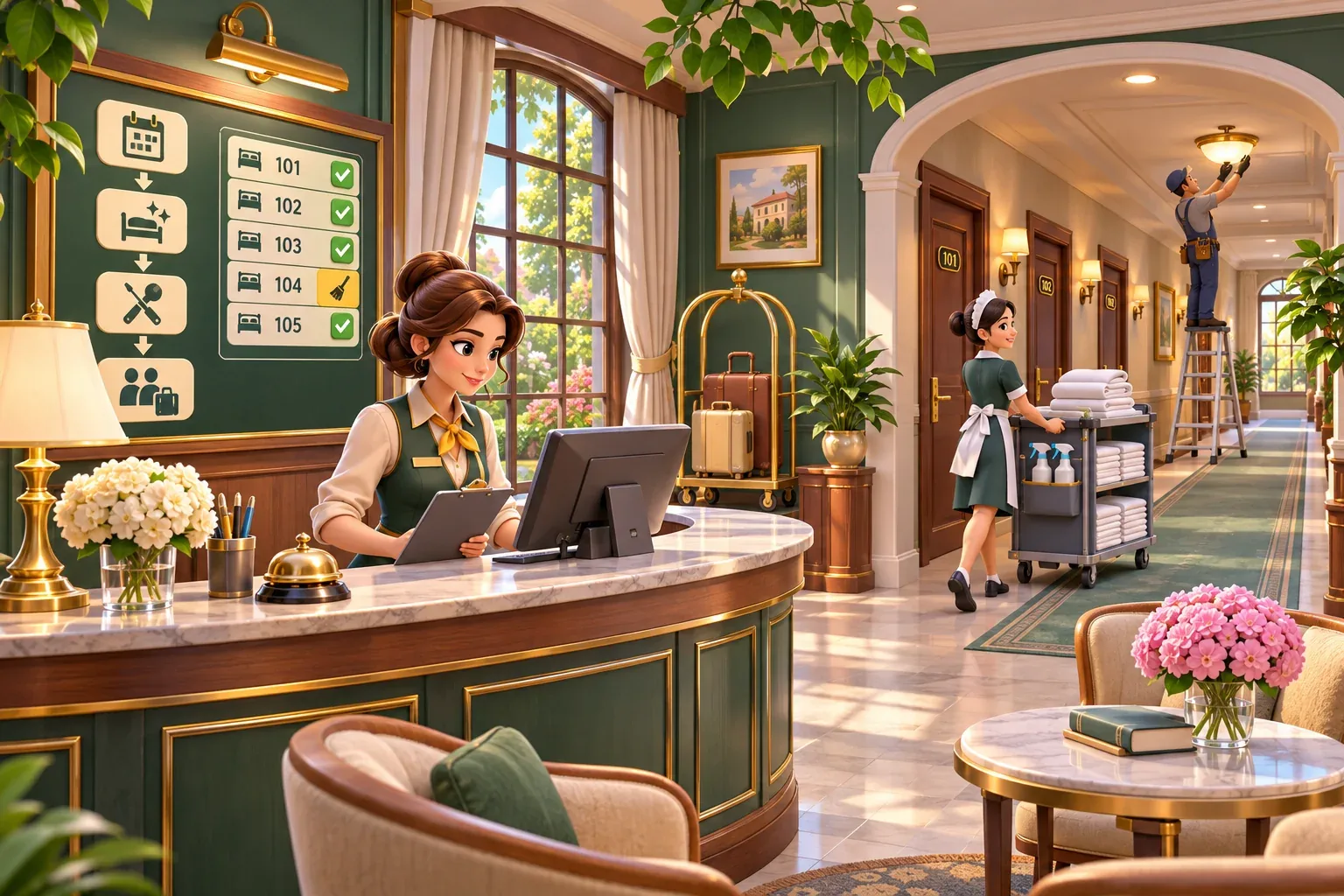
Write down what already happens between one day and the next. A simple hotel loop might forecast bookings, prepare rooms, check guests in, resolve service requests, calculate satisfaction and revenue, pay wages, then choose improvements. Put staff tasks in the step where they matter. A housekeeper assigned after arrivals should not magically make a room ready before check-in.
Use shared room states such as ready, occupied, needs cleaning, and out of service. The same room cannot be both ready and occupied. When a guest checks out, the room becomes dirty; when housekeeping finishes, it becomes ready; when maintenance closes a repair ticket, it returns from out of service. Clear transitions help the player see why a booking could not be fulfilled.
Hiring should affect the next schedule. If the player hires a worker during the day, decide whether the worker starts immediately or on the next shift. For a first version, apply new hires at the next day boundary. This keeps payroll and capacity changes predictable.
Give roles clear capacity and cost
Start with three roles that touch different parts of the loop. Give each a shift, capacity, wage, and one visible service outcome. You can add skill levels later, after the basic schedule works.
| Role | Example shift capacity | Daily cost | Game consequence |
|---|---|---|---|
| Desk clerk | Process up to 5 arrivals | 2 coins | Unprocessed guests wait or lose satisfaction |
| Housekeeper | Turn over 2 rooms | 2 coins | Clean rooms become ready for the next arrival block |
| Maintenance worker | Resolve 1 repair ticket | 3 coins | A room or service returns from out of service |
These numbers are invented to demonstrate capacity and cost. The key is that a role should change a system the player can see. If adding staff only increases a hidden satisfaction modifier, it is harder to understand why the hire mattered.
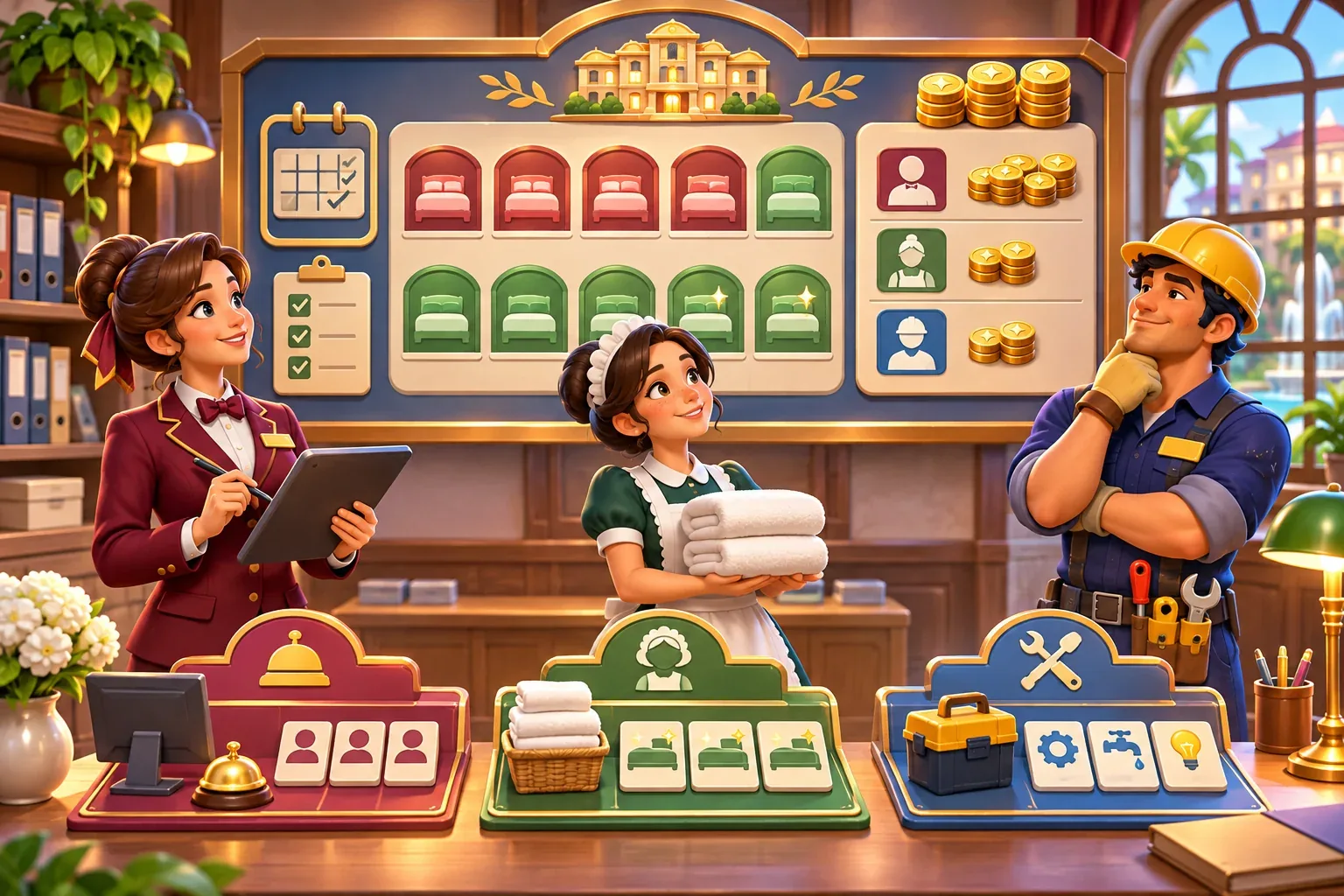
Keep wages in the day-end ledger. A hire may solve tomorrow's room shortage and still be too expensive if demand falls. Let the player review scheduled hours before confirming the next day. If one employee covers multiple tasks, represent that as a schedule choice rather than counting the same work capacity twice.
Work through a booking day
Use a fixed example so the player can trace the effects. The fictional hotel has six rooms, five expected arrivals, and two rooms ready at the start of the day. One clerk can process all five check-ins. One housekeeper can turn over two rooms, leaving one booking without a ready room. Hiring a second housekeeper adds capacity for two more turns, enough to prepare up to six rooms, but costs another 2 coins for the day.
| Plan | Rooms ready | Arrivals served | Staff cost | Visible result |
|---|---|---|---|---|
| One housekeeper | 2 starting + 2 turns = 4 | 4 of 5 | Existing payroll | One arrival waits or needs a clear fallback |
| Hire a second housekeeper | 2 starting + 4 turns, capped by six rooms | 5 of 5 | Existing payroll + 2 coins | All five arrivals can receive a room if no repair blocks one |
| One room has a repair ticket | One room remains out of service until repaired | At most 5, depending on other room state | Add maintenance cost if assigned | The player sees why cleaning alone did not restore the room |
Room capacity is capped at six; the extra turnover capacity does not create extra rooms. That distinction matters in the calculation. Before adding a satisfaction score, define how the game responds to an unserved booking: refund, alternate room, waiting, or a lost booking. Show the outcome and its cost instead of silently removing the guest.
Use satisfaction as feedback for service quality, not as a reward for hiring more people. A guest might rate room readiness, check-in delay, or an unresolved issue. That gives the player a reason to schedule the right role without making the largest payroll automatically optimal.
Prompt for a small staffing prototype
When using an AI game maker to explore the loop, describe the room states, work capacities, and day order. SEELE's official AI Game Maker page describes text-based creation and follow-up iteration. The hotel staffing system below is a proposed design, not a documented built-in feature.
Build a small fictional hotel-management prototype with six rooms. Each room is ready, occupied, needs cleaning, or out of service. Daily order: forecast arrivals, schedule staff, clean rooms, resolve repairs, check guests in, calculate service satisfaction and revenue, then pay wages. One desk clerk processes up to 5 arrivals, one housekeeper turns over 2 rooms, and one maintenance worker resolves 1 repair ticket per shift. Use fictional daily wages of 2, 2, and 3 coins. Show remaining room capacity, unserved bookings, and payroll before the day starts. Apply new hires at the next day boundary. Do not add employee skill trees or random events yet.After a first version appears, check whether staff capacity is applied in the correct order, whether one room can receive conflicting states, and whether the player sees wage cost before confirming a hire. Ask for one state transition or schedule error at a time.
Test staffing under different demand
Run the same hotel setup under a quiet day, a normal day, and a busy day. Keep the room count and staff capacity constant while you change bookings. This helps you see whether hiring creates a meaningful choice or simply removes every constraint.
- Check-in capacity: schedule five arrivals with one clerk. The game processes five and reports any extra guests without deleting them.
- Room-turnover capacity: schedule five room turns with one housekeeper. Two turns complete; the remaining rooms stay dirty and unavailable.
- Hiring payoff: add one housekeeper for 2 coins/day. Confirm that the sixth room cap still holds and that one extra hire does not manufacture additional rooms.
- Maintenance case: mark one room out of service. Cleaning does not restore it; a maintenance task clears the repair state.
- Demand drop: reduce arrivals the next day. Show whether the new wage remains worth paying or whether the player can adjust the next schedule.
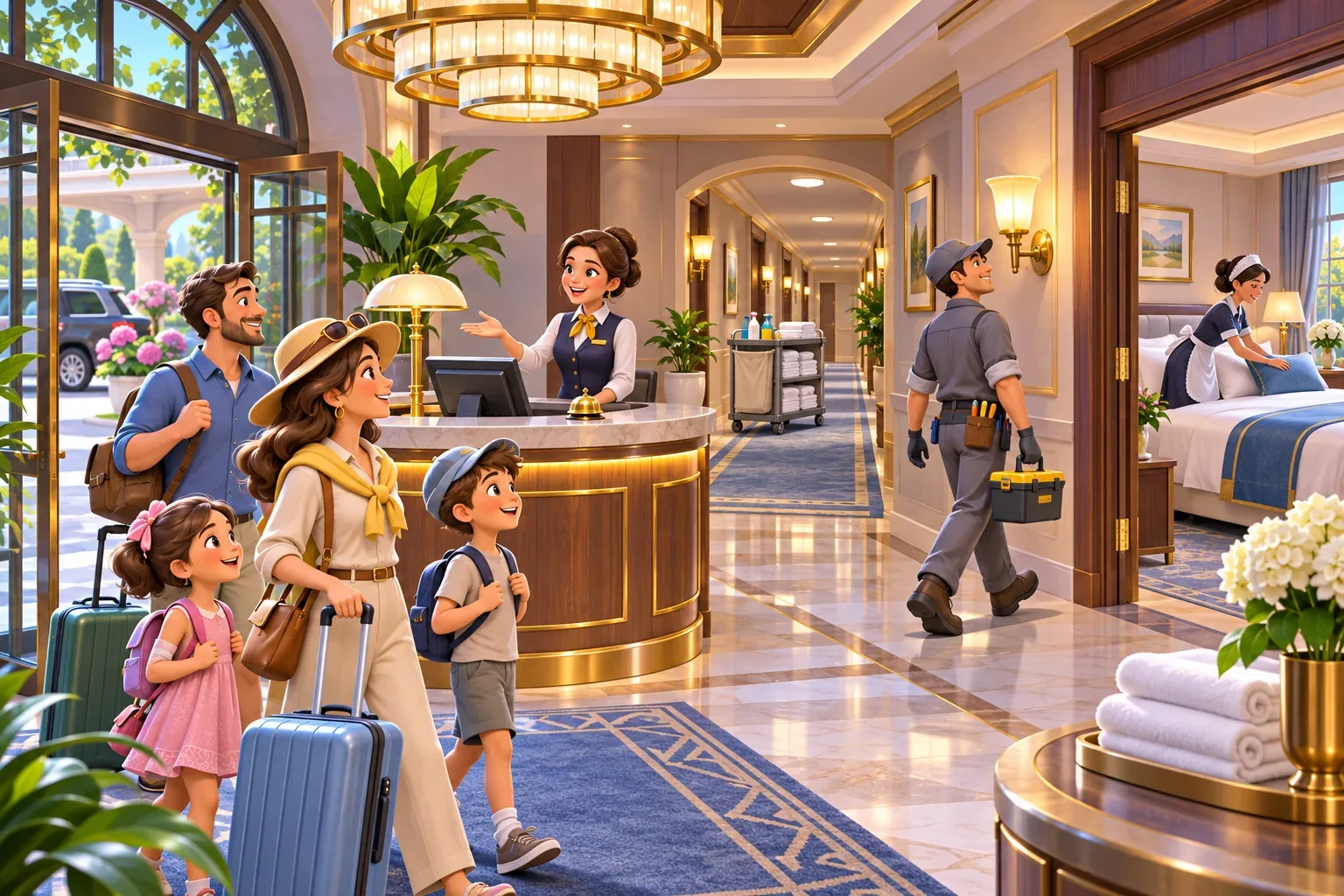
Once the core loop is readable, add training, morale, or specialties one at a time. A skill should change a measurable task or decision and should have a cost or time investment. Keep the player's attention on the daily trade-off between service capacity and payroll.
Hotel staffing system FAQs
Which staff role should I add first?
Choose the role that addresses the clearest bottleneck in your day loop, such as room turnover, check-in capacity, or repair downtime. Show the problem and the role's effect together.
How do I make hiring affect gameplay?
Connect each role to a task capacity, guest-facing outcome, schedule, and wage. Hiring should change what the hotel can serve and what it costs to operate.
Should new staff work immediately?
Choose a clear start rule. Applying a hire at the next day boundary keeps the current schedule and payroll predictable in a first prototype.
How should guest satisfaction respond to staff?
Base it on visible service results such as room readiness, check-in delays, and unresolved repairs. Avoid raising satisfaction just because the player hired more people.
How can I prevent overstaffing from being the obvious choice?
Make wages recur, keep demand variable, and let the player schedule shifts. Compare quiet and busy days so extra capacity has both a benefit and a cost.
Make your own hotel management game
Start with room states, one daily forecast, and staff who change a visible task. Then test whether the service improvement is worth the added payroll. For a general game-creation starting point, explore the SEELE AI Game Maker and bring this staff-capacity loop into your prototype brief.