A city that changes over several sessions needs more than a saved screenshot of its skyline. Roads, districts, services, population needs, and time-based events must still agree after a reload. Before asking AI to add persistent progression, distinguish durable city choices from values the simulation can derive again.
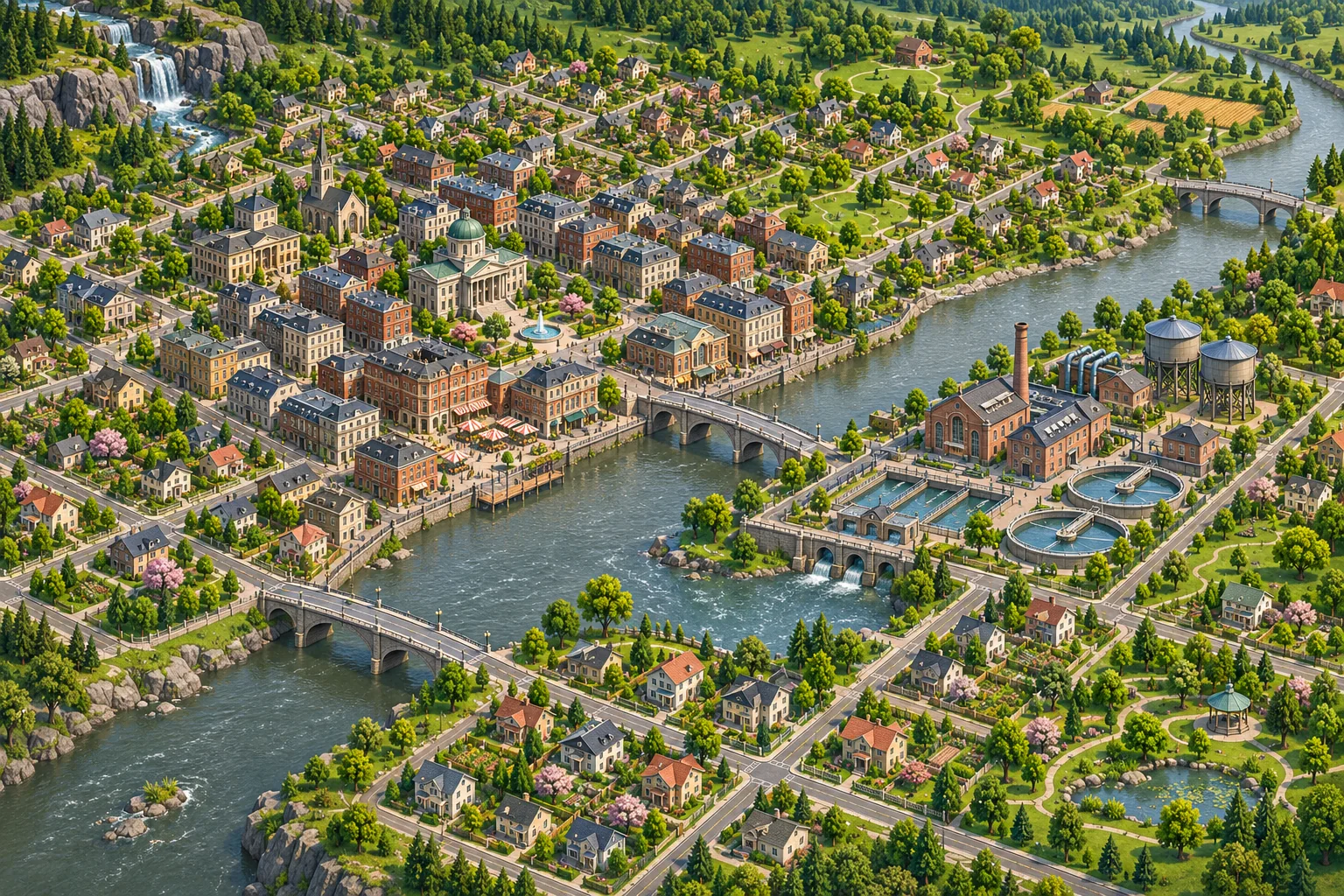
This guide uses a fictional river city to describe a save design. No roads, residents, or service networks were simulated. The purpose is to add persistence without replacing the project systems that already update the city.
Separate durable city choices from current simulation state
List what should survive a restart: district unlocks, placed infrastructure, zoning decisions, milestone records, or player-selected policies. Then list what changes during a tick: traffic position, active incidents, service queues, short-lived demand, or an in-progress construction timer. Some games save current simulation state; others rebuild much of it. Follow the current design instead of assuming every variable belongs in one file.
| State | Example | Save decision |
|---|---|---|
| City layout | Road segments, district IDs, buildings | Persist stable authored changes |
| Progression | Unlocked areas, completed milestones | Persist campaign decisions |
| Derived network | Road connectivity, service reach | Rebuild or persist according to existing model |
| Transient simulation | Traffic events, temporary alerts | Save only if resume behavior requires it |
In the fictional Greywater example, opening a new river district is a durable choice. Whether a specific fire truck is halfway down a street when the player exits may be transient. The game can rebuild road connectivity from stable road IDs if that is already its normal process; the article does not claim a real implementation.
Preserve stable IDs and derived systems
Use stable identifiers for districts, road segments, building types, and infrastructure. A district's display name can change without changing its save identity. Avoid storing references to temporary scene nodes if the engine rebuilds those objects on load.
Find how the current game calculates connectivity, water or power coverage, population demand, and service access. Save the durable inputs and let the existing systems derive the outputs. If the project intentionally persists derived data for speed, treat it as a cache and define how it is invalidated when roads or buildings change.
Ask AI to map the save/load path before it edits. Identify which component owns the map, which one applies a simulation tick, how milestones unlock districts, and when the save is written. Request a file list, a versioned schema proposal, and rollback steps. Avoid a new “progression manager” that duplicates district or economy state.

Choose a versioned save model
Add a schema version before changing the save shape. New fields need safe defaults for existing cities. If district IDs or building types are retired, map or report them deliberately rather than dropping them silently. Keep a duplicate of a known city save for migration tests.
Storage choices depend on the engine and target platform. Godot's stable saving tutorial demonstrates file serialization and discusses JSON limitations. Unity's Application.persistentDataPath is intended for data retained between runs, with a location that varies by platform. These sources support storage decisions; they do not define a city economy, data schema, or safe migration for your project.
Plan for interrupted writes. Preserve the prior save where practical, validate the new record before replacing it, and decide what the game should show if data cannot be read. Do not promise perfect recovery across every platform; document the behavior you can actually verify.
Record a reproducible city checkpoint
When a save is written, record enough context to reproduce the city's state: schema version, map or scenario ID, unlocked district IDs, player-selected infrastructure, funds, and the last committed simulation step. Do not add every transient value just because it is visible in the interface. The project should define whether traffic, incidents, and service queues are resumed or recalculated.
A checkpoint also helps diagnose mismatches. If the map reloads but water coverage changes, compare the stable roads and buildings first, then follow the existing network calculation. Keep a known city fixture so a fix can be compared against the same roads and service buildings each time.
Keep city progression separate from a simulation tick
District unlocks and construction choices can be committed at explicit milestones. The simulation still needs its current tick order: update demand, evaluate services, apply maintenance, resolve incidents, update funds, then refresh the map, or whatever order the project already defines. Adding persistence should not advance a day or month twice when the player returns to the city.
Make the save boundary safe to repeat. If the same milestone callback runs twice, it should not grant duplicate funds or unlock the same district with a second reward. Use stable event IDs if the codebase supports them, and keep one owner for balance changes.
Review the diff for unrelated changes to road costs, service radii, population growth, zoning rules, and the simulation clock. Compare the original city before and after the patch. A new save panel may render correctly while the underlying network calculations have changed.
Verify a new city, reload, and old saves
The following are proposed checks, not test results from Greywater:
| Case | Action | What to verify |
|---|---|---|
| Fresh city | Create a new profile | Default district and service state load |
| Layout change | Build roads and unlock one district | Stable IDs and progression are saved |
| Service network | Change a road connection | Existing coverage logic recalculates correctly |
| Tick boundary | Advance one in-game period | Funds, needs, and events update once |
| Reload | Save, quit, and reopen | City layout and derived services agree |
| Old save | Load a duplicate pre-feature city | Migration preserves known buildings and funds |
Record engine and project version, save fixture, map changes, tick state, steps, expected and observed results. Compare the same district before and after loading. A generated map or simulated overlay explains a concept; it cannot establish that the actual road network or economy is correct.
Frequently asked questions
What city-building progress should persist between sessions?
Persist deliberate city decisions such as unlocked districts, completed milestones, and approved infrastructure. Keep current simulation tick data, temporary service delays, and pending events separate unless the game already supports resuming that exact state. State the exact milestones and city records included in the save.
How can I keep roads and services consistent after loading?
Save stable road and district IDs, then rebuild derived connectivity through the project's existing simulation path. Avoid storing a second hand-maintained copy of service reachability that can disagree with the loaded map. Rebuild the network only through the system the game already trusts.
Should population needs be saved or recalculated?
Follow the current game's state model. Save durable household and district state, then recalculate derived demand through the normal simulation step if that is how the project works. Keep durable household records distinct from derived demand values. Keep derived calculations tied to the selected simulation step.
How do I migrate older city saves safely?
Add a schema version and defaults for new fields. Test migration on a duplicate old city and compare roads, buildings, service coverage, population, and funds before replacing a real save. Compare all core city totals before replacing an older save.
What should I test after adding persistent city progression?
Test a new city, saved district unlock, road changes, service coverage, time advance, reload, and an older save. Record actual build results; a fictional map is not a simulation test. Include map version, district ID, and simulation step in test notes.
Start with one city milestone
Persist one district unlock and one layout change first. Keep stable IDs and use the current city simulation to rebuild derived services. Then verify a fresh city, a saved reload, and an older profile before adding more progression state.
For a separate browser-playable prototype idea, try SEELE AI Game Maker. This CTA is for a separate prototype, not an existing city save repair.