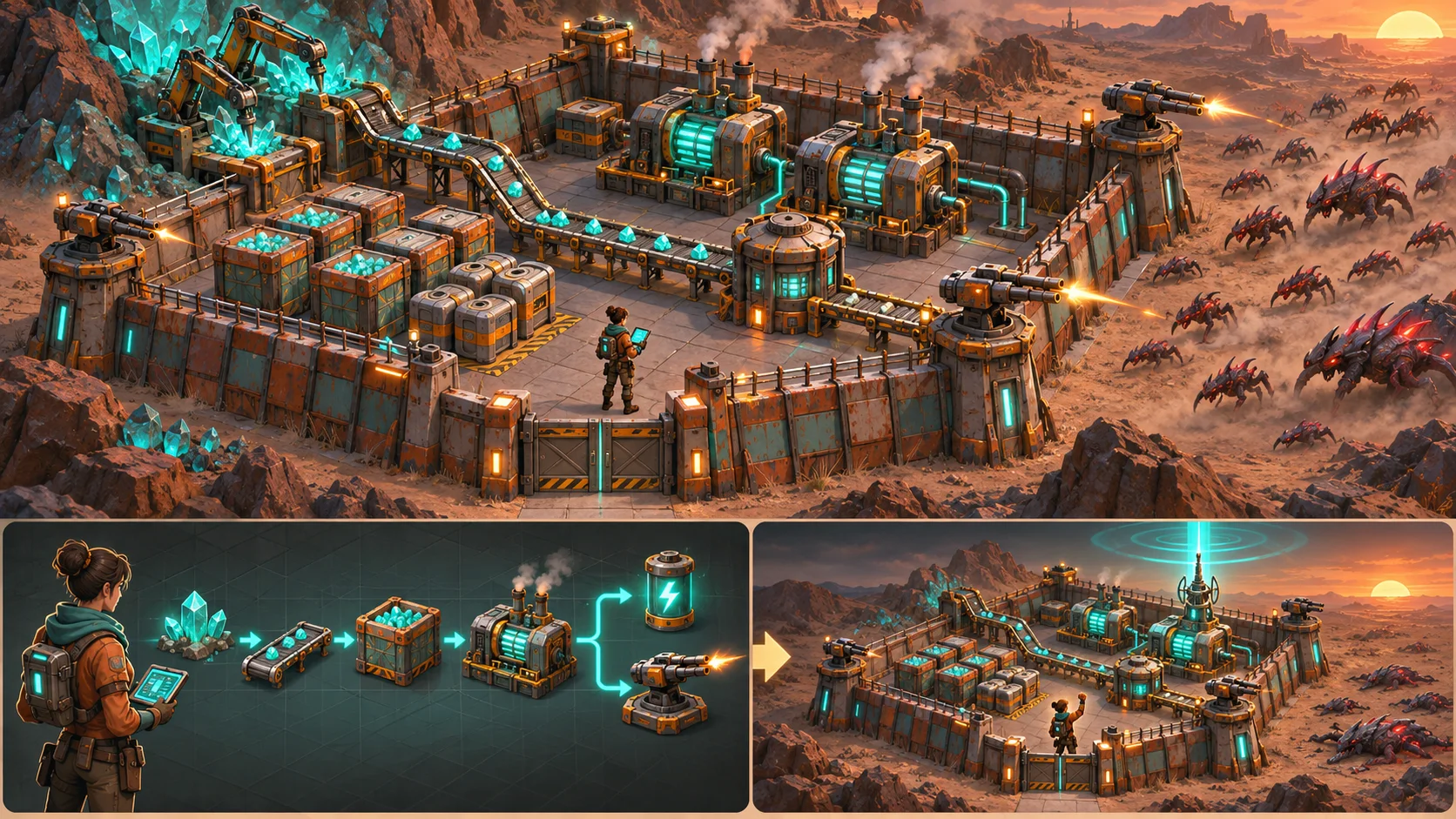
Add settlers with competing needs and priorities to your factory automation game with AI. Make trade-offs visible, preserve recovery, and test the system in a short repeatable scenario. Prototype one production line and a short work schedule before extending needs and priorities to a whole factory.
Model settler needs alongside production goals
Give each settler a small set of needs that can compete with factory work, such as food, rest, safety, or social time. Show how urgency changes over time and how the settler’s skills affect production tasks. A worker who leaves a machine for a meal should create a visible throughput change, not an unexplained stop in the production chain.

The official Oxygen Not Included listing from Klei Entertainment describes a colony where resource allocation and duplicant needs, stress, and survival interact. It supports colony and settler-needs context only; factory throughput priorities here are original. Start with one production line and a few settlers so the player can see how needs affect output.
Make priorities affect factory throughput
Let the player assign priority to work orders, stations, or settler needs. A high-priority food task may pull a worker away from assembling a machine part; a production deadline may delay leisure or repair. Show the queue, expected completion time, and the settler assigned so the player can forecast the effect before changing a priority.
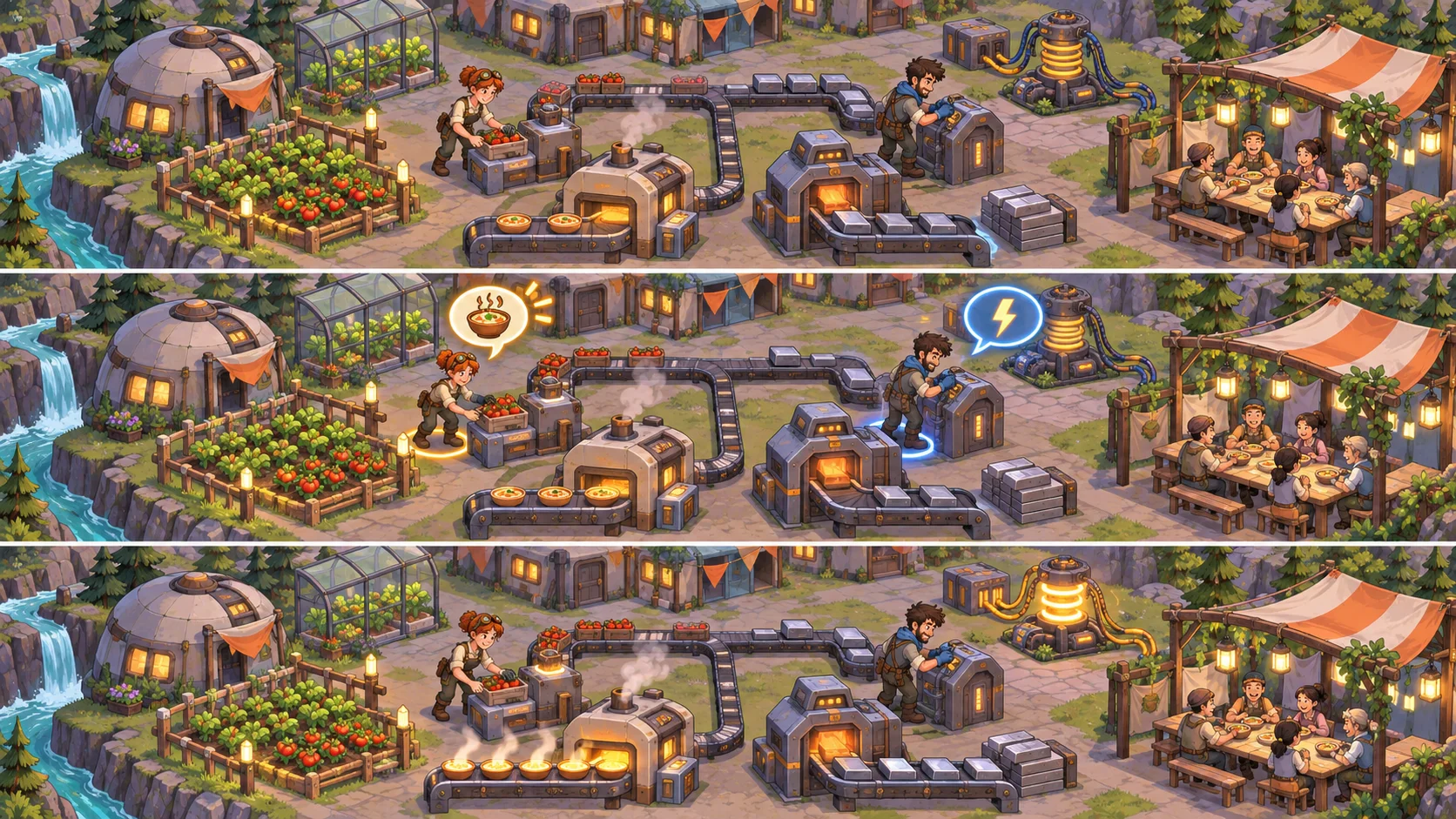
Keep priority changes bounded and reversible. If a settler can ignore a task because a need is urgent, explain the rule and show the competing need. Avoid priorities that silently override safety or leave a worker stuck on an impossible task. Let players pause, reassign, or lower a work order with a clear effect on the production chain.
Expose conflicts and negotiation choices
When two settlers want the same workstation or a production task competes with a personal need, show the conflict and offer a clear choice. The player might reschedule the shift, assign a substitute, change the work order, or provide a resource that makes the task easier. Let settlers have different preferences so priorities create interesting management decisions rather than a single global slider.

Connect each choice to the factory result. Show whether the line missed a target, used a buffer, or delayed downstream production. Preserve a recovery option such as overtime, alternate staffing, or temporary inventory use, and show the cost. Settler well-being can affect reliability over time, but do not hide that relationship behind an invisible penalty.
Test stable output and settler well-being
Run the same production schedule with different settler needs and work priorities. Track throughput, idle time, missed work orders, need recovery, and how often players intervene. Introduce one shortage or schedule conflict and check whether players can identify why production changed and which priority adjustment would restore the line.
For related factory planning, see a guide to visible resource bottlenecks and a guide to resource use and world response. Pass when players can balance output and needs while understanding the cost of each priority choice.
FAQ
How should settlers with competing needs work in a factory game?
Give settlers visible needs such as food, rest, safety, or social time that can temporarily interrupt production. Show how urgency changes and which worker is assigned to each task. A settler leaving a workstation should produce a legible throughput change so players can see the link between personal needs and factory output.
How can priorities change factory production?
Let the player assign priorities to work orders, stations, or needs, then show the queue, assigned settler, and expected completion time. A high-priority task may pull a worker from another job, so explain the trade-off before the player commits. Keep priority changes reversible and show downstream effects.
How do you balance output and settler needs?
Make needs and work deadlines visible together, then let players adjust shifts, substitute staff, or use a buffer. Well-being can affect reliability over time, but show that relationship clearly instead of applying a hidden penalty. Preserve a recovery option when a priority conflict causes a missed production target.
What should you test in settler automation?
Run the same schedule with different needs and priority settings. Track throughput, idle time, missed orders, need recovery, and player interventions. Introduce a shortage or schedule conflict and verify players can identify why output changed and which priority adjustment would restore the line.