Two-player management can make a restaurant game feel more social, but it also creates questions about who owns an order, a station, inventory, and money. Define the roles and shared state before asking AI to add a second player to a simulation built for one.

This guide uses an invented restaurant to show a practical integration path. No multiplayer build, kitchen session, or daily ledger was tested. Preserve the existing order, preparation, service, and cash-flow systems while adding a second input source.
Choose local or online co-op first
Local shared-screen co-op and online co-op have different requirements. Local play needs two input maps, readable camera framing, and a rule for what happens when both players interact with the same station. Online play adds connection lifecycle, state synchronization, authority, and disconnect behavior. A first feature should choose one mode rather than adding both at once.
Then define the cooperative contract. Can both players prepare food? Can one player accept an order while the other cancels it? Are purchases confirmed by either player or only by the host? Do both share one score and balance? Answer these questions before coding so the assistant does not invent business rules along the way.
Give each player a distinct responsibility
Roles work best when they focus attention without hiding important information. One player might manage kitchen preparation while the other handles seating and floor service. Another design could split purchasing and staff operations. The fictional Cedar & Steam example uses preparation and service roles, but both players can still see active orders and shared stock.
Do not give each player a separate copy of inventory or cash. If the restaurant has one pantry and one till, both views should read the same state. A role can limit which actions a player initiates, but the shared simulation remains the owner of whether an order is valid, a dish is ready, or a purchase can be paid for.
| Shared object | Risk with two players | Rule to define |
|---|---|---|
| Order | Same ticket prepared or closed twice | One current owner/status and one completion event |
| Station | Conflicting actions on one appliance | Queue, lock, or reject overlapping interaction |
| Inventory | Both players consume the last ingredient | Validate stock through one shared owner |
| Cash ledger | Purchase or end-of-day total duplicated | Commit once and refresh both views |
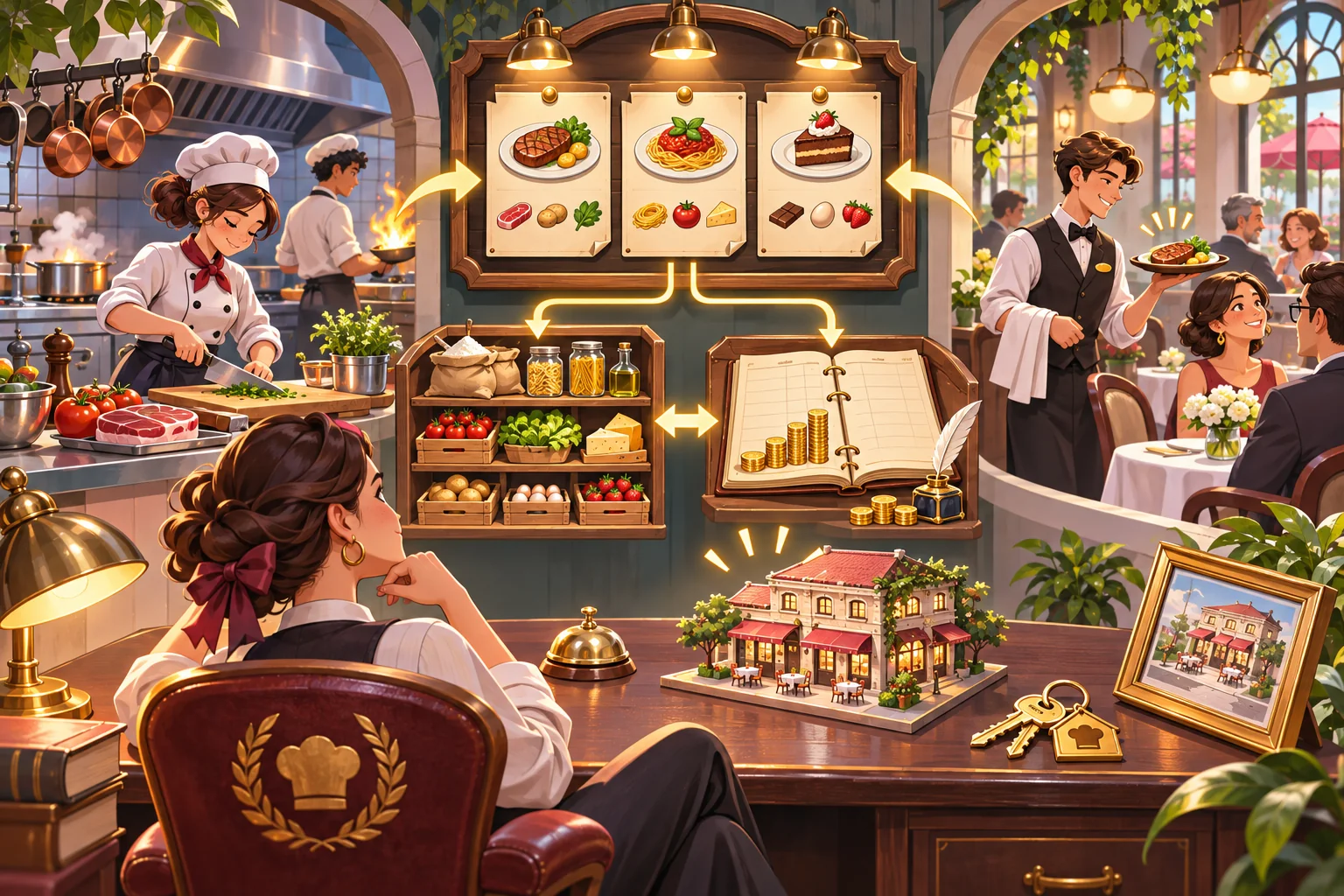
Use one authoritative order flow
Trace a ticket through its existing lifecycle: customer arrival, order acceptance, ingredient check, preparation, delivery, payment, and closure. Add player identity or a temporary claim only where the game needs it. If two inputs try to act on the same order, the existing order owner should accept one valid transition and report the updated status to both players.
Make interactions idempotent where possible. If a dish completion event is received twice, the ledger should not charge twice or increase reputation twice. If an order is canceled, the ingredient return and customer result should go through the existing rules. Avoid copying ticket logic into a second “co-op order manager.”
Keep daily closing as one shared transition. Resolve open orders, tips, wages, stock use, and purchases in the same order the solo game already uses. Both players can review the result, but the simulation should commit the day once. This also makes a solo mode regression easier to test.
For online play, validate important actions
If the chosen mode is online, decide which peer or service is allowed to resolve shared state. Godot's stable high-level multiplayer docs describe RPCs and authority settings, and warn that network support does not automatically secure game logic. Validate important actions rather than trusting a client's reported order result or cash value. This guidance is Godot-specific; other engines need their own documented network model.
Plan what happens when a player disconnects during service. Can the remaining player continue? Does the restaurant pause? Are in-flight orders canceled or assigned to the remaining manager? If reconnect is out of scope, state which temporary session progress is lost. A simulated disconnect screen should not be described as a verified network test.
Ask AI for one vertical slice
Give the assistant a bounded request: add a second role to one restaurant day; preserve existing orders, cooking timers, staff behavior, and cash flow; keep one authoritative stock and ledger; prevent duplicate order completion; list changed files, role assumptions, and rollback steps. Ask for a code map before it changes shared systems.
Review the patch for duplicated order status, separately calculated cash, station timers that run twice, and solo behavior changed by co-op checks. If the feature is online, inspect which messages are accepted from each peer and what data the authority validates. Keep a baseline save and a known order sequence for comparison.

Test simultaneous actions and day close
The cases below are a proposed plan, not results from Cedar & Steam:
| Case | Action | What to verify |
|---|---|---|
| Solo regression | Run a normal single-player day | Order and cash behavior remain unchanged |
| Two-role flow | One player prepares, one serves | Both see the same order and inventory state |
| Duplicate claim | Both act on one ticket at once | Ticket completes once or conflict is explained |
| Shared stock | Use the final ingredient concurrently | No negative inventory or duplicate dish |
| End of day | Close service with open and completed tickets | Cash, wages, and order totals commit once |
| Leave session | Remove one player if supported | Remaining flow and temporary progress follow the rule |
Record build version, player roles, device or network conditions, order IDs, steps, expected and observed result. Run the actual target build. A layout mockup or fictional service day can explain the feature but cannot prove that simultaneous actions stay consistent.
Frequently asked questions
What management roles can two players share in a restaurant game?
Assign complementary responsibilities the simulation already supports, such as kitchen preparation and floor service, or purchasing and daily operations. Make shared orders, inventory, and cash flow visible to both players. Make responsibilities visible while keeping status shared for both players.
Should two-player restaurant co-op be local or online?
Choose the first supported mode based on the project. Local co-op needs clear input and shared-screen rules; online co-op also needs connection, authority, synchronization, and disconnect behavior. This choice shapes input, camera, and testing requirements. Test these choices with the expected player count and target hardware.
How can I stop two players from processing the same order twice?
Give each order one authoritative state and route player actions through it. Claim, complete, or cancel an order once, then update both views from the same result. Refresh both player views after the one accepted state change. The completion event should update the shared order once.
How should shared cash and inventory work?
Keep one restaurant ledger and inventory owner. Player roles can propose purchases or actions, but the shared simulation should validate costs, stock, and end-of-day totals through one path. Apply each purchase once through the same validated ledger. Both players should read the same committed balance and stock.
What should I test after adding two-player management?
Test simultaneous actions, duplicate order selection, station conflicts, shared inventory, end-of-day totals, player leave, and solo regression. Record actual build and session details; a mock kitchen is not a co-op test. Include player roles, device setup, and order IDs in the test notes.
Keep one restaurant state, share the work
Start with two roles and one complete restaurant day. Let both players participate through the current order and inventory systems, then verify conflicts and closing totals before expanding the feature. Clear role boundaries make teamwork easier while one simulation keeps the business rules consistent.
For a separate browser-playable prototype idea, try SEELE AI Game Maker. This CTA is for a separate prototype, not a multiplayer conversion feature.