A camera system in a survival horror game is a decision tool. It gives the player a limited view of places they cannot safely inspect in person, then asks them to decide where to look and what to do next. The challenge is to make each feed informative without turning monitoring into a perfect map that removes uncertainty. For an original game, choose what the cameras reveal, how much attention they demand, and how the player can act on the information.
Choose what the camera system reveals
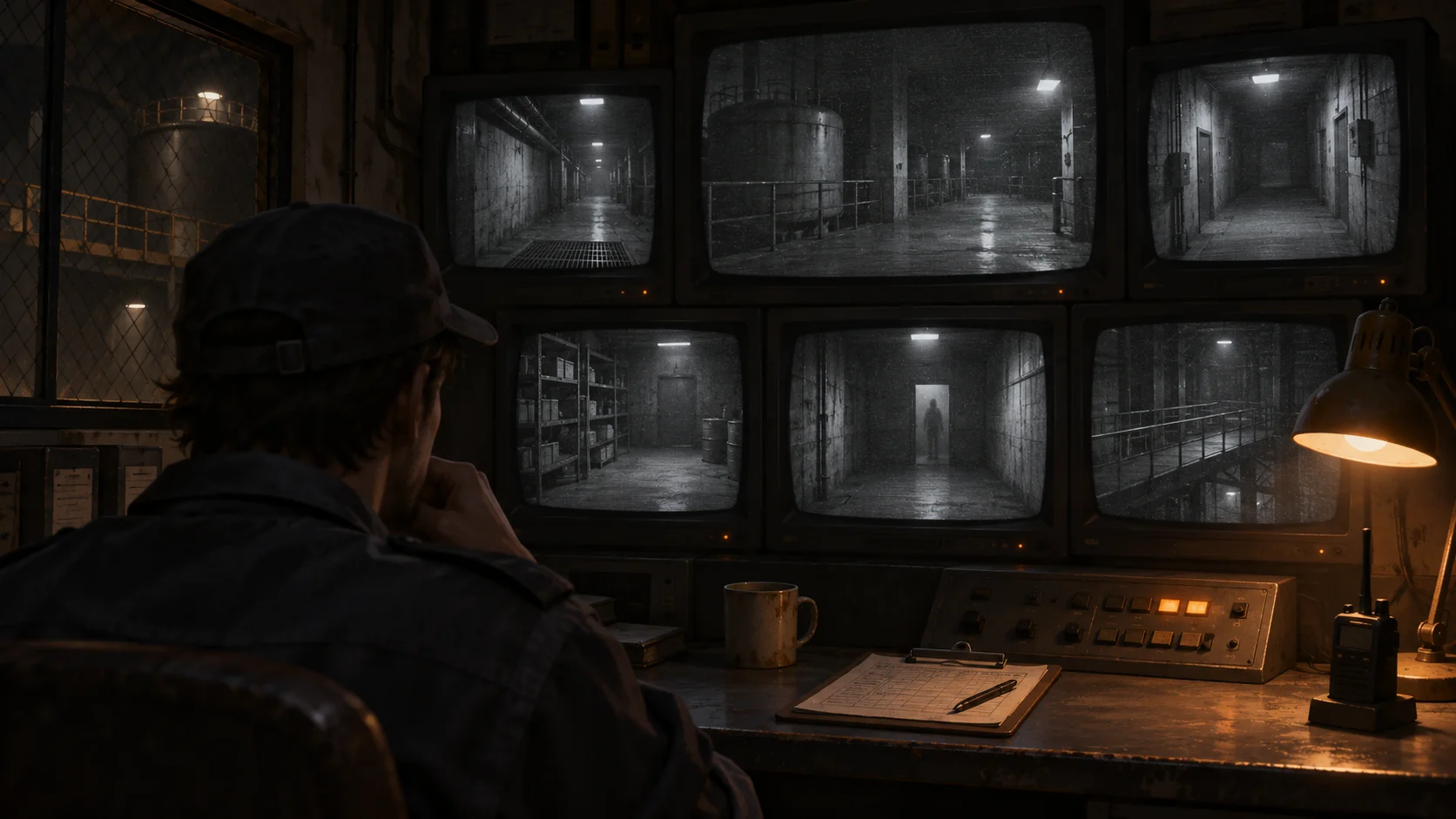
Start by listing the locations that matter to survival: a corridor, storage room, stairwell, generator space, or exit. Each feed should answer a different useful question. Is a route clear? Did something move? Is a device still operating? Avoid showing the same information in every view. Distinct camera locations give players a reason to switch and help them build a mental map of the space.
Decide how much detail a feed contains. A clear image can reveal the exact position of an object; a degraded or partial image may show only movement, a light changing, or a doorway opening. Use uncertainty deliberately. If the player can never distinguish an enemy from a harmless shadow, the system feels arbitrary. If every feed exposes every threat immediately, there may be little reason to manage risk.
The official Five Nights at Freddy’s Steam page describes watching security cameras from an office, having a limited amount of electricity, and checking monitors to find robots and protect yourself. That is a narrow example of monitoring information under a resource constraint. It does not prescribe camera layouts, timings, visuals, or enemy behavior for a new game, which should be designed around your own setting and core action.
Make locations and changes easy to read
Players need to recognize where each camera points. Give locations memorable shapes, lighting, props, or landmarks. If your interface uses a grid of feeds, make the selected camera unmistakable and let the player see the location name or a simple map marker. Keep the path between locations comprehensible. A camera network becomes stressful in a good way when players are choosing what to inspect, not trying to remember which of twelve nearly identical hallways is which.
Use a stable baseline and then signal changes. A chair that is normally empty, an indicator light that usually glows, or a doorway that is normally closed gives the player something concrete to compare. Camera interference can support tone, but it should not obscure every important clue. If a feed is temporarily unavailable, communicate whether that comes from a damaged camera, a power condition, or intentional story uncertainty.
Keep the interface quick to scan. Highlight one selected view, show whether a feed is live or delayed, and avoid animated elements that compete with a moving threat. If players can move between feeds directly or through a map, use predictable controls. Include an easy return to the main play view; a player who gets trapped in an interface may feel punished by navigation rather than challenged by the horror.
Connect monitoring to player decisions
A feed matters when it can change what the player does. A glimpse of movement might prompt them to close a barrier, take a different route, wait, or trigger a distraction. Make the relationship between information and action learnable. Show which controls affect which spaces, and let players understand what a defensive action costs before they commit.
If monitoring consumes a resource, make its use visible and consistent. The cost could be battery, time, heat, attention, or a limited number of checks. The player should see the resource before and after using the system and have a reason to decide when a check is worth it. A cost that is invisible until failure feels like a trap. A cost that never creates a meaningful tradeoff is not doing useful design work.
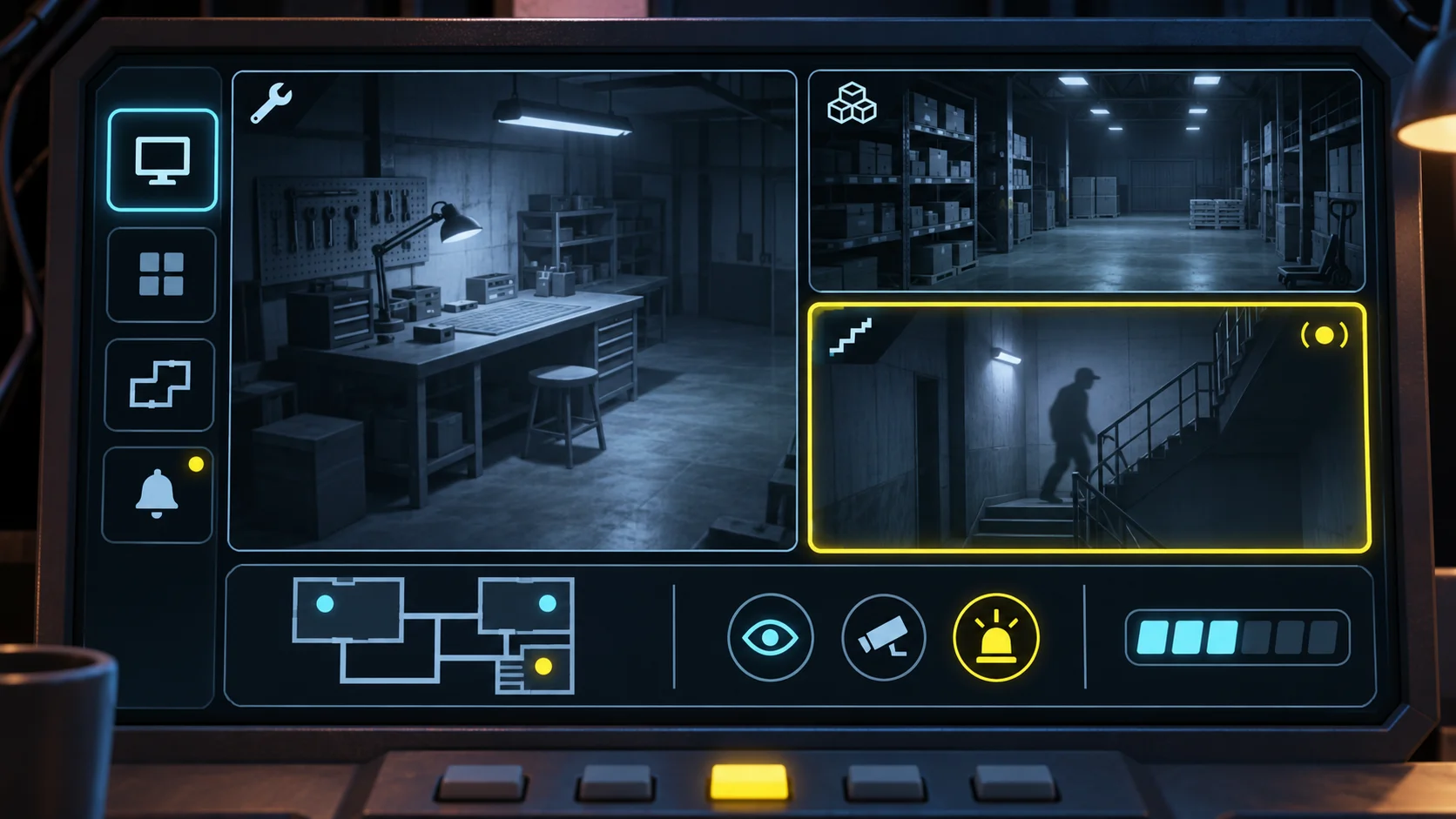
Information can arrive in stages. A camera might show a door left open, a later feed might show movement near it, and sound could hint that the threat is closer. Each cue gives the player a chance to update their plan. Avoid withholding a critical cue just to create surprise. Tension can come from limited time to respond, competing needs, or uncertainty about which response is safest—not from a rule the player could not observe.
Preserve useful choices if the player misses a detail. They might notice a warning through another signal, recover from a mistake, or decide to act conservatively. Monitoring should help players form a plan without being the only possible way to avoid a sudden failure. This is especially important when the player has to look away from the camera system to perform the action it enables.
Test information, attention, and tension
Prototype a small location network first. Use a handful of feeds, one changing event, and one action the player can take in response. Ask testers to explain what they think is happening and where the relevant signal appeared. If they miss the feed, check whether its location was confusing, the update was too subtle, or the interface demanded attention at the wrong moment.
Test with and without the information display. Can players make an informed choice from the camera view? When they return to the main scene, do they remember the important clue? Do they understand what changed after taking an action? Record both successful detections and mistaken interpretations. A camera system can be tense while remaining fair if the player can learn the signals and predict the consequences of monitoring.
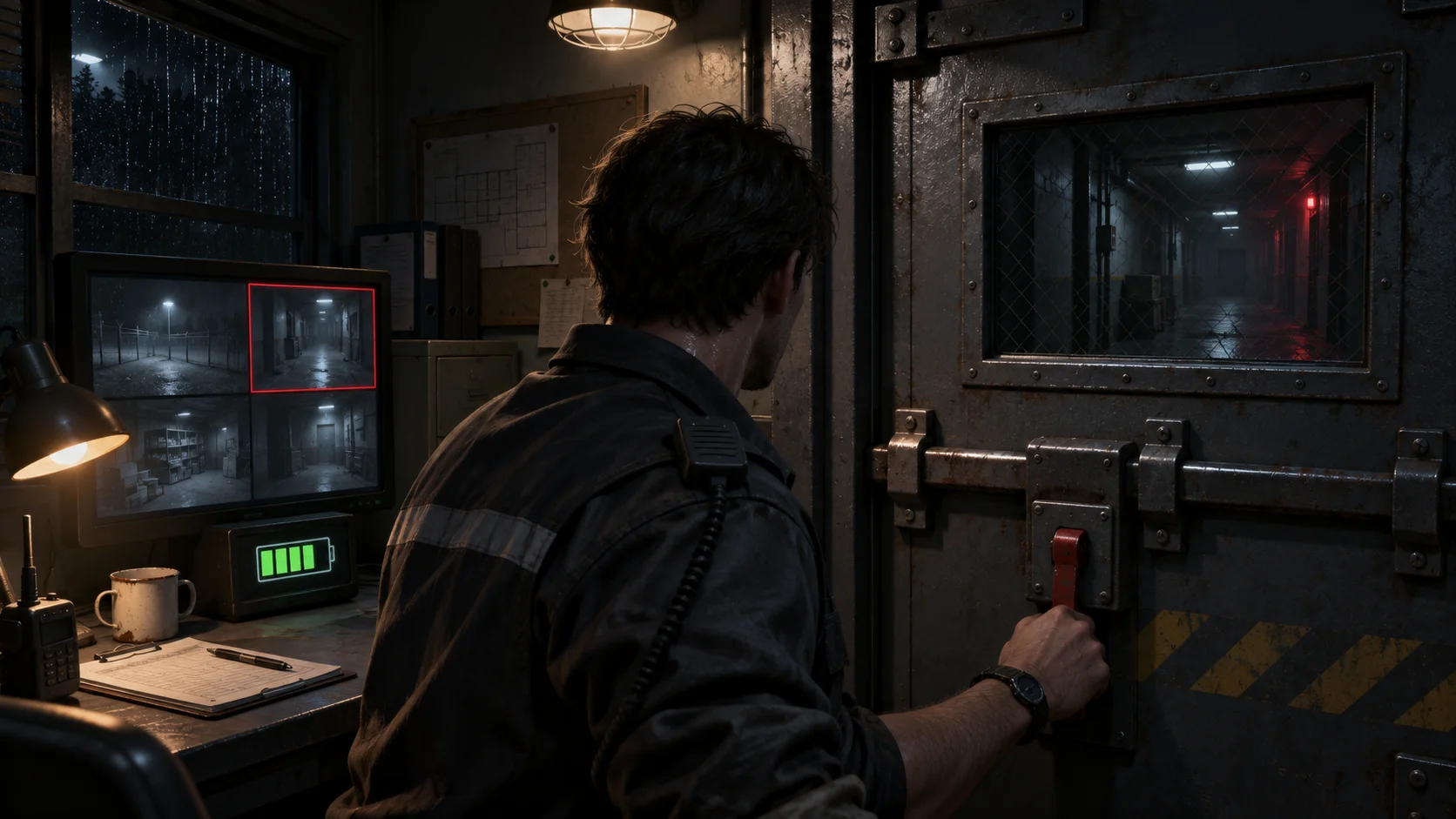
Then vary the pressure: introduce two simultaneous signals, reduce the available monitoring time, or make one camera temporarily unavailable. Change one factor per playtest so you can see what made the experience harder. If players stare at every feed, strengthen the value of prioritization. If they stop checking altogether, improve the usefulness of the information or adjust its cost. The goal is a deliberate choice, not a mandatory chore.
AI can help brainstorm location states, draft alternative warning cues, or turn a design brief into a starting prototype. It cannot tell you whether the feeds are readable under pressure; observe real play and revise the presentation. You can use Seele’s AI game maker to begin an original prototype, then tune camera information through hands-on playtests.
Frequently asked questions
What should a horror game camera system show?
Show information that helps players understand locations, notice relevant changes, and choose an action. Make feeds distinct, keep important cues readable, and leave some uncertainty so monitoring informs decisions without solving every threat automatically. Give each view a recognizable purpose and avoid repeating the same clue everywhere.
How can camera feeds create tension?
Use limited attention, incomplete information, and meaningful timing. Let players compare locations and decide what to inspect, while making clues learnable and giving them a fair chance to respond before a consequence occurs. Tension should come from decisions under pressure, not from a rule that the game never explains.
Should checking cameras have a cost?
A cost can make monitoring a choice when it creates a visible tradeoff, such as spending power or time that matters elsewhere. Explain the cost clearly, test whether it changes player decisions, and avoid punishing checks with hidden rules. If checks are free, use another constraint such as time or divided attention.
How do you keep camera information readable?
Give each location recognizable landmarks, highlight the selected feed, and make meaningful changes stand out from a stable baseline. Keep controls consistent and test whether players can find, interpret, and act on a cue during play. Check the interface at realistic viewing sizes and during time pressure.