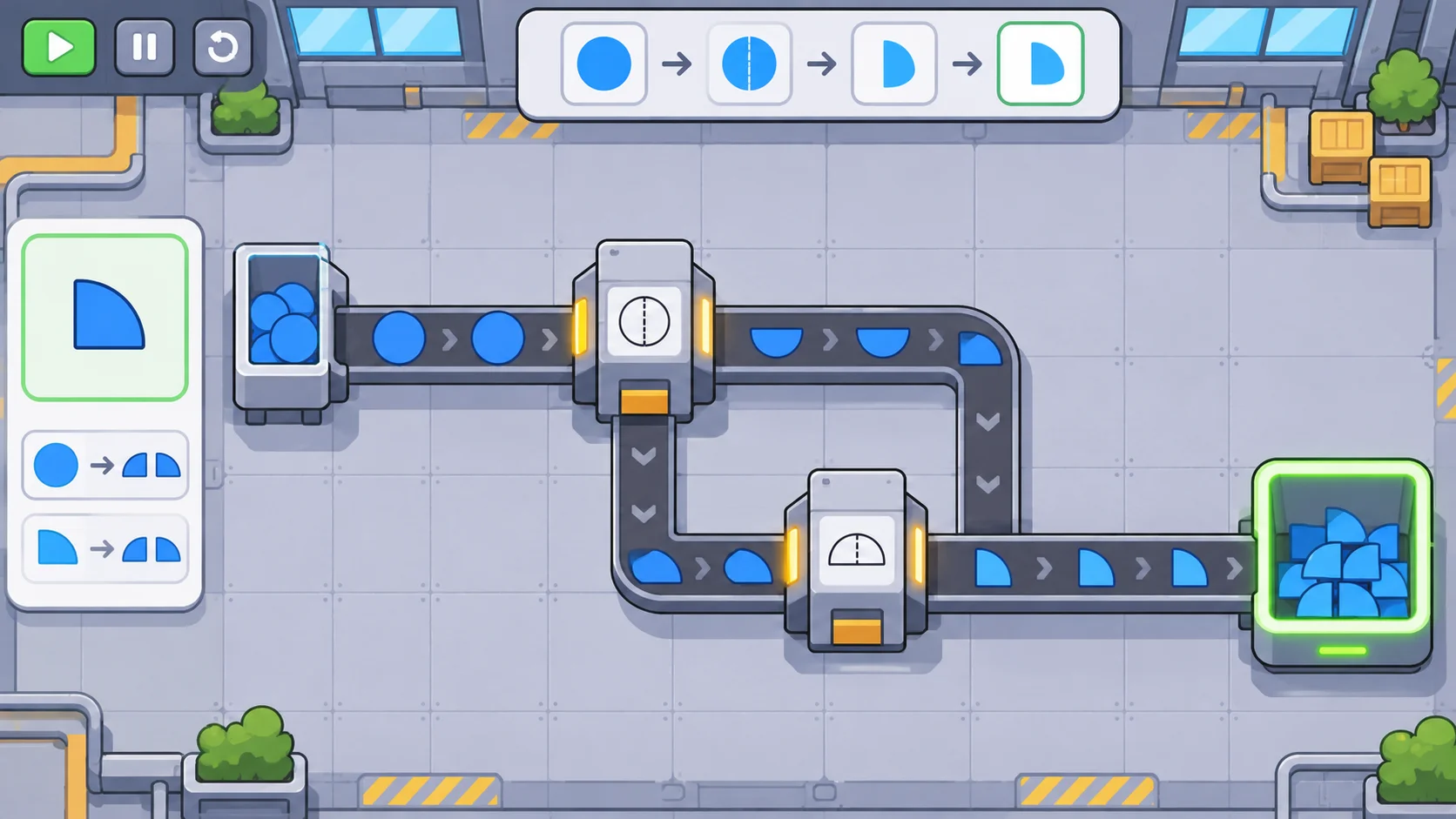
Conveyor routing turns a production plan into something players can see and improve. A mine produces raw material, belts carry it through a factory, and machines consume inputs to create goods. If the route is hard to read or stops feeding its destination, the entire production chain feels unreliable. For an original automation game, define the belt rules first, make intersections predictable, then let players diagnose flow from what they can observe.
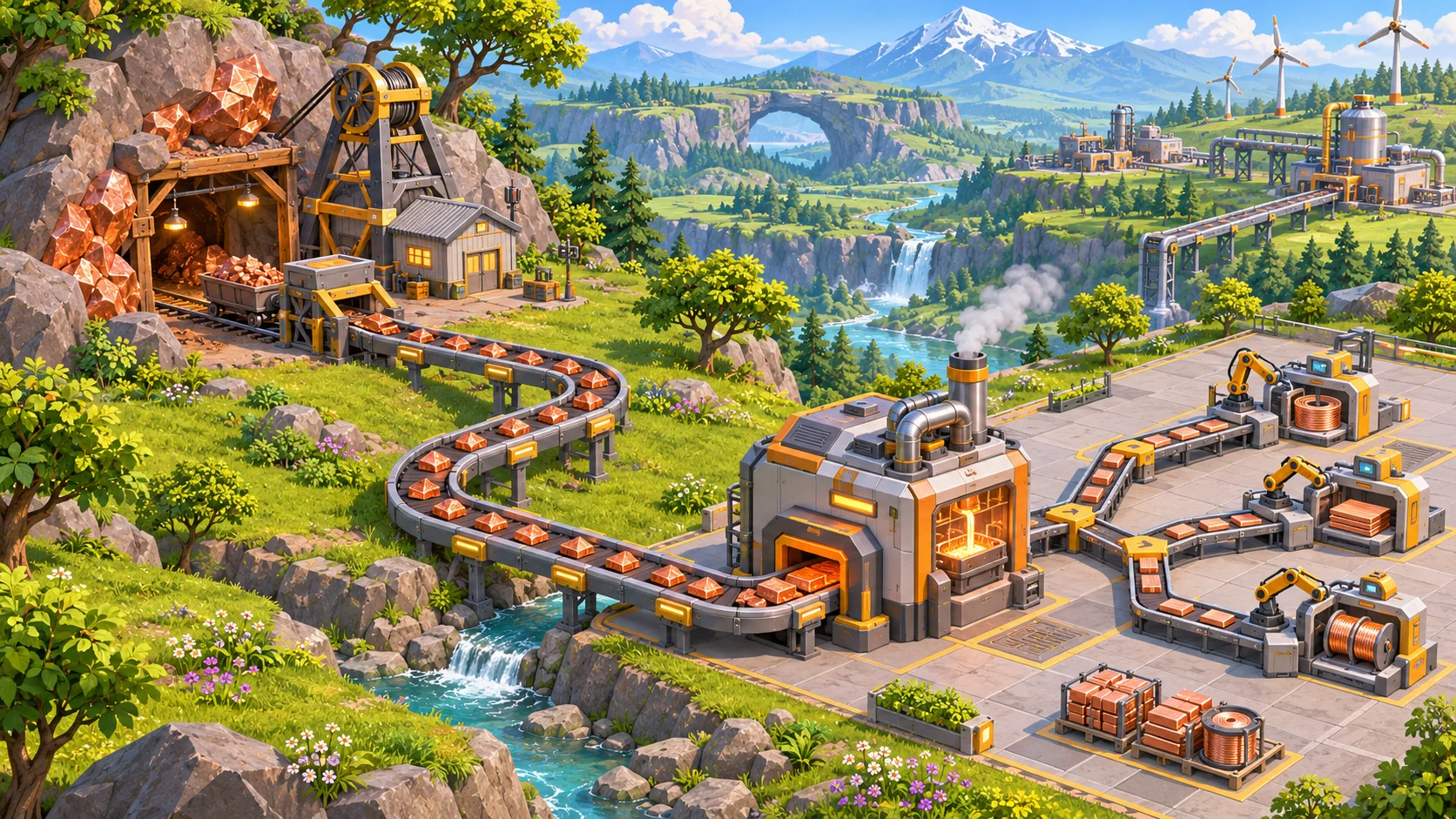
Define belt movement and capacity
Write down the smallest rule set that makes a belt work. Decide whether items move continuously or in discrete steps, how direction is set, how a belt accepts and releases items, and what happens when the next tile is occupied. Players need consistent behavior at turns, merges, machine inputs, and blocked ends. A short rules sheet can prevent later systems from treating a belt as several different kinds of object.
Choose a capacity model that fits the game. A simple prototype might move one item along a tile at a time. A more detailed system could track spacing, lanes, or per-second throughput. These are design options, not a requirement to imitate another game. Keep the visible animation aligned with the actual simulation: if a belt looks full, players expect it to be close to its limit; if it looks empty, they expect room to accept more.
Factorio’s official game-content page places conveyor belts within its mining, logistics, and production systems. That broad connection is useful context for this topic: belts matter because they link resource extraction and automated manufacturing. The page does not define a universal implementation, so choose behavior that supports your own game’s pace and complexity.
Plan routes from source to consumer
Begin a level or prototype with one source, one destination, and a short route. Give each endpoint a clear role: a mine produces a named resource, while a machine requests a known amount. Then build a direct belt path and confirm that items arrive at the intended input. This basic connection teaches players the visual language before the factory asks them to manage several materials at once.
Once the straight route works, add bends and obstacles. Make the placement grid and belt direction easy to read. If players can place a belt in the wrong direction, show that direction before confirmation and provide a quick way to rotate or undo. Where the map has elevation or blocked tiles, tell players why a route cannot continue and what kind of alternate path will work.
Give routes enough physical space to communicate. A single belt can be visually distinct from a walking path or decorative pipe. When many lines cross, use consistent height, color, lane, or connector rules. Keep the camera close enough to trace a resource from its origin to the machine that consumes it. A player should not need to guess whether two crossing lines connect.
Make junctions and priorities predictable
Intersections add choice and complexity, so introduce them after basic transport is understood. Decide whether a junction merges multiple inputs, splits one stream, or does both. Define the rule for competing items: alternate fairly, take from the left first, fill one output before the other, or accept a player-set priority. Pick one behavior per junction type and communicate it through shape, animation, and a short tooltip.
A useful rule is one players can predict before testing. For example, a two-way splitter may send each incoming item to the next available output, while a merger can alternate between non-empty inputs. If a destination is blocked, decide whether the splitter pauses, sends items to the other path, or backs up the source belt. Explain this in the interface and keep the result consistent. Surprising behavior at a junction can make a carefully planned factory feel random.
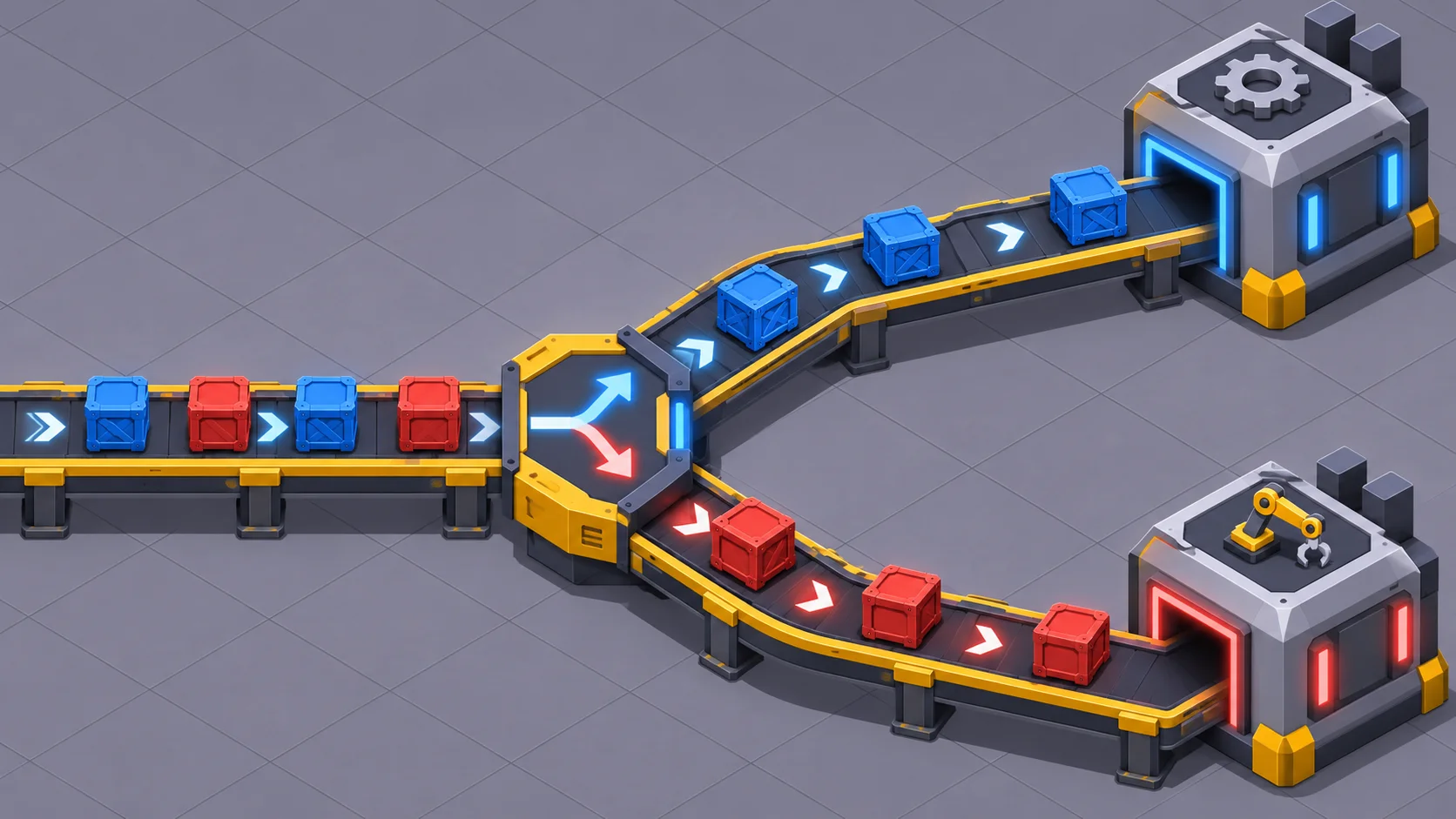
Priorities and filters are powerful, but should solve a problem players can see. A priority control might favor the machine that produces a key component; a filter might route one material toward a designated line. Show the active setting directly on the junction, and let players inspect the destination. Avoid hidden rules that cause items to vanish or change lanes without feedback.
Measure throughput and diagnose bottlenecks
A route that works with one item may fail under sustained production. Test the same line with a steady source and a consumer that keeps asking for material. Record items produced, items delivered, time spent waiting, and how often a belt remains blocked. If the output falls short, inspect each part of the chain: source rate, belt capacity, junction behavior, machine consumption, and available storage.
Use feedback that points toward the cause. A belt can show a blocked segment, a machine can show missing inputs, and a production panel can summarize recent input and output rates. These signals help players distinguish “the mine is slow” from “the belt is full” or “the assembler cannot use this material.” In a compact game, color or icons may be enough. A larger simulation may benefit from a flow overlay that highlights active routes.
Playtest normal and edge cases. Send only one material down an empty line, then mix materials if your design permits it. Fill both branches, block one destination, stop a source, and restart it. Check that the state recovers without duplicating or losing items. Measure whether a line that appears to have room can accept more, and whether a blocked endpoint produces the response promised by the rules.
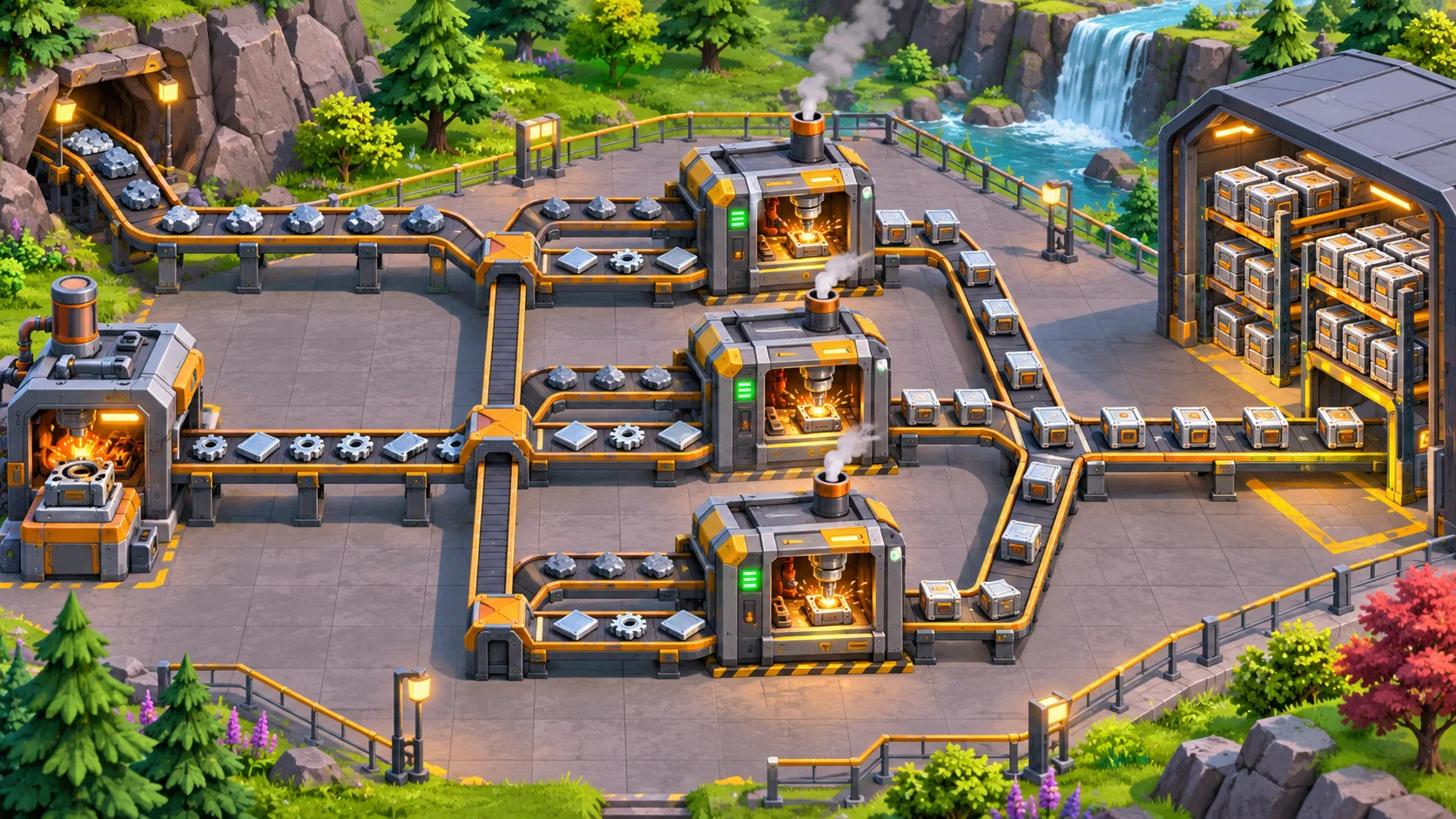
After the system works, add one complication at a time: a second resource, a branch, a filter, or a priority. Ask testers to build a small production goal without coaching. Watch where they hesitate, whether they can trace the flow, and how they respond when the output slows. If the solution depends on knowledge that the game never teaches, improve the tutorial or make the rule easier to inspect.
AI can help draft alternative junction rules, tutorial wording, or test scenarios, but the prototype must verify movement and capacity. Keep the first playable version small enough to observe end to end: create a resource, route it, consume it, and show the result. You can use Seele’s AI game maker to turn a mechanics brief into a starting prototype, then refine the routing rules through playtests.
Frequently asked questions
How do you design conveyor routing in an automation game?
Start by writing down how items enter a belt, move, turn, leave, and wait when the next segment is occupied. Connect one source to one consumer, then test that route under steady production. Add junctions only after players can read and predict a basic path.
What rules should a conveyor belt follow?
Define how an item enters, advances, turns, exits, and behaves when the next tile is occupied. Also decide how direction is shown and whether capacity is discrete or continuous. Keep movement consistent at turns, mergers, machine inputs, and blocked ends so the visual animation matches the simulation.
How can a game prevent conveyor bottlenecks?
Make the source rate, belt capacity, junction flow, and machine demand observable through clear status cues. Test the line under sustained production and with a blocked output. Then show which part limits delivery, so players can decide whether to add capacity, reroute items, or reduce demand.
Should conveyor belts have multiple lanes?
Only add lanes when they create useful choices for your game and your interface can explain the rules. A single lane is easier to learn. Multiple lanes need consistent behavior for item placement, crossings, filters, and routing, plus visual cues that make the active flow easy to follow.