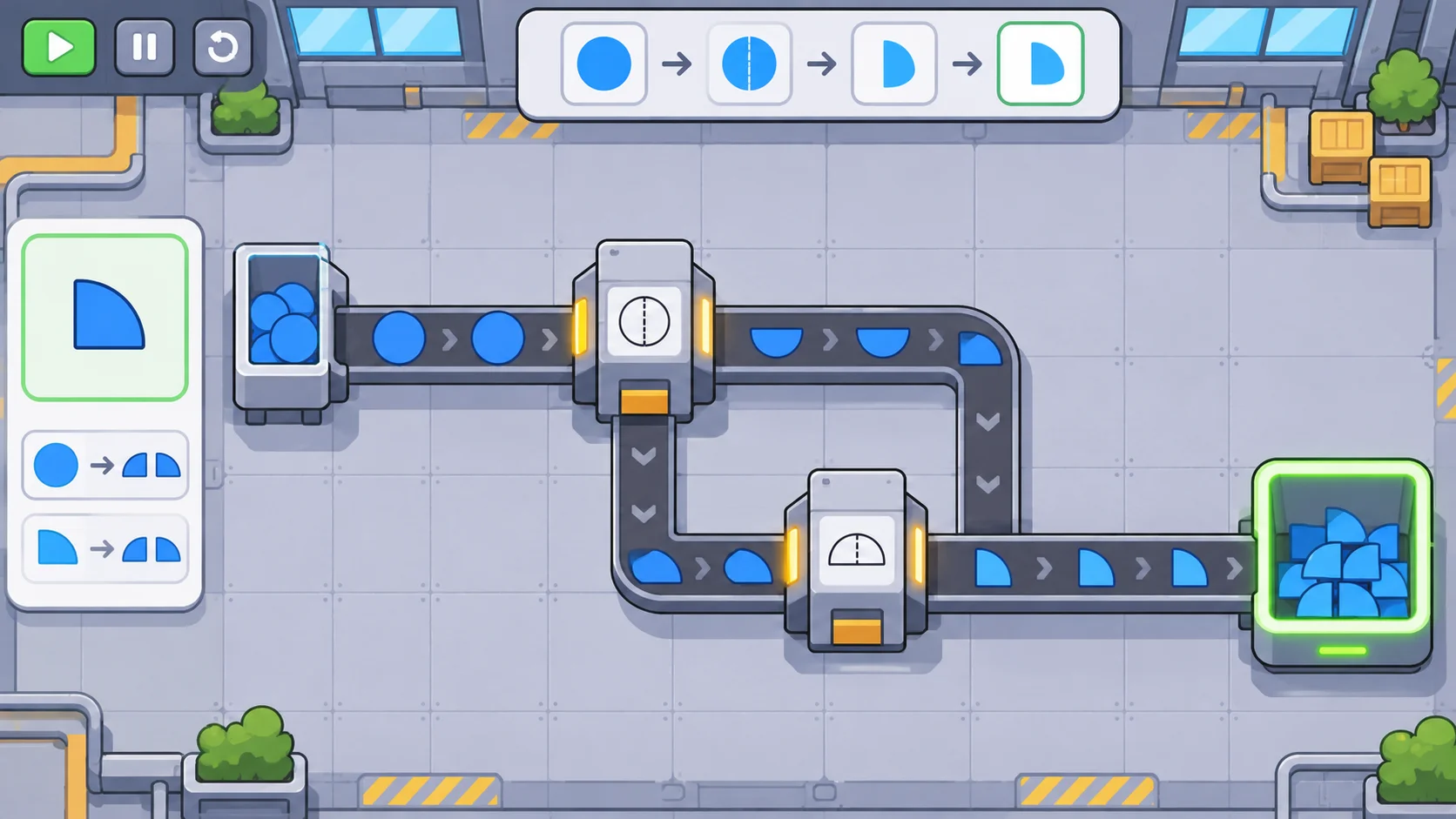
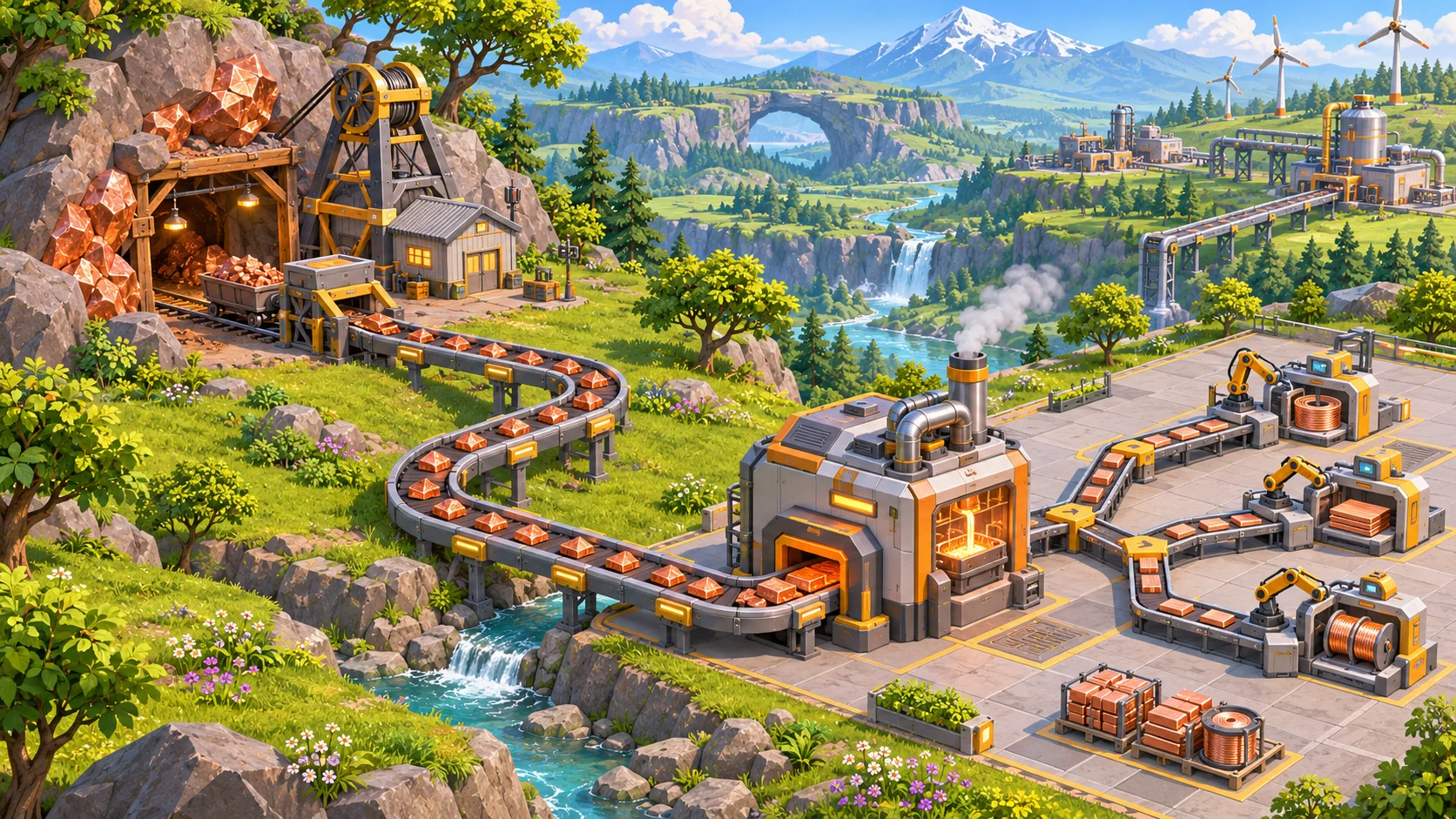
Resource automation is most satisfying when it changes how a player plans, not just how many clicks they make. In an incremental adventure, the player may begin by gathering a material directly, then build a machine that processes it, and later connect several resources to a useful recipe. For an original game inspired by Forager, design a clear path from source to product and introduce automation when the player understands what it can save or unlock.
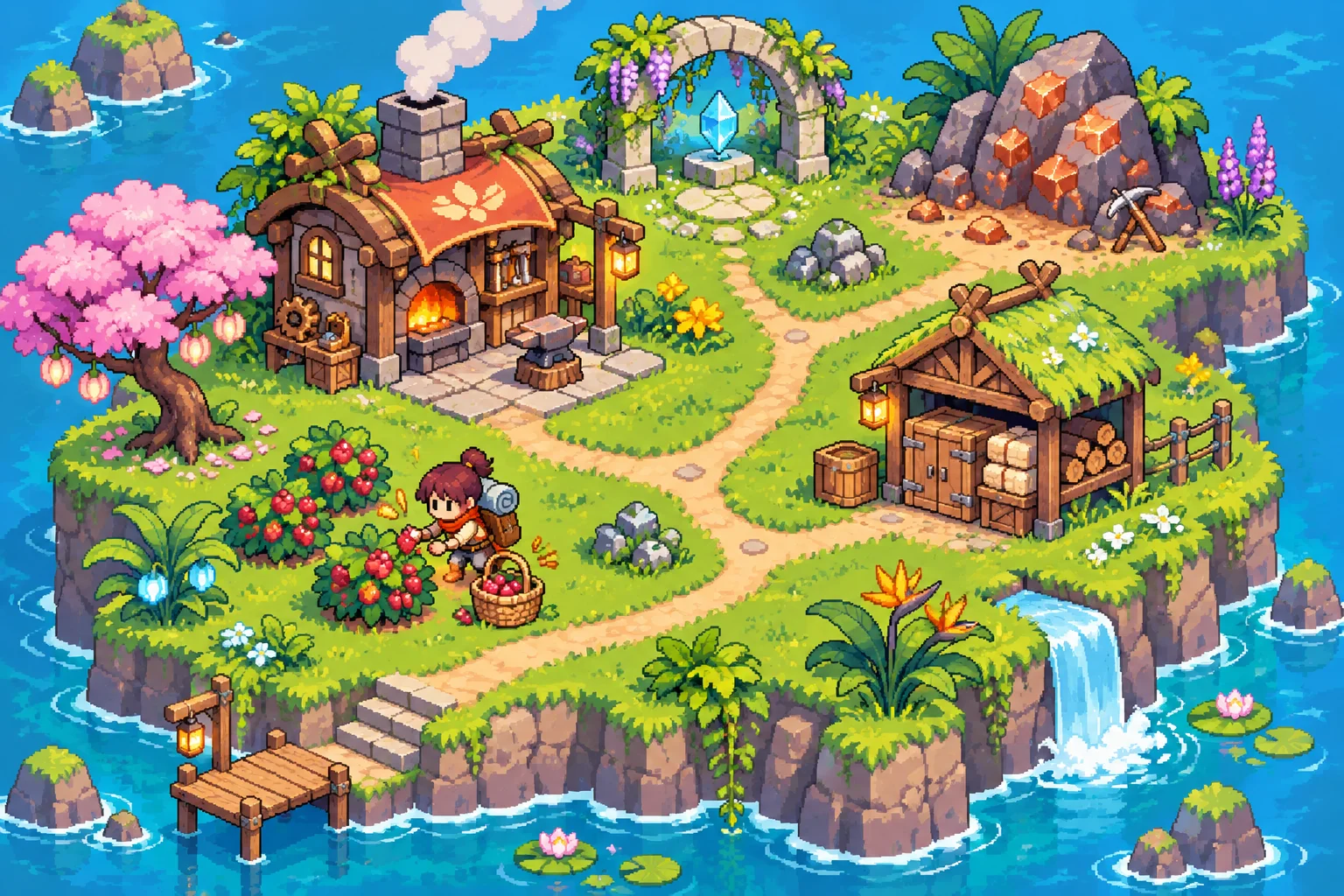
Map the manual resource loop
Begin with one resource and trace its journey. Where does it appear? How does the player collect it? Does it need to be carried, refined, stored, or combined before it becomes useful? Write the loop as source, collection, processing, storage, and use. This map exposes missing steps before you add machines and lets you choose which repetitive action automation should remove.
Give each resource a readable identity and role. A material should be recognizable in the world and inventory, and its first use should teach why it matters. If a resource has many uses, introduce those over time so players can decide whether to spend it now or save it for a later recipe. Avoid adding materials that have no clear destination in the current stage of play.
Forager’s official Steam listing describes exploring, crafting, gathering and managing resources, and building a base. That supports a broad resource-and-base-building reference for this article. The listing does not establish specific automated machines or production rates, so those rules should come from your own game design.
Define machine inputs and outputs
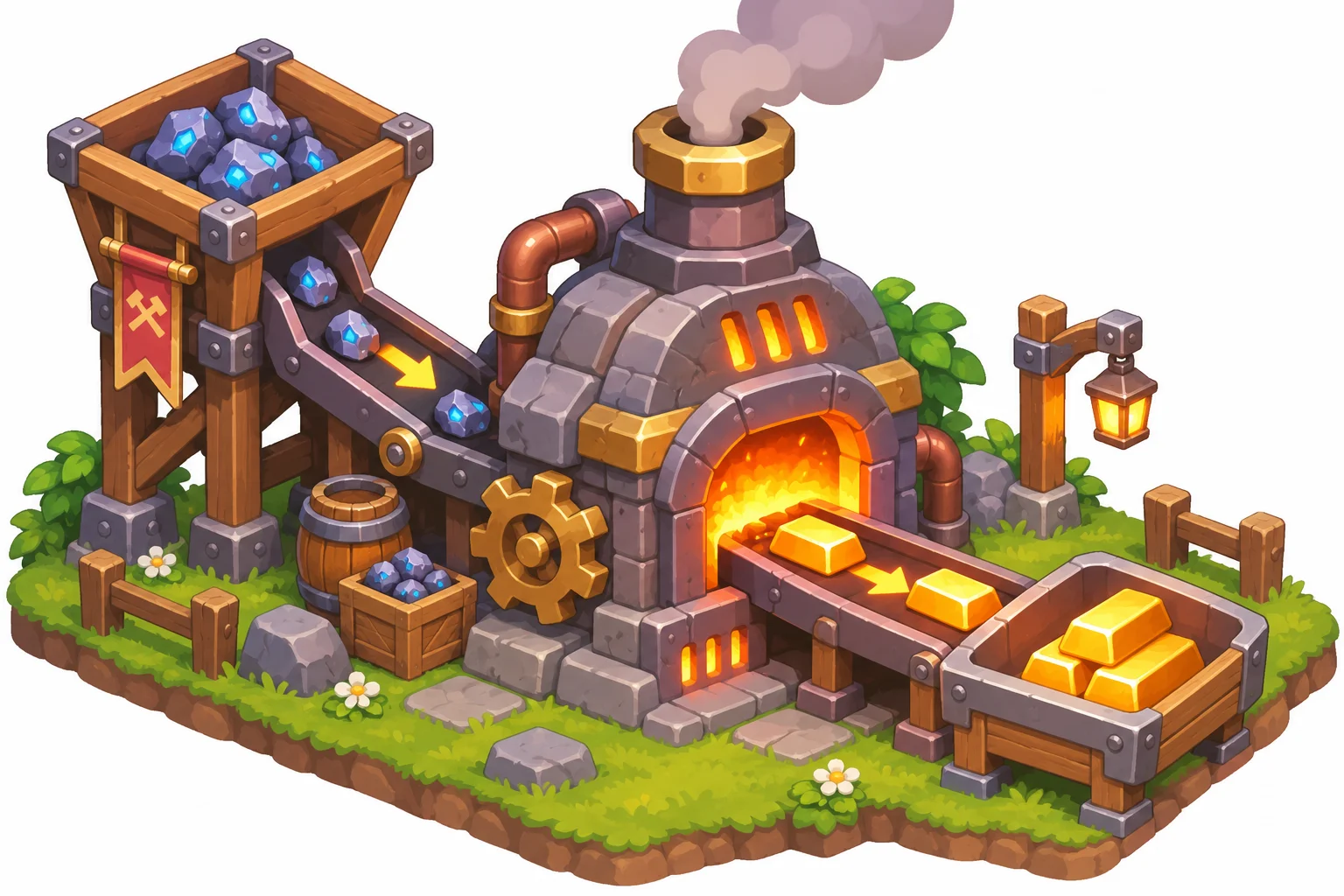
For every machine, list the accepted input, required amount, output, processing duration, and any operating condition. A stone cutter might turn several pieces of rock into one building part; a press could turn gathered fruit into preserves. The example is yours to tune. Players should be able to inspect a machine and understand what it needs, what it will create, and whether it is currently working.
Decide how items move into and out of the machine. The prototype could use a nearby shared inventory, a direct connection, or player-loaded slots. Make the rule consistent across similar devices. If storage is full, state whether the machine pauses, holds one output, or discards production. Prevent silent item loss and show the blocked condition near the machine that needs attention.
Set rates in relation to the rest of the game. If a machine processes faster than its inputs arrive, the player may see long idle periods. If output accumulates faster than storage can hold it, the system may stop without a clear reason. Test a short run with a steady source and observe both the machine and the output inventory before tuning upgrade values.
Unlock automation in useful stages
Automation can progress from a manual action, to a single machine, to a connected chain. Each step should solve a problem the player has already encountered. A first processor might reduce a repeated crafting task. A later extractor could supply raw material from a known source. A final link could make a recipe repeat automatically, provided storage and power are available.
Show what an upgrade changes before the player spends resources. Explain whether it increases output, reduces processing time, accepts a new input, or removes a manual step. A progression screen can show prerequisites and a short preview, while the world can signal where the new machine belongs. Avoid upgrades that provide only a bigger number without changing the player’s options or understanding.
Keep some decisions in the loop. Players might choose which item a machine prioritizes, whether to stockpile a resource, or which branch receives scarce material first. These choices make automation feel like a system to manage rather than a passive reward. For a relaxed game, decision frequency can remain low; for a strategy-focused experience, machine placement and input allocation can matter more.
Test rates, storage, and player choice
Prototype one short production chain and test it with several conditions: a full input, an empty input, a full output store, and a missing ingredient. Check whether the machine starts and stops at the expected times, whether its state is visible, and whether the resource count remains correct. Add one upgrade and compare how the player’s choices change, not only how quickly the chain runs.
Watch players without explaining the system. Can they find the resource source, identify what the machine needs, and locate the finished product? Do they know why production stopped? If they repeatedly open a crafting menu to determine a recipe, move the relevant information closer to the machine. If the game automates every decision at once, introduce a choice about priority, placement, or storage instead.
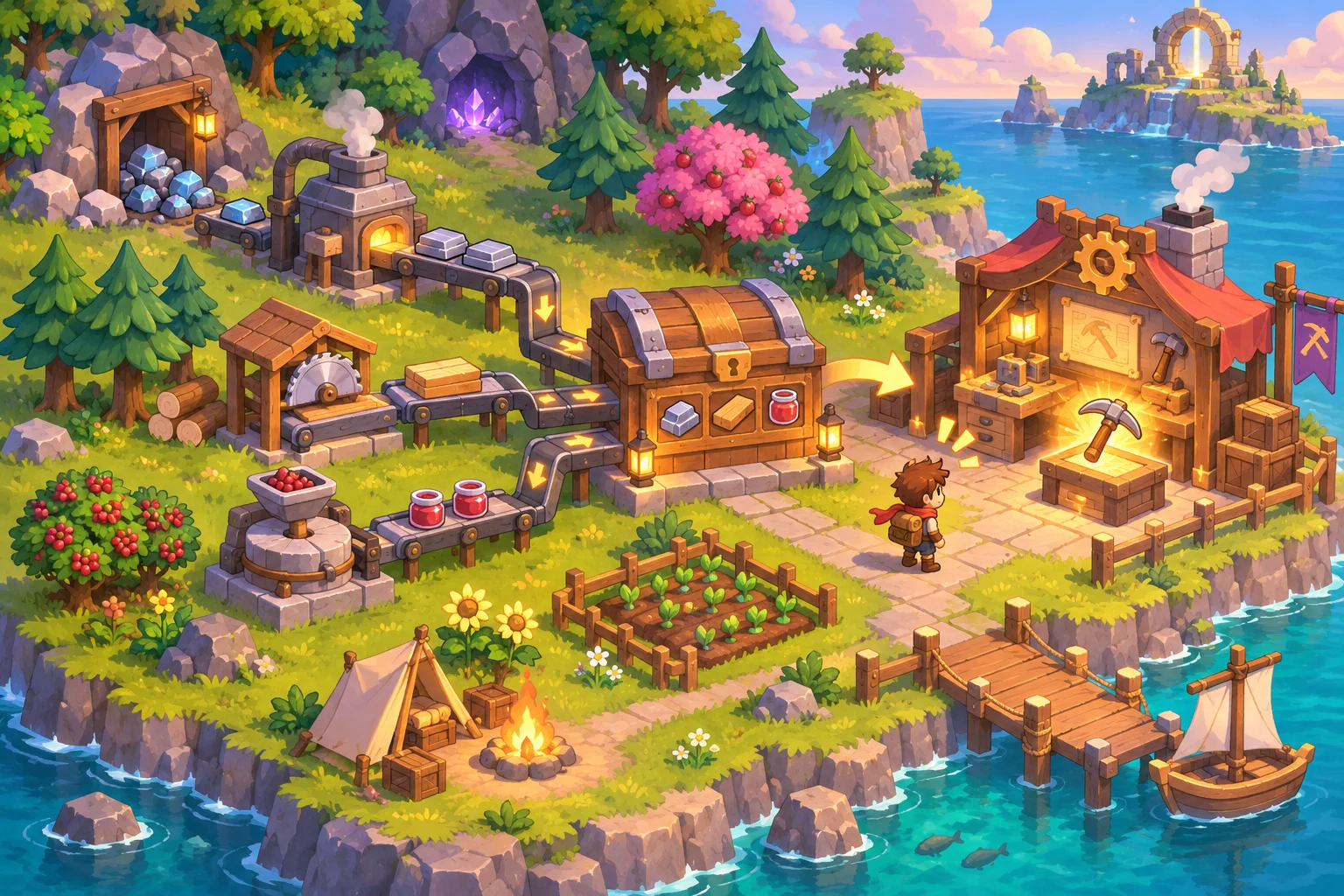
Track resource flows during testing. Compare what enters a machine with what leaves it, record when storage fills, and note how often players intervene. When the chain stalls, identify whether the issue is supply, processing, storage, or unclear feedback. Then change one rate or rule at a time so you can tell whether the fix improved the loop.
AI can help draft recipes, progression alternatives, or a first playable version from a mechanics brief, but resource balance still needs to be observed in the prototype. Build a small loop end to end before adding a large catalog of machines. You can use Seele’s AI game maker to start an original incremental-adventure prototype, then tune the automation through playtests.
Frequently asked questions
How do you design resource automation for an incremental game?
Map a resource from its source through collection, processing, storage, and use. Automate a repeated step the player already understands, show the machine’s inputs and outputs, and test whether the new loop creates useful progression choices. Keep the first version to one short chain so bottlenecks and player understanding are easy to observe.
What should an automated resource machine do?
Give it a clear input, output, processing rule, and operating condition. Show when it is working or blocked, and decide what happens when ingredients run out or storage fills so players can diagnose the system. Place the relevant status near the machine rather than making players search a distant menu for an explanation.
When should players unlock automation?
Introduce a machine after players have experienced the task it improves and understand why the resource matters. Preview what the unlock changes, then test whether the new capability feels helpful without skipping the progression that makes it meaningful. A well-timed unlock solves known friction and gives the player a reason to experiment with a new layout.
How do you keep automation from removing all decisions?
Let players make choices about machine placement, resource priorities, storage, or which recipe to run. Keep those choices connected to visible tradeoffs, and avoid adding management steps that do not change the outcome. For example, make two products compete for one limited input so choosing a priority has a consequence.