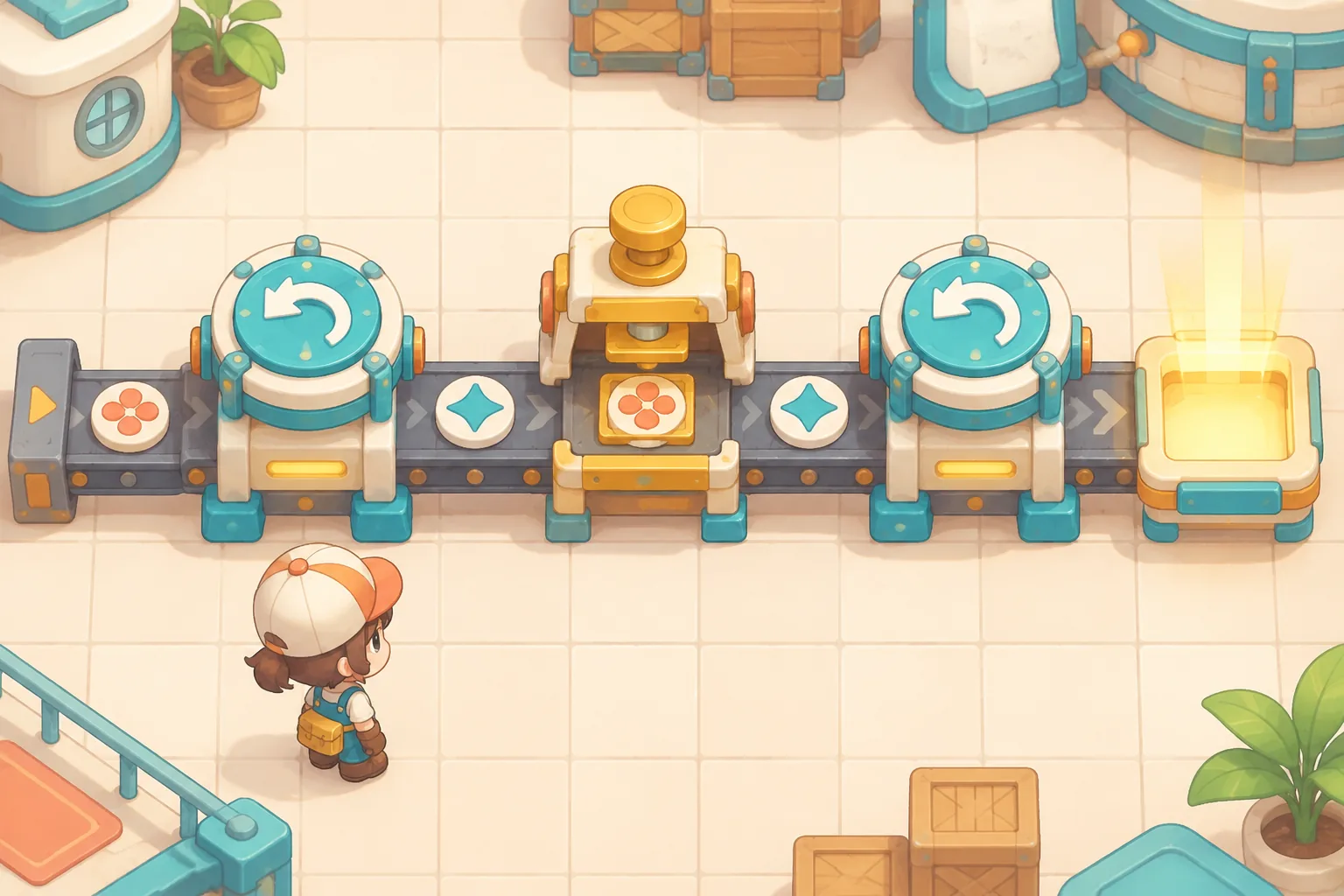
Production goals give an automation puzzle a reason to grow. Tobias Springer’s official shapez Steam listing describes extracting and producing shapes through automated production lines, adapting to increasingly complex shapes, and expanding a factory. That is the broad reference context; the target schedule, rate rules, and example progression below are original.
Define an output target players can count
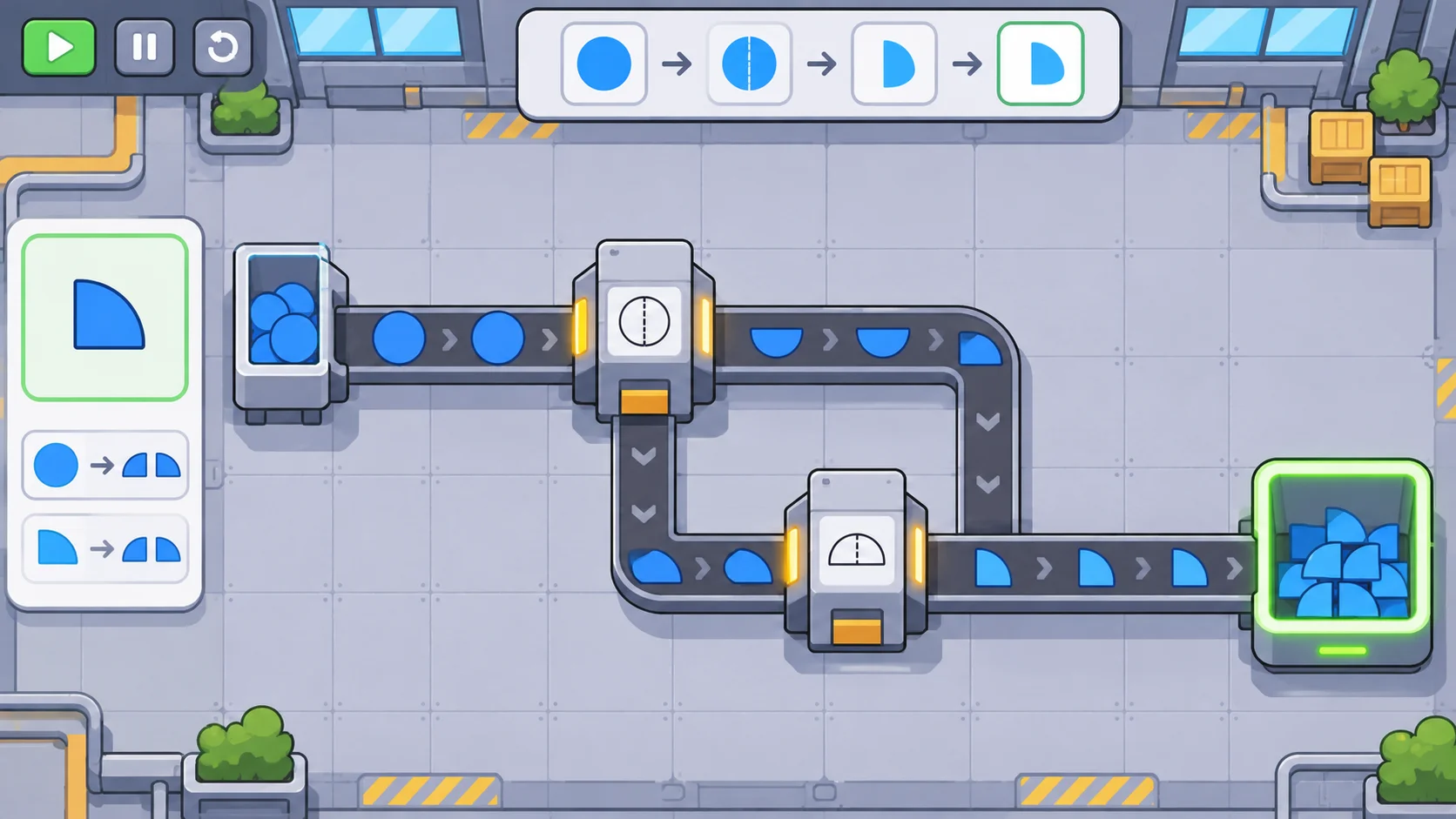
Describe each goal with an item, a quantity, and a time window. “Produce twelve split blue tiles before the next checkpoint” is easier to plan around than “increase output.” Show both the count already delivered and the required rate. The player should know whether they are close to the goal or whether the factory cannot possibly meet it.
Keep target items visually distinct. Use a silhouette or a small recipe preview to show shape, color, and orientation. If the target has multiple components, present the composition clearly before the player builds the line. Avoid requiring players to infer a hidden quality property from a tiny icon.
Separate cumulative delivery from ongoing throughput. A task that asks for a batch is different from one that requires a steady rate. If the production line can pause after a batch, say so. If the target must be sustained for several cycles, make the duration visible.
Increase difficulty by adding one production constraint
Build progression from familiar operations. A first target might ask for a simple shape at a low rate. A later one can introduce a cutter, then a painter, then a combination that requires both. Teach each operation in a small challenge before combining it with a stricter delivery rate.
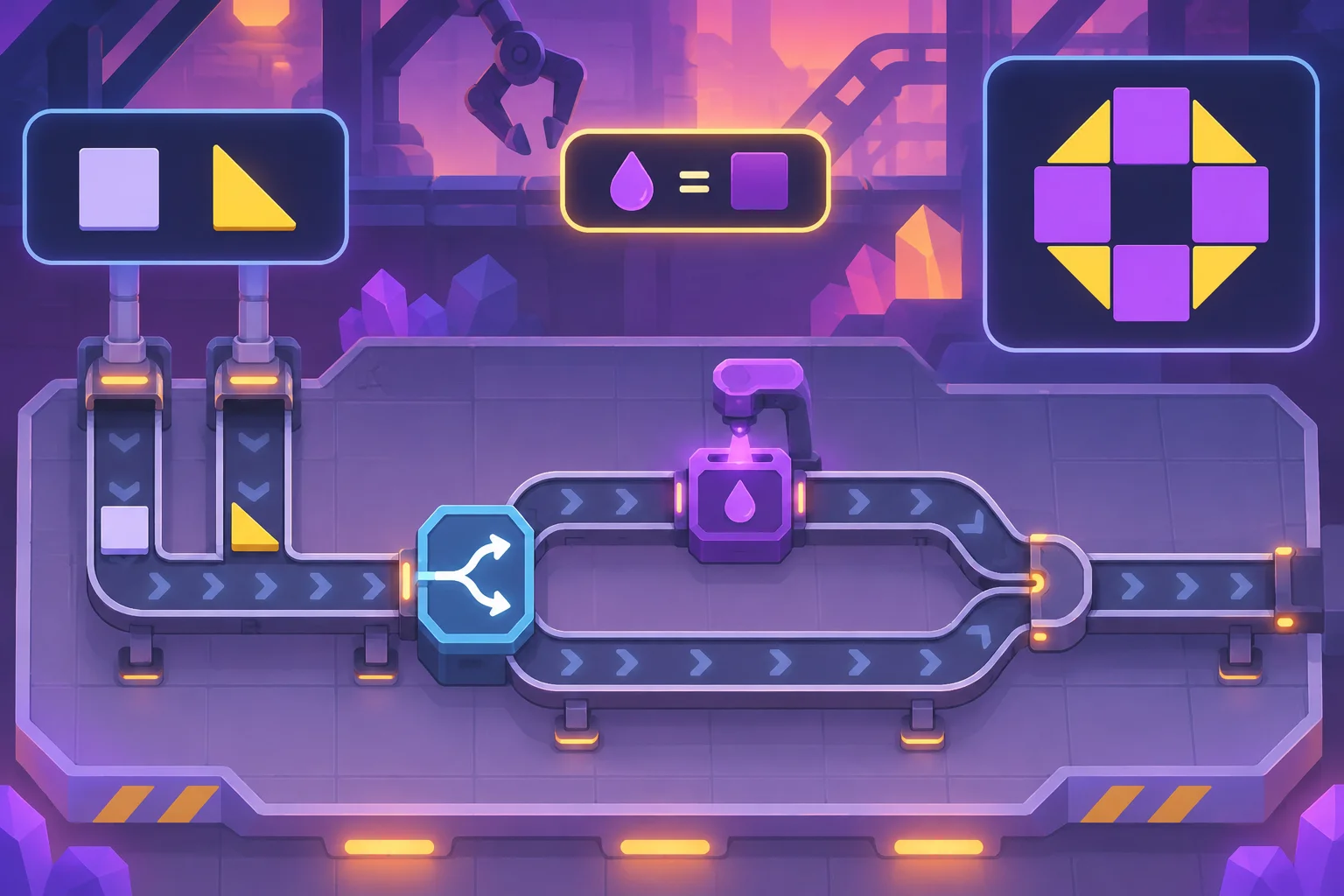
Increase only one major demand at once. A new shape, higher rate, and tighter time limit introduced together can make it hard to identify the source of difficulty. Keep one or two dimensions stable while the player learns the new constraint.
Make each goal teach a reusable idea. A target can reveal that a single machine is too slow, that splitting input items creates parallel work, or that a long conveyor causes a bottleneck. These are original examples; tune their values to the production speed and scale of your game.
Expose capacity limits and bottlenecks
Show each machine’s input and output rate and the capacity of the belt feeding it. If a machine is starved, show the missing input. If items queue on an output belt, show that downstream capacity is the constraint. A short status indicator can be enough, as long as it points to a cause the player can act on.
Let players trace an item from source to target. A preview or selection tool can highlight the production chain and reveal where output slows. Avoid a single overall efficiency score that hides which stage is failing.
Test throughput, bottlenecks, and alternate solutions
Playtest the same target with different factory layouts. Track completion time, throughput, idle machines, bottleneck location, and whether players can predict the next shortfall. A target should support experimentation: multiple arrangements can work, even if one is more efficient.
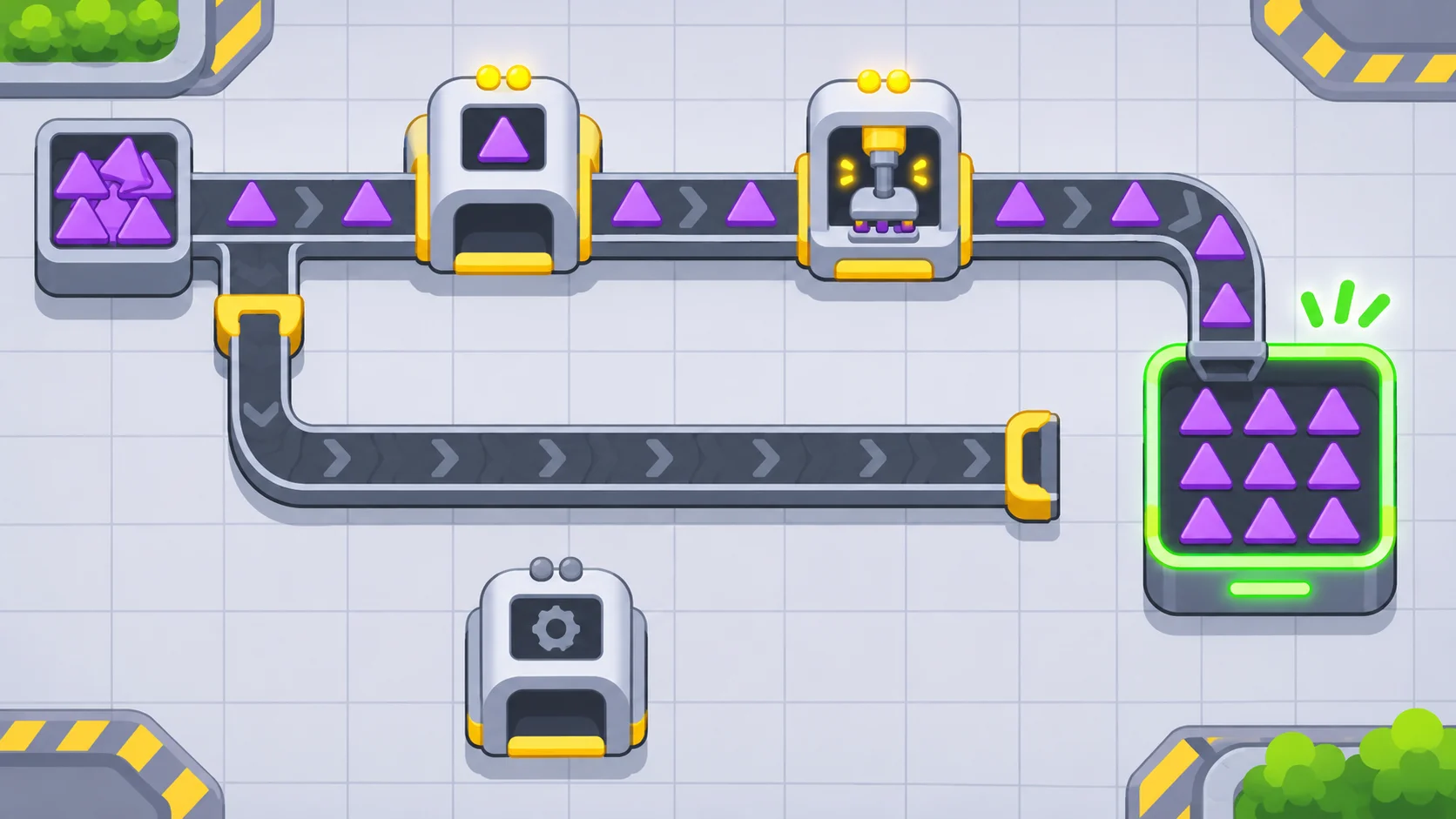
Look for goals that require brittle timing or one exact layout. If most players fail for the same hidden reason, improve the capacity feedback or change the goal. If every goal is solved by adding more machines, adjust resource limits or layout space so routing and prioritization remain meaningful.
Use SEELE AI to draft an original automation puzzle, then verify that the production line actually moves items and respects machine rates. A generated factory illustration does not prove the output system works. For a broader automation premise, read the original automation-puzzle guide. Prototype an original automation puzzle.
FAQ
How do you build increasing output targets in an automation game?
Set a target item, quantity, and time window, then increase one production constraint at a time. A new goal might require an additional shape operation or a higher rate, but should reuse systems the player has already learned. Show progress and the rate needed so players can diagnose whether the line is close.
How should production goals scale in difficulty?
Introduce a new operation or item before combining it with older ones. Keep target quantities countable and tune them against machine and belt capacity. If the only way to meet a target is an unexplained timing trick, the challenge may be testing hidden behavior rather than planning or optimization.
How can a player diagnose an output bottleneck?
Show where items queue, where machines wait for input, and how much output each stage can produce. Let the player inspect the target rate and trace the chain back to its source. A visible shortage points toward the next decision, such as adding a machine or changing the belt route.
What should you test in an automation target progression?
Measure completion time, throughput, layout variety, idle machines, and player predictions about the bottleneck. Test several factory strategies against the same target. If players solve the goal only by copying one brittle layout, adjust the constraint or allow more than one valid production path.