Build a shape-processing puzzle around one tile and three machines. In the fictional Beacon Tile Workshop, the player routes a four-slot tile through rotating and stamping stations, then checks whether the delivered pattern matches a target.
Start with one fixed input and a visible trace after every station. Changing the machine order gives a concrete failure to diagnose before you add larger factories or multiple tile types.
Define the tile and target
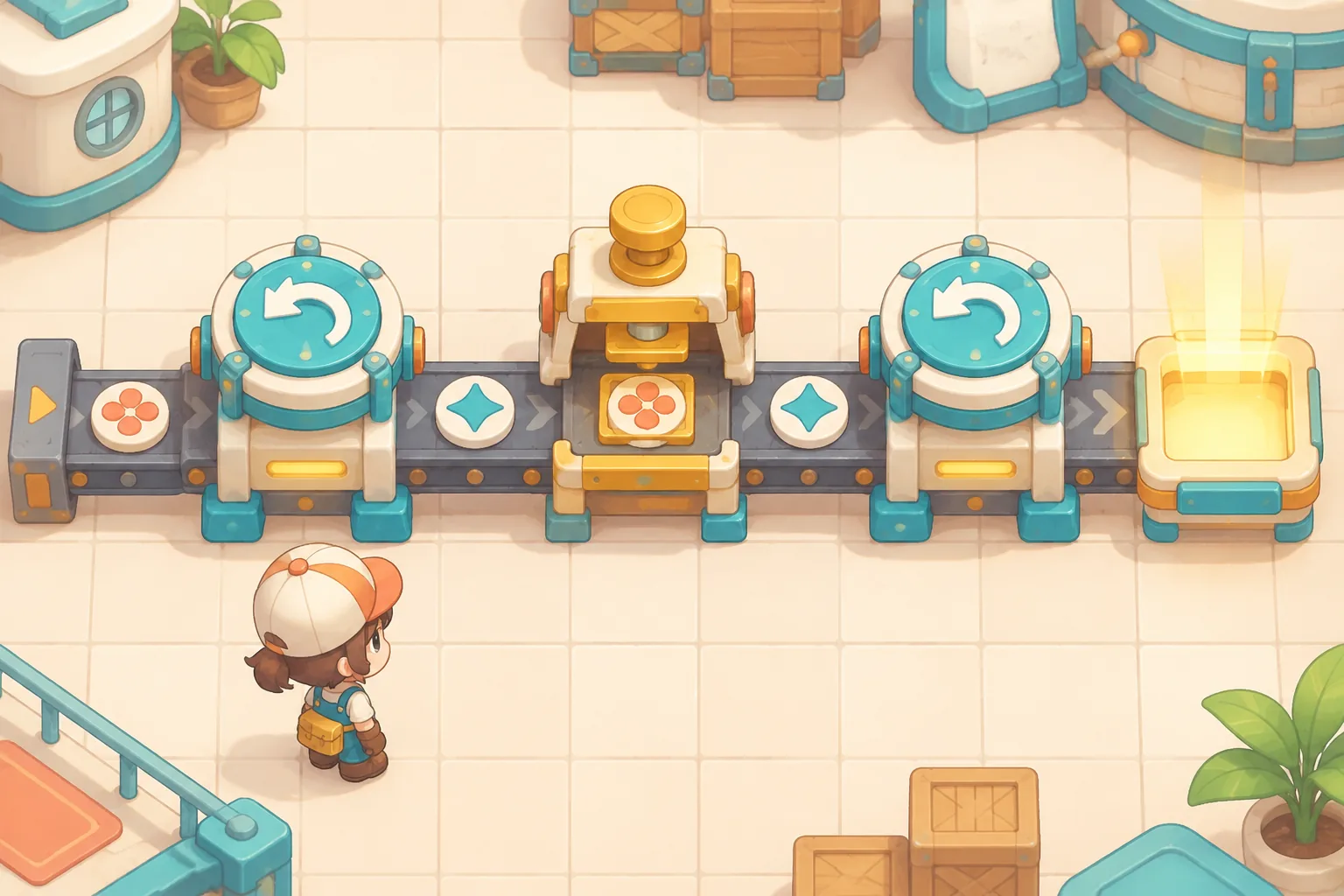
In the official shapez help, cutting and rotation are used to obtain different shape halves. Use the broad idea of processing geometry as a starting point for your own rules and artwork.
Represent a tile with four binary slots in clockwise order: top, right, bottom, left. A 1 means lit and a 0 means unlit. The source tile is 1000, so its top slot is lit. The target is 0011. Compare each position, not just the number of lit slots.
Give each machine one exact job
| Machine | Rule | Example |
|---|---|---|
| Rotate | Move each slot one position counterclockwise. Old right becomes new top. | 1000 → 0001 |
| Stamp | Set the top slot to 1 and leave the other three unchanged. | 0001 → 1001 |
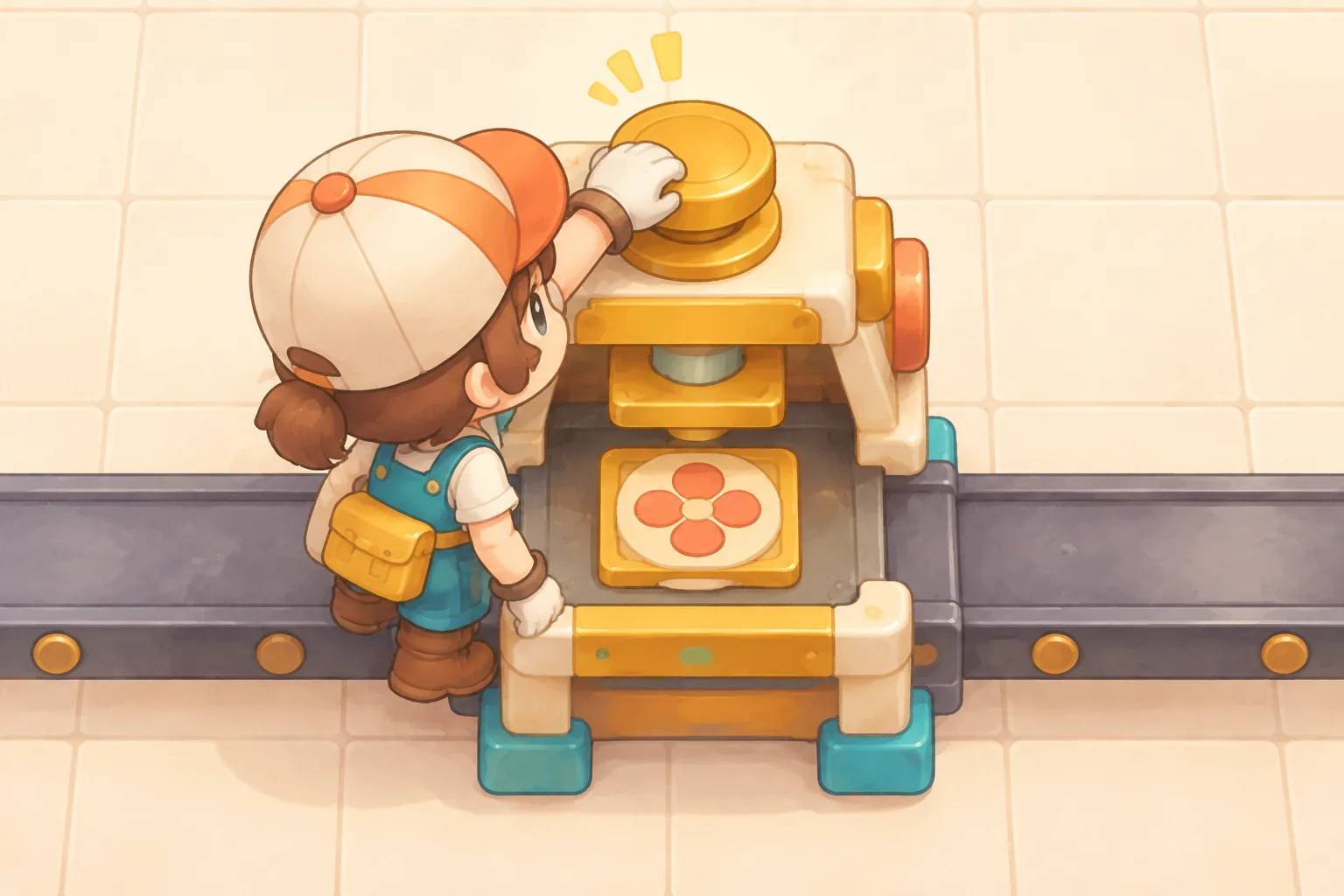
Use three ordered stations on a single path. Let the player choose Rotate or Stamp for each one. For this first version, one step emits one independent source tile and sends it through all three stations in order. Store a trace containing the input and each intermediate state.
Compare order and exact output
| Station order | Trace | Delivery |
|---|---|---|
| Rotate, Stamp, Rotate | 1000 → 0001 → 1001 → 0011 | Accepted |
| Stamp, Rotate, Rotate | 1000 → 1000 → 0001 → 0010 | Rejected |
| Rotate, Stamp, Stamp | 1000 → 0001 → 1001 → 1001 | Rejected |
The first layout reaches the target. In the second, the initial Stamp changes nothing because the top slot is already lit. In the third, both the result and target contain two lit slots, but their positions differ. A checker that counts lit slots alone would accept the wrong tile.

Track emitted, delivered and rejected tiles. One step increases emitted by one and exactly one of the other counters by one. The invariant is emitted = delivered + rejected. Three steps with the first layout yield 3 emitted, 3 delivered and 0 rejected. The second yields 3 emitted, 0 delivered and 3 rejected.
Give AI a complete puzzle brief
Use this standalone prompt to build and test the small loop before expanding the level.
Build an original browser puzzle called Beacon Tile Workshop.
A tile has four binary slots in clockwise order: top, right, bottom, left.
The source emits 1000. The exact target is 0011.
Build a single path with three ordered stations. Each station can be Rotate or Stamp.
Rotate moves each slot one position counterclockwise: old right becomes new top.
Stamp sets the top slot to 1 and leaves the other slots unchanged.
Each step emits one independent tile, processes it through all three stations once and checks the full four-slot output.
Show the input and output of every station, the target, and accepted or rejected status.
Track emitted, delivered and rejected. Each tile has an ID and cannot be processed twice.
After any step, emitted must equal delivered plus rejected.
Default layout Rotate / Stamp / Rotate: 1000, 0001, 1001, 0011; accepted.
Stamp / Rotate / Rotate: 1000, 1000, 0001, 0010; rejected.
Rotate / Stamp / Stamp: 1000, 0001, 1001, 1001; rejected.
After three steps in the default layout, counters are 3 emitted, 3 delivered, 0 rejected.
After reset and three steps in the second layout, counters are 3 emitted, 0 delivered, 3 rejected.
Reset clears counters and restores the default layout. Use original workshop art and keyboard-accessible controls.
Test each layout from reset and compare every slot in the trace. Try submitting the same tile ID again and confirm that counters do not change. If the last layout is accepted, check whether the delivery test compares positions rather than just counting lit slots.
See the first-build guide for a prompt-led workflow. Build Beacon Tile Workshop in SEELE AI Game Maker and check the three traces before adding new tile patterns.
Frequently asked questions
How many machines should my first shape puzzle have?
Start with two machine types and three ordered stations. That is enough to compare a successful path with a changed order and a repeated operation. Keep the source and target fixed while testing so the effect of each station remains visible.
How should I represent a tile pattern?
Use a fixed slot order and describe what each value means. The Beacon Tile fixture uses four binary slots ordered top, right, bottom and left. Display the pattern visually and as text so players can check each position without relying on color alone.
Why compare all four slots at delivery?
Two patterns can contain the same number of lit slots in different positions. The fictional patterns 1001 and 0011 both contain two lit slots, but only the latter matches the target. Compare each slot to avoid accepting a visually similar incorrect result.
How can I check that tiles are processed only once?
Assign each emitted tile a unique ID and record whether it has already been processed. Send a repeated event with the same ID and confirm the trace and counters stay unchanged. After each step, emitted should equal delivered plus rejected.