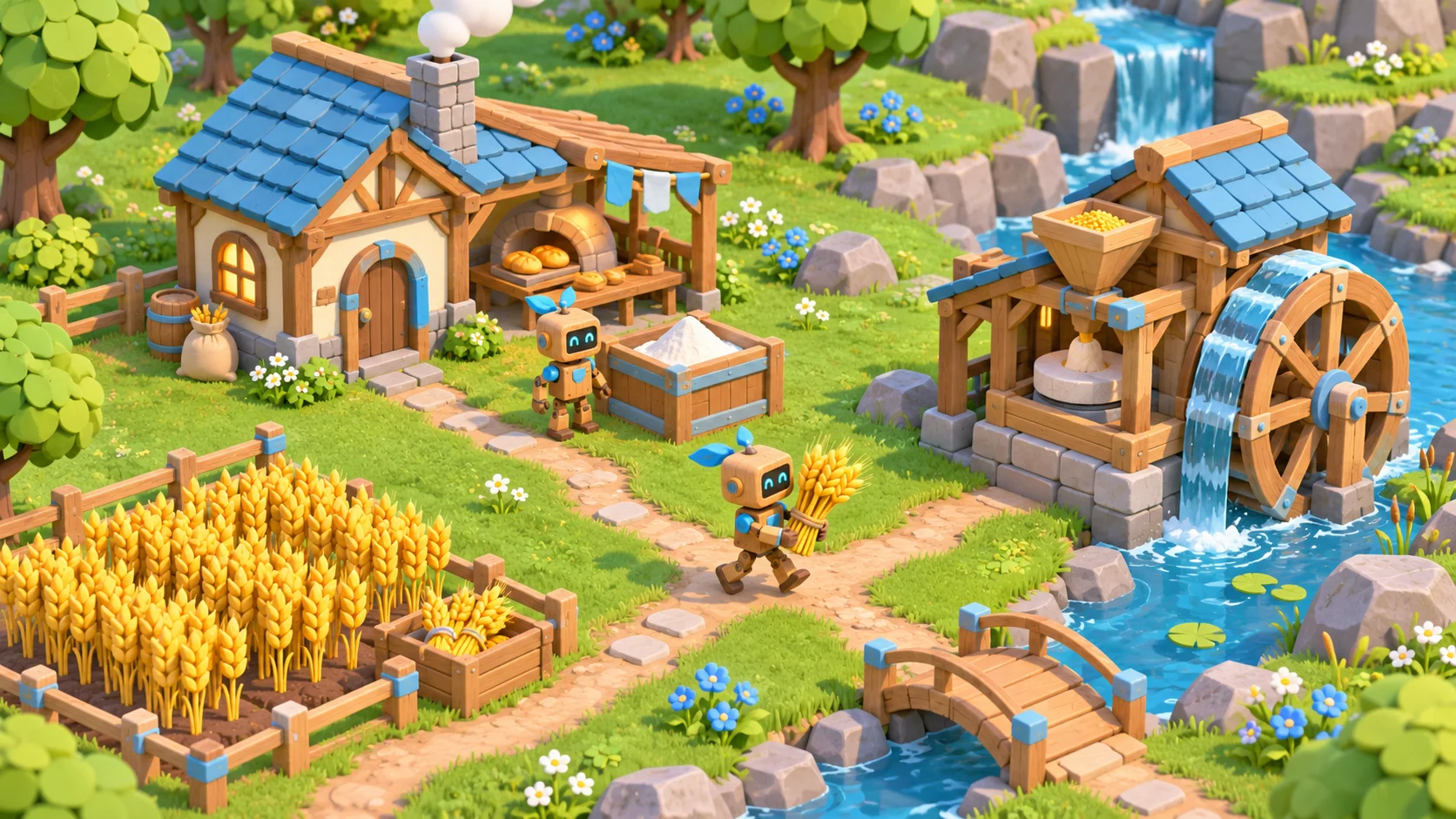
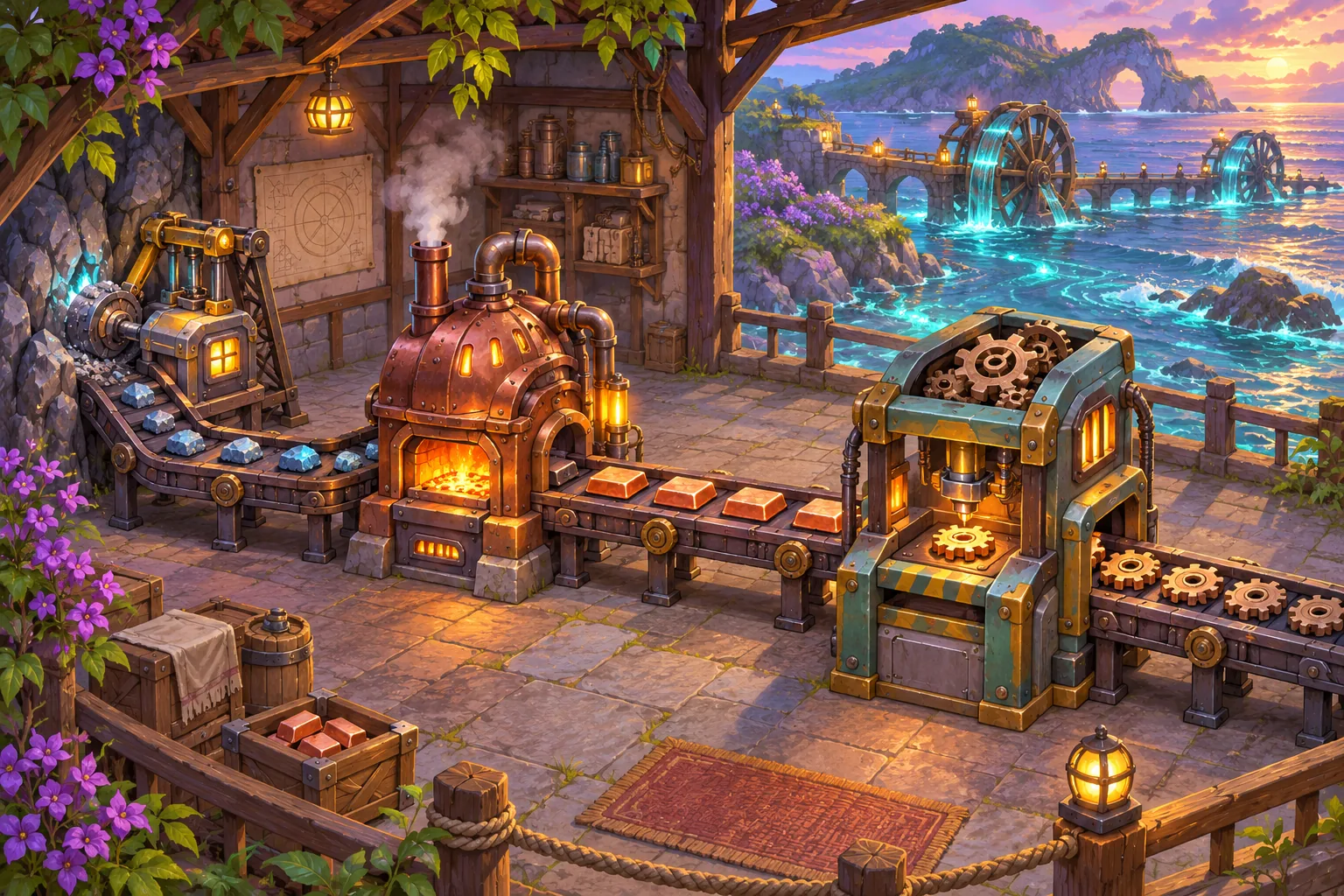
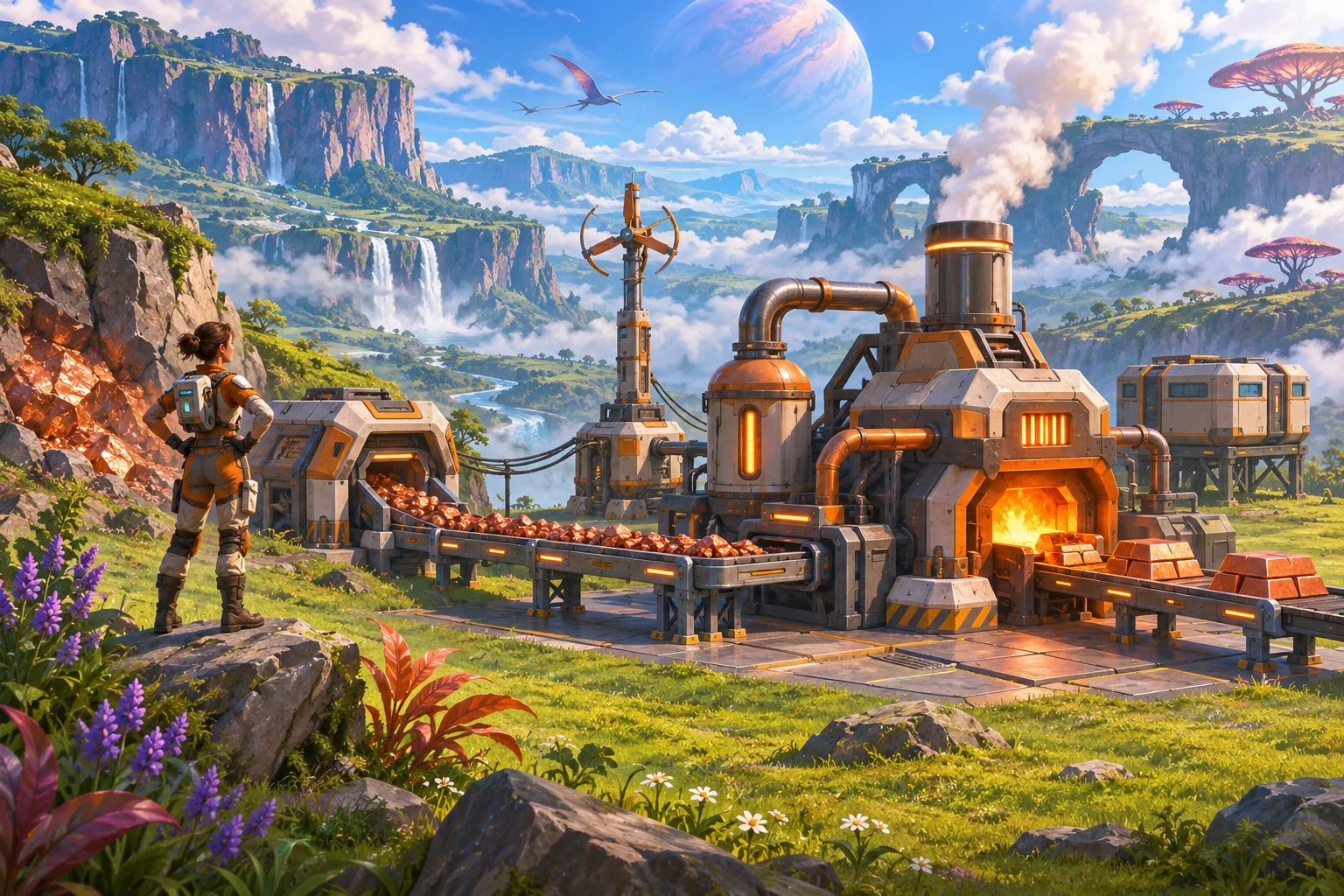
Factory expansion can turn a visible production constraint into a satisfying planning choice. Players need to understand what is limiting output, what a new layout changes, and how the expansion affects transport and power. Satisfactory’s official listing describes multi-story factories, conveyor automation, and open-world factory expansion; the guidance below proposes original systems for a different game.
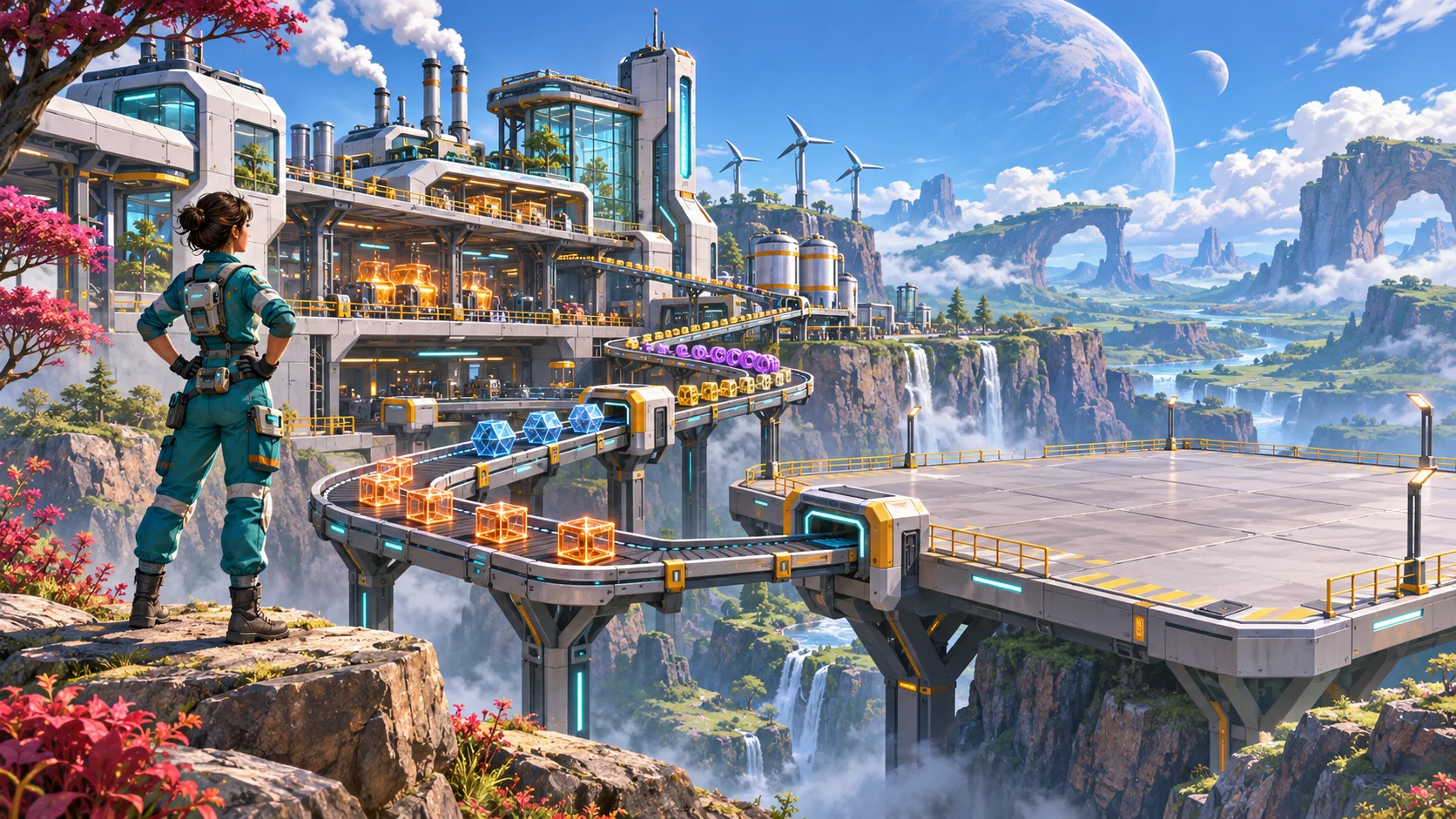
Tie expansion to a visible production need
Factory expansion is most satisfying when it solves a problem the player can already see. Satisfactory’s official Steam listing describes building multi-story factories, automating production with conveyors, and expanding across an open world. That public context does not dictate a specific layout system; the planning method below is original guidance for another automation game.
Start with a production goal or constraint: an input arrives too slowly, a machine group cannot meet demand, output storage fills, or a new recipe needs a dedicated stage. Give players enough feedback to identify which issue is present. A single “factory level” upgrade may hide the reason production is failing; instead, let players choose among more machines, a better route, more space, or improved power capacity.
Map each expansion to the capacity it adds and the resources it consumes. Keep the benefit visible in a blueprint preview or build description. If the player cannot tell whether an expansion increases throughput, adds a new product, or simply creates room, clarify its purpose before adding branching upgrades.
Plan space and logistics for growth
A factory floor plan should make the next connection easier to understand. Separate input, processing, and output routes with consistent direction, height, or visual treatment. Reserve corridors for belts and maintenance, and avoid placing every new building where it blocks access to an existing line. Players can create expressive layouts while still benefiting from clear connection rules.
Use a simple footprint model in early prototypes. Mark the dimensions and service clearance of each machine, then test several production chains. A line that looks compact on a planning grid may create awkward belt crossings once players add power, storage, or a second recipe. Show invalid placement clearly and explain whether the conflict is footprint, power reach, or a blocked transport path.
When a build preview shows possible connections, distinguish confirmed links from suggested ones. Provide a way to inspect where materials enter and leave. This reduces accidental loops or disconnected machines and lets players reason about expansion before paying its cost. A small reserved bay can create a legible next step without requiring the game to predict an exact player blueprint.
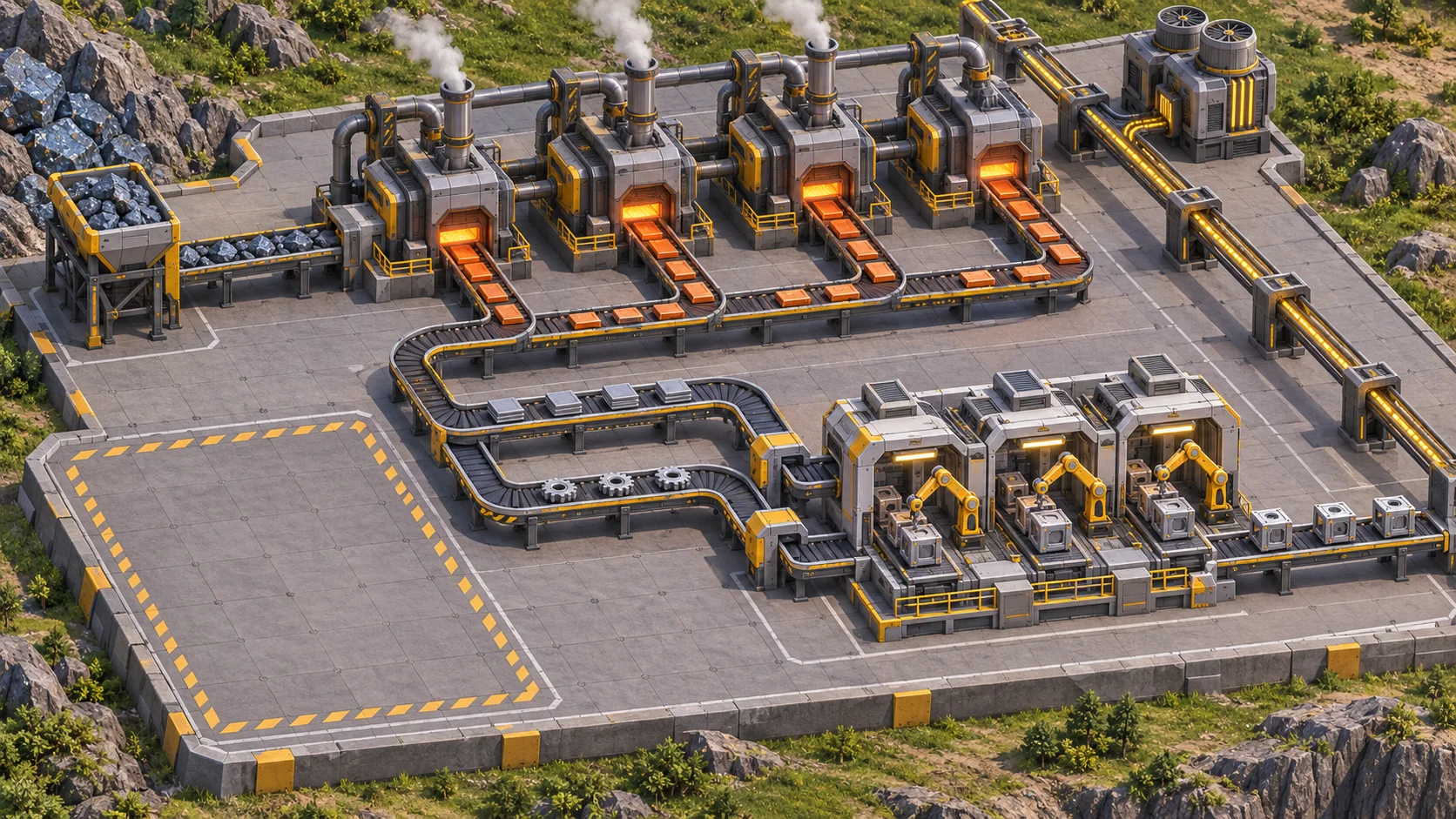
Introduce scale without hiding bottlenecks
Scale changes the player’s mental model. Early factories may use a few machines and direct belts; later layouts may involve separate floors, buffers, and transport routes. Introduce one added complexity at a time. A new recipe stage, long-distance transport, and power constraint all arriving together can make it difficult to see which system needs attention.
Use different bottleneck signals. A machine with no input is starved; one with a full output is blocked; a line consistently running below demand lacks capacity. Keep those states visually distinct and offer a quick inspection of rates. Avoid presenting one generic red warning for several different causes.
Expansion should also create useful tradeoffs. A dense vertical layout may save land but make access and routing harder. A sprawling line can simplify connections while increasing travel time or transport cost. Make those consequences visible and allow players to revise a layout if the game’s intended experience values experimentation.
Test expansion decisions and downstream effects
Test with a production chain long enough to reveal dependencies. Give players a target output, then observe whether they diagnose the rate limit, choose an appropriate expansion, and connect it to the existing line. Record placement errors, unnecessary rebuilds, waiting time, and whether players can explain why the solution worked.
Simulate changes in demand and supply. A layout that works under steady inputs may fail when a resource node is depleted or a new product shares an ingredient. Check how the expansion affects upstream extraction, downstream storage, and power load. Make those secondary effects visible early enough that players can plan.
Finally, compare the new layout with the previous one. Expansion should change capacity or options in a way players can feel, while preserving enough readability to maintain the factory. If players respond to every issue by building the same giant line, add differentiated space, transport, or machine choices. Tune from observed behavior and keep a record of the problem each expansion tier is designed to solve.
Related guide
For an earlier resource gathering loop that can feed factory inputs, see the guide to survival resource collection.
Frequently asked questions
How do you design factory expansion in an automation game?
Start from a production problem players can observe, such as a machine waiting for inputs or finished goods backing up. Offer an expansion that changes capacity or routing, then show its costs in space, power, and materials. Test whether players can name the bottleneck they are solving before they place the new line.
How can factory layouts support future growth?
Reserve practical space for machine access, transport connections, and the next likely production step. Keep inputs and outputs visually distinct, and avoid forcing every future line through one congested corridor. A small expansion preview or footprint guide can help players compare layouts without prescribing one correct design.
When should a player expand production?
Expansion is useful when demand exceeds sustainable output or a new recipe needs another production stage. Show evidence through delivery backlog, idle downstream machines, or a stated project goal. If players can expand before they understand the constraint, the decision may feel like arbitrary scaling instead of planning.
How do you make factory bottlenecks readable?
Expose flow with consistent conveyor direction, machine state indicators, and a simple view of input and output rates. Distinguish starvation from a blocked output so players know whether to add supply, processing capacity, or storage. Test at normal camera zoom, where players actually diagnose their layouts.
Prototype factory growth
Use AI to map recipe dependencies, compare footprints, and create throughput test cases. Validate flow visibility, placement feedback, and the actual value of each expansion in the running game. Start a game project with Seele.