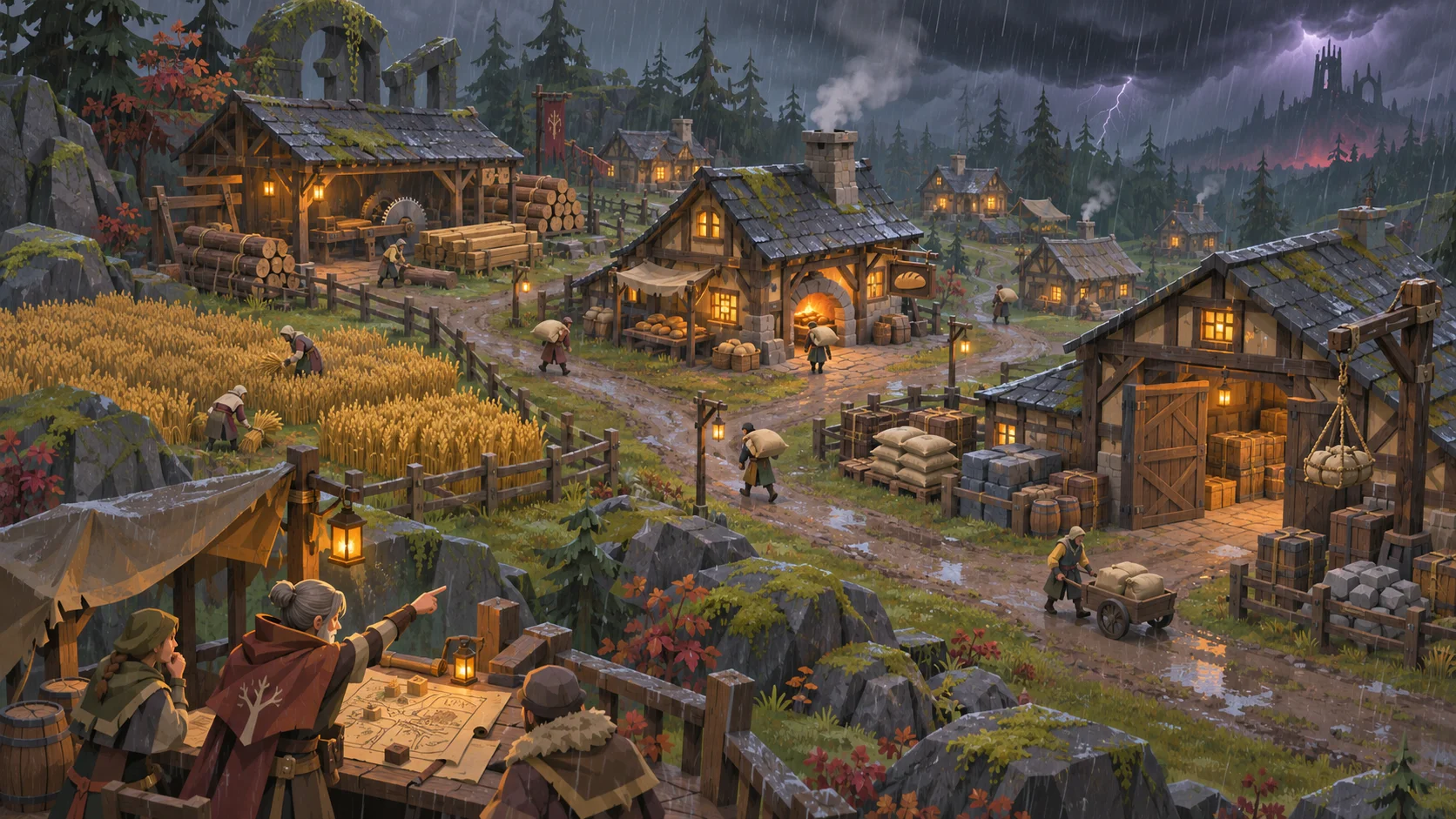
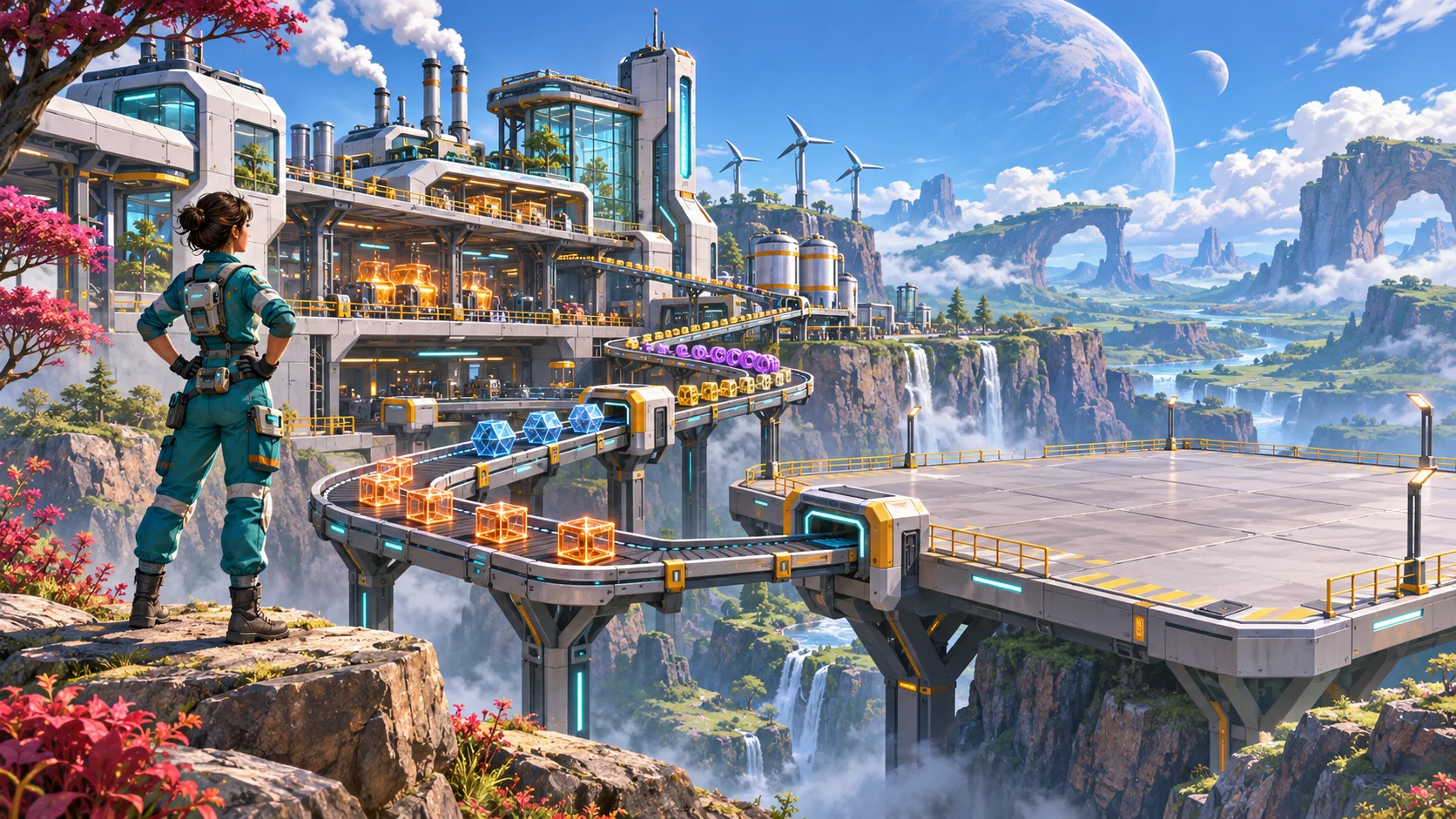
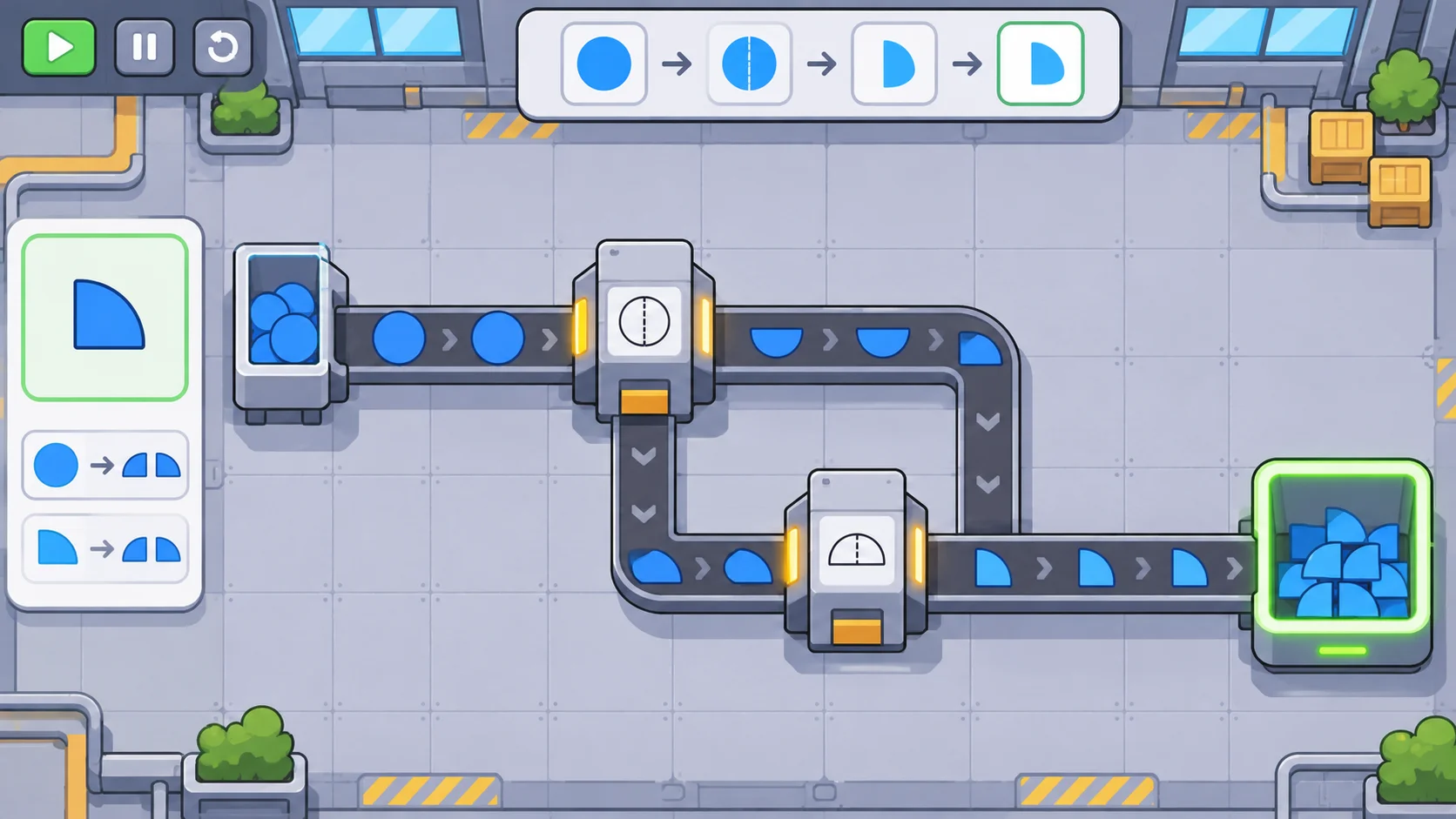
Automation feels understandable when players can trace a needed good backward through each step that makes it. Denki Games’ official Autonauts page describes gathering materials, crafting tools and bots, and teaching bots tasks. This tutorial takes that broad automation context and develops an original production-loop model for another game.
Define a useful loop boundary
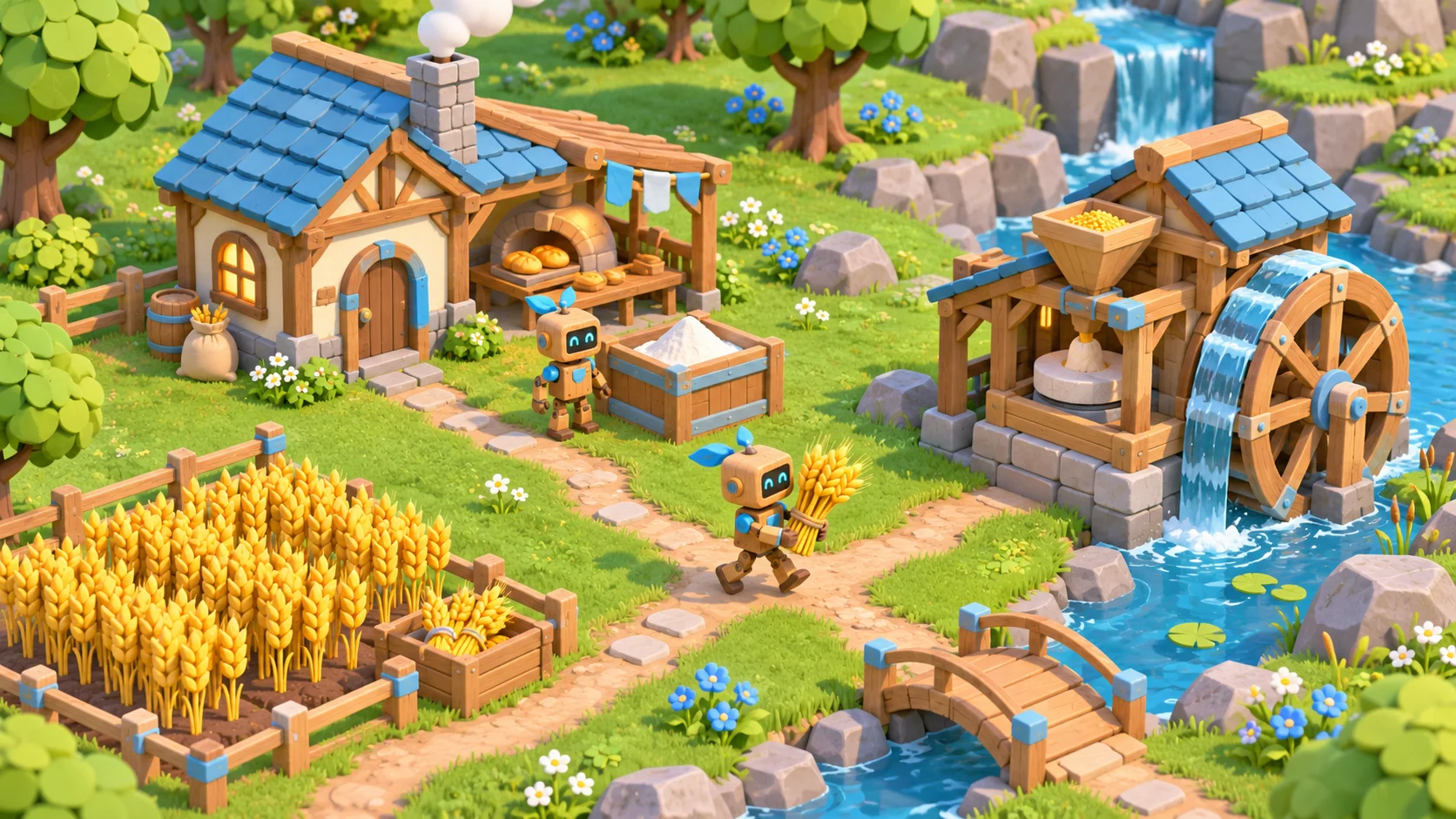
Choose an output that matters to the player, such as a meal, a building part, or a research token. Trace backward until every required input has a source. A seed-to-meal loop might include planting grain, harvesting it, milling flour, baking food, and storing the result where residents can use it. The loop boundary ends at a meaningful destination, not at the first machine.
Draw each step as a station with an input, an action, an output, and a destination. Mark which step requires a tool or worker. This small diagram reveals missing links early: grain cannot become food if the mill has no power, or if the flour bin sits beyond the bot’s allowed range. Keep the first loop short enough to observe in one play session.
Decide what the loop should do when the goal is met. A bakery can stop at a target stock level, switch to another recipe, or wait for a new request. State the condition in player language and show whether inputs remain reserved. A stop rule prevents automation from consuming every resource simply because it can.
Program dependable worker tasks
Build routines from a few repeatable actions: find a source, take a specified amount, move to a destination, deposit, then repeat while a condition remains true. Use named locations or stable station references rather than brittle world coordinates where possible. If the worker needs a tool, show that dependency before the routine starts.
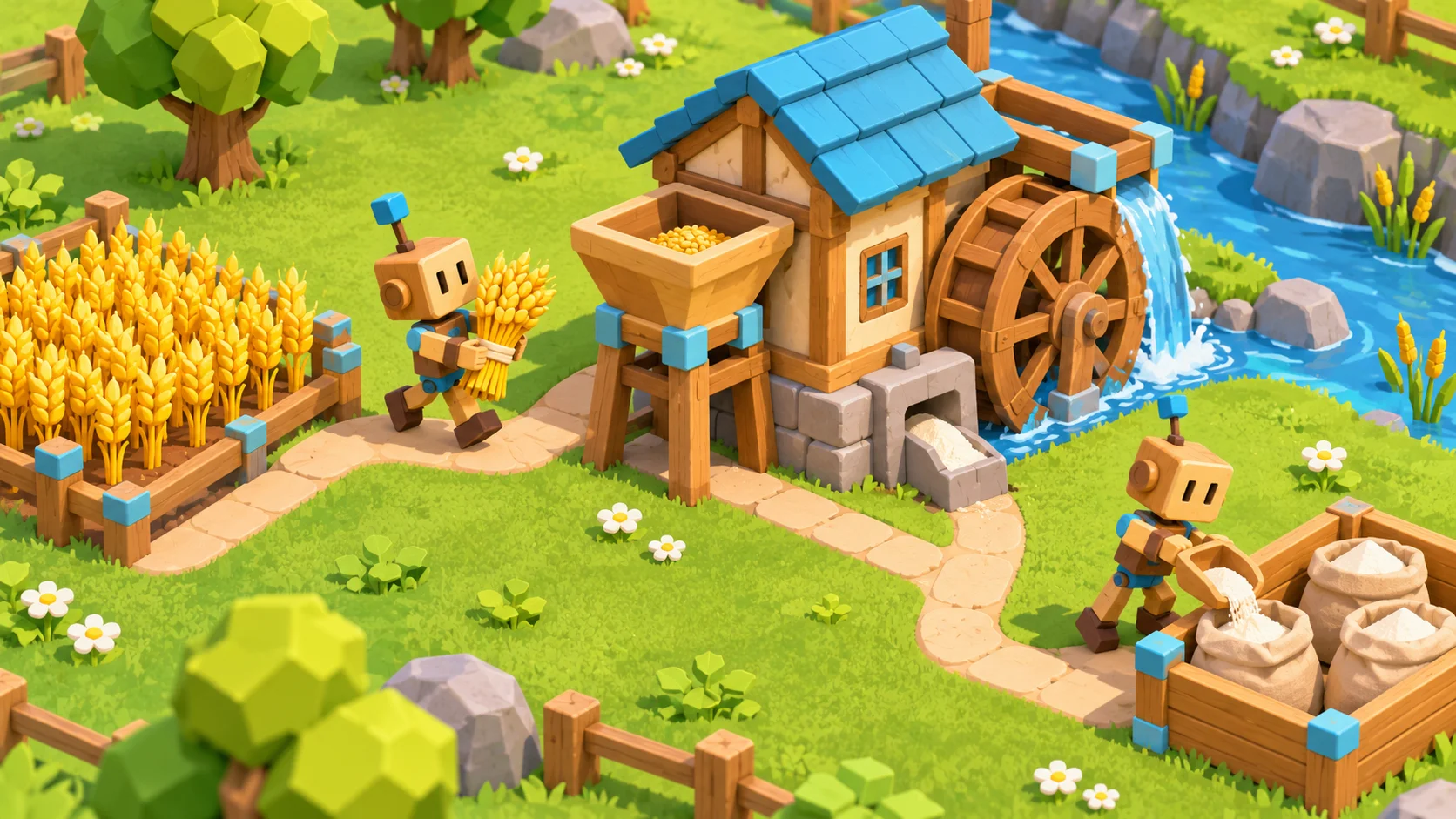
Add clear guards for a full bin and a missing input. The worker might wait at a safe point, seek an alternate destination, or report a blocked task. Choose one policy and make it consistent. Silent loops that repeat a failed action waste time and make players suspect the automation itself is broken.
Let players inspect the current step and see why a worker is idle. A short status such as “waiting for wheat” or “flour bin full” can distinguish a logic problem from a resource problem. Do not expose internal code to explain basic behavior; translate the system state into the object or station the player can fix.
Size buffers around real variation
Buffers absorb timing differences between workers and machines. They do not repair a chain whose downstream demand permanently exceeds its supply. Estimate how much material is consumed while the upstream station completes one cycle, then provide enough capacity to smooth that delay. Too much stored intermediate goods can also hide a shortage from the player.
Separate available stock from committed stock. If three flour sacks are reserved for a meal order, the next worker should not treat them as free ingredients for construction. Show the reservation and allow the player to cancel or reprioritize it. This makes a shared resource an explicit choice rather than a mysterious disappearance.
Test a loop with a slow worker, a temporary empty field, and a full output container. Observe whether it resumes when conditions recover. Measure throughput over a whole production cycle rather than a single moment; short snapshots can make a healthy loop appear stalled or an unstable loop look productive.
Debug and expand without breaking it
When output falls, inspect the chain in order: source stock, worker assignment, route access, machine input, machine completion, output space, and final destination. Present the first blocked step and a practical fix. If several causes are possible, reveal one diagnostic at a time so players can test the effect of each change.
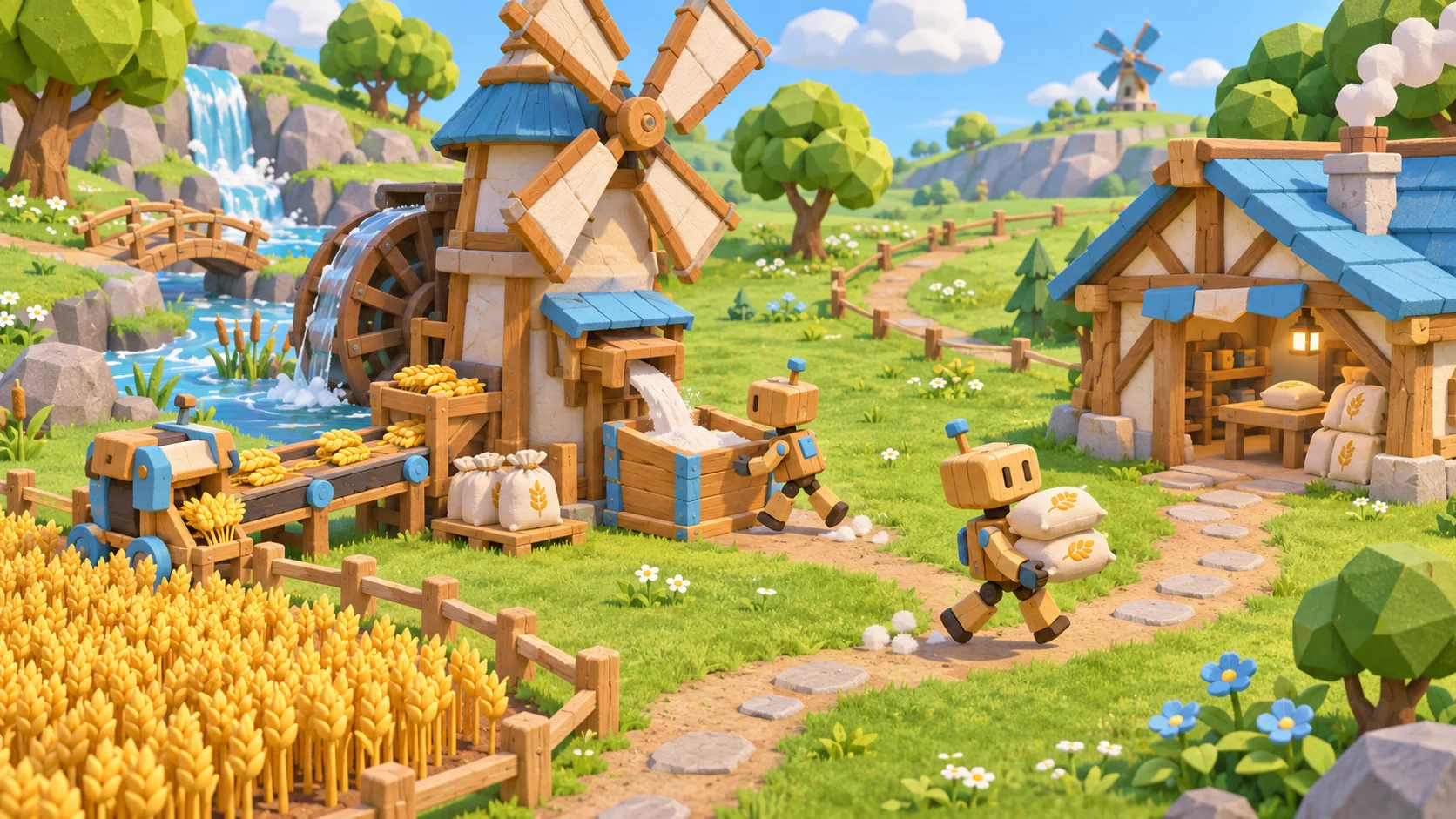
Prototype the first loop from a precise written goal with SEELE AI’s game-studio capability, then compare the draft with the station diagram. Check whether each input and output is visible, whether the route is reachable, and whether a stalled task explains itself. This is a design review of a concept draft, not evidence of a specific automatic-programming feature.
For a related resource-planning angle, see production choices in a settlement game. To sketch an original automation concept, start a game draft.
FAQ
How do you design production loops in an automation game?
Start from an output the player needs, then map each input, transformation, storage point, and final destination. Give every step an observable success condition and a way to stop or retry. Test the full loop with limited inputs and a full output container before adding more machines or workers.
What should a worker automation routine include?
Give the worker a clear target, required tool, action, destination, and repeat or stop condition. Handle common exceptions such as a missing resource, a full container, or an unreachable station. Make the current task and reason for waiting visible so players can tell whether the routine is running as intended.
How do you stop a production loop from starving?
Compare the average supply rate with the amount consumed by downstream steps, then add a buffer only large enough to handle normal timing variation. Distinguish stock that is available from stock already reserved. If a loop still starves, expose which upstream step is late instead of hiding the imbalance behind a bigger warehouse.
When should designers expand a production chain?
Expand after the first loop can run, stop, and recover predictably through normal play. Record which step limits output and what new goal the extra chain serves. Add one station or dependency at a time, then test resource contention and path access before layering another system onto an unstable base.