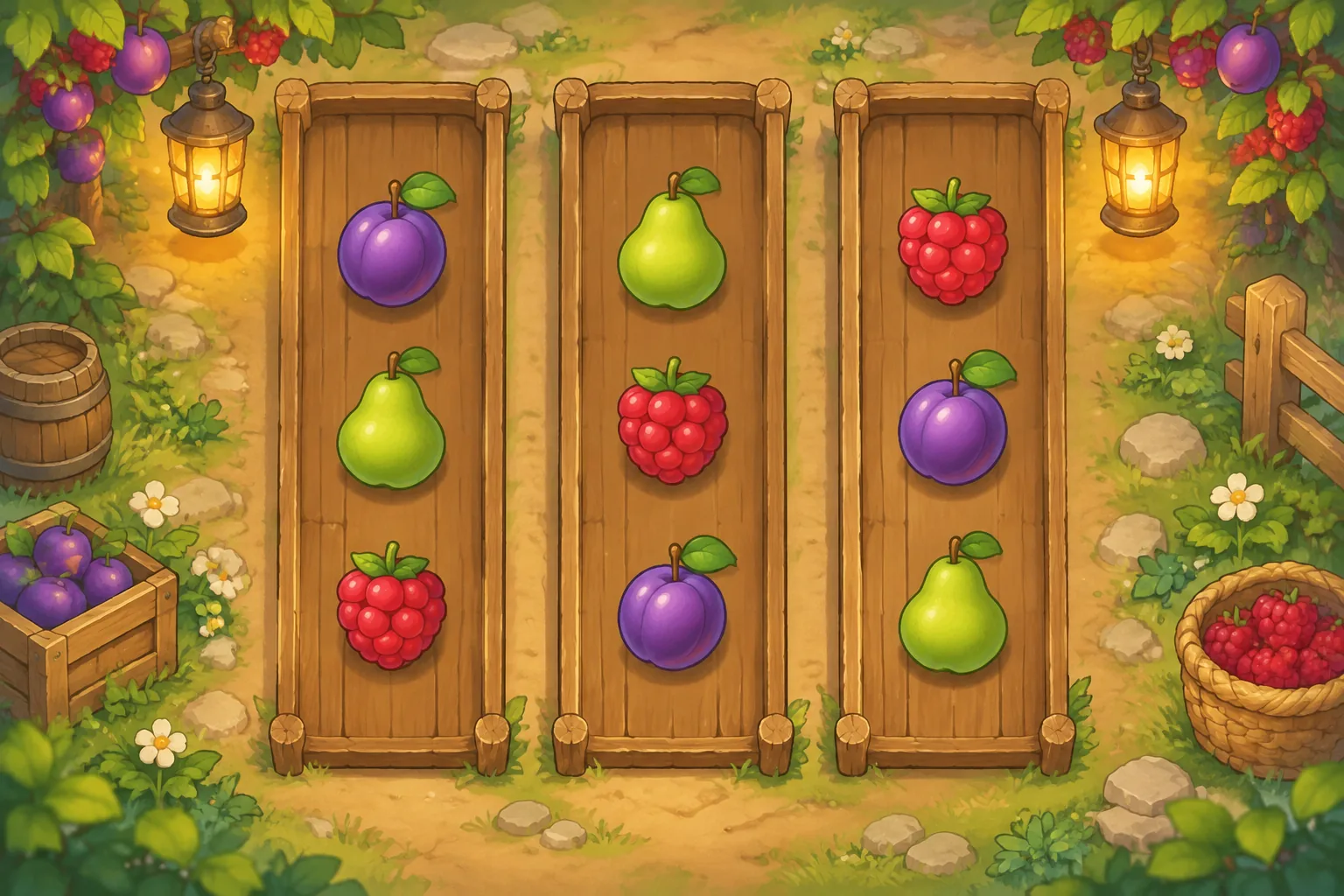
Falling-object puzzles turn each drop into a decision about space, collision, and future movement. Aladdin X’s official Suika Game Steam listing describes dropping items into a box, merging identical items into larger ones, and ending the game if they spill out. That broad premise is the only reference fact here; the article uses original geometric pieces and implementation guidance.

Set a container, drop lane, and clear boundary
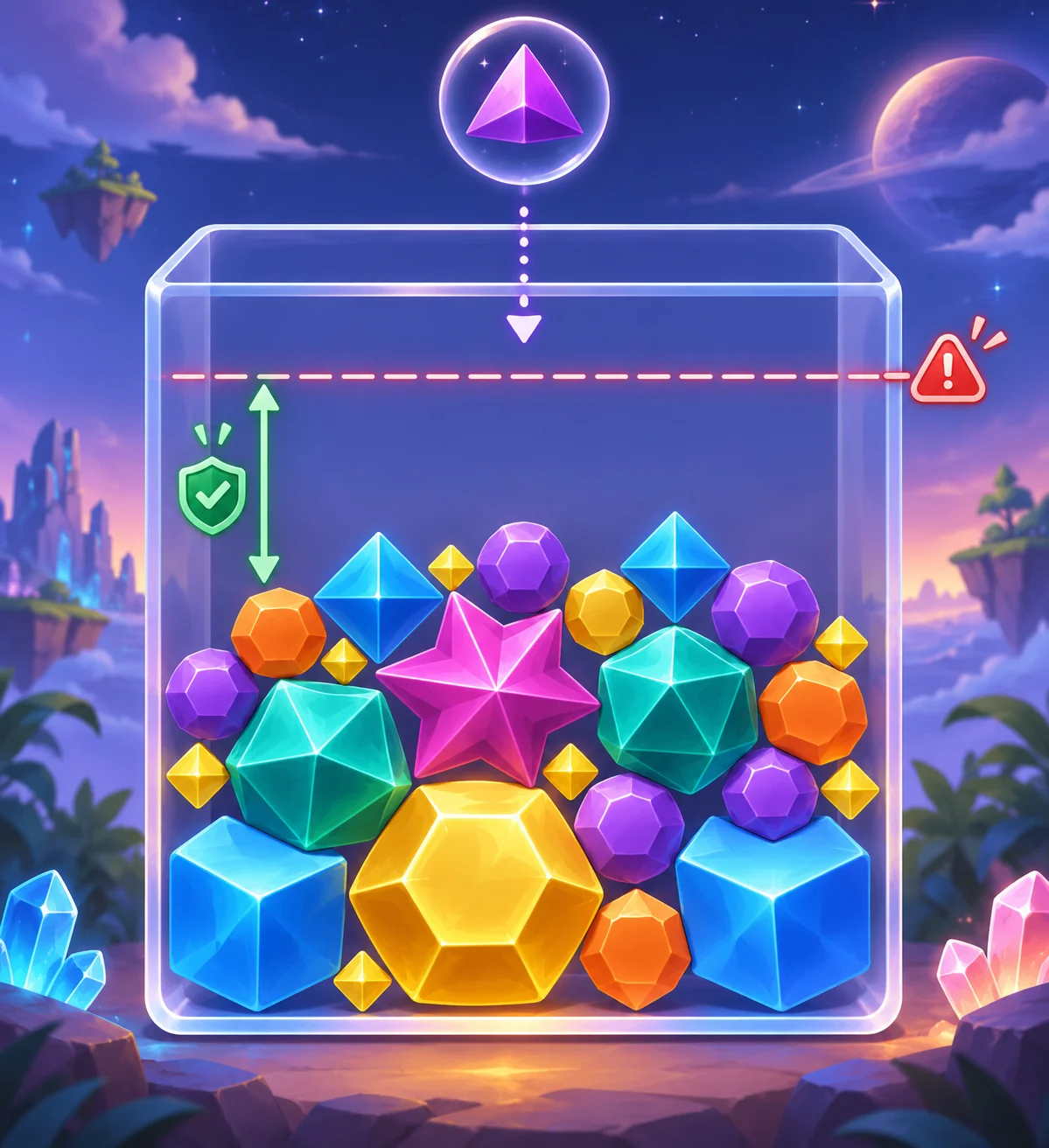
Define the container before tuning physics. Its walls, floor, spawn region, and overflow boundary form the space the player must manage. Keep the rim visible and avoid placing decorative art where players could mistake it for a collision surface.
Make the drop input predictable. The player might aim along a horizontal lane and release to spawn an object, or select one of a few drop columns. Show the next object if planning is part of the challenge. If the object can shift after release, communicate that with a small trajectory preview or a brief settling animation.
Specify when the next action becomes available. Waiting until the current object settles can prevent ambiguous inputs. If players can queue a second action, define how that queued object behaves when the first causes a merge or stack shift.
Resolve falling, collision, and merge events
Use collision shapes that match the visual object closely enough for players to predict contact. A round piece can roll and settle; a square object may lock in place. Avoid irregular collision boundaries unless their effect is taught. Consistency matters more than simulating every physical detail.

Resolve a merge as a state transition: two compatible objects touch, the game confirms the pair, removes them, spawns one larger object, and lets the new object settle. Mark the merge briefly so players can see what happened. Do not let the same contact trigger repeatedly while the bodies overlap.
Decide how to handle simultaneous contacts and chain reactions. If one merge creates a larger object that immediately touches another match, either resolve that next merge in a stable sequence or wait until motion settles. Use the same rule each time, and include a cap or event queue if long chains could cause performance problems.
Balance object size, momentum, and stack stability
Tune mass, bounce, and friction so objects settle in a useful amount of time. Too much bounce can make a predictable drop feel random; too much friction can prevent pieces from moving into plausible gaps. Test the same drop across different stack shapes and check for jitter, tunneling, or sudden teleports.
Make larger pieces behave in a way players can anticipate. They may occupy more room and shift nearby objects, but those effects should be visible in the size and motion. If the game uses different materials or special pieces, introduce each behavior in a safe situation before combining it with a crowded stack.
Test stacking stability and boundary feedback
Show risk as the stack approaches the rim. A soft danger band or a visible height marker can communicate how much space remains. Keep feedback tied to the event: an object can push another piece upward, and a brief highlight can indicate the resulting stack height.
Playtest drops near walls, tight gaps, merge points, and a nearly full container. Ask players to predict where a piece will settle and whether two pieces will merge. Record unexpected motion, merge timing, and boundary misses. If players cannot explain why the stack moved, improve collision feedback or adjust the physics before increasing difficulty.
Use SEELE AI to draft an original physics merge game, then inspect collision stability and overflow behavior in the actual prototype. A generated illustration does not guarantee reliable physics. For a broader premise guide, read the original merge-puzzle guide. Prototype an original physics merge game.
FAQ
How do you build falling objects in a physics merge game?
Define where an object spawns, how the player aims or chooses a drop point, how gravity moves it, and what happens at collision. Keep the container and overflow line visible. Start with simple shapes and stable collisions, then add merge behavior after you can predict how the stack settles.
How should matching objects merge on collision?
Merge only when two compatible objects touch under a clear rule, and resolve that event once. Replace the pair with one larger object at a predictable position, then let the new object settle before checking for another merge. This prevents duplicate triggers and makes chain reactions easier to follow.
How can a falling-object stack stay stable?
Use consistent collision shapes, reasonable restitution, and enough settling time between inputs. Test objects against walls, each other, and the bottom of the container. Avoid excessive jitter or sudden overlap correction, since those can move a stable stack without a player-caused event.
How should a game warn about overflow?
Show the stack approaching a clear rim or danger zone and use consistent feedback when an object pushes it higher. Give the player time to understand the risk before failure, and explain which drop caused the overflow. Test whether players can estimate the available space before choosing the next object.