Habitat needs turn animal care into a design problem players can understand. In an original zoo simulation inspired at a high level by Planet Zoo, each requirement should connect to a visible part of the enclosure: usable area, terrain, water, shelter, enrichment, or social space. Give players clear feedback about what is missing and let them solve it by changing the habitat, not by guessing at a hidden welfare score.
Translate needs into habitat dimensions
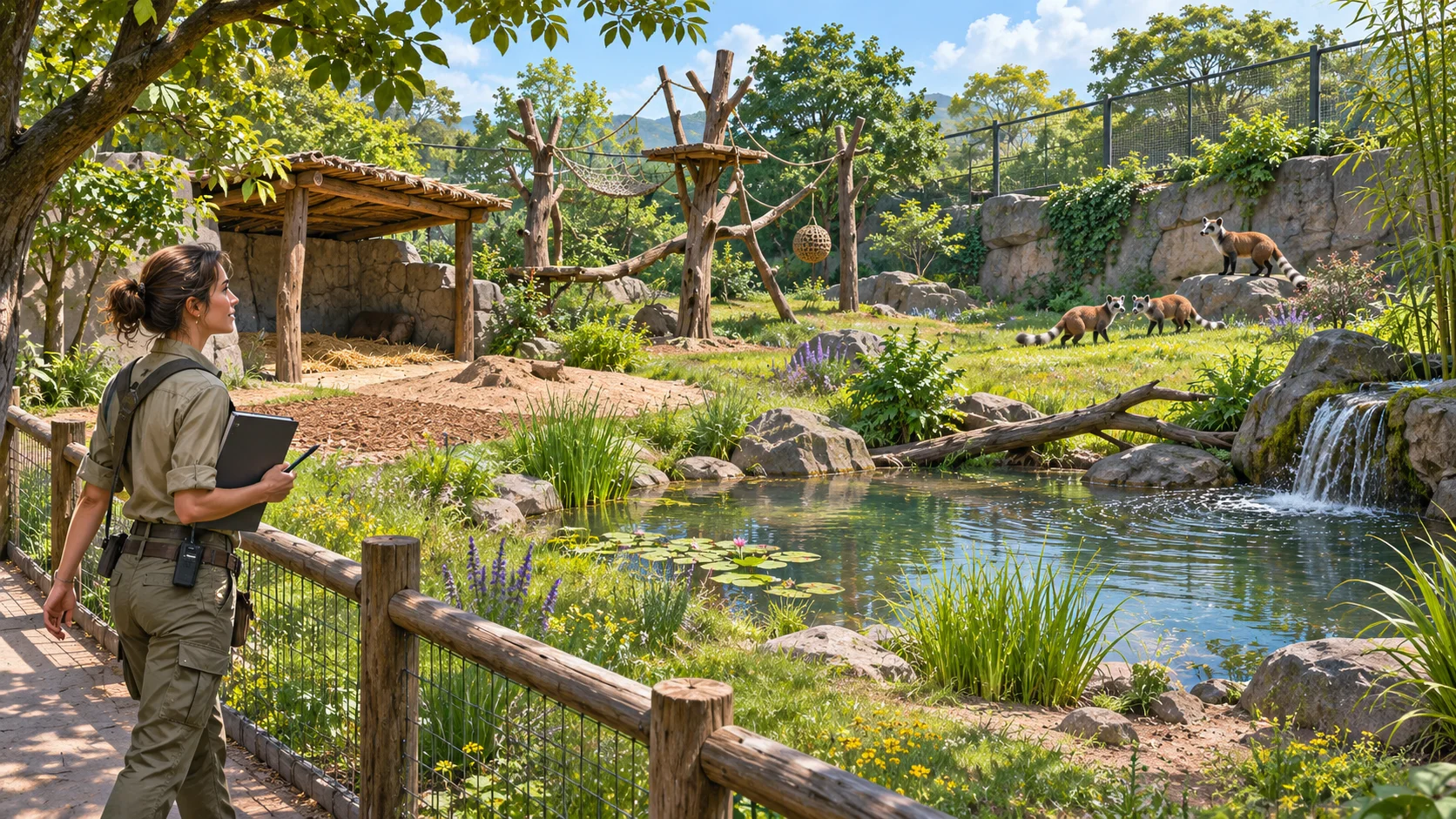
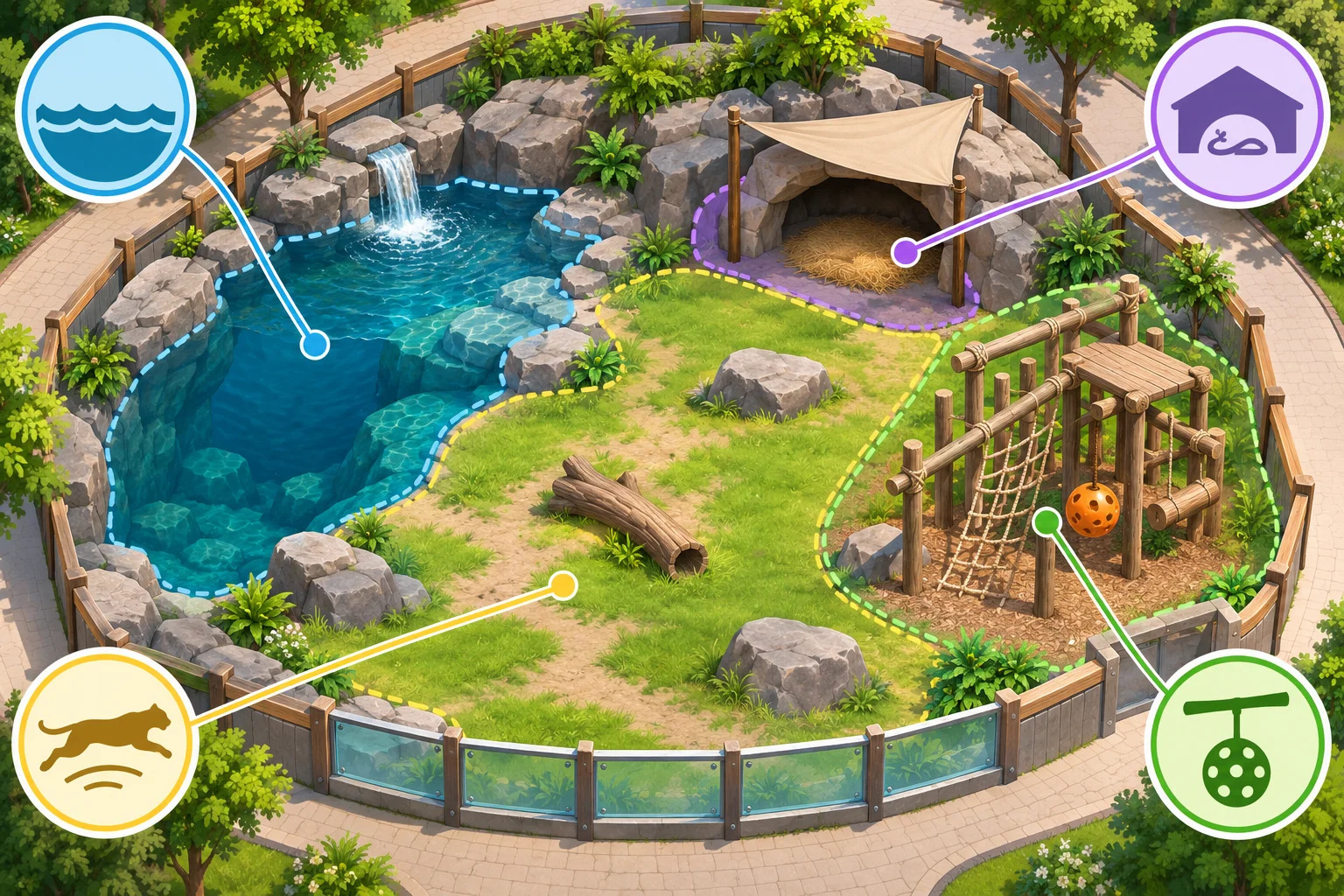
Begin with a small set of needs the player can influence through layout. An animal may need enough usable space, access to a particular terrain mix, water for swimming, shaded rest areas, or objects that support natural behavior. Treat these as separate dimensions so a large enclosure does not automatically solve every problem.
Frontier’s official Planet Zoo update notes give one specific example: animals that deep swim need a minimum area and water depth, and some species’ welfare can be affected when those requirements are not met. This is game-specific context only. The categories and design guidance below are original and are not real-world veterinary or animal-welfare advice.
Define each need with a condition and a measurement. “Enough water” could mean a connected pool of minimum area and depth; “shelter” could mean an accessible covered area with enough capacity for the group. Use rules players can observe in the habitat and inspect in the animal panel. If a need varies by species, make that variation explicit instead of applying one universal checklist.
Connect each need to a visible design choice
Pair every need with objects or terrain the player can place or reshape. A water need should respond to the pool’s usable depth and access points. A shelter need should depend on covered space the animal can reach. An enrichment need can respond to the presence and use of a suitable object. Show these relationships through habitat overlays or an inspection panel, then let players walk the enclosure to understand why a change matters.
Make usable space different from total enclosure area. A fence can enclose a large footprint while rocks, inaccessible ledges, or unsuitable terrain leave little room for movement. Explain which parts count and why. An overlay can highlight usable zones, but it should not replace the physical view; players need to see how the layout affects the animal’s behavior.
Make welfare feedback actionable
When a need is unmet, name the condition and point toward a useful next step. “Water access blocked by a steep bank” is more actionable than a low score with no explanation. Identify whether the issue is an area limit, a pathing problem, a missing object, or an inaccessible service route. If an animal needs time to use a new feature, distinguish a setup problem from a delayed response.
Keep the feedback consistent as the habitat changes. If a player adds a pool, update the need view after the simulation recalculates its area and depth. Explain when a barrier, slope, or path prevents access. A clear before-and-after response helps players learn the rules and prevents repeated trial and error.
Balance individual and group needs. Several animals may share a shelter or water source, but crowding can make a feature less useful. Give the player a way to see whether an object has enough capacity and whether all animals can reach it. Avoid presenting one animal as a generic average if a particular individual is struggling.
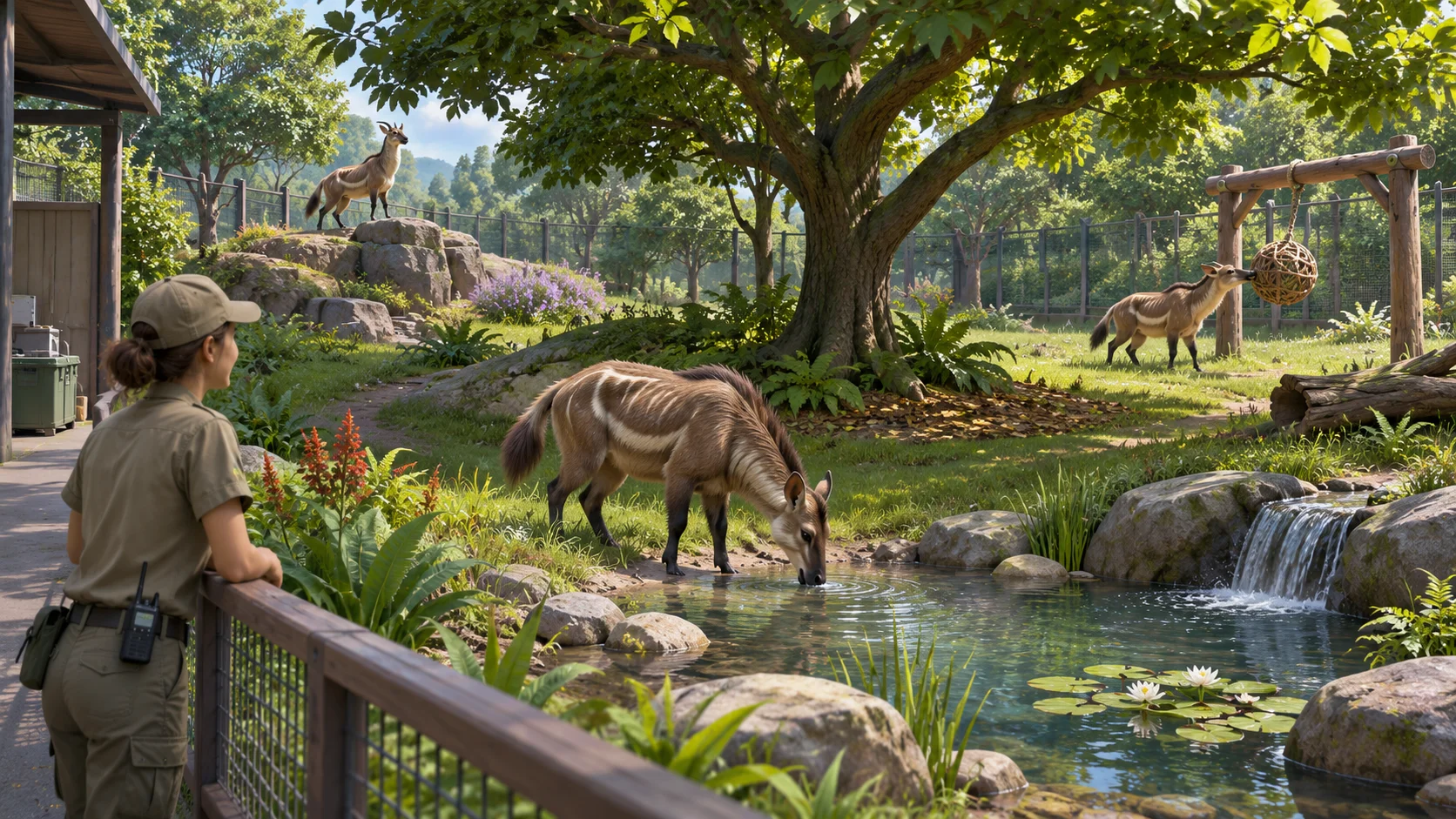
Test species variation and keeper access
Test the same enclosure with several species profiles that emphasize different needs. One profile may depend more on water, another on climbable space or shelter. Confirm that the need rules produce distinct design outcomes and that the user interface explains why each one differs. Keep factual species data separate from generic game mechanics, and cite reliable references if your project makes real-world claims.
Test the support systems as well as the habitat. Keepers need an accessible route to gates, food, and care areas. If the animal’s need remains unmet because a keeper cannot reach a feeder, explain that staff access is the cause rather than implying the habitat itself is unsuitable. Test blocked paths, large enclosures, and more animals than one keeper can serve.
AI can help draft original species profiles, habitat constraints, or prototype test cases, but it cannot validate real animal care requirements. Start a zoo-simulation prototype with Seele’s AI game maker, then test whether players can diagnose and resolve each in-game habitat issue.
Frequently asked questions
How do you design habitat needs for a zoo game?
Define a few measurable requirements that connect to the enclosure, such as usable area, water, shelter, terrain, or enrichment. Give each need a condition the simulation can evaluate and the player can inspect. Test different profiles to ensure that needs create distinct layout choices and clear feedback.
What habitat needs should players manage?
Choose needs that support your game’s intended habitat design, such as room to move, access to water, sheltered rest, varied terrain, or enrichment. Keep categories distinct and explain how objects or layout satisfy them. If you use species-specific details, research them separately and avoid presenting invented values as real animal-care guidance.
How should a zoo game show animal welfare problems?
Identify the unmet condition and connect it to an actionable cause, such as insufficient usable space, blocked access, or a missing habitat feature. Update the feedback when the player changes the enclosure and distinguish setup issues from delayed simulation responses. Players should be able to see why the problem occurs.
How can AI help prototype habitat needs?
Use AI to draft fictional species profiles, requirement dimensions, or test cases for a game prototype. Review the logic and make clear which values are invented for gameplay. Any real animal-care claims need reliable expert sources, and the in-game feedback still needs to be tested with players.