Connect rooms with a paired gateway
Portal is a first-person puzzle game where players use portals to move through space. Far Door is a separate fictional puzzle game. Its gateway pair, room graph and traversal rules are original examples, not claims about Portal's implementation.
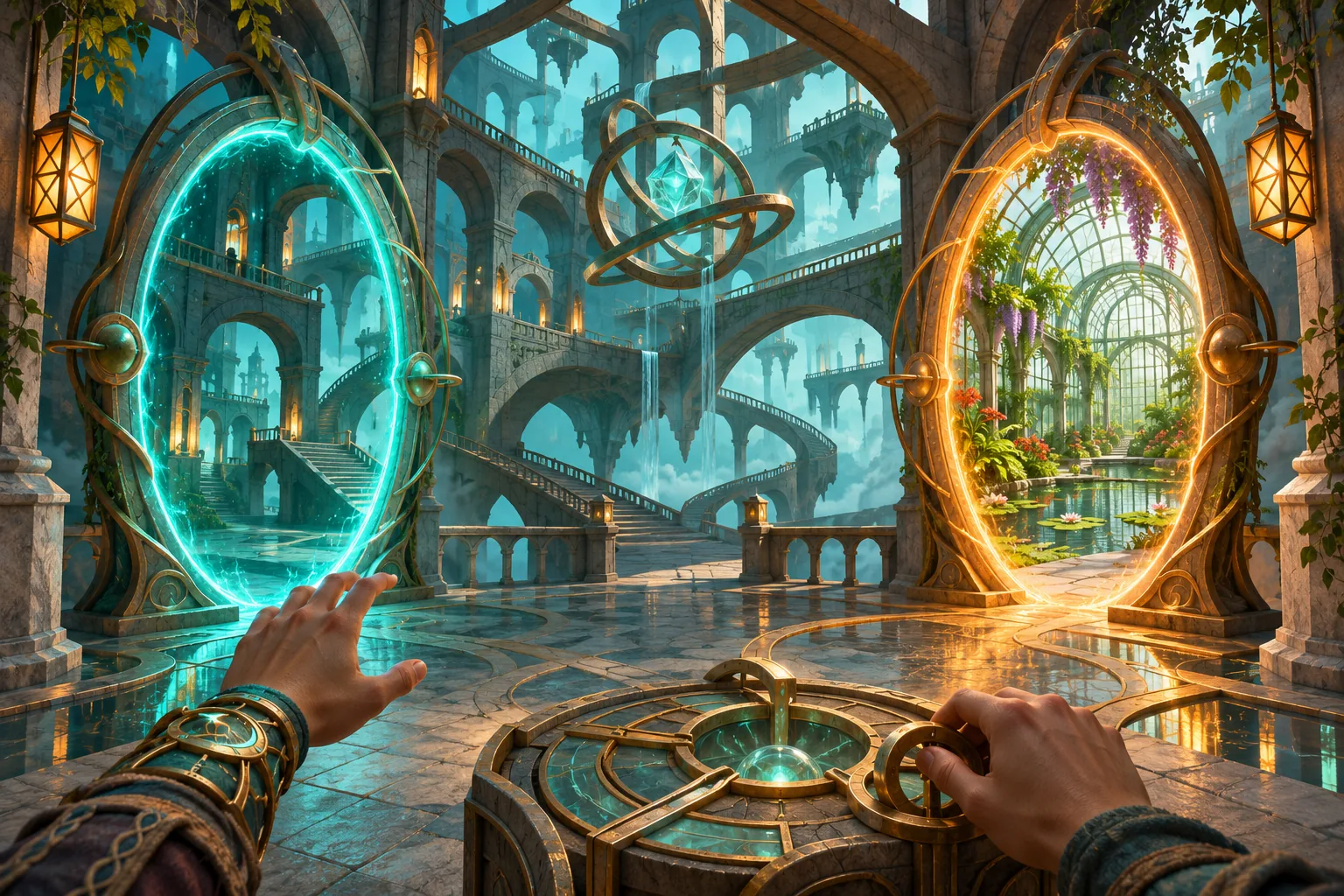
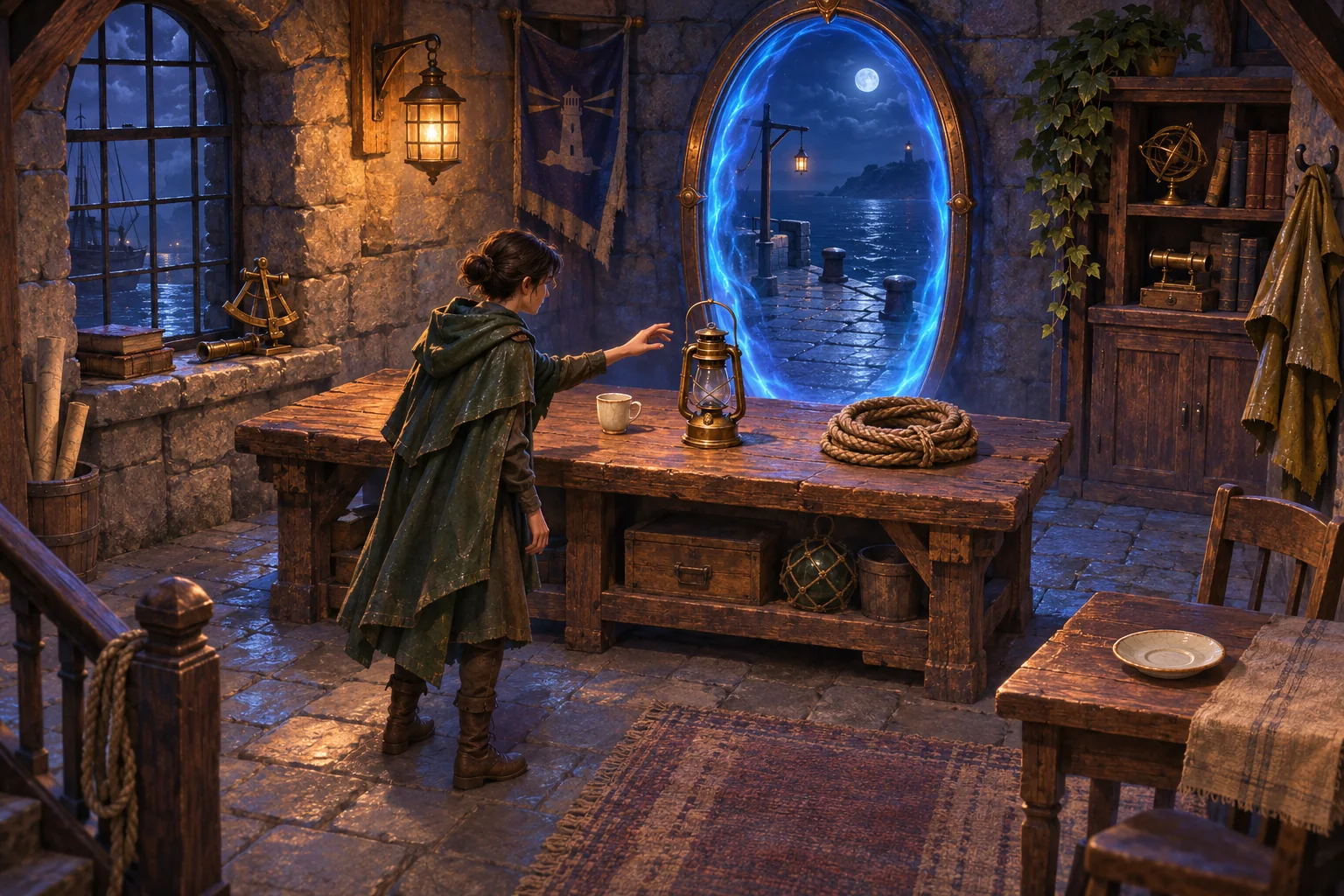
Create four rooms: Lobby, Atrium, Archive and Greenhouse. Ordinary doors connect Lobby to Atrium and Archive to Greenhouse. Place gateway A in Atrium and gateway B in Archive. When the link is active, entering either endpoint exits from the other. The link is bidirectional and counts as one movement. When disabled, neither direction can be used.
Treat the gateway as an edge in the room graph
Store the two endpoint rooms under one link ID. Add a traversal edge between them only while the pair is active. Run breadth-first search from the current room to check whether a goal is reachable. Toggling the link updates both directions together, so the map cannot show one endpoint connected while the other is disconnected.
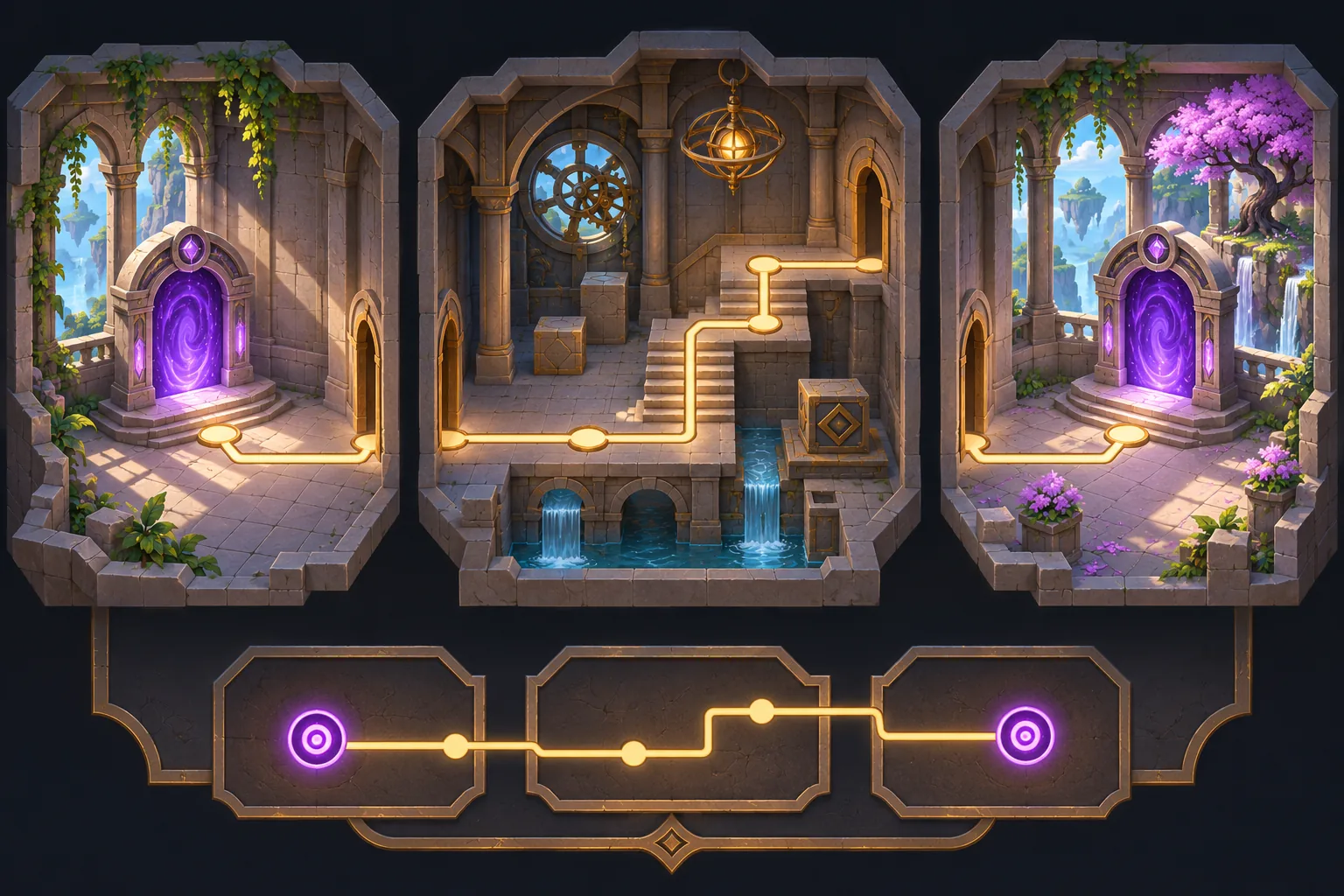
The test confirms that the greenhouse is reachable from the lobby in three moves when the link is active: Lobby to Atrium, gateway to Archive, then Greenhouse. Disabling the link makes the goal unreachable. Traversing back through endpoint B returns to Atrium. These checks validate graph connectivity, not puzzle difficulty or player comfort.
Preview the destination before stepping through
Show the linked endpoint's room name and whether the pair is active when the player approaches it. Keep the destination preview consistent from both sides. If another system disables the link, update the room map immediately and preserve the player's current room rather than teleporting them unexpectedly.

Test both directions and disabled states
Represent rooms and ordinary doors as graph data, then add active gateway pairs as reversible edges. Godot Resource can store original room and link definitions; SEELE AI Game Maker is a starting point for a prototype. Portal supplies broad puzzle context only and does not validate Far Door's fictional gateway behavior.
Build an original puzzle game with Lobby, Atrium, Archive and Greenhouse rooms. Ordinary doors connect Lobby–Atrium and Archive–Greenhouse. A paired gateway connects Atrium and Archive in both directions when active and neither way when disabled. Test route reachability from Lobby to Greenhouse and back.
Create an original puzzle game in SEELE · Portal on Steam
Frequently asked questions
How should a linked-space gateway behave?
Define the endpoint pair, direction and movement cost. Far Door uses one active link ID with two endpoints and allows traversal in either direction as one move. Disabling the pair removes both directions together. Showing the destination room name before entry makes the rule easy to understand.
How can a room graph test a gateway?
Represent rooms as nodes and doors as edges, then run a path search with the gateway edge enabled. Repeat with it disabled and confirm the destination becomes unreachable when no other route exists. Test both directions so the link is genuinely reversible rather than one-way by accident.
What should happen if a gateway is disabled while a player is nearby?
Update the map and endpoint indicators together, but leave the player in their current room. Do not move them without an explicit action. A clear state change prevents an unexpected teleport and lets the player choose another route or wait for the link to return.