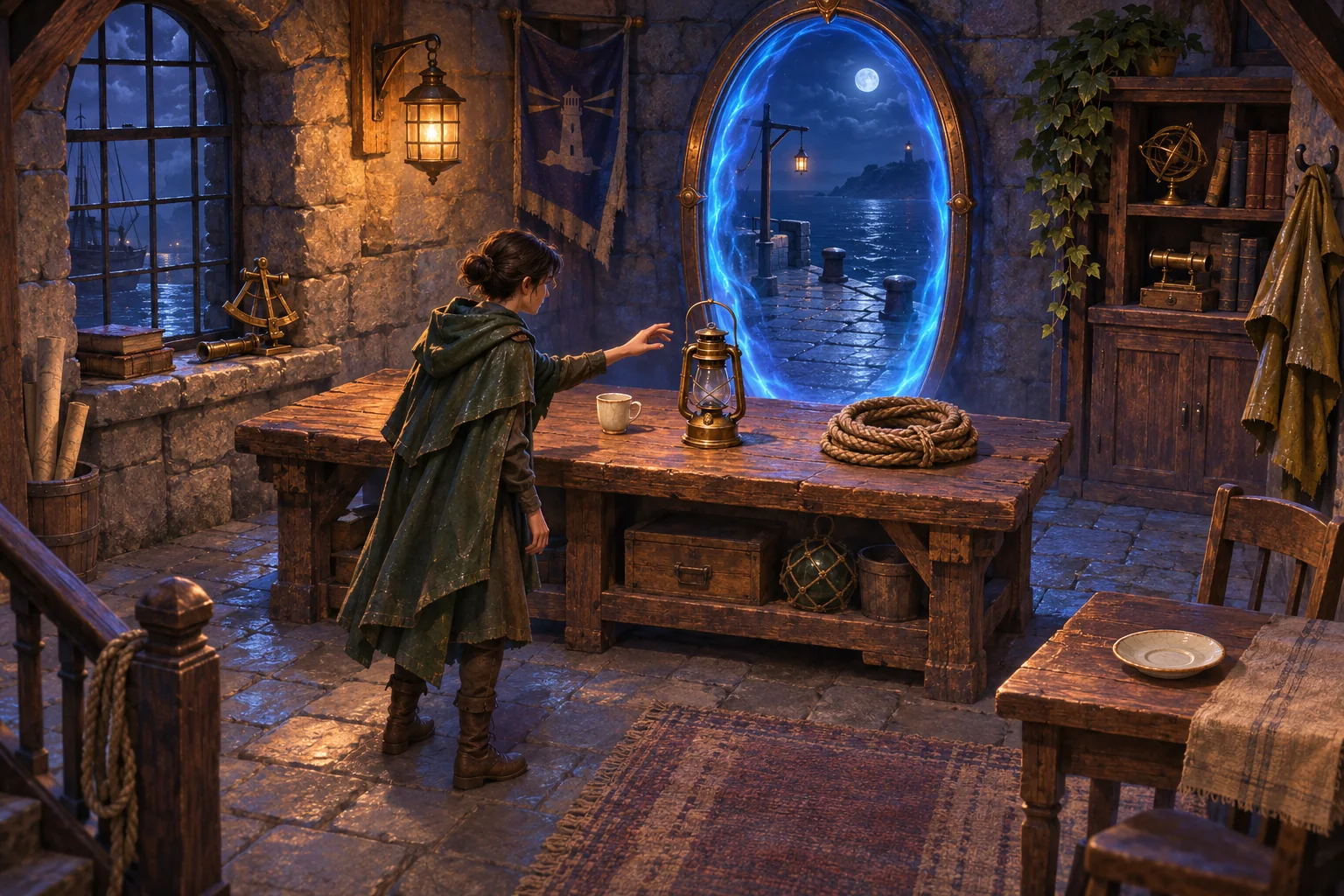
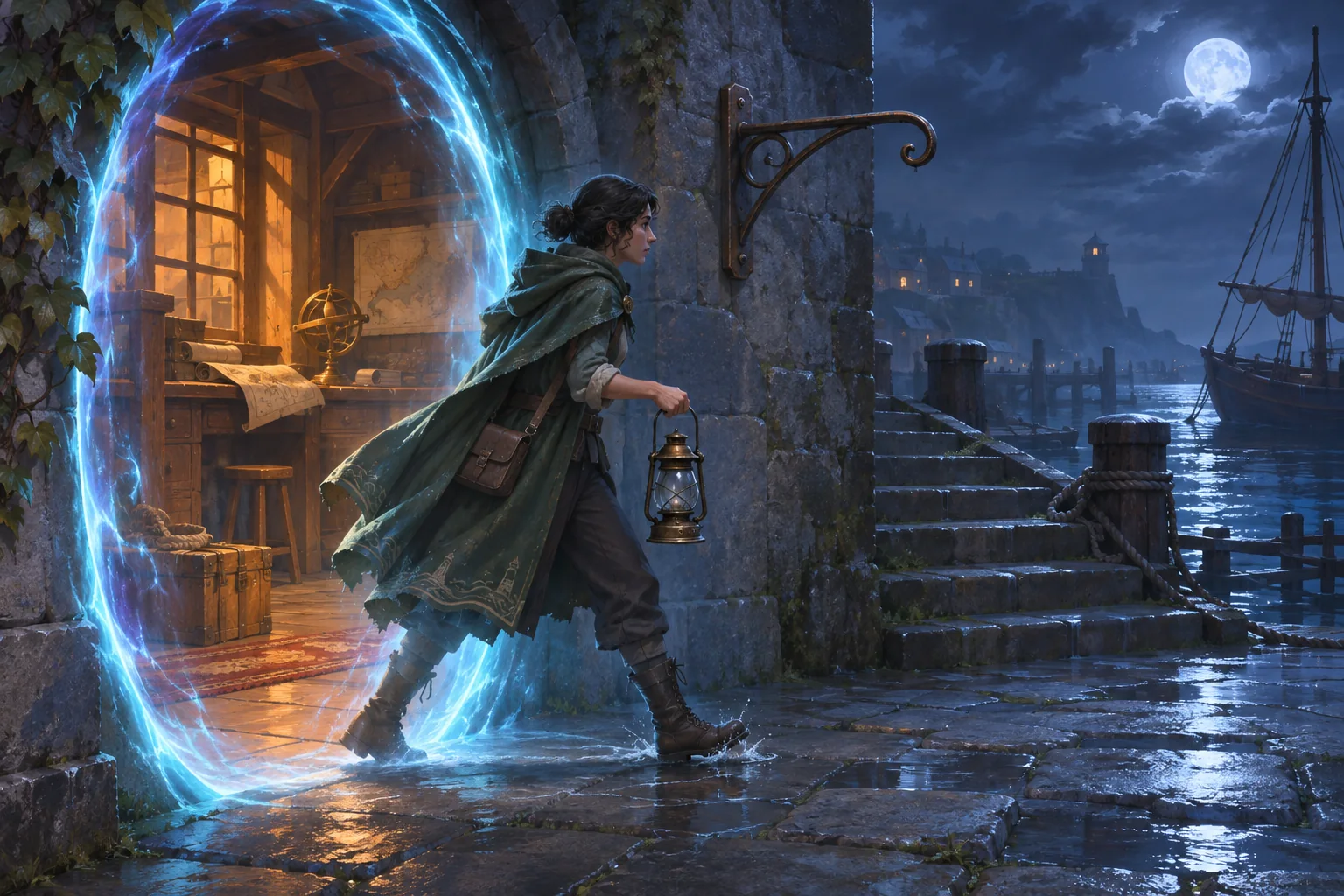
A cup, a lantern, and a coil of rope sit in a harbor watch office. Through the portal, an empty berth disappears into the dark. Give the player a way to learn why the boat left by moving objects between those places. Every placement should reveal one thing the player could not infer from the object alone.
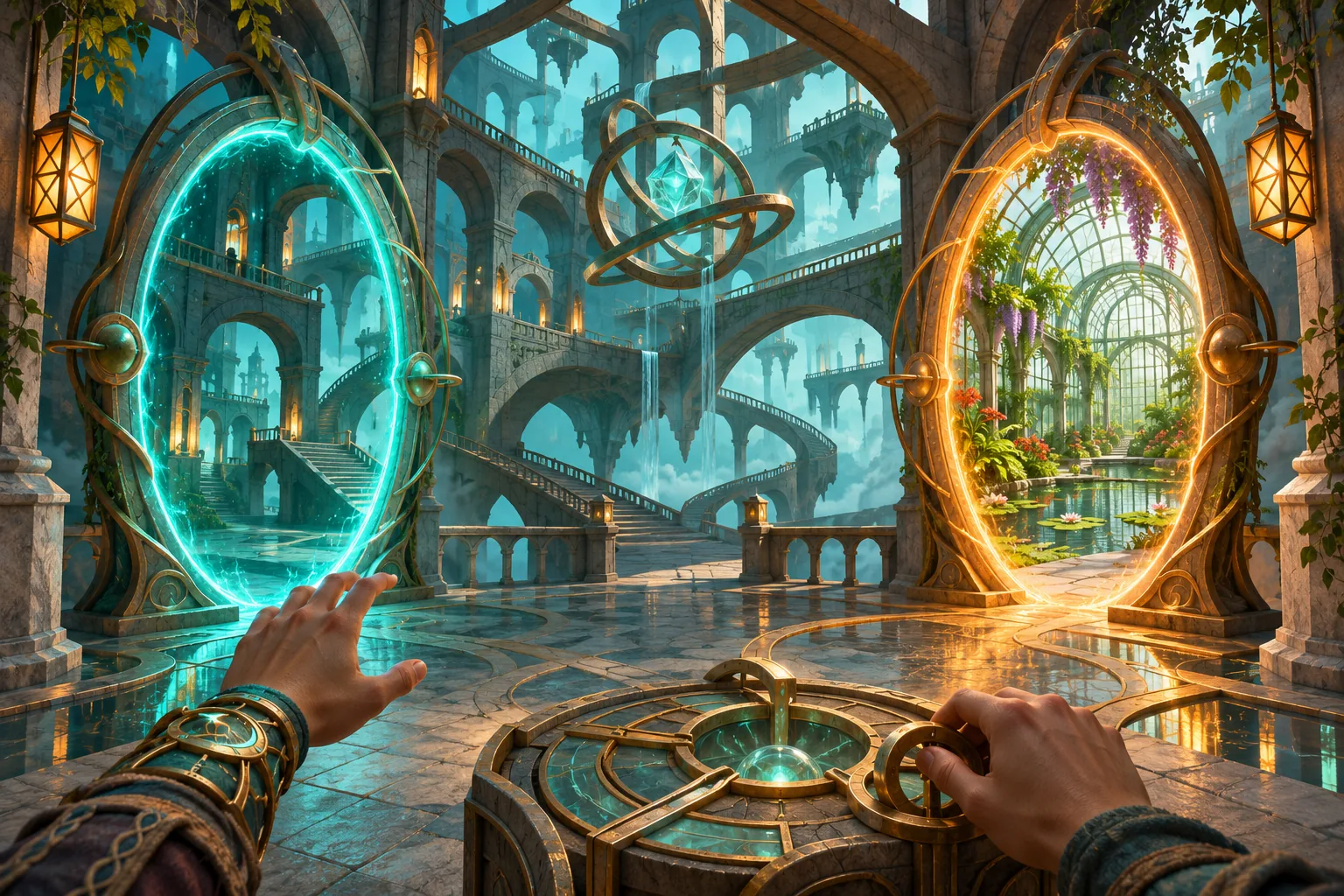
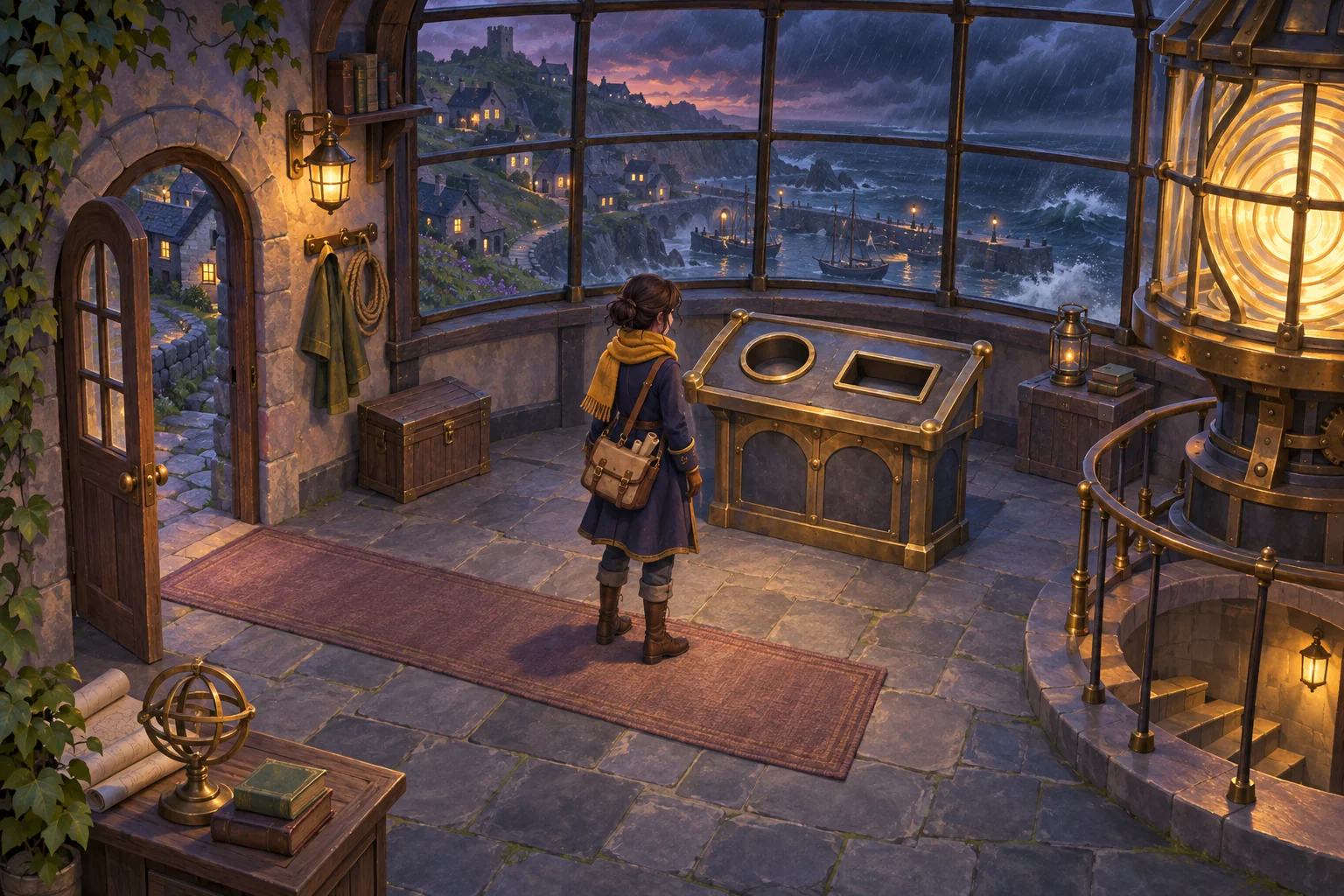
The Night Crossing is a fictional example with two rooms and one doorway in each. The paired portals connect the office and the flood landing. Use the office to suggest an interrupted drink and the landing to show what drew the keeper outside.
Give each prop one clue to reveal
Let the player carry one prop and walk back through the portal at any time. Use one stable ID for each prop. Its current state records the room and slot, or that the player is carrying it. A clue is visible only while its prop occupies the matching slot.
| Prop and destination | What the placement reveals |
|---|---|
| Cup on the office saucer | The cup matches the half-finished drink setting. The keeper appears to have left in a hurry. |
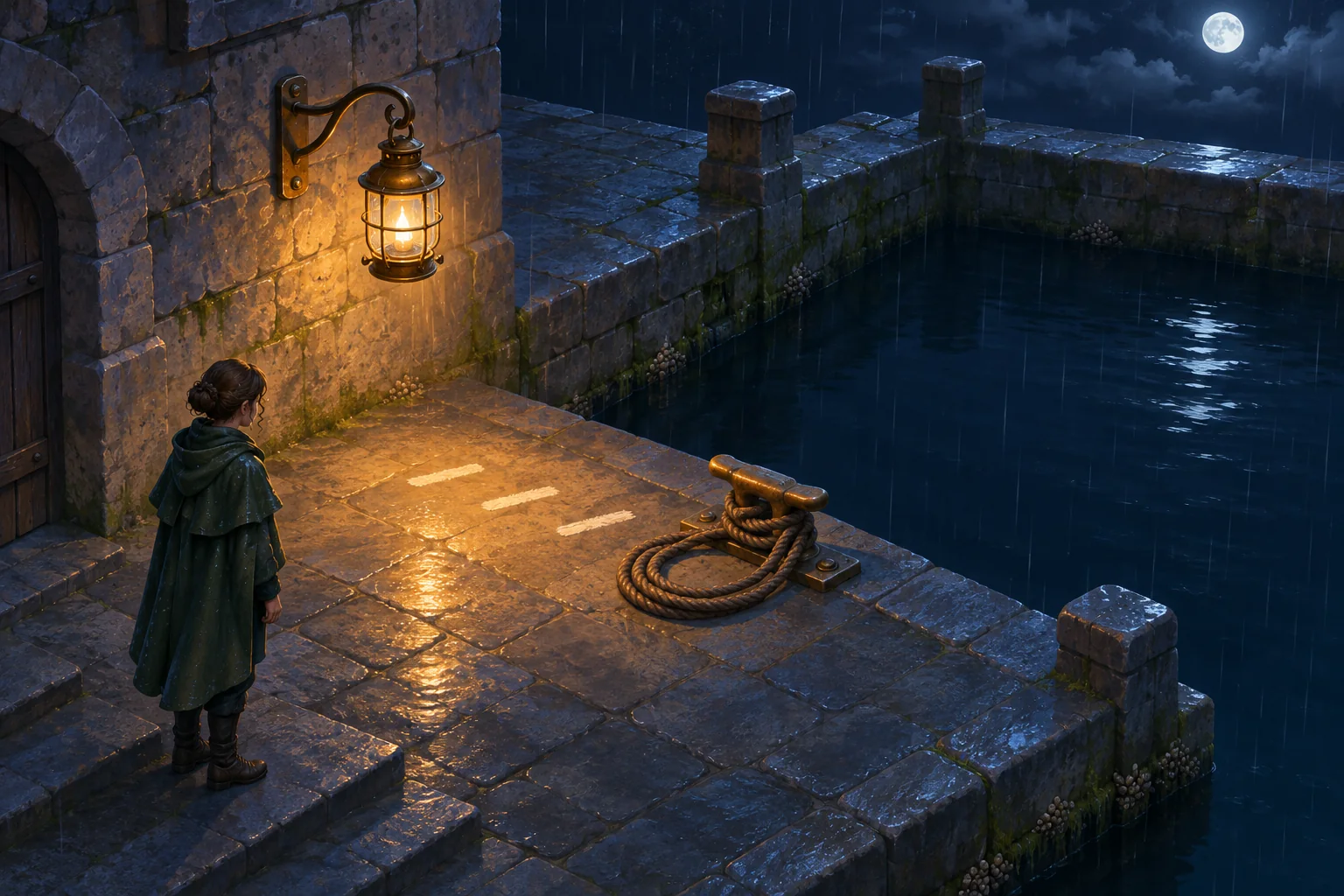
| Lantern on the landing bracket | It lights painted evacuation marks along the quay. They point toward the empty berth. |
| Rope coil on the landing cleat | Its wet fibers line up with a fresh mark on the cleat. Someone used that berth just before the boat departed. |
Check the handoff and clue state
Sketch the placement table before arranging the rooms. The player can finish in any order. Preserve the observation each clue supports, regardless of which comes first. Together the clues suggest the keeper left a drink to help a boat depart during the flood.
| Check | Expected result |
|---|---|
| Walk through with the lantern | Exactly one lantern stays in hand. The source room has no copy. |
| Set the cup on its saucer | The unfinished drink clue becomes visible. |
| Put the rope at the lantern bracket | It does not snap. The cleat clue stays hidden. |
| Hang the lantern and put the rope on the cleat | Evacuation marks and the cleat evidence appear. All three clues complete the reconstruction. |
| Take the lantern back down | The light goes out and the completed state clears. |
| Reset | All three props return to the office and the clues clear. |
Describe the two rooms to the AI
Use SEELE’s text-to-game workflow to ask for a two-room starting point. Keep both rooms in one scene at first so carrying a prop can update its location directly. If you later use two loaded scenes in Unity, MoveGameObjectToScene moves a root GameObject and requires the destination scene to be loaded.
Build a two-room puzzle called The Night Crossing. Connect a harbor watch office and flood landing with fixed bidirectional portals. Put a cup, lantern and coiled rope on an office bench. The player can carry one object at a time. The cup fits an office saucer, the lantern fits a landing bracket and the rope fits a landing cleat. Reveal an unfinished drink, painted evacuation marks and a fresh rope mark after the matching placements. Correct placements work in any order. Each prop has one stable ID and crossing preserves the carried prop. Show a specific mismatch for wrong slots without consuming a prop. Removing a prop hides its clue. Complete the sequence when all three clues are visible. Reset returns every prop to the bench.Make the fit readable before placement
Suppose players try hanging every object on the first bracket they see. Add a worn crescent to the lantern handle and give the bracket a matching curve. Test whether the match can be recognized before the object snaps. Leave the lantern visibly dark until it is in place.
Check the failure before adding another hint. The rope should stay in hand when it misses the bracket. Returning through the portal and coming back should preserve the placed cup and return the rope with its carrier.
Build one story the player can reconstruct
Keep the puzzle small enough that a player can explain the departure from the three arrangements. If an item only fills a slot, change the clue it reveals. Once the office and landing tell one story, reuse the portal rule in a second pair of rooms. The general portal design guide can help with the linked spaces.
Read the portal puzzle design guide.
Start building your portal story in SEELE.
Frequently asked questions
Do props have to be placed in story order?
Let players find them in any order. Each placement should reveal a clue that makes sense on its own. The three clues combine into the larger story. If one clue requires an earlier event to make sense, test the reverse order and add context to the clue itself.
How should a wrong placement respond?
Show a visible mismatch at the slot and leave the prop in hand. A rope coil cannot hang from the lantern’s curved handle bracket. Before introducing a penalty, check whether players can read the relevant shapes or wear marks. Clear feedback encourages reasoning instead of repeated guessing.
Read Unity’s cross-scene object documentation.
What should cross the portal with the player?
Carry the current prop ID and update its room with the player. A placed prop stays put until the player picks it up. Check both directions with each prop and with empty hands. If a prop shows up twice, trace its ID at the moment the portal transfer completes.