Momentum puzzles ask players to predict how speed and direction will change after a launch. An original physics puzzle inspired at a high level by Portal can teach that relationship through linked surfaces: build speed on a ramp, enter one surface, and emerge from another with a trajectory that reaches a target. Make the setup visible, keep the physics consistent, and provide a safe way to retry.
Teach speed and direction through a safe setup
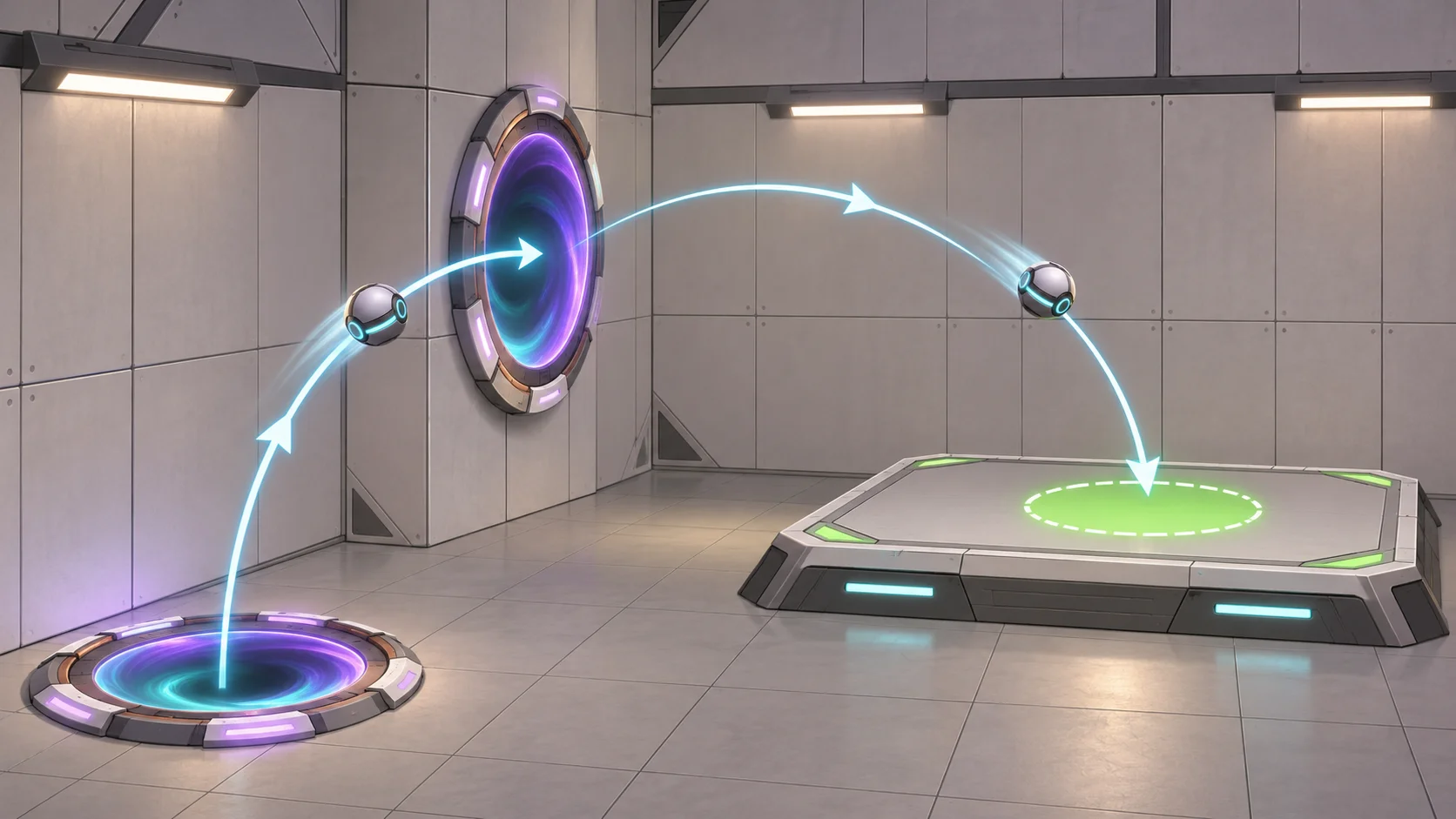
Begin with a simple challenge that teaches one idea at a time. A short ramp can show that a longer fall or steeper slope increases the launch speed. Place a broad landing shelf nearby so players can test the result without a long penalty. Once they understand speed, add an angled exit or a different target height to introduce trajectory.
Valve’s official Portal listing describes physical puzzles where players move themselves and objects through space, and notes that momentum is conserved between portals. That high-level principle is the only Portal-specific fact used here. The angular membranes, terrain, and puzzle sequence are original design examples, not a recreation of a Portal chamber.
For a related approach to room-scale clue design, see this guide to original environmental puzzles. Keep the first experiment readable. Show the entry surface, the linked exit, the distance to the target, and a place where the player can stand before entering. Avoid adding a timer, moving hazard, and narrow landing in the same first room. Players should be able to tell whether their hypothesis about speed was right.
Shape launch geometry and landing targets
Give the player control over a few variables: starting height, entry speed, portal orientation, or exit angle. A launch puzzle becomes difficult to reason about when all of them change at once. Begin with a fixed exit and let players choose a start height. Later, allow them to move the exit or angle the surface while keeping the target visible.
Design the landing region for the expected precision. Early targets can be wide and forgiving; advanced puzzles can ask players to land on a narrow shelf after learning how the surface orientation redirects motion. Use a visual marker, contrasting material, or distinctive landmark to show the intended destination. The target should be part of the scene, not an invisible trigger.
Decide how other objects behave as well. A crate or rolling sphere can follow a different trajectory from the player because of its mass, bounce, or friction. If the puzzle depends on carrying an object through the launch, make its response consistent and provide feedback when it collides or loses speed. Keep the object’s path visible enough to support planning.
Make momentum experiments readable
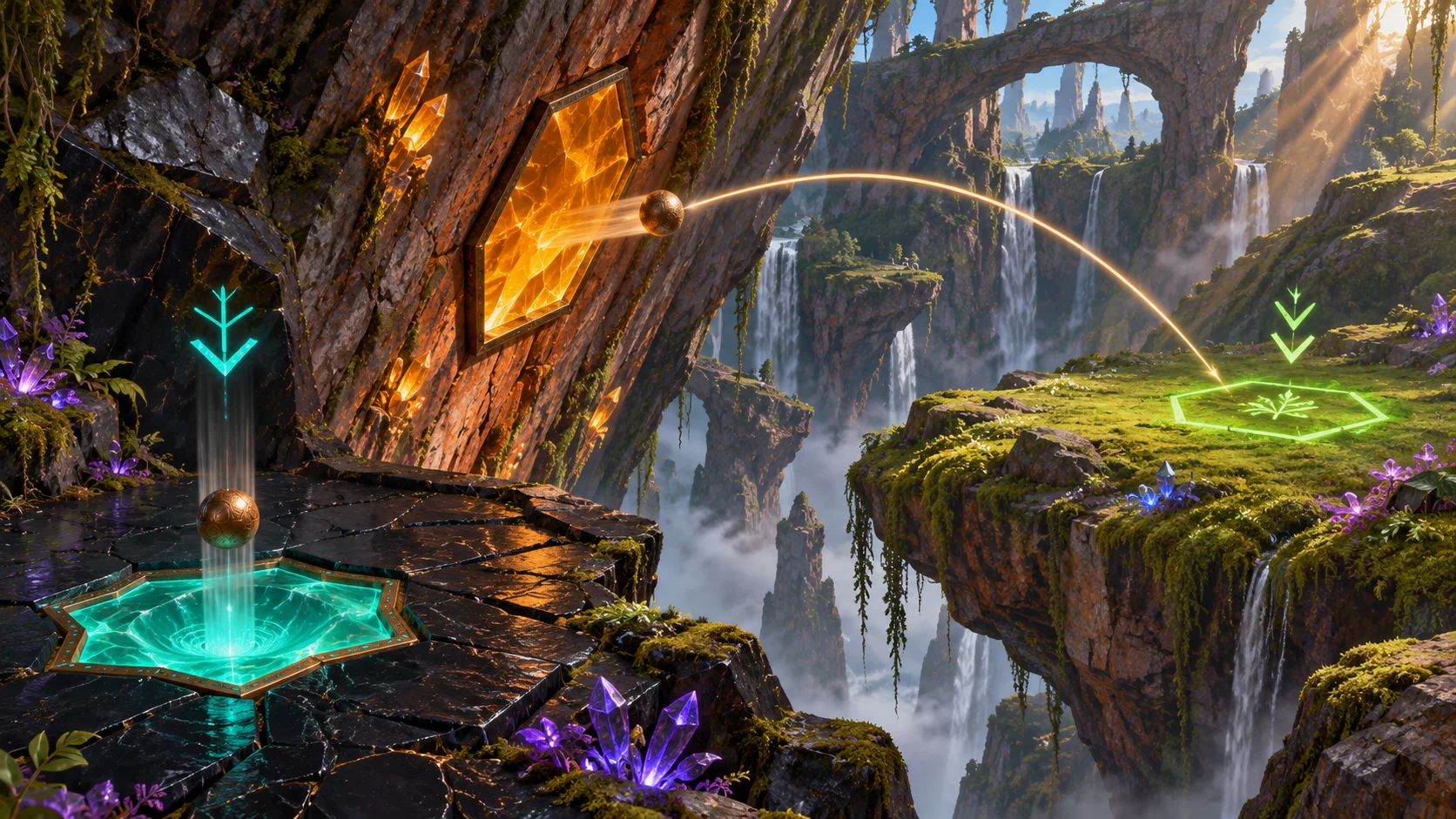
Let players form a prediction before they jump. A faint trajectory preview, a shadow on the target surface, or a simple directional indicator can show the likely range without revealing every solution. Keep the cue tied to the current speed and orientation; if the player moves or changes the exit, update it immediately.
Use environmental cues to explain failures. A short landing indicates insufficient speed; an overshoot points to too much. A side wall can reveal a direction error. If the player misses the platform, let them return quickly to the starting area and try a different setup. These outcomes turn failure into information instead of a full restart.
Avoid silently changing the physics from room to room. If a surface preserves speed but changes direction, establish that rule and use it consistently. If friction, gravity, or material properties change, signal the difference and let players observe it before relying on it for a precise jump.
Test trajectories and recovery paths
Test the puzzle at different frame rates, starting positions, and input timings. Record the range of trajectories that count as a success and check that small variations do not make the outcome feel random. A wide landing area can absorb minor variation early in the tutorial; later challenges can tighten the target after players have learned the controls.
Ask first-time players to predict the result before they launch. If their mental model differs from the simulation, identify whether the cue is unclear, the geometry is hard to read, or the physics rule has not been taught. Keep one repeatable test setup for every change so adjustments to gravity or momentum transfer do not break previously reliable rooms.
AI can help draft original puzzle layouts or a physics test checklist, but it cannot confirm how a jump feels under real input. Start a physics-puzzle prototype with Seele’s AI game maker, then test the trajectory and retry flow directly in the prototype.
Frequently asked questions
How do you design momentum puzzles?
Teach one relationship at a time, such as how starting height affects speed or how an exit angle changes direction. Show the entry surface, exit, and target, then give players a way to retry quickly. Add more variables only after players can predict the simpler setup.
What should a momentum puzzle teach first?
Start with how movement speed changes after a fall or launch and keep the destination broad. Once players can estimate the distance, introduce a different exit height or angle. Avoid combining a narrow target, a moving hazard, and a new physics rule in the first lesson.
How can players predict a launch trajectory?
Show the relevant geometry and offer a trajectory cue that updates when the player changes speed, position, or exit orientation. Environmental clues such as a shadow or marked target can help players compare expected range with actual results. Keep the cue consistent with the game’s physics.
How do you make failed momentum attempts fair?
Make the reason for a miss visible and let the player retry without repeating a long section. A short landing can indicate that more speed is needed, while an overshoot can suggest reducing the launch height. Use early challenges to turn misses into understandable feedback.