Shop progression can support a cozy creative business when growth unlocks new expression, smoother fulfillment, or richer customer interactions. Sticky Business’ official listing describes creating stickers, packing orders, hearing customers’ stories, and purchasing upgrades for more graphics and effect foils. The progression model below is original guidance for another creative shop game.
Define what shop growth should unlock
Shop progression should make the creative business feel more expressive or comfortable over time. Sticky Business’ official Steam listing describes creating stickers, packing orders, hearing customers’ stories, and buying upgrades for more sticker graphics and effect foils. Those public details are context only; the progression framework below is an original proposal.
Decide what growth means in your game before adding a currency ladder. It might expand the range of materials, make production less repetitive, create new ways to display work, or allow customers to visit the studio. Each upgrade should open a choice players can see and use, not just increase a hidden sales multiplier.
Group unlocks by purpose. Creative tools can broaden expression; fulfillment tools can reduce repetitive packing; shop improvements can make browsing and visits more welcoming. Let players understand where an upgrade fits and which goals lead to it. A small visual change to the studio can make progress feel tangible without turning the room into an endless expansion grid.
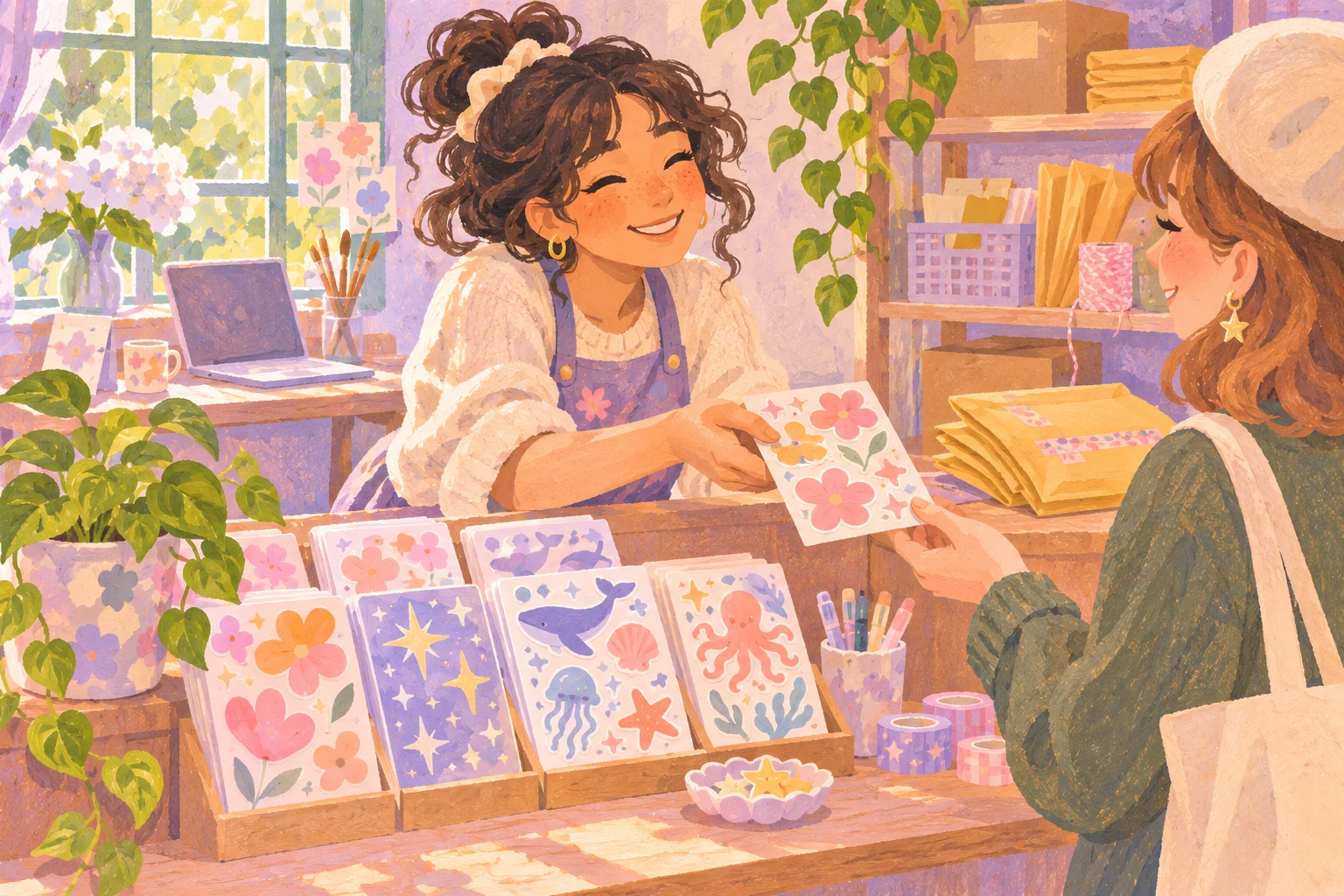
Connect customer orders to creative work
Orders can give creative work a helpful starting point. A customer might request a theme, mood, or product format, leaving the player free to interpret it. Show required qualities clearly, and distinguish must-have constraints from optional inspiration. Players should know how a completed order will be evaluated before they begin.
Customer stories can build context around an order. A note about a birthday, hobby, or personal collection may suggest a design direction, but should not conceal the only acceptable answer. Let players respond with their own visual style and provide feedback that explains what matched. A score can recognize the request while leaving room for expressive choices.
Connect fulfillment to progression at a comfortable pace. One order can unlock a new material or introduce a product idea; repeated orders can earn funds for a studio improvement. Avoid requiring constant high-volume packing before a player can return to design. The shop loop should support creativity rather than consume the time it needs.
Make upgrades change choices rather than only output
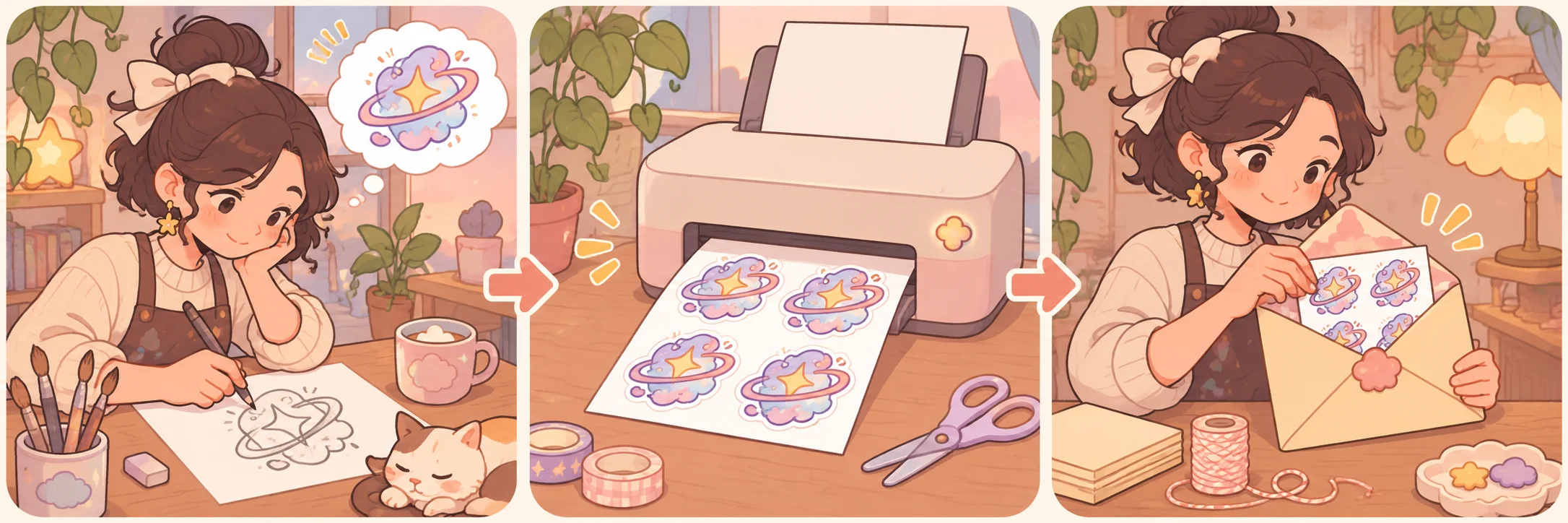
An upgrade can affect creative options, physical workflow, or the shop environment. A new paper finish may change how colors appear; a better printer may allow multiple sheets in one batch; a wider display can make product organization more visible. These changes give players a reason to explore without replacing the value of earlier tools.
Avoid upgrades that only make previous work obsolete. Let older materials remain useful for particular styles or customer preferences. If a new tool is strictly faster, consider making it optional automation for common tasks while preserving manual control for players who enjoy the process. Make upgrade costs transparent and show the new capability in a preview.
Progress can also come from the customer community. A returning customer, a new local event, or a shared collection can create a different kind of reward from currency. Use narrative unlocks to deepen the sense of place, but do not make every character interaction a transaction. The shop can grow through relationships as well as revenue.
Test a gentle shop growth curve
Playtest the first few growth steps from a new player’s perspective. Track how often they switch between designing and packing, how long orders take, which upgrades they choose, and whether they feel rushed. Ask what they hoped to unlock next. A progression map can reveal whether early rewards arrive too slowly or whether the player receives too many systems at once.
Test different creative styles and work speeds. A player who decorates carefully should still be able to progress, and an efficient player should not exhaust all meaningful upgrades immediately. Offer optional orders, adjustable work pace, or alternative reward routes when appropriate.
Finally, observe whether players use the new capabilities. An unlock that goes unnoticed may need a clearer presentation or a better fit with current goals. If a particular order pattern dominates because it is faster, balance rewards or add creative variety rather than forcing quotas. Keep a record of unlock purpose, cost, use rate, and player comments to guide iteration.
Related guide
For another shop loop built around customer needs, see the guide to customer requests in a crafting game.
Frequently asked questions
How do you design shop progression in a cozy business game?
Choose upgrades that help players express a style, serve customers, or make a familiar task more comfortable. Tie each step to work the player already understands and show what it adds before they spend. Keep creative experiments viable so growth does not become a demand to repeat only the most profitable design.
What should shop upgrades unlock?
Upgrades can add new creative materials, printing options, packaging choices, display space, or ways to organize orders. Prefer unlocks that create a new decision or reduce repetitive effort over simple percentage increases. Give each upgrade a visible role and test whether players notice the difference during ordinary play.
How can customer orders support progression?
Use orders to introduce a customer preference, product theme, or optional challenge that rewards experimentation. Show the requested qualities clearly and let players decide how closely to match them. Customer stories can add context, but core progression should not depend on guessing hidden preferences or meeting every request perfectly.
How do you keep business growth relaxing?
Use a steady but forgiving reward rhythm, make deadlines optional or generous, and avoid stacking too many orders at once. Let players pause fulfillment to design or decorate. Growth should open possibilities and reduce friction, while the player can choose a slower pace without losing access to the main experience.
Prototype shop progression
Use AI to generate order themes and compare unlock tracks, then check that each upgrade supports the intended creative pace in a playable prototype. Designers should own customer values, work rhythm, and progression rewards. Start a game project with Seele.