At the fictional Juniper Oven, a customer wants three trays of rolls before ten. The money would help, but you've already committed the first two bakes to the display shelf. Make that conflict the heart of your bakery game. The interesting move happens at the counter when you decide what you can promise.
Give the morning shift two kinds of demand
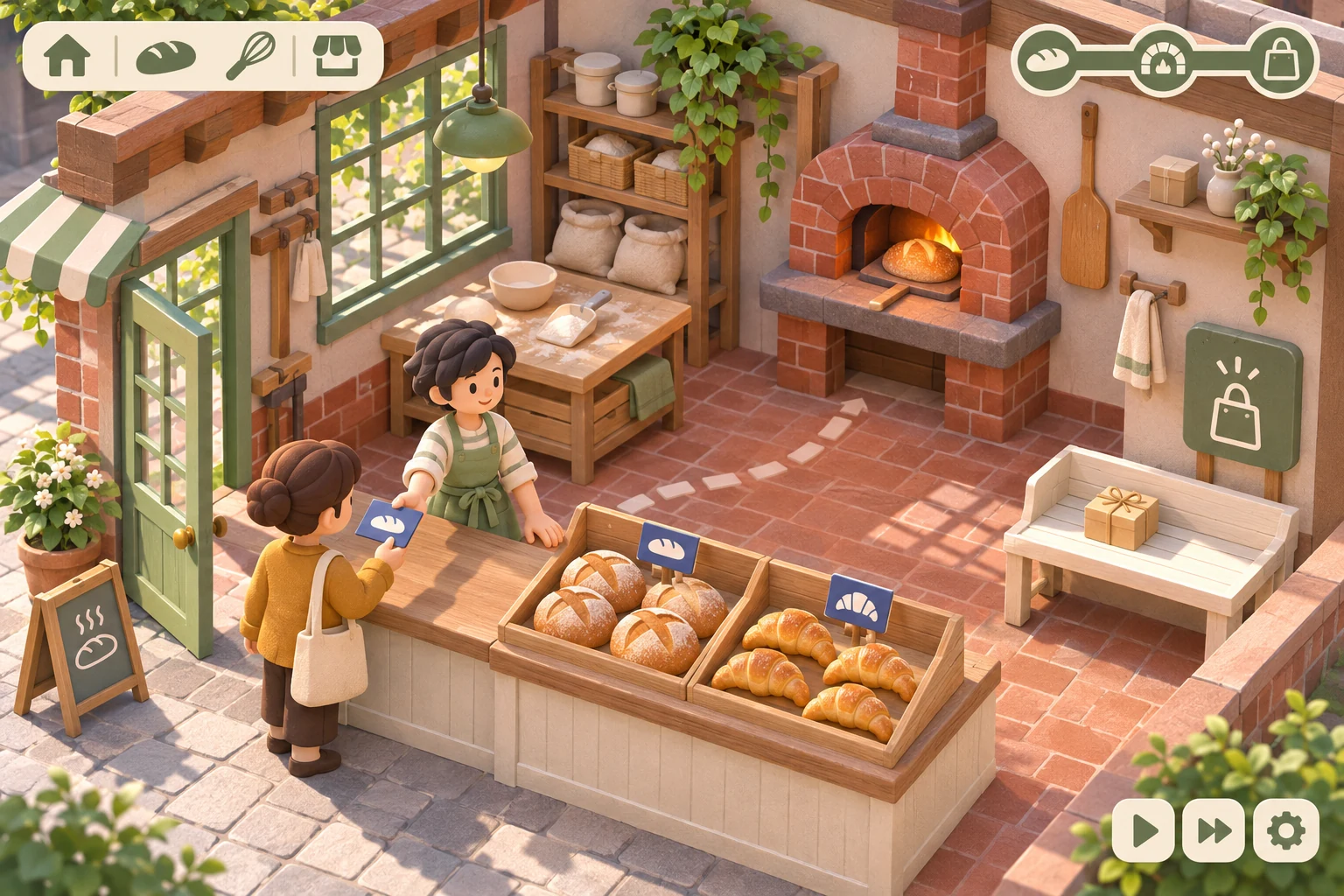
Start with one oven, a display shelf and a separate pickup bench. Every tray takes one twenty-minute slot in this prototype. Reserve the first two slots for shelf bread because the morning rush buys them. Custom orders enter as cards with a recipe, tray count, pickup deadline and payout. Once you accept one, its trays go to the named order at the pickup bench.
Keep the first shift to one bread recipe and one roll recipe. Show available oven space beside the order card and flag an order that would leave the shelf empty. The player should see the cost of a promise at the moment they can still change it.
Check oven time before taking a deposit
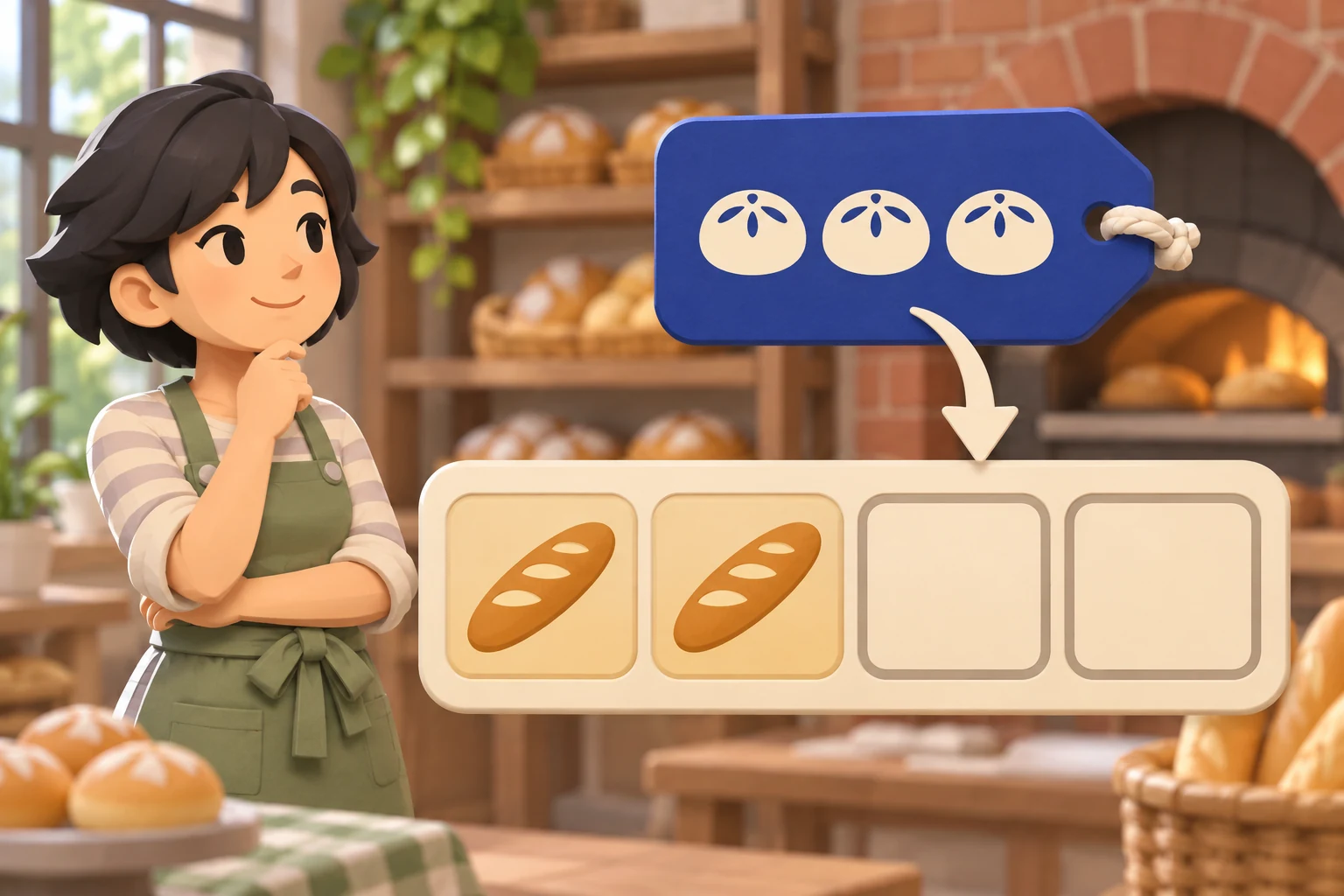
Book from the earliest free slot whose end time meets the deadline. Use a continuous schedule with slot end times of 9:00, 9:20, 9:40, 10:00 and 10:20. With 9:00 and 9:20 already reserved, only two trays can finish by ten. Offer 10:20 for all three, and reserve the later bake only after the customer accepts.
If you're working in Godot, a Resource can hold static recipe data such as tray size and bake time. Give each order a separate runtime record with its deadline and assigned slots. Updating a customer promise should never change every instance of the same recipe.
Replay the same order with a deadline check
In a local Python rule test, the baseline scheduler accepted all three trays but finished the last one at 10:20. The revised scheduler refused the 10:00 promise and left both shelf bookings intact. It then reserved the three open windows when given a new, confirmed pickup at 10:20. Four checks passed, including that a two-tray order can finish exactly at 10:00.
In a playable prototype, run the same queue on both versions of the shift. Check when the customer owes a deposit, when they see the new time and whether the right trays arrive at the pickup bench. At closing, show pickups, missed promises and shelf shortages so the player can diagnose their bake plan.
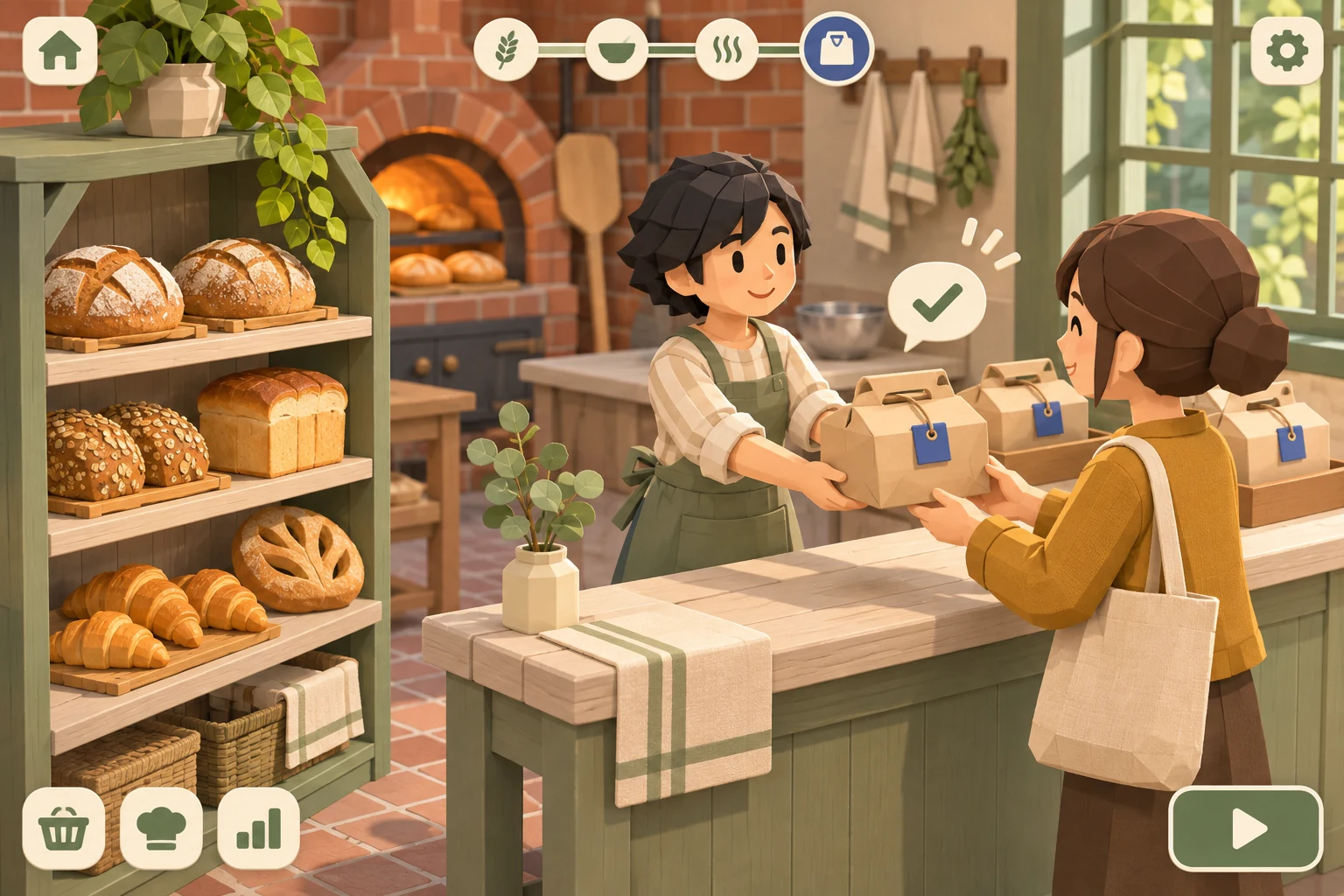
Describe one opening shift to the AI
Build a one-room bakery management prototype with one oven, a public shelf and a pickup bench. Use five twenty-minute slots ending at 9:00, 9:20, 9:40, 10:00 and 10:20. Reserve the first two for shelf bread. Offer a three-tray roll order due at 10:00. Preview oven capacity before confirming. Allow a 10:20 counteroffer, then reserve the later pickup only after confirmation. Deliver those trays to the order card. End with a summary of pickups, late orders and shelf shortages.
If the first version takes a deposit for a late order, ask the AI to add a deadline check before booking slots. Replay the same arrival and shelf plan so you can see what the change fixed.
FAQ
Can two customers share an oven slot?
Start with one tray per slot and one owner per tray so bookings are easy to audit. If you introduce shared batches, group only compatible recipes and reserve individual tray quantities. Keep a record of which tray goes to which order at pickup.
What happens if the player declines an order?
Remove the card without taking a deposit or writing to the oven schedule. Keep the existing bake plan visible so the player sees what the decision protected. You can add a small lost-sale note at closing without penalizing a promise they never made.
When should I add upgrades or more ovens?
First verify that regular stock and custom orders compete in a way the player can predict. Then add another oven and reuse the exact morning demand script. Check whether the upgrade relieves the bottleneck and whether deciding which orders to take still matters.