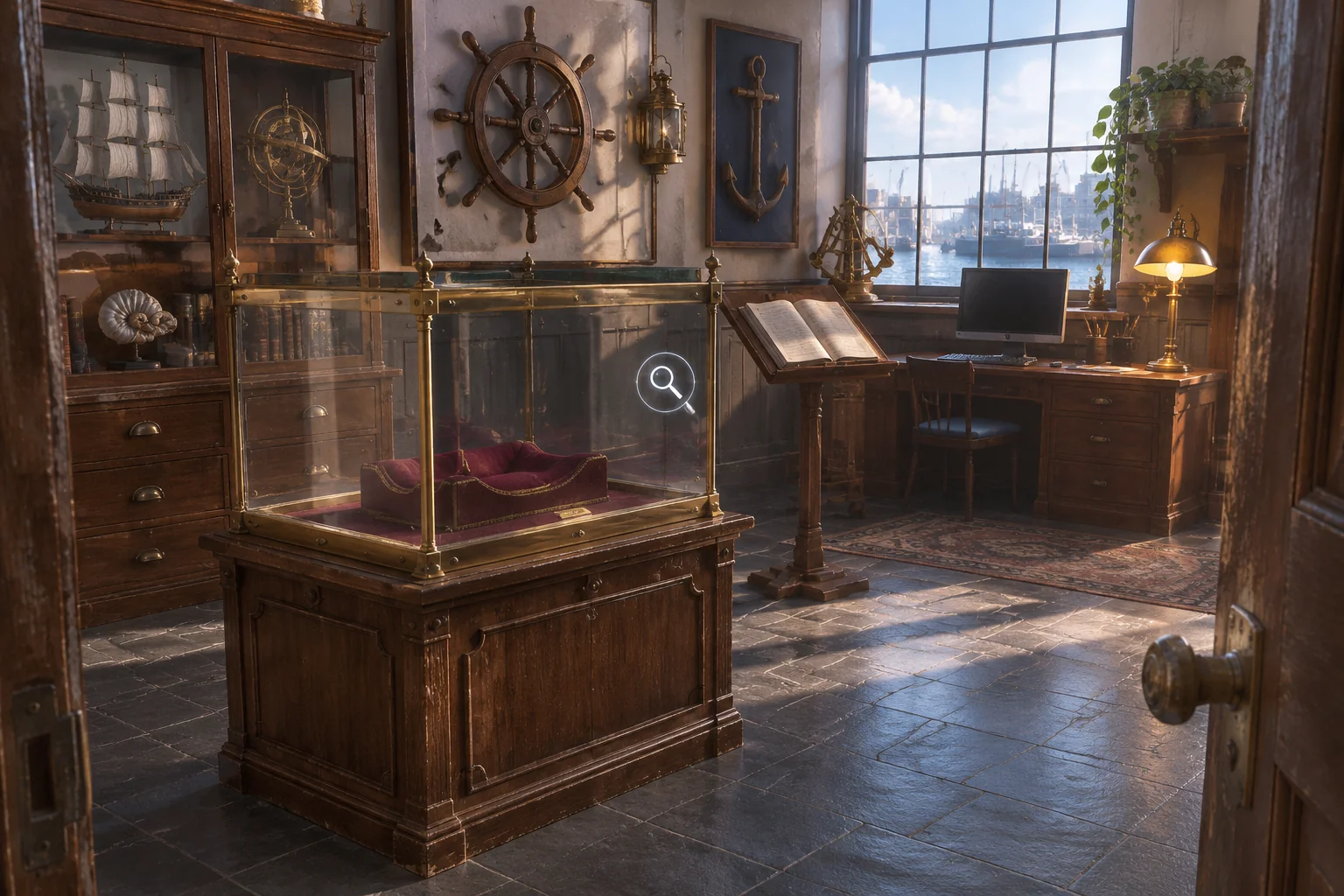
To make a branching narrative game with AI, start with a choice the game can remember. Write down what the player decides, where the story brings both routes back together, and what changes at that shared scene. A new line of dialogue can acknowledge a choice. A changed action gives the player something they can do because of it.
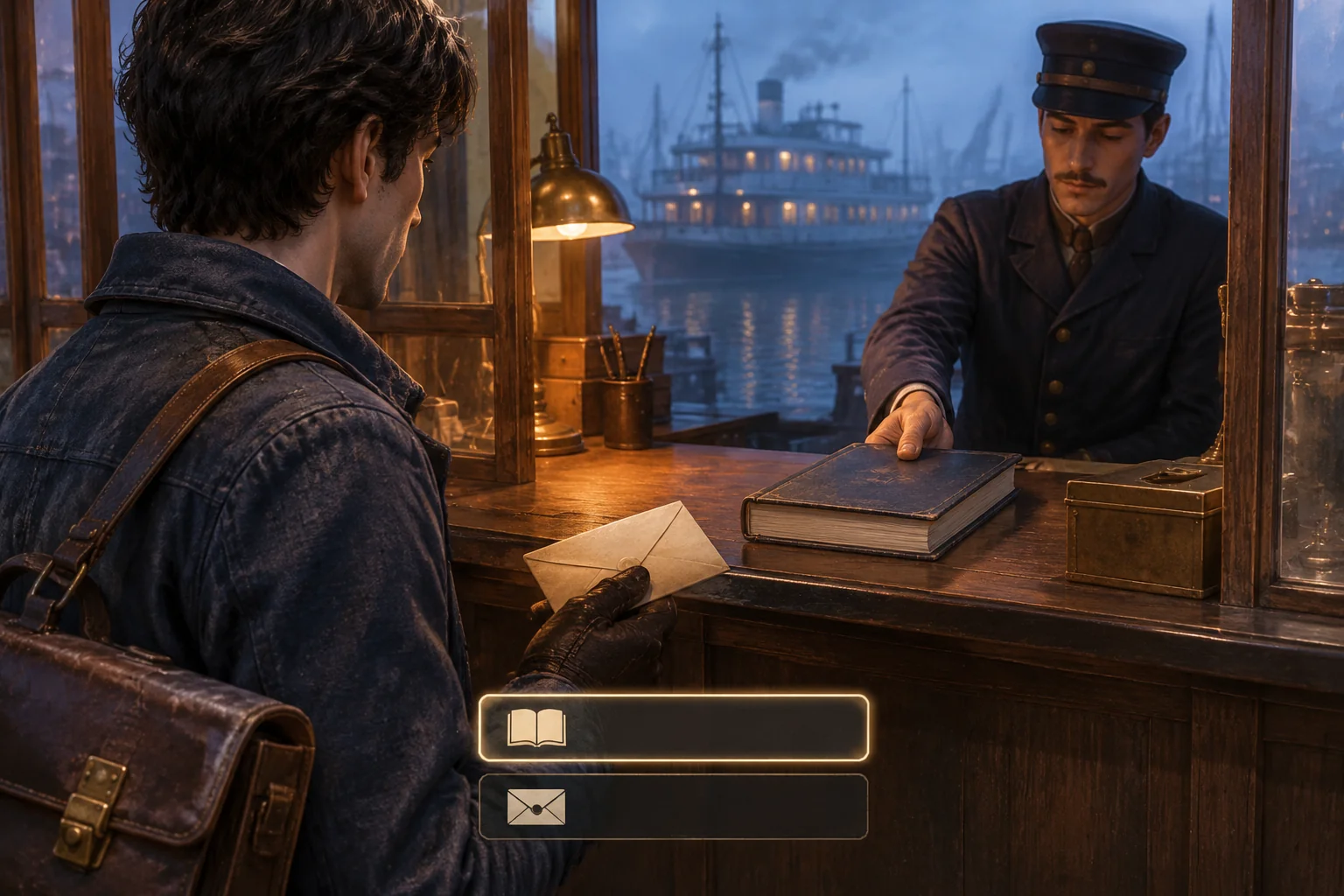
In the fictional Last Ferry Dispatch, a courier brings a warning about a damaged landing to a harbor. The player can log the warning with the station clerk or keep the dispatch sealed for the dock engineer. Both routes reach the pier. Only one opens a way to request a public notice.

Write the three endings before drafting the dialogue
Start with two scenes and one state value, dispatchLogged. It starts unset. Showing the dispatch to the clerk sets it to true. Keeping the envelope sealed sets it to false. Save the value before moving to the pier and lock the choice immediately so a second click or key press cannot overwrite it.
At the booth, acknowledge the consequence as soon as the player chooses. On the logged route the clerk says, “It's in the station log. You can ask the engineer to call in a notice.” On the private route the courier says, “I'll keep it sealed for the engineer.” Make it clear that both choices still let the courier deliver the warning.
| Booth choice | Pier action | Ending |
|---|---|---|
| Log the warning | Request a public notice | Public Notice. The engineer uses the handset to call in a notice through the station. |
| Log the warning | Hand over the dispatch | Logged Handoff. The engineer accepts the dispatch and mentions the warning in the station log. |
| Keep it sealed | Hand over the dispatch | Quiet Handoff. The engineer receives the sealed dispatch privately. |
The last two rows use the same final action. Give them different ending lines so the player can see that the story still remembers what happened at the booth. If those rows end identically, the opening choice changes what is available at the pier but disappears from the handoff itself.
Let one shared scene read the earlier choice
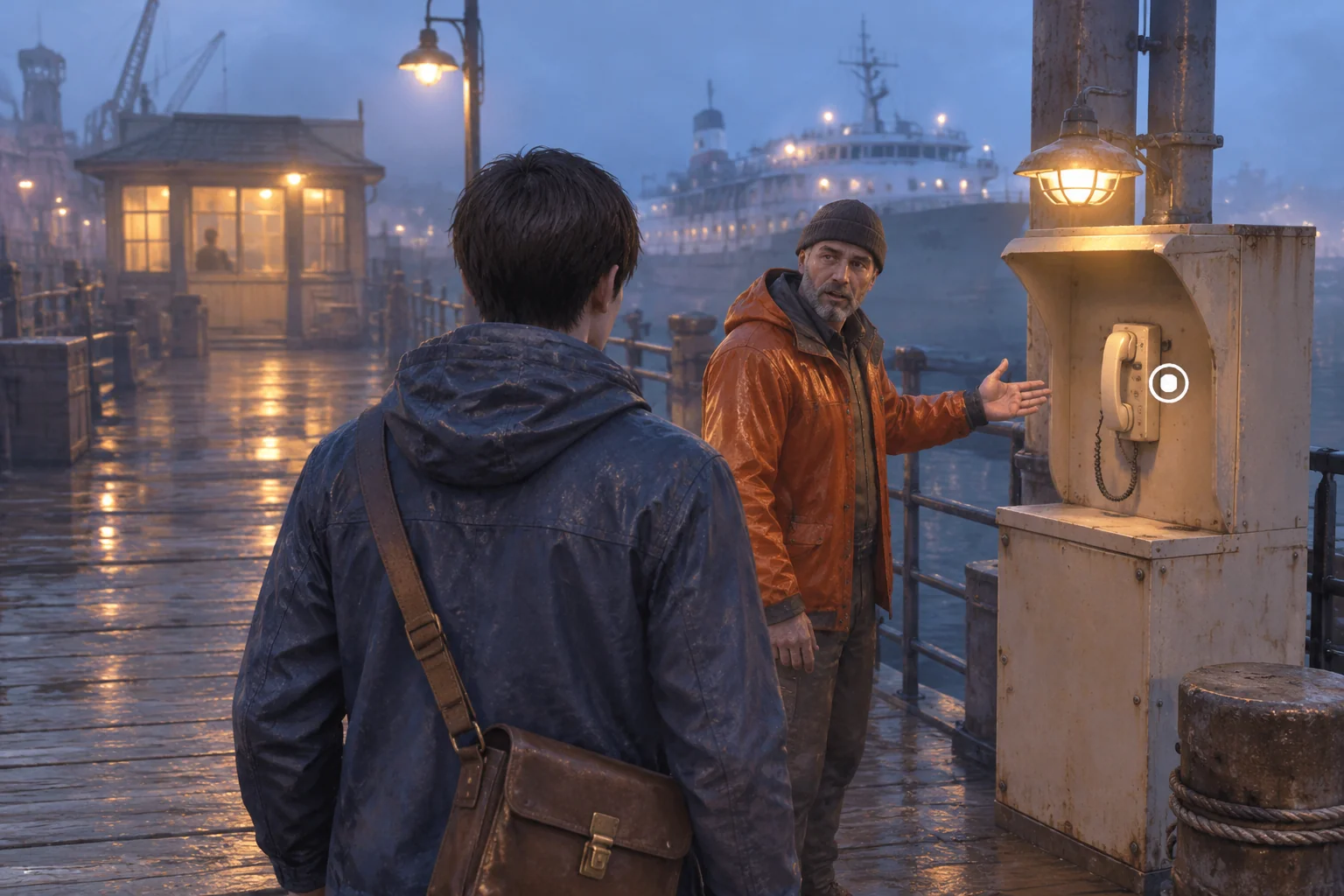
Keep the same pier, engineer and camera setup on both routes. If the warning was logged, the engineer says, “The clerk told me about the dispatch,” and the player can request a public notice or hand over the dispatch. If it stayed sealed, the engineer says, “Is that the dispatch for me? The seal is still intact.” The player can hand it over. In the first version, leave the notice action off the menu on this route.
Check the saved value when the player tries the notice action as well as when you show the menu. A keyboard shortcut or stale selection can still reach an action handler in a faulty build. With an unlogged dispatch, reject the request without changing the scene or selecting an ending.
Give the AI a route matrix it can build from
SEELE supports starting a game project from a written idea. In the first request, describe the characters, choice, state and endings together. Use plain scenes or placeholder props while you check the routes. You can revise the dialogue once each response appears on the intended path.
Create a short browser narrative prototype called Last Ferry Dispatch.
Use three original characters: a courier, a clerk and a dock engineer.
Use two scenes, a harbor station booth and a pier with a notice handset.
The courier has a sealed dispatch about a damaged landing.
Start at the booth with dispatchLogged unset.
Offer Log the warning and Keep it sealed. Log sets dispatchLogged to true.
Keep it sealed sets it to false. On the first accepted activation, save the
value, lock the choice against repeated clicks or key presses, show its
acknowledgment and go to the same pier scene. Keep the value for this run.
At the pier, true makes the engineer mention the clerk's log and offers
Request a public notice or Hand over the dispatch. False makes the engineer
mention the intact seal and offers only Hand over the dispatch.
Guard notice activation separately. A notice request without a logged
warning does nothing to the story state or scene.
Logged + notice ends at Public Notice. Logged + handoff ends at Logged
Handoff. Sealed + handoff ends at Quiet Handoff. Show each ending's
distinct consequence in a short line and provide a Restart action.
Use buttons with descriptive text that a player can activate with the
pointer or keyboard. Restart clears state and returns to the opening
booth with neither choice committed. Keep this version to three endings.
Build the booth and its two acknowledgments first. Then have the pier read the same variable for its greeting, menu and ending. When an ending is wrong, report the two choices you made and the line you actually saw. The brief-to-playable testing guide shows how to turn that kind of observation into a smaller revision request.
Check a complete route and the ways it can break
Start each row of the route table from a fresh run. Check the pier greeting and actions before picking the ending. If the greeting is correct but the wrong options appear, inspect how the menu reads the saved choice. If both are wrong, check when the initial choice was saved and whether the pier resets it.
| Test | Expected result |
|---|---|
| Activate Log the warning and then immediately activate Keep it sealed | Only the first activation is accepted. The pier shows the logged greeting and both actions. |
| Keep it sealed and try to activate notice with keyboard navigation or a stale shortcut | The notice cannot run. The player remains at the pier and can hand over the sealed dispatch. |
| Reach Public Notice, then restart and keep the dispatch sealed | The booth starts unset. The second run offers only the private handoff and reaches Quiet Handoff. |
| Reach Quiet Handoff, then restart and log the warning | The next run offers both pier actions and can reach Logged Handoff. |
Try showing the locked notice with a reason
Suppose someone wants to know why there was no way to call in a notice on the private route. Keep the story rules and endings fixed. In the private pier scene, show a disabled notice action next to a sentence that stays on screen. “The clerk needs to log the warning before you can request a notice.” Keep the explanation readable without hovering over the option.
Compare the two versions from the same starting state. In the revised version, look for the reason before making the handoff and try activating notice by pointer and keyboard. The message should make the prerequisite clear while the guard still blocks the action. Then replay the logged route to confirm the notice still works there. This isolates a change in what the player can understand from a change in what the story allows.
Frequently asked questions
How many branches should a first narrative prototype have?
Start with one opening choice and write down each reachable ending before adding another choice. Two opening routes are enough when both can reach a shared scene and at least one leads to a different action. Expand when you can explain what each new outcome adds to the story.
How can a shared scene remember an earlier choice?
Save the choice to an explicit value before leaving the first scene. Read that value when the second scene opens and when the player activates an action. Keep it separate from the displayed dialogue so editing a line cannot silently change the rules for the route.
Should an unavailable action stay visible?
Show it disabled with a reason when the player needs to understand what they missed. Hide it when revealing the action would spoil a later route or distract from the current scene. In either version, keep the rule that prevents an unavailable action from running.
What should reset when the story restarts?
Clear the earlier choice, ending and any selection carried by the menu. Return to the opening scene with both original options available. Test restart after opposite routes in sequence. A route can seem correct from a fresh load while still carrying state over from a previous ending.
Start with the choice you want players to remember
Write one sentence about what changes later because of the opening decision. Turn it into a short scene prompt in the SEELE AI Cinematic Interactive Story Generator. Keep the first prototype small enough to trace by hand. If you can name the state, read it in the shared scene and reach all three intended endings, you have a starting point for a larger story.