To make a game like APICO with AI, start with a design question: what does a new creature let the player do next? Give one offspring a trait, put that trait to work in a habitat, and give the resulting material one use at a bench. That is enough to test whether breeding changes a later decision.
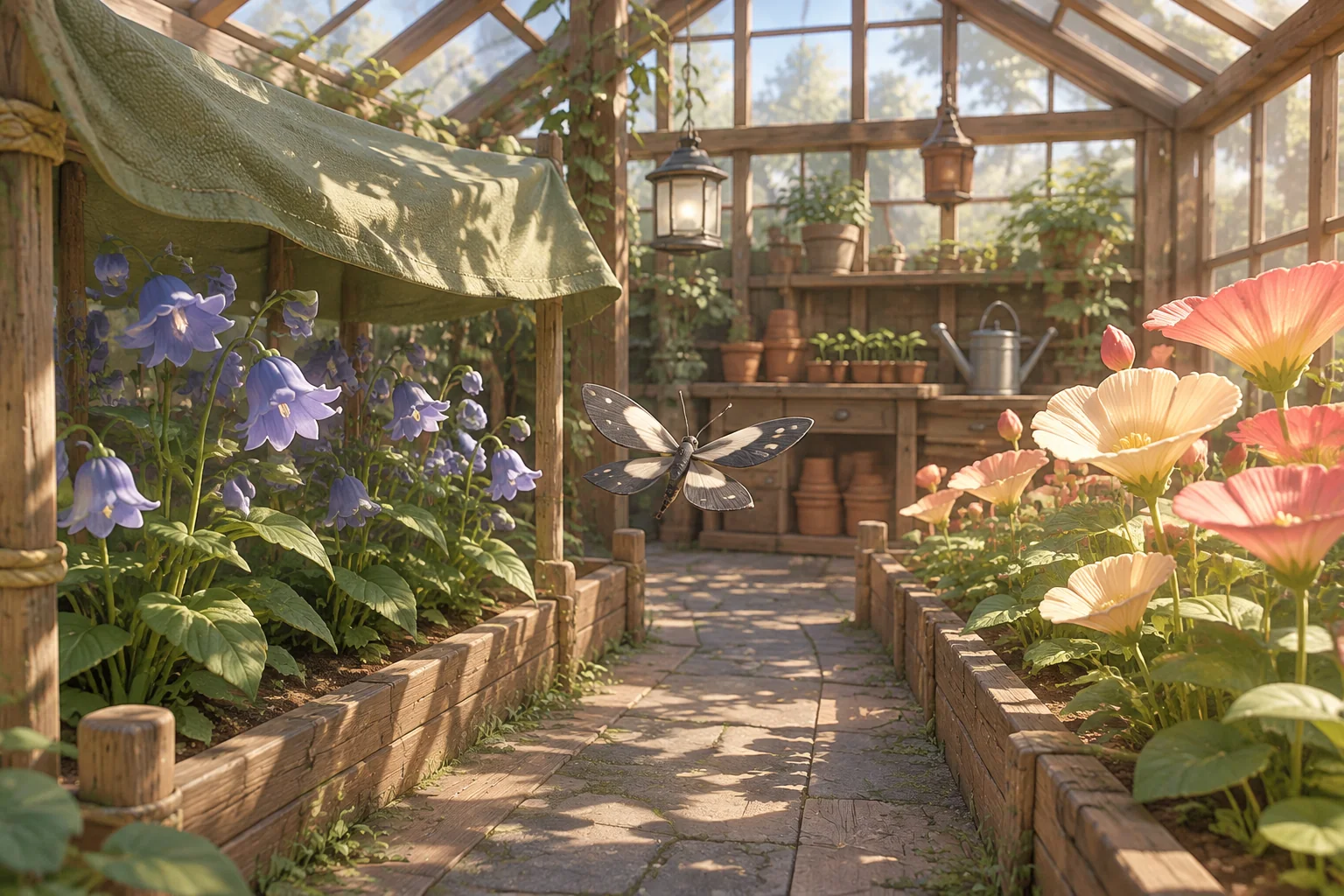
Glasshouse Gliders is a fictional greenhouse prototype with its own creatures, rules and materials. The player pairs two gliders, chooses a flower bed for their offspring, and makes a marker for a seed tray.
Take a design question from APICO
APICO is a beekeeping simulation by TNgineers, published by Whitethorn Games. Its publisher describes cross-breeding bees, crafting and beekeeping minigames, and restoring lost species. The developer's listing also describes these activities as part of the game. See the official publisher page and the developer's APICO listing.
A design lesson to draw from those activities is that a new creature can change what you do after discovering it. For an original prototype, write your own answer to that question. Here the setting is one greenhouse, the inherited trait affects one visit, and the bench makes a marker rather than a beekeeping product. Use your own names, creatures, room layout, art and interface.
Make one trait matter in two habitats
Start with two gliders, Cloud and Glint, an empty nursery, zero pollen and one blank plant tag. Choose both parents and confirm Pair. Either selection order produces Veil, an offspring with the Shade trait. The parents stay available in the scene. A second pairing or an attempt to pair a parent with itself should leave the nursery unchanged.
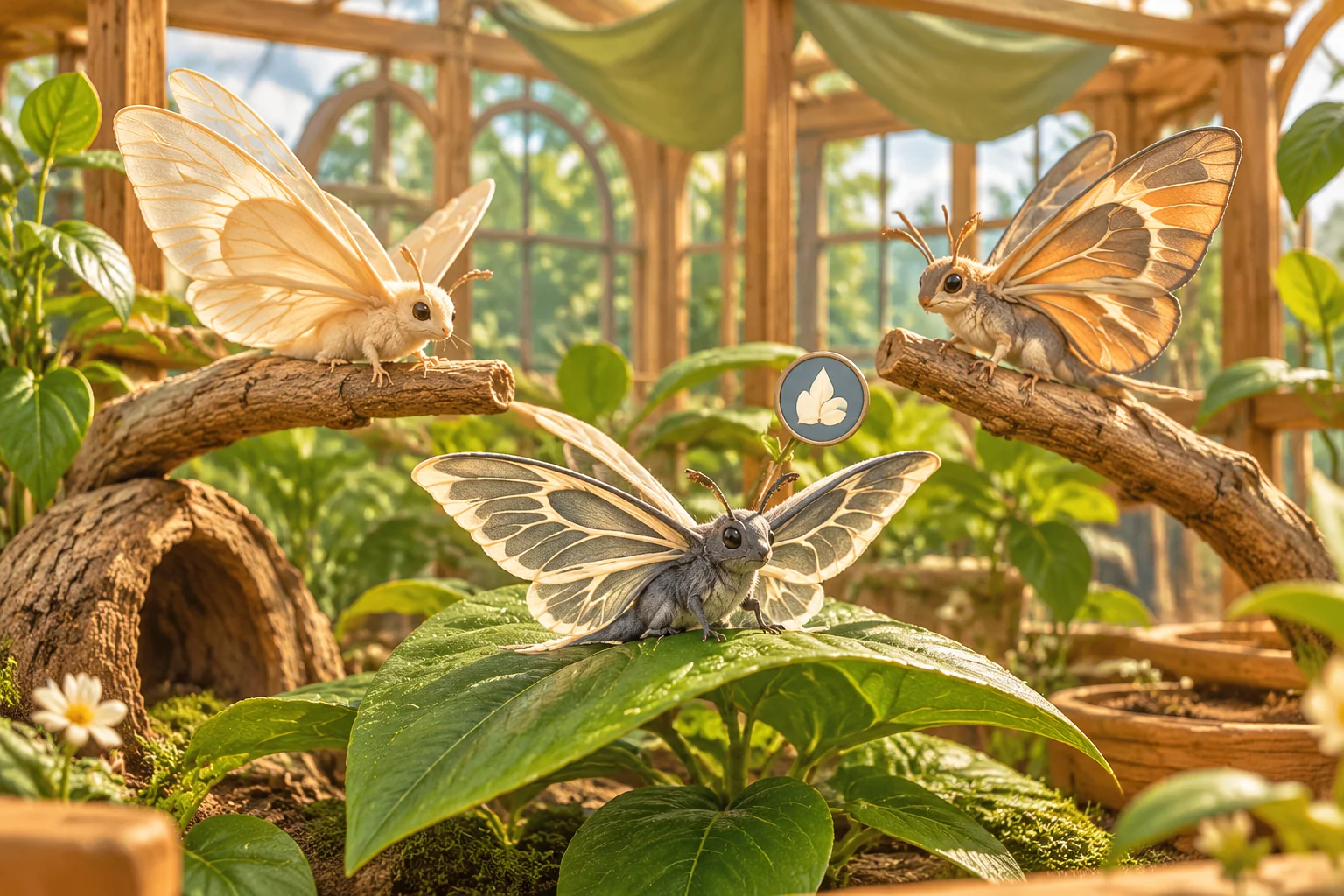
Let Veil visit one bed per run. The player can choose either bed, then sees the trait, chosen bed and resulting pollen. The two yields are fixed rules for this fictional creature.
| Bed | What Veil brings back | What the player can do next |
|---|---|---|
| Shade bed | 2 pollen | Use both pollen and the blank tag to craft a marker. |
| Bright bed | 1 pollen | See that the marker needs one more pollen and restart to try the other bed. |
Give the player the two yields before they confirm a visit. A fixed result makes it possible to compare the choices before you add more traits or a random chance of breeding.
Trace the material through crafting and placement
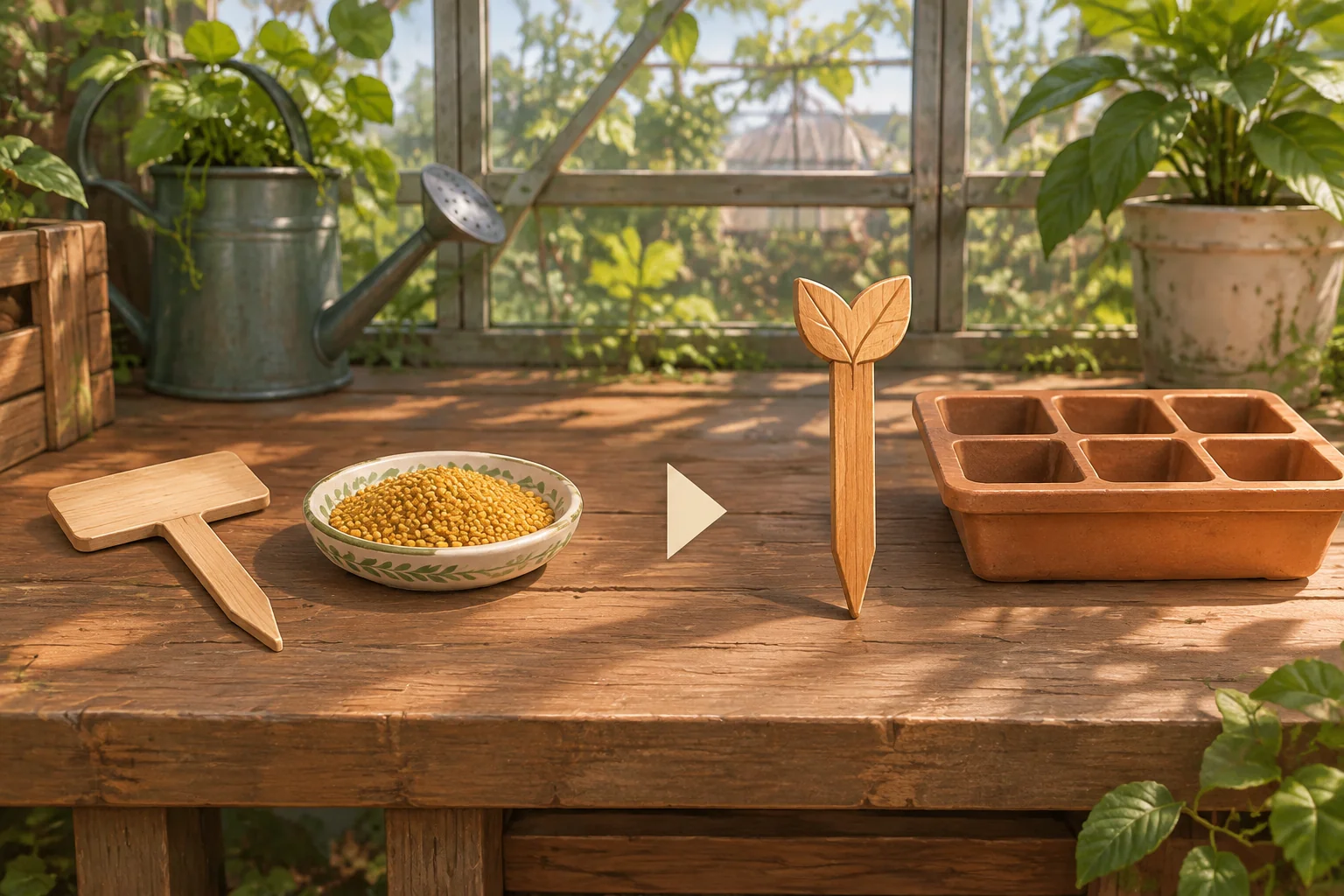
The bench recipe costs two pollen and one blank tag. Check that the player has both before deducting either. When the craft succeeds, show one Seed Tray Marker in inventory. Place it in the empty tray slot to finish the run. The tray changes visibly and the marker leaves inventory.
| Action | Pollen | Blank tags | Marker and tray state |
|---|---|---|---|
| Pair Cloud and Glint | 0 | 1 | Veil appears. The tray is empty. |
| Send Veil to Shade | 2 | 1 | One visit used. The tray is empty. |
| Craft the marker | 0 | 0 | One marker is in inventory. |
| Place the marker | 0 | 0 | Inventory has no marker. The tray is marked and the run ends. |
| On a fresh run, choose Bright and try to craft | 1 | 1 | “Need one more pollen.” No marker is made. |
Give the AI the full loop as a build request
SEELE supports starting a game project from a written idea. Put the nursery, both beds, the recipe and the end state in the request. Use simple original artwork while you verify the loop.
Create an original browser prototype called Glasshouse Gliders.
Use a greenhouse with a nursery, Shade bed, Bright bed, bench and seed tray.
Start with two original glider parents, Cloud and Glint, 0 pollen,
1 blank plant tag, no offspring and an empty tray.
Select the two parents and confirm Pair. Either order produces one Veil
with the Shade trait. Keep the parents in the scene. Reject same-parent
and repeated pairing without changing state.
Let Veil visit one bed once per run. Show both expected yields before
confirming. Shade gives 2 pollen. Bright gives 1. Show the chosen bed
and the pollen gained. Reject an additional visit with no extra pollen.
Craft one Seed Tray Marker for 2 pollen plus 1 blank plant tag.
Check both inputs before deducting either. With one pollen, say
Need one more pollen and keep both inputs unchanged.
Place the crafted marker in the empty tray slot. Remove it from
inventory, show the marked tray and end the run.
Restart restores the nursery, parents, visit, pollen, blank tag,
marker and tray to their original states. Use original art and UI.
First test pairing and the repeat-pair rejection. Then run the two beds from separate restarts. When a craft fails or deducts the wrong input, report the bed, the balance and what changed. The brief-to-playable testing guide shows how to make a follow-up request from a specific mismatch.
Change the recipe and check whether the habitat still matters
Try reducing the marker's pollen cost from two to one. Keep the pairing, bed yields, blank tag and one-visit limit unchanged. Bright can now make and place a marker with no pollen left. Shade can make the same marker and has one pollen left over.
Run both bed choices again. Check the displayed cost and the balance after crafting, then place the marker. If the marker is the entire goal, both habitats now reach it. Decide whether the spare pollen will matter in a later design before adding more creatures to the nursery.
Frequently asked questions
What can I take from a reference game?
Take a design question you want to explore, such as what a new creature changes for the player. Write your own answers and make your own world, characters, art and rules. In this example the reference led to a habitat decision and a simple greenhouse craft.
How many inherited traits should a first prototype use?
Start with one trait you can connect to an observable choice. Show where it helps and what changes when the player chooses a different habitat. Add another trait once you can explain what different decision it introduces and how you will test it.
Why tie a trait to a habitat outcome?
A habitat can give the player a practical reason to notice the trait. Here the shade preference changes how much pollen Veil brings back, which determines whether the recipe is available. Show the yield before confirming the visit so the choice can be deliberate.
What should I check before adding random breeding?
First check that pairing happens once, the offspring is available to assign, and the habitat produces the stated amount. Then keep that fixed case while adding random outcomes. Test that each new outcome has a usable role in the rest of the loop.
Start with one creature and one reason to breed it
Choose a trait, a place where it helps and a recipe that uses the result. Bring those rules to the SEELE AI Cozy Game Generator as an original prototype brief. Trace both habitat choices before adding another species, so you can see whether breeding changes what the player does next.