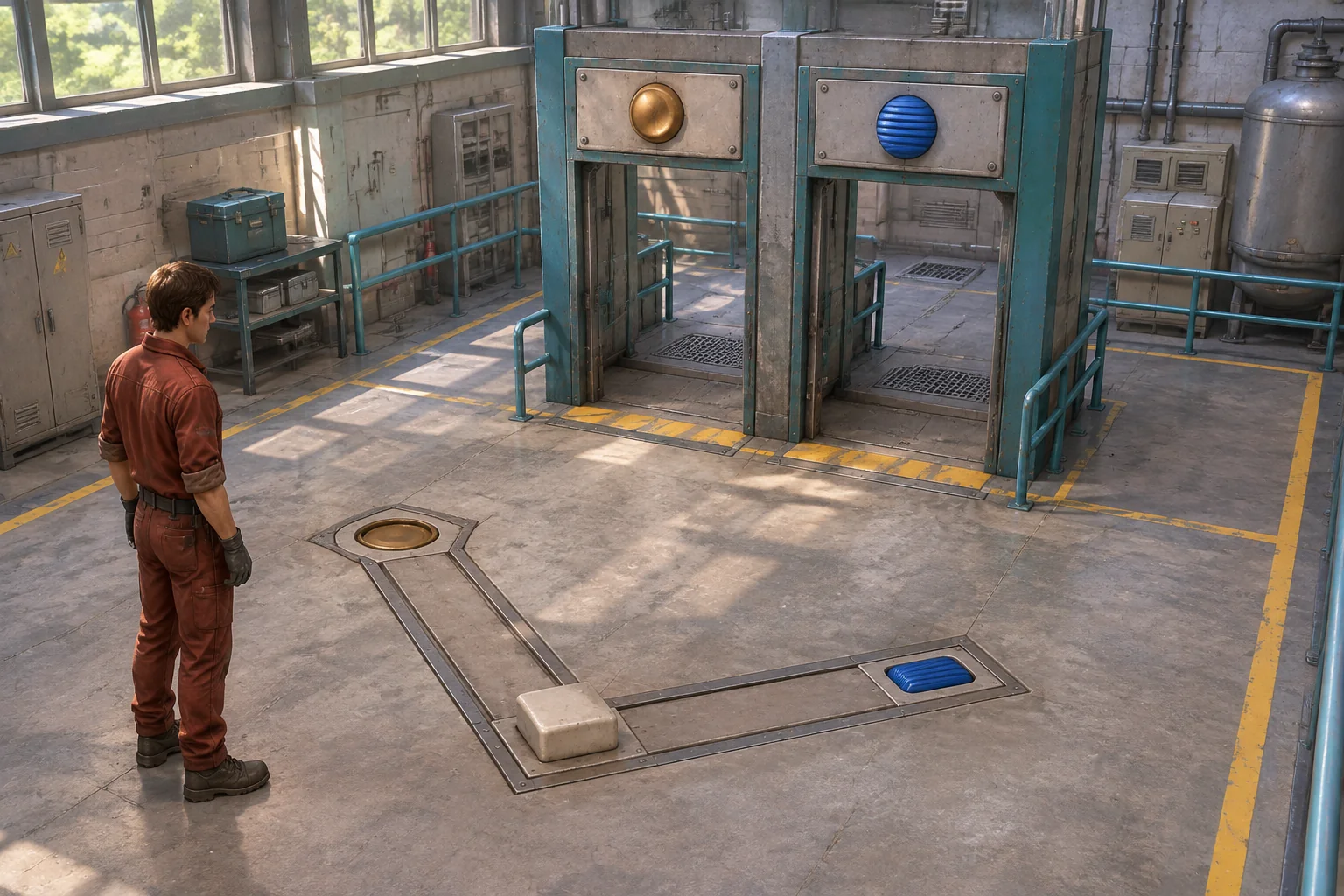
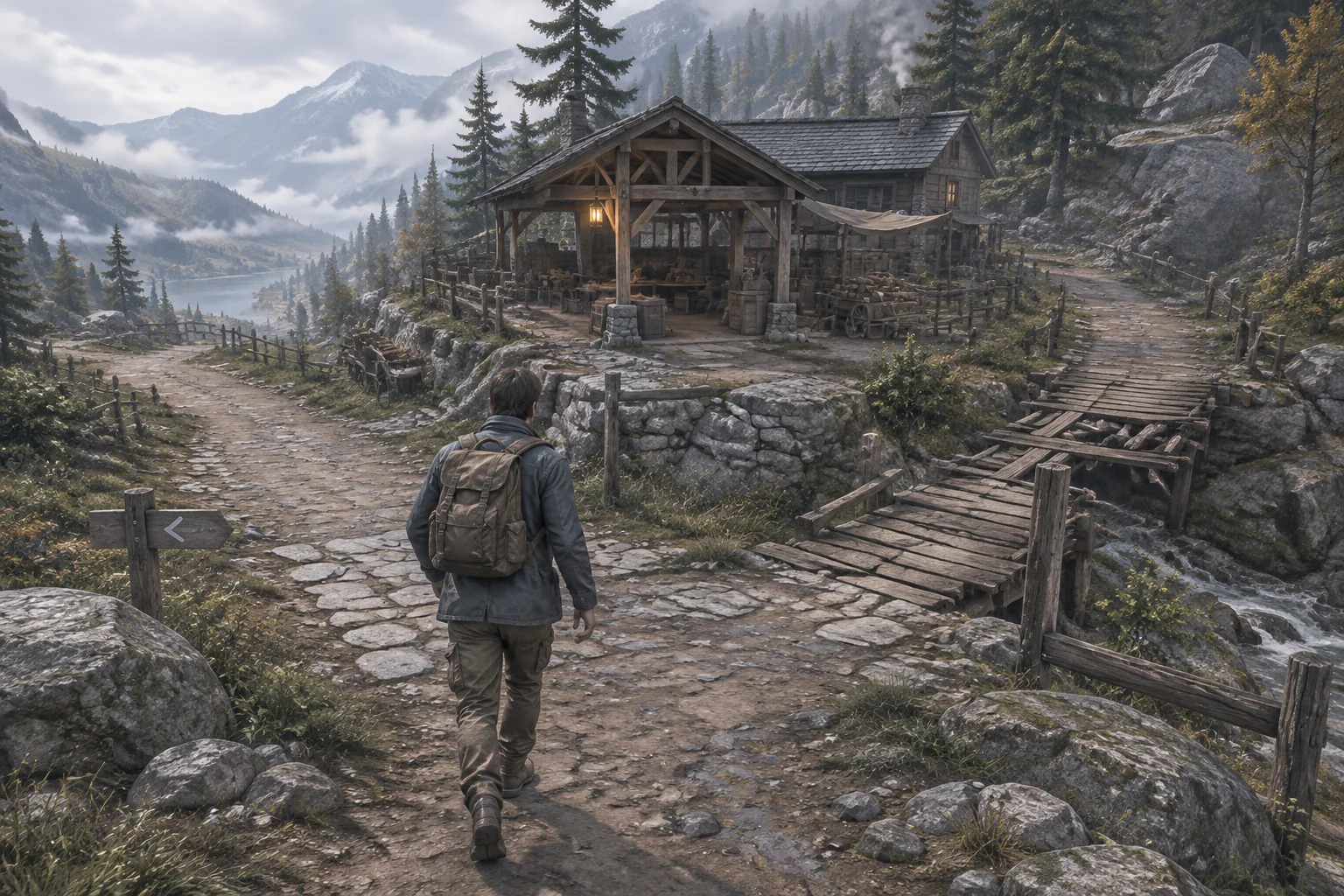
To make a game like Astroneer with AI, start with a route the player can change. Give them a reason to edit it, something to bring back, and a use for both the material and the new route. A small worksheet can tell you whether those pieces connect before you build a large terrain system.
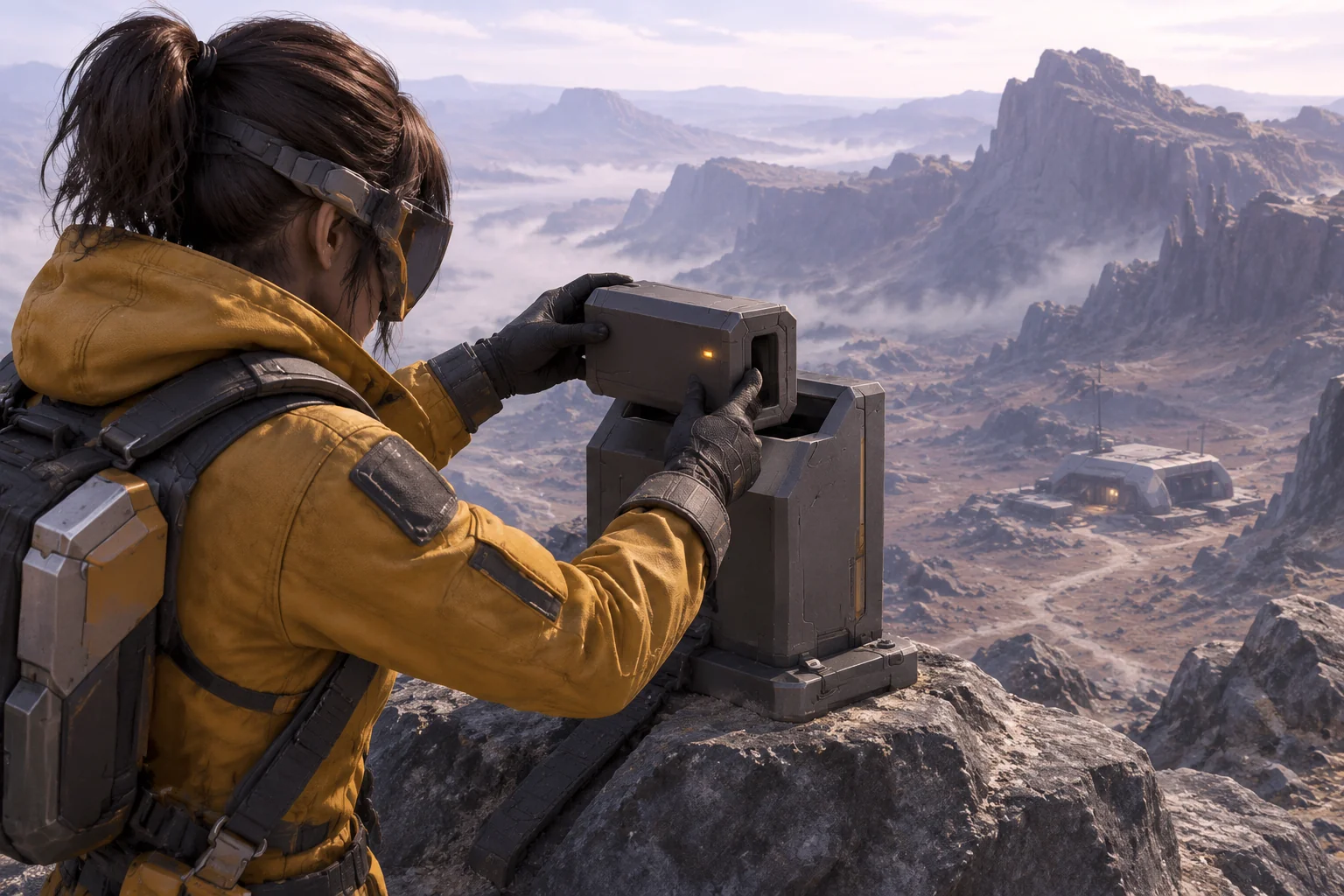
Shelf Signal is a fictional outpost prototype on a basalt ridge. One cut opens a route to a sensor tile and produces a crafting material. Bring both back to camp, make a relay case, then carry it up the same route to mount it.
Take a route-design question from Astroneer
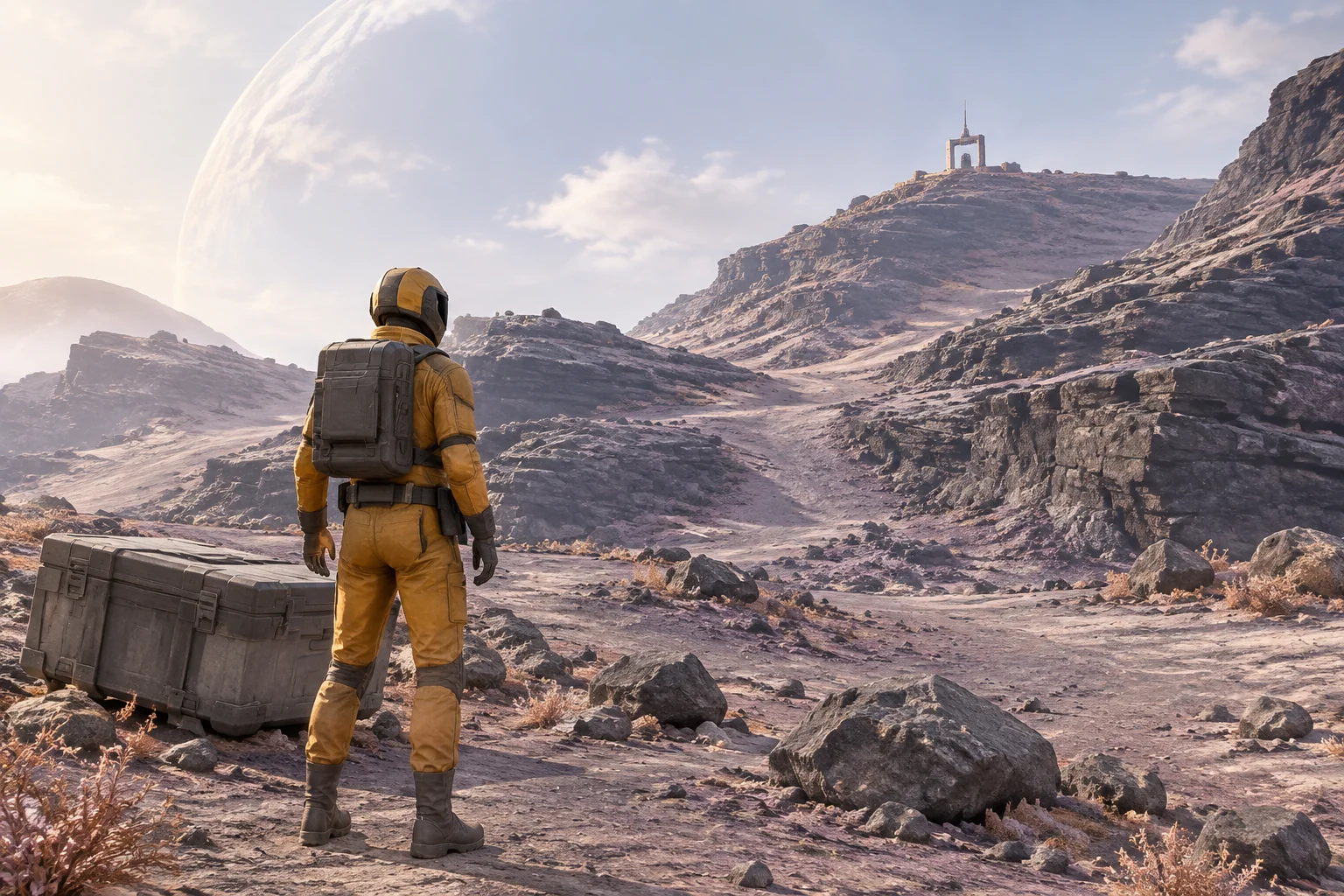
Astroneer is a space exploration sandbox developed by System Era Softworks. The developer's press kit describes reshaping terrain, finding resources and crafting bases and vehicles. The official FAQ also describes how players can build custom bases and use terrain. See the official press kit and official FAQ.
One design question those systems suggest is how a terrain edit can change what the player brings back to base. Make your own answer with an original setting, tools, terrain rules, items and interface. In Shelf Signal the player changes one position on a four-part route. The cut produces aggregate for a relay case. The route geometry determines whether the other ingredient is reachable.
Check both sides of the terrain edit
Put four positions in a line: Camp, Berm, Saddle and Crest. Their starting heights are 0, 1, 3 and 3. The player can move only to a neighboring position with a height difference of one or less. Use the same rule going uphill and downhill. A rejected move should leave the player in place.
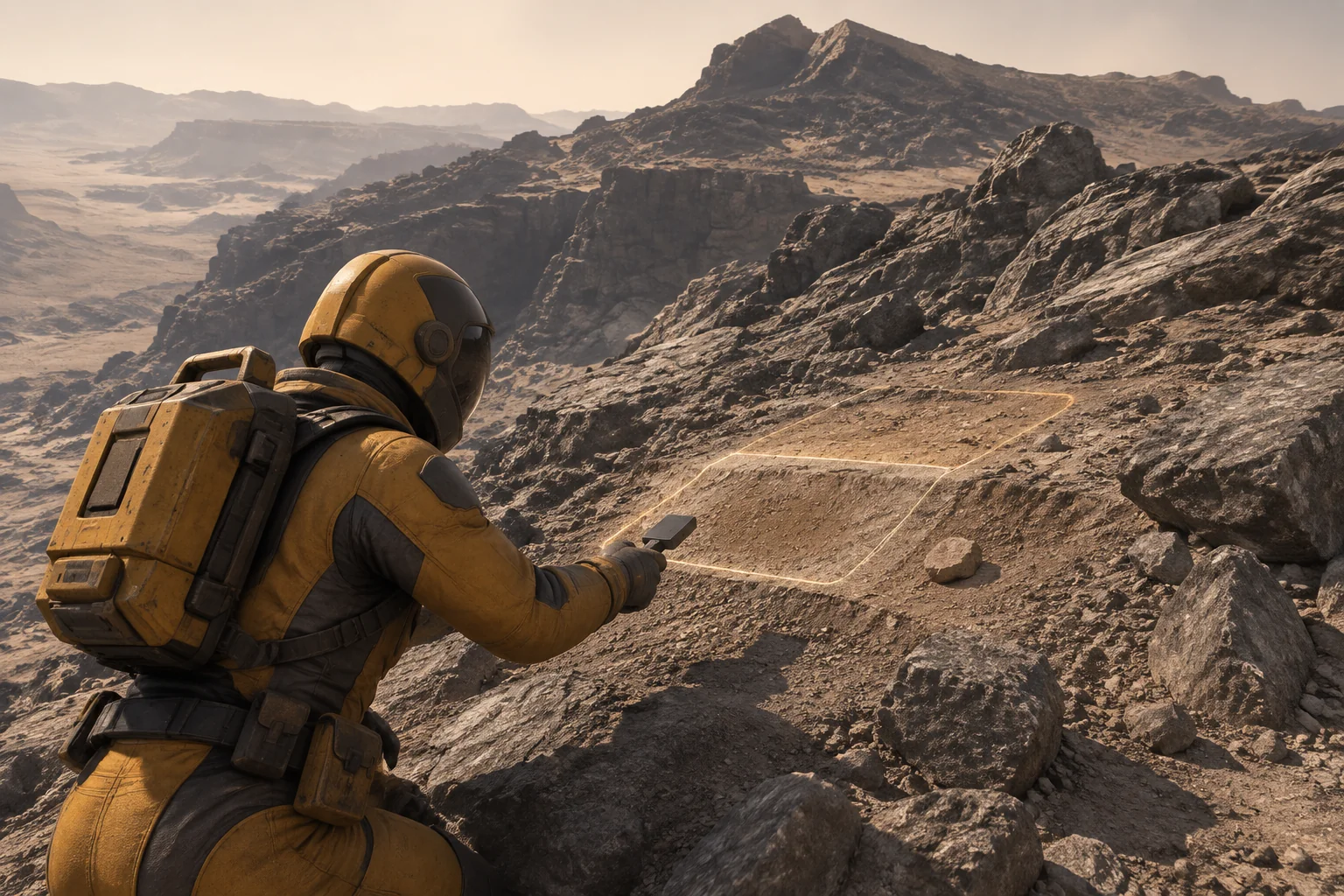
From the Berm, use the one cutter charge to trim the adjacent Saddle. Lower its height from three to two, spend the charge and add one aggregate. Only that position changes. A second cut or a cut from another position should leave the route and inventory alone.
| Neighboring positions | Height difference before the cut | Height difference after the cut |
|---|---|---|
| Camp and Berm | 1, passable | 1, passable |
| Berm and Saddle | 2, blocked | 1, passable |
| Saddle and Crest | 0, passable from the Saddle | 1, passable |
After the cut, the heights are 0 / 1 / 2 / 3. The route opens because both joins around the Saddle are passable. Check the second join even if the first is the one the player sees blocked.
Use the route to make and mount the relay
Start with an empty frame and no other ingredients. Crossing the edited route lets the player reach a ceramic sensor tile at the Crest. Collect it once, return to Camp and craft a Relay Case from one aggregate, one sensor tile and one frame. Then return to the Crest and mount the case.
| Checkpoint | Charge | Aggregate / sensor / frame | Case and relay |
|---|---|---|---|
| Start at Camp | 1 | 0 / 0 / 1 | No case. Relay off. |
| Trim from Berm | 0 | 1 / 0 / 1 | No case. Both Saddle joins open. |
| Collect the sensor at Crest | 0 | 1 / 1 / 1 | No case. Pickup removed from the scene. |
| Return and craft at Camp | 0 | 0 / 0 / 0 | One case in inventory. Relay off. |
| Mount the case at Crest | 0 | 0 / 0 / 0 | No case in inventory. Relay lit and run complete. |
Validate all three inputs before deducting any. If the sensor is missing, the bench should tell the player what they need and keep the aggregate and frame. When the case is mounted, turn on the relay indicator so the player can see that carrying it to the Crest changed the site.
Give the AI the route and resource rules together
SEELE supports starting a game project from a written idea. Give the first request the position order, movement limit, edit behavior and recipe. Simple platforms can show the four heights while you check the full loop.
Create an original third-person browser prototype called Shelf Signal.
Use four neighboring positions in this order: Camp, Berm, Saddle, Crest.
Their initial heights are 0, 1, 3 and 3. Move only to adjacent positions
with an absolute height difference of 1 or less. Reject other moves
without changing position or resources.
Start at Camp with 1 cutter charge, 1 frame and no other materials.
From Berm, Trim the adjacent Saddle once. Spend the charge, lower
Saddle by 1 and add 1 aggregate. Reject other trims without mutation.
At Crest, collect one ceramic sensor tile. Remove it from the scene
once collected. Keep the edited terrain while the player returns.
Craft at the Camp bench using 1 aggregate, 1 sensor tile and 1 frame.
Check all three before deducting any. Create one Relay Case.
At Crest, place that case in the empty cradle. Remove it from inventory,
light the relay and finish. Restart restores the initial location,
heights, charge, frame, pickup, inventory and unlit mount.
Use original placeholder art. Omit power, oxygen and timed systems.
First check the blocked move and the edited route without the crafting bench. Then add pickup, crafting and placement. Try a repeated cut, a repeated pickup, crafting with an ingredient missing and mounting before you have a case. If a test fails, record the position, the two relevant heights, and the inventory before and after the action. The brief-to-playable testing guide shows how to turn an observed difference into a focused revision.
Try a deeper cut without changing the resource reward
Change only the trim depth from one unit to two. Keep the charge cost, aggregate yield and movement limit. After the deeper cut, the heights are 0 / 1 / 1 / 3. Berm and Saddle are now level, but the join from Saddle to Crest has a height difference of two. The player can reach the Saddle and cannot reach the sensor tile.
Replay the same moves from Camp. Check each join and compare the final position with the one-unit cut. The deeper cut fixes the first step and creates a new obstacle farther along the route. That gives you a specific failure to test if you later make the tool more powerful.
Frequently asked questions
What can I take from a reference like Astroneer?
Take a design question you want to explore, such as how changing the terrain affects a gathering trip. Then write your own terrain behavior, setting, tools, recipe and objective. A small loop gives you room to see what your version does with the same broad idea.
Why check both sides of a cut?
Lowering a position can help the approach from one direction and make the next step too high. Compare both neighboring differences after each edit. Check the return route as well, since a successful outward trip matters only if the player can bring the material back.
How can a route edit matter to crafting?
Give the edit one material and use the changed route to reach another. The recipe then tests both effects. In this example the cut supplies aggregate and makes the sensor tile reachable, so placing the relay depends on more than collecting a single item.
When should I add continuous terrain or more materials?
Start with a route you can walk and verify in both directions. Check that the edit, pickup and recipe preserve their state as the player moves. Add continuous edits or another ingredient once you know which new decision you want the player to make.
Start with one edit the player has a reason to make
Choose a blocked route, a material it exposes and a craft that sends the player back out. Bring that loop to the SEELE AI Game Maker as an original prototype brief. Check the outward trip, the return with ingredients and the final mount before you expand the outpost.